The choice between Intel and AMD processors has never been more consequential—or more difficult. Both companies have pushed laptop CPU technology to impressive heights in 2026, delivering exceptional performance, efficiency, and innovative features. Gone are the days when one manufacturer clearly dominated; today's decision requires understanding subtle differences in architecture, real-world performance characteristics, and how each platform aligns with specific use cases. This comprehensive comparison examines where Intel and AMD stand in 2026, helping you make an informed processor choice for your next laptop.
The Current Landscape: Competitive Parity with Distinct Philosophies
The 2026 processor market represents years of intense competition that has benefited consumers tremendously. Both Intel and AMD offer compelling options across every price point, from entry-level machines to high-end workstations. The performance gap that once separated these competitors has narrowed to the point where choosing poorly is nearly impossible—instead, you're selecting between different strengths that may align better or worse with your needs.
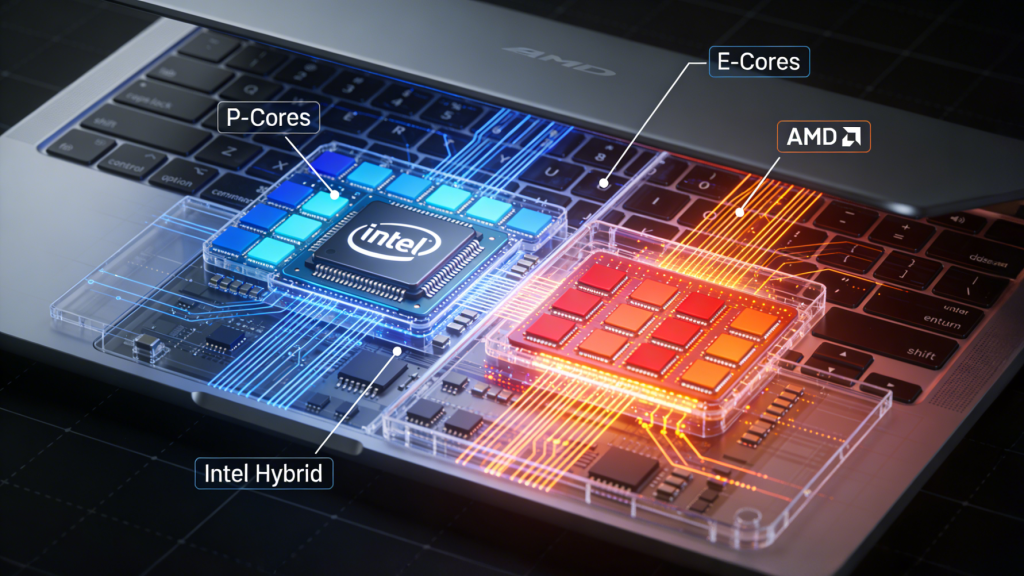
Intel's latest generation focuses on hybrid architecture refinement, combining high-performance cores (P-cores) for demanding tasks with efficient cores (E-cores) for background processes. This approach maximizes both peak performance and battery life, intelligently routing workloads to appropriate cores. Intel has also prioritized AI integration, offering competitive NPU performance for Copilot+ PCs and other AI-enhanced features.
AMD counters with refinements to their Zen architecture, emphasizing core efficiency and integrated graphics performance. AMD processors typically offer excellent multi-threaded performance, meaning tasks that can utilize many CPU cores simultaneously—video rendering, 3D work, compilation—often run faster on AMD systems. Their integrated RDNA graphics have matured to the point where many users can skip discrete graphics cards for moderate gaming and creative work.
The choice between these philosophies depends on your workload characteristics, software optimization, and priorities around battery life versus raw performance.
 Single-Core vs Multi-Core Performance
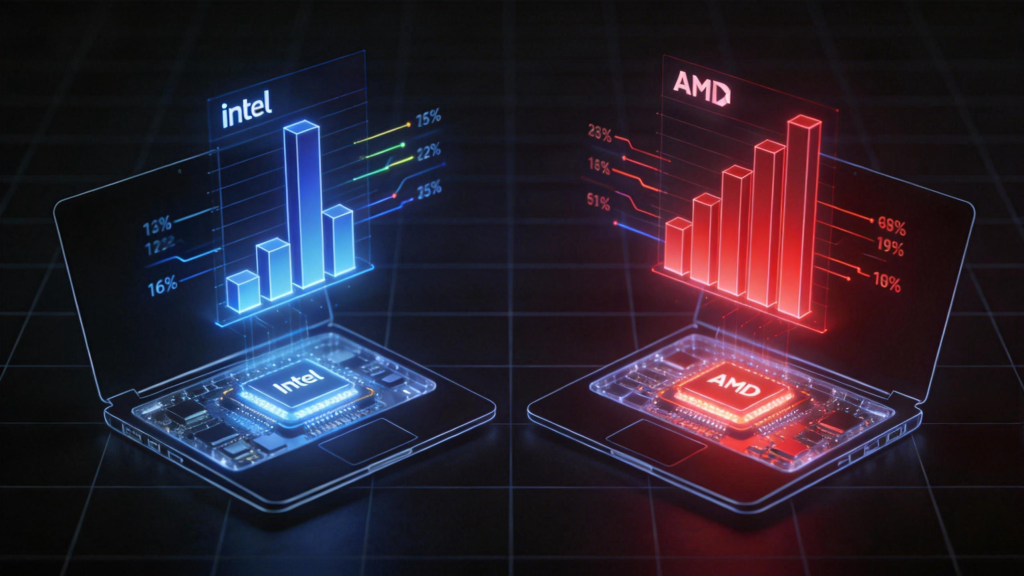
Understanding the difference between single-core and multi-core performance is crucial because different tasks stress these capabilities differently.
Single-Core Performance: Tasks that can't be split across multiple processor cores—older software, many productivity applications, web browsing—depend on single-core speed. Intel has traditionally led in single-core performance, and that advantage continues in 2026, though AMD has narrowed the gap significantly. For users running legacy software, playing games that don't utilize many cores effectively, or wanting the snappiest responsiveness in everyday tasks, Intel's single-core advantage provides noticeable benefits.
The real-world impact manifests in responsiveness—how quickly applications launch, how smoothly interfaces respond, how fast web pages render. In direct comparison, Intel systems often feel slightly quicker in moment-to-moment interaction, even if benchmark numbers show small differences. Power users who notice and are bothered by small delays typically prefer Intel's single-core characteristics.
Multi-Core Performance: Modern creative applications, video rendering, 3D modeling, software compilation, and other parallelizable workloads scale across many cores. AMD's architecture often provides superior multi-core performance at equivalent price points, meaning tasks that can leverage many cores finish faster on AMD systems.
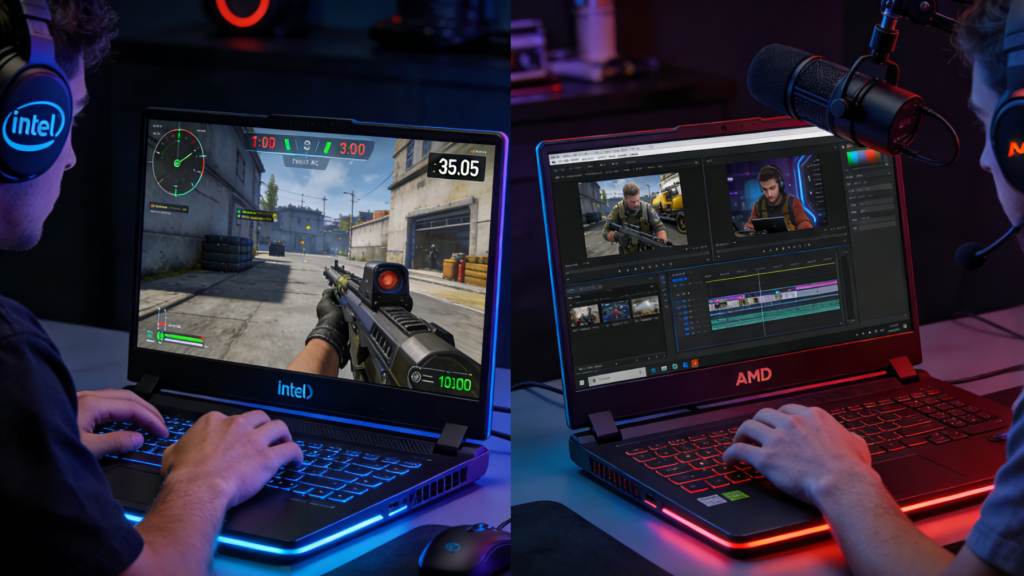
Content creators rendering video, developers compiling large projects, or data scientists running analyses see meaningful time savings with AMD's multi-core advantages. These productivity gains compound—if you save 10% on every render or build, those minutes accumulate to hours monthly for professional users. AMD gaming laptops often leverage this multi-core strength effectively for both gaming and content creation workloads.
Power Efficiency and Battery Life
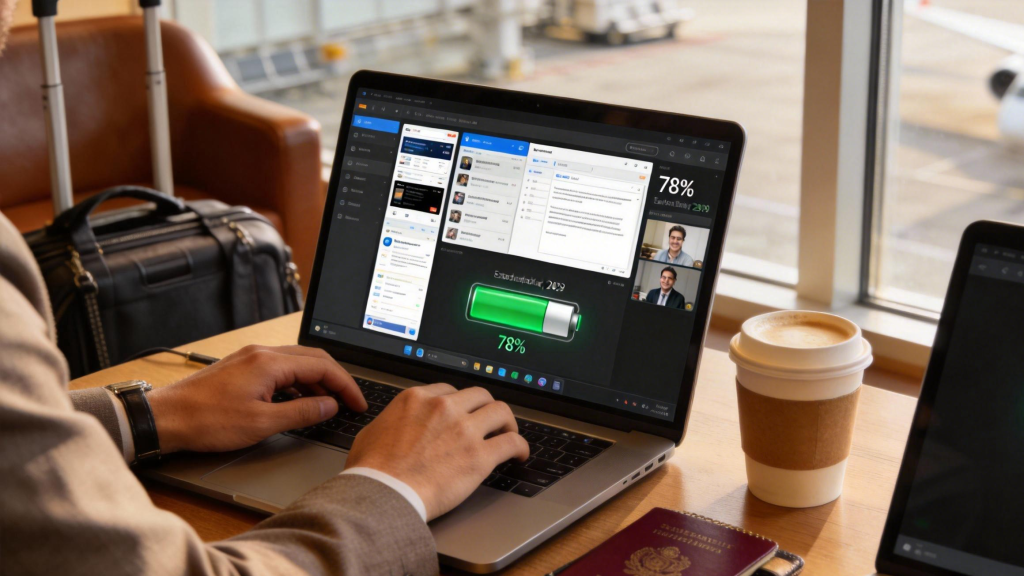
Battery life represents a critical consideration for mobile professionals, students, and anyone working untethered from outlets regularly. Both Intel and AMD have made dramatic efficiency improvements, but their approaches differ.
Intel's hybrid architecture delivers impressive efficiency by routing light tasks to E-cores that sip power while preserving P-cores for performance-demanding work. In typical office productivity scenarios—document editing, web browsing, email, video conferencing—Intel systems often achieve slightly better battery life. The intelligent thread director routes workloads effectively, preventing unnecessary use of power-hungry P-cores.
AMD's approach emphasizes overall architectural efficiency rather than heterogeneous core designs. Their processors run cooler and more efficiently under sustained loads, which benefits users with demanding workloads that run for extended periods. While Intel might edge ahead in light-duty battery life, AMD often wins in performance-per-watt during actual work—delivering more productivity from the same battery capacity.
Real-world battery life depends heavily on the complete system—display, battery size, background software—not just the processor. However, general patterns suggest Intel leads for basic productivity, while AMD provides better efficiency during sustained demanding work. For most users, the 5-10% battery difference matters less than choosing adequate battery capacity initially.
 Integrated Graphics Performance
Integrated graphics built into processors have improved dramatically, eliminating the need for discrete graphics cards for many users. This is an area where AMD maintains clear advantages.
AMD's RDNA-based integrated graphics deliver performance approaching entry-level discrete graphics cards. Users can play modern games at 1080p with medium settings, edit 4K video smoothly, and run moderate 3D modeling work without dedicated GPUs. For students, business users who occasionally need graphics performance, and budget-conscious creators, AMD's integrated graphics provide significant value.
Intel's integrated graphics have improved but still trail AMD meaningfully. They handle everyday tasks, video playback, and light gaming adequately but struggle with more demanding graphics workloads. Users certain they need discrete graphics won't care about this difference, but for everyone else, AMD's integrated GPU advantage represents real value and capability.
The practical impact: an AMD laptop without discrete graphics often costs less and runs longer on battery while matching Intel systems with entry-level discrete GPUs. This becomes especially relevant in ultraportable machines where space and power constraints make discrete graphics challenging.
Gaming Performance Considerations
Gaming laptops represent a massive market segment where processor choice interacts with other components to determine overall experience. Both Intel and AMD offer excellent gaming CPU options, but considerations vary.
For high-end gaming laptops with powerful discrete graphics cards, processor choice matters less than GPU selection. Both Intel gaming laptops and AMD equivalents deliver excellent gaming performance when paired with high-end graphics. Intel's slightly higher single-core performance might provide a few extra frames in CPU-limited scenarios, but modern games primarily stress graphics cards.
Budget and mid-range gaming presents different considerations. AMD systems with strong integrated graphics can game respectably without discrete GPUs, reducing cost and improving battery life. For gamers on tight budgets or who primarily play less demanding titles, AMD offers better value through integrated graphics performance.
Competitive esports gaming, where frame rates matter intensely, might favor Intel's single-core performance in games that don't scale well across many cores. However, this represents a niche use case—most gamers find both platforms deliver satisfying experiences when paired with appropriate graphics hardware.
 Software Optimization and Compatibility
Software optimization increasingly matters as applications become more complex and specialized. Historically, Intel's market dominance meant most software was optimized for their architecture. That advantage has diminished as AMD's market share has grown, but nuances remain.
Adobe Creative Suite, Microsoft Office, and other mainstream productivity applications run excellently on both platforms with no meaningful differences. Development tools, databases, and enterprise applications similarly support both platforms well. Generic software compatibility is no longer a consideration for choosing between Intel and AMD.
Specialized professional applications occasionally show optimization bias. Some engineering, CAD, and scientific computing applications still favor Intel architecture due to optimization history. Conversely, certain rendering engines and creative tools leverage AMD's multi-core characteristics more effectively. Before committing to a platform for specialized professional work, research how your critical applications perform on each architecture.
Gaming optimization tends to be excellent for both platforms now. Developers target both Intel and AMD, and modern game engines scale well across different CPU architectures. Historical bias toward Intel in game optimization has largely disappeared.
AI and NPU Integration
AI integration represents the newest battleground between Intel and AMD. Both companies offer NPU (Neural Processing Unit) integration for Copilot+ PCs and other AI features, but implementation details differ.
Intel has prioritized AI integration aggressively, offering competitive NPU performance across their laptop lineup. Their AI software development tools and partnerships with major software vendors mean Intel NPU features often receive broader software support. For users prioritizing AI capabilities—on-device large language models, AI-enhanced creative tools, intelligent system optimization—Intel's ecosystem maturity provides advantages.
AMD's NPU integration is newer but capable. Their latest processors meet Copilot+ requirements and deliver solid AI performance. However, software ecosystem support lags slightly behind Intel's. As AI features become more mainstream, this gap should narrow, but early adopters might find Intel offers more immediately usable AI capabilities.
For most users in 2026, AI features remain nice-to-have rather than essential. Unless you're specifically purchasing for AI workloads, prioritize traditional CPU performance characteristics over NPU capabilities.
 Price-Performance Ratio Analysis
Value-conscious buyers should consider price-performance ratios carefully. In 2026, AMD often delivers slightly better value at equivalent price points, particularly in the mid-range where most laptop purchases occur.
AMD laptops frequently offer one more CPU core or better integrated graphics at the same price as Intel equivalents. These advantages translate to measurably better performance in multi-threaded workloads and graphics tasks. For budget-conscious professionals, students, and value-focused buyers, AMD systems often provide more capability per dollar spent.
Intel maintains stronger presence in the premium ultraportable market, where thin-and-light designs prioritize efficiency and performance density over raw multi-core counts. These machines command premium pricing where Intel's strengths in single-core performance and hybrid architecture benefits justify costs for appropriate users.
The value equation changes at the extreme ends of the market. Budget laptops often use older or less capable processors from both manufacturers where specific model choice matters more than brand. Extreme high-end machines focus on absolute performance regardless of cost, and both platforms offer compelling options.
Making Your Choice: Decision Framework
Selecting between Intel and AMD requires matching platform strengths to your specific needs rather than declaring one universally superior.
Choose Intel if: You prioritize single-core performance and responsiveness, need the best battery life during light productivity work, want mature AI/NPU ecosystem support, prefer proven compatibility with specialized professional software, or value the snappiest possible system feel for everyday tasks.
Choose AMD if: Multi-core performance matters for your workloads (video editing, 3D rendering, development), you want strong integrated graphics without discrete GPU costs, you prioritize value and price-performance ratio, you need efficient sustained performance under load, or you're building a budget gaming system leveraging integrated graphics.
Either works well for: General productivity, web browsing and office work, mainstream gaming with discrete graphics, most creative work with popular applications, typical student needs, and business applications.
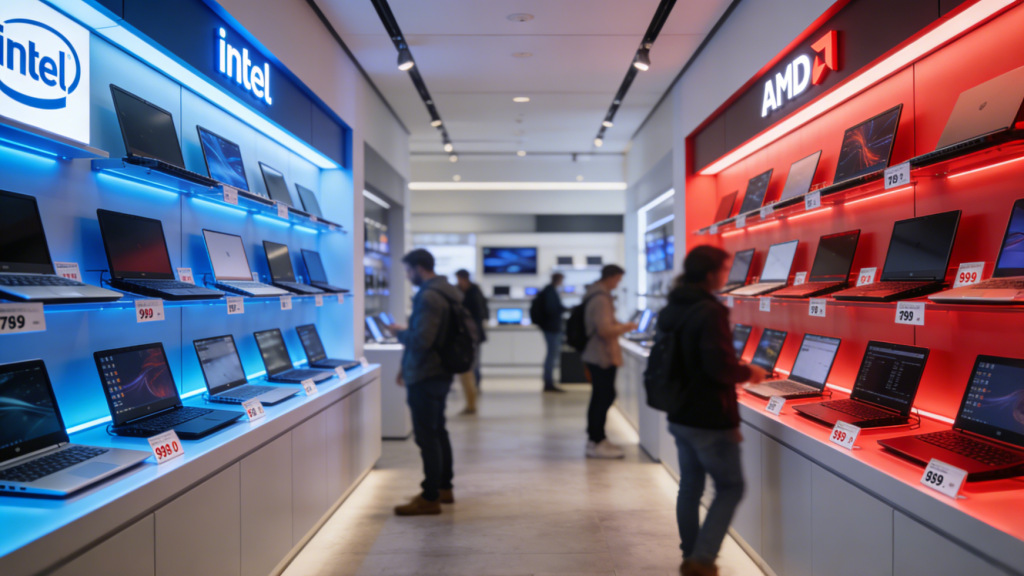 The honest truth? Most users would be satisfied with either platform's current offerings. The performance differences that dominate discussions often don't translate to meaningful real-world experience gaps for typical workloads. Focus on finding a complete laptop package—build quality, display, battery, keyboard, price—that works for you rather than obsessing over processor choice alone.
Both Intel and AMD have delivered exceptional laptop processors in 2026. Understanding their different strengths helps you make an informed choice, but recognize that either platform provides the foundation for an excellent laptop when paired with appropriate supporting components. Your use case matters more than abstract performance superiority.