Urban living, minimalist lifestyles, and increasingly mobile work patterns have transformed how we think about computing spaces. In 2026, millions work from kitchen counters, coffee shop corners, or tiny apartment desks where every inch counts. The notebook market has responded brilliantly—today's compact laptops deliver desktop-class performance in footprints smaller than a magazine. Whether you're navigating a micro-apartment, organizing a cluttered home office, or simply prefer clean, minimal workspaces, compact notebooks have evolved into sophisticated machines that refuse to compromise capability for size. This comprehensive guide explores how to choose the perfect space-efficient laptop that maximizes your limited desk real estate while delivering the performance and features you need for work, creativity, and entertainment.
Why Compact Notebooks Make Sense for Small Spaces
The benefits of compact notebooks extend far beyond their obvious size advantages. These machines represent thoughtful engineering that addresses the real challenges of modern space-constrained living and working environments.
Physical Space Liberation
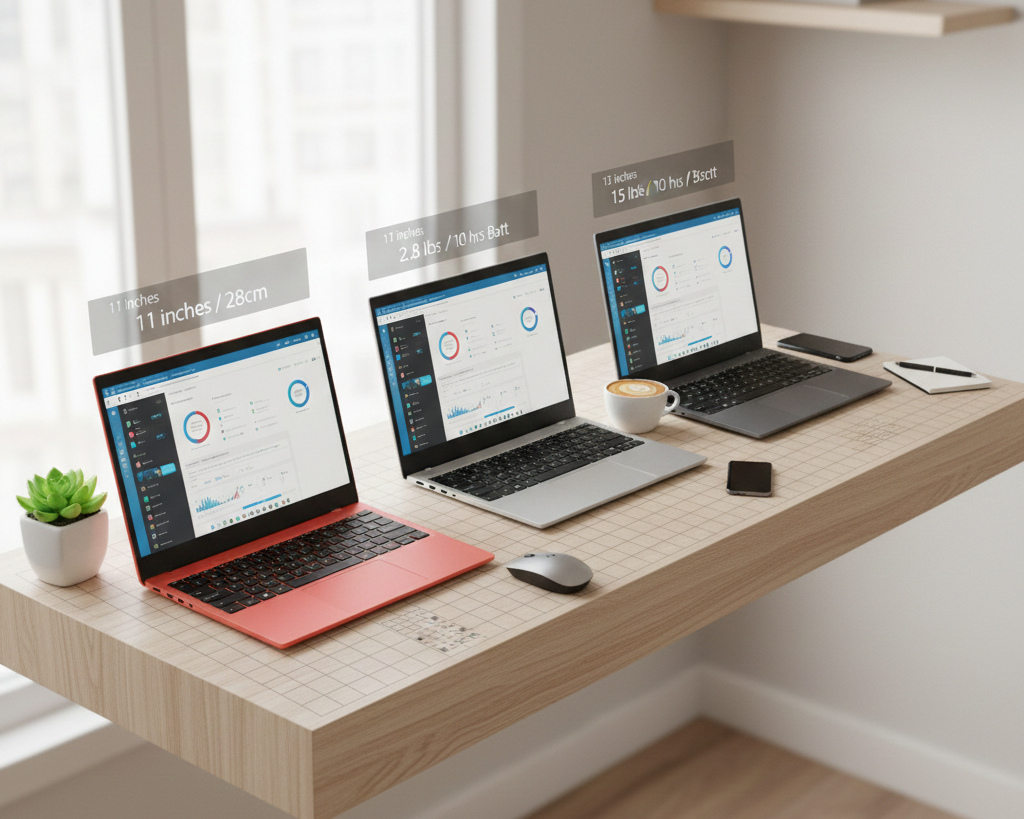
Compact notebooks typically feature 11-13 inch screens, measuring just 11-12 inches wide and 8-9 inches deep when closed. This modest footprint means they occupy roughly 40% less desk space than traditional 15-inch laptops. In practical terms, you gain room for notebooks, coffee cups, desk plants, or simply the breathing space that makes small desks feel less claustrophobic. When you finish working, these machines slip into drawers, bags, or narrow shelves with ease, allowing your limited space to serve multiple purposes throughout the day.
The Laptop Finder tool helps identify models specifically optimized for compact form factors, allowing you to filter by screen size, weight, and dimensions to find machines that fit your exact spatial constraints. This intelligent matching eliminates hours of manual specification comparison across hundreds of models.
Enhanced Portability for Multi-Space Workers
Small desk space often correlates with mobile lifestyles. Compact notebooks typically weigh between 2-3 pounds—light enough to carry effortlessly between home, coffee shops, coworking spaces, or traditional offices without shoulder strain. This portability transforms computing from a location-bound activity into something you can do anywhere comfortable seating exists. For those working from small apartments, the ability to migrate between rooms throughout the day—kitchen table for morning coffee, desk for focused afternoon work, couch for evening browsing—prevents the cabin fever that fixed desktop setups create in limited spaces.
2-in-1 Laptops take versatility further by transforming into tablets or tent modes, eliminating the need for separate devices that consume precious desk space. Watching streaming content in tent mode, reading in tablet mode, or working in traditional laptop mode means one device handles multiple roles without accumulating the clutter of specialized gadgets.
Modern Performance in Minimal Packages
Today's compact notebooks defy outdated assumptions about small laptops meaning compromised performance. Advanced processor architectures, particularly in Copilot+ PCs, deliver impressive computing power through AI-optimized efficiency rather than brute force. These intelligent systems allocate processing resources precisely where needed, enabling smooth multitasking, capable content creation, and even moderate gaming within thermal and power envelopes suitable for compact chassis. The result is genuine productivity capability without the desk-dominating bulk of traditional performance laptops.
 Key Features to Prioritize in Compact Notebooks
Selecting the right compact notebook requires understanding which specifications and features matter most when size constraints are primary concerns.
Screen Size and Quality Balance
The 13-inch screen represents the optimal sweet spot for most small-desk users. This size provides sufficient screen real estate for comfortable document editing, web browsing with minimal scrolling, and media consumption without overwhelming limited desk space. Modern high-resolution displays pack 1920x1080 or even 2560x1600 pixels into these compact screens, ensuring text remains crisp and images detailed despite the smaller physical dimensions.
For those with extremely limited space or prioritizing ultimate portability, 11-12 inch ultraportables offer even smaller footprints while remaining usable for most productivity tasks. Conversely, users who can accommodate slightly more width find 13.3-14 inch models provide the best balance of compact size with minimal compromise on screen workspace.
Weight and Build Quality Considerations
Weight directly impacts portability and the likelihood you'll actually move your laptop between locations. Target models under 3 pounds for easy single-handed carrying and effortless bag transport. However, extremely lightweight designs sometimes sacrifice build quality—look for premium materials like aluminum or magnesium alloy chassis that balance low weight with durability and rigidity. Flimsy plastic constructions may save ounces but create frustration through flex, creaking, and premature wear.
Business Laptops often excel in this balance, offering professional build quality in compact form factors designed for mobile professionals who demand reliability. These machines typically feature excellent keyboards and touchpads—crucial elements when limited desk space may not accommodate external peripherals comfortably.
Performance and Battery Life Trade-offs
Compact notebooks span performance ranges from basic web browsing to surprisingly capable content creation. Define your actual computing needs honestly. If you primarily handle email, documents, web applications, and media streaming, mid-range processors with integrated graphics provide excellent performance while maximizing battery life and minimizing heat generation—both valuable attributes in small spaces where you're physically close to the machine.
For more demanding users requiring photo editing, programming, or light gaming capabilities, look for compact notebooks with discrete graphics options or high-performance integrated GPUs. AMD Gaming Laptops now include 13-14 inch models that pack surprising gaming capability into compact form factors, though you'll trade some battery life and thermals for that performance.
Battery capacity matters enormously for small-space users who may not have convenient outlet access at every working location within their homes or prefer cable-free setups. Target models offering 8-12 hours of real-world battery life, freeing you from power outlet dependency throughout most working days.
 Storage and Memory Configuration Strategies
Limited desk space typically means limited peripheral device accommodation, making internal storage and memory specifications more critical than in spacious desktop setups where external drives and accessories spread comfortably.
Internal Storage Priorities
Invest in adequate built-in SSD storage—512GB minimum, 1TB ideally—to avoid managing external drives that consume precious desk space and create cable clutter. Modern NVMe SSDs deliver exceptional speed in compact M.2 form factors, ensuring your compact notebook feels responsive even when handling large files or running multiple applications simultaneously. The performance difference between adequate and insufficient storage dramatically impacts daily user experience, making this specification worth prioritizing in your budget allocation.
Memory Considerations for Multitaskers
Small desk spaces often correlate with dynamic working styles—quickly switching between research, communication, content creation, and entertainment throughout the day. This multitasking pattern demands sufficient RAM to keep multiple applications responsive. Target 16GB as the comfortable standard for 2026, ensuring smooth operation even with dozens of browser tabs, several productivity applications, and background services running concurrently. While 8GB remains functional for basic usage, the performance limitations become frustrating quickly, and many compact notebooks don't allow post-purchase memory upgrades, making initial configuration decisions permanent.
 Operating System Choices for Different Use Cases
Your operating system selection significantly impacts the compact notebook experience, with different platforms offering distinct advantages for space-constrained users.
Windows Versatility
Windows OS laptops provide maximum software compatibility and flexibility, crucial for users requiring specific professional applications, peripheral device support, or gaming capability. Windows 11's refined interface works beautifully on compact screens, with improved touchscreen support that enhances usability on small-footprint 2-in-1 devices. The vast ecosystem ensures you'll find solutions for virtually any computing need, though this flexibility comes with slightly higher system resource requirements than more streamlined alternatives.
Chromebook Efficiency
For users whose computing centers on web applications, Google Workspace, and cloud services, Chromebooks offer compelling advantages in compact form factors. These machines deliver exceptional battery life—often 10-14 hours of real-world use—lightning-fast boot times, and hassle-free maintenance with automatic background updates. The lightweight Chrome OS runs smoothly on modest hardware, allowing manufacturers to prioritize compact size, low weight, and affordable pricing without sacrificing user experience. For minimalist users embracing cloud-first computing, Chromebooks represent the purest expression of space-efficient technology.
Smart Shopping for Compact Notebooks
Finding the ideal compact notebook requires strategic shopping that balances specifications, budget, and actual availability of models optimized for small spaces.
Using Digital Tools Effectively
Beyond basic specification filtering, leverage Newegg's advanced search and recommendation systems. The Laptop Finder tool incorporates user preferences across multiple dimensions—size, performance, price, brand—to surface models specifically matching your requirements. This intelligent matching often reveals excellent options you might miss through manual browsing, particularly from emerging brands offering competitive specifications at attractive prices.
Timing and Deal Opportunities
The Premium Laptop Upgrades Deal section frequently features compact notebooks with significant discounts, often bundled with accessories like travel cases, wireless mice, or USB-C hubs that enhance mobile computing experiences. These bundled offers provide exceptional value while ensuring all components work harmoniously together—particularly valuable for space-conscious users who prefer minimal, curated technology ecosystems over accumulating mismatched peripherals.
 Making Your Final Compact Notebook Decision
Compact notebooks have evolved from compromise solutions into genuinely excellent computers that happen to occupy minimal space. In 2026, you don't sacrifice performance, build quality, or features by choosing small—you simply prioritize different values that align with modern mobile lifestyles and space-constrained realities.
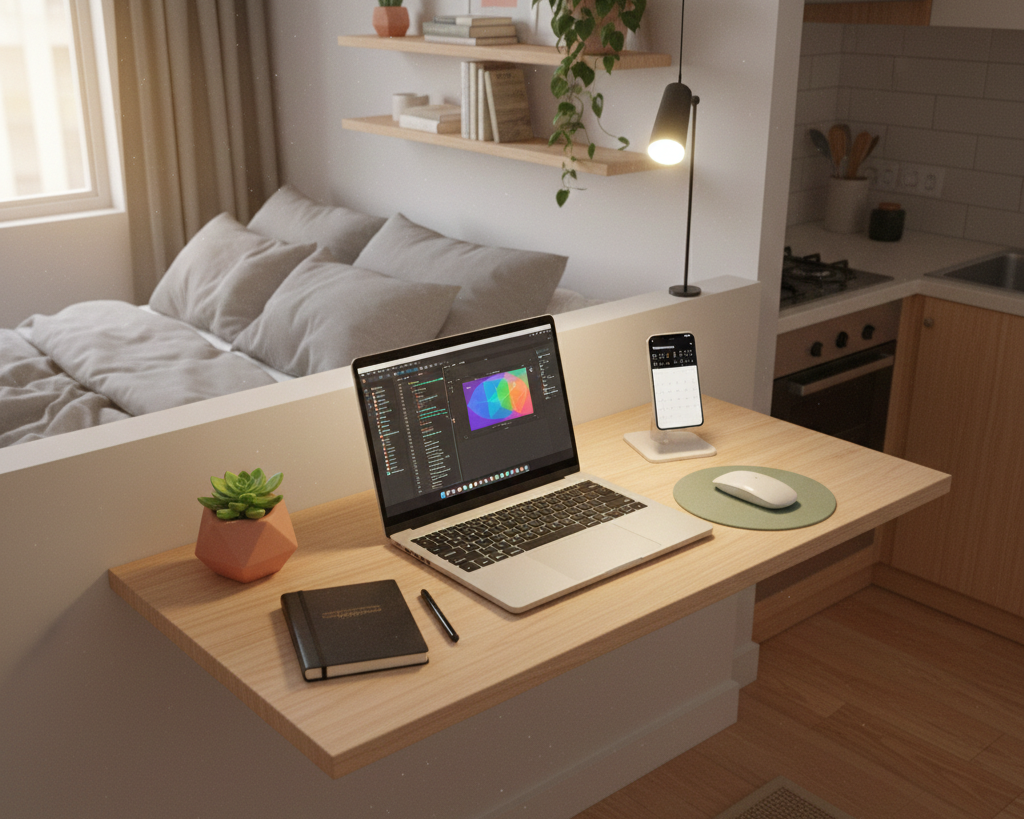
Evaluate your actual desk space, typical working locations, and honest computing needs. A well-chosen compact notebook transforms limited space from frustrating constraint into liberating minimalism, enabling productive computing anywhere comfortable seating exists. The right machine adapts to your space rather than demanding your space adapt to it, delivering precisely the balance of portability, performance, and practicality that makes small-space computing genuinely enjoyable.
Start exploring Newegg's extensive compact notebook selection with confidence. Your perfect space-efficient computing solution awaits—powerful capability in a footprint that respects your limited desk real estate.