The modern traveler's relationship with technology has reached a crucial inflection point in 2026. Whether you're a digital nomad bouncing between co-working spaces across continents, a business executive managing global operations from airports, or a creative professional finding inspiration in new cities, your laptop serves as your mobile headquarters. Today's travel-optimized laptops transcend mere portability—they integrate intelligent power management, universal connectivity, robust durability, and seamless AI assistance that anticipates your needs across time zones. The stakes are higher than ever: choosing the wrong machine means productivity bottlenecks, missed opportunities, and constant frustration. Selecting the right one transforms travel from a logistical challenge into a competitive advantage. This comprehensive guide illuminates the critical factors separating mediocre travel companions from exceptional ones.
The Essential Trio: Weight, Battery, and Durability
Serious travelers quickly learn that specifications matter less than real-world resilience. Three fundamental characteristics separate genuinely travel-ready laptops from machines that merely claim portability.
Optimizing Weight Without Sacrificing Capability
Every ounce matters when you're navigating airport terminals, climbing hostel stairs, or packing for weight-restricted flights. Modern travel laptops achieve the critical balance: under 3 pounds for ultra-portability, yet housing sufficient processing power for demanding work. The sweet spot lies in premium 13-14 inch machines that disappear into carry-ons while delivering performance rivaling larger siblings.
The 2-in-1 Laptop category has matured remarkably, offering tablet versatility that eliminates the need for multiple devices. Imagine reviewing presentation slides in tablet mode during a bumpy taxi ride, then seamlessly transitioning to laptop mode for intensive spreadsheet work at your hotel desk. This adaptability reduces the devices you carry while expanding your functional capabilities across diverse travel situations.
Battery Life That Matches Your Journey
Battery anxiety remains the frequent traveler's constant companion. Outlet availability varies dramatically across geographies—European cafes often limit power access, Asian airports might lack convenient charging stations, and long-haul flights rarely provide reliable power at every seat. The solution lies in laptops delivering genuine 12-15 hour battery life during mixed productivity work.
Modern Copilot+ PCs leverage AI-powered battery optimization that learns your usage patterns and dynamically allocates power. These intelligent systems recognize when you're running on battery versus plugged in, automatically adjusting performance profiles to extend unplugged runtime dramatically. The AI can predict your charging opportunities based on calendar entries and location data, proactively conserving power before long stretches without outlet access.
Built to Survive the Road
Travel subjects laptops to punishment rarely encountered in office environments. TSA conveyor belts, turbulent flights, cramped backpacks, humid tropical climates, and dusty desert environments demand robust construction. Magnesium alloy chassis, reinforced hinges, spill-resistant keyboards, and solid-state components without moving parts ensure your laptop survives the journey alongside you.
Business Laptops typically incorporate military-grade durability testing, surviving drops, vibration, temperature extremes, and humidity exposure that would cripple consumer-grade machines. This resilience proves essential when your laptop contains irreplaceable work, client data, or creative projects that cannot afford hardware failure mid-journey.
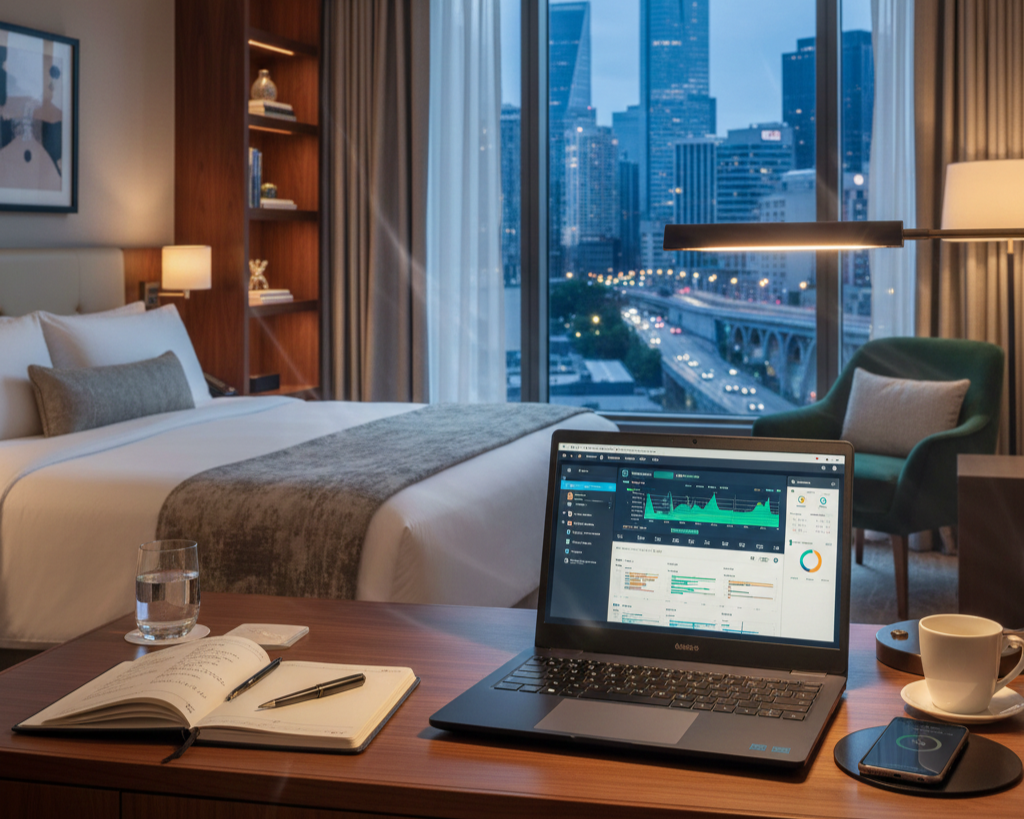 Connectivity: Your Lifeline Across Borders
Global travelers face wildly inconsistent connectivity infrastructure. Your laptop must adapt seamlessly to whatever network conditions materialize, from blazing fiber connections in Seoul to spotty cafe Wi-Fi in rural Mexico.
Universal Wireless Standards
Wi-Fi 6E and 7 compatibility ensures optimal performance across the newest networks while maintaining backward compatibility with older standards prevalent in developing regions. Bluetooth 5.2 or newer enables reliable connections to wireless headphones, mice, and presentation equipment—critical when navigating language barriers or noisy environments where wired solutions prove impractical.
The comprehensive selection at Newegg's Laptop Finder allows filtering specifically for advanced connectivity features, ensuring your chosen machine supports the wireless technologies you'll encounter globally. This intelligent tool considers your specific travel patterns and destination connectivity infrastructure, recommending models optimized for your unique requirements.
Port Versatility and Adapter Solutions
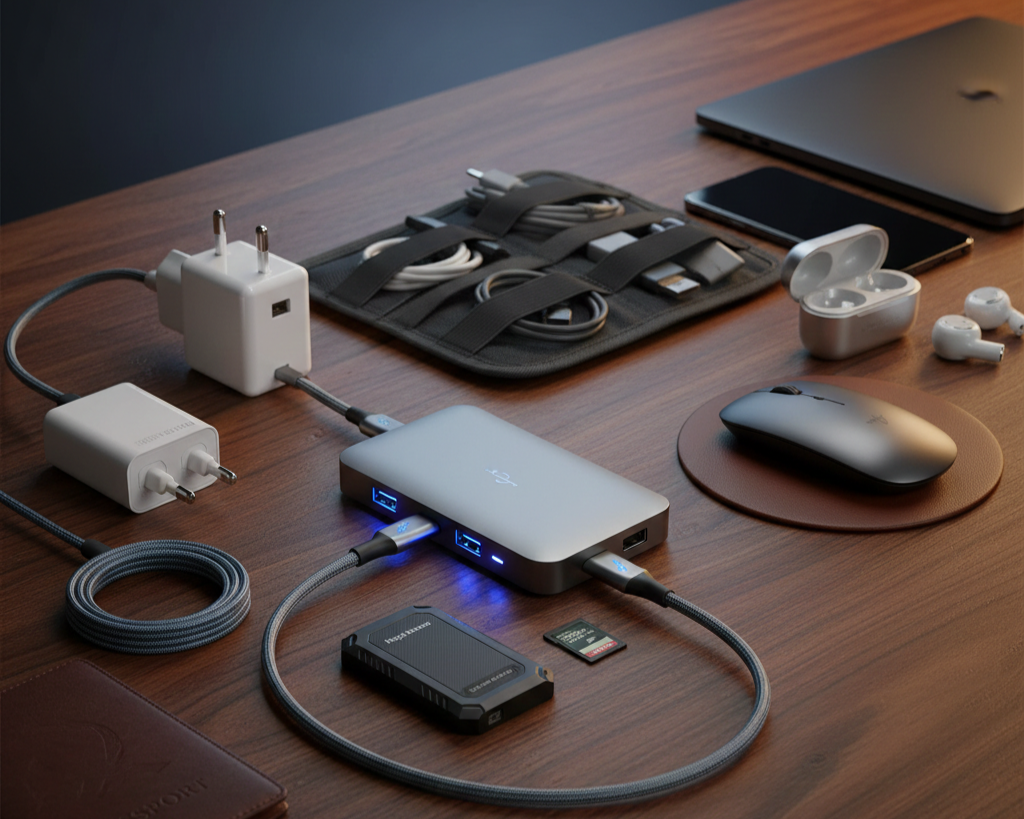
International travel means encountering diverse equipment standards. USB-C with Thunderbolt 4 provides universal connectivity and charging through a single cable—invaluable for minimalist packing. However, many travelers still encounter HDMI displays for presentations, USB-A peripherals, and SD cards from cameras or colleagues' devices.
Strategic travelers invest in comprehensive adapter solutions complemented by sufficient built-in SSD storage to minimize dependency on external drives. Modern 1TB or 2TB internal storage eliminates the cables, dongles, and external Hard Drives that complicate security screening and create loss opportunities. When you do require external storage, compact USB-C SSDs provide enormous capacity in pocket-sized packages that survive travel abuse far better than fragile spinning drives.
 The Operating System Decision: Windows, Mac, or Chrome?
Your destination regions, collaboration requirements, and software dependencies heavily influence the optimal operating system choice for travel computing.
Windows: Universal Compatibility and Flexibility
Windows OS laptops dominate global business environments, ensuring software compatibility and seamless collaboration with international clients and partners. Windows machines offer the widest hardware selection across all price points, from budget-conscious options to premium ultra-portables. This ecosystem diversity means finding precisely the right balance of features, performance, and price for your travel style.
The latest Windows 11 updates include substantial travel-friendly improvements: enhanced power management extending battery life by 15-20%, better VPN integration for secure connections across unreliable networks, and improved touchscreen interfaces valuable when working in cramped spaces where mouse usage proves awkward.
macOS: Premium Experience and Ecosystem Integration
Apple's macOS ecosystem delivers unmatched integration for travelers already invested in iPhones and iPads. Universal features like AirDrop, Handoff, and iCloud synchronization create seamless workflows across devices—answering calls on your laptop, copying text on your phone and pasting on your computer, or starting work on an iPad during your flight and continuing on your MacBook upon landing.
The M3 and M4 Apple Silicon chips achieve extraordinary battery efficiency, with MacBook Air models legitimately delivering 15-18 hours of real-world usage. This remarkable endurance means truly all-day computing without charger anxiety, even during transcontinental flights or marathon work sessions in outlet-scarce environments.
Chrome OS: Simplicity and Cloud-Native Computing
For travelers whose work exists entirely in web applications and cloud services, Chromebooks offer compelling advantages. Instant boot times mean no waiting at airport gates or coffee shops. Automatic background updates ensure security without manual intervention. Exceptional battery life stems from lightweight operating system demands. And aggressive pricing frees budget for travel experiences rather than hardware.
Chromebooks excel for content consumption, communication, and cloud-based productivity. However, their limitations become apparent for travelers requiring specialized software, offline capabilities, or processor-intensive work like video editing or 3D rendering.
 Gaming and Entertainment: Balancing Work and Downtime
Long flights, lonely hotel evenings, and downtime between meetings create opportunities for entertainment that help maintain mental balance during extended travel. The question isn't whether your laptop should handle entertainment, but rather how much performance you need without sacrificing travel-essential characteristics.
Lightweight Gaming Options
Modern Gaming Laptops have evolved dramatically from the bulky, heavy machines that once dominated the category. Premium gaming ultrabooks now weigh under 4 pounds while housing NVIDIA GeForce RTX 50 Series Max-Q GPUs delivering impressive gaming performance without the thermal or acoustic penalties of full-power variants.
Both Intel Gaming Laptops and AMD Gaming Laptops now offer travel-optimized variants that balance gaming capability with all-day battery life. These machines seamlessly transition from productive work during business hours to immersive gaming during evenings, eliminating the need for separate devices.
Memory and Multitasking
Travelers frequently juggle multiple applications simultaneously—video calls with colleagues across time zones, browser tabs researching local attractions, productivity software for ongoing projects, and entertainment applications during downtime. Sixteen gigabytes of RAM represents the practical minimum for smooth multitasking, while 32GB future-proofs your investment and enables professional creative work like photo editing from travel photography or video projects documenting your journeys.
Smart Shopping for Travel Laptops
Strategic travelers time purchases to maximize value without compromising on essential features.
The Premium Laptop Upgrades Deal section frequently showcases travel-optimized laptops bundled with essential accessories—premium laptop backpacks, wireless mice, USB-C adapters, and extended warranties that prove invaluable when you're thousands of miles from convenient service centers. These curated packages often deliver better value than piecemeal purchasing while ensuring all components work harmoniously.
Consider carefully whether cutting-edge specifications truly serve your travel needs or merely represent aspirational purchases. A mid-tier processor with exceptional battery efficiency often proves more valuable than a flagship chip requiring constant charging. Similarly, 512GB storage suffices for most travelers when combined with cloud services, making the premium for 1TB capacity an optional rather than essential investment.
 Your Passport to Productivity
The landscape of travel computing in 2026 offers extraordinary choice across all price ranges and use cases. Whether you prioritize featherweight portability, marathon battery endurance, gaming capability, or professional computing power, purpose-built solutions exist that refuse to compromise your mobile productivity. The key lies in honestly evaluating your actual travel patterns, destination infrastructure, work requirements, and lifestyle preferences rather than pursuing specifications that sound impressive but don't align with real-world travel demands.
Begin your search with Newegg's specialized tools and extensive inventory. Your perfect travel companion awaits—a laptop that transforms the challenges of constant movement into opportunities for productivity, creativity, and connection no matter where your journey leads.