
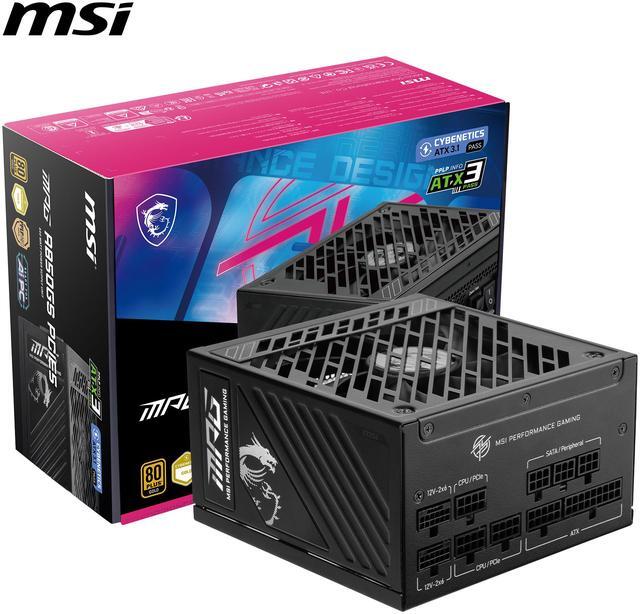
The computing landscape in 2026 presents unprecedented power delivery challenges. Modern graphics cards push thermal and electrical boundaries, high-core-count processors demand substantial sustained power, and professional workloads increasingly leverage multiple GPUs simultaneously. Understanding power supply requirements for gaming and workstation applications ensures system stability, component longevity, and optimal performance across diverse use cases.
The High-End Graphics Card Power Equation
Graphics cards represent the most power-hungry components in modern systems, with flagship models in 2026 consuming 400-600 watts under full load. This represents a substantial increase from previous generations, driven by larger die sizes, higher clock speeds, and increased transistor counts necessary to deliver cutting-edge gaming and computational performance.
The latest GPU releases feature advanced power management that allows rapid transitions between idle and full load states. These transient power spikes—sometimes jumping 400+ watts in milliseconds—demand power supplies with robust transient response capabilities. PSUs lacking adequate transient handling may trigger over-current protection or experience voltage drops that cause system instability or crashes.
When building systems around high-end graphics cards, selecting power supplies with appropriate wattage headroom becomes critical. A system with a 450-watt GPU and 200-watt CPU requires substantially more than 650 watts total PSU capacity. Accounting for efficiency losses, other component power draw, and recommended headroom typically pushes requirements to 850-1000 watts for single-GPU high-end gaming systems.
The PC Power Supply Calculator provides accurate wattage estimates based on specific component selections, helping builders avoid under-provisioning that leads to stability issues or over-provisioning that wastes money on unnecessary capacity.
4K and 8K Gaming Power Requirements
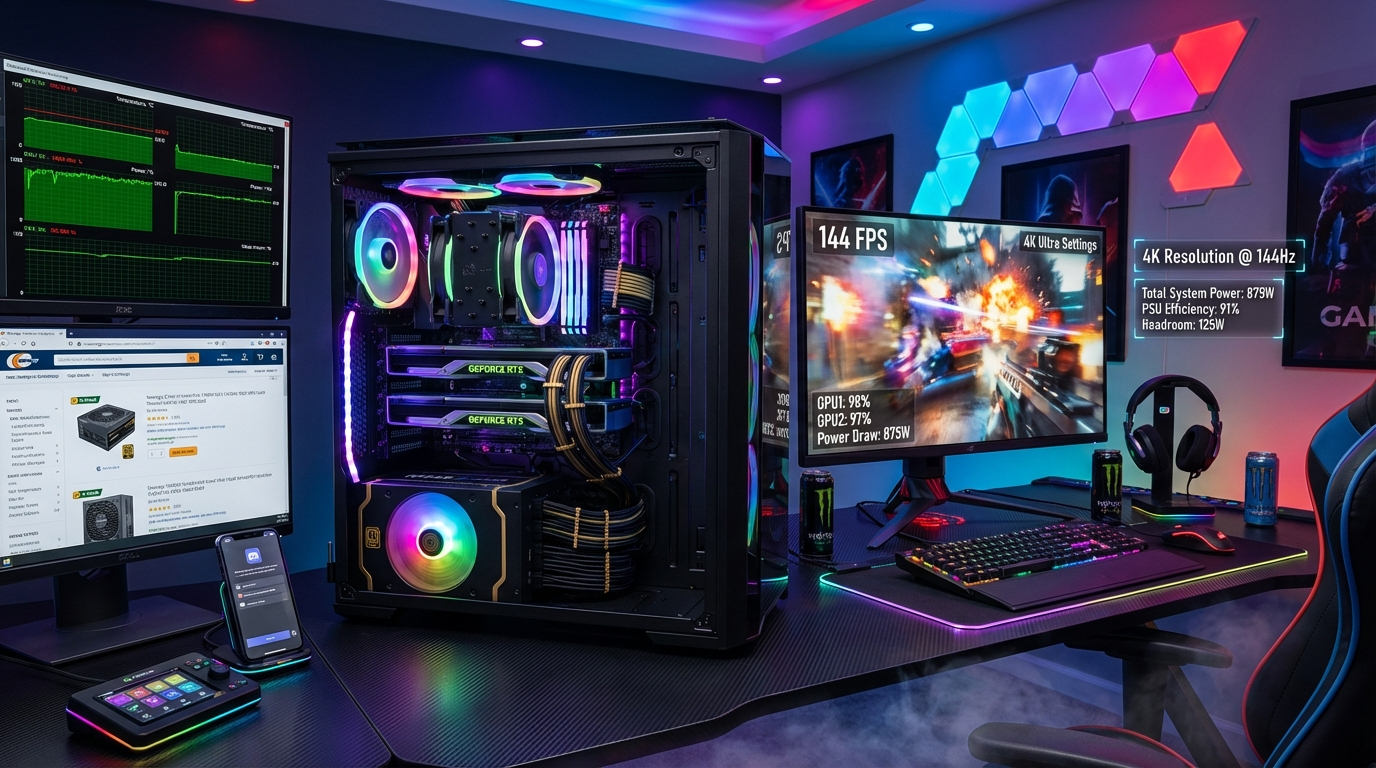
Gaming at 4K resolution has become mainstream in 2026, while early adopters are pushing into 8K territory. These ultra-high-resolution experiences demand maximum GPU performance, translating directly into elevated power consumption. A graphics card that might draw 300 watts at 1080p can easily consume 450+ watts when rendering 4K scenes at high frame rates.
High refresh rate gaming compounds these power demands. Driving 4K displays at 144Hz or higher requires sustained near-maximum GPU utilization, meaning power supplies must handle continuous high loads rather than the variable consumption typical of less demanding scenarios.
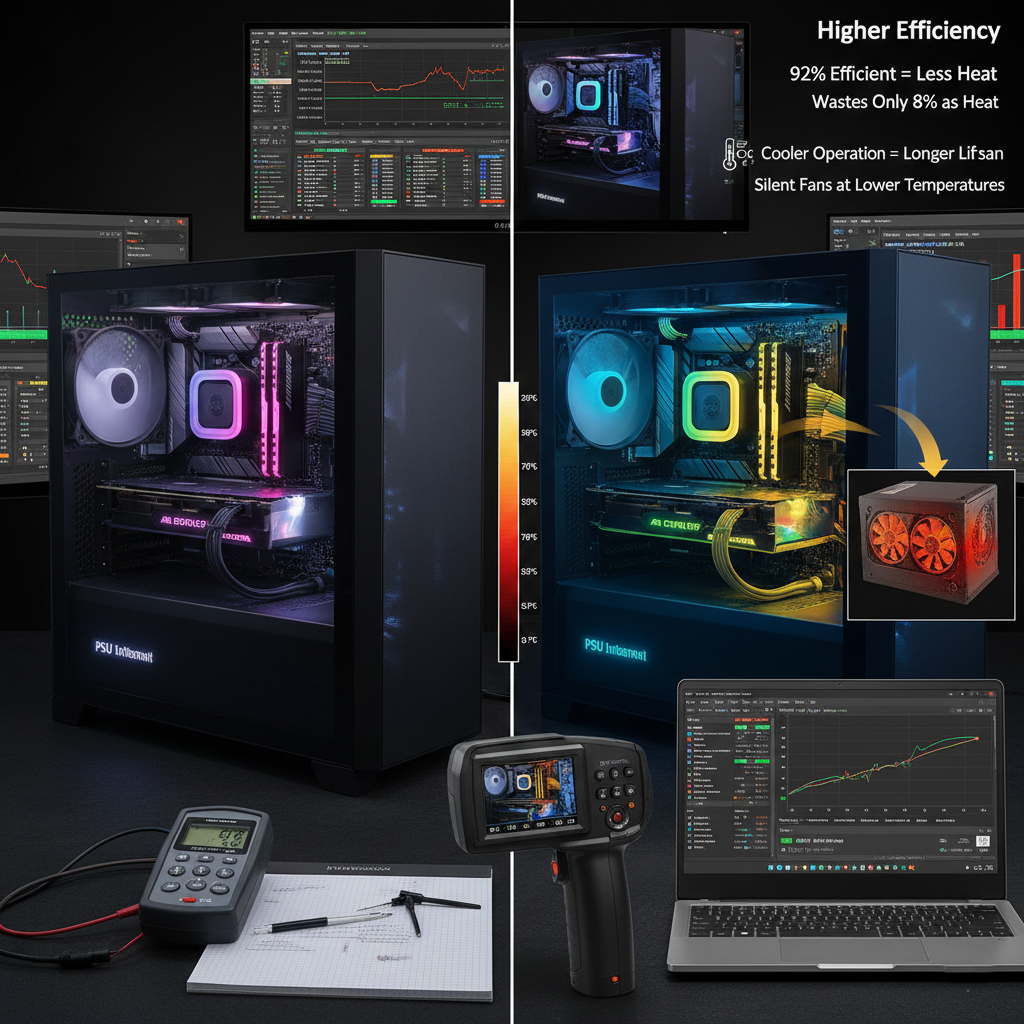
For 4K gaming systems, 850-1000 watt power supplies represent the practical minimum when paired with flagship graphics cards and high-performance CPUs. These systems benefit from Gold or Platinum efficiency certifications, as higher efficiency reduces heat generation and improves reliability under sustained loads.
Early 8K gaming systems, while still niche, may require 1200-1500 watt power supplies depending on specific component selections. These extreme configurations push the boundaries of consumer power supply capabilities, demanding premium units with proven reliability and comprehensive protection features.
Multi-GPU Workstation Configurations
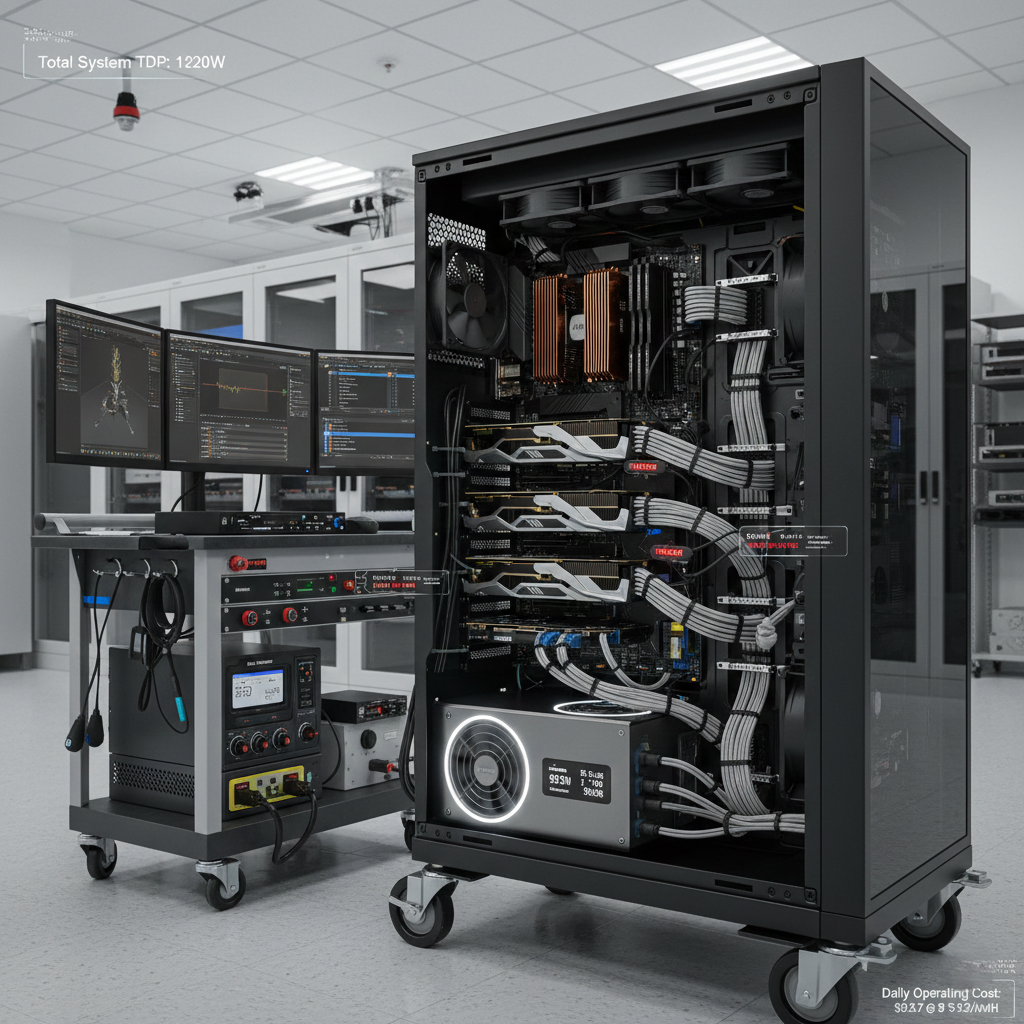
Professional workstations leveraging multiple GPUs for rendering, AI training, or scientific computing face exponential power supply challenges. A dual-GPU configuration with two 450-watt cards, combined with a high-core-count workstation processor, can easily demand 1400+ watts under full load.
Multi-GPU systems require careful power supply selection beyond simple wattage considerations. The PSU must provide sufficient amperage on the 12V rail(s) to support multiple high-current devices simultaneously. Quality power supplies designed for these applications feature robust 12V rail configurations with appropriate current delivery capabilities.
Cable management becomes particularly important in multi-GPU builds. Each graphics card requires dedicated power connections—typically one or two 12V-2×6 connectors or multiple traditional 8-pin PCIe cables. Ensuring your power supply includes adequate connectors eliminates the need for potentially problematic adapters or splitters.
When planning multi-GPU workstations, exploring Power Supply options in the 1200-1600 watt range with Platinum or Titanium efficiency ratings ensures adequate capacity with optimal efficiency. The Custom PC Builder tool helps visualize complete system configurations, identifying potential compatibility issues before purchasing components.
AI Training and Rendering Workstation Power Demands
The explosion of AI and machine learning applications in 2026 has created a new category of power-intensive workstations. AI training workloads often utilize multiple high-end GPUs running at sustained maximum utilization for hours or days. Unlike gaming scenarios with variable loads, these applications maintain consistent high power draw throughout entire training sessions.
Rendering workstations face similar challenges. 3D rendering, video encoding, and visual effects work can push both CPU and GPU to maximum utilization simultaneously. A workstation with a 16-core processor drawing 250 watts and dual GPUs consuming 400 watts each requires a power supply capable of delivering 1000+ watts continuously without thermal throttling or reliability concerns.
For AI and rendering applications, power supply reliability becomes paramount. System crashes during multi-hour training runs or rendering jobs waste significant time and computational resources. Investing in premium power supplies with proven track records, robust component selection, and comprehensive warranties protects against costly downtime.
These demanding workstations benefit from power supplies with excellent thermal management. Quality units maintain stable operation even under sustained high loads by utilizing large, quiet fans, efficient heat dissipation designs, and temperature-rated components that won’t degrade prematurely under stress.
Content Creation and Professional Workstation Considerations
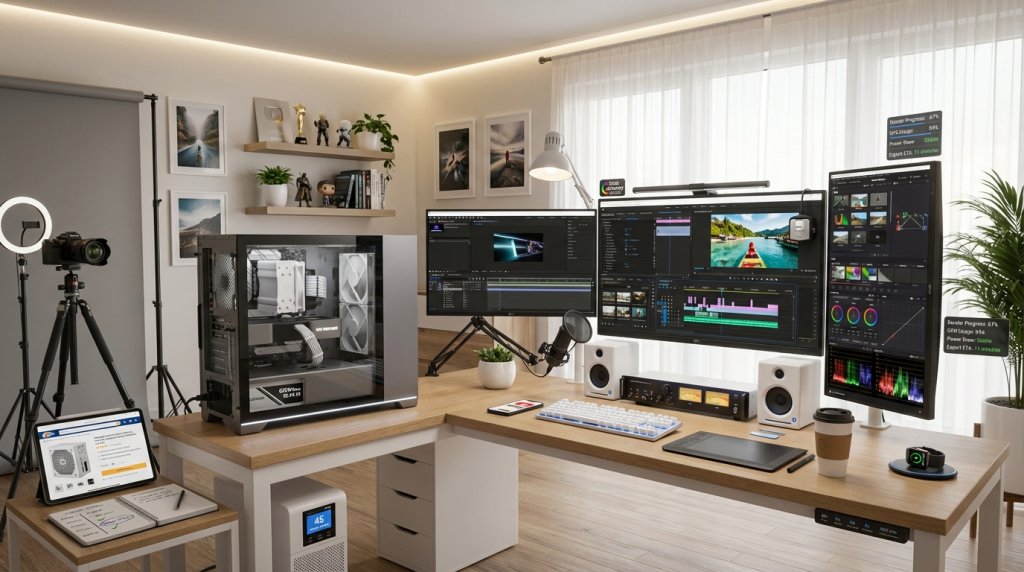
Content creators working with 4K and 8K video, high-resolution photography, or complex 3D modeling require workstations that balance CPU and GPU performance. While perhaps not reaching the extreme power demands of multi-GPU AI systems, these configurations still require substantial, stable power delivery.
A typical content creation workstation might combine a 12-16 core processor with a high-end graphics card, 64-128GB of RAM, and multiple storage drives including NVMe SSDs and high-capacity HDDs. Total system power consumption typically ranges from 500-700 watts under full load, suggesting 750-850 watt power supplies as appropriate choices.
Content creation workflows often involve sustained CPU and GPU utilization during export and rendering operations. Power supplies must maintain stable voltage regulation under these continuous loads to prevent system instability that could corrupt projects or cause crashes during critical operations.
Professional users should prioritize power supplies with Gold or higher efficiency ratings, comprehensive protection features, and warranties of at least 7-10 years. These specifications correlate with component quality and reliability—essential attributes for systems used in professional environments where downtime directly impacts productivity and revenue.
 Power Supply Headroom and Upgrade Considerations
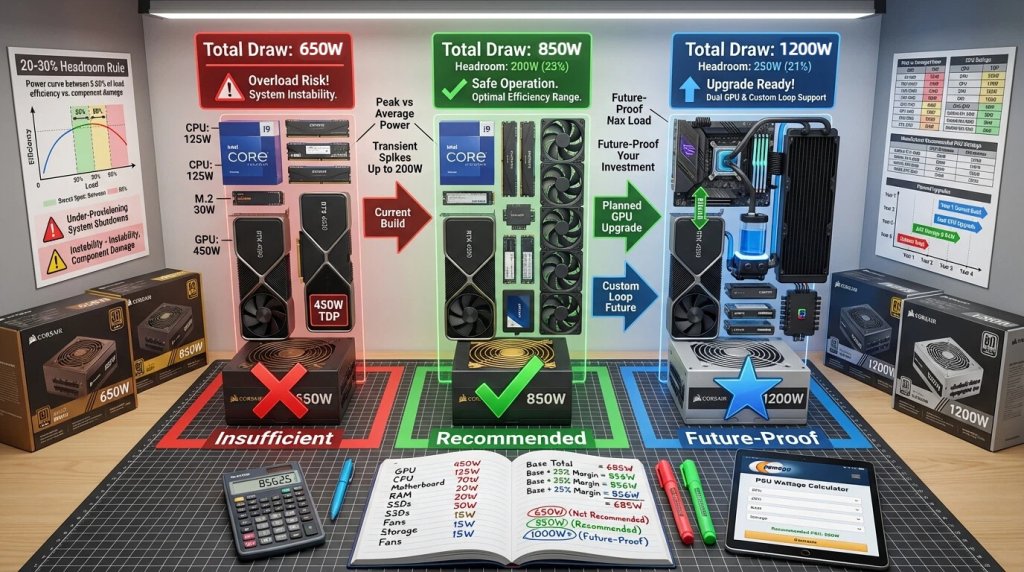
A common question among system builders involves appropriate power supply headroom—the difference between maximum system power consumption and PSU capacity. While opinions vary, a practical guideline suggests selecting power supplies rated for 20-30% above calculated maximum system draw.
This headroom serves multiple purposes. First, it ensures the power supply operates within its optimal efficiency range rather than at maximum capacity where efficiency typically decreases. Second, it accommodates future upgrades without requiring PSU replacement. Third, it provides margin for transient power spikes that exceed steady-state consumption.
For example, a system with calculated maximum draw of 650 watts benefits from an 850-watt power supply. This configuration allows the PSU to operate at roughly 75% capacity under maximum load—typically the sweet spot for efficiency while providing comfortable headroom for transients and future component upgrades.
When planning systems with upgrade potential, considering next-generation component power requirements helps avoid premature PSU obsolescence. If you might upgrade to a more powerful graphics card in 18-24 months, selecting a power supply that accommodates that future configuration eliminates the need for PSU replacement during the upgrade.
Form Factor Considerations for Gaming and Workstation Builds
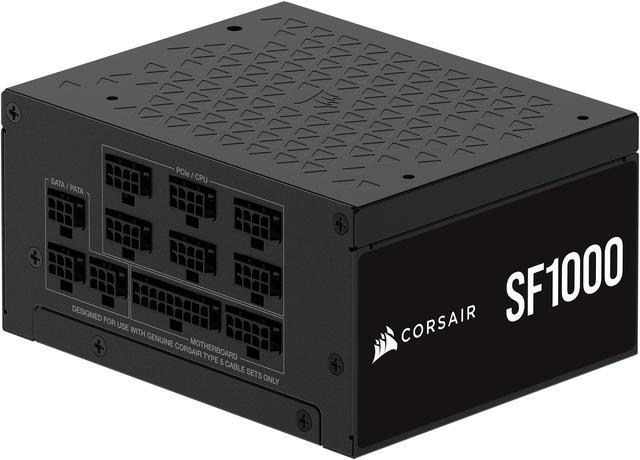
While most gaming and workstation systems utilize standard ATX power supplies, compact builds present unique challenges. Small form factor (SFF) gaming systems have gained popularity, requiring SFX power supplies that fit within space-constrained chassis.
Modern SFX power supplies have evolved significantly, with many units now offering 750-850 watts—sufficient for high-end gaming systems with single flagship graphics cards. However, the compact form factor can present thermal challenges. SFX PSUs must dissipate similar heat in smaller enclosures, making quality cooling design and component selection even more critical.
When building compact gaming or workstation systems, ensuring adequate case ventilation becomes essential. The combination of high-power components in small volumes creates thermal challenges that can affect both component longevity and system stability. Quality SFX power supplies with efficient cooling and temperature-rated components perform better in these demanding environments.
Cable Management and Power Delivery Quality
Beyond raw wattage capacity, power delivery quality significantly impacts system stability and component longevity. Quality power supplies maintain tight voltage regulation across all rails, minimizing ripple and noise that can affect sensitive components.
Modern motherboards include sophisticated voltage regulation modules (VRMs) that convert 12V power to the precise voltages required by CPUs and other components. However, these VRMs work most effectively when supplied with clean, stable input power. PSUs with poor voltage regulation or excessive ripple force motherboard VRMs to work harder, potentially reducing their lifespan and limiting overclocking potential.
Cable management, while often considered purely aesthetic, also affects system performance. Proper cable routing improves airflow within cases, helping maintain lower temperatures for all components. Modular power supplies simplify cable management by eliminating unused cables that would otherwise obstruct airflow.
For high-performance systems, investing in quality power supplies with fully modular designs, premium cables, and proven voltage regulation delivers tangible benefits beyond specifications visible on product pages.
 Protection Features for High-Value Systems
Gaming and workstation systems often represent significant financial investments—easily reaching $3,000-$10,000 depending on specifications. Protecting these investments requires power supplies with comprehensive protection mechanisms and proven reliability.
Modern power supplies incorporate over-voltage protection (OVP), under-voltage protection (UVP), over-current protection (OCP), over-power protection (OPP), short-circuit protection (SCP), and over-temperature protection (OTP). These features work together to protect both the PSU and connected components from various fault conditions.
For critical workstations, pairing quality power supplies with Battery Backup (UPS) systems provides additional protection against power outages, voltage fluctuations, and electrical noise. UPS systems give users time to save work and shut down gracefully during power failures, preventing data loss and potential file corruption.
Brand Selection and Warranty Considerations
Power supply selection for gaming and workstation applications should prioritize manufacturers with proven track records in high-performance markets. Brands like Corsair and EVGA offer extensive product lines specifically designed for demanding applications, backed by comprehensive warranties and responsive customer support.
Warranty length often correlates with manufacturer confidence in product reliability. Premium power supplies typically include 7-10 year warranties, with some flagship models offering up to 12 years of coverage. These extended warranties provide peace of mind for systems that may remain in service for many years.
When evaluating power supplies, researching professional reviews that include detailed testing of voltage regulation, ripple, transient response, and efficiency across various load levels provides valuable insights beyond marketing specifications. These independent evaluations help identify units that deliver real-world performance matching their claimed capabilities.
 Conclusion: Matching PSU to Application
Power supply selection for gaming and workstation applications requires careful consideration of component power requirements, usage patterns, and future upgrade plans. Understanding the specific demands of 4K gaming, multi-GPU workstations, AI training, and content creation workflows enables informed decisions that ensure system stability and optimal performance.
Investing in quality power supplies with appropriate wattage, high efficiency ratings, comprehensive protection features, and proven reliability pays dividends through stable operation, component longevity, and peace of mind. As component power requirements continue increasing, the power supply’s role as the foundation of system stability becomes ever more critical.
Whether building a flagship gaming system, professional workstation, or specialized AI training rig, prioritizing power supply quality and capability ensures your investment delivers reliable, high-performance computing for years to come.