Buying a laptop in 2026 means navigating an unprecedented range of options, technologies, and price points. The market has evolved dramatically—AI integration, advanced display technologies, new processor architectures, and diverse form factors create both opportunities and complexity. Whether you're a student on a tight budget, a professional requiring specific capabilities, or someone simply wanting a reliable machine for everyday tasks, this comprehensive guide will help you make an informed decision that aligns with your needs and budget.
Understanding Your Primary Use Case
Before diving into specifications and features, honestly assess how you'll actually use your laptop. This fundamental question shapes every subsequent decision and prevents overspending on capabilities you'll never utilize or underbuying and facing frustration.
Basic Computing and Web Browsing: If your needs center on email, web browsing, document editing, and streaming media, you don't need a powerhouse. Modern entry-level laptops handle these tasks effortlessly. Focus your budget on build quality, display comfort, and battery life rather than raw performance.
Professional Productivity: Business users working with spreadsheets, presentations, CRM systems, and video conferencing need reliable performance and excellent connectivity. Prioritize comfortable keyboards, quality webcams, sufficient RAM (16GB minimum), and professional build quality that survives travel.
Creative Work: Content creators require significantly more power. Video editors need strong CPUs and discrete graphics, photographers benefit from color-accurate displays, and anyone working with large files requires ample fast storage. Budget should emphasize performance specifications and display quality.
Gaming: Gaming laptops demand the most powerful components—high-end GPUs, fast processors, high-refresh displays, and robust cooling systems. These machines double as excellent workstations but come with premium pricing and reduced battery life.
Hybrid Users: Many people fall between categories. The good news? Modern laptops handle mixed workloads well. Identify your most demanding tasks and build your requirements around those, ensuring other uses remain comfortable.
 Essential Specifications Decoded
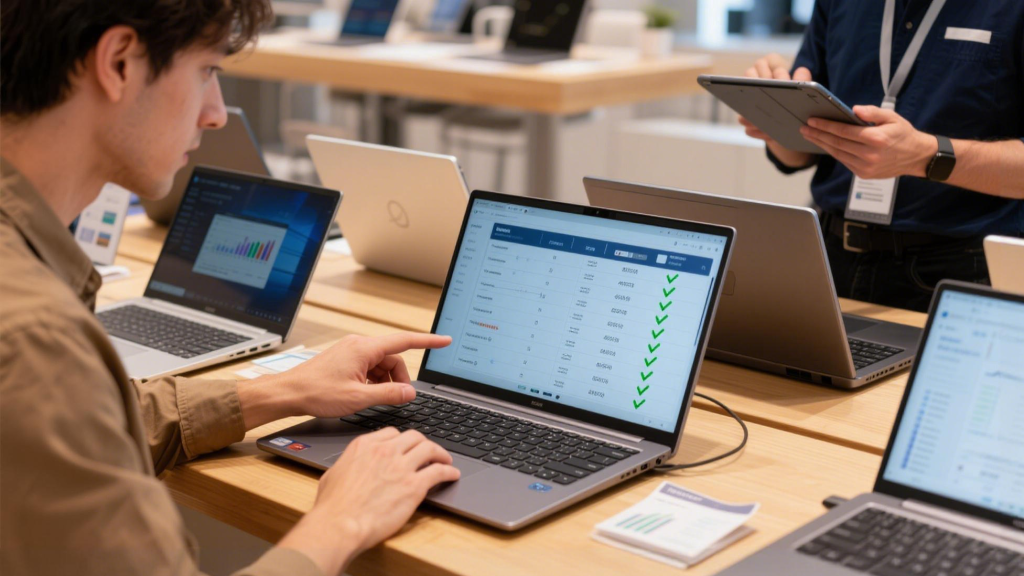
Understanding what specifications actually mean—and which ones matter for your needs—prevents both overspending and disappointing performance.
Processor (CPU): The processor handles general computing tasks. For basic use, modern Intel Core i5 or AMD Ryzen 5 processors provide plenty of performance. Professionals benefit from i7/Ryzen 7, while creative pros and enthusiasts might justify i9/Ryzen 9. Don't obsess over minor generation differences—the jump from i5 to i7 typically matters more than the specific generation for most users.
Memory (RAM): RAM determines how many applications run smoothly simultaneously. 8GB serves basic needs but feels limiting quickly. 16GB represents the sweet spot for most users, handling professional productivity and moderate creative work comfortably. 32GB benefits serious content creators and power users running multiple demanding applications. Upgradeability matters—if a laptop allows RAM expansion, starting with 16GB and upgrading later might make sense.
Storage: SSDs are standard in 2026, but capacity and speed vary. 256GB feels cramped if you store files locally—512GB provides comfortable breathing room for most users. Content creators working with video should consider 1TB or larger. Storage speed (measured in GB/s) matters for large file work but is less critical for general use. Expandability through additional M.2 slots adds flexibility.
Graphics (GPU): Integrated graphics built into modern processors handle everyday tasks, web browsing, and even light gaming admirably. Discrete graphics (separate GPU chips) are necessary for serious gaming, 3D rendering, video editing, and AI/machine learning work. Don't pay for a discrete GPU unless your workload specifically benefits from it—they increase cost, weight, and reduce battery life.
Display: You'll stare at this screen for hours daily, so don't compromise. 1920x1080 (Full HD) remains adequate for most users on 13-15 inch screens. Professionals working with detailed content appreciate 2560x1440 (QHD) or 4K resolution. Consider display brightness (300+ nits for comfortable indoor use), color accuracy (important for creative work), and refresh rate (120Hz+ benefits gamers and makes scrolling smoother for everyone).
 Form Factor Considerations
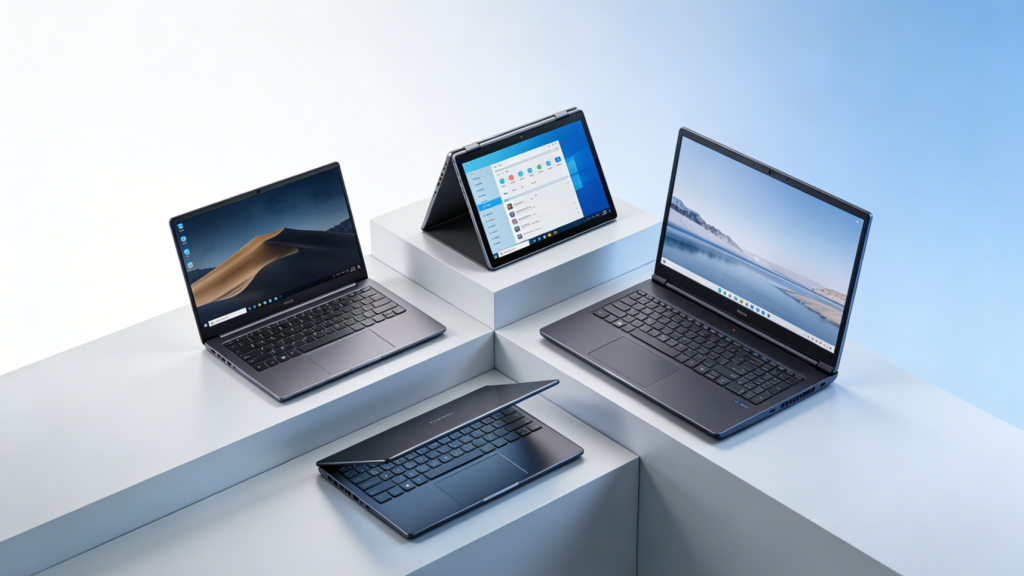
Laptop design significantly impacts daily usability beyond simple aesthetics. The right form factor matches your mobility needs and work style.
Traditional Clamshells: The standard laptop design works well for most users. These machines prioritize performance, cooling, and battery life without convertible mechanism compromises. If you rarely need tablet functionality, traditional designs offer better value.
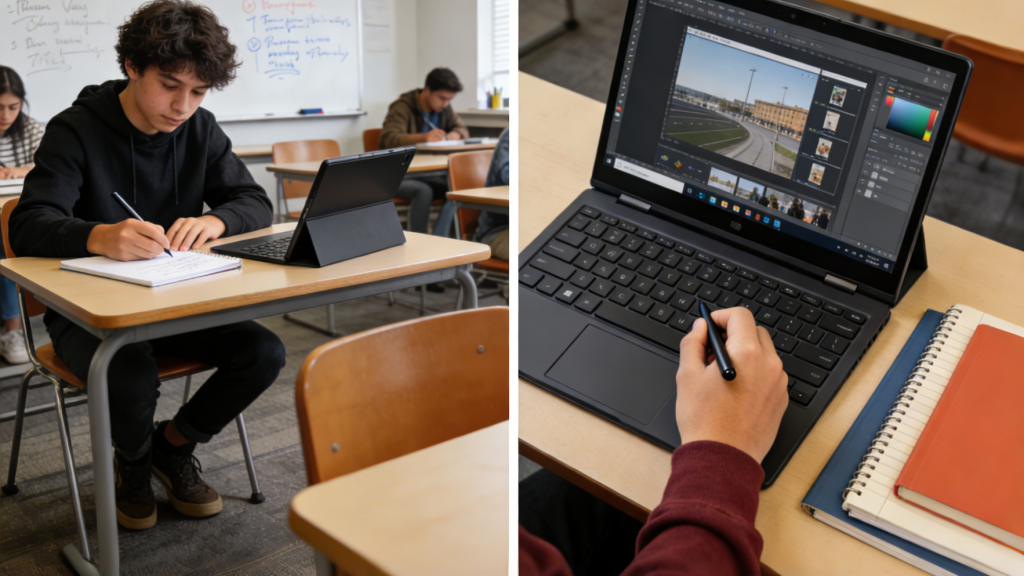
2-in-1 Convertibles: 2-in-1 laptops flip or detach to become tablets. These designs appeal to students taking handwritten notes, artists sketching, and professionals giving presentations. The flexibility costs slightly more and sometimes compromises performance or battery life compared to traditional designs with similar specs.
Ultraportables: Prioritizing weight and thickness, these machines excel for frequent travelers and mobile professionals. Modern ultraportables no longer sacrifice performance significantly, though they may run warmer and throttle under sustained heavy loads. Battery life often exceeds larger machines despite smaller batteries due to efficiency-focused components.
Desktop Replacements: Large 17-inch laptops with powerful components serve users who rarely move their machines. These offer the best performance and cooling but sacrifice portability. Consider whether a smaller laptop plus external monitor makes more sense for your situation.
Battery Life Reality Check
Manufacturer battery claims represent best-case scenarios—real-world performance varies dramatically based on usage. Video playback and document editing consume far less power than video rendering or gaming.
Expect 6-8 hours for typical mixed productivity use on mainstream laptops. Ultraportables often achieve 10-12 hours. Gaming laptops might deliver only 3-5 hours during regular use and require outlets for gaming. Copilot+ PCs with NPU integration typically extend battery life by 15-25% for AI-assisted tasks compared to traditional processing.
Battery degradation is inevitable—after 2-3 years, expect roughly 70-80% of original capacity. If you plan to keep a laptop 4+ years, prioritize models with larger batteries initially or user-replaceable batteries (increasingly rare).
 Budget Guidelines and Value Zones
Understanding where money goes helps optimize your investment. Laptop pricing breaks into rough tiers, each offering distinct capabilities.
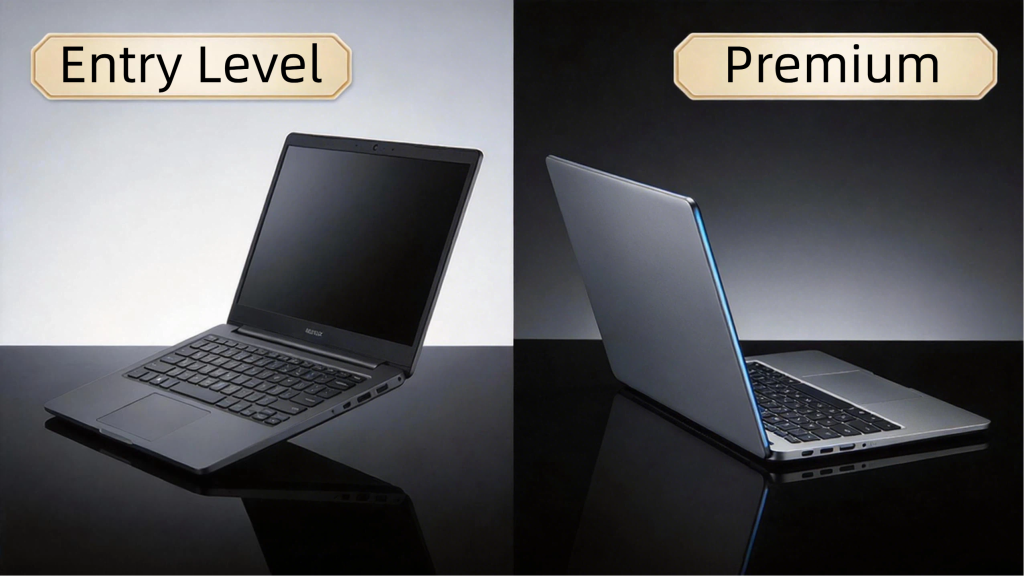
Under $500: Entry-level machines for basic computing. Expect adequate performance for web browsing, streaming, and light productivity. Build quality varies—prioritize established brands with warranty support. Chromebooks dominate this range, offering excellent value for web-centric users.
$500-$800: The sweet spot for mainstream users. Solid build quality, comfortable performance for productivity work, decent displays, and reliable components. Most users' needs are met comfortably in this range without paying for unnecessary features.
$800-$1,500: Professional territory. Premium build quality, better displays, longer battery life, and performance sufficient for creative work and moderate gaming. Business laptops with enterprise features typically live here. This range offers the best balance of capability and value for professionals.
$1,500-$2,500: High-performance machines for demanding users. Gaming laptops, mobile workstations, and premium ultraportables occupy this tier. Significant performance advantages for gaming and creative work justify costs for appropriate users.
Above $2,500: Specialized machines with cutting-edge components, premium materials, or workstation-grade reliability. Enthusiasts and professionals with specific demanding requirements benefit; general users overpay significantly for capabilities they won't utilize.
The Gaming Laptop Decision
Gaming laptops deserve special consideration due to their unique requirements and compromises. These machines deliver desktop-class gaming performance in portable packages but make specific tradeoffs.
Modern gaming laptops have improved dramatically—they're thinner, lighter, and less aggressive aesthetically than previous generations. However, they still run hotter, consume power rapidly during gaming, and cost significantly more than non-gaming machines with similar CPUs and RAM.
The question isn't whether gaming laptops are good—it's whether portability justifies the premium over desktop gaming. If you genuinely game in multiple locations or need a single machine for both gaming and productivity, gaming laptops make sense. If your gaming happens at a desk, a cheaper laptop plus gaming desktop typically delivers better value.
When selecting gaming laptops, GPU choice matters most. Current options range from entry-level cards suitable for 1080p gaming at medium settings to high-end options handling 1440p or 4K at maximum settings. Match GPU capability to your display—a 4K panel requires significantly more graphics power than 1080p.
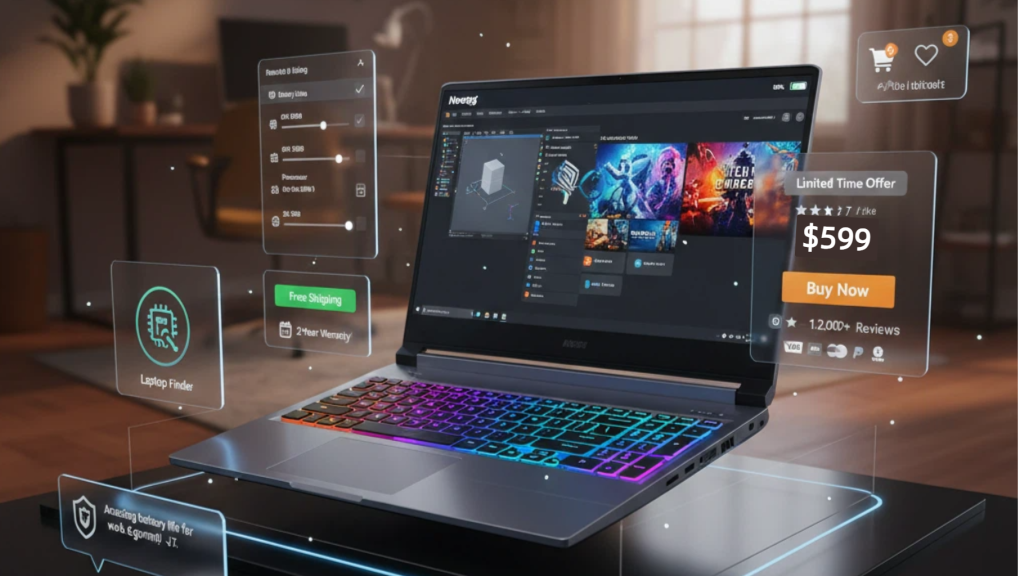
Using Laptop Finder Tools Effectively
The sheer number of available laptops makes manual comparison exhausting. Modern laptop finder tools filter options based on your specific requirements, dramatically simplifying the research process.
Start by setting firm requirements: budget range, screen size, operating system preference, and any specific features you absolutely need (touchscreen, specific ports, weight limits). Then add preferences that matter but aren't dealbreakers. Quality finder tools suggest options you might have overlooked while filtering impossible matches.
Don't over-constrain—if you set too many specific requirements, you might miss excellent options that meet your needs through slightly different specifications. Use finder tools to narrow from thousands to a manageable dozen, then research those specific models more deeply through reviews and user feedback.
Business Laptop Considerations
Business laptops differ from consumer models in subtle but important ways. Enterprise features include better warranty support, remote management capabilities, enhanced security features, and verified compatibility with business software.
Build quality typically exceeds consumer equivalents—business laptops endure daily commutes, airports, and hotel rooms. Keyboards often provide better typing experiences for users creating documents constantly. Port selection prioritizes productivity over minimalism, including full-size USB ports, Ethernet, and sometimes legacy connections.
The premium over consumer models (typically 10-20% for equivalent specifications) buys reliability, support, and features that matter for professional use. If you're self-employed or your company allows laptop selection, consider business models even if you're not in a traditional corporate environment.
 Future-Proofing Your Investment
Laptops typically serve users for 3-5 years—choosing wisely now prevents frustration later. Several strategies extend useful lifespan.
Buy slightly more than you need today: Software demands grow. If 8GB RAM feels adequate now, 16GB provides headroom for future needs. The modest cost difference today prevents premature obsolescence.
Prioritize upgradeability: Laptops with accessible RAM slots and additional M.2 storage connections let you extend capability without replacing the entire machine. Unfortunately, many modern laptops solder components, eliminating upgrade paths—factor this into initial configuration.
Consider connectivity: USB-C with Thunderbolt 4 provides flexibility for future peripherals. Adequate ports prevent dongle dependency—frustration compounds daily over years of use.
Research repairability: Some manufacturers make repair nearly impossible; others support it. Machines that can be repaired typically last longer and maintain higher resale value.
Making Your Final Decision
After researching specifications, reading reviews, and comparing options, you'll likely have 2-3 finalists. The decision often comes down to factors beyond specifications.
Try before buying when possible—keyboard feel, trackpad responsiveness, screen quality, and build quality matter daily but don't show up in spec sheets. If you can't test physically, understand return policies in case reality doesn't match expectations.
Consider total cost of ownership: cheaper laptops with poor reliability cost more long-term through repairs or early replacement. Premium machines that last 5+ years often prove cheaper annually than budget models replaced every 2-3 years.
Trust your use case analysis. Don't let sales pressure or feature envy lead you to overspend on capabilities you don't need. The best laptop is the one that handles your actual tasks comfortably within your budget—not the one with the most impressive specifications.
The 2026 laptop market offers excellent options at every price point. Understanding what you actually need, what specifications mean, and how to evaluate options empowers you to make a decision you'll be satisfied with for years to come.