

What would you do in the event of a zombie apocalypse? You probably would be gaming on a custom PC build that looks like this one. Our in-house PC building operation ENIAC celebrates the release of Dying Light 2 Stay Human with a machine that looks like it is ready to take a bite out of your flesh.
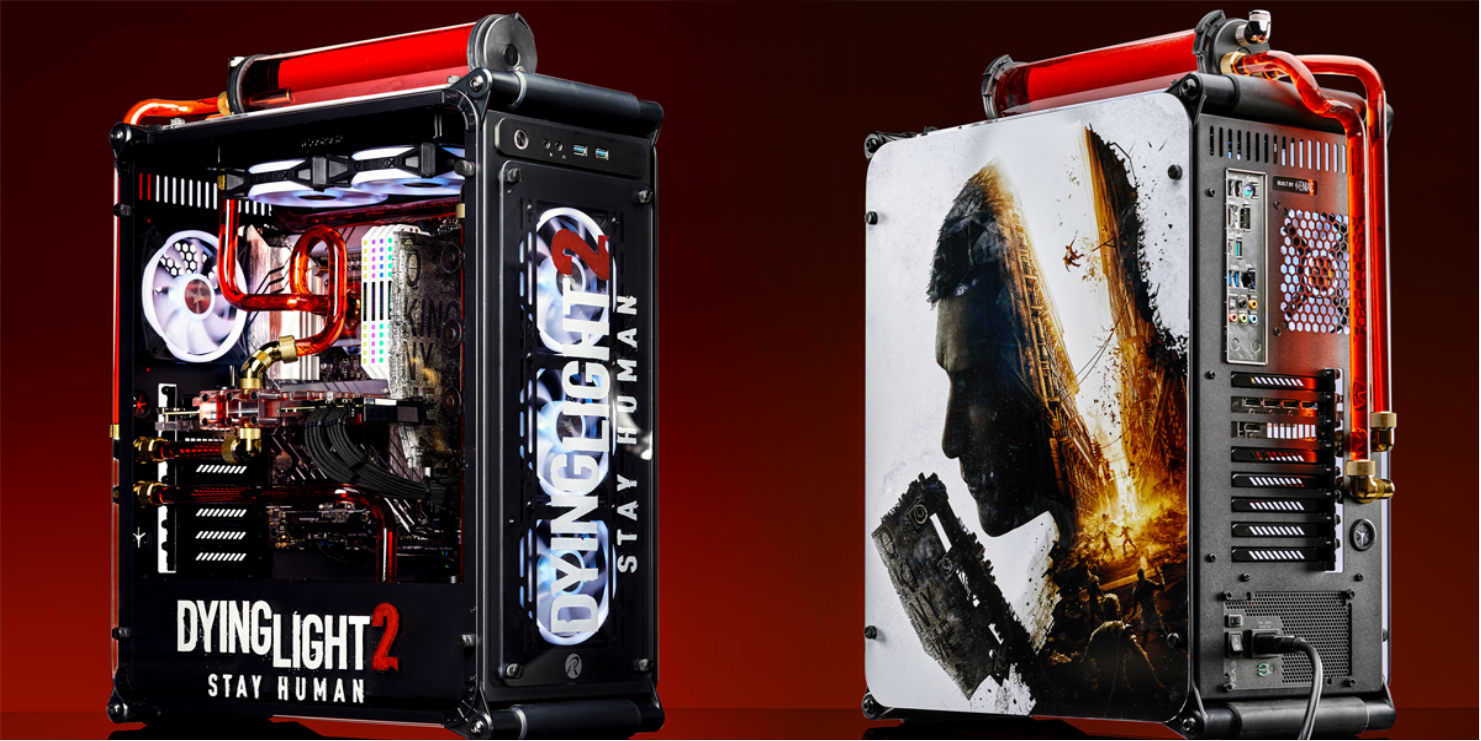
Note that DL2 should run fine on most gaming PCs built in the last five years with Intel Core i3 9100/Ryzen 2300X and GTX 1050 Ti/Radeon RX 560 as the recommended minimums. But running the best version of the game requires some serious power. DL2 is enhanced with ray-traced lighting effects and is DLSS-enabled, so if you have an RTX graphics card you will be able to dial in your preferred balance of detail and FPS smoothness.
Max Settings Components
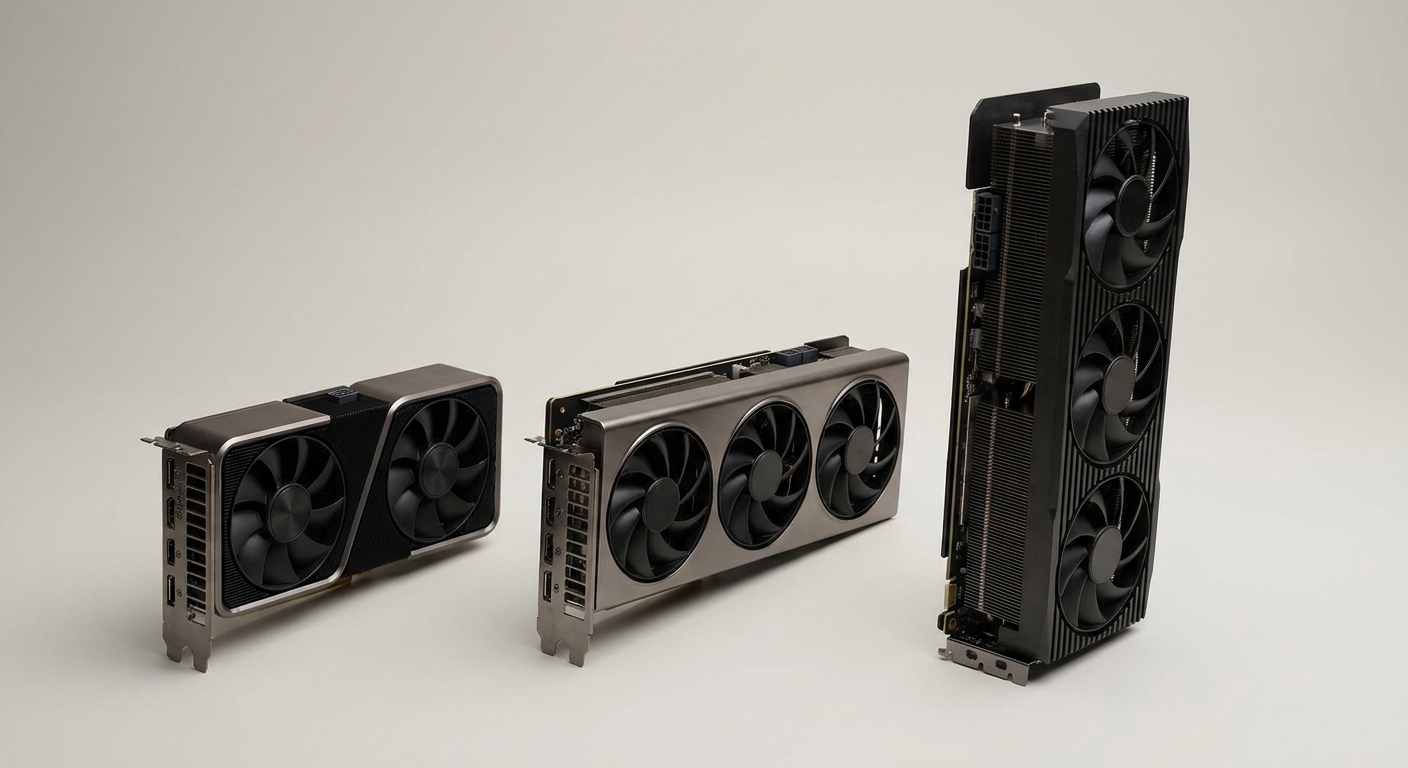
For this PC, ENIAC went for the max settings jugular. It is an Intel system powered by the Core i9-12900K desktop processor, the unlocked flagship of the 12th Gen Alder Lake CPUs. Handling the graphics, the ASUS TUF Gaming GeForce RTX 3080 V2 OC Edition equipped with 10GB of VRAM.
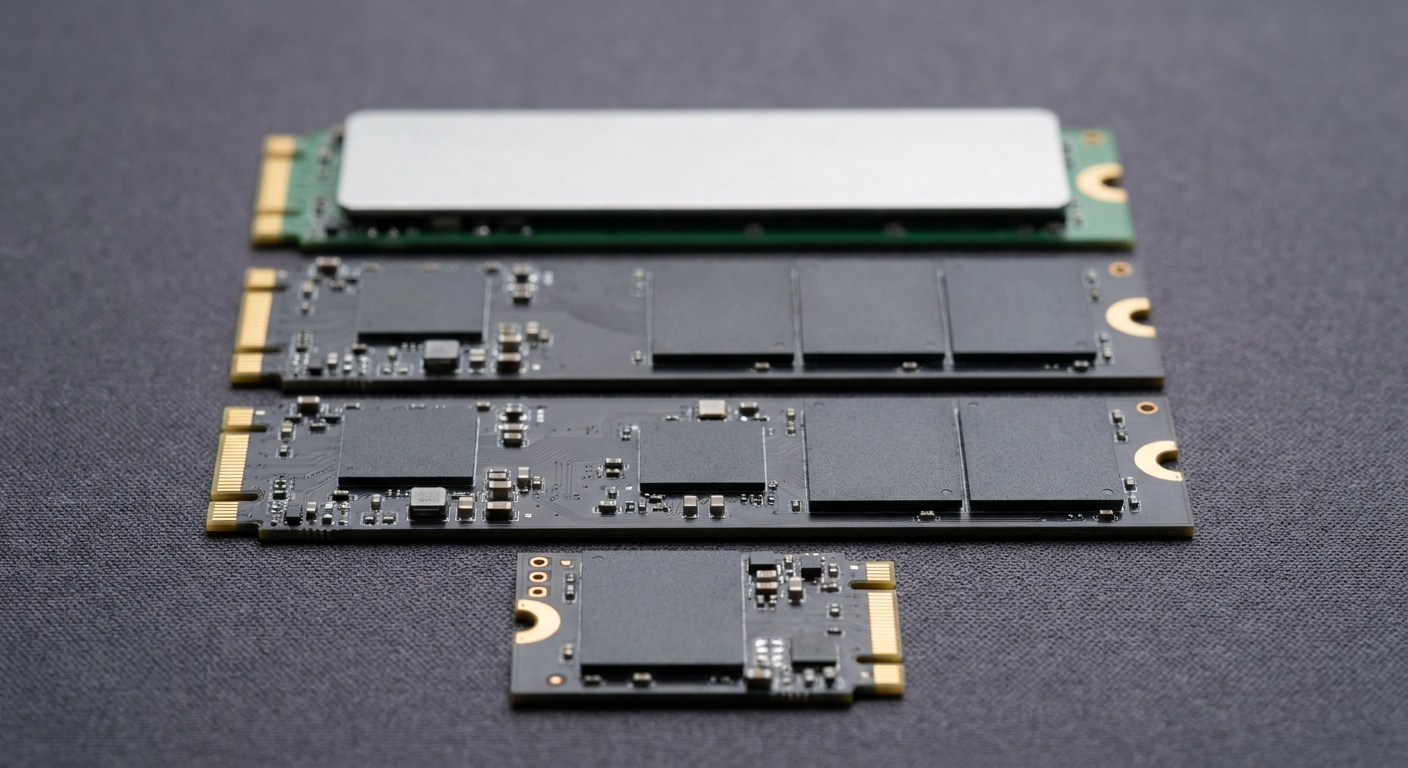
The components are slotted into an ASUS Prime Z690-P motherboard; it has a 2 x 8GB kit of Crucial Ballistix DDR4, and under the cover there is a 1TB Crucial P5 Plus M.2 NVMe SSD for storage. An EVGA SuperNOVA 850 delivers power at 80 PLUS GOLD-rated efficiency.
Case Modded Details
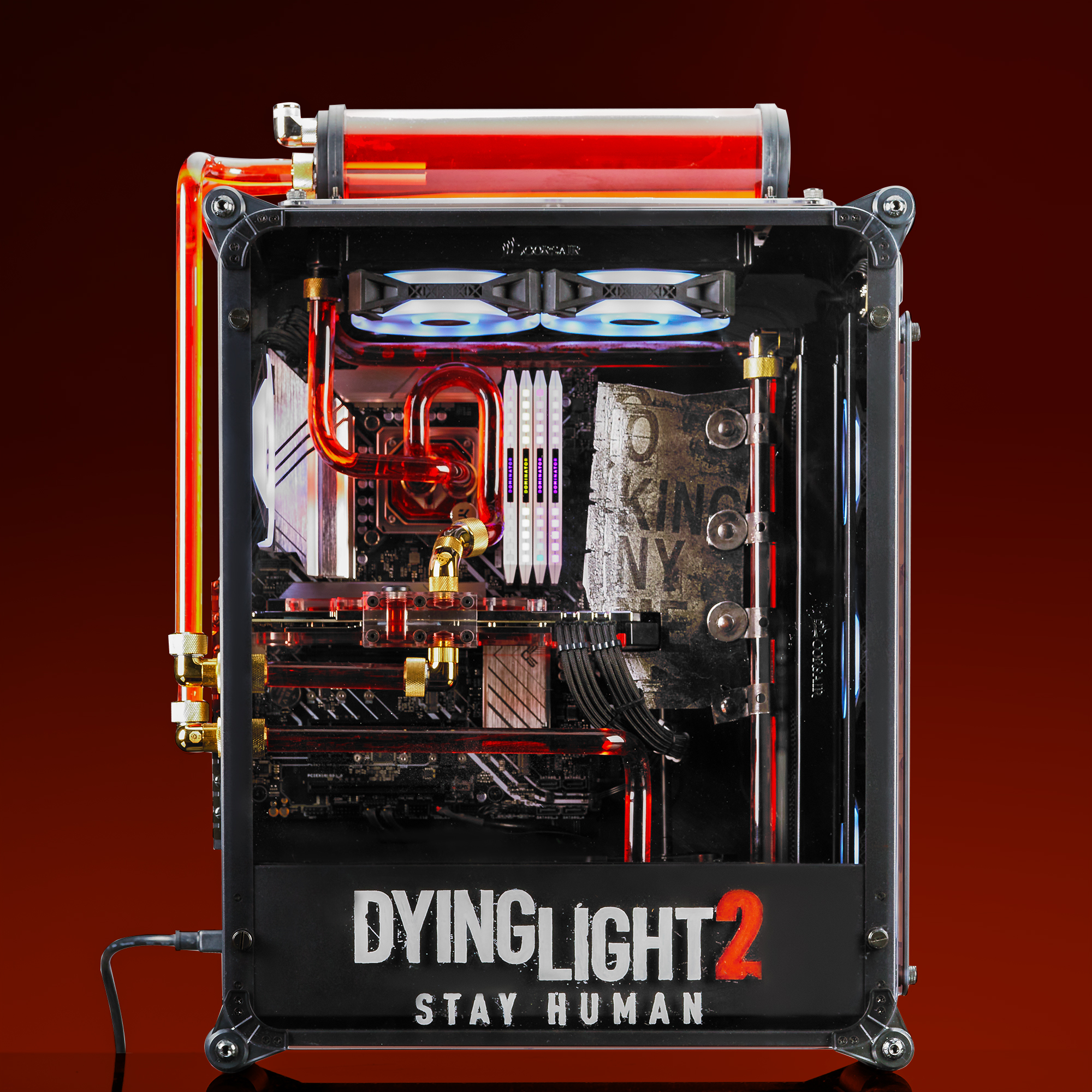
ENIAC loves concepting and creating case-modded custom designs. This build incorporates a few different mods to a Raijintek PC case (Coeus Evo)
For the case element near the graphics card, they used a laser cutter to mimic an ax fashioned out of a street sign that your character uses to demolish zombies during gameplay. The corrosion effect you see is hand-painted.
The artwork on the front and side panels is etched by an in-house laser engraving machine. Layers of white and red paint were then applied to provide the unique effect you see here. Vinyl wrap was used for the back of the case to show protagonist Aiden Caldwell’s silhouetted likeness.
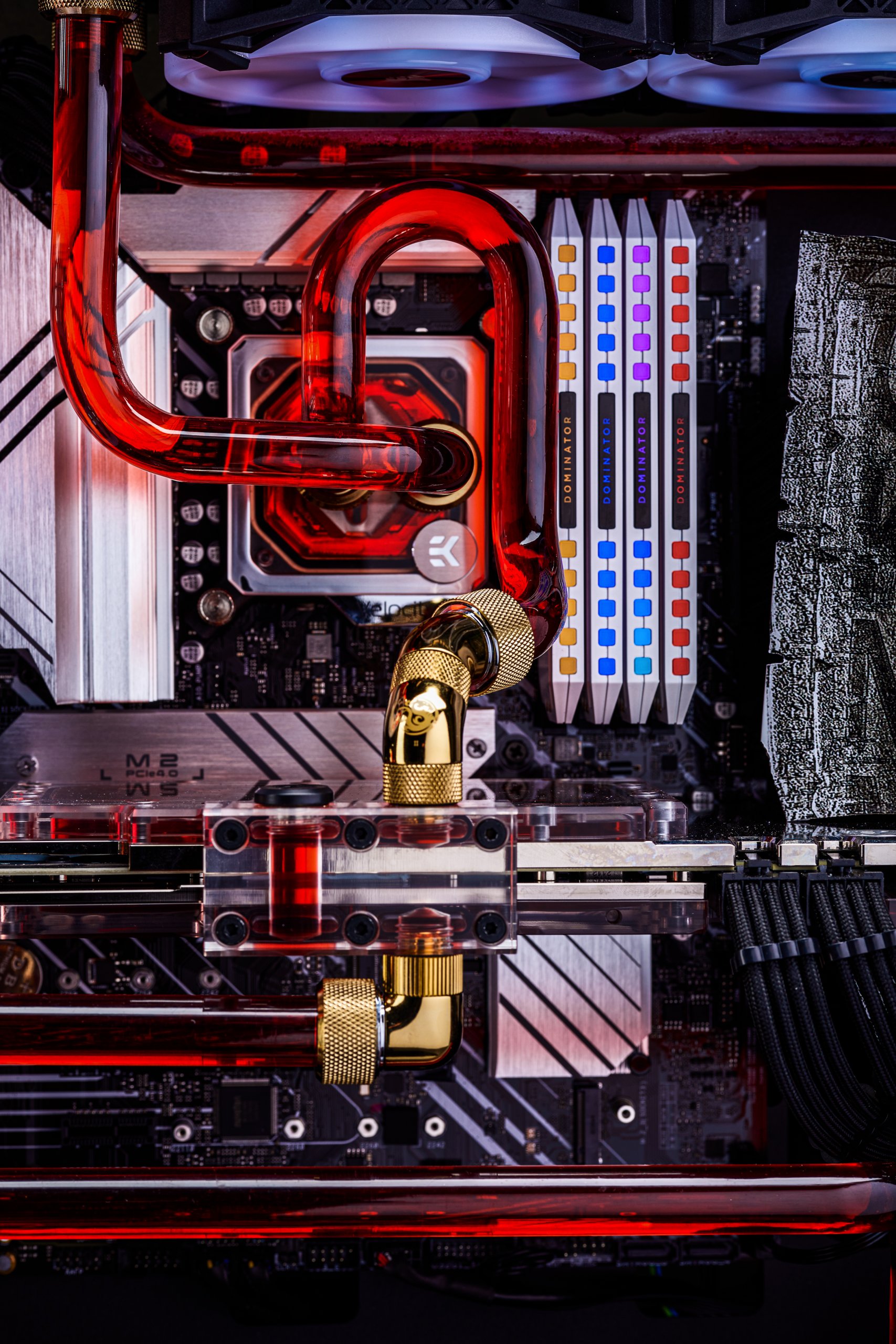

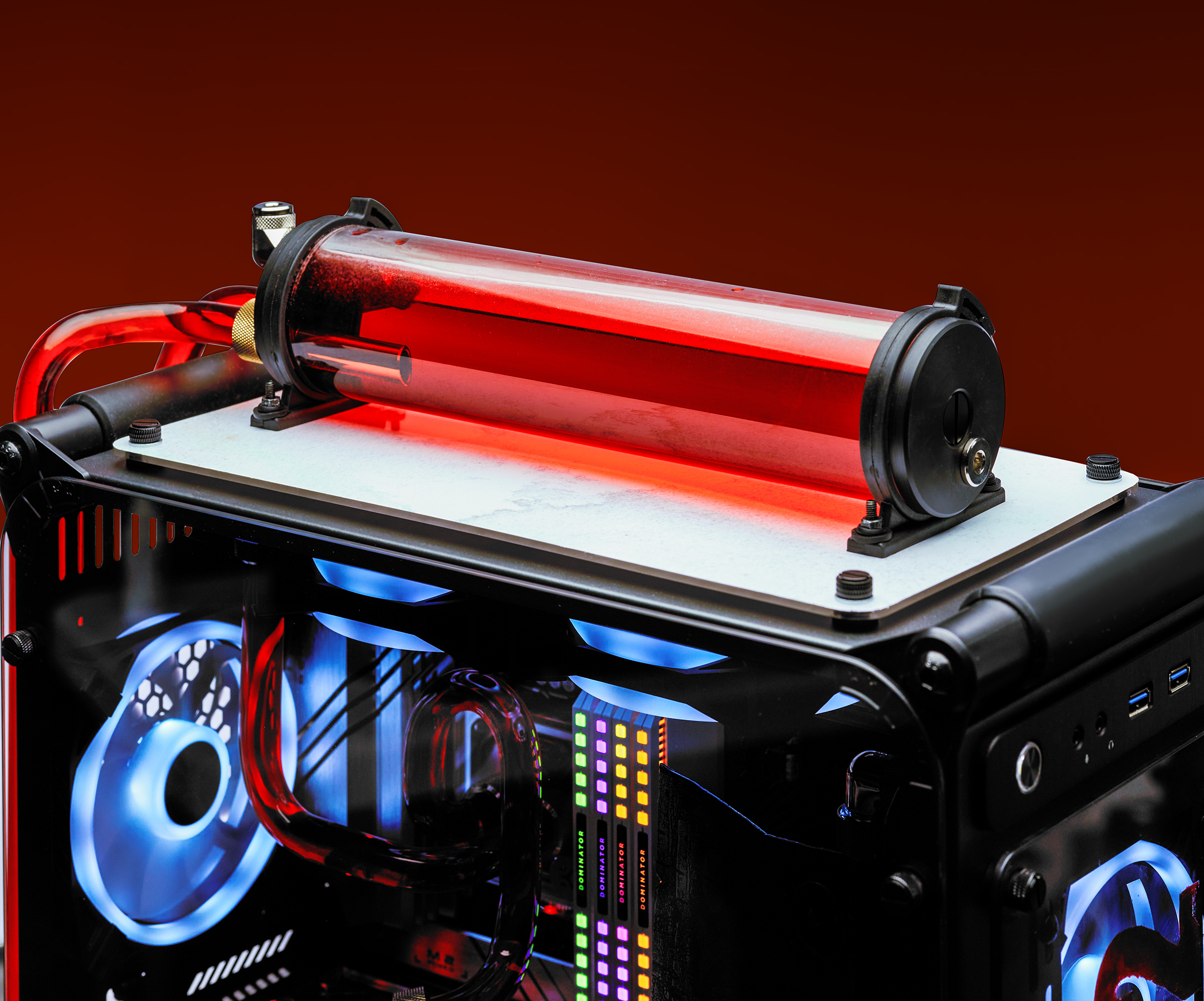
For the custom loop and GPU block, BuildEniac uses blood-red EKWB components. They have mounted the pump reservoir outside the chassis and pipe the coolant through the I/O side of the PC case, adding to the zombified appeal of the build. All the fittings are from Bitspower, and the radiators and fans are Corsair Hydro X Series.
More from ENIAC
Related Posts
- Build Story: RIOTORO CR1288TG Full Tower PC
- darkFlash’s DLM 21 case and CF8 Pro fans balance elegant beauty with reliable performance
- AMD Ryzen 3000 Launch Build from ABS: Build Breakdown
- darkFlash’s J11 Case and L6 CPU Cooler offer more RGB brilliance
- Zotac Shows Off The Liquid Cooled RTX Arctic Storm at CES 2019