Wired used to be the default for serious gaming, and wireless was the convenience pick. That split doesn't hold up as well anymore. Good 2.4GHz wireless headsets have low enough latency for competitive play, and battery life has gotten long.
But wired still wins in a few places. Here's how they compare, and the headsets I'd look at on Black Friday.
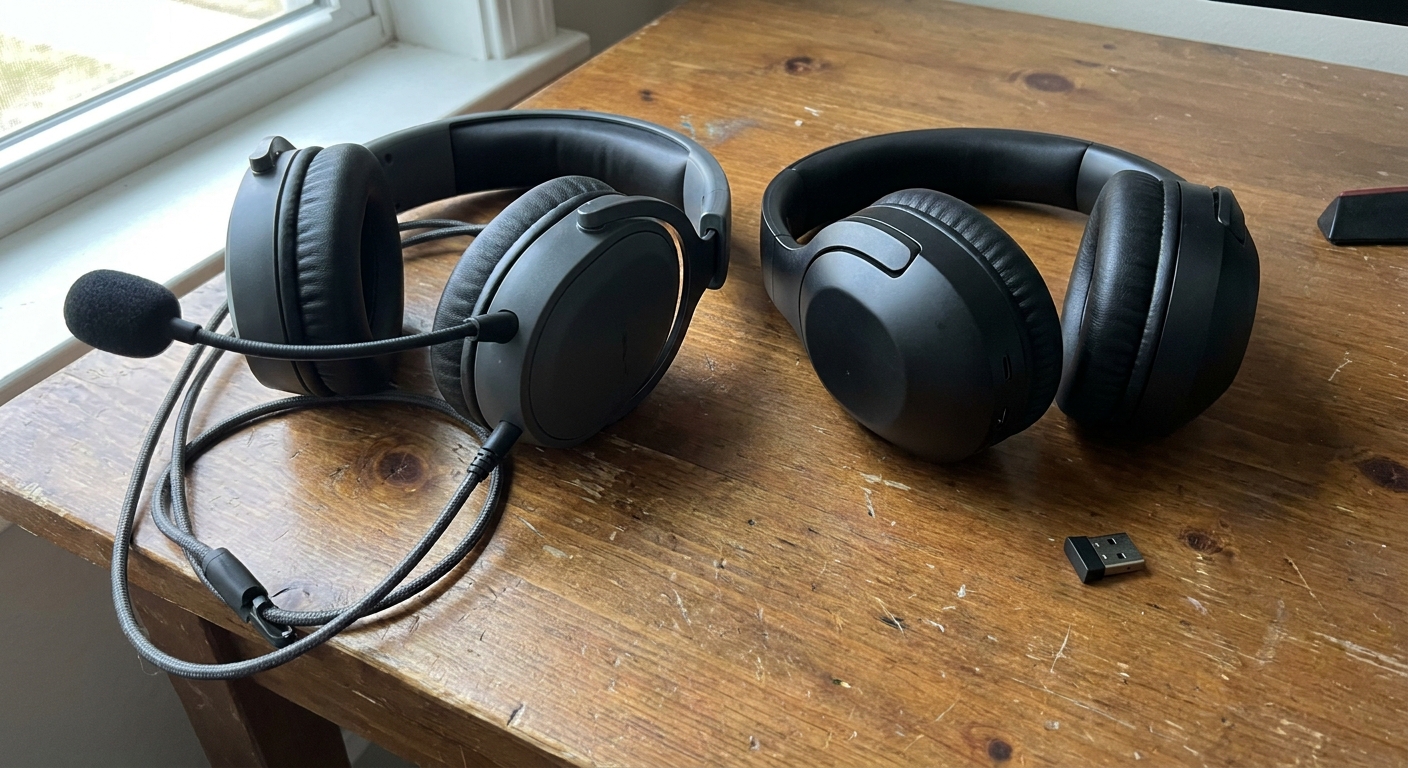
The contenders
On the wired side: simple, light, no batteries, and nothing to charge before a match. On the wireless side: freedom to move, and often extras like ANC, multi-device connections and app control.
Side-by-side
| Question | Wired | Wireless (2.4GHz) |
|---|---|---|
| Latency for games | None to think about | Low with a USB dongle; avoid Bluetooth for play |
| Battery | None needed | Needs charging |
| Console compatibility | Usually broad | Depends on the dongle |
| Features | Usually simpler | ANC, app control, multi-device |
| Weight | Often lighter | Battery adds weight |
Deep dive: when wired makes more sense
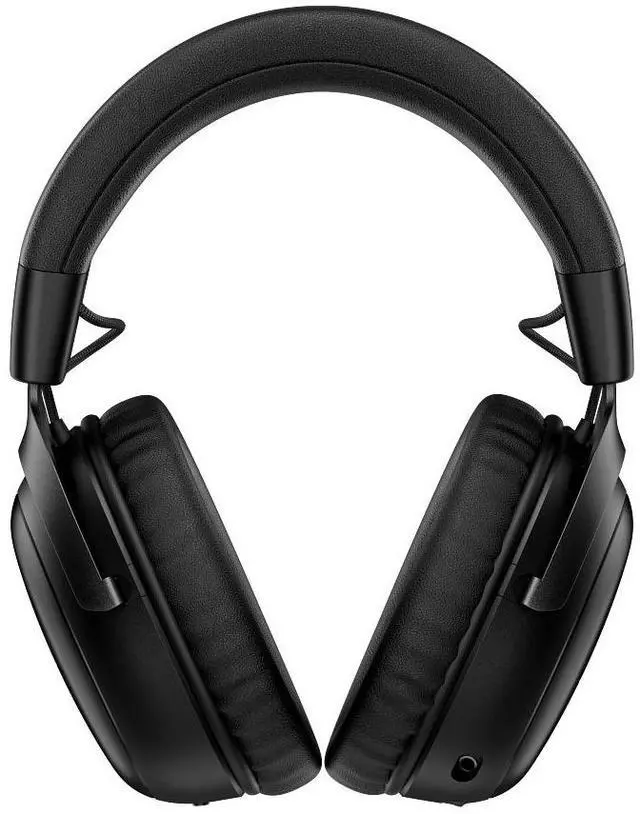
If you play on several consoles, wired is the least hassle. The HyperX Cloud III wired headset uses 53mm drivers and lists compatibility with PC, PS5, PS4, Xbox Series X|S, Xbox One, Nintendo Switch, Mac and mobile. It weighs 0.67 pounds without the mic.
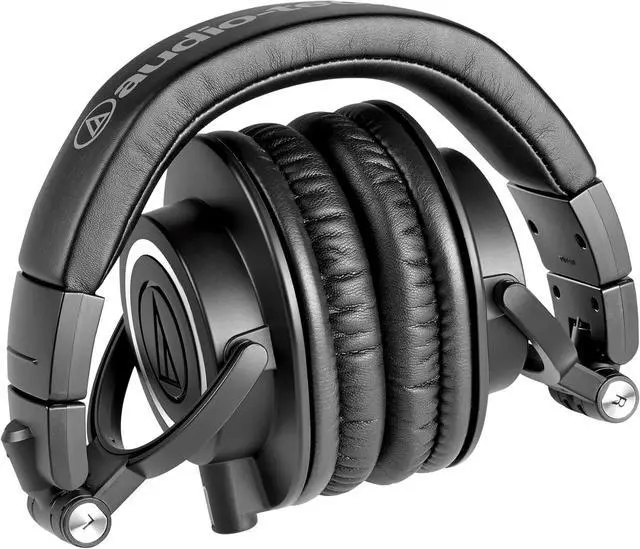
Wired also makes sense if you care most about music and want to grow into a better setup later. The Audio-Technica ATH-M50x isn't a gaming headset, but it's a well-known studio monitor headphone with 45mm drivers and a detachable cable. Add a separate mic, and it works well for gaming too.
Deep dive: when wireless is worth it
If you game on a PC and walk away from the desk often, wireless is simply nicer to live with. The HyperX Cloud III S Wireless is the wireless version of a comfortable, familiar design.
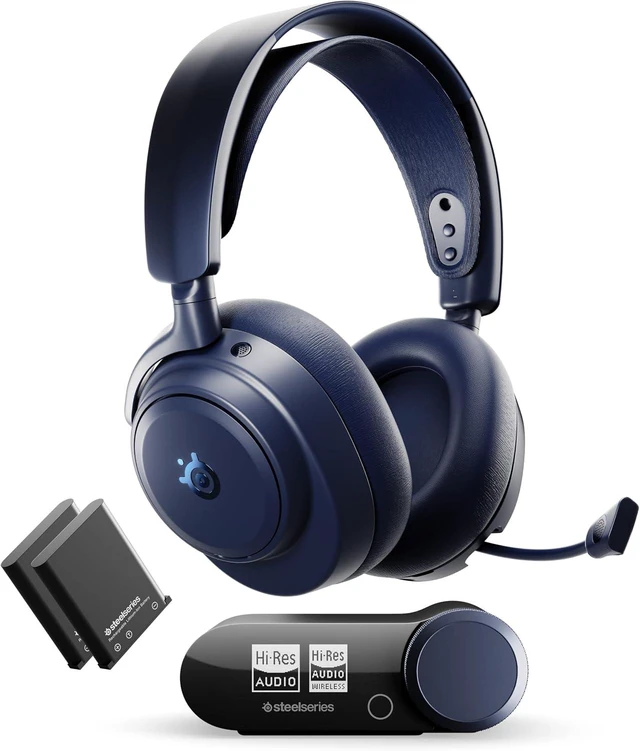
For PC and PlayStation players who want strong battery life, the SteelSeries Arctis Nova 7 Wireless Gen 2 lists 50+ hours of play and mixes 2.4GHz with Bluetooth, so you can take a call on your phone while gaming. It also lists Switch 1 and 2 and mobile support.
The Logitech G PRO X 2 LIGHTSPEED uses 50mm graphene drivers, a detachable mic and LIGHTSPEED 2.4GHz wireless, with a wired 3.5mm and USB option too. It's the one I'd pick for competitive PC players.
Deep dive: when you want everything
If you play on PC, PlayStation and Xbox and want ANC, look at the SteelSeries Arctis Nova Pro Omni. It lists 96kHz/24-bit audio, ANC, a ClearCast Pro mic, mixed 2.4GHz and Bluetooth, and OmniPlay support for PC, PlayStation and Xbox.
Razer's lineup covers both ends. The Razer BlackShark V3 Pro adds ANC, a full-band mic, 2.4GHz, Bluetooth and USB. The Razer BlackShark V3 X HyperSpeed is a lighter, simpler 2.4GHz and Bluetooth model for PC, PS5 and Xbox.
What about the microphone?
For a lot of players, the mic matters as much as the sound. Boom mics that sit close to your mouth usually beat small built-in mics on earcups. The Cloud III uses a 10mm mic, the G PRO X 2 has a detachable mic, the BlackShark V3 Pro lists a full-band mic, and the Arctis Nova Pro Omni lists its ClearCast Pro mic with AI noise rejection. If you stream or play with a team every night, I'd weigh this more than the drivers.
Comfort for long sessions
Weight and clamp force decide whether you can wear a headset for a four-hour session. Wired models are often lighter because they don't carry a battery. The Cloud III lists 0.67 pounds (about 304g) without its mic, while the Logitech G PRO X 2 lists 345g with its wireless hardware. If you can, think about how long you actually wear a headset in one go, and give comfort the final vote between two similar models.
Who wins, by situation
- Several consoles, no fuss: wired, like the HyperX Cloud III.
- PC gaming, freedom to move: 2.4GHz wireless, like the Logitech G PRO X 2 or HyperX Cloud III S.
- Every platform plus ANC: SteelSeries Arctis Nova Pro Omni.
- Music first: Audio-Technica ATH-M50x with a separate mic.
Whichever you pick, check the dongle's platform support on the listing before checkout. That single line decides whether a wireless headset works with the console under your TV.
Frequently Asked Questions
Is a wireless gaming headset laggy? Not with a 2.4GHz USB dongle, which is what most wireless gaming headsets use for games. Bluetooth has more latency, so I use it for phones and calls rather than gameplay.
Do wired headsets sound better than wireless? Not automatically. Sound depends more on drivers and tuning than the connection. Wired headsets avoid batteries and compression, though, and they can pair with a better DAC later.
Which headset works with PC, PlayStation and Xbox? Check the listing's compatibility. Some 2.4GHz dongles only work with PC and PlayStation. The SteelSeries Arctis Nova Pro Omni lists PC, PlayStation and Xbox through its OmniPlay setup.
Can I use studio headphones for gaming? Yes. Headphones like the Audio-Technica ATH-M50x have no built-in mic, so add a USB or clip-on microphone if you chat in games.
What is ANC on a gaming headset useful for? Active noise cancellation helps in loud rooms, on trips and in shared spaces. The Razer BlackShark V3 Pro and SteelSeries Arctis Nova Pro Omni both list ANC.
Read More
- The Best Gaming Headsets (RTINGS.com): Independent headset testing, including latency and mic quality.
- Best Wireless Gaming Headsets in 2026 (Newegg Insider): Our wireless picks.
- Holiday Gift Guide for PC Gamers (Newegg Insider): Gift ideas for every kind of player.
- The Quietest Mechanical Keyboards for a Shared Room (Newegg Insider): Pair a quiet keyboard with a good headset.
- Black Friday Console Upgrades (Newegg Insider): Storage and accessories for PS5, Xbox and Switch 2.