




 here!
here!
I’m your shopping assistant for PC builds, upgrades, and everything tech.
Got questions? Ask away!
Start a conversation
here!
I’m your shopping assistant for PC builds, upgrades, and everything tech.
Got questions? Ask away!
Start a conversationShipped by Hebei XG Technology Co., Ltd.




Any questions? Ask CelesteSM will help you find out quickly.
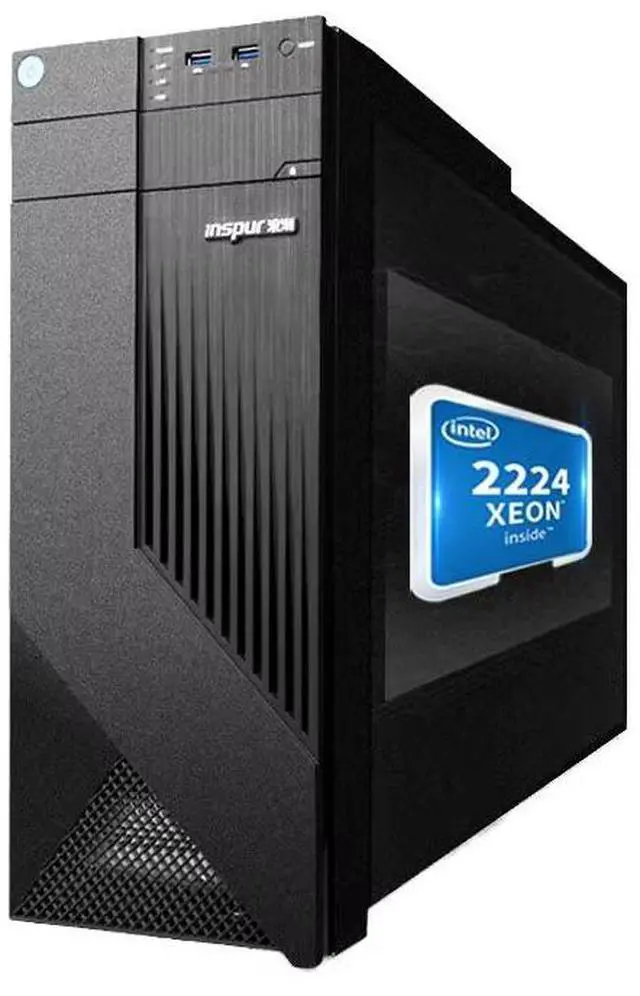
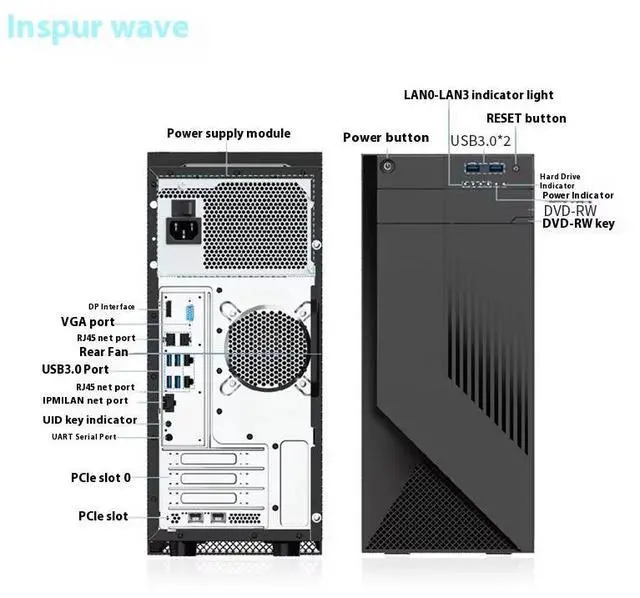
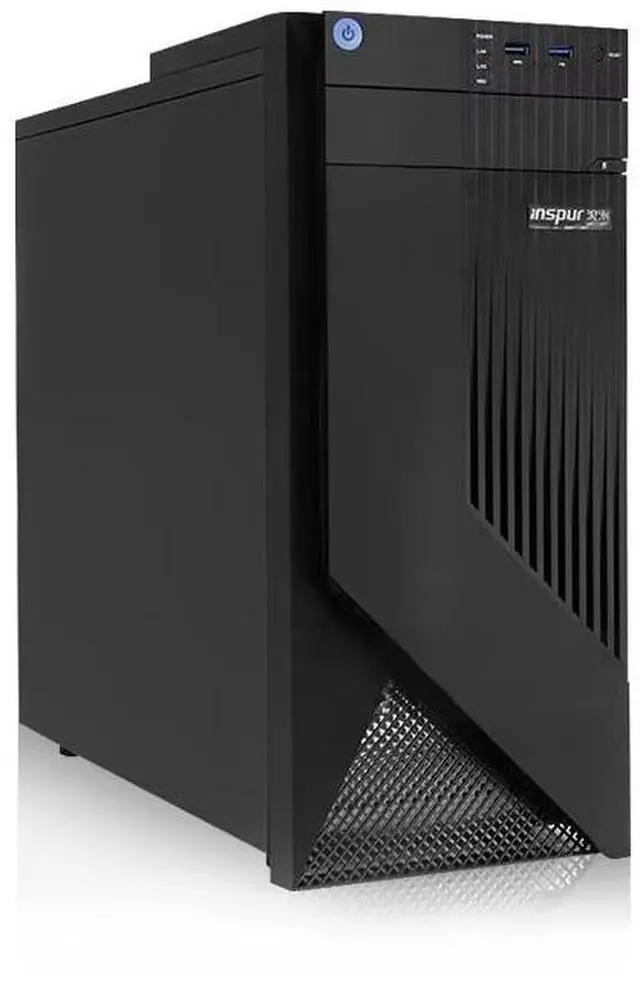
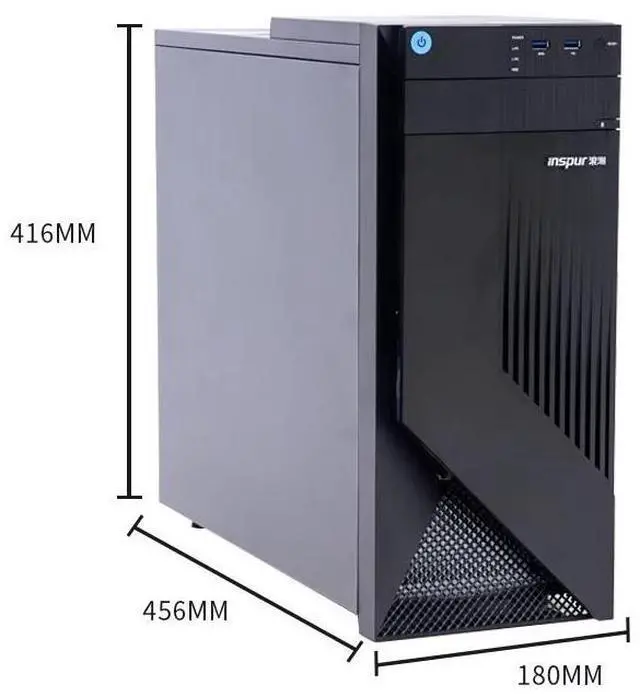
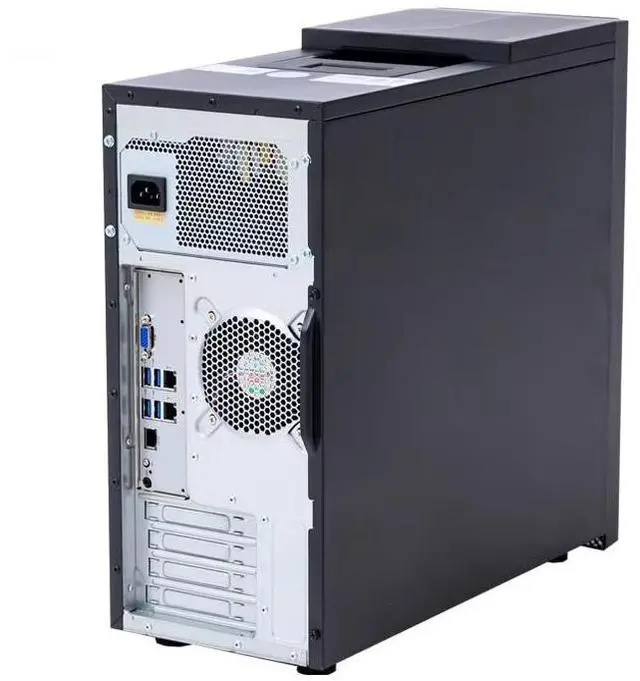
The Inspur NP3020M7 is a preconfigured entry server with an Intel E-2314 processor, 16GB DDR4-3200 memory, a 4TB SATA drive, and four Gigabit Ethernet ports, making it suitable for small businesses or branch offices that need basic file, network, or light infrastructure workloads in a compact, ready-to-deploy system.
| Attribute | Value |
|---|---|
| Best For | Rack-mounted, general-purpose server deployments and data center/server-room use where an AMD EYPC-based rack server platform is needed |
| Model Identifiers | Inspur PowerEdge NP3020M7 (model NP3020M7) |
| Processor And Platform | AMD EYPC processor with a Rack CPU socket, indicating a rack server platform |
Q: Should I choose this Inspur NP3020M7 with Xeon E-2314 or a 6-core Xeon E-2336 tower server?
A: Choose the Inspur NP3020M7 when your workload is a single small-business application stack, basic file sharing, backup, or a light domain/server role and you want an entry configuration with ECC memory support and 4TB of local capacity. Choose a 6-core Xeon E-2336 system when you expect more concurrent users, heavier multitasking, or multiple VMs. The main trade-off is CPU headroom: Xeon E-2314 is a 4-core, 4-thread part, while Xeon E-2336 moves to 6 cores and 12 threads, which is better aligned with virtualization and growth-oriented SMB deployments.
Q: Is this E-2314 configuration enough, or should I step up to an 8-core Xeon E-2378 system?
A: This E-2314 configuration is the better fit when you need a basic on-prem server for branch office tasks, file storage, backup, or one to two light infrastructure roles. Step up to an 8-core Xeon E-2378 system if you plan to run several VMs, heavier database work, or sustained multi-user workloads. The practical trade-off is that the E-2378 doubles core count and adds more thread capacity, while the E-2314 keeps platform cost and power needs closer to entry-server levels.
Q: How does this server compare with a previous-generation Xeon E-2200 tower server?
A: Choose this newer E-2314-based server when you want a more current entry-server platform with DDR4-3200 ECC memory support and the broader Xeon E-2300 platform improvements. A previous-generation Xeon E-2200 tower server can still make sense for replacement parity or compatibility with an older deployment, but it is typically the better choice only when pricing or existing spare parts matter more than platform freshness. The key trade-off is that E-2200 platforms generally top out at DDR4-2666, while E-2300 moves to DDR4-3200 and newer platform capabilities.
Q: Should I buy this 16GB and 4TB SATA version, or a similar server with more RAM and SSD storage?
A: Buy this 16GB and 4TB SATA version when your priority is low-cost capacity for file serving, backups, document storage, or a single light business application. Choose a higher-memory, SSD-based configuration when you need faster response times, more active users, or virtualization. The trade-off is straightforward: this version offers usable entry capacity out of the box, while RAM and SSD upgrades are the more important next step for transactional workloads and VM-heavy use than a larger hard drive alone.
Q: Who is this server suitable for?
A: This server is best suited for small-office infrastructure such as file sharing, basic application hosting, backup targets, and always-on network services. Its tower-style configuration, 16GB memory, 4TB SATA storage, and four Gigabit Ethernet ports make it more appropriate for office and light server workloads than for travel, personal productivity, or graphics-heavy tasks.
Q: Is this a good choice for office network and shared storage use?
A: Yes, for a small office it is a practical choice for wired network use and shared storage. The 4TB SATA drive provides usable capacity for documents and backups, while the four Gigabit Ethernet ports are useful when a business needs multiple wired network connections, segmentation, or dedicated links. The main trade-off is that a hard drive prioritizes capacity over SSD-level speed.
Q: Is 16GB RAM and a 4TB SATA drive enough for typical small-business server tasks?
A: For many entry-level server roles, yes. 16GB RAM is generally enough for basic file serving, print services, lightweight business apps, and centralized office storage. The 4TB SATA drive offers solid capacity, but because it is a mechanical drive, it will be slower than SSD-based storage for heavy multitasking, virtualization, or high-I/O workloads.
Q: Does the included DVD drive still matter for business use?
A: It can matter if your office still uses disc-based software, archived media, or recovery media. Many current desktop and tower products no longer include an internal optical drive, so having a DVDRW built in can be useful in older IT environments. If your workflow is fully cloud- and USB-based, it is a convenience feature rather than a buying priority.
Q: Is this a good fit for note-taking, meetings, or travel work?
A: No. This is a tower server, not a portable work device. It is intended to stay in a fixed location and support office infrastructure over a wired network. It can support business operations behind the scenes, but it is not the right form factor for meetings, handheld note-taking, or travel use.
Q: Is this Inspur NP3020M7 a good fit for a small business file server or basic office server?
A: Yes, it is a reasonable fit for light server duties such as file sharing, basic office applications, or a small Windows/Linux server for a few users. The listed hardware suggests an entry-level configuration: 16GB RAM, a single 4TB SATA drive, and 4-core Xeon-class positioning in the product title. The main limitation is that this setup looks better for simple workloads than for virtualization, databases, or heavier multi-user use.
Q: What are the main trade-offs of this configuration?
A: The biggest trade-off is capacity over speed and redundancy. A single 4TB SATA hard drive gives usable storage, but it is slower and less fault-tolerant than SSD or RAID-based storage. Another trade-off is memory headroom: 16GB is enough for basic server roles, but it can become limiting if you plan to run multiple services or virtual machines. This makes the system more suitable for straightforward workloads than for growth-heavy deployments.
Q: Is it worth buying if I want a server that will last as my business grows?
A: Only if your needs are modest and unlikely to expand quickly. Community discussions around small-business servers often emphasize avoiding undersized entry systems when future growth is expected. Based on the listed configuration, this model is better treated as a starter server for light workloads than as a long-term platform for expanding teams, heavier storage needs, or broad virtualization.
Q: Who is this server most suitable for?
A: It is most suitable for small offices, branch locations, or buyers who need a basic on-prem server with local storage and wired networking. The included 4-port Gigabit Ethernet can be useful where multiple network connections or segmentation are needed. It is less suitable for buyers who need high availability, dense virtualization, or fast transactional storage out of the box.


