




 here!
I’m your shopping assistant for PC builds, upgrades, and everything tech.
Got questions? Ask away!
Start a conversation
here!
I’m your shopping assistant for PC builds, upgrades, and everything tech.
Got questions? Ask away!
Start a conversation




Any questions? Ask CelesteSM will help you find out quickly.
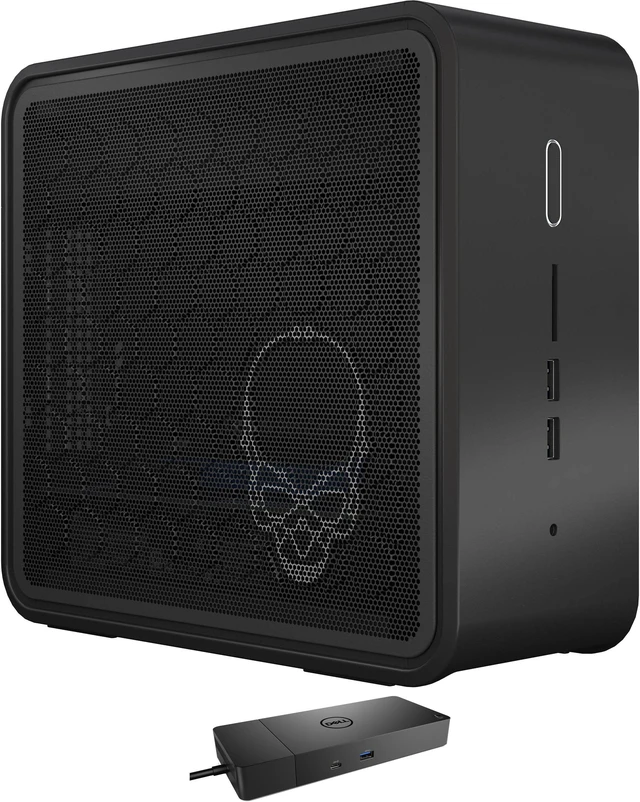
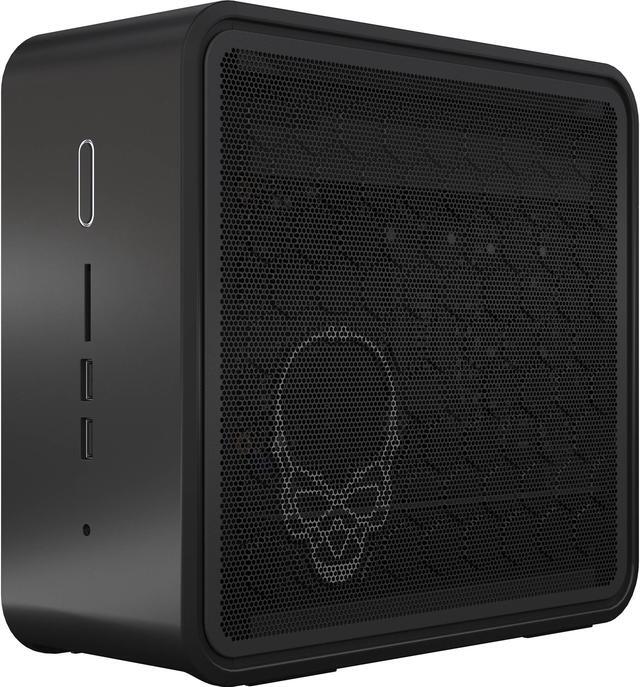
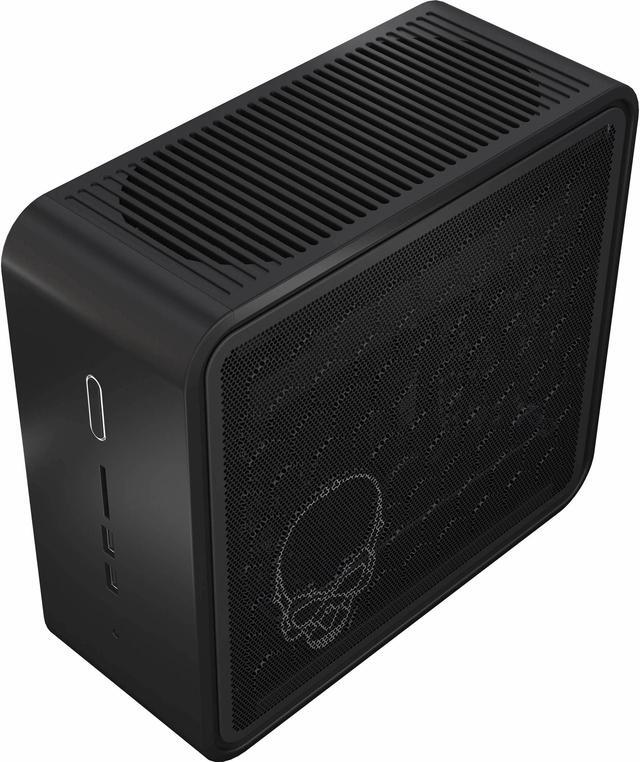
The Intel NUC BXNUC9i5QNX1 is a mini desktop with a 9th Gen Core i5 processor, 16GB RAM, and 2TB of usable RAID 1 SSD storage, bundled with a Dell WD19S dock. It suits home and office users who want a compact Windows PC with wired and wireless connectivity for everyday productivity.
| Attribute | Value |
|---|---|
| Best For | Home and business desktop use in a compact mini PC form factor, with an Intel Core i5 processor and 16GB of memory |
| Processor And Core Count | 9th Gen Intel Core i5 with a quad-core processor and 8MB L3 cache |
| Graphics | Integrated Intel UHD Graphics 630 |
| Memory | 16GB DDR4 |
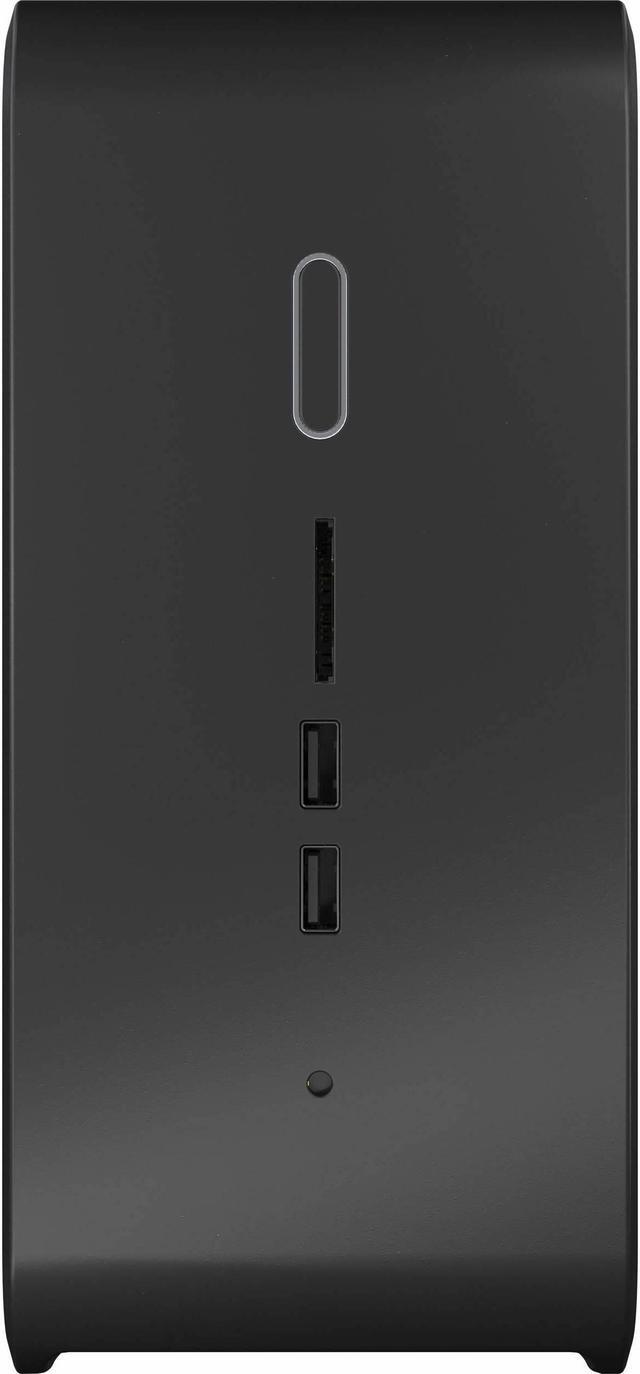
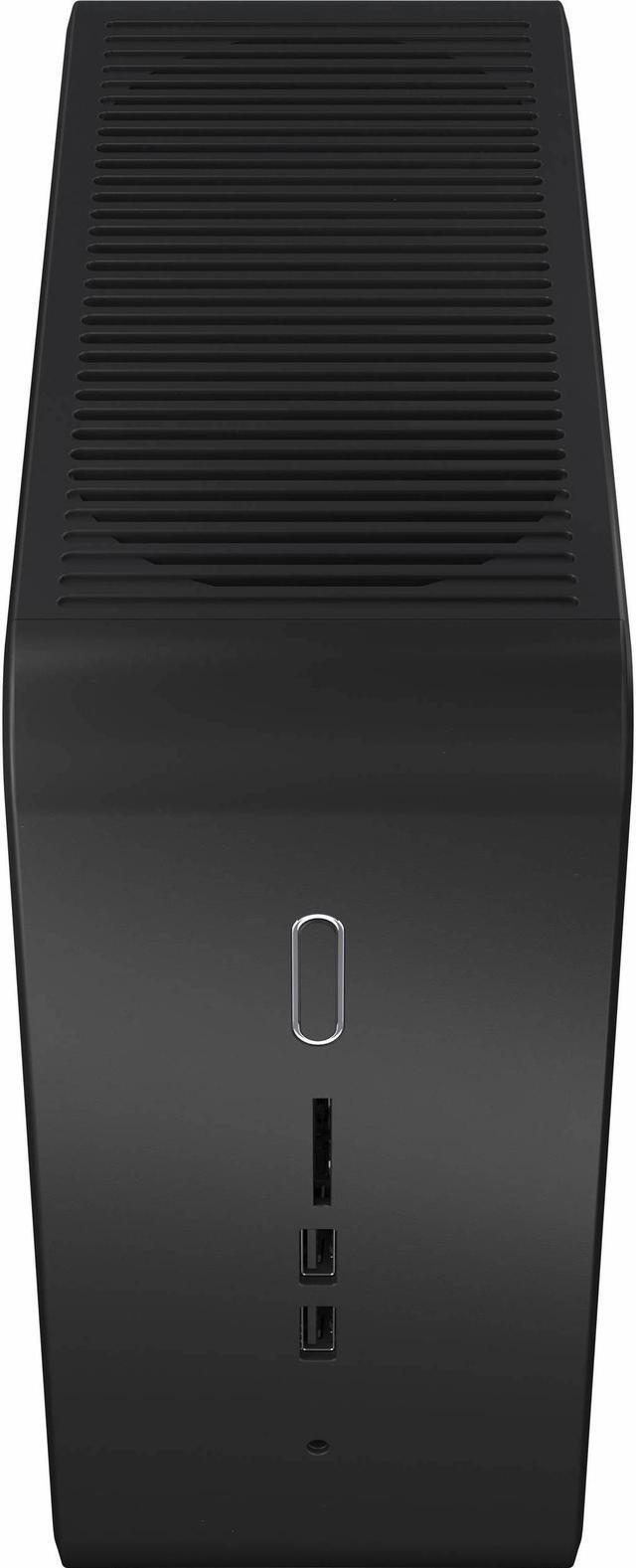
| Storage And Expansion | 2TB SSD, no HDD, and no optical drive; card reader included |
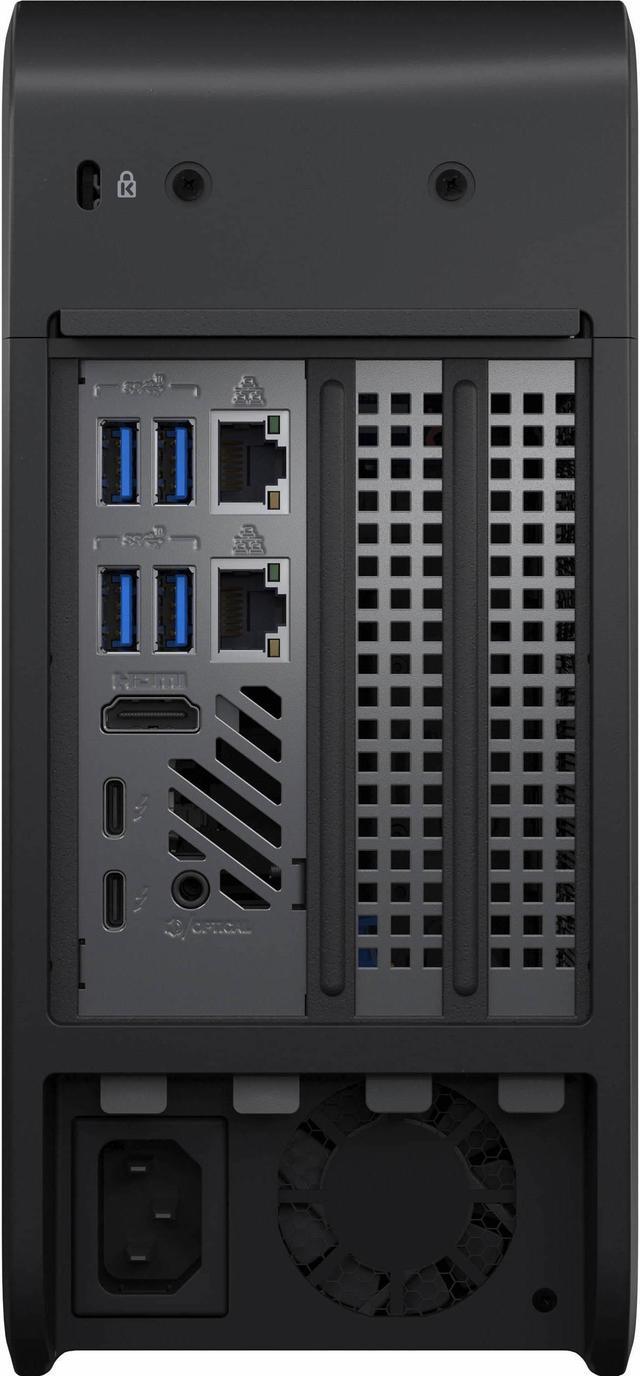
| Networking And Connectivity | Wi-Fi 6 AX200, Bluetooth 5.2, and one 1Gbps RJ-45 port |
| Power | 500W power supply |
| Operating System | Windows 10 Home |
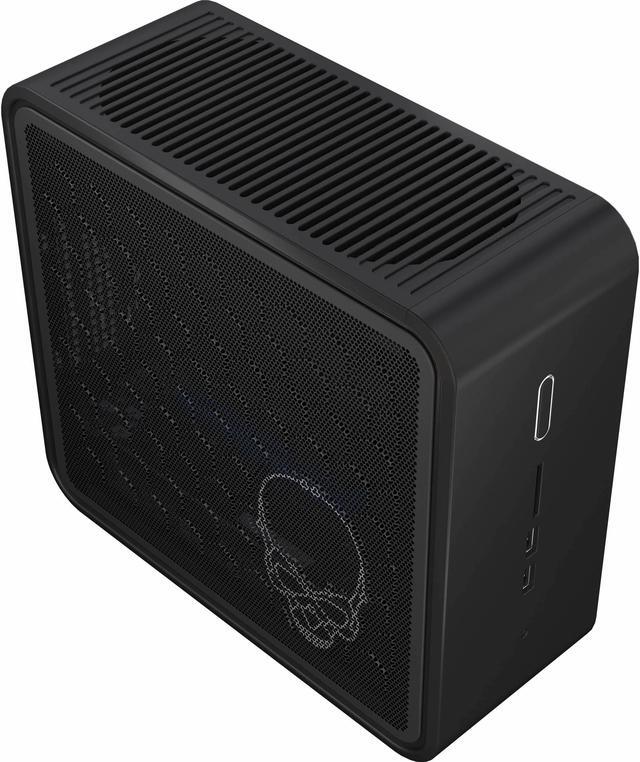
| Form Factor And Display | Black mini PC; no screen or monitor included |
| Model Identifiers | Intel NUC BXNUC9i5QNX1 |
Q: Should I choose this NUC 9 i5 or the NUC 9 i7?
A: Choose this NUC 9 i5 bundle if its 16GB RAM, 2TB RAID 1 storage, and included dock match your setup. Choose the NUC9i7QNX for a six-core, 12-thread Core i7-9750H instead of this model’s four-core, eight-thread Core i5-9300H—a processor tier suited to heavier parallel workloads. The core and thread counts are Intel’s published specifications.
Q: How does this NUC 9 i5 compare with the NUC 9 i9?
A: This NUC 9 i5 pairs a four-core, eight-thread Core i5-9300H with a ready-to-use 16GB RAM and 2TB RAID 1 storage bundle. The NUC9i9QNX steps up to an eight-core, 16-thread Core i9-9980HK, making it the higher processor tier for workloads that can use more cores and threads. Choose between them based on whether the included configuration or the higher-core-count processor better fits your needs.
Q: Should I get this NUC 9 Extreme or the NUC 9 Pro i7?
A: Choose this NUC 9 Extreme bundle for its listed 16GB RAM, 2TB RAID 1 storage, and included dock. Choose the NUC9V7QNX Pro when Intel vPro support is a priority for business management; Intel lists that model with a six-core Core i7-9850H and vPro. Both are compact NUC 9 systems, with the Pro model aimed at business features and this listing centered on its bundled configuration.
Q: Is this mini desktop suitable for everyday office work?
A: Yes. The four-core Intel Core i5-9300H, 16GB of RAM, and 2TB of usable SSD storage suit typical office tasks such as email, documents, web browsing, and routine multitasking. It is a desktop, so you will need a separate monitor, keyboard, and mouse.
Q: Can I use it for video meetings?
A: Yes, but it has no built-in webcam. Add an external webcam, and use a compatible headset or the system’s headphone/microphone combo jack for audio as needed.
Q: Does it include a monitor?
A: No. The monitor is not included. Connect a separate display using HDMI or a compatible Thunderbolt 3 port.
Q: Is it practical as a travel work computer?
A: It is compact and can be moved between workspaces, but it is not a self-contained travel computer: it has no built-in screen or battery. You will need power, a display, and peripherals wherever you use it.
Q: Is it a good choice for gaming?
A: As configured, it uses integrated Intel UHD Graphics 630 and does not include a dedicated graphics card, so it is better suited to lighter graphics workloads than demanding games. The listing mentions Thunderbolt 3, but it does not establish support or performance for a particular graphics upgrade.
Q: Is this NUC suitable for work and gaming?
A: It should suit everyday office work and multitasking with its Core i5-9300H and 16GB RAM. As listed, it has only Intel UHD 630 integrated graphics and no specified discrete GPU, so it is not a strong choice for graphics-intensive gaming.
Q: Can I add a dedicated graphics card?
A: This listing specifies integrated UHD 630 graphics and does not list a dedicated card. Reddit discussion of the NUC9i5QNX includes a user's graphics-card detection and troubleshooting problems, so verify card compatibility and setup requirements rather than assuming an upgrade will work without issues.
Q: Can this NUC be used for multi-camera livestreaming?
A: A YouTube video features the NUC9i5QNX in a four-camera livestream build. This listing includes a Core i5-9300H and 16GB RAM, but no webcam or capture equipment is specified, so check what additional hardware the setup requires.


