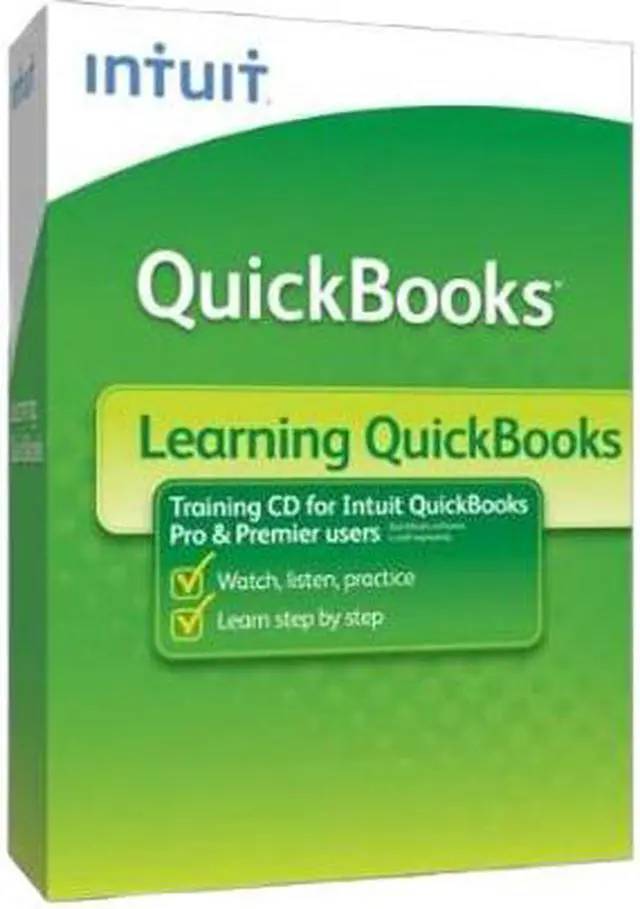
| Feature | Become a Confident QuickBooks User
Learn accounting fundamentals
Know performed tasks and why they're important
Avoid the most common mistakes
Duration: 3 total hours of training Includes: 1 CD
Designed for New QuickBooks Users Running:
QuickBooks Pro 2011
QuickBooks Premier 2011 (all versions)
With Learning QuickBooks, you'll gain a firm grasp on these important concepts and tasks:
An overview of bookkeeping basics
Orientation to QuickBooks
Why good accounting is crucial to your business
How to set-up your data in QuickBooks and get started the right way
Essential QuickBooks tasks, like invoicing, receiving payments, and paying bills
Guidance on early key decisions
Introduction to financial statements
Setting up your chart of accounts
Using QuickBooks for billing customers
Receiving payments and making deposits
Monitoring customer payment status
Entering and paying bills
Writing and voiding checks
Reconciling bank accounts
Backing up your QuickBooks data
When to consult your accountant
Shortcuts, tips and tricks for working faster in QuickBooks
Interpreting reports
Analyzing trends |
|---|