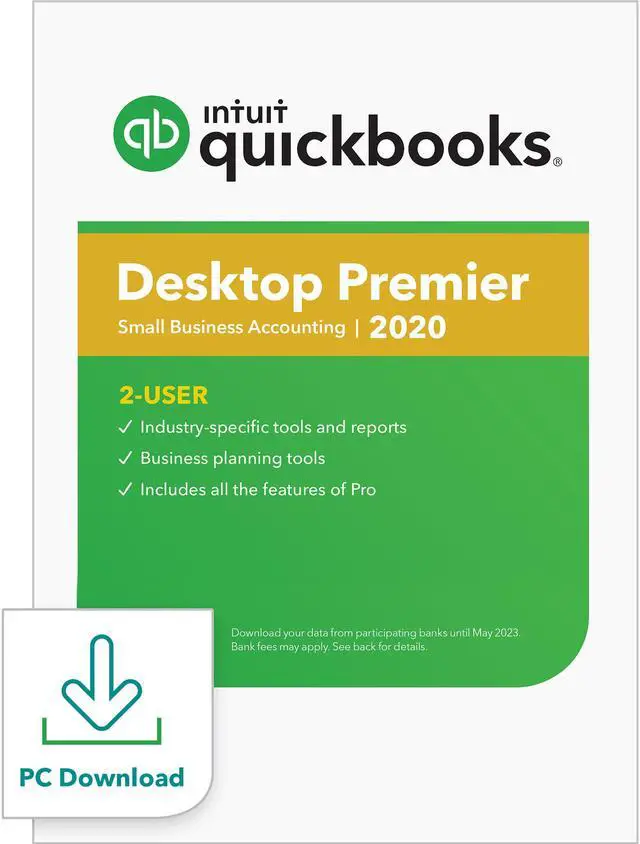
Learn more about the QuickBooks Desktop Premier 2020, 2 User - Download
Disclaimer
Disclaimer
1 Transfer data from Quicken 2016-2019, QuickBooks Mac 2016-2020 and Microsoft Excel 2010 SP2, 2013, 2016, Office 365 (32 and 64 bit)
2 Download your data from participating banks until May 2023. Online services vary by participating financial institutions or other parties and may be subject to application approval, additional terms, conditions and fees.
3 If you are not completely satisfied with your purchase, we'll give you your money back. Simply return the product to Intuit with a dated receipt within 60 days for a full refund of the purchase price.
4 Combining emails with QuickBooks Payment links are scheduled to become available by early 2020.
Terms, conditions, pricing, features, service and support options are subject to change without notice.
Model
Brand
Intuit
Model
607068
Details
Name
QuickBooks Desktop Premier 2020, 2 User - Download
Model
Type
Accounting
Details
Packaging
Download
Version
Premier
Operating Systems Supported
Windows
System Requirements
Windows 8.1 Update 1, or Windows 10 update/version supported by Microsoft Windows Server 2008 R2 SP1, 2012 (or R2), 2016 or 2019 2.4 GHz processor 4 GB of RAM (8 GB recommended) 2.5 GB disk space recommended (additional space required for data files) 4x DVD-ROM drive (unless user is downloading from Intuit server) Payroll and online features require Internet access (1 Mbps recommended speed) Product registration required Optimized for 1280x1024 screen resolution or higher. Supports one Workstation Monitor, plus up to 2 extended monitors. Optimized for Default DPI settings.
Features
Feature
Get all QuickBooks Pro Desktop features, plus industry-specific tools and reports Import your data from a spreadsheet Create professional estimates and invoices Download your bank transactions
Features: NEW! Get paid faster by automatically reminding customers when payments are due NEW! Facilitate quicker payments by enabling customers to easily search for invoice emails by PO numbers NEW! Simplify customer payment processing by consolidating multiple invoices into just one email NEW! Save time with improved navigation through reports with jobs & classes Improve cash flow by giving customers increased visibility of their full balance owed
Features specific to Premier QuickBooks Premier includes all QuickBooks Pro features plus tools tailored to your industry: Uncover business insights with industry-specific reports Create sales orders and track backorders Track costs for assembled products and inventory Set product/service prices by customer type Customize your inventory reports to get the right information for your business
Premier specific industries: Contractors: job costs detail, unpaid bills by job Nonprofits: biggest donors and grants, budget vs. actual by programs Professional Services: unbilled expenses, billed vs. proposal by project Manufacturing & Wholesale: sales volume by customer, profitability by product Retailers: purchase volume by vendor, sales tax liability

 Holiday Shipping Details & Extended Holiday Returns
