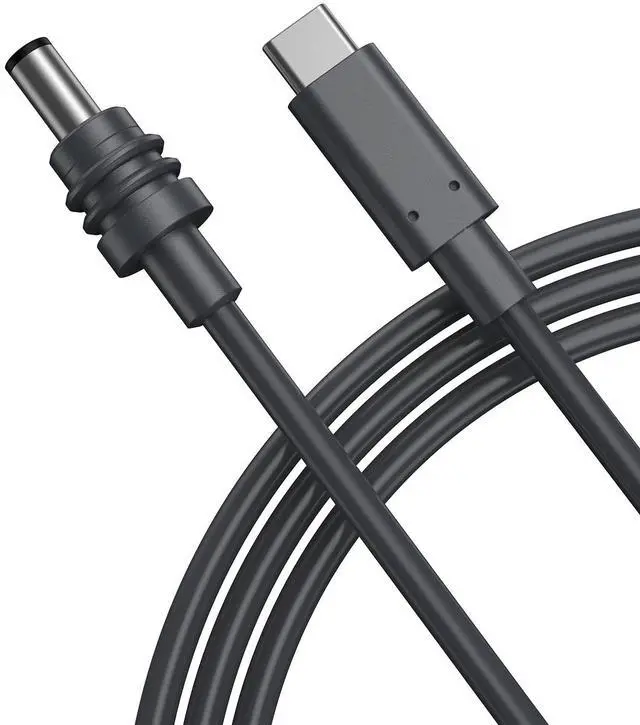
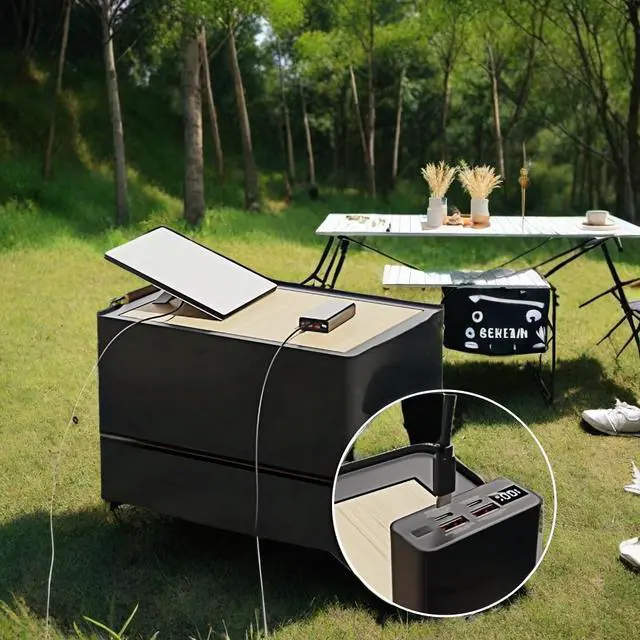
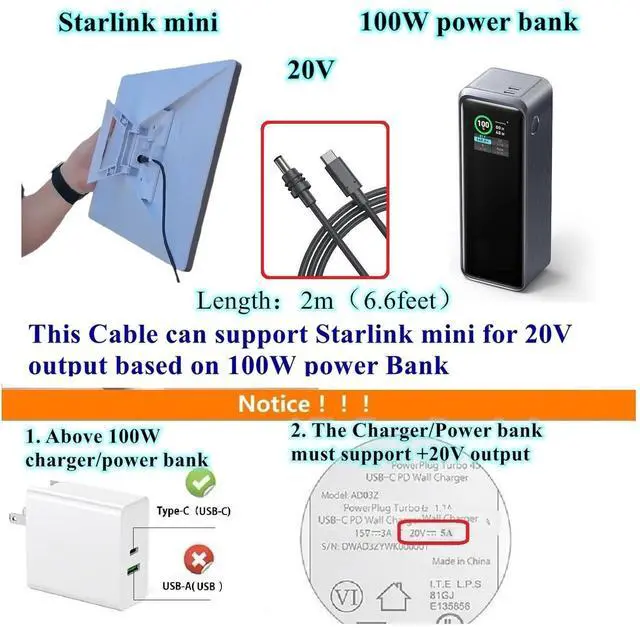
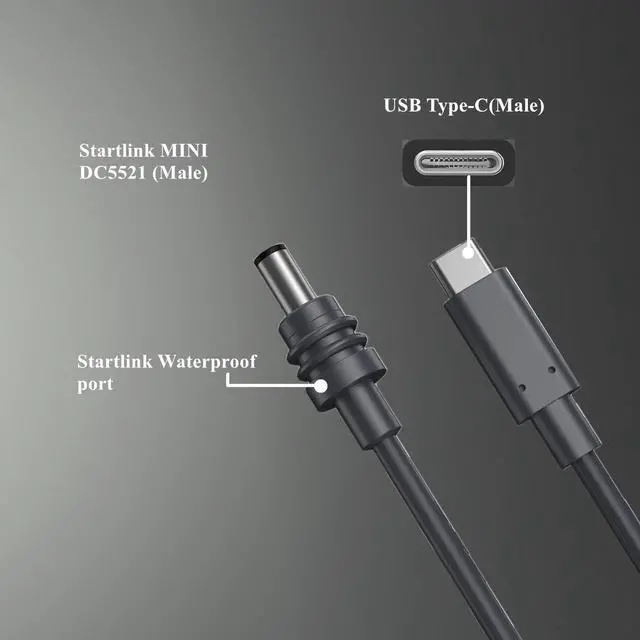
USB C to DC Waterproof cable for starlink mini: 6.6 Feet usb c to barrel jack connector 20V cable, Built-in a PD smart chip, it can convert the PD Charger into DC 20V. It supports 20V 5A Max for for Starlink mini.
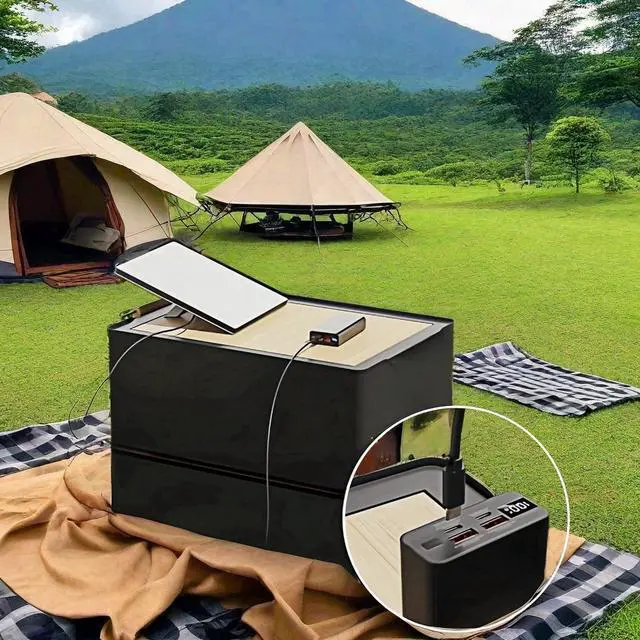
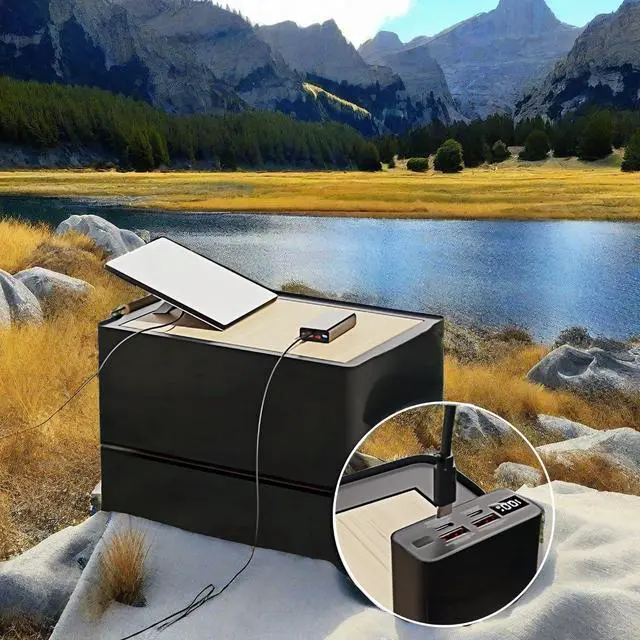
Convenient: This PD USB-C to DC Power Convertor cable allows you to get rid of heavy UPS 110V. You can carry it in pocket lightly in your office/studio/travel. Fit for Starlink mini with 100W or over 100W PD power bank and PD charger.
How to use: If your equipment power Jack is DC 5.5 x 2.1mm with 20V Neededyou can use this cable with a PD Charger or PD Power bank to power your equipment. The Cable can be used provide power for Asus laptop, LED strip, loud speaker box, AMP, PCBA, ROBOT and so on.
PD Device Requirement: This Cable is just a conversion device,you need to provide correct PD power Adapter or PD Power Bank which support 20V output.Please note the Type-C charger power must be over than the output end power.The Power Bank should support 20V output.
Remind: 1. This Cable Can work for Starlink mini with 100W or over 100W PD Power Bank. 2. This cable is 20V output, please check the product voltage whether match 20V input, and check whether your PD charger or PD power bank support 20V output.
+
+
Overview
Specs
Reviews
Any questions? Our AI beta will help you find out quickly.
Try me now
Cable
Learn more about the Generic Brand JLCB0035
Model
Brand
IOGEAR
Model
JLCB0035
Type
USB
Connector Type
USB C
Color
Blue
Details
Cable Length
6 ft.
Length
< 6 ft.
Connector Number
16
Terminal Gender
Male to Male
Apple Compatible
Lightning connector
Standards
Conductor
Copper Conductor
Details
Specifications
JLCB0035, USB Type C, Male-to-Male, 6.6, feet, 20 volts
Features
Features
false, USB Type C, Male-to-Male
Disclaimer
Disclaimer
Weatherproof
Details
Sports Team
1 Piece
Plug Standards
Electrical Outlet Plug Type
Plug Type “C” (China, Ireland, Greece, Spain)
Additional Information
First Listed on Newegg
April 13, 2026
Customer Reviews of the Generic Brand JLCB0035
There are no reviews yet.
Do you own this product?
Warranty & Returns
Warranty, Returns, And Additional Information
Warranty
Please contact the Seller directly for warranty information. Warranty information may also be found on the Manufacturer's website.