



• $35.97
  • Price alert
    Shop it at NeweggBusiness.

    Meet Your Seller

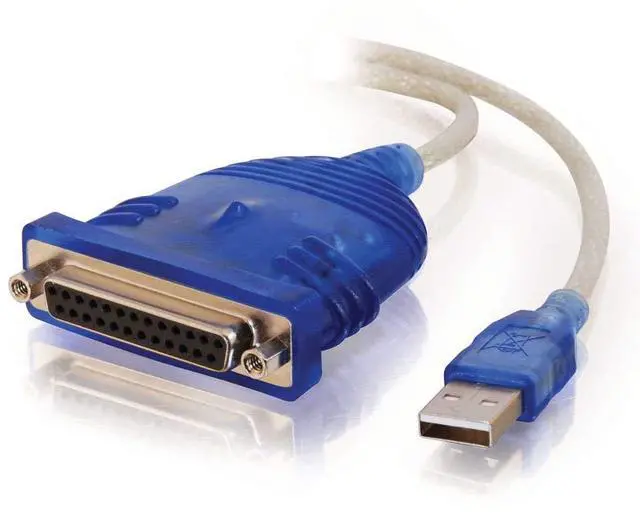
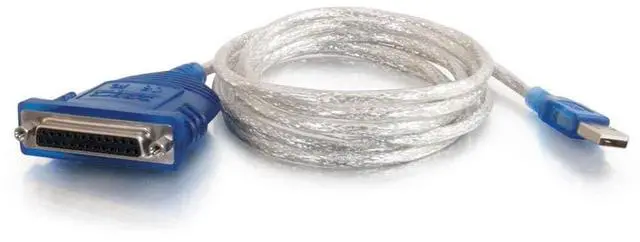
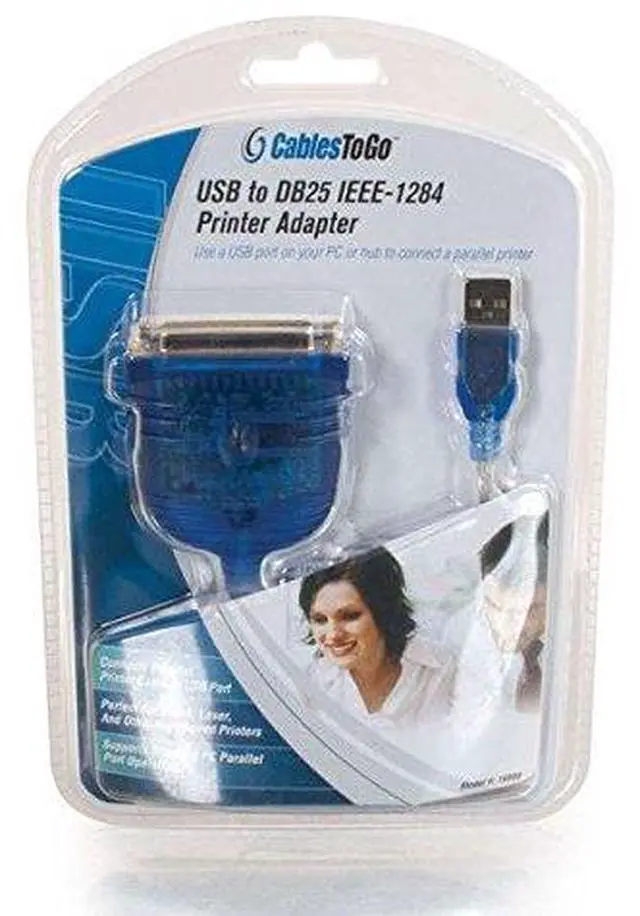
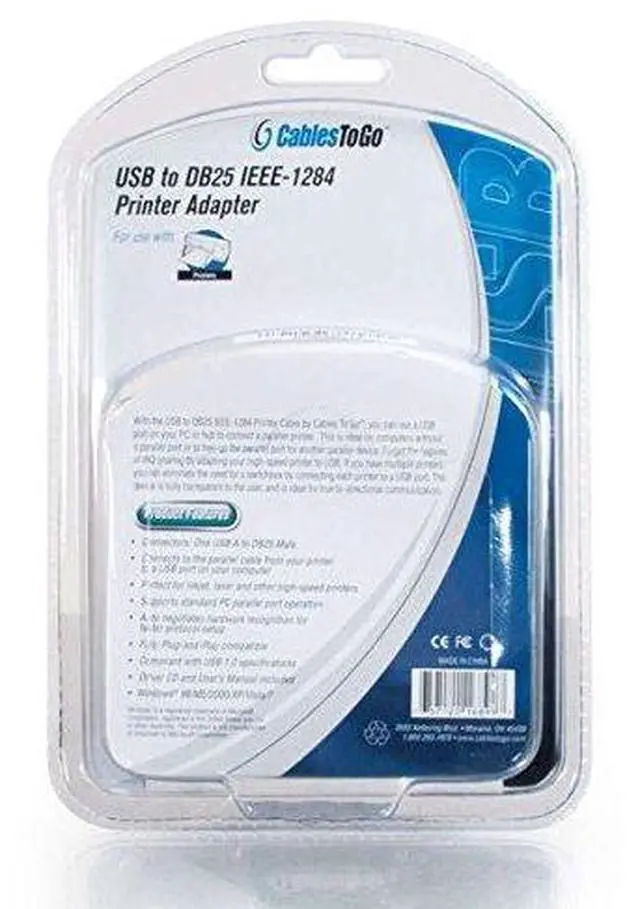
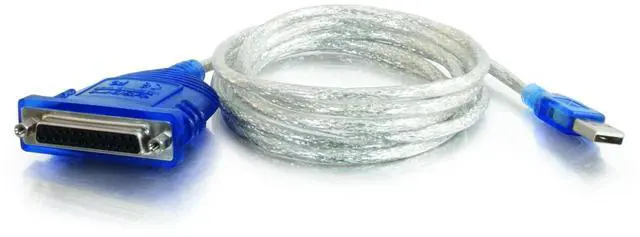
    16899 USB To DB25 Parallel Printer Adapter Cable, Beige (6 Feet, 1.82 Meters)

    • Connect your Parallel, IEEE-1284, printer to a USB port on your PC or hub
    • Keeps the parallel port on a PC free by using USB instead
    • Connect multiple printers using USB instead of parallel
    • Eliminates the need for a switchbox by using USB ports
    • Package Contents: One adapter cable, User manual
    • Note: This adapter is designed for use with a standard Parallel printer and is not designed to support multi-function printers or other parallel devices. This adapter uses the USB Printing Support function of the operating system and is not designed to create a LPT port
    +
    +
    Overview
    Specs
    Reviews
    avatar

    Any questions? Our AI beta will help you find out quickly.

    https://m.media-amazon.com/images/S/aplus-media/vc/c115c127-bfb4-44a9-9676-d0170e33fb1f._SR970,300_.png
    https://m.media-amazon.com/images/S/aplus-media/vc/4d41fb2d-f35b-41b2-a64e-7ba1b09cc5f0._SL300__.jpg

    6FT USB To DB25 Parallel Printer Adapter Cable

    Connect your Parallel, IEEE-1284, printer to a USB port on your PC or hub

    Use this adapter cable to connect your inkjet, laser or high speed printer to a computer without a parallel port.

    Forget the hassles of IRQ sharing by adapting your printer to USB.

    If you have multiple printers, you can eliminate the need for a switchbox by connecting each printer to a USB port.

    The device is fully transparent to the user and is ideal for true bi-directional communication.

    This adapter auto-negotiates hardware recognition for faster protocol setup, and is fully plug-and-play compatible.

    • Connector 1 : (1) USB-A Male
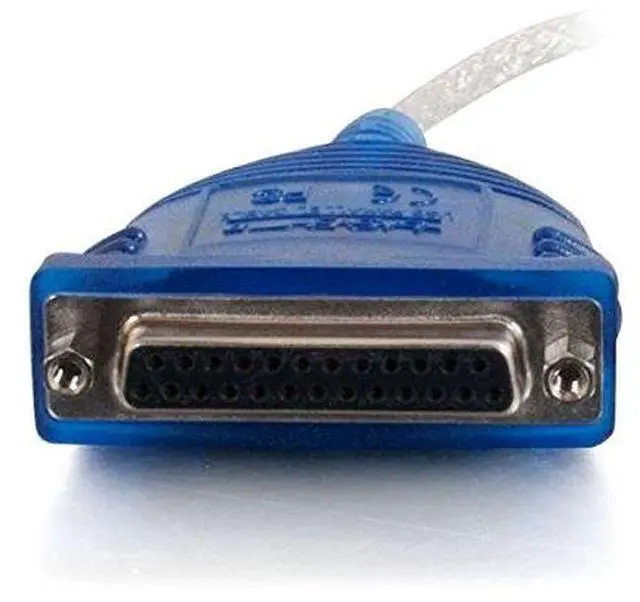
    • Connector 2 : (1) DB25 Female

    https://m.media-amazon.com/images/S/aplus-media/vc/c8a143f1-5d30-4891-a6d7-11e13d43638b._SL300__.jpg

    Keeps the parallel port on a PC free by using USB instead

    https://m.media-amazon.com/images/S/aplus-media/vc/fd3d148d-d317-480a-95a0-0eaf7dfe562a._SL300__.jpg

    Connect multiple printers using USB instead of parallel

    https://m.media-amazon.com/images/S/aplus-media/vc/e1672e97-5869-4638-8b53-6f10d883d6c8._SL300__.jpg

    Eliminates the need for a switchbox by using USB ports

    https://m.media-amazon.com/images/S/aplus-media/vc/cd073f74-885e-427a-abd4-c55b227ad230._SR970,300_.png
    https://m.media-amazon.com/images/S/aplus-media/vc/c115c127-bfb4-44a9-9676-d0170e33fb1f._SR970,300_.png
    https://m.media-amazon.com/images/S/aplus-media/vc/4d41fb2d-f35b-41b2-a64e-7ba1b09cc5f0._SL300__.jpg

    6FT USB To DB25 Parallel Printer Adapter Cable

    Connect your Parallel, IEEE-1284, printer to a USB port on your PC or hub

    Use this adapter cable to connect your inkjet, laser or high speed printer to a computer without a parallel port.

    Forget the hassles of IRQ sharing by adapting your printer to USB.

    If you have multiple printers, you can eliminate the need for a switchbox by connecting each printer to a USB port.

    The device is fully transparent to the user and is ideal for true bi-directional communication.

    This adapter auto-negotiates hardware recognition for faster protocol setup, and is fully plug-and-play compatible.

    • Connector 1 : (1) USB-A Male
    • Connector 2 : (1) DB25 Female

    https://m.media-amazon.com/images/S/aplus-media/vc/c8a143f1-5d30-4891-a6d7-11e13d43638b._SL300__.jpg

    Keeps the parallel port on a PC free by using USB instead

    https://m.media-amazon.com/images/S/aplus-media/vc/fd3d148d-d317-480a-95a0-0eaf7dfe562a._SL300__.jpg

    Connect multiple printers using USB instead of parallel

    https://m.media-amazon.com/images/S/aplus-media/vc/e1672e97-5869-4638-8b53-6f10d883d6c8._SL300__.jpg

    Eliminates the need for a switchbox by using USB ports

    https://m.media-amazon.com/images/S/aplus-media/vc/cd073f74-885e-427a-abd4-c55b227ad230._SR970,300_.png
    16899 USB To DB25 Parallel Printer Adapter Cable, Beige (6 Feet, 1.82 Meters)

    Warranty & Returns

    Warranty, Returns, And Additional Information

    Warranty

    • Please contact the Seller directly for warranty information. Warranty information may also be found on the Manufacturer's website.
    • CONTACT

    Return Policies

    Manufacturer Contact Info

    LOADING...