


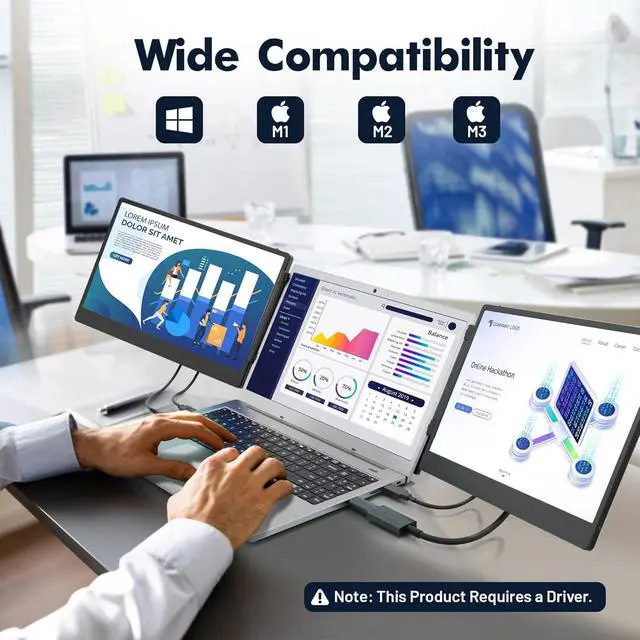


How to connect M1/M2/M3 MacBook to triple portable monitor?

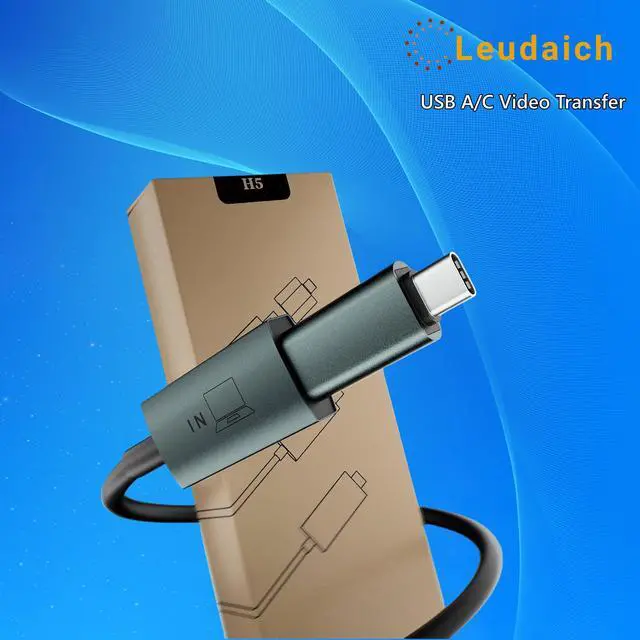
I connected to "H5", but the screen is still black. What should I do?
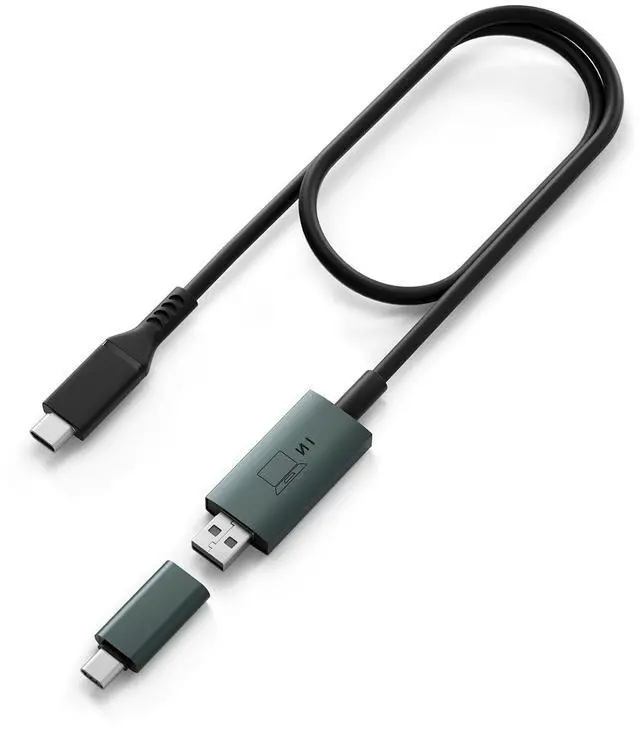
When you connect H5, it is only connected to your laptop as a video transmission method. You need a power supply to power the screen. You can connect a "USB-A" to the screen through your laptop, or use a charger head below 50W to charge the screen.
What should I do if the screen is not working (only blue) when I connect it to "H5" and "USB-A"?
You can find a newly read "USB display" driver on your laptop disk page. When you install it on your laptop, the screen will work.
How to connect M1/M2/M3 MacBook to triple portable monitor?

I connected to "H5", but the screen is still black. What should I do?
When you connect H5, it is only connected to your laptop as a video transmission method. You need a power supply to power the screen. You can connect a "USB-A" to the screen through your laptop, or use a charger head below 50W to charge the screen.
What should I do if the screen is not working (only blue) when I connect it to "H5" and "USB-A"?
You can find a newly read "USB display" driver on your laptop disk page. When you install it on your laptop, the screen will work.