






Troubleshooting Step:
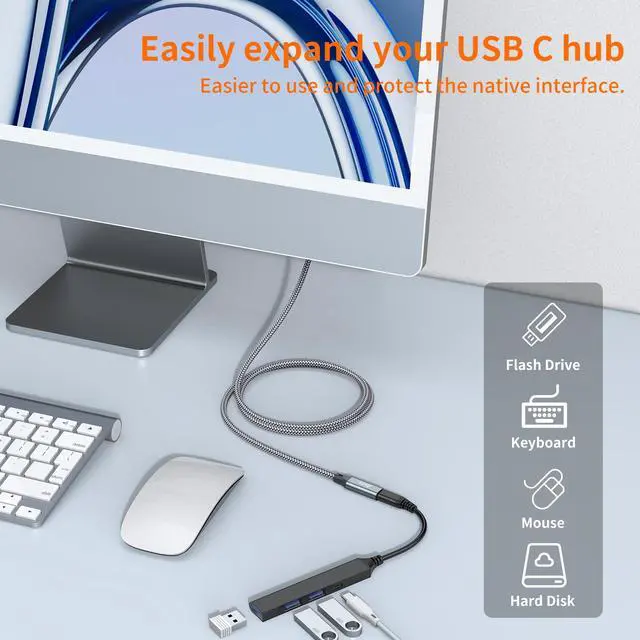
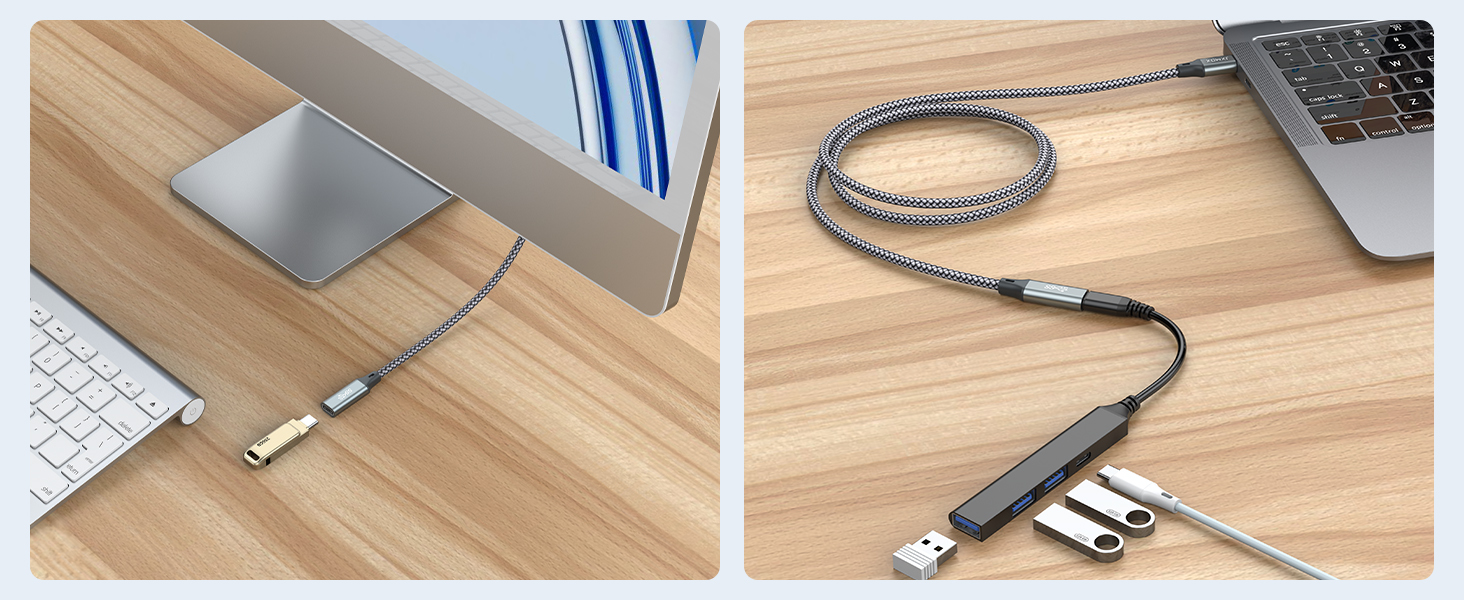
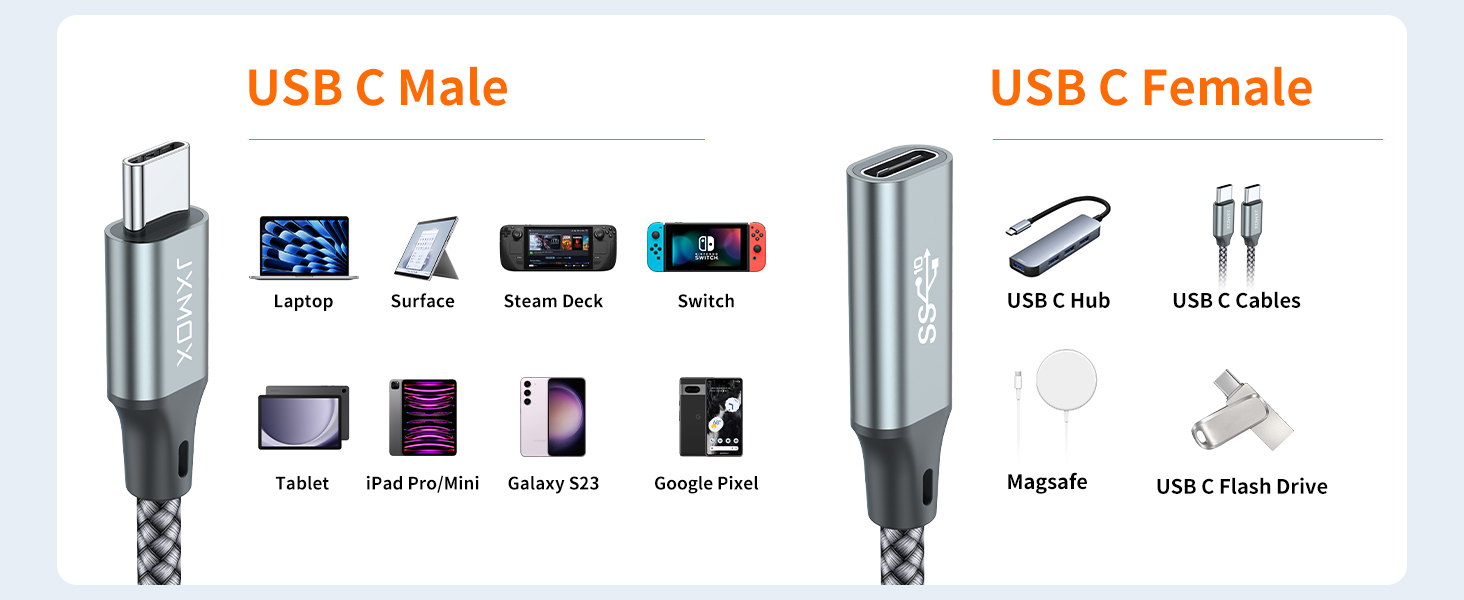
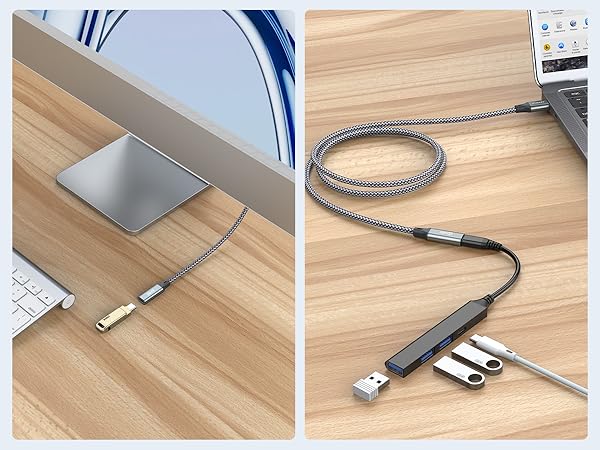
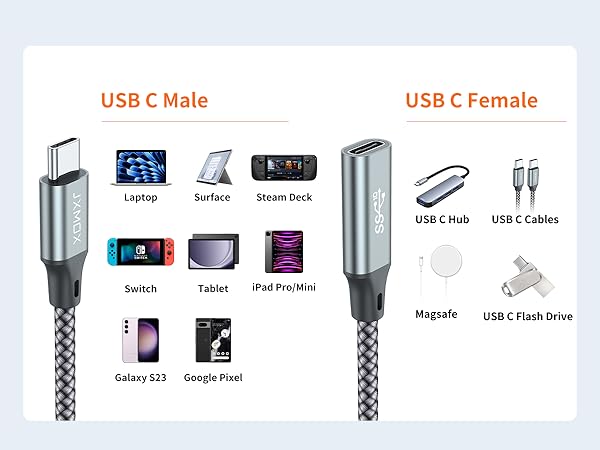
- We don‘t recommend using our extension cable to connect multi-interface hubs as it may cause incompatibility or failure to work.
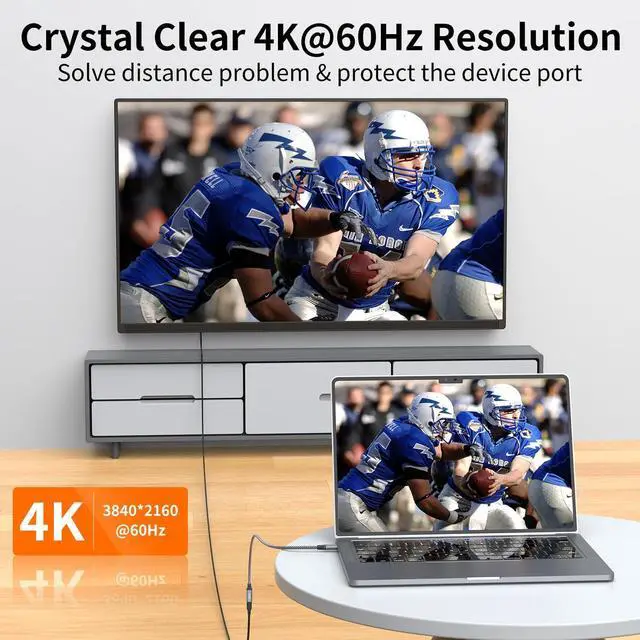
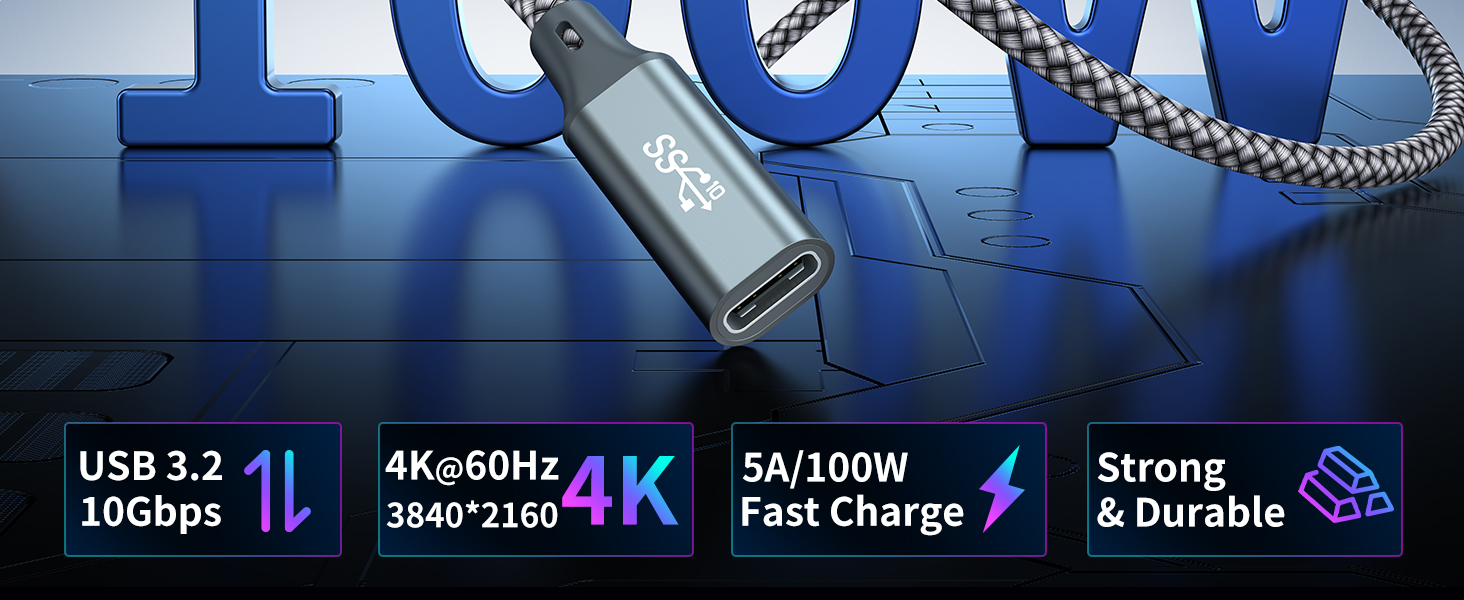
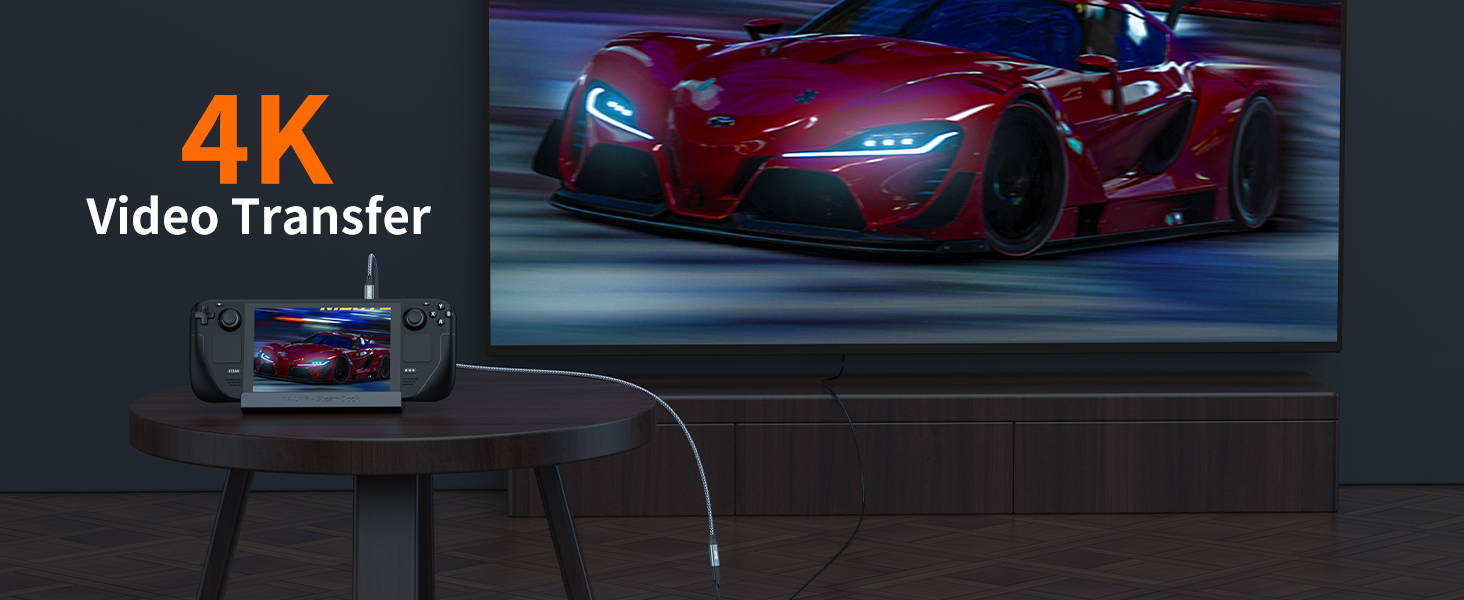
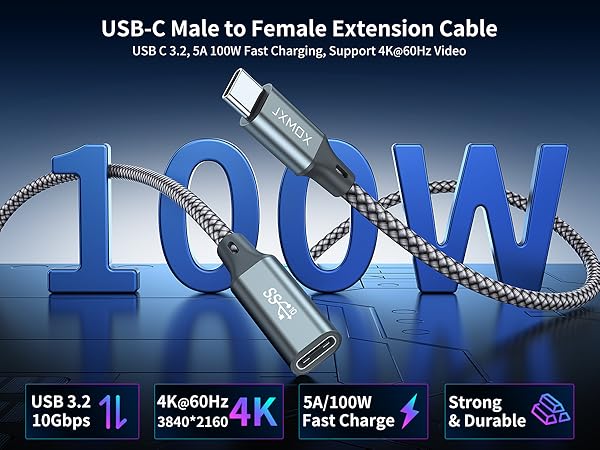
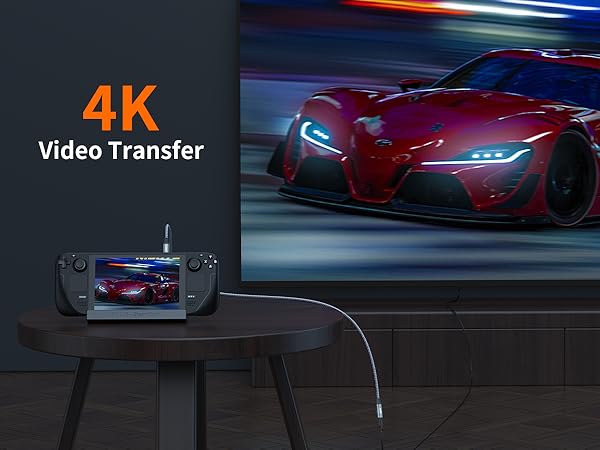
- Video transmission will be unstable due to video signal attenuation from the connector. We suggest a total length within 10ft for both your usb c HDMI cable and this extension cable to achieve best charging and 4k video performance. If it exceeds 3 meters, instability or inability to use may occur.
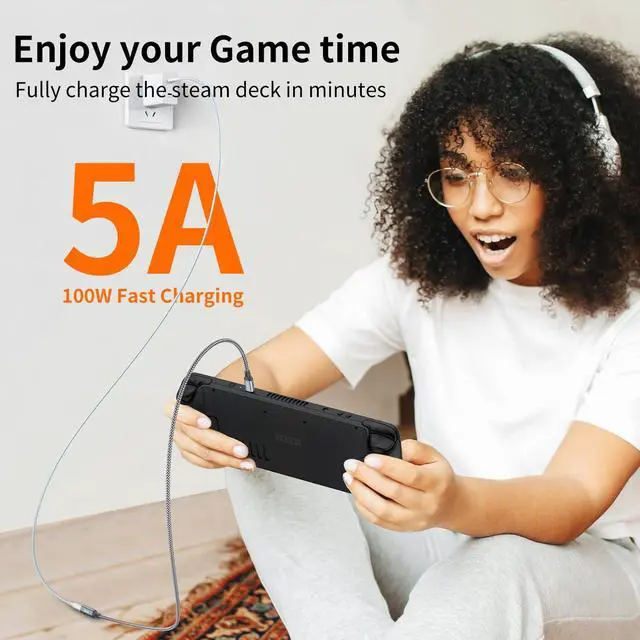
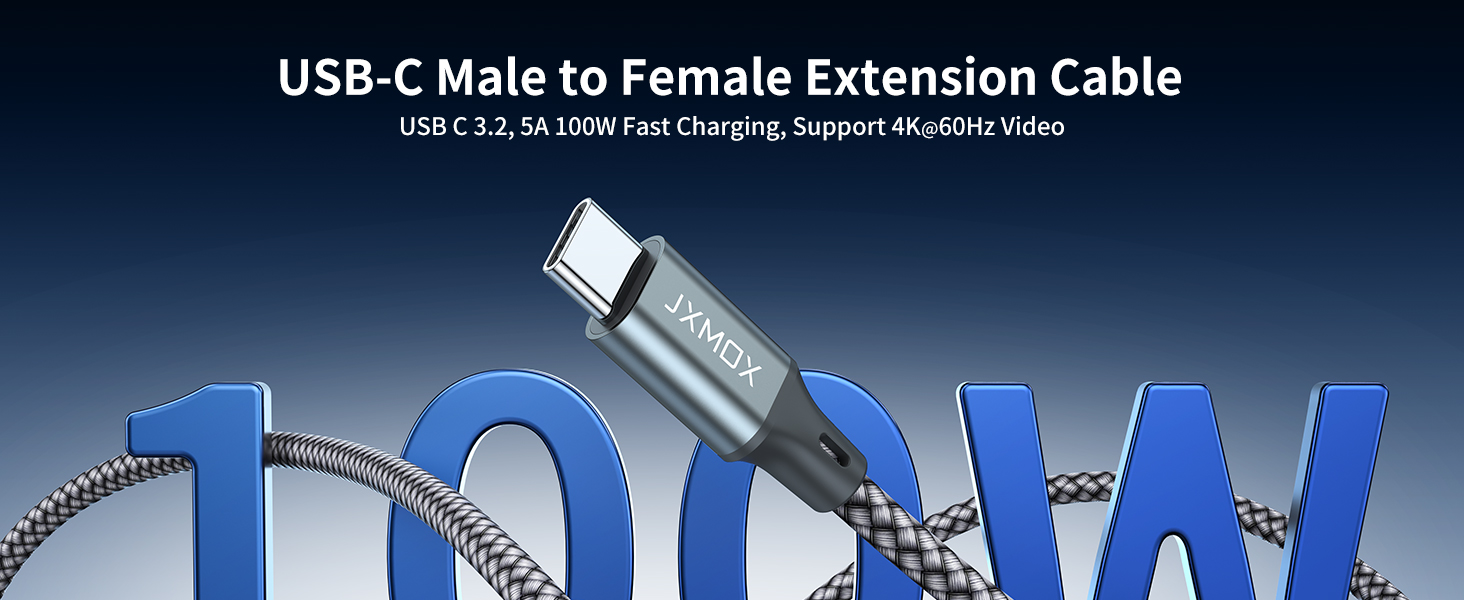
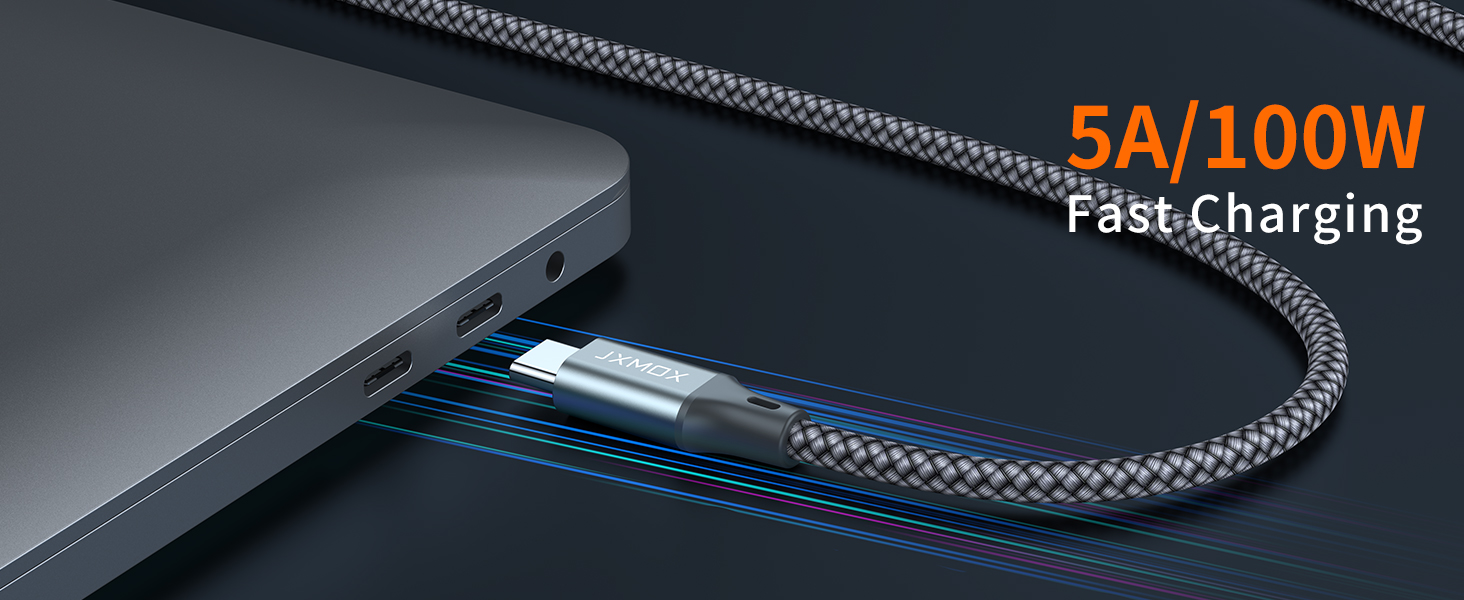
- Our extension cable is the charging speed of PD 120W . If you uses a low wattage charging cable, the charging speed will decrease.
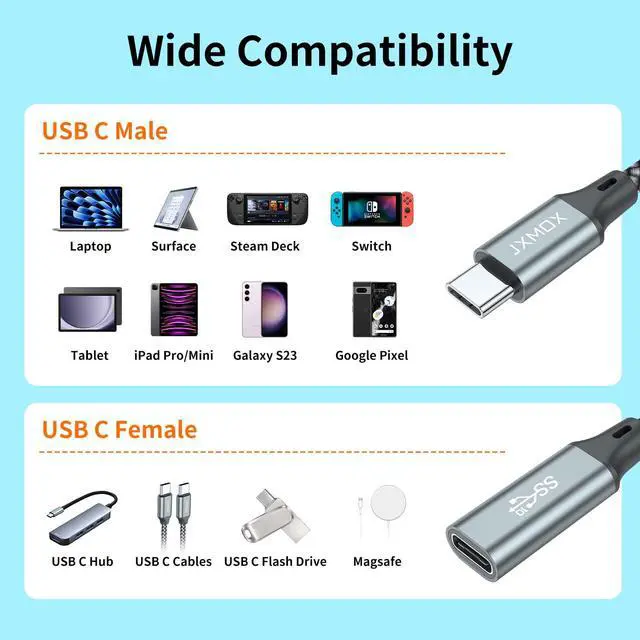
- Our extension cable incompatible All Dell Thunderbolt Dock / Hub / Base, e.g. Dell Business Thunderbolt Dock TB16 with 240W Adapter.
- Our product can charge iPad, but it can't be used to connect USB C to 3.5mm audio cable for iPad.
- We don't recommend using the device while charging, as it will easily generate heat, or the interface will shake loose during use, which will affect the normal charging.
- If there is the problem when connected with your mouse, keyboard or printer (USB 2.0 devices), please reverse the female connector (receptacle) of the usb c extension cable.

Troubleshooting Step:
- We don‘t recommend using our extension cable to connect multi-interface hubs as it may cause incompatibility or failure to work.
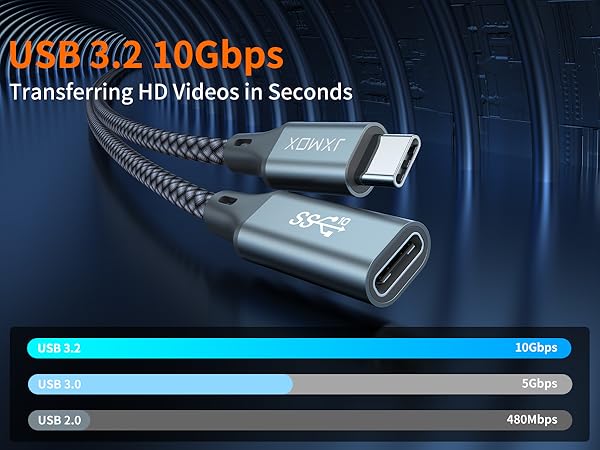
- Video transmission will be unstable due to video signal attenuation from the connector. We suggest a total length within 10ft for both your usb c HDMI cable and this extension cable to achieve best charging and 4k video performance. If it exceeds 3 meters, instability or inability to use may occur.
- Our extension cable is the charging speed of PD 120W . If you uses a low wattage charging cable, the charging speed will decrease.
- Our extension cable incompatible All Dell Thunderbolt Dock / Hub / Base, e.g. Dell Business Thunderbolt Dock TB16 with 240W Adapter.
- Our product can charge iPad, but it can't be used to connect USB C to 3.5mm audio cable for iPad.
- We don't recommend using the device while charging, as it will easily generate heat, or the interface will shake loose during use, which will affect the normal charging.
- If there is the problem when connected with your mouse, keyboard or printer (USB 2.0 devices), please reverse the female connector (receptacle) of the usb c extension cable.