




 here!
here!
I’m your shopping assistant for PC builds, upgrades, and everything tech.
Got questions? Ask away!
Start a conversation
here!
I’m your shopping assistant for PC builds, upgrades, and everything tech.
Got questions? Ask away!
Start a conversationShipped by Newegg
 Top Rated



Any questions? Ask CelesteSM will help you find out quickly.
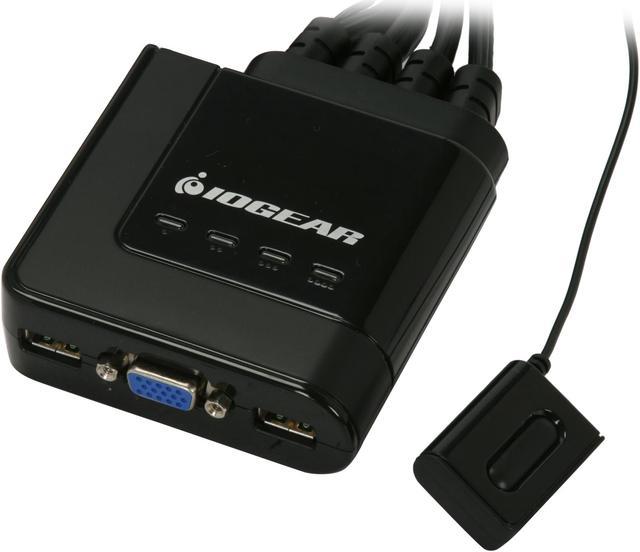
 Control Four PCs via One Monitor, Keyboard and MouseShare one monitor, USB keyboard and USB mouse between four computers using the Iogear GCS24U KVM Switch. The built-in VGA connector supports monitors at resolutions of up to 2048 x 1536.
 Multi-platform SupportThe Iogear GCS24U KVM Switch supports multiple platforms including Windows, Mac and Sun operating systems.
 Easy InstallationThe Iogear GCS24U KVM Switch features easy installation with no need for drivers or software. It is a true plug-and-play device that will have you up and running quickly.
 Wired Remote ControlSwitch between computers at a press of the Switch button located on the wired remote control that can be placed on your desk for easy reach.
We want to ensure your holiday shopping this year is hassle-free. That’s why we’re automatically extending our return policies on almost every product! For purchases placed between November 1st, 2025 and December 31, 2025 you will have until January 31, 2026 to return your product.
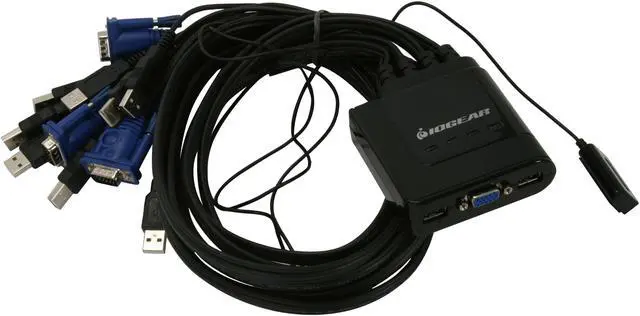
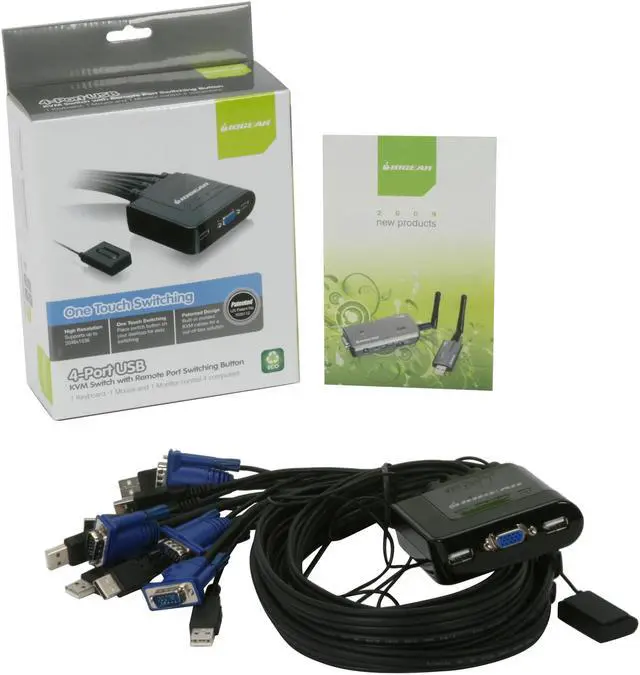
The IOGEAR GCS24U is a 4-port USB VGA KVM switch that lets users share one VGA monitor, USB keyboard, and USB mouse across four computers, making it suitable for people managing multiple PCs from a single desk setup.
| Attribute | Value |
|---|---|
| Best For | Sharing one USB keyboard, USB mouse, and VGA monitor across four computers |
| Video Support | Supports resolutions up to 2048 × 1536 with DDC2B and plug-and-play monitor support |
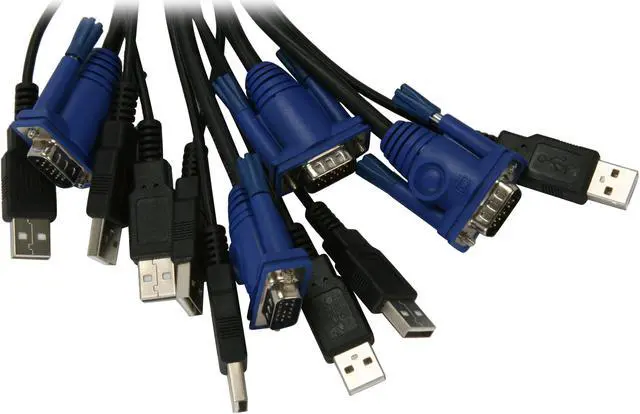
| Ports And Connectivity | Connects four computers through HDB-15 VGA and USB Type-A plugs; the console has one HDB-15 VGA port and separate USB Type-A keyboard and mouse ports |
| Switching And Setup | Select computers with push buttons or the included 6 ft. remote control cable; attached cables simplify setup, and no software drivers are required |
| Platform Compatibility | Compatible with PC, Mac, and Sun platforms; supports Windows 2000 or higher, Mac OS 9.0 or higher, and Sun Solaris 9 or higher |
| Power | No power adapter required |
| Environmental Conditions | Operating temperature: 0–50 °C; storage temperature: −20–60 °C; humidity: 0–80%, non-condensing |
| Physical Specifications | Measures 6.38 × 7.88 × 2.38 inches and weighs 1.46 lb.; black |
| Compliance | Meets ETL, FCC, CE, RoHS, and WEEE specifications |


