





About Us
IOGEAR leverages our legacy of helping users connect to complex and sophisticated technology for home or business.
We manufacture innovative, high-performance and reliable connectivity solutions that help consumer and business users realize the full potential that their technology devices can bring them.
IOGEAR also offers best-in-class service and support to our customers and partners.
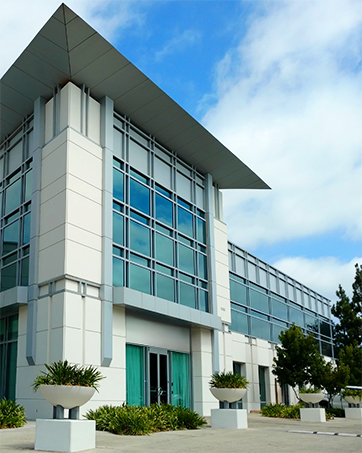
IOGEAR USA
Our Headquarters is located in Irvine, CA
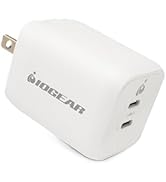
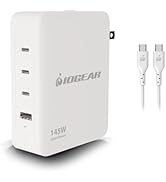
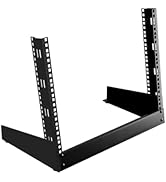
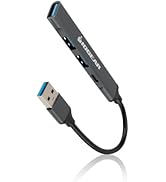
New Releases
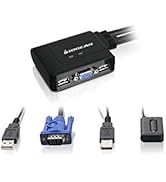
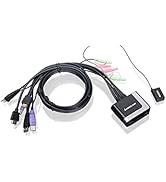
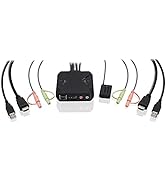
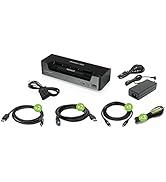
KVM Switches
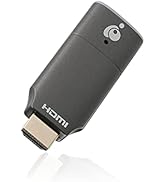
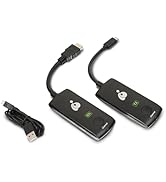
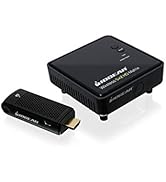
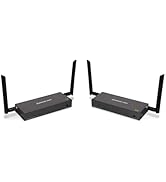
Wireless AV
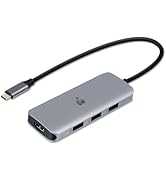
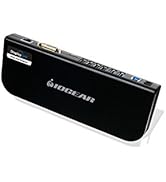
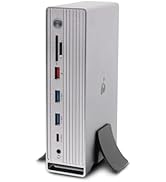
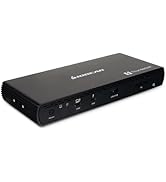
Docking Stations
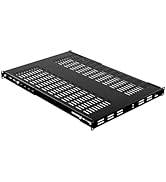
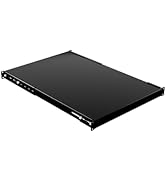
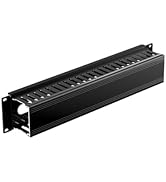
Rack Accessories
Splitters and Switches
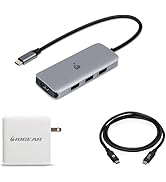
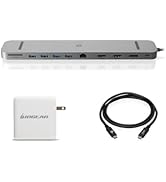
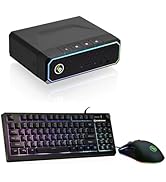
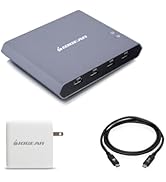
Bundles
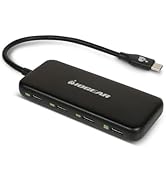
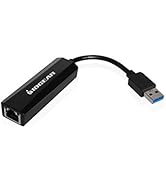
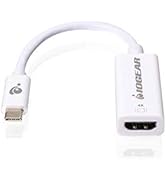
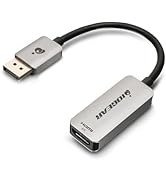
Computer Accessories
Accessories
Work From Home Essentials
Gaming
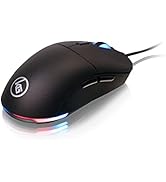
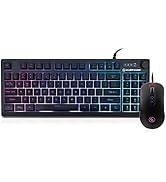
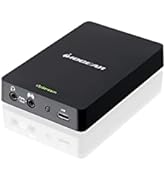
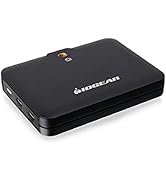
Gaming and Streaming


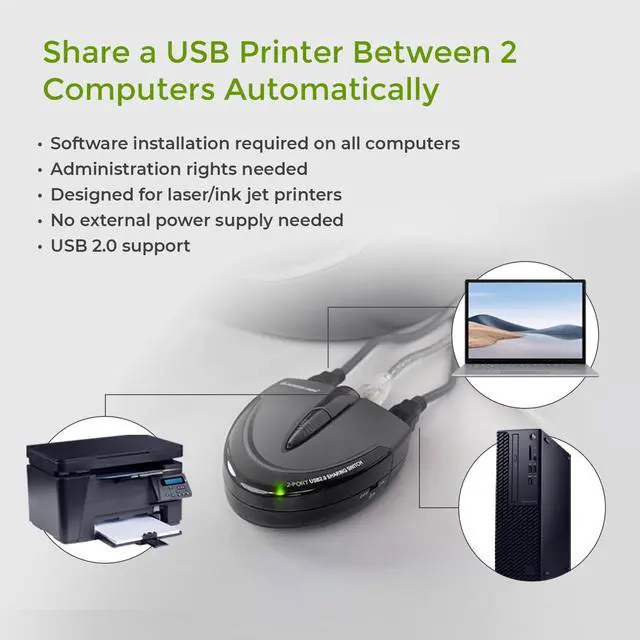
Do I need to load the software on all computers for automatic switching?
Yes, a software download is required on ALL computers connected for automatic switching.
Do I need administrative rights?
Yes, administrative rights are needed for the automatic switching function to work.
Can the switch be locked on a specific computer?
Yes, the switch can be locked to a specific computer by using the software or by pressing and holding the lock port button.
Can the sound notification be turned on or off?
Yes, there is a switch on the side of the device that can turn off the audible notification when switching between devices.


Automatic Printer Switching
Software Installation
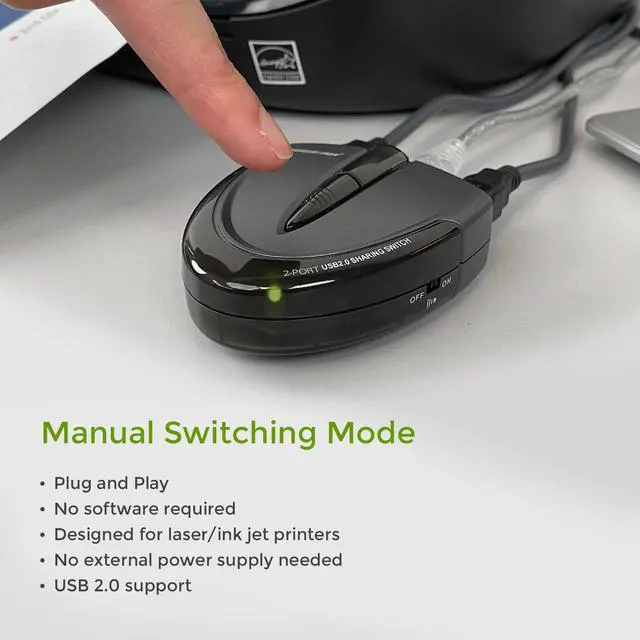
The automatic switch function is software based and only available with USB printer or the printer function of a multi-function printer. For connecting and using other types of USB devices, you can switch computers by using the push-button on the USB switch or with the included software.
Automatic Printer Switching
Software Configuration
- How to select the printer driver needed for automatic switching using Windows or Mac OS.
Do I need to load the software on all computers for automatic switching?
Yes, a software download is required on ALL computers connected for automatic switching.
Do I need administrative rights?
Yes, administrative rights are needed for the automatic switching function to work.
Can the switch be locked on a specific computer?
Yes, the switch can be locked to a specific computer by using the software or by pressing and holding the lock port button.
Can the sound notification be turned on or off?
Yes, there is a switch on the side of the device that can turn off the audible notification when switching between devices.
About Us
IOGEAR leverages our legacy of helping users connect to complex and sophisticated technology for home or business.
We manufacture innovative, high-performance and reliable connectivity solutions that help consumer and business users realize the full potential that their technology devices can bring them.
IOGEAR also offers best-in-class service and support to our customers and partners.
IOGEAR USA
Our Headquarters is located in Irvine, CA
New Releases
KVM Switches
Wireless AV
Docking Stations
Rack Accessories
Splitters and Switches
Bundles
Computer Accessories
Accessories
Work From Home Essentials
Gaming
Gaming and Streaming