



![Main image of to Ethernet Adapter[Apple MFi Certified], IVSHOWCO iPhone iPad to RJ45 Ethernet LAN Network Adapter with Charging Port, 100Mbps High Speed,Plug and Play(1.65Ft)](https://c1.neweggimages.com/productimage/nb640/C7CAD2607100NTEO1B9.jpg)
![Alt view image 2 of 6 - to Ethernet Adapter[Apple MFi Certified], IVSHOWCO iPhone iPad to RJ45 Ethernet LAN Network Adapter with Charging Port, 100Mbps High Speed,Plug and Play(1.65Ft)](https://c1.neweggimages.com/productimage/nb640/C7CAD2607100NTEOO96.jpg)
![Alt view image 3 of 6 - to Ethernet Adapter[Apple MFi Certified], IVSHOWCO iPhone iPad to RJ45 Ethernet LAN Network Adapter with Charging Port, 100Mbps High Speed,Plug and Play(1.65Ft)](https://c1.neweggimages.com/productimage/nb640/C7CAD2607100NTETR49.jpg)
![Alt view image 4 of 6 - to Ethernet Adapter[Apple MFi Certified], IVSHOWCO iPhone iPad to RJ45 Ethernet LAN Network Adapter with Charging Port, 100Mbps High Speed,Plug and Play(1.65Ft)](https://c1.neweggimages.com/productimage/nb640/C7CAD2607100NTEVY42.jpg)
![Alt view image 5 of 6 - to Ethernet Adapter[Apple MFi Certified], IVSHOWCO iPhone iPad to RJ45 Ethernet LAN Network Adapter with Charging Port, 100Mbps High Speed,Plug and Play(1.65Ft)](https://c1.neweggimages.com/productimage/nb640/C7CAD2607100NTF0CCF.jpg)
![Alt view image 6 of 6 - to Ethernet Adapter[Apple MFi Certified], IVSHOWCO iPhone iPad to RJ45 Ethernet LAN Network Adapter with Charging Port, 100Mbps High Speed,Plug and Play(1.65Ft)](https://c1.neweggimages.com/productimage/nb640/C7CAD2607100NTF0XED.jpg)


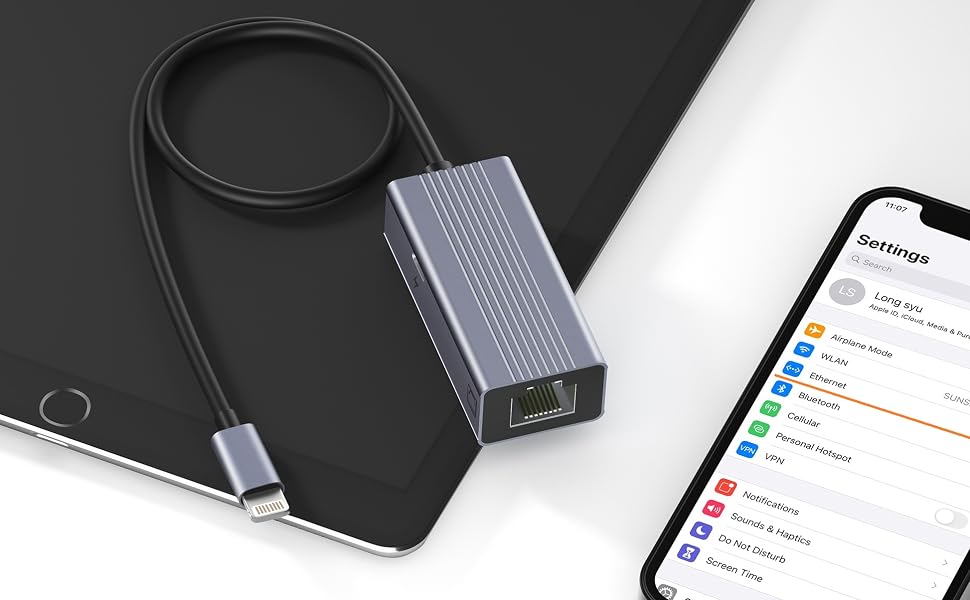
Lightning to RJ45 Ethernet LAN Wired Network Adapter with Fast Charging Port
When the Wi-Fi connection is unstable, the Ethernet + power adapter with lightning connector is the perfect solution.
(Speed: up to 100Mbps)
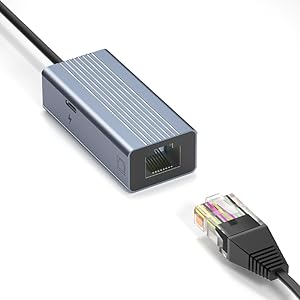
Plug and Play
- Turn off the wireless of the mobile phone, use the adapter to connect the network cable to the mobile phone, you can enjoy the high-speed network.
- With Ethernet and Lightning ports, you can connect to a secure network while continuing to charge your device.(Max 5V, 2,4A)
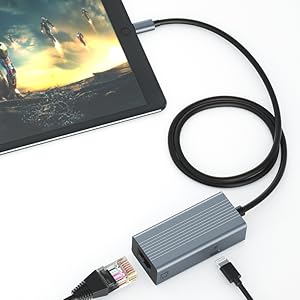
Widely Compatible:
- iPhone 14/14 plus/14 Pro/14 Pro Max
- iPhone 13/13 Mini/13 Pro/13 Pro Max
- iPhone 12 Pro Max/iPhone 12 Pro/iPhone 12/iPhone 12 mini
- iPhone 11/iPhone 11 Pro Max/11 Pro/11
- iPhone XS Max/XS/XR/X
- iPhone 8/8 Plus
- iPhone 7/7 Plus...
- and iPad Pro 12.9-inch/Pro10.5-inch/Pro 9.7-inch, iPad Mini 4/Mini 3/Mini 2, iPad Air/Air2...
Support iOS 14 and later.
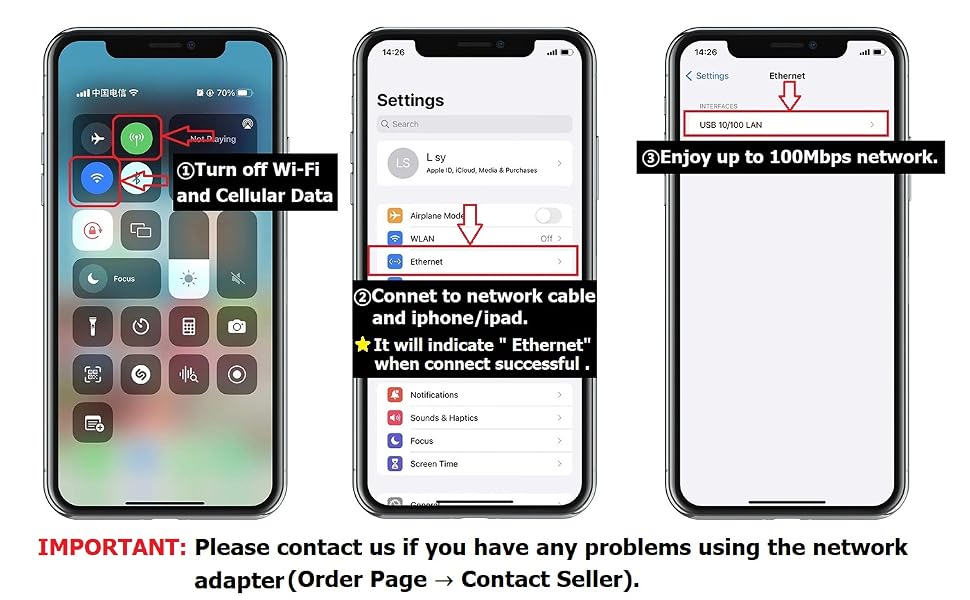
How to use an ethernet adapter?
- 1. Turn off Wi-Fi and cellular data on your iPhone/iPad.
- 2. Connect iPhone/iPad and network cable
- 3. If needed, connect the charging cable to charge your iOS device.
Check if the connection is successful:
- Go into your device's settings and "Ethernet" will show up.
- Use your browser to check if you can surf the Internet normally.
Please note:
- Please make sure that the Ethernet cable connected to your router is connected to the Internet.
- This network card itself cannot dial-up Internet access, it needs your router device to provide IP through DHCP service.
- This adapter should be used in conjunction with devices with system version 10.0 or higher before use.
Box package:
- 1 * iPhone Ethernet adapter with charging
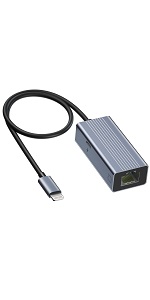 lightning to ethernet adapter | 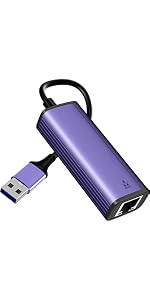 USB to ethernet adapter | 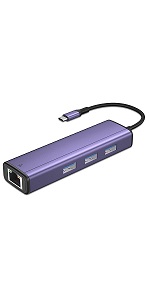 USB C to ethernUSBet adapter | 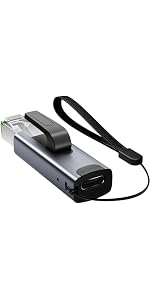 USB C to Ethernet Adapter | |
|---|---|---|---|---|
| Customer Reviews | — | — | — | — |
| Price | — | — no data | — | — |
| Charing Port | Lightning port | × | × | × |
| USB 3.0 Port | 0 | 3 * USB 3.0 | 3 * USB 3.0 | 0 |
| Ethernet | 100 Mbps | 1000 Mbps | 1000 Mbps | 1000 Mbps |
| Compatible | iPhone iPad | Laptop/desktop computer with USB port. | Phone/tablet/laptop/desktop computer with USB C interface. | Phone/tablet/laptop/desktop computer with USB C interface |

![IVSHOWCO USB Camera Adapter for iPhone [Apple MFi Certified], Lightning to USB OTG Cable Adapter ...](//c1.neweggimages.com/sellingpilot/modules/product/a-plus/aef97492d371b56134940255e6c555d5f58b6ffde962a832960b168e2a2a9eb2.jpg)
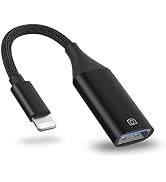
![Lightning to Ethernet Adapter[Apple MFi Certified], IVSHOWCO iPhone iPad to RJ45 Ethernet LAN Net...](//c1.neweggimages.com/sellingpilot/modules/product/a-plus/c5047970725b1fe600f0c466213082aa350b1c41e4cf9c387744c1a99011299e.jpg)
![IVSHOWCO Charging Audio Cable for iPhone [Apple MFi Certified], Lightning to 3.5mm Headphone Aux ...](//c1.neweggimages.com/sellingpilot/modules/product/a-plus/4812307315327d213b4cf572be05bca0b4c0a86dd3bf9e198ee4069446b99ba0.jpg)
Compatible with iPhone/iPad
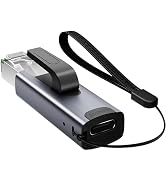
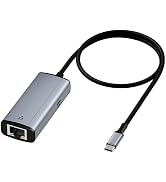
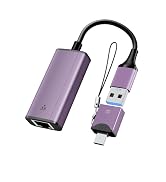
IVSHOWCO NEW Release
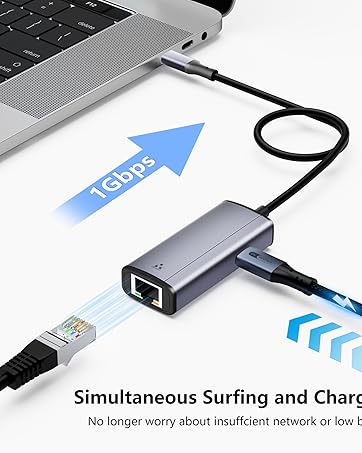
USB C to ethernet adapter
USB C to ethernet adapter allows you connect to the gigabit speed internet instantly from any USB-C 3.0 device while charging device
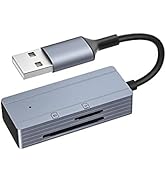
![Camera SD Memory Card Reader for iPhone[Apple MFi Certified], IVSHOWCO iPhone to USB Adapter, 4-i...](//c1.neweggimages.com/sellingpilot/modules/product/a-plus/f6a6b62efa53f9d7ec4f25cd17a83c23eb0e014264aa4aad2b40218e6f51fb90.jpg)
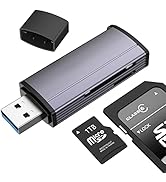
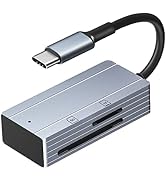
Crad Reader for iOS/USB/Type C
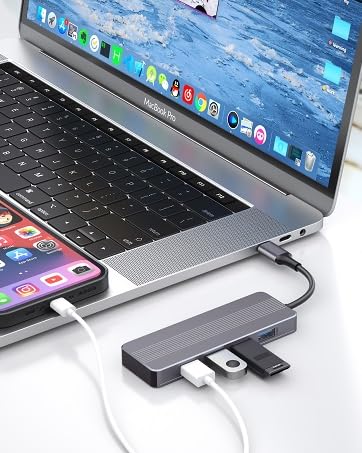
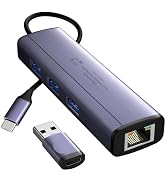
USB Type C HUB 3.0
Four USB 3.0 port, high-quality aluminum alloy housing.
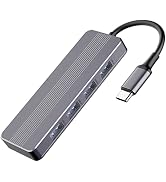
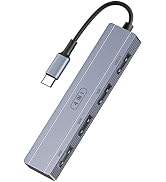
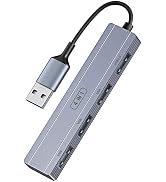
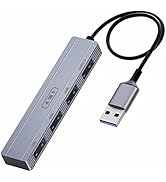
USB/Type C HUB
![IVSHOWCO USB Camera Adapter for iPhone [Apple MFi Certified], Lightning to USB OTG Cable Adapter ...](http://c1.neweggimages.com/sellingpilot/modules/product/a-plus/aef97492d371b56134940255e6c555d5f58b6ffde962a832960b168e2a2a9eb2.jpg)
![Lightning to Ethernet Adapter[Apple MFi Certified], IVSHOWCO iPhone iPad to RJ45 Ethernet LAN Net...](http://c1.neweggimages.com/sellingpilot/modules/product/a-plus/c5047970725b1fe600f0c466213082aa350b1c41e4cf9c387744c1a99011299e.jpg)
![IVSHOWCO Charging Audio Cable for iPhone [Apple MFi Certified], Lightning to 3.5mm Headphone Aux ...](http://c1.neweggimages.com/sellingpilot/modules/product/a-plus/4812307315327d213b4cf572be05bca0b4c0a86dd3bf9e198ee4069446b99ba0.jpg)
![Camera SD Memory Card Reader for iPhone[Apple MFi Certified], IVSHOWCO iPhone to USB Adapter, 4-i...](http://c1.neweggimages.com/sellingpilot/modules/product/a-plus/f6a6b62efa53f9d7ec4f25cd17a83c23eb0e014264aa4aad2b40218e6f51fb90.jpg)
Lightning to RJ45 Ethernet LAN Wired Network Adapter with Fast Charging Port
When the Wi-Fi connection is unstable, the Ethernet + power adapter with lightning connector is the perfect solution.
(Speed: up to 100Mbps)
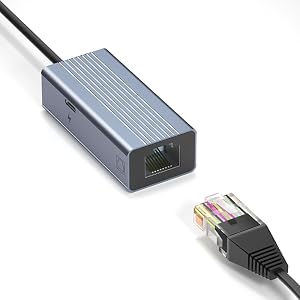
Plug and Play
- Turn off the wireless of the mobile phone, use the adapter to connect the network cable to the mobile phone, you can enjoy the high-speed network.
- With Ethernet and Lightning ports, you can connect to a secure network while continuing to charge your device.(Max 5V, 2,4A)
Widely Compatible:
- iPhone 14/14 plus/14 Pro/14 Pro Max
- iPhone 13/13 Mini/13 Pro/13 Pro Max
- iPhone 12 Pro Max/iPhone 12 Pro/iPhone 12/iPhone 12 mini
- iPhone 11/iPhone 11 Pro Max/11 Pro/11
- iPhone XS Max/XS/XR/X
- iPhone 8/8 Plus
- iPhone 7/7 Plus...
- and iPad Pro 12.9-inch/Pro10.5-inch/Pro 9.7-inch, iPad Mini 4/Mini 3/Mini 2, iPad Air/Air2...
Support iOS 14 and later.
How to use an ethernet adapter?
- 1. Turn off Wi-Fi and cellular data on your iPhone/iPad.
- 2. Connect iPhone/iPad and network cable
- 3. If needed, connect the charging cable to charge your iOS device.
Check if the connection is successful:
- Go into your device's settings and "Ethernet" will show up.
- Use your browser to check if you can surf the Internet normally.
Please note:
- Please make sure that the Ethernet cable connected to your router is connected to the Internet.
- This network card itself cannot dial-up Internet access, it needs your router device to provide IP through DHCP service.
- This adapter should be used in conjunction with devices with system version 10.0 or higher before use.
Box package:
- 1 * iPhone Ethernet adapter with charging
lightning to ethernet adapter | USB to ethernet adapter | USB C to ethernUSBet adapter | USB C to Ethernet Adapter | |
|---|---|---|---|---|
| Customer Reviews | — | — | — | — |
| Price | — | — no data | — | — |
| Charing Port | Lightning port | × | × | × |
| USB 3.0 Port | 0 | 3 * USB 3.0 | 3 * USB 3.0 | 0 |
| Ethernet | 100 Mbps | 1000 Mbps | 1000 Mbps | 1000 Mbps |
| Compatible | iPhone iPad | Laptop/desktop computer with USB port. | Phone/tablet/laptop/desktop computer with USB C interface. | Phone/tablet/laptop/desktop computer with USB C interface |
![Lightning to Ethernet Adapter[Apple MFi Certified], IVSHOWCO iPhone iPad to RJ45 Ethernet LAN Net...](//c1.neweggimages.com/sellingpilot/modules/product/a-plus/edb6da6c36f0927236b5b7f9c42e37d5ae2de8ac4211810c54da9f905810953e.jpg)
![IVSHOWCO Charging Audio Cable for iPhone [Apple MFi Certified], Lightning to 3.5mm Headphone Aux ...](//c1.neweggimages.com/sellingpilot/modules/product/a-plus/ba2484f2c1f011ba19c556ebfb4b97ef8c9634aba29ac3ec5239a76ffc890d17.jpg)
Compatible with iPhone/iPad
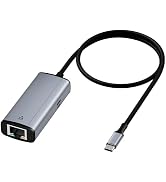
IVSHOWCO NEW Release
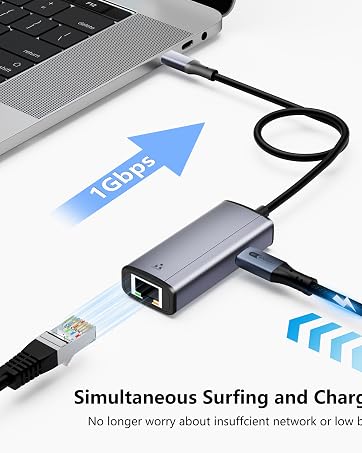
USB C to ethernet adapter
USB C to ethernet adapter allows you connect to the gigabit speed internet instantly from any USB-C 3.0 device while charging device
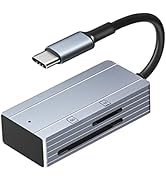
Crad Reader for iOS/USB/Type C
USB Type C HUB 3.0
Four USB 3.0 port, high-quality aluminum alloy housing.
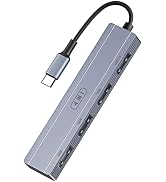
USB/Type C HUB
![Lightning to Ethernet Adapter[Apple MFi Certified], IVSHOWCO iPhone iPad to RJ45 Ethernet LAN Net...](http://c1.neweggimages.com/sellingpilot/modules/product/a-plus/edb6da6c36f0927236b5b7f9c42e37d5ae2de8ac4211810c54da9f905810953e.jpg)
![IVSHOWCO Charging Audio Cable for iPhone [Apple MFi Certified], Lightning to 3.5mm Headphone Aux ...](http://c1.neweggimages.com/sellingpilot/modules/product/a-plus/ba2484f2c1f011ba19c556ebfb4b97ef8c9634aba29ac3ec5239a76ffc890d17.jpg)
