Your Browsing History
Best Sellers
- $101.84
- + $9.99 Shipping
Meet Your Seller
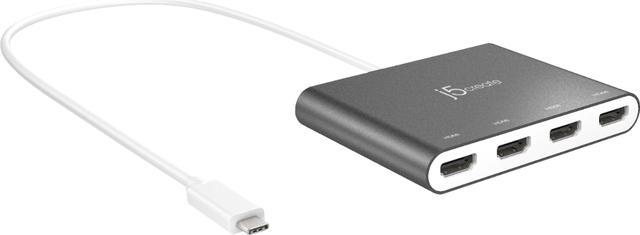
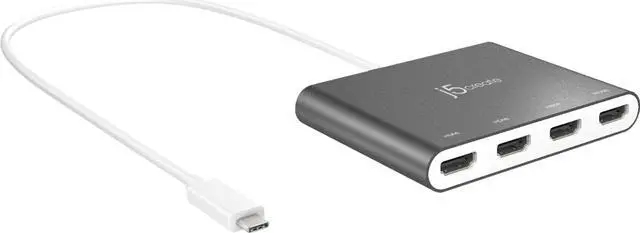
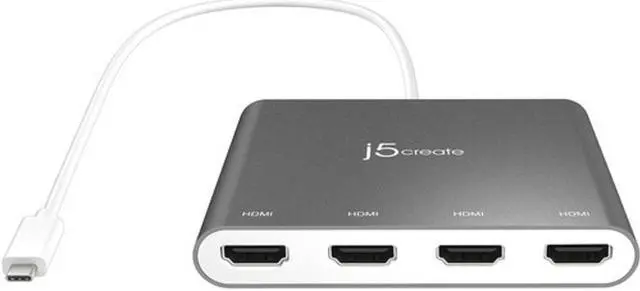
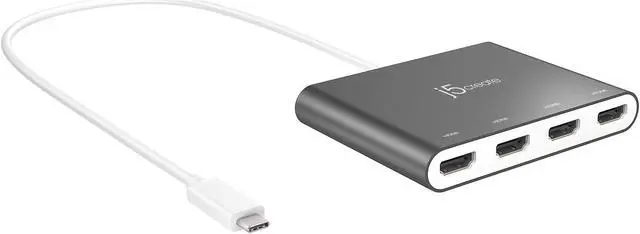
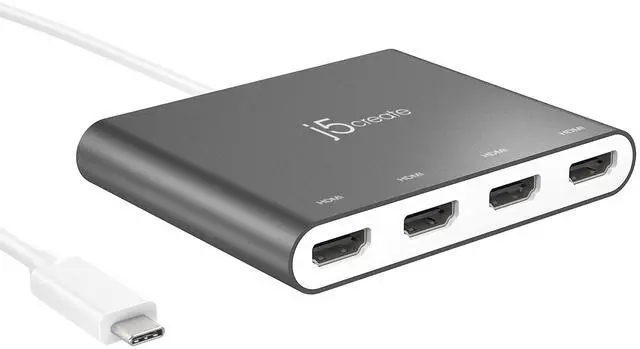
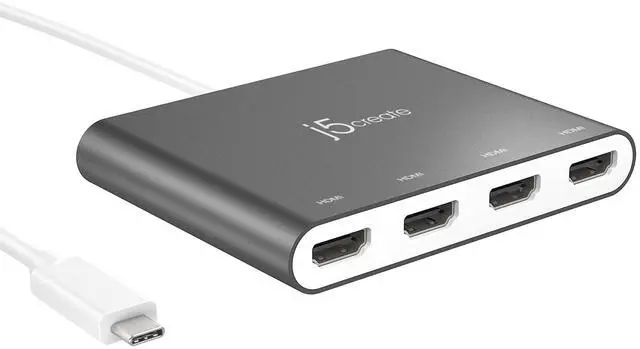
j5create USB-C™ to 4-Port HDMI™ Multi-Monitor Adapter
- Supports 4 display modes: Extended, Primary, Mirror, and Rotation Mode. *Functions limited by operating system
- Increase productivity: Multitask with a larger landscape/desktop space. Move and view your large spreadsheets across four screens without overlapping windows. Ideal for viewing multiple windows at the same time to enhance productivity from standard business applications.
- 1080P HDMI™ resolution with stereo audio: 1920 x 1080 @ 60 Hz, with 1080P Video Playback; display rotation: 0°, 90°, 180°, 270°. 4 HDMI™ ports simultaneously support 48 kHz imbedded audio.
- No external power required: USB™ powered with SuperSpeed USB™ 3.0, 5 Gbps
- Multitask effectively: Great for multitasking in a wide variety of applications including phone centers, stock markets, hospitals, graphic design, editing, accounting, etc. Efficient for editing documents on one screen and researching reference materials on the other.
+
+
Overview
Specs
Reviews
Any questions? Our AI beta will help you find out quickly.
Try me now
The JCA366 USB-C™ to 4-port HDMI™ Multi-Monitor Adapter functions as an external video card for your Mac® or PC. It gives you the ability to add four additional monitors/displays through your USB-C™ port.
This is the perfect alternative to a costly video card. With the JCA366, you can quickly install the driver with a simple USB-C™ plug-in. Then connect your device to your monitors using HDMI™ cables, and you have just created a new visual environment in seconds.
With this multi-monitor adapter, you can extend your desktop across multiple displays and clone one screen onto another, in addition to having individual applications displayed on each monitor.
Enable additional features with the Multi-Monitor Assistant Application for Windows®

This is the perfect alternative to a costly video card. With the JCA366, you can quickly install the driver with a simple USB-C™ plug-in. Then connect your device to your monitors using HDMI™ cables, and you have just created a new visual environment in seconds.
With this multi-monitor adapter, you can extend your desktop across multiple displays and clone one screen onto another, in addition to having individual applications displayed on each monitor.
Enable additional features with the Multi-Monitor Assistant Application for Windows®
Warranty & Returns
Warranty, Returns, And Additional Information
Warranty
- Please contact the Seller directly for warranty information. Warranty information may also be found on the Manufacturer's website.
- Read full details
- CONTACT
Return Policies
- Return for refund within: 30 days
- Return for replacement within: 30 days
- This item is covered by BeachAudio Return Policy
Manufacturer Contact Info
- For a directory of all our manufacturers, please click below.
- Manufacturers Directory
LOADING...
LOADING...