









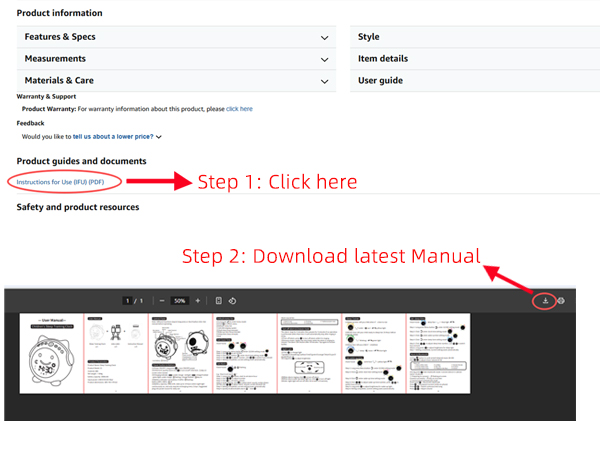
How can I get the latest User Manual?
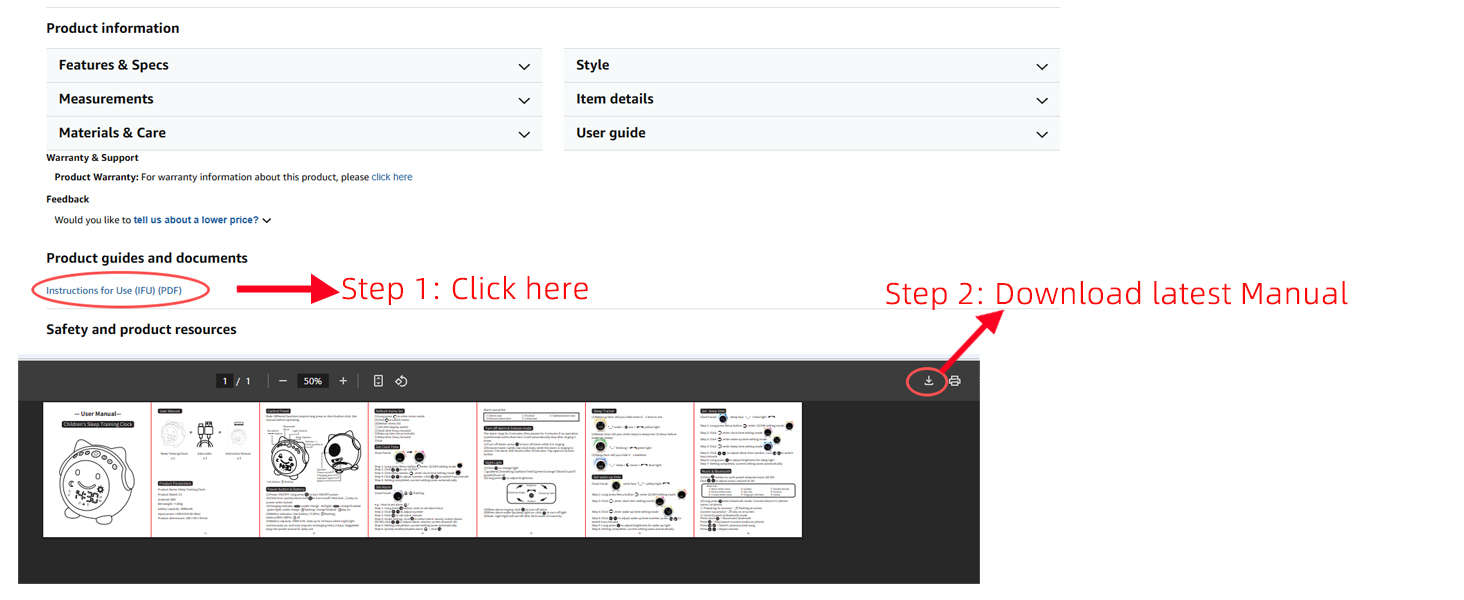
You can find the latest User Manual in the "Product guides and documents" section below. Simply click the "Instructions for Use (IFU) (PDF)" link to download it.
How do I set the alarm, wake-up/sleep mode and clock on this device?
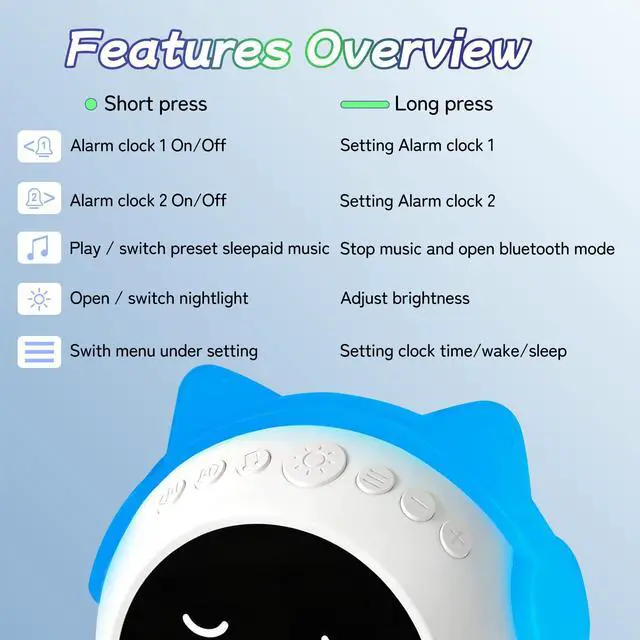
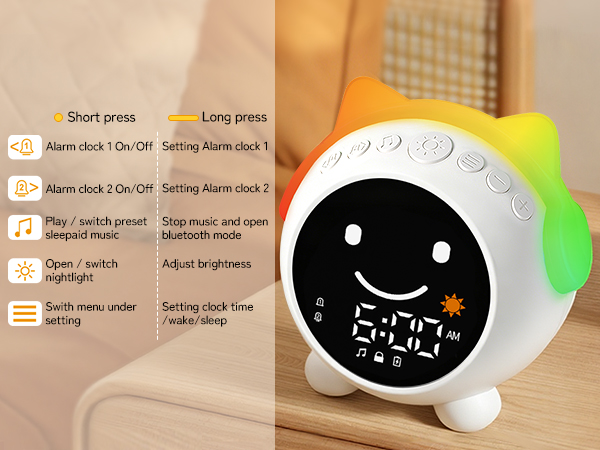
Alarm starts in left/right button, clock & wake-up / sleep mode start from menu button.They display different interfaces under settings. For detailed operation, please refer to our video.
Should I plug into power source for daily use?
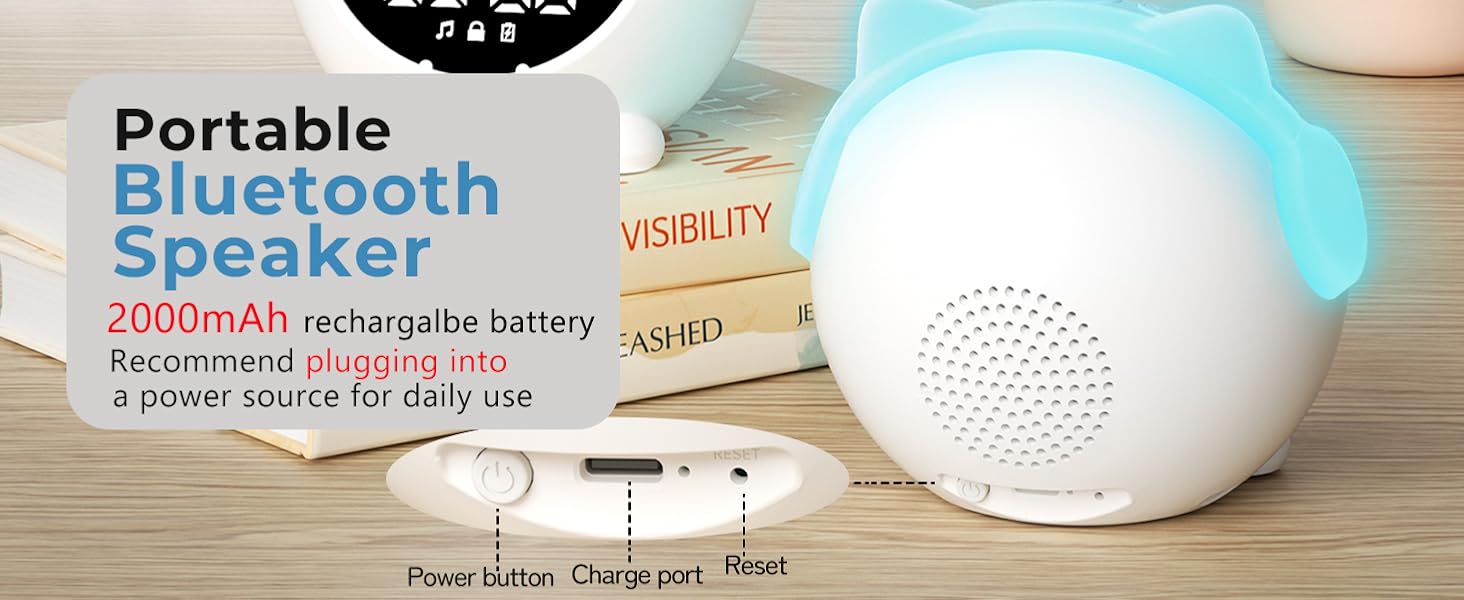
This clock features a 2000mAh rechargeable battery that lasts up to 14 hours when the night light continuously on, and only requires recharging every 2 days with normal use. No time to charge? Just plug into power source.
Does this clock have any hidden features?
1 Only the light button can turn off the alarm
2 While setting wake-up/sleep, light button can customize night light brightness
3 While setting the alarm, tap music button to select alarm sounds
4 Night light will auto-off after 30 mins of inactivity
What should I do if my clock stops working?
Your alarm clock comes with 1-year after-sales service. If you encounter any issues, log into your account, go to "Your Orders" and click "Contact Seller". We'll resolve it within 24 hours, whether it's troubleshooting, or replacement






Clock Time setting
Clock Facial: NO
- Step 1: Long press Menu button enter 12/24H setting mode, click +/- to set 12/24H
- Step 2: Click Menu button ,set clock time
- Step 3: Click + /- to adjust number, click < / >to switch hour/minute
Wake up setting
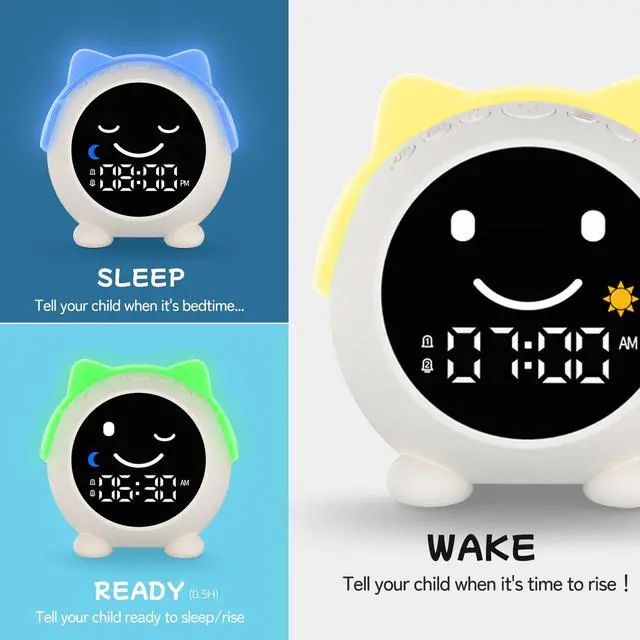
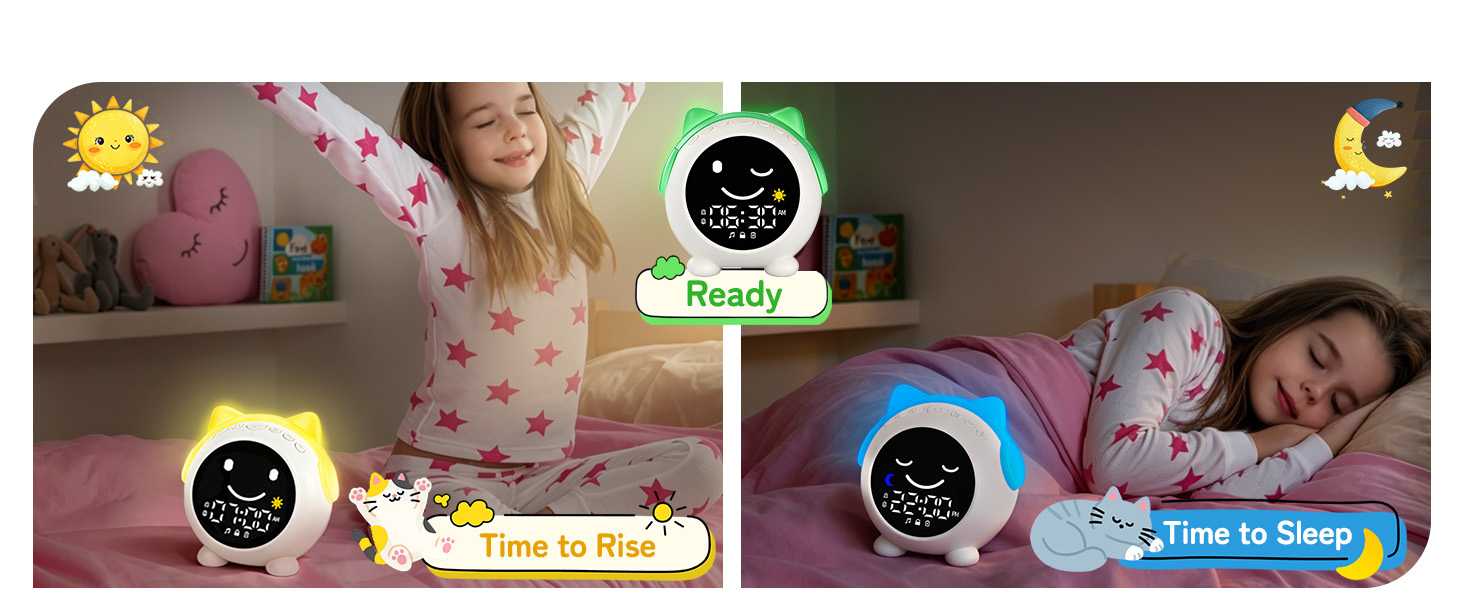
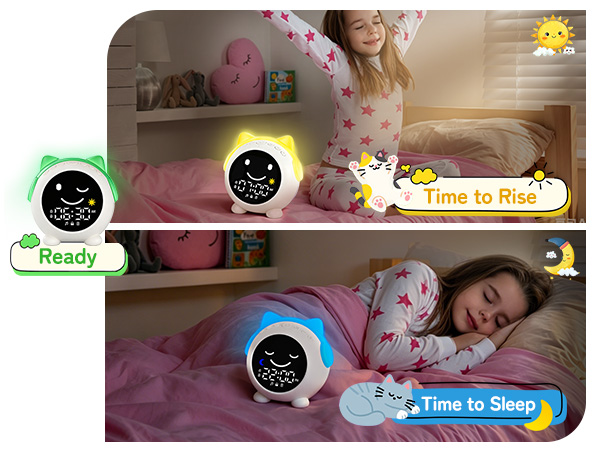
Clock Facial: Smile facial with yellow light
- Step 1: Long press Menu button enter 12/24H setting mode
- Step 2: Click Menu button twice ,entill screen shows smile, yellow light
- Step 3: Click + /- to adjust number, click < / >to switch hour/minute. Long press Light botton adjust brightness for wake up light
Sleep setting
Clock Facial: Sleep facial with blue light
- Step 1: Long press Menu button enter 12/24H setting mode
- Step 2: Click Menu button three times ,entill screen shows sleep, blue light
- Step 3: Click + /- to adjust number, click < / >to switch hour/minute. Long press Light botton adjust brightness for sleep light
Alarm setting
Clock Facial: NO
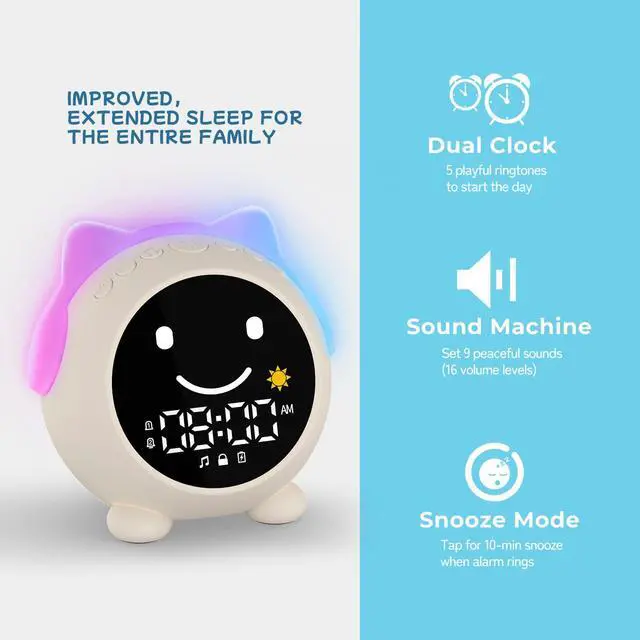
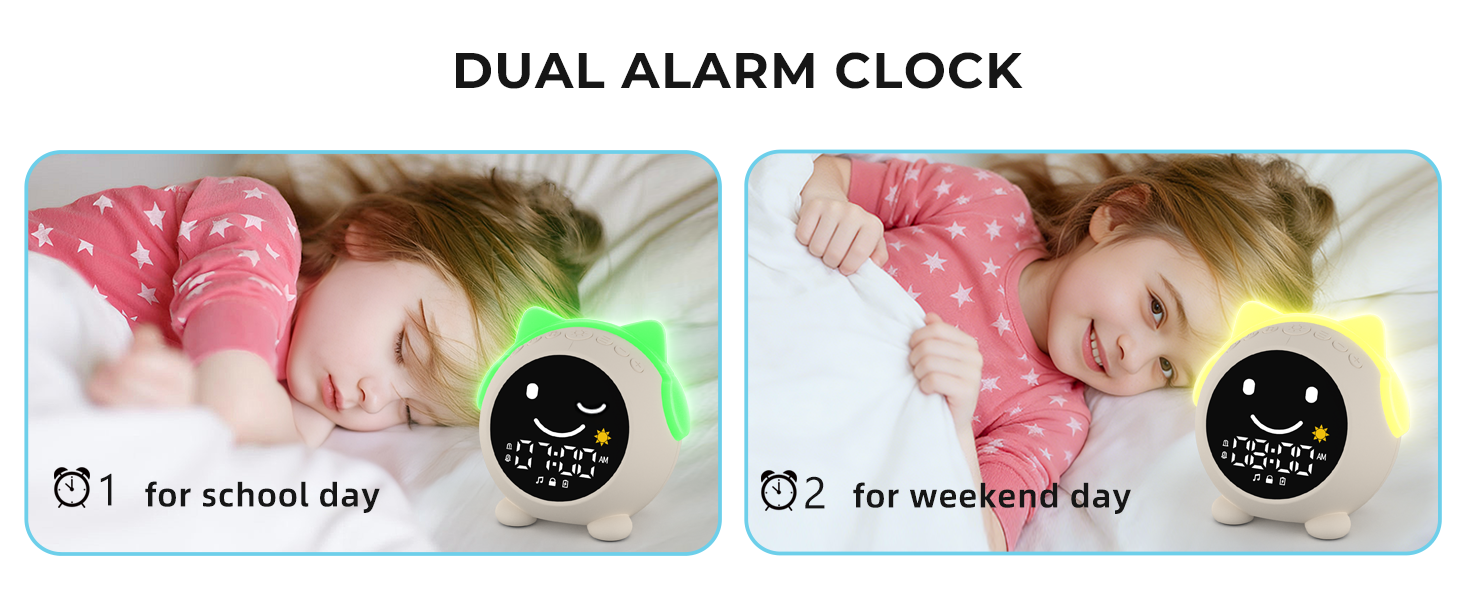
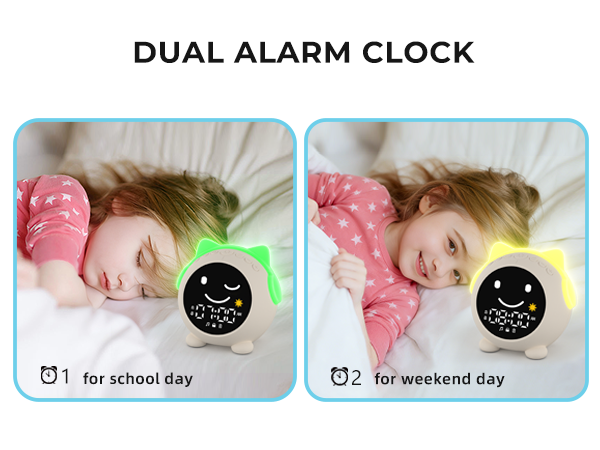
- Step 1: Long press < / > button, enter alarm setting mode
- Step 2: +/- set time, < / > switch hour/minute
- Step 3: Click Music button enter alarm sound setting mode, click Music button choose alarm sound, +/- set alarm volume
Music/Bluetooth Function
Clock Facial: Normal
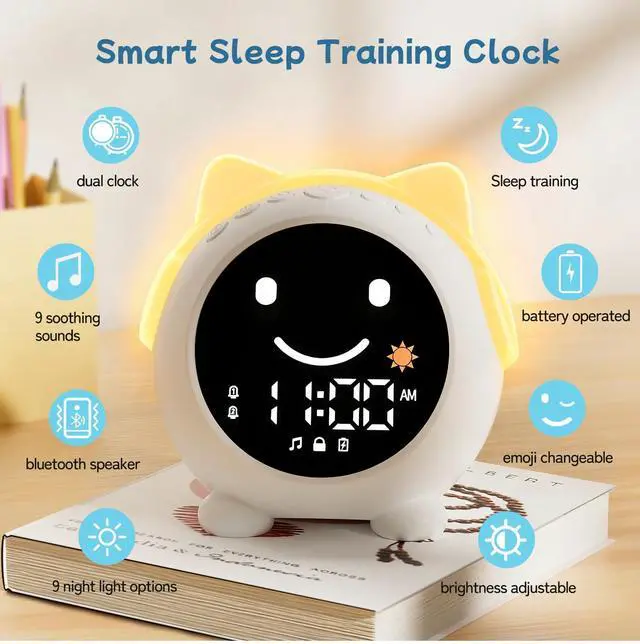
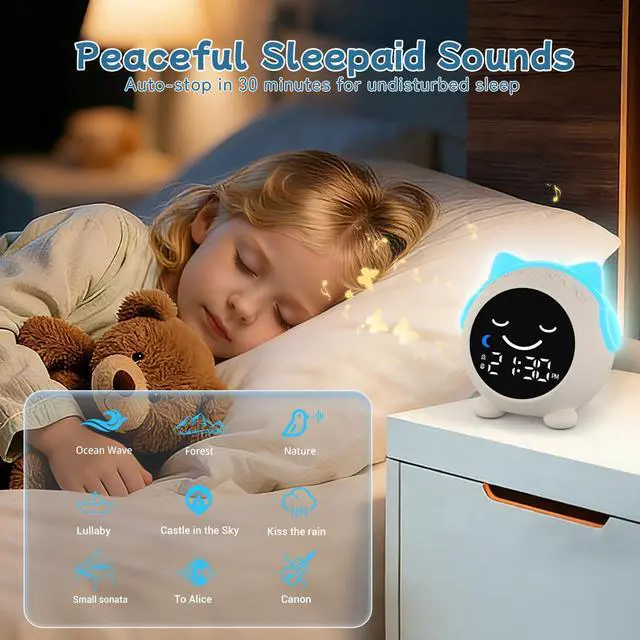
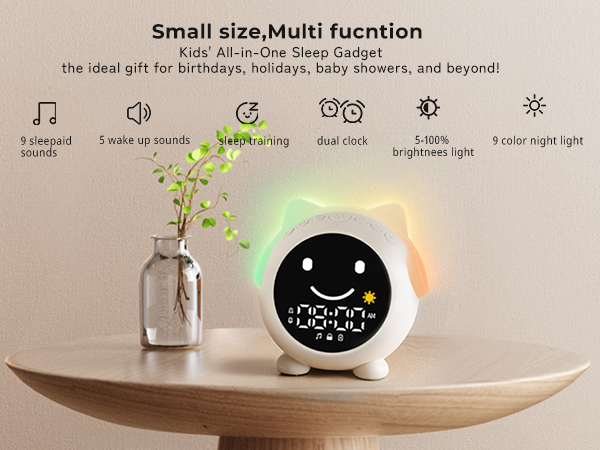
- Step 1: Click Music button cycle (01-09) sleepaid sounds, +/- set (0-16) volume
- Step 2: Long press Music button enter bluetooth mode. Device name: C1, find divice at phone and connect
- Step 3: Button feature: Music - play/pause, Left/right - previous/next song, +/- adjust volume
Night light
Night light
Clock Facial: Normal
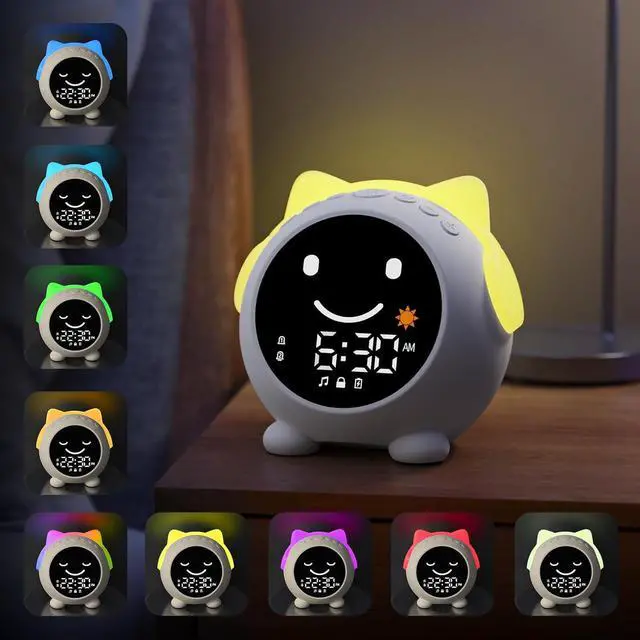
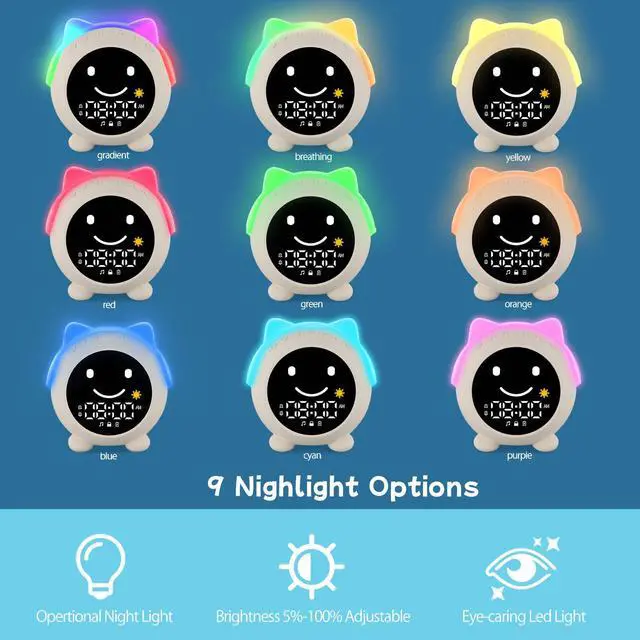
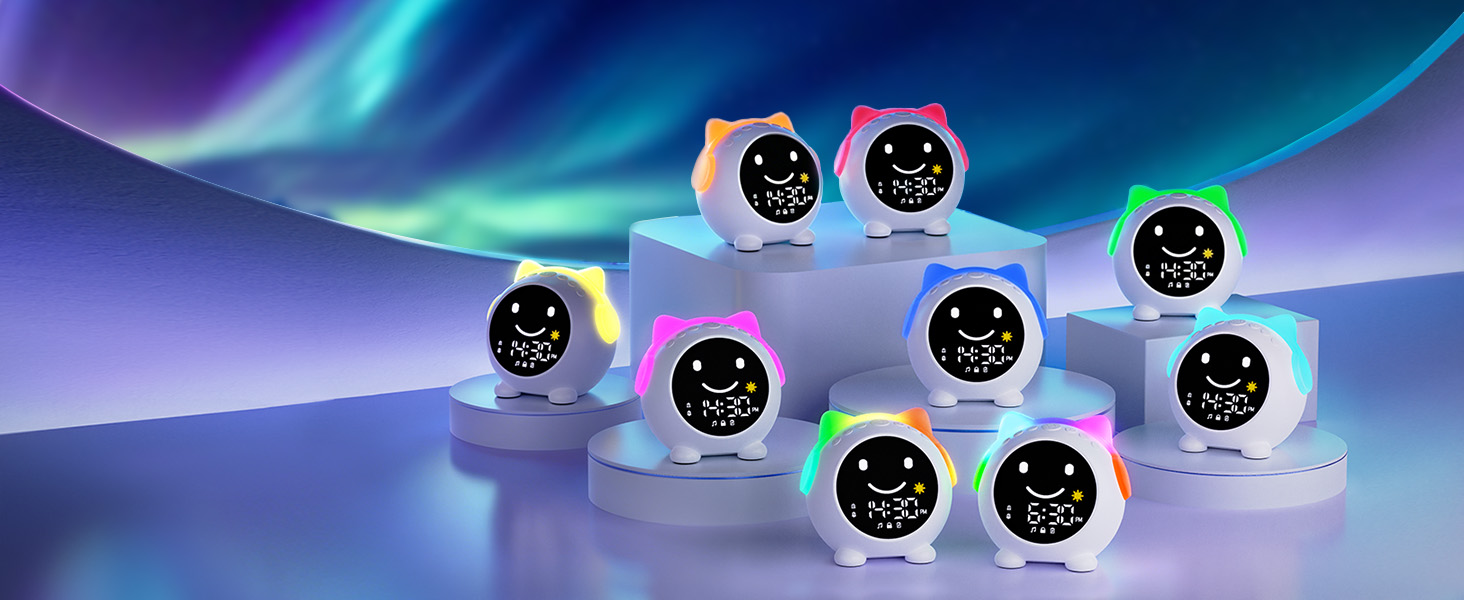
- Step 1: Click Light button cycle (Gradient--breathing--monochrome--turn off)
- Step 2: Long press Light button to adjust brightness
- Step 3: Night light will auto-off after 30 mins of inactivity
How can I get the latest User Manual?
You can find the latest User Manual in the "Product guides and documents" section below. Simply click the "Instructions for Use (IFU) (PDF)" link to download it.
How do I set the alarm, wake-up/sleep mode and clock on this device?
Alarm starts in left/right button, clock & wake-up / sleep mode start from menu button.They display different interfaces under settings. For detailed operation, please refer to our video.
Should I plug into power source for daily use?
This clock features a 2000mAh rechargeable battery that lasts up to 14 hours when the night light continuously on, and only requires recharging every 2 days with normal use. No time to charge? Just plug into power source.
Does this clock have any hidden features?
1 Only the light button can turn off the alarm
2 While setting wake-up/sleep, light button can customize night light brightness
3 While setting the alarm, tap music button to select alarm sounds
4 Night light will auto-off after 30 mins of inactivity
What should I do if my clock stops working?
Your alarm clock comes with 1-year after-sales service. If you encounter any issues, log into your account, go to "Your Orders" and click "Contact Seller". We'll resolve it within 24 hours, whether it's troubleshooting, or replacement