here!
here!
I’m your shopping assistant for PC builds, upgrades, and everything tech.
Got questions? Ask away!
Start a conversation
here!
I’m your shopping assistant for PC builds, upgrades, and everything tech.
Got questions? Ask away!
Start a conversation
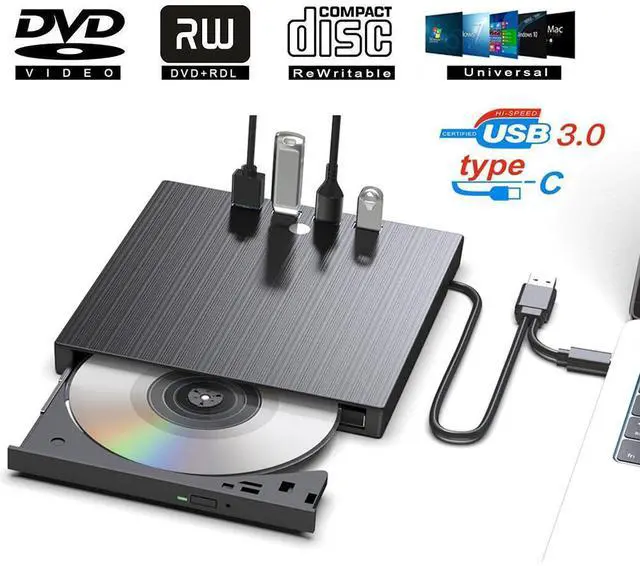
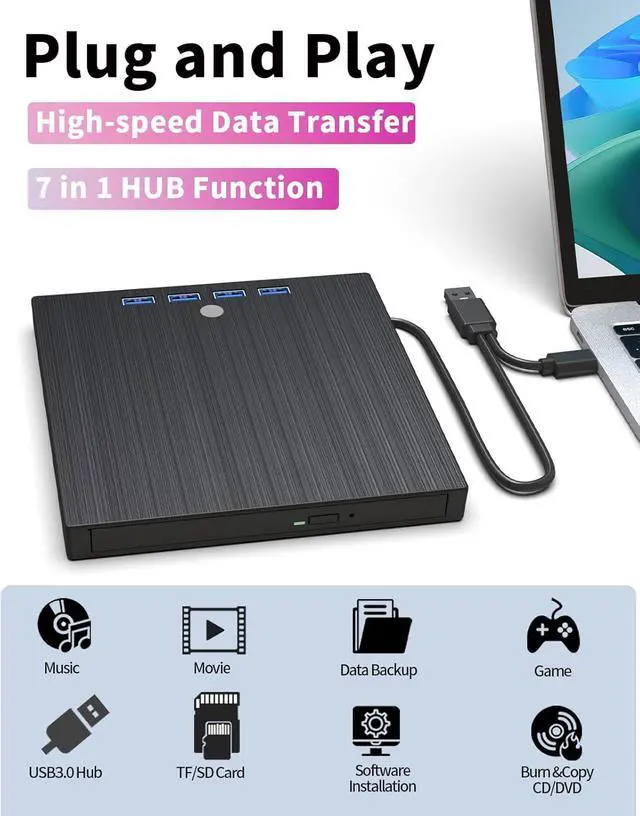
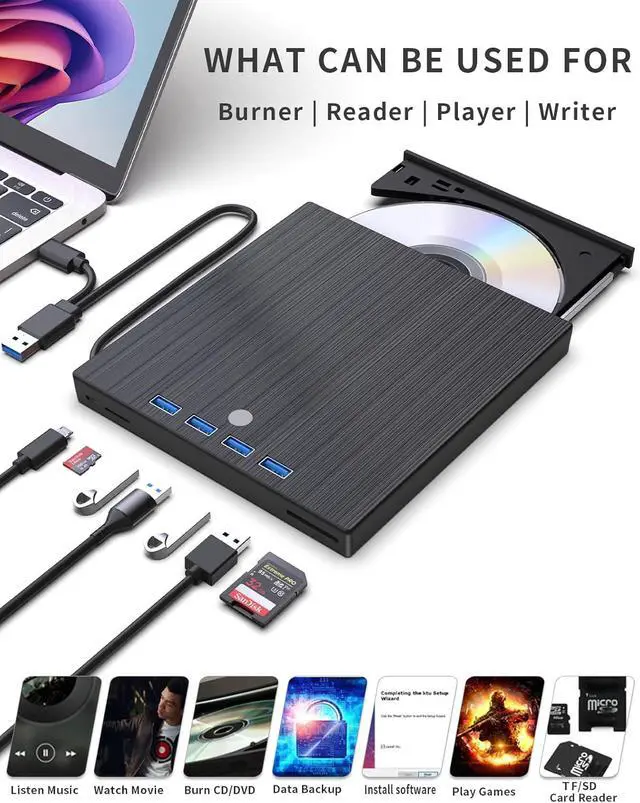



Any questions? Ask CelesteSM will help you find out quickly.
What System is Kadlun External CD DVD Drive for Laptop Compatible with?
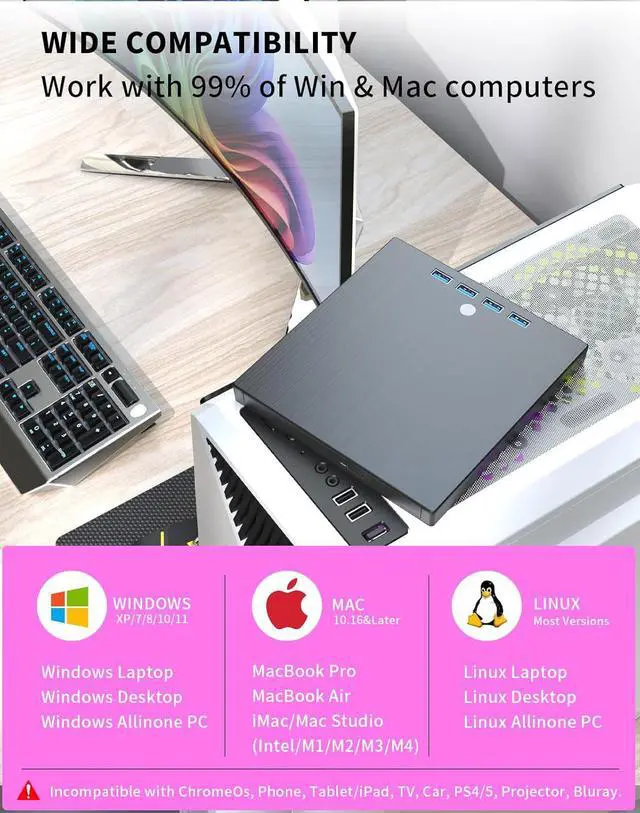
Computer System: Windows XP/ 2003/ 2000/ Vista/ 7/ 8/ 10/11, All version Mac OS, Linux
Laptop Model: Laptop/Mac/MacBook Pro/MacBook Air/Desktop/Computer/PC
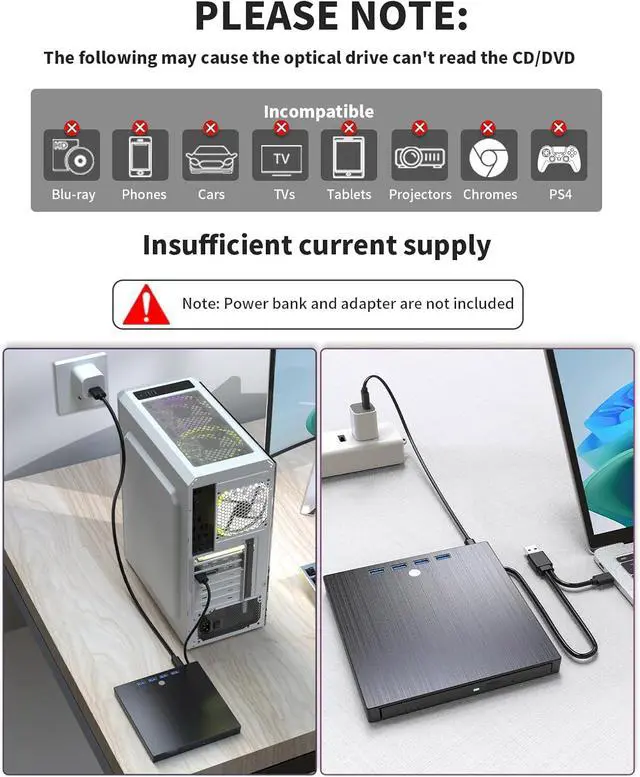
This dvd drive for laptop doesn't support:
Do not support iPad / Tablet / Projector / TV / Chrome OS / Car / Smart Phone
Is isn't compatible with Windows 11/10?
Just download VLC Player software.
What types of discs are supported for playing and burning?
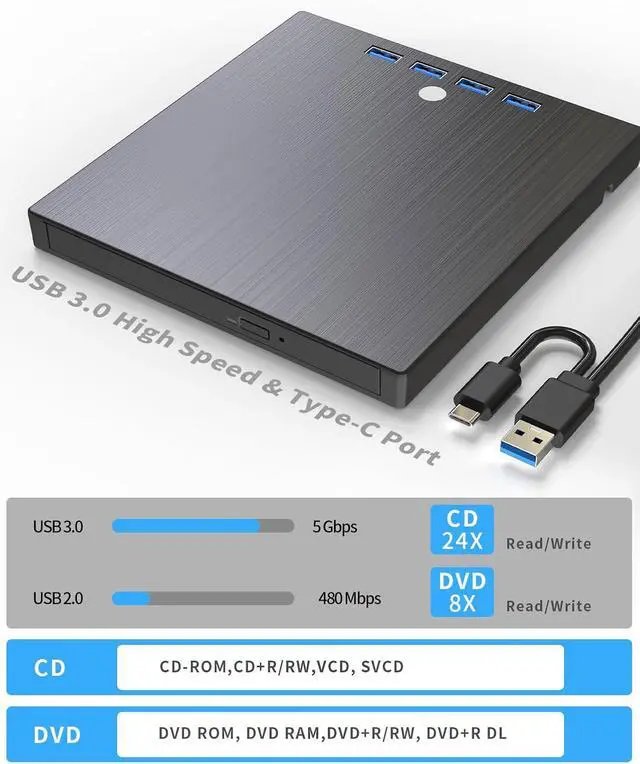
Support: DVD±RW / DVD±RDL / CD±RW / DVD-ROM / CD-ROM / CD±R / DVD-RW / DVD±R / DVD-RAM
Reading Speed: DVD 8X ; CD 24X
Writing Speed: DVD±R DL 4X DVD±R 8X DVD±RW 6X CD-R 24X CD-RW
How to use on windows and Mac system computer?
For Windows
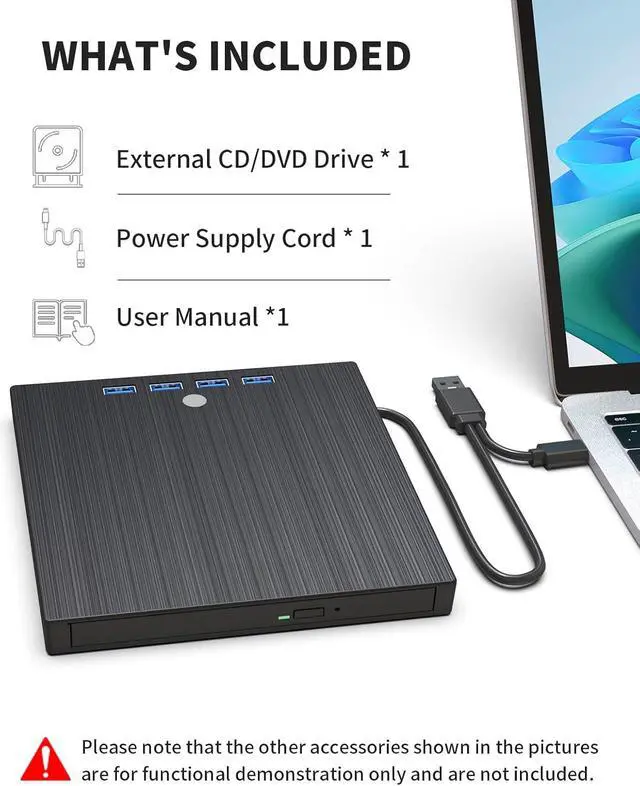
First, Plug the usb 3.0/usb c port into your laptop usb port or type c port. (If your device is desktop, please connect the cd drive to the motherboard usb port).
Then, click the windows laptop's "my computer", you will see the cd/dvd icon. You need confirm that the laptop's has recognized the external cd drive.
Third, use VLC Media Player to play the video. If you want to burn cd, please use the NERO software. It can help you quickly finish.
For Mac OS
First, you need insert a cd into the External CD Drive. Then you will see the cd/dvd icon.
Second, put the cd into the cd drive.Waite a moment, you will see the cd content. (If the files was can't be seen, the External CD Drive may have problem.)
Third, use VLC Media Player to play the video. If you want to burn cd, please use the NERO software. It can help you quickly finish.