





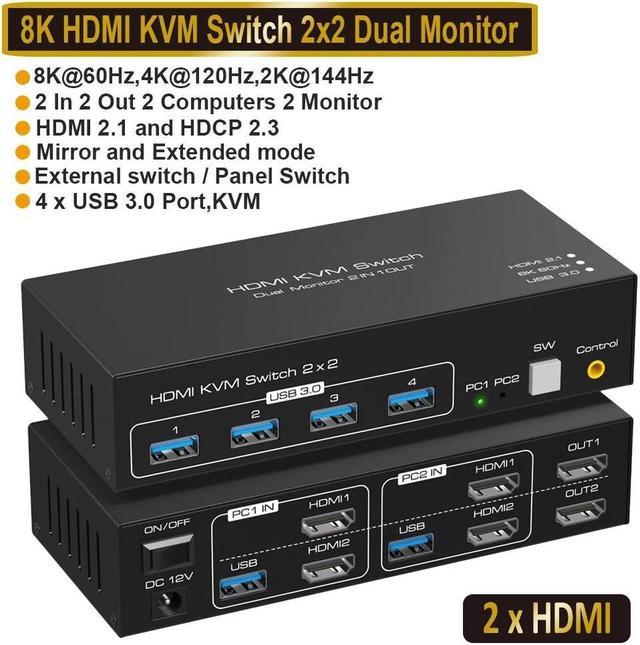
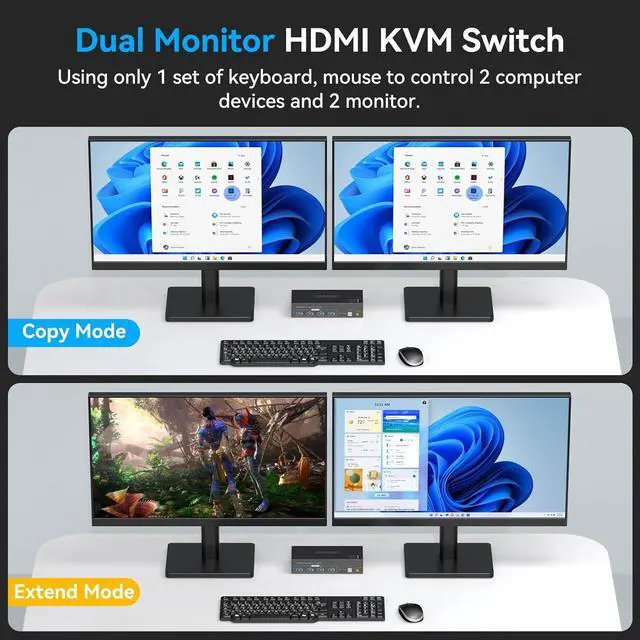


- Dual Monitor HDMI KVM Switch 8K 60Hz, can connect 2 computer hosts sharing 1 set of keyboard, mouse and 2 monitors.
- With 4xUSB 3.0 hub ports, a barcode scanner, USB hard drive or other USB devices can be connected to the KVM.
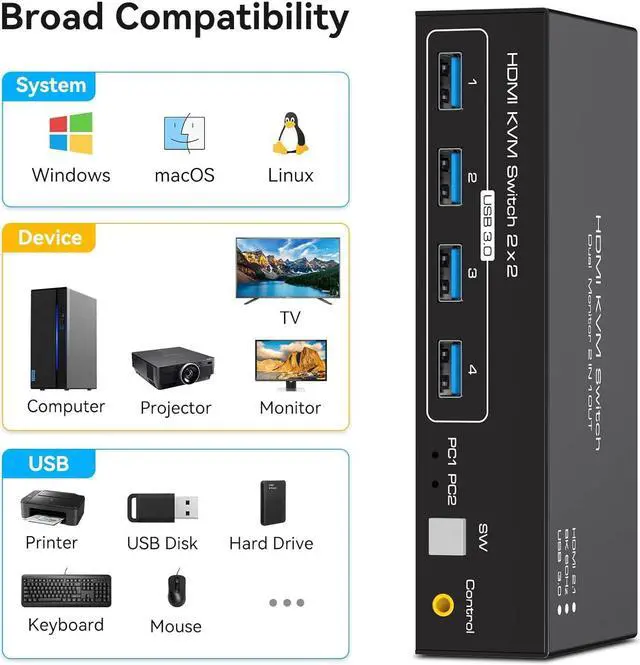
- Supports Windows/Vista/XP and MacOS, Linux and Unix etc., plug and play.
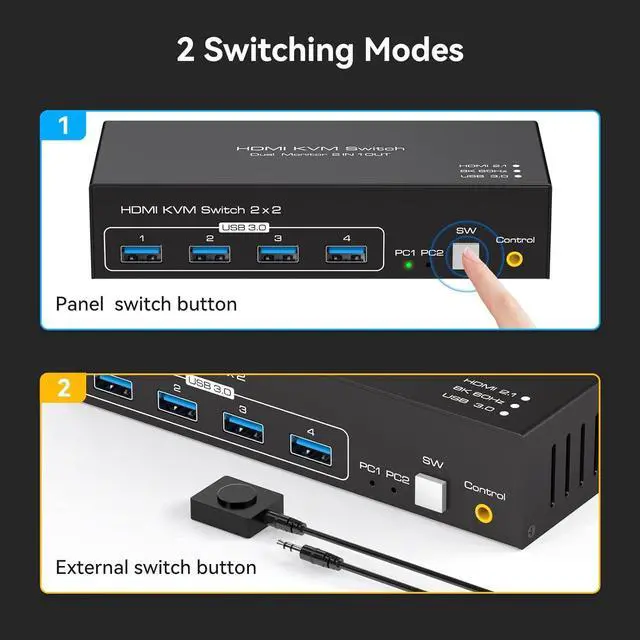
- Supports front panel buttons and external switch buttons to control KVM switching input sources.
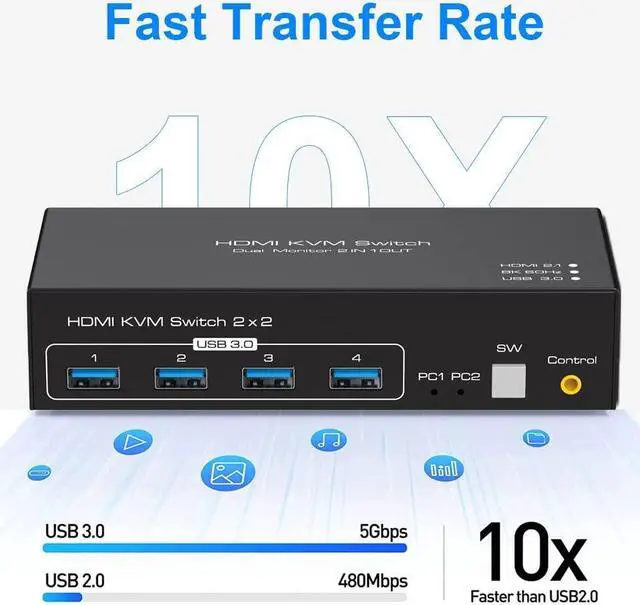
- Supports USB 3.0 transfer rates of up to 5Gbps.
- Support HDMI 2.1 standard, backwards compatible with HDMI 2.0 standard.
- A USB hub can expand the USB3.0 ports if multiple connections are required.
8K60Hz Dual Monitor KVM Switch HDMI 2 computers share 2 monitors and 4 USB 3.0 device
- KVM Switch Dual Monitor 2 In 2 Out: This dual monitor KVM switch allows you to control 2 computers using one set of keyboard and mouse, sharing 4 USB3.0 devices and 2 monitors, and supports duplicate mode and extended mode (requires your computer to have 2 HDMI ports). Duplicate Mode: both computers display the same screen, Extended Mode: both computers display different screens.
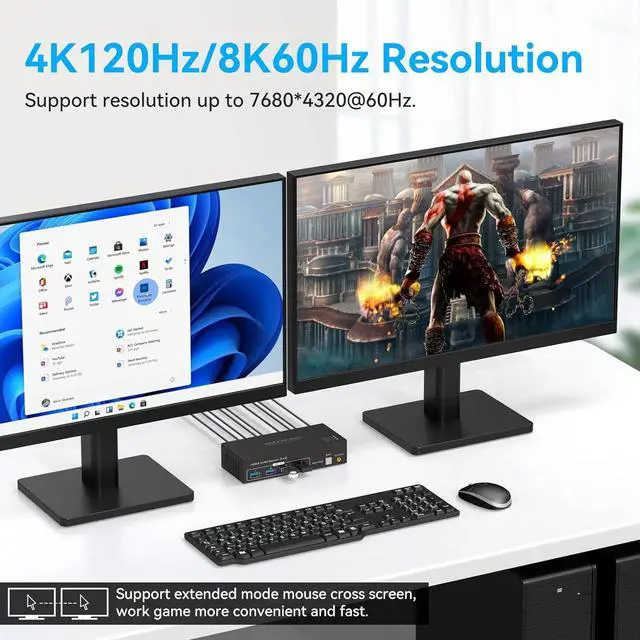
- Support 8K Resolution: This HDMI USB KVM switch supports up to 8K@60Hz, which can make the image display more exquisite and realistic, and the colors are more bright and moving, which is really a feast for your eyes. If you want to get the best results, please make sure your input device, HDMI cable and output device all support 8K@60Hz.
- HDMI KVM USB 3.0 Switch: In addition to two HDMI ports, this KVM switch has four USB 3.0 ports with data transfer rates up to 5Gbp/s. It is compatible with USB 2.0 devices. It can be used to share USB devices such as printers, scanners, wired or wireless keyboards and mice. Use of high power USB devices requires the use of the included 12V power supply. Cross-platform support for most major operating systems, such as Windows, Linux, Mac, and Linux.
- Dual Monitor KVM Switch: HDMI KVM Switch 2 in 2 out, support panel button and external cable control switching, one key to switch two signal sources. Note: This dual-monitor KVM switch requires your computer to have dual graphics cards (2 HDMI output ports) and support duplicate and expansion modes. Note: Keyboard shortcuts (hotkeys) are not supported for switching.
- What You Get: 1 x HDMI KVM USB Switch, 2 x USB 3.0 data cable, 1x DC power adapter,1 x User Manual.


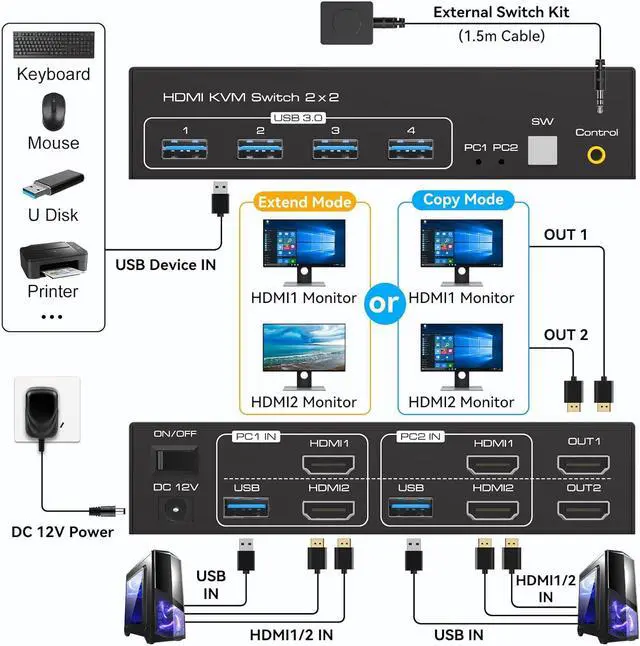
Connection steps:
- Step 1. Connect 2*HD-MI cables+1*USB-A cable between computer 1 and KVM (USB 3.0, INPUT A1, INPUT B1).
- Step 2. Connect 2*HD-MI cables+1*USB-A cable between computer 2 and KVM (USB 3.0, INPUT A2, INPUT B2).
- Step 3. Connect 2*HD-MI cables between the KVM (OUT A, OUT B) and the monitors.
- Step 4. Connect the keyboard and mouse to the K/M USB ports on the KVM.
- Step 5. Insert your USB devices into the USB port on the KVM.
- Step 6. Insert the desktop controller into the "Controlor" port to remotely switch between PC1 and PC2.


Button Switch
With a touch of a button on the control panel, you can easily and quickly switch between computers.

Desktop Controllar
The included extension cable for the push button switch allows for easy switching without having to stand up.

LED Indicator
The LED lights are designed to display active devices, so you can clearly see which device is in use.