





About JARO
At JARO, we believe every voice deserves to be heard with clarity and precision. We create high-quality audio products that elevate the experience for creators, gamers, and musicians. JARO microphones use cutting-edge technology to deliver crystal-clear sound, capturing every detail. Our products are designed for both professionals and enthusiasts, offering a reliable, versatile, and stylish experience.


How to achieve optimal recording quality?
Fine-tune both the microphone gain and the recording device's input level to find the optimal balance, which helps achieve clear recordings while minimizing ambient noise and avoiding echoes.
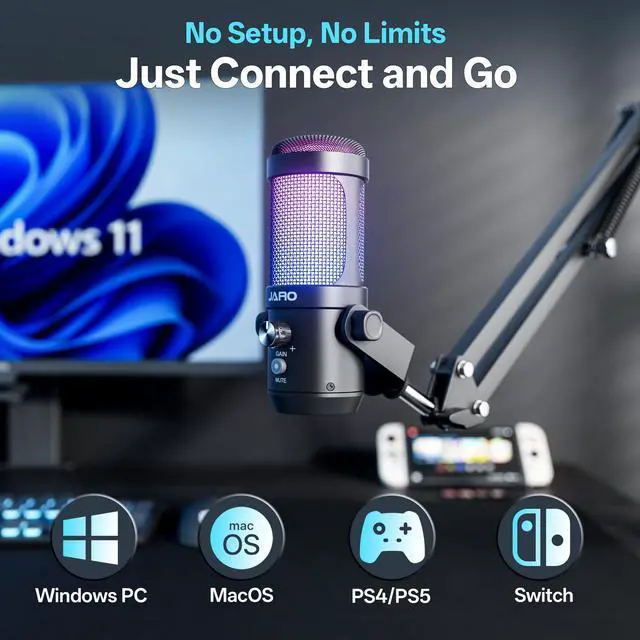
Does J100-CB work with a device with XLR port?
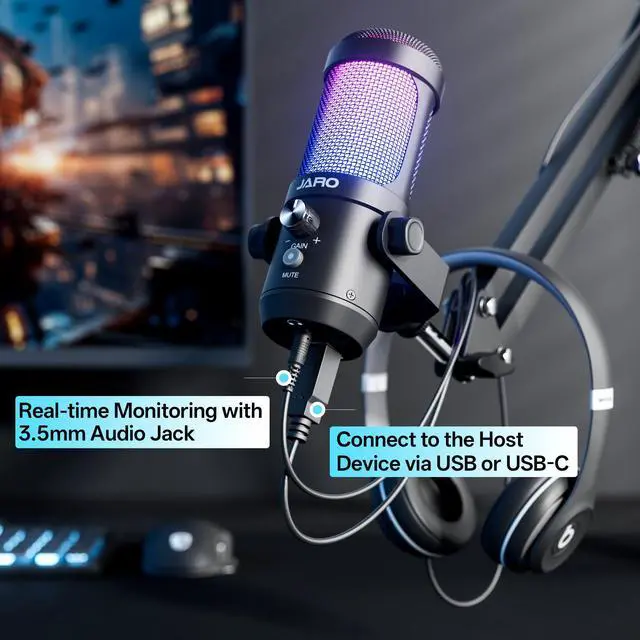
No, the J100-CB microphone only supports devices with USB-A/USB-C port.
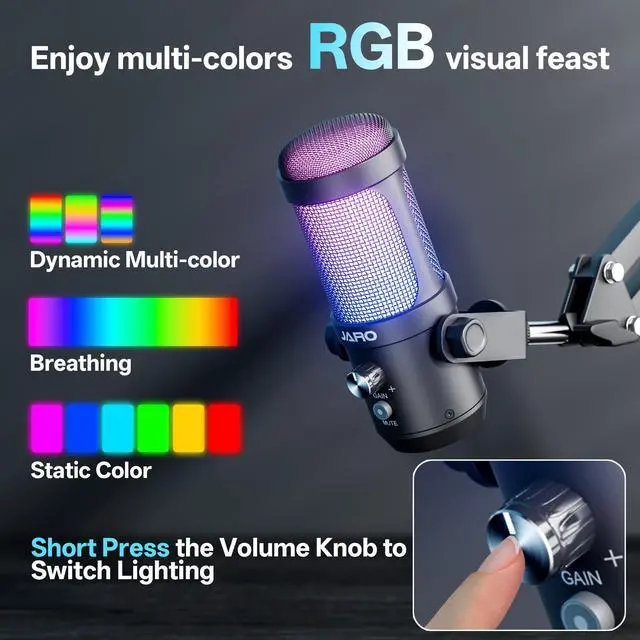
How to shut off the RGB lighting?
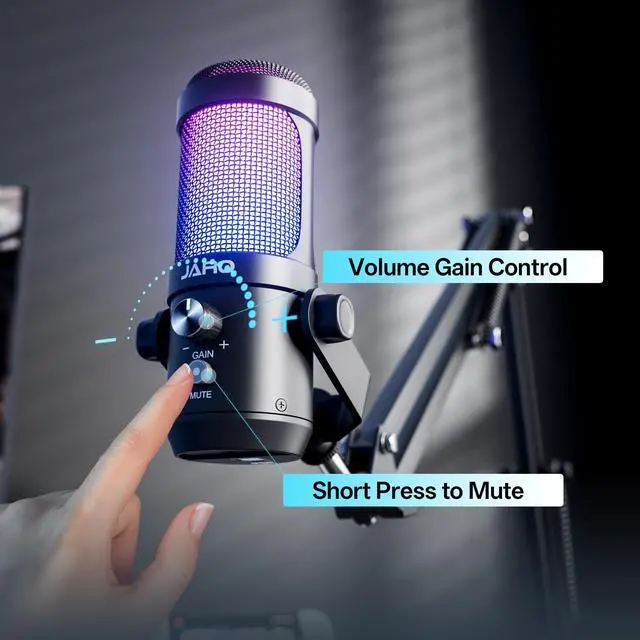
?Every time the mic powers up, it goes to its default RGB mode. To switch the lighting off, press down the GAIN knob repeatedly until you reach the 'off' mode.
How far should I be from the mic?
For the clearest sound, keep 6–8 inches (15–20 cm) from the mic.


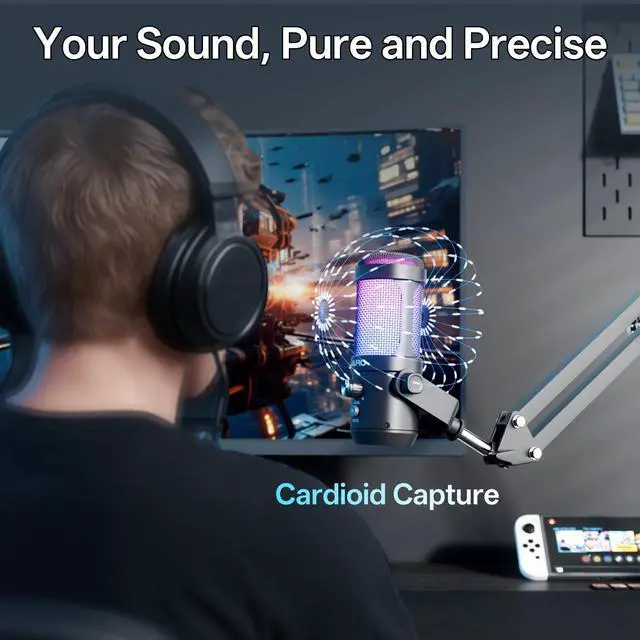
Game Hard. Stream Clear.
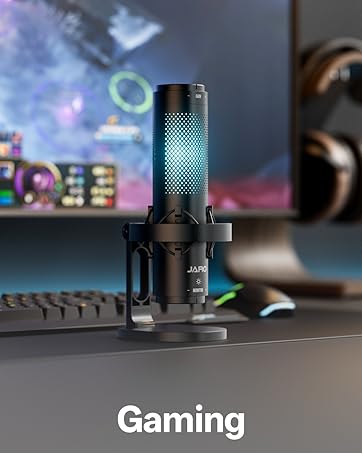
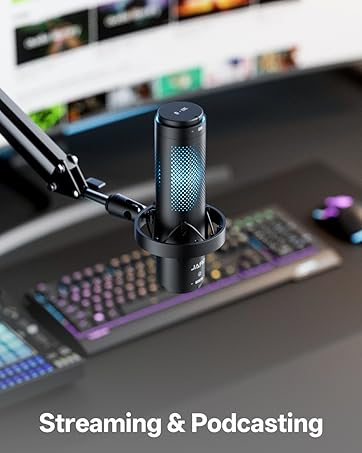
The J100-CB captures every callout, perfect for intense gaming nights or engaging live streams.
Create Without Limits.
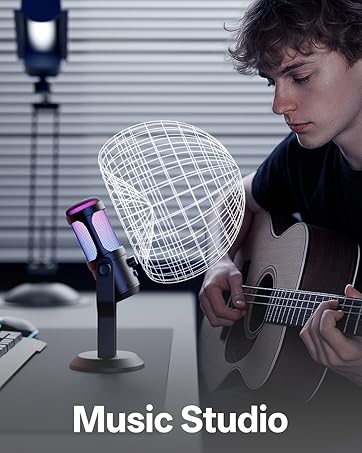
Studio-grade clarity for music production and voice over work — bringing any project to life.


How to achieve optimal recording quality?
Fine-tune both the microphone gain and the recording device's input level to find the optimal balance, which helps achieve clear recordings while minimizing ambient noise and avoiding echoes.
Does J100-CB work with a device with XLR port?
No, the J100-CB microphone only supports devices with USB-A/USB-C port.
How to shut off the RGB lighting?
?Every time the mic powers up, it goes to its default RGB mode. To switch the lighting off, press down the GAIN knob repeatedly until you reach the 'off' mode.
How far should I be from the mic?
For the clearest sound, keep 6–8 inches (15–20 cm) from the mic.
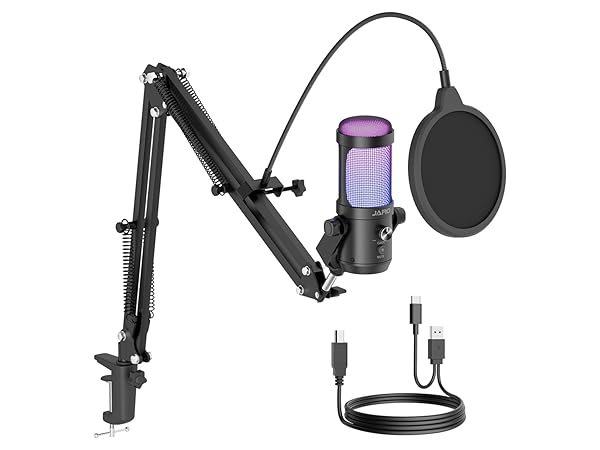
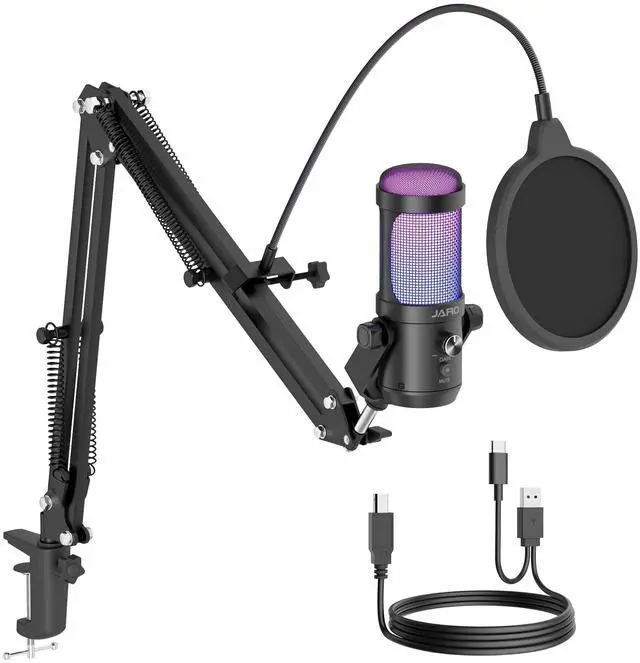
JARO J100-CB Microphone
Pickup Pattern
Cardioid
Boom Arm
Shock Mount
Pop Filter
RGB Lightning
SNR
78dB
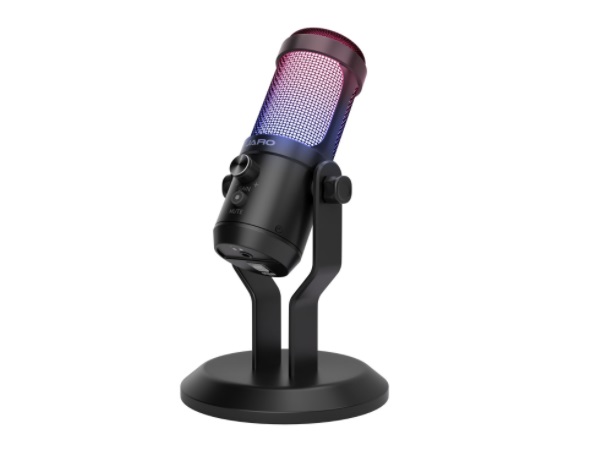
JARO J00-CS Microphone
Pickup Pattern
Cardioid
Boom Arm
Shock Mount
Pop Filter
RGB Lightning
SNR
78dB
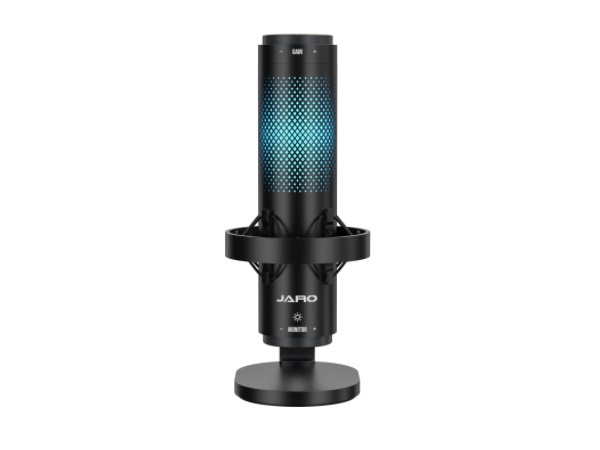
JARO J101-CS Microphone
Pickup Pattern
Multi-Pattern
Boom Arm
Shock Mount
Pop Filter
RGB Lightning
SNR
75dB
About JARO
At JARO, we believe every voice deserves to be heard with clarity and precision. We create high-quality audio products that elevate the experience for creators, gamers, and musicians. JARO microphones use cutting-edge technology to deliver crystal-clear sound, capturing every detail. Our products are designed for both professionals and enthusiasts, offering a reliable, versatile, and stylish experience.