




 here!
here!
I’m your shopping assistant for PC builds, upgrades, and everything tech.
Got questions? Ask away!
Start a conversation
here!
I’m your shopping assistant for PC builds, upgrades, and everything tech.
Got questions? Ask away!
Start a conversation
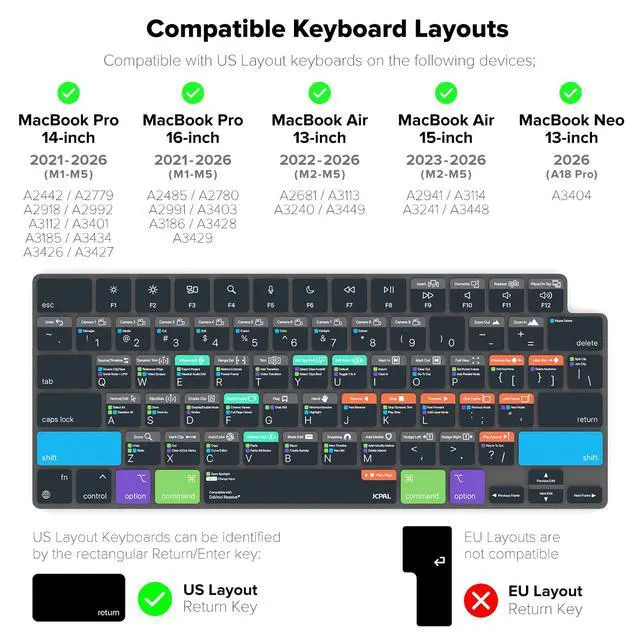
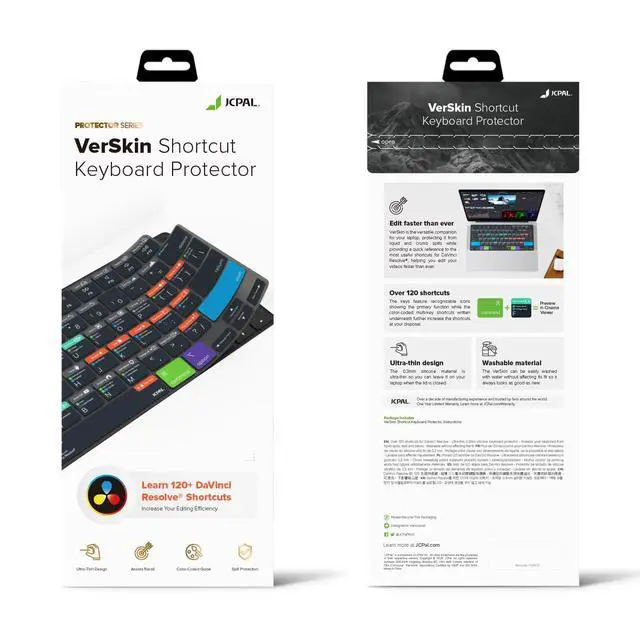



Any questions? Ask CelesteSM will help you find out quickly.
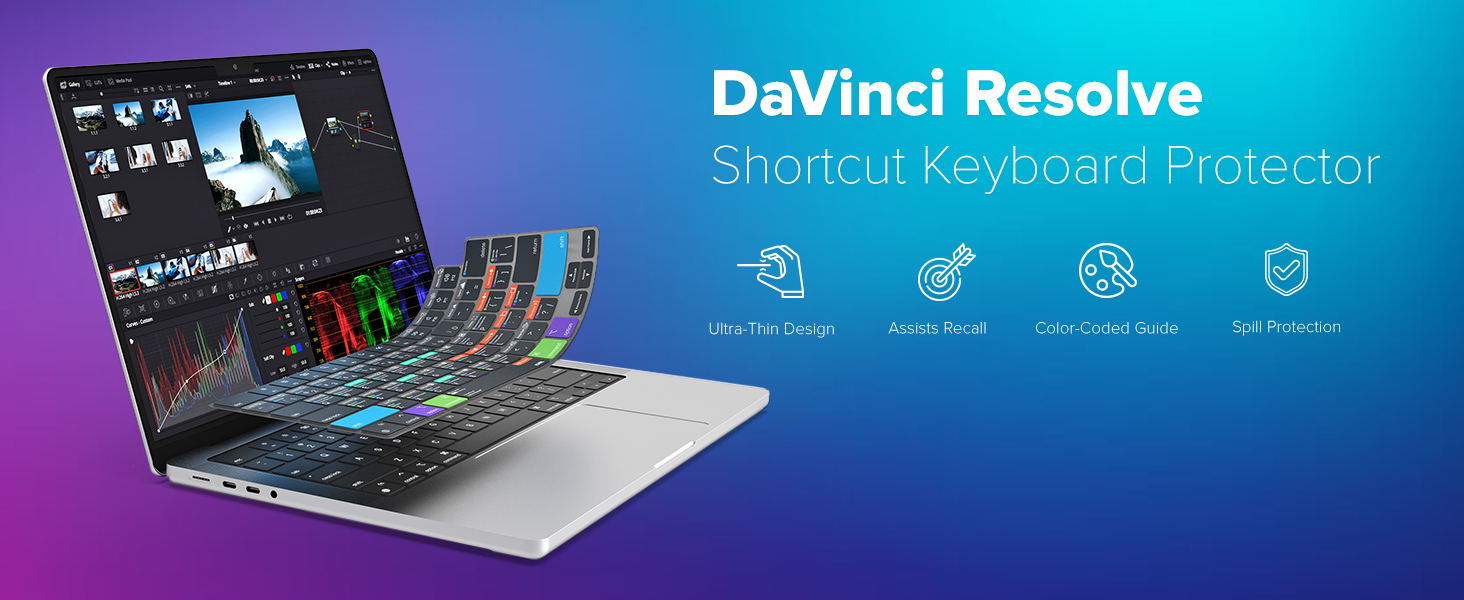
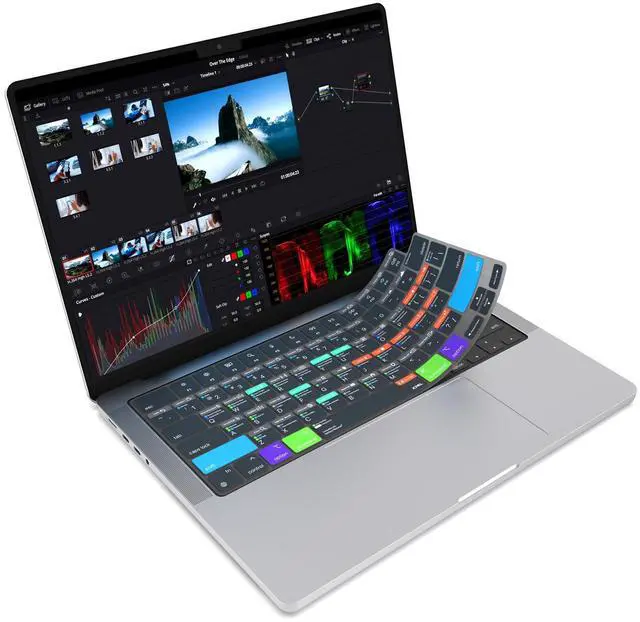
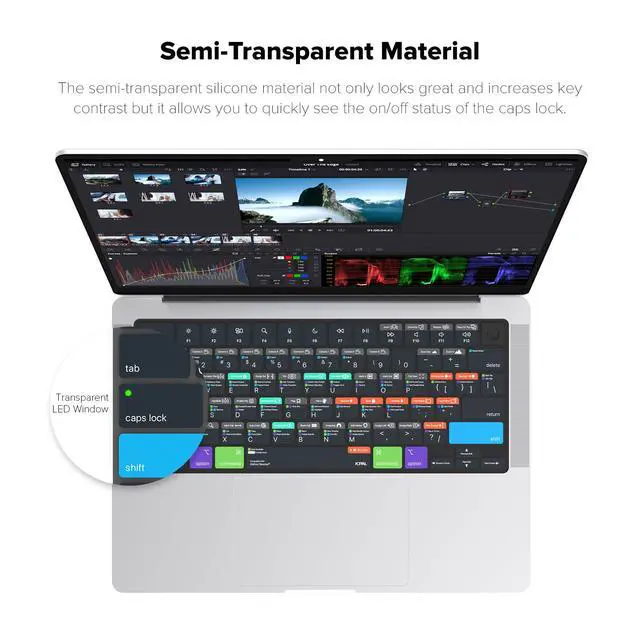
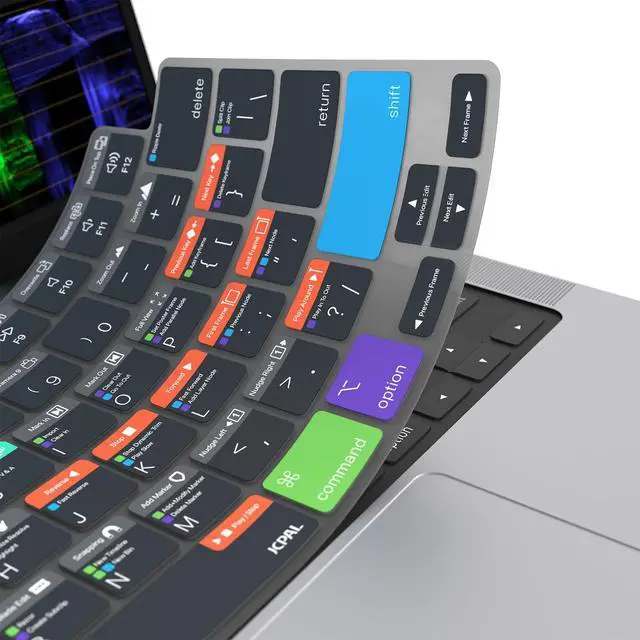
Protect your laptop from liquid and crumb spills while learning the most useful shortcuts for DaVinci Resolve. The VerSkin features a color-coded shortcut guide printed directly on the keys, providing quick reference to over 120 frequently used shortcuts and helping you edit videos faster than ever.
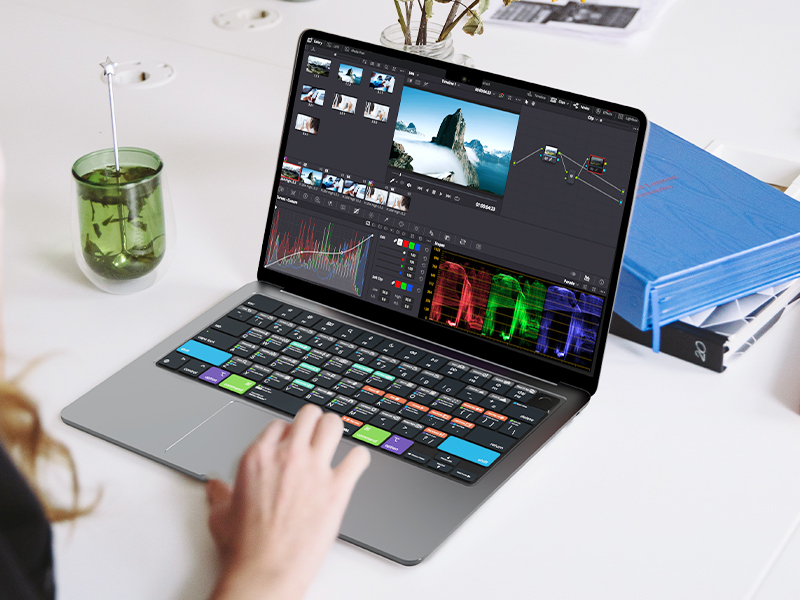
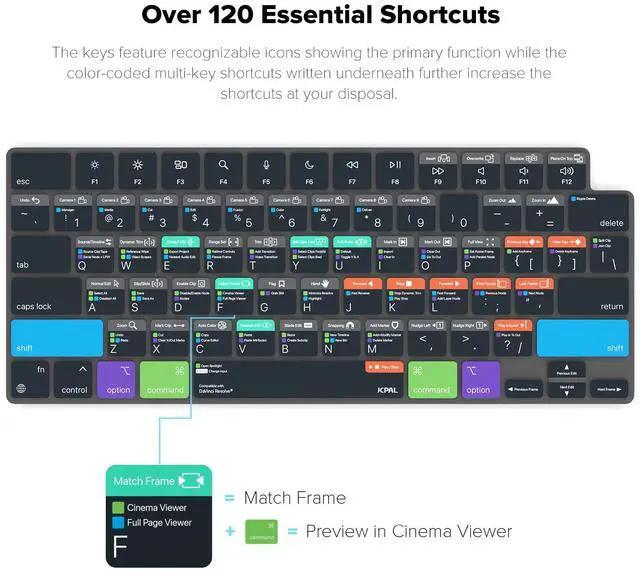
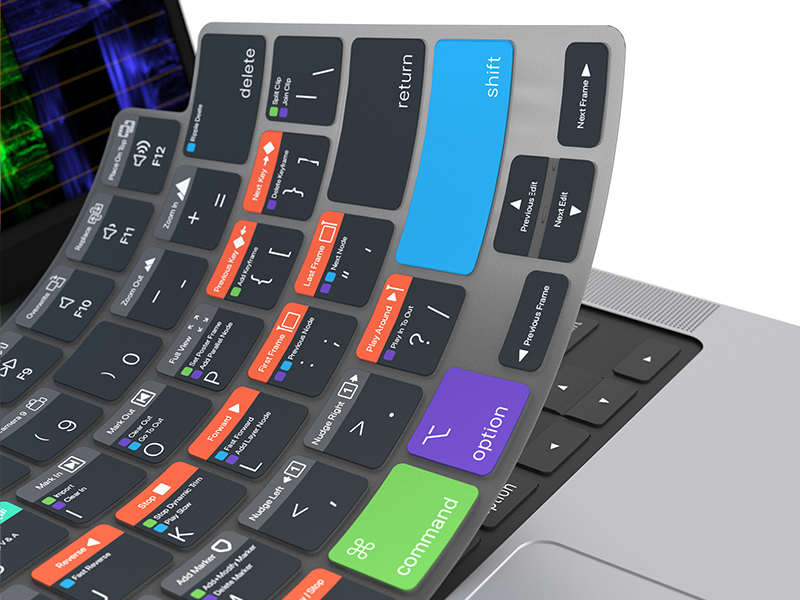
The keys feature recognizable icons showing the primary function of each key, while color-coded multi-key shortcuts are written underneath to further increase the shortcuts at your disposal.
F Key: Match Frame
F + Command Keys: Preview in Cinema Viewer
F + Shift Keys: Full Page Viewer
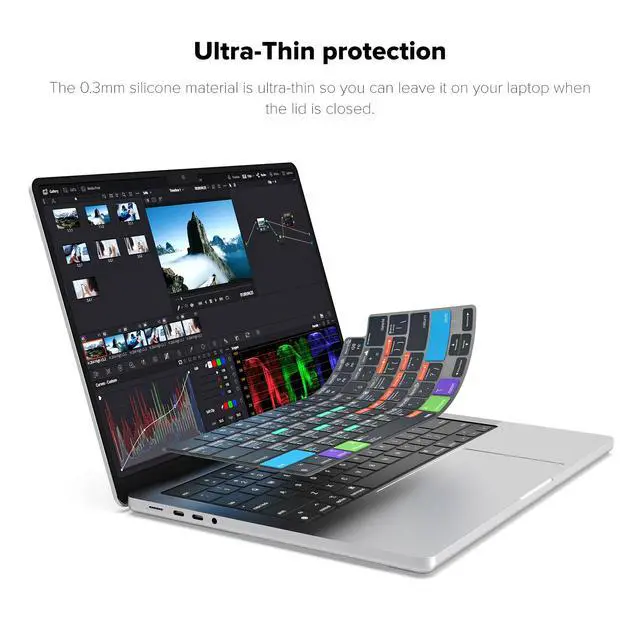
At only 0.3mm, the form-fitted VerSkin creates an ultra-thin barrier over your keyboard and protects it from liquid spills, dust and debris. If you ever spill your coffee (accidents happen!), it protects your laptop and then can be washed in water without affecting its fit, so it’ll always look as good as new.
Can I close my MacBook while the protector is installed?
Yes absolutely! The protector is very thin (0.3mm) and won't prevent the screen closing in any way or stop the laptop from going into sleep mode.
How can I wash the protector?
The VerSkin is fully washable without affecting its shape or fit. Simply remove it from your laptop and wash it in warm soapy water then let it dry completely before putting it back on your Mac.
Will the key markings fade over time?
We screen print our designs by hand to ensure the print is vivid, sharp and won't fade over time so you can be sure the designs will stay looking as good as new.
Will this block the keyboard back light?
Yes this keyboard protector will cover the back light (necessary so we could fit this many shortcuts on the keys), but it can be easily removed when needed for late night sessions.
 DaVinci Resolve |  Adobe Premiere Pro |  Final Cut Pro |  Avid Media Composer | |
|---|---|---|---|---|
Customer Reviews | — | — | — | — |
Price | — | — | — | — |
MacBook Pro 14" (2021 & Newer) | ? | ? | ? | ? |
MacBook Pro 16" (2021 & Newer) | ? | ? | ? | ? |
MacBook Air 13" (2022 & Newer) | ? | ? | ? | ? |
MacBook Air 15" (2023 & Newer) | ? | ? | ? | ? |
MacBook Neo 13" (2026 Model) | ? | ? | ? | ? |
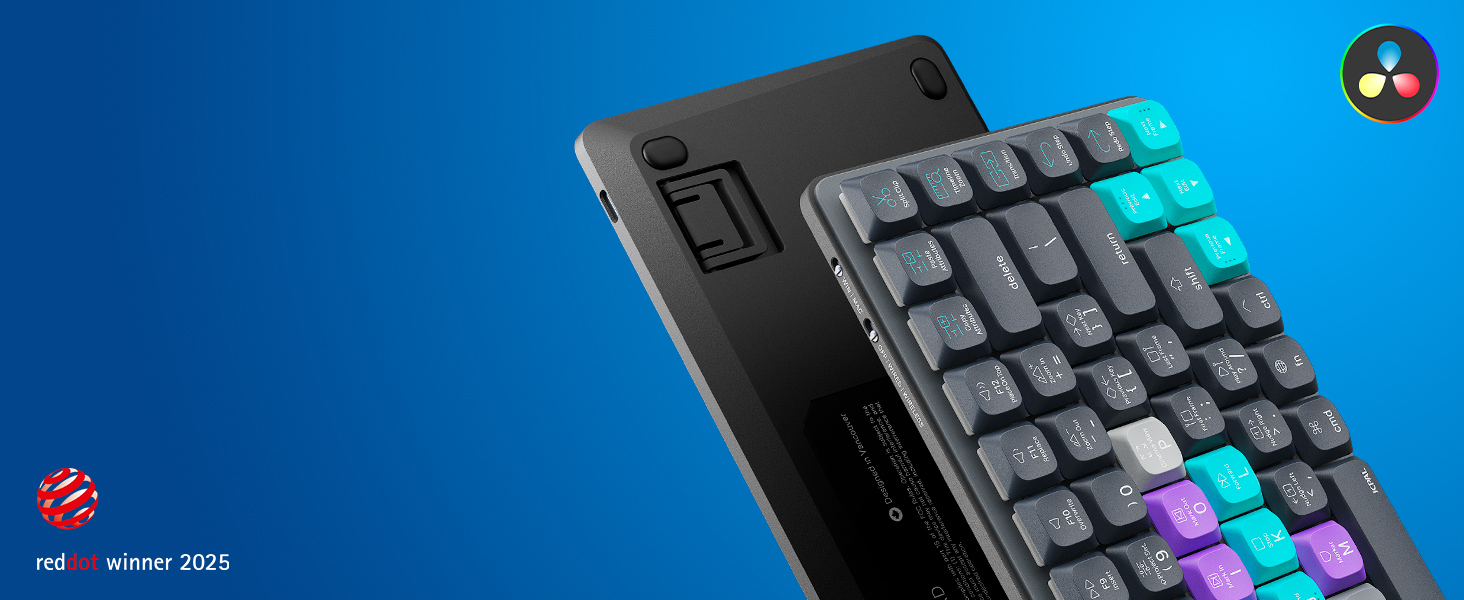
Dash is the minimalist shortcut keyboard that puts you in creative control. With a color-coded key guide, hotkeys and deep customization options, it’s the ultimate tool for a faster, smarter workflow.
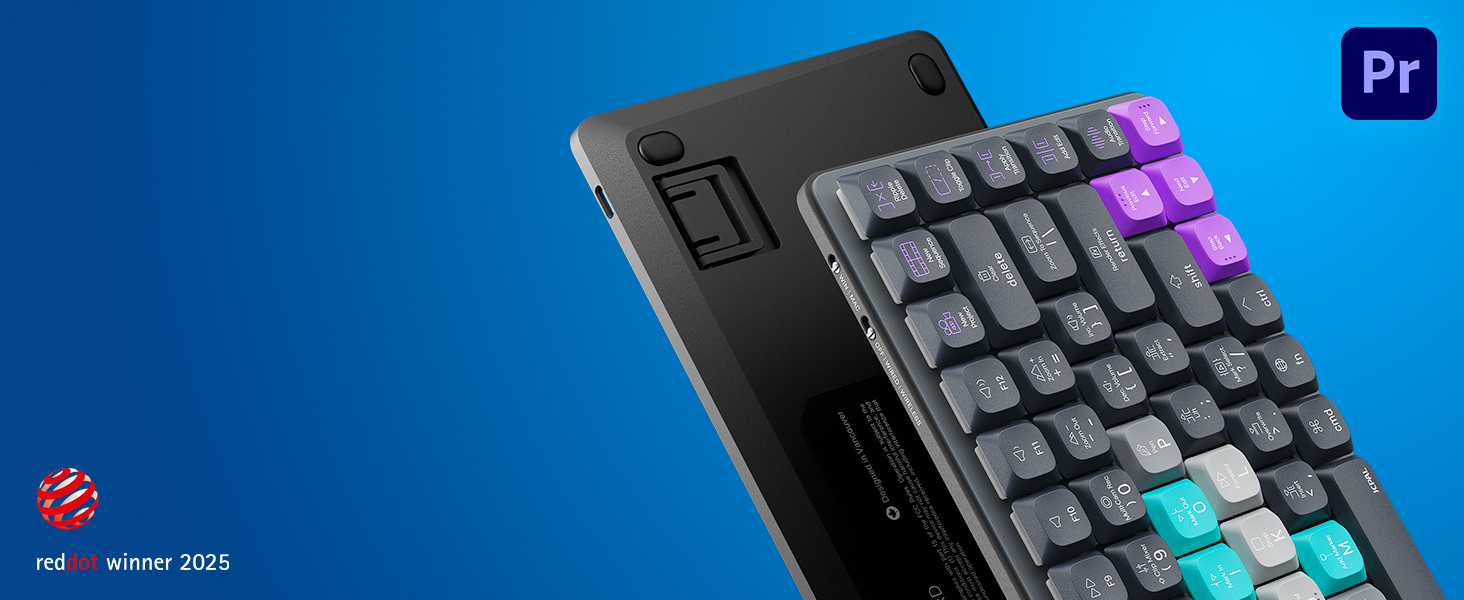
Dash is the minimalist shortcut keyboard that puts you in creative control. With a color-coded key guide, hotkeys and deep customization options, it’s the ultimate tool for a faster, smarter workflow.
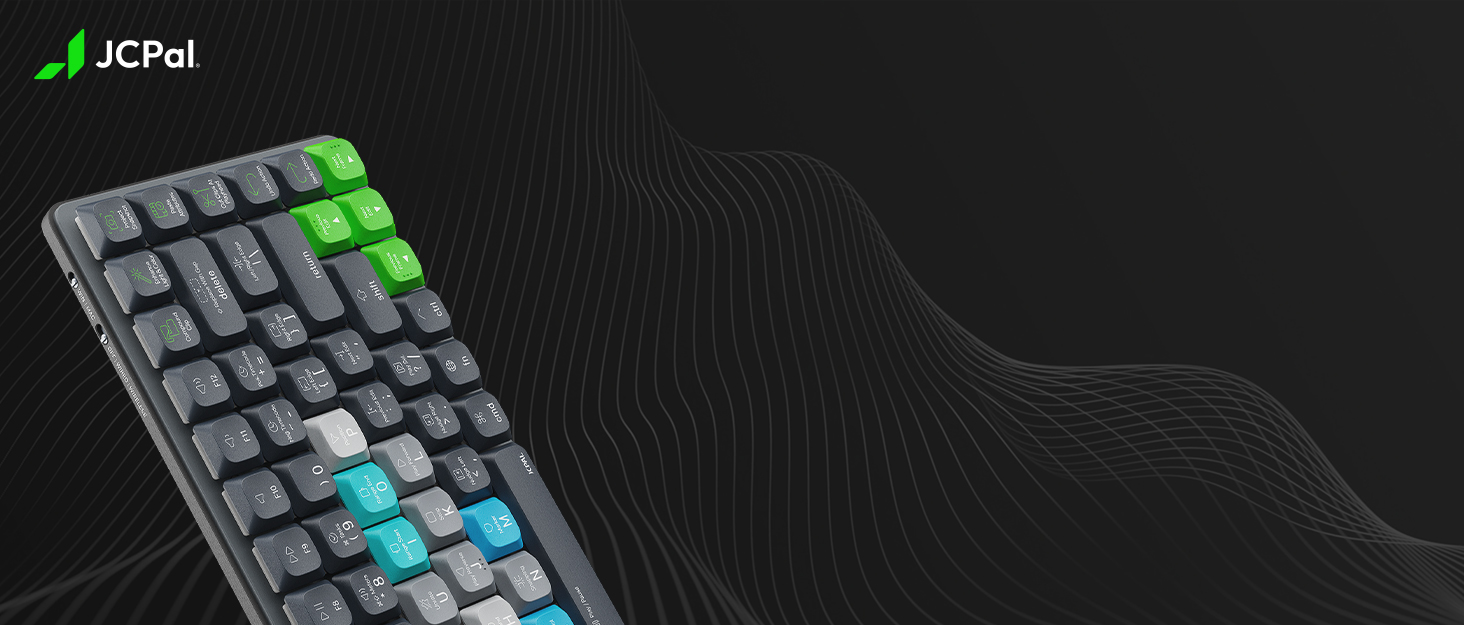

Since 2009, we've designed technology accessories with one goal: make them elegantly simple and cleverly functional. Everything starts with a question about purpose - the answer shapes the rest. We're a small team, and we don't release a lot of products. We try to release good ones, built to last, and designed to keep working as well as the day you unboxed them. Award-winning accessories, designed for the devices you use every day.

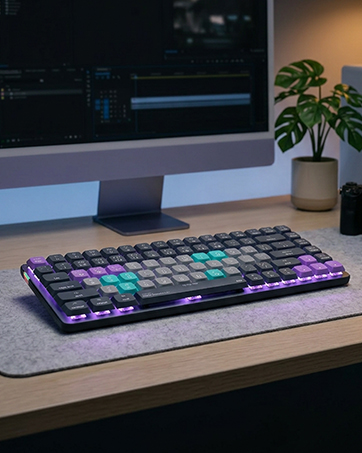
Stay in your creative flow with the Dash keyboards for video editors and photo editors
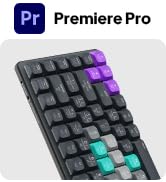
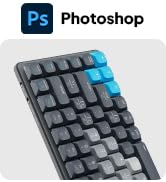
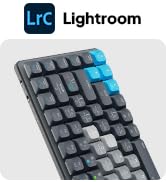
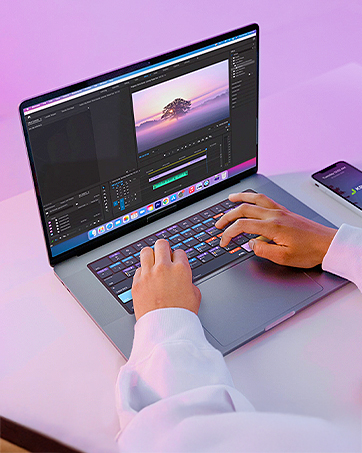
Shortcut Guide Keyboard Protectors for MacBook Pro, MacBook Air and MacBook Neo.
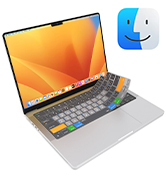
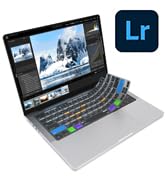
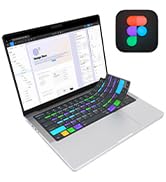
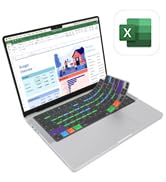
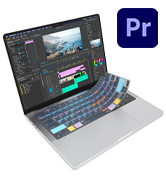
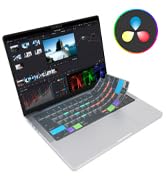
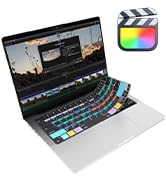
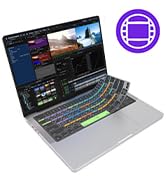
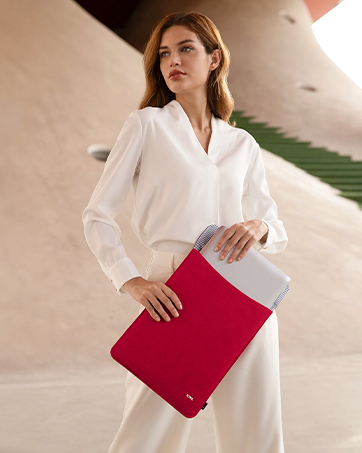
An ultra-slim and packable sleeve with effortless portability.
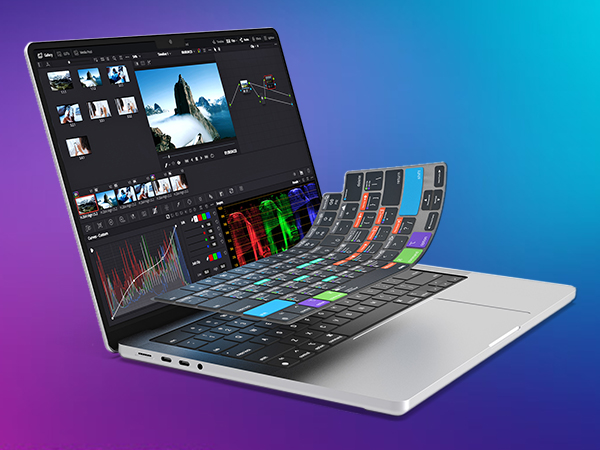
Protect your laptop from liquid and crumb spills while learning the most useful shortcuts for DaVinci Resolve. The VerSkin features a color-coded shortcut guide printed directly on the keys, providing quick reference to over 120 frequently used shortcuts and helping you edit videos faster than ever.
The keys feature recognizable icons showing the primary function of each key, while color-coded multi-key shortcuts are written underneath to further increase the shortcuts at your disposal.
F Key: Match Frame
F + Command Keys: Preview in Cinema Viewer
F + Shift Keys: Full Page Viewer
At only 0.3mm, the form-fitted VerSkin creates an ultra-thin barrier over your keyboard and protects it from liquid spills, dust and debris. If you ever spill your coffee (accidents happen!), it protects your laptop and then can be washed in water without affecting its fit, so it’ll always look as good as new.
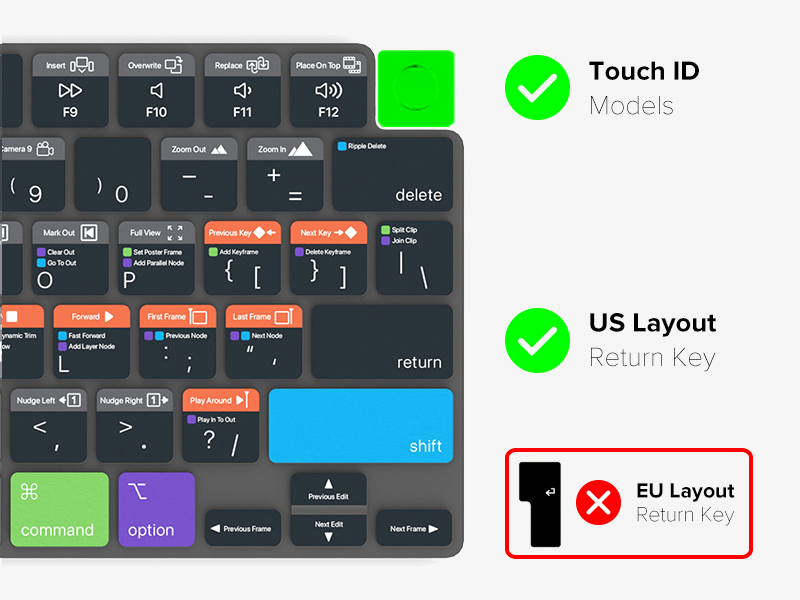
US Layout Keyboards Only
Can I close my MacBook while the protector is installed?
Yes absolutely! The protector is very thin (0.3mm) and won't prevent the screen closing in any way or stop the laptop from going into sleep mode.
How can I wash the protector?
The VerSkin is fully washable without affecting its shape or fit. Simply remove it from your laptop and wash it in warm soapy water then let it dry completely before putting it back on your Mac.
Will the key markings fade over time?
We screen print our designs by hand to ensure the print is vivid, sharp and won't fade over time so you can be sure the designs will stay looking as good as new.
Will this block the keyboard back light?
Yes this keyboard protector will cover the back light (necessary so we could fit this many shortcuts on the keys), but it can be easily removed when needed for late night sessions.
DaVinci Resolve | Adobe Premiere Pro | Final Cut Pro | Avid Media Composer |
|---|---|---|---|
| Customer Reviews | |||
| — | — | — | — |
| Price | |||
| — | — | — | — |
| MacBook Pro 14" (2021 & Newer) | |||
| ? | ? | ? | ? |
| MacBook Pro 16" (2021 & Newer) | |||
| ? | ? | ? | ? |
| MacBook Air 13" (2022 & Newer) | |||
| ? | ? | ? | ? |
| MacBook Air 15" (2023 & Newer) | |||
| ? | ? | ? | ? |
| MacBook Neo 13" (2026 Model) | |||
| ? | ? | ? | ? |
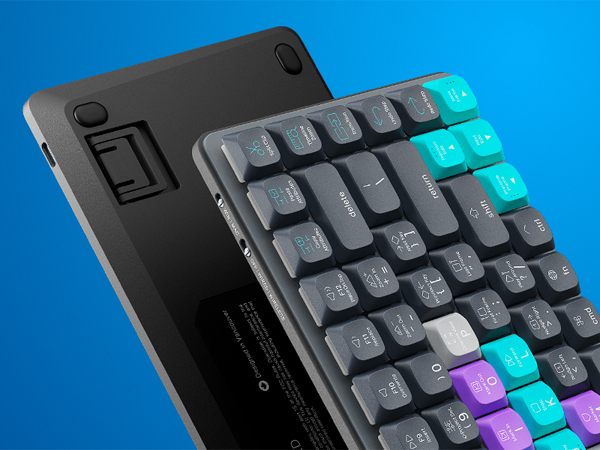
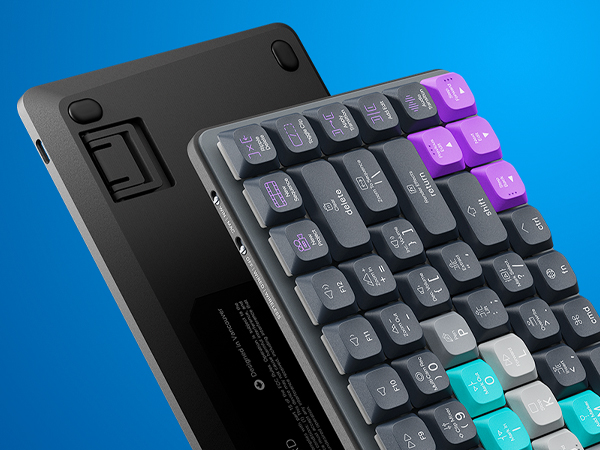
Dash is the minimalist shortcut keyboard that puts you in creative control. With a color-coded key guide, hotkeys and deep customization options, it’s the ultimate tool for a faster, smarter workflow.
Dash is the minimalist shortcut keyboard that puts you in creative control. With a color-coded key guide, hotkeys and deep customization options, it’s the ultimate tool for a faster, smarter workflow.
Since 2009, we've designed technology accessories with one goal: make them elegantly simple and cleverly functional. Everything starts with a question about purpose - the answer shapes the rest. We're a small team, and we don't release a lot of products. We try to release good ones, built to last, and designed to keep working as well as the day you unboxed them. Award-winning accessories, designed for the devices you use every day.
Stay in your creative flow with the Dash keyboards for video editors and photo editors
Shortcut Guide Keyboard Protectors for MacBook Pro, MacBook Air and MacBook Neo.
An ultra-slim and packable sleeve with effortless portability.



