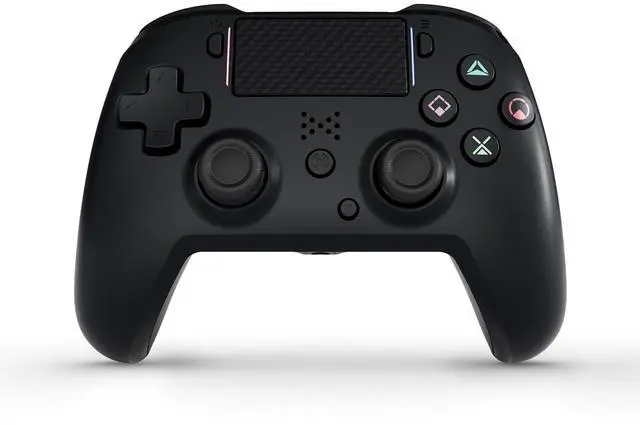
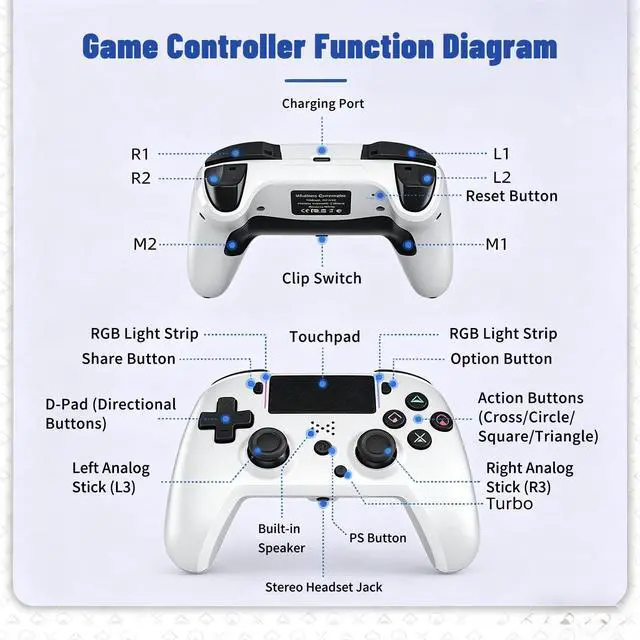
P4 controller Wide CompatibilityAceGamer wireless controller compatible with P4/Pro/Slim/Windows PC. *Attention*: Only when connecting for the first time, you must activate the device with the USB cable for the first pairing and connection. After that, the normal wireless connection of Bluetooth can be made, and USB data cable is no longer needed. *Note*: Connecting to PC(without Bluetooth) needs to install receiver, not included.
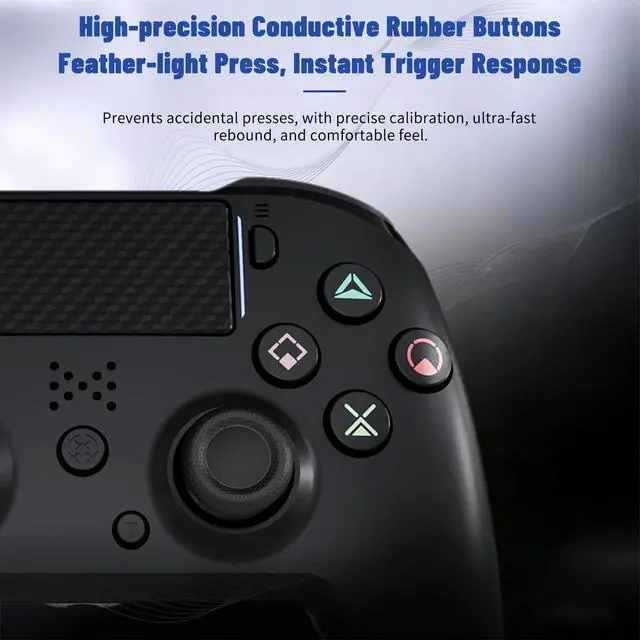
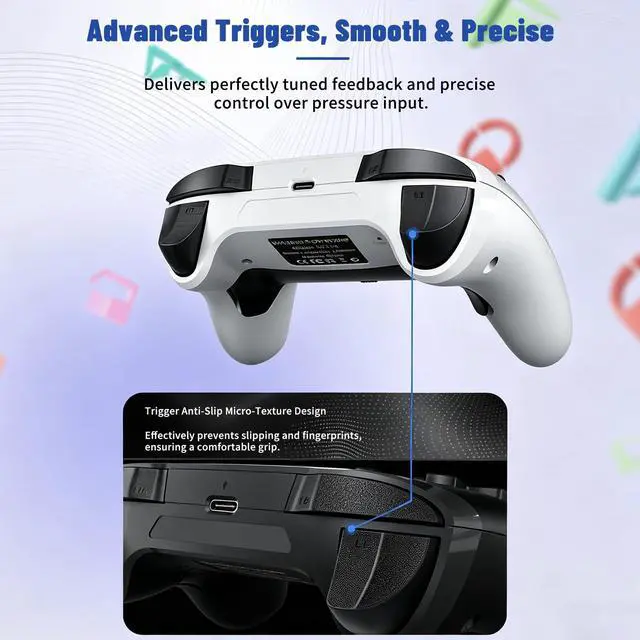
P4 controller Function Highlights360° Refined analog sticks without dead zone, the new touch pad on the face of the game controller offer players precise control. Controller which built-in 6-axis gyro sensor has dual motor vibration, excellent dual shock effect design makes the tactile sense more sensitive. The optimized buttons and triggers, ergonomic design non-slip grips, which offer you fantastic gaming experience.
P4 wireless controller Turbo SettingYou can customize any key as a turbo key. First, hold down the 'share' key, then click the turbo key you want to set up successfully. Secondly, you can adjust the turbo frequency. First, hold down the 'share' key, then touch the joystick on the right up and down. There are three gears to adjust in total.
+
+
Overview
Specs
Reviews
Any questions? Our AI mode will help you find out quickly.
Try me now
Jersonn ps4 controller
Jersonn ps4 controller
Wireless Controller Compatible with PS4/Pro/Slim/PC, with Dual Vibration, 1200mAh Battery, 6-Axis Motion Sensor, Built-in Speaker & 3.5 mm Headphone Jack, Charging Cable (Black)
Learn more about the Generic Brand HX168 Pro
Model
Brand
Jersonn
Model
HX168 Pro
Details
Color
Black
Type
Wireless
System Requirement
, , ,
Features
Features
, Wireless,
Dimensions & Weight
Dimension
6 L x 6 W x 4 H inches
Weight
200 grams
Additional Information
First Listed on Newegg
May 27, 2026
Customer Reviews of the Generic Brand HX168 Pro
There are no reviews yet.
Do you own this product?
Warranty & Returns
Warranty, Returns, And Additional Information
Warranty
Please contact the Seller directly for warranty information. Warranty information may also be found on the Manufacturer's website.