




 here!
here!
I’m your shopping assistant for PC builds, upgrades, and everything tech.
Got questions? Ask away!
Start a conversation
here!
I’m your shopping assistant for PC builds, upgrades, and everything tech.
Got questions? Ask away!
Start a conversation




Any questions? Ask CelesteSM will help you find out quickly.
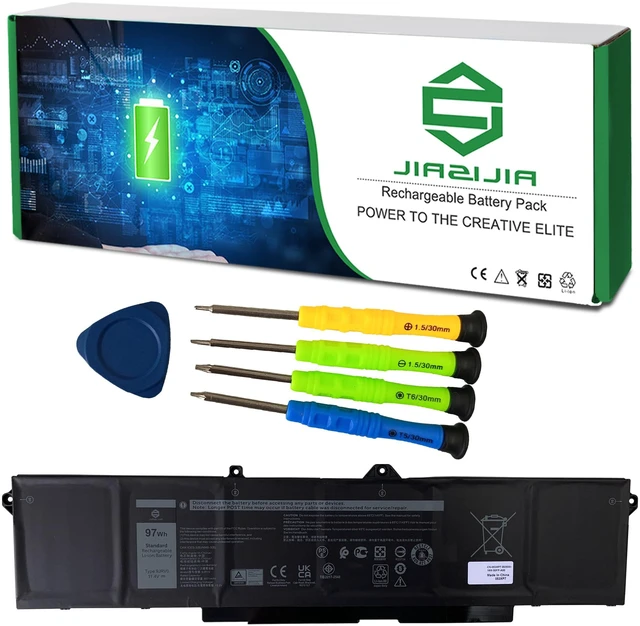
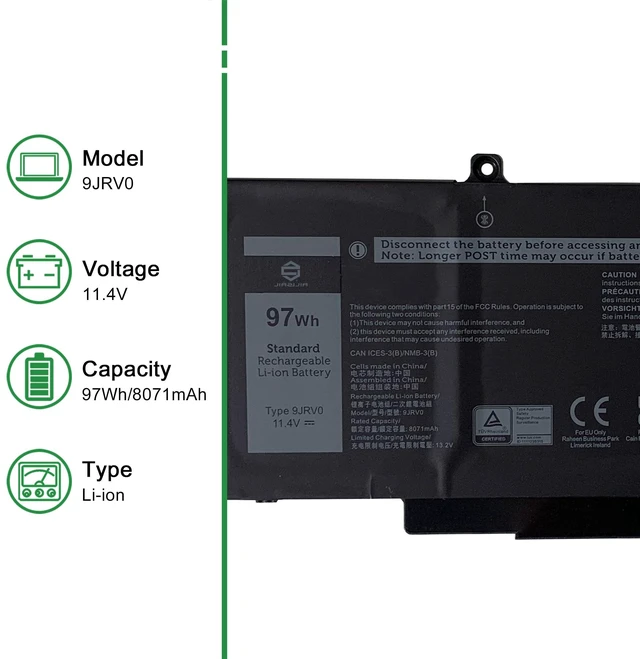
<1>.Type: Plug & Play Rechargeable Li-ion Battery
<2>.Model: 9JRV0
<3>.Voltage: 11.4V
<4>.Capatity: 97Wh 8071mAh
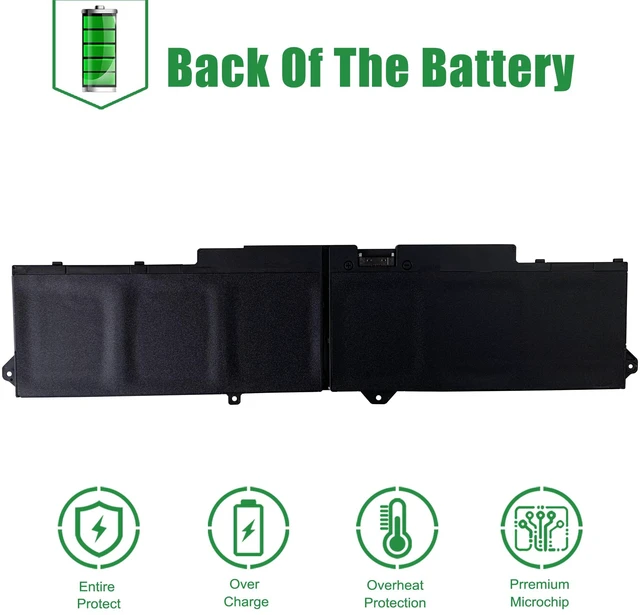
<5>.Interface: Refer to the picture! Please check it!
<6>.Color: Black
<7>.Replacement for Part Number:
9JRV0 CPX-53XP7 53XP7 053XP7 05RGW 005RGW
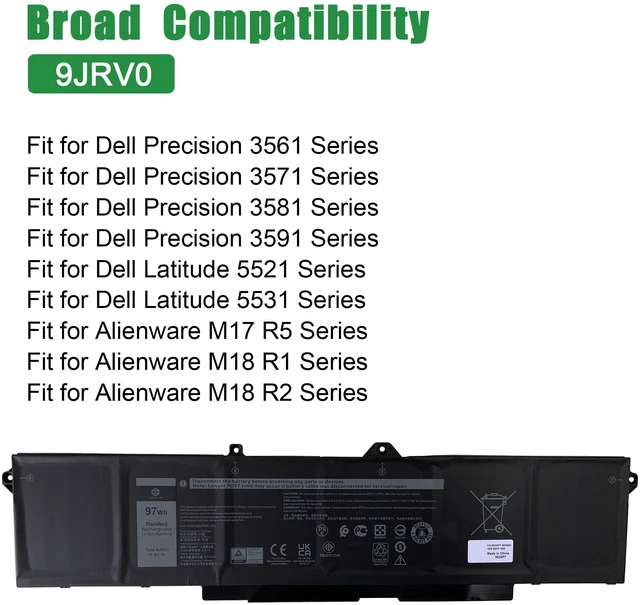
<8>.Compatible Models (use "Ctrl+F to find your model quickly")
Fit for Dell Precision 3561 Series
Fit for Dell Precision 3571 Series
Fit for Dell Precision 3581 Series
Fit for Dell Precision 3591 Series
Fit for Dell Latitude 5521 Series
Fit for Dell Latitude 5531 Series
Fit for Alienware M17 R5 Series
Fit for Alienware M18 R1 Series
Fit for Alienware M18 R2 Series
Not all the compatible laptop models have been listed, please open the back case of your laptop and choose the right battery model according to your laptop's origibal battery.
<9>.Package included:
1X 9JRV0 Battery
1X User Manual
1X Tool Kit
<10>.Note:
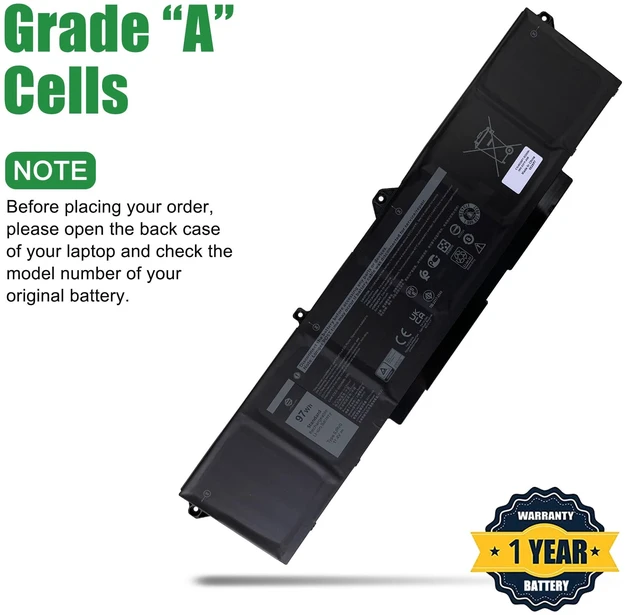
1.Before placing your order, we highly suggest you to open the back case of your latptop and check out the exact part number of your laptop's original battery.
2.Repeat the 5% and 100% cycle for 5 times to activate the new battery.
3.Do not disassemble, crush or puncture. Do not dispose of in fire or water.
4.If you remove battery for a long time, make sure it has more than 80% at least one time within one months.
5.When using the battery, care should be taken to prevent exposure and moisture.



