here!
I’m your shopping assistant for PC builds, upgrades, and everything tech.
Got questions? Ask away!
Start a conversation
here!
I’m your shopping assistant for PC builds, upgrades, and everything tech.
Got questions? Ask away!
Start a conversation
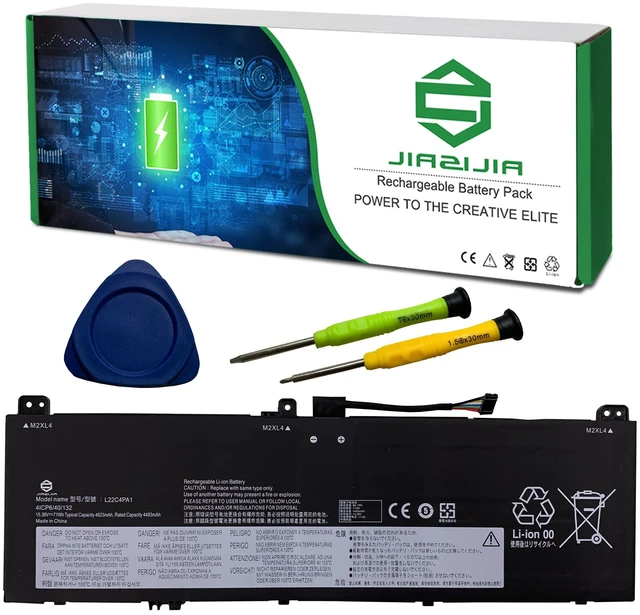



Any questions? Ask CelesteSM will help you find out quickly.
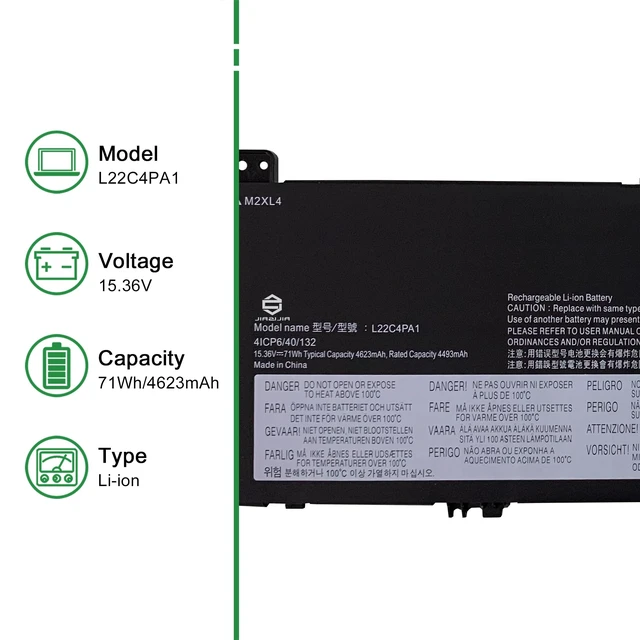
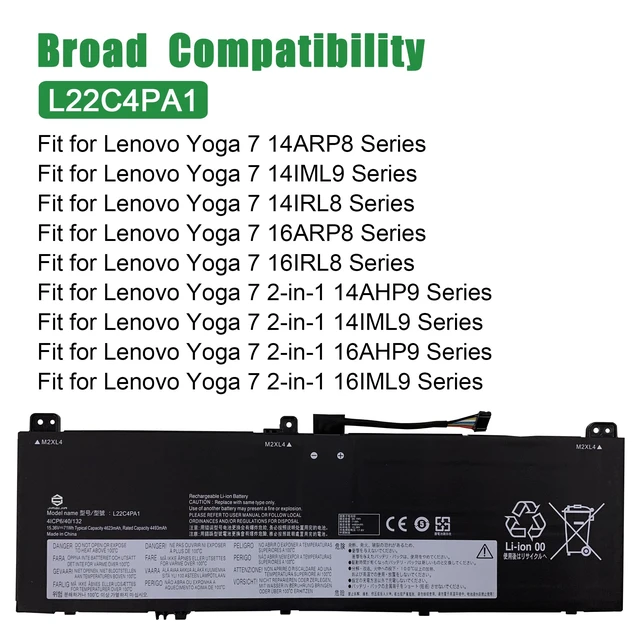
<1>.Type: Plug & Play Rechargeable Li-ion Battery
<2>.Model: L22C4PA1
<3>.Voltage: 15.36V
<4>.Capatity: 71Wh 4623mAh
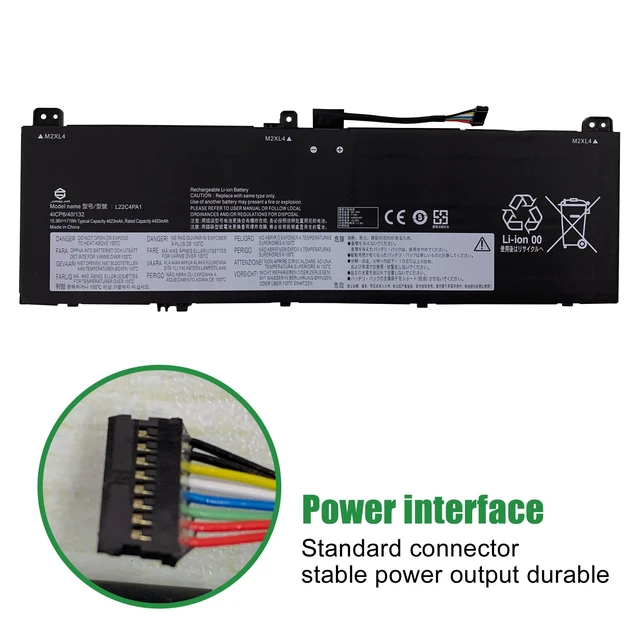
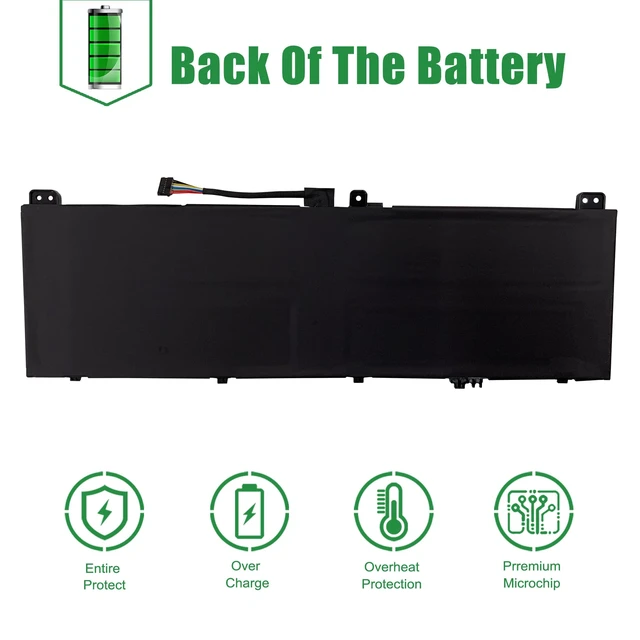
<5>.Interface: Refer to the picture! Please check it!
<6>.Color: Black
<7>.Replacement for Part Number:
L22C4PA1 SB11K38965 5B11K38968 SB11N45990 5B11N46035 L22M4PA1 SB11K38964 5B11K38966 SB11N46027 5B11N45944 L22D4PA1 SB11K38967 5B11K38963 SB11N46002 5B11N45982
<8>.Compatible Models (use "Ctrl+F to find your model quickly")
Fit for Lenovo Yoga 7 14ARP8 Series
Fit for Lenovo Yoga 7 14IML9 Series
Fit for Lenovo Yoga 7 14IRL8 Series
Fit for Lenovo Yoga 7 16ARP8 Series
Fit for Lenovo Yoga 7 16IRL8 Series
Fit for Lenovo Yoga 7 2-in-1 14AHP9 Series
Fit for Lenovo Yoga 7 2-in-1 14IML9 Series
Fit for Lenovo Yoga 7 2-in-1 16AHP9 Series
Fit for Lenovo Yoga 7 2-in-1 16IML9 Series
Not all the compatible laptop models have been listed, please open the back case of your laptop and choose the right battery model according to your laptop's origibal battery.
<9>.Package included:
1X L22C4PA1 Battery
1X User Manual
1X Tool Kit
<10>.Note:
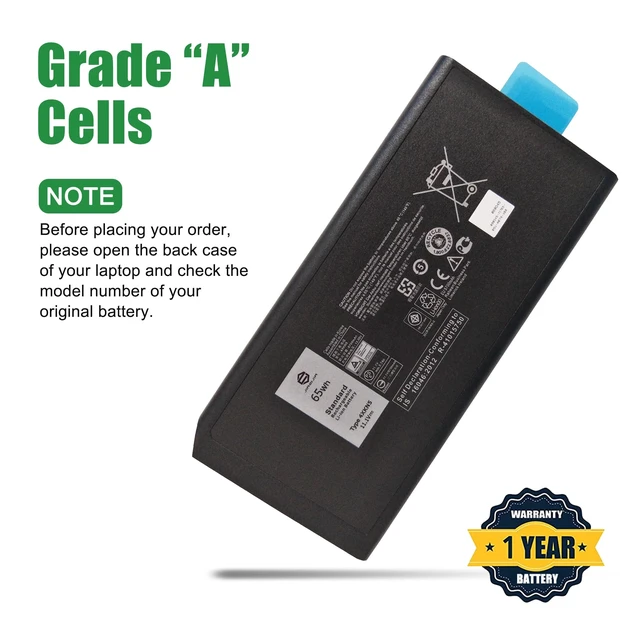
1.Before placing your order, we highly suggest you to open the back case of your latptop and check out the exact part number of your laptop's original battery.
2.Repeat the 5% and 100% cycle for 5 times to activate the new battery.
3.Do not disassemble, crush or puncture. Do not dispose of in fire or water.
4.If you remove battery for a long time, make sure it has more than 80% at least one time within one months.
5.When using the battery, care should be taken to prevent exposure and moisture.