here!
here!
I’m your shopping assistant for PC builds, upgrades, and everything tech.
Got questions? Ask away!
Start a conversation
here!
I’m your shopping assistant for PC builds, upgrades, and everything tech.
Got questions? Ask away!
Start a conversation
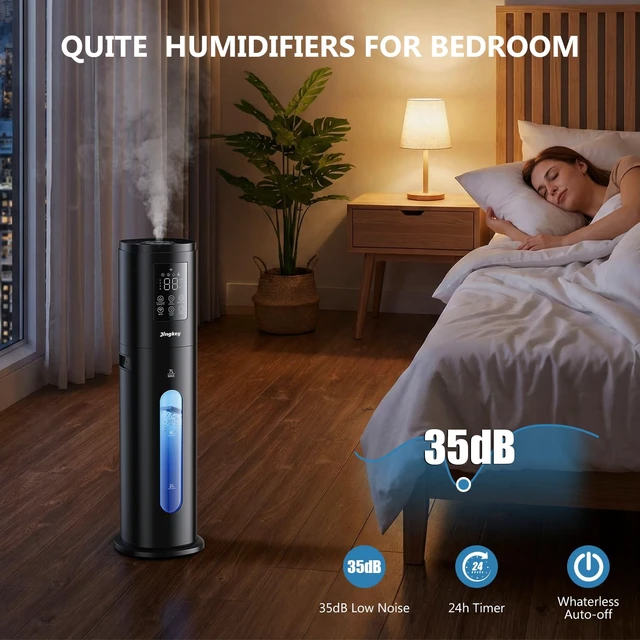
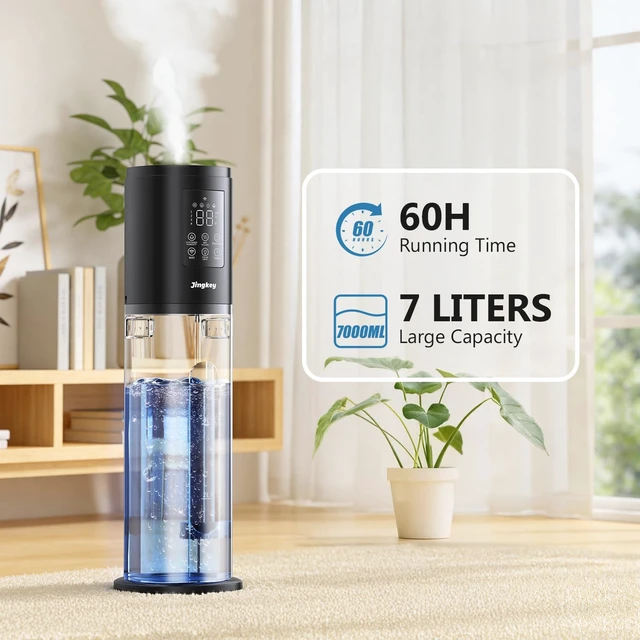
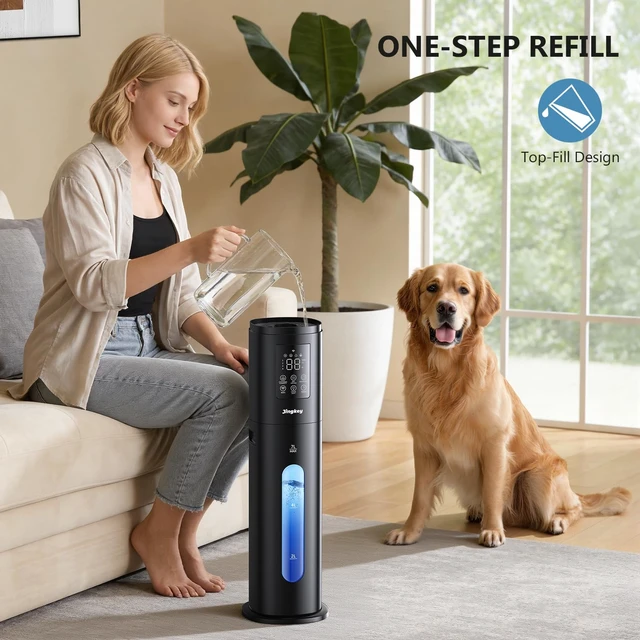



Any questions? Ask CelesteSM will help you find out quickly.
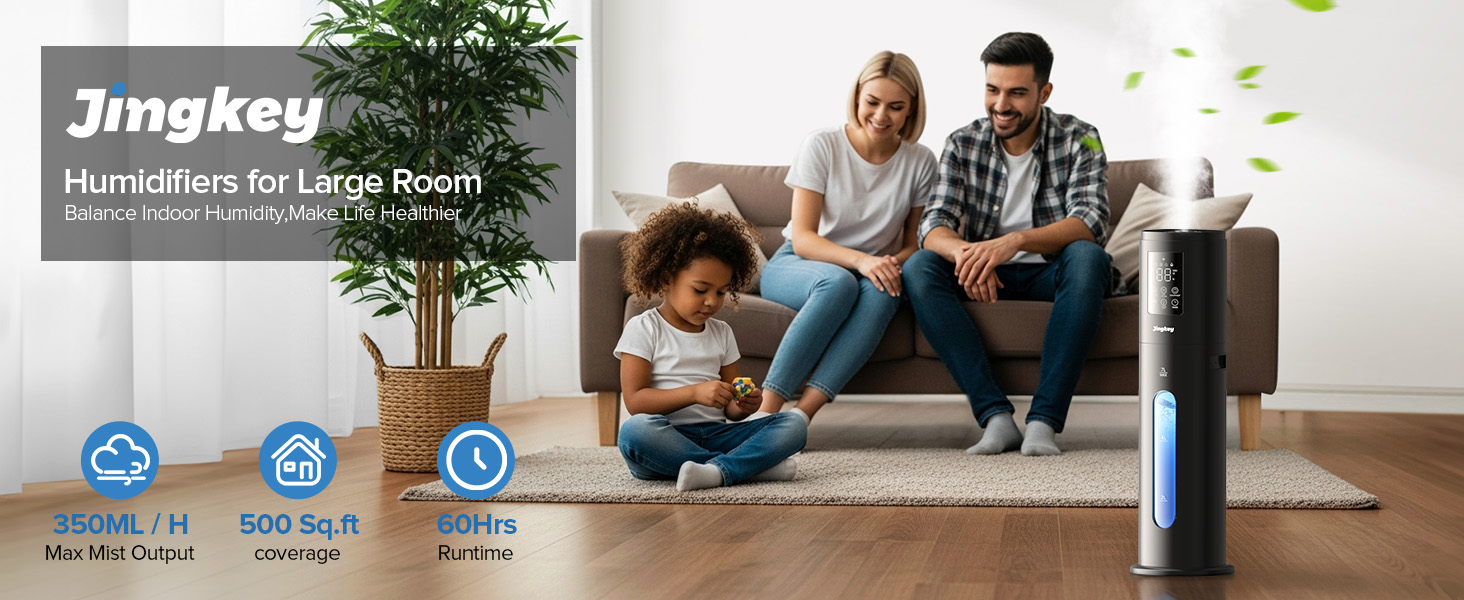
What is the size of the humidifier ?
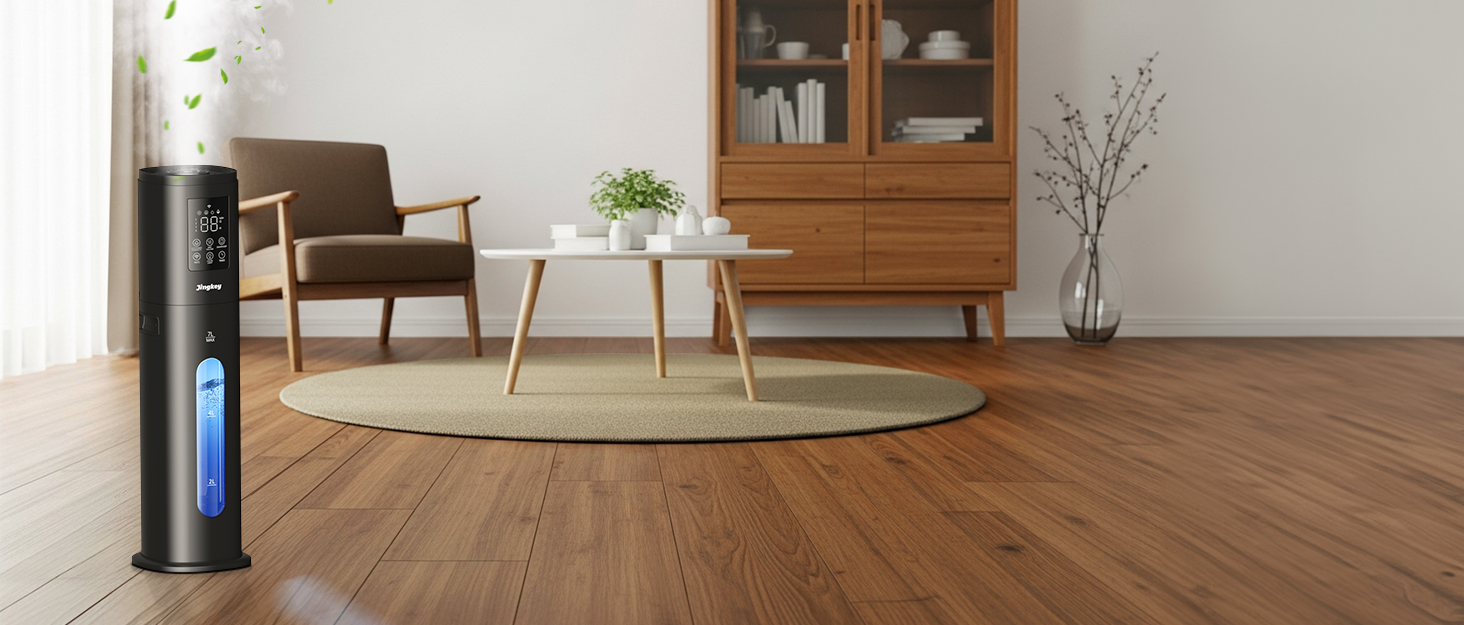
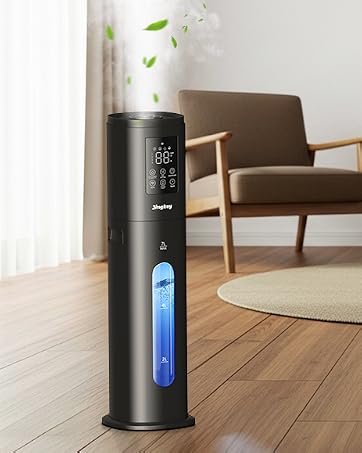
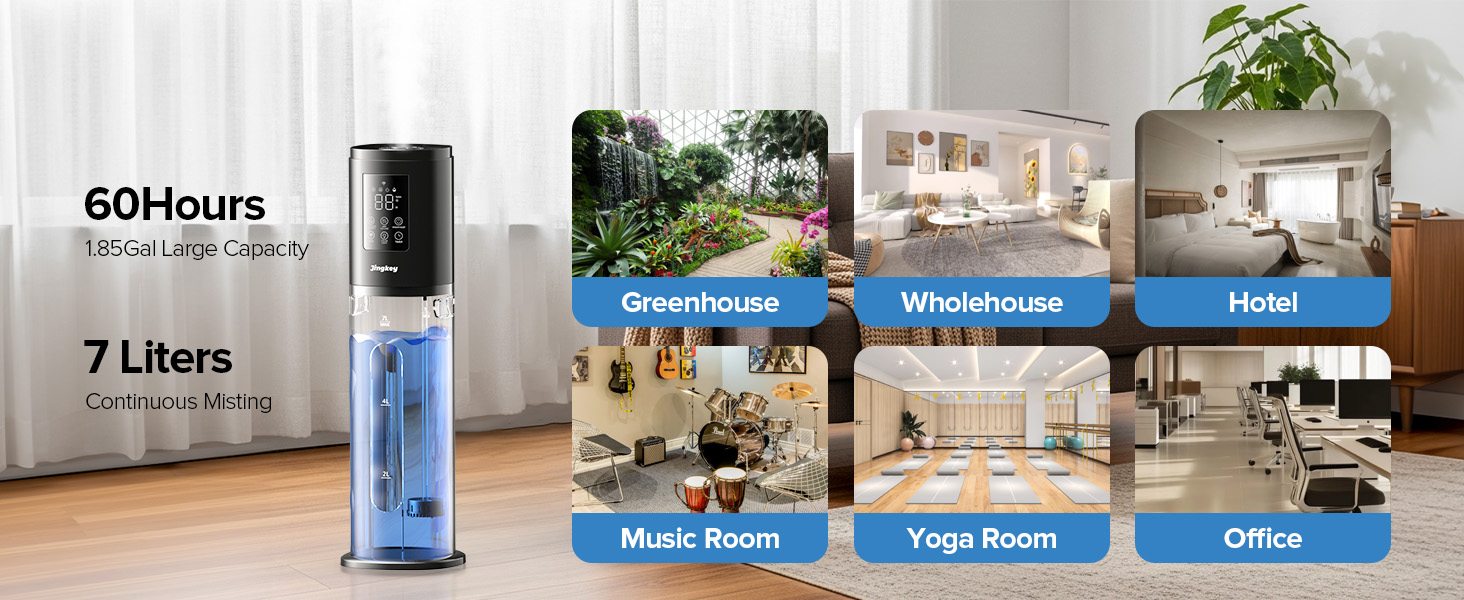
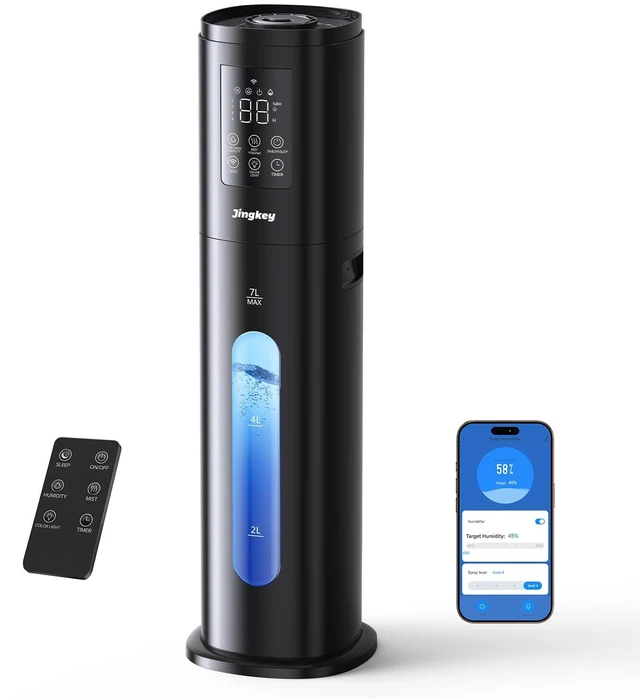
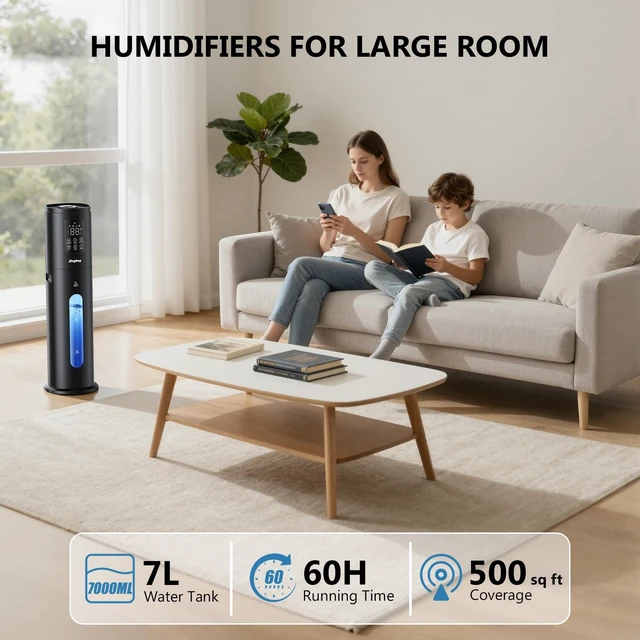
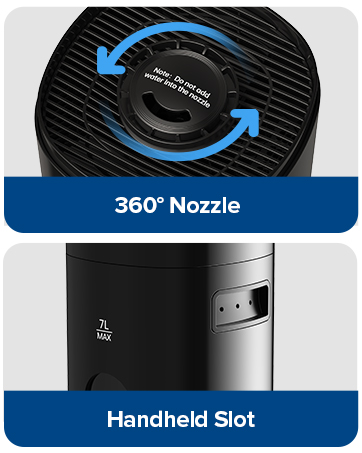
7L/1.85Gal.
How large of a room can it humidify ?
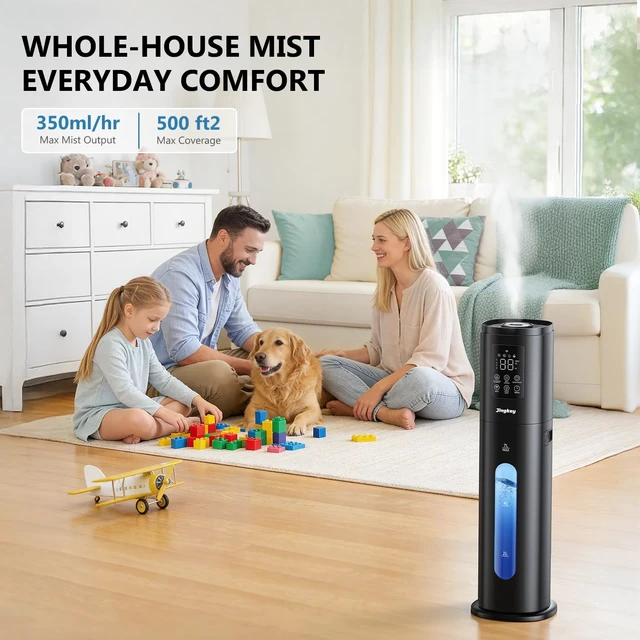
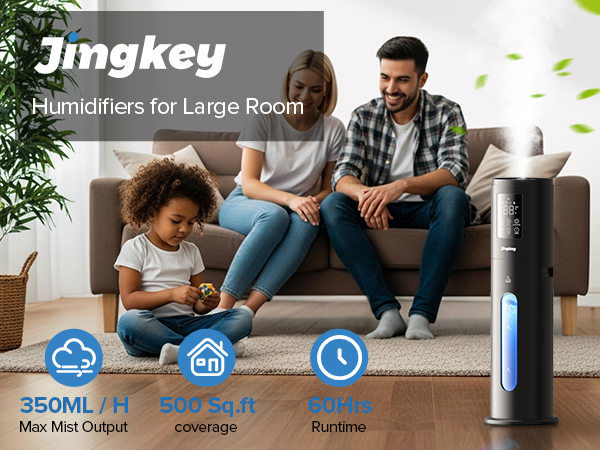
The humidifier can efficiently cover up to 500 square feet.
How to connect to WiFi mode ?
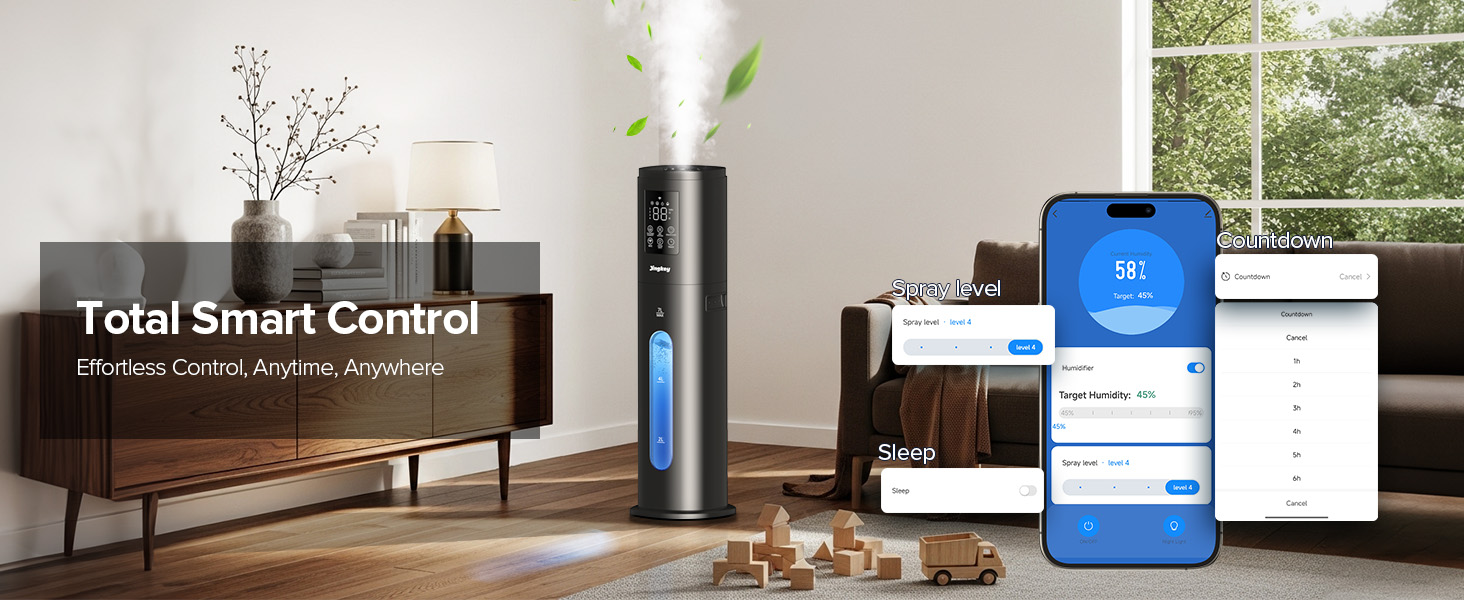
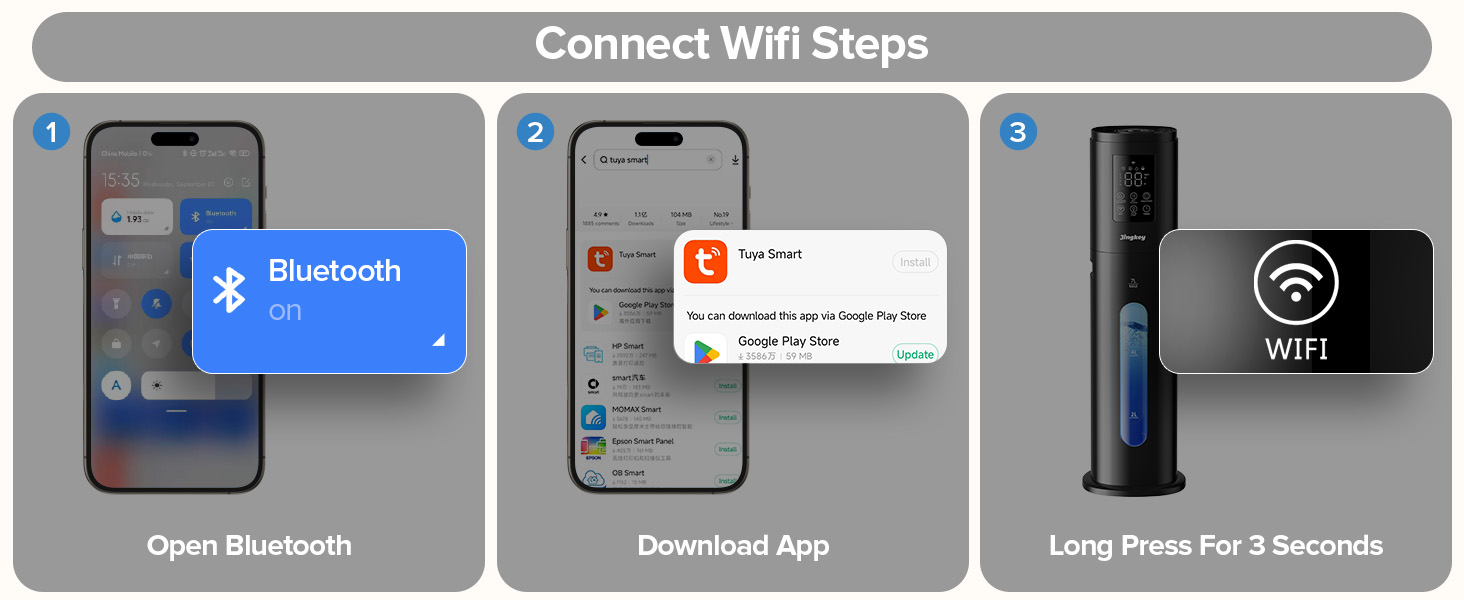
1. Plug in the power and the product enters the standby state.
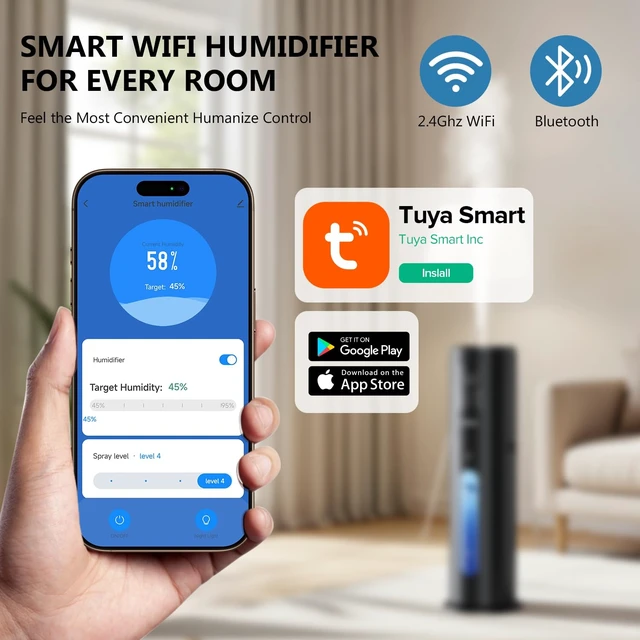
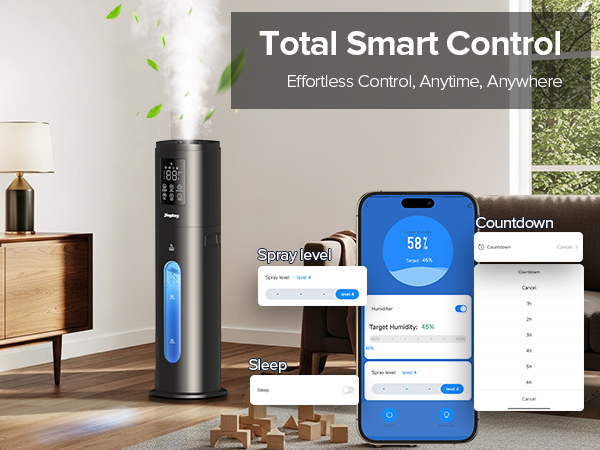
2. Press and hold the WiFi button for 3 seconds to turn on the WiFi search function.
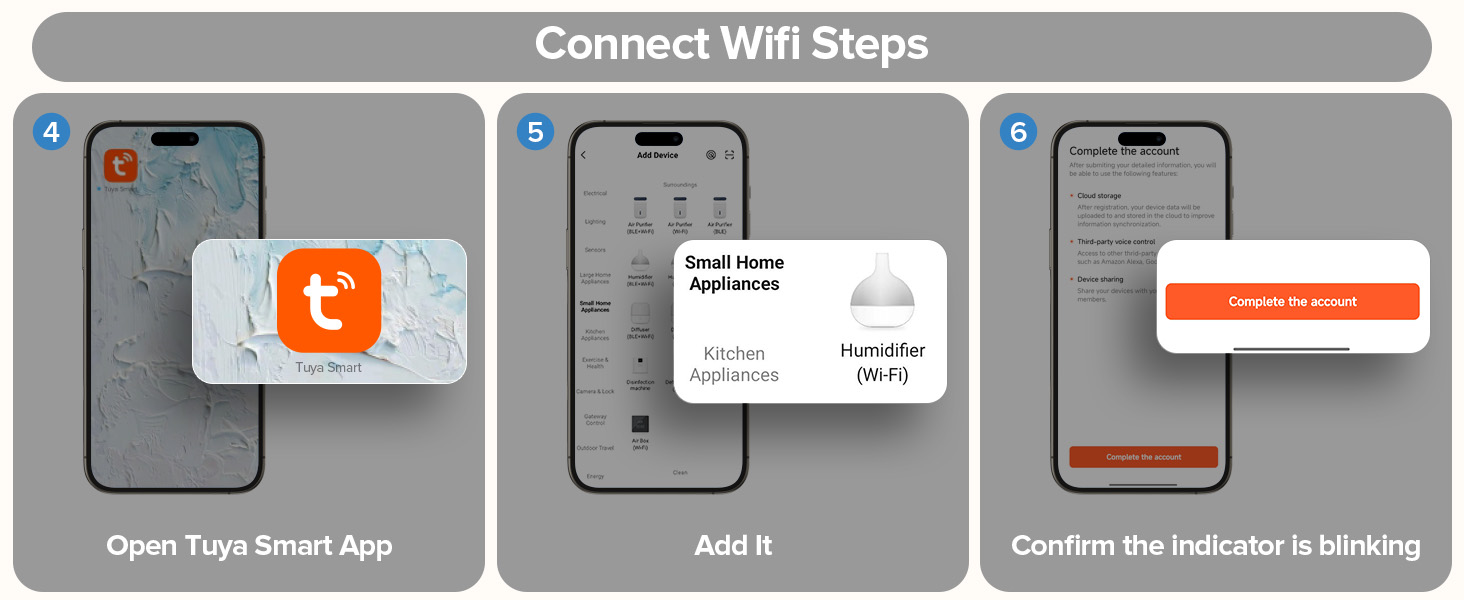
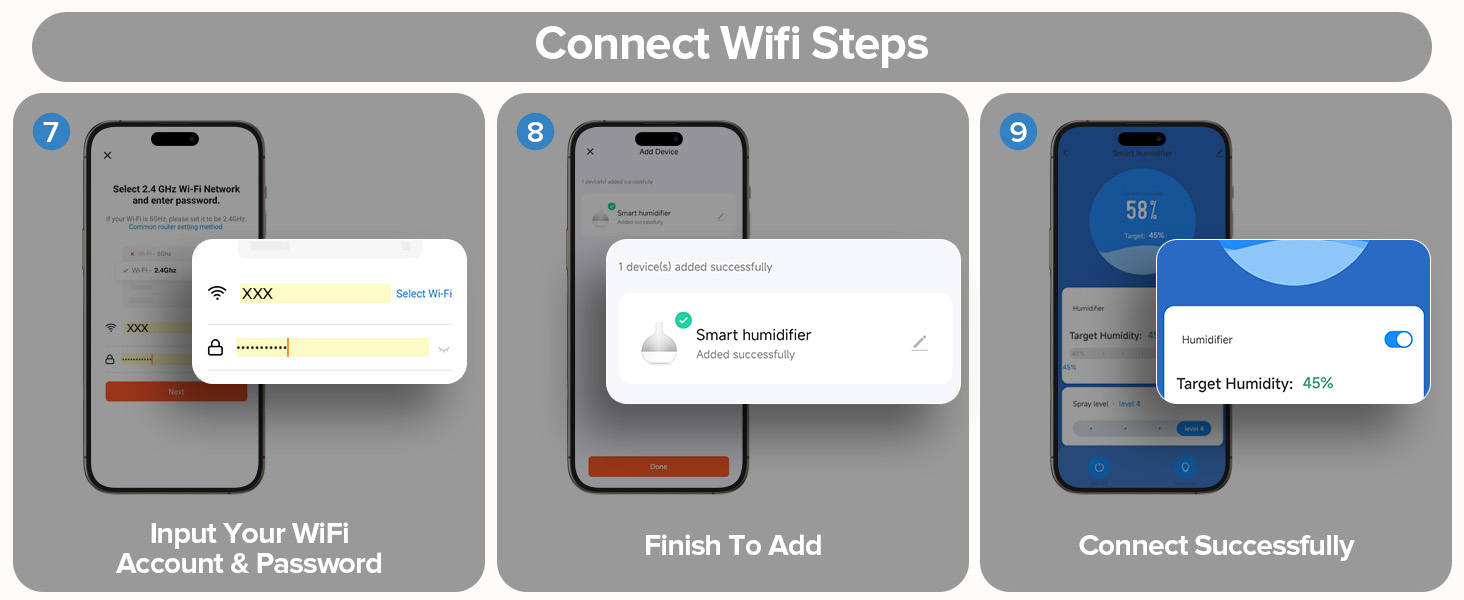
3. Open the Tuya app on your phone for network configuration.
Why won't the Wi-Fi turn on?
The Wi-Fi can only be enabled when:
1. The humidifier is switched on.
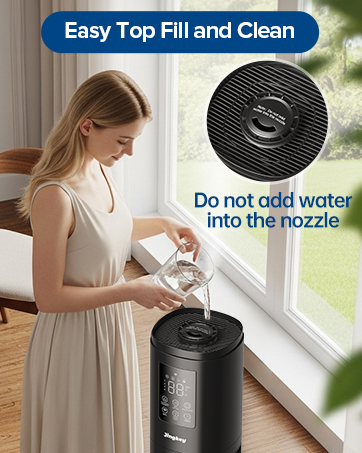
2. The top tank has been fully filled with water (this takes about 4-5 seconds after starting the pump). Once the top tank detects water, the Wi-Fi will become available.
Why does it still show "Low Water" after I refill the tank?
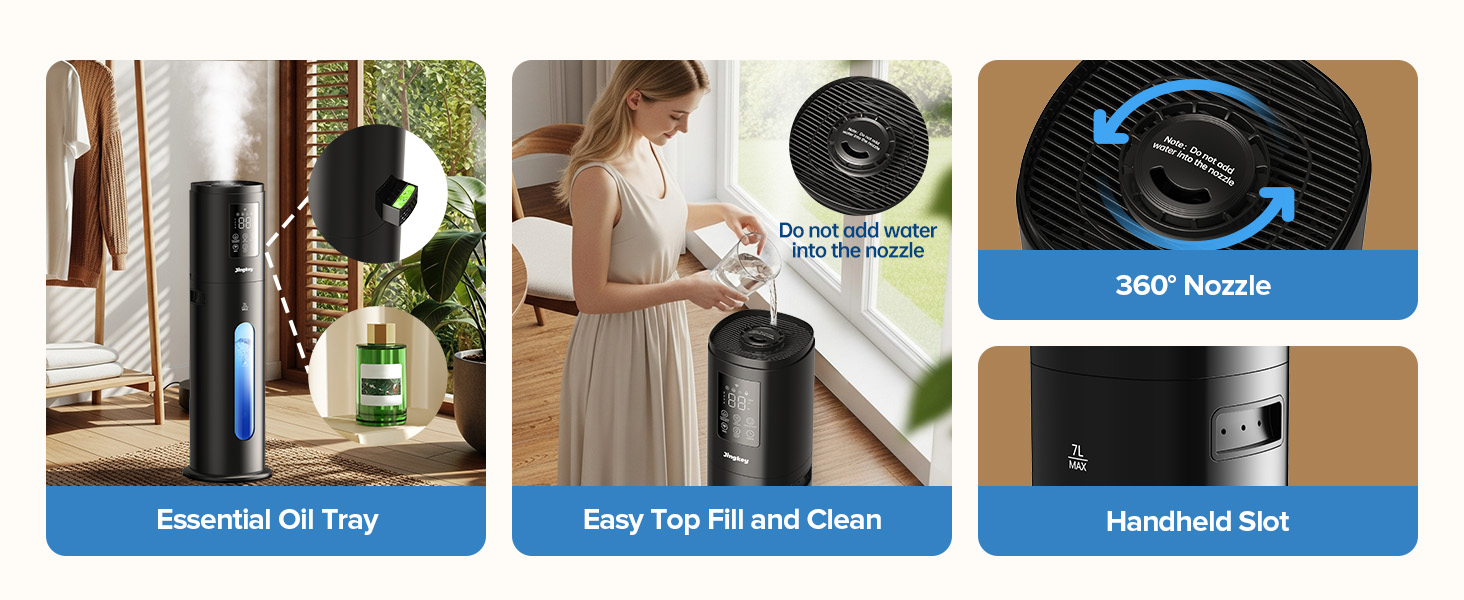
This is normal. After refilling, please allow 4–5 seconds for water to be pumped from the bottom tank to the top tank. The message will disappear once the top tank senses enough water.

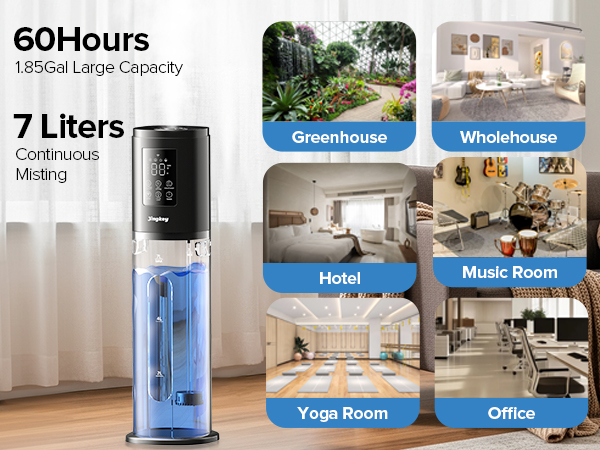
What is the size of the humidifier ?
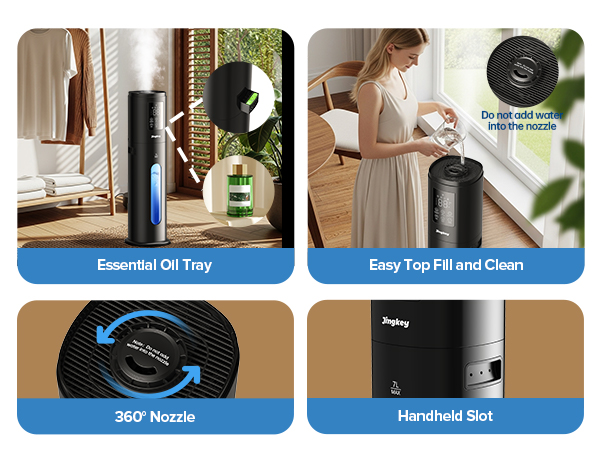
7L/1.85Gal.
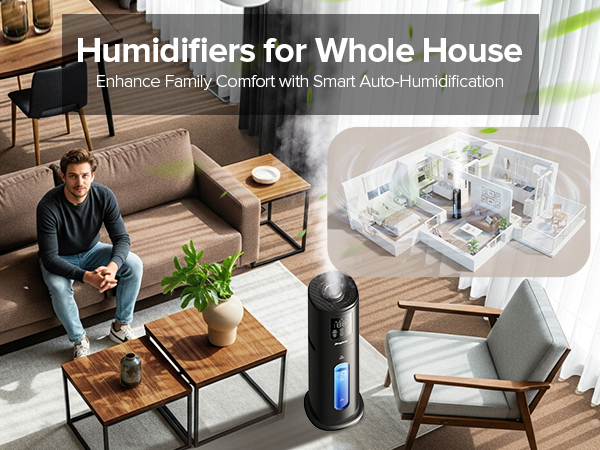
How large of a room can it humidify ?
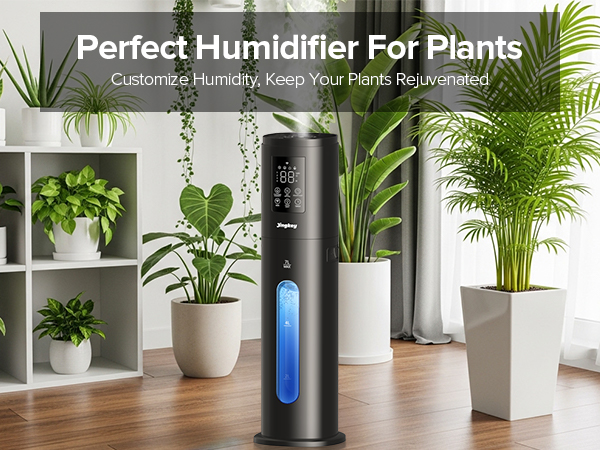
The humidifier can efficiently cover up to 500 square feet.
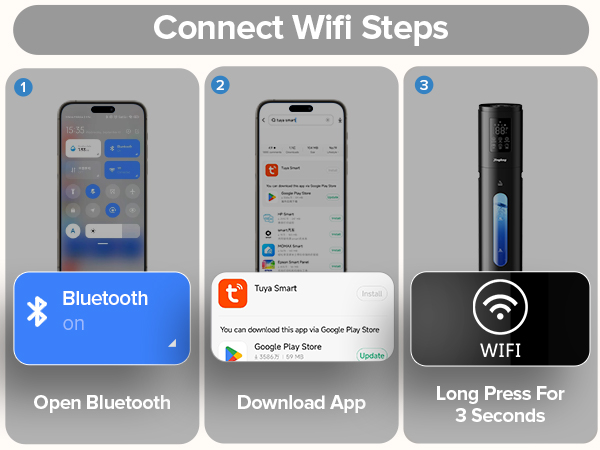
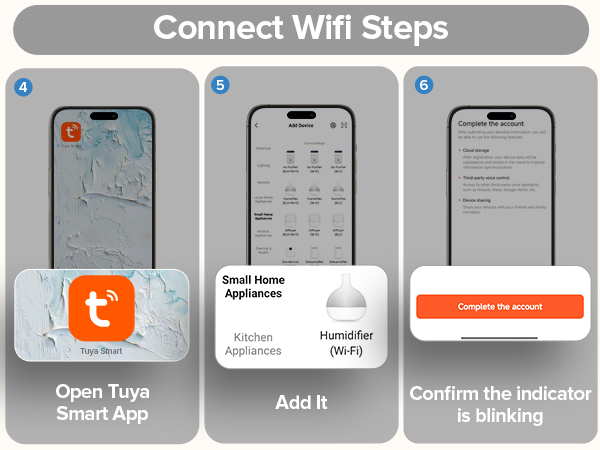
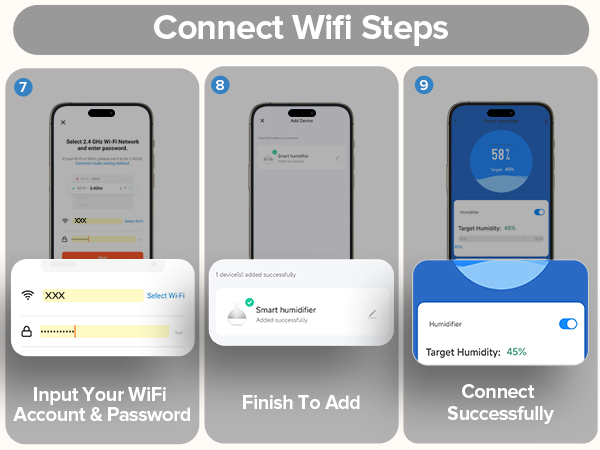
How to connect to WiFi mode ?
1. Plug in the power and the product enters the standby state.
2. Press and hold the WiFi button for 3 seconds to turn on the WiFi search function.
3. Open the Tuya app on your phone for network configuration.
Why won't the Wi-Fi turn on?
The Wi-Fi can only be enabled when:
1. The humidifier is switched on.
2. The top tank has been fully filled with water (this takes about 4-5 seconds after starting the pump). Once the top tank detects water, the Wi-Fi will become available.
Why does it still show "Low Water" after I refill the tank?
This is normal. After refilling, please allow 4–5 seconds for water to be pumped from the bottom tank to the top tank. The message will disappear once the top tank senses enough water.