



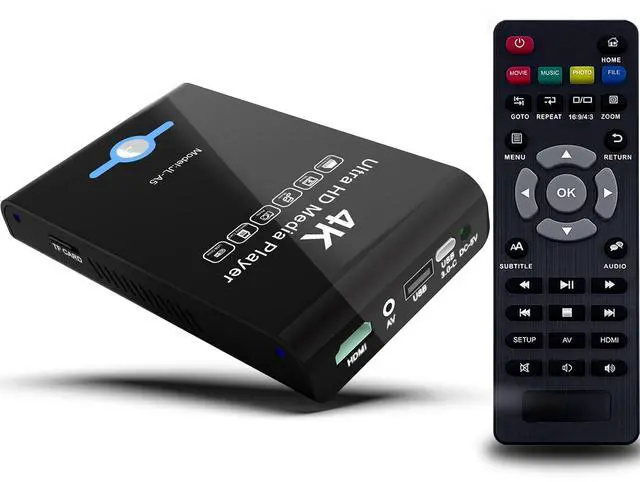
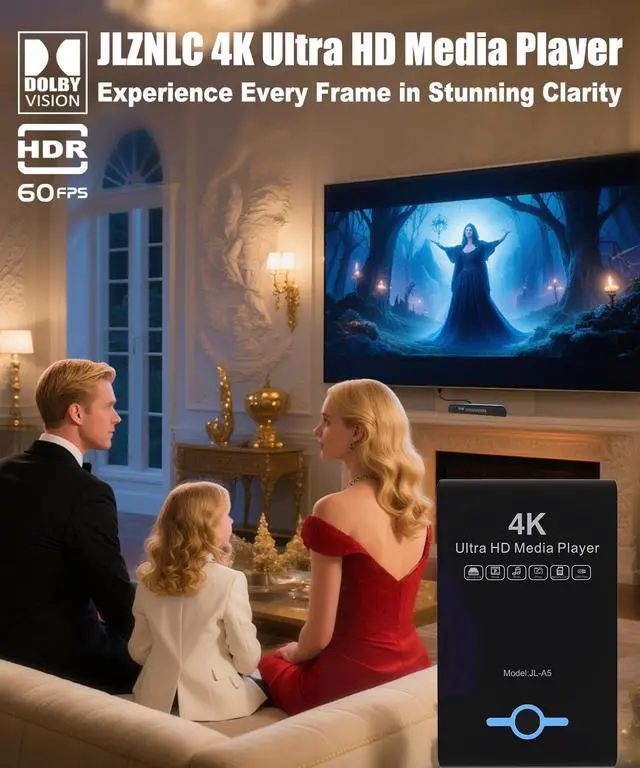


JLZNLC MIDEA PLAYER
Reshapes audiovisuals with innovation. Stunning visuals, smooth playback, smart design—entertainment made effortless.
3 / 3
JLZNLC Media Player
Hear and see the voice of the heart.
JLZNLC, dedicated to sound quality and experience, delivers the ultimate audio-visual enjoyment. With innovative technology to restore authentic sound and exquisite design to interpret minimalist aesthetics.
JLZNLC, more than just playback, understands your heart.
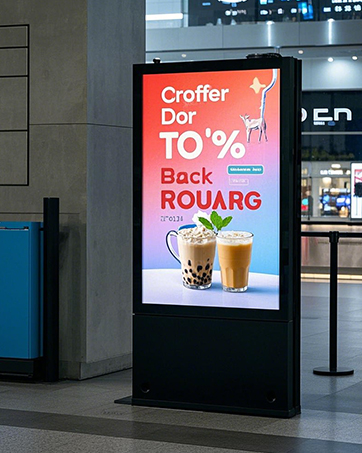
Shopping Mall
Reshapes audiovisuals with innovation. Stunning visuals, smooth playback, smart design—entertainment made effortless.
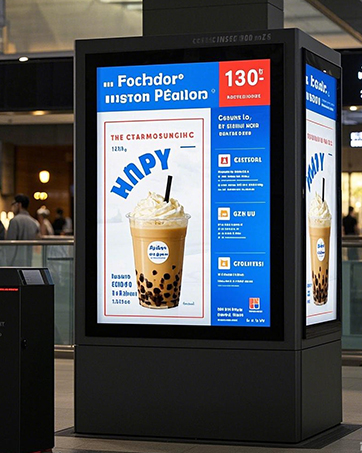
Restaurant


When your SSD hard drive cannot be read
If it is a newly purchased SSD hard drive, please connect the computer and format the SSD hard drive before using it
If you encounter unresolved issues while using a media player
Firstly, you can carefully read the instruction manual. If the issue still persists, we can provide free return and exchange services
Why does video playback experience lag during use?
At present, this firmware does not support videos exceeding 60fps, and videos exceeding this limit may experience stuttering during playback
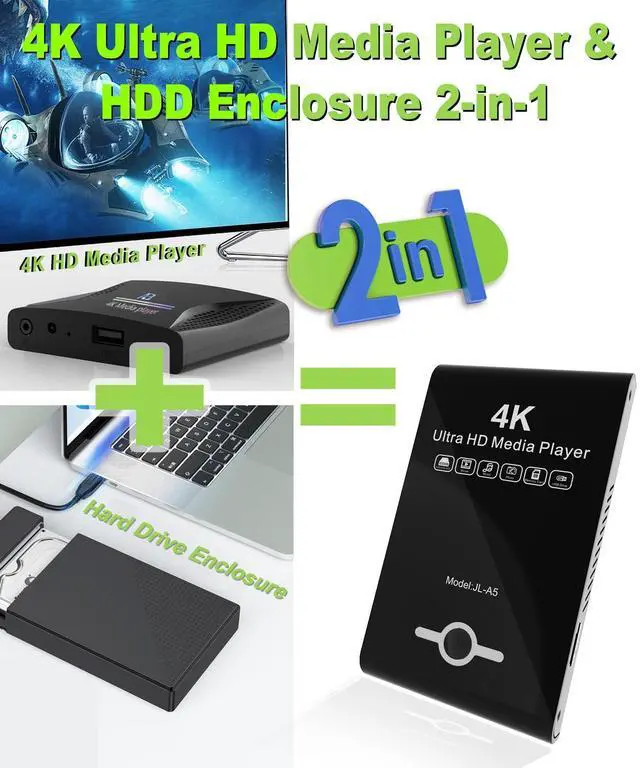
If you encounter problems when trying to connect to a computer through this hard drive enclosure to copy files
When used as a copied hard drive enclosure, there is no need to connect a power cord, or please read the product manual carefully
If there is a tight situation when plugging and unplugging the USB port
Don't worry, this is not a quality issue. Please try a few more times


When your SSD hard drive cannot be read
If it is a newly purchased SSD hard drive, please connect the computer and format the SSD hard drive before using it
If you encounter unresolved issues while using a media player
Firstly, you can carefully read the instruction manual. If the issue still persists, we can provide free return and exchange services
Why does video playback experience lag during use?
At present, this firmware does not support videos exceeding 60fps, and videos exceeding this limit may experience stuttering during playback
If you encounter problems when trying to connect to a computer through this hard drive enclosure to copy files
When used as a copied hard drive enclosure, there is no need to connect a power cord, or please read the product manual carefully
If there is a tight situation when plugging and unplugging the USB port
Don't worry, this is not a quality issue. Please try a few more times
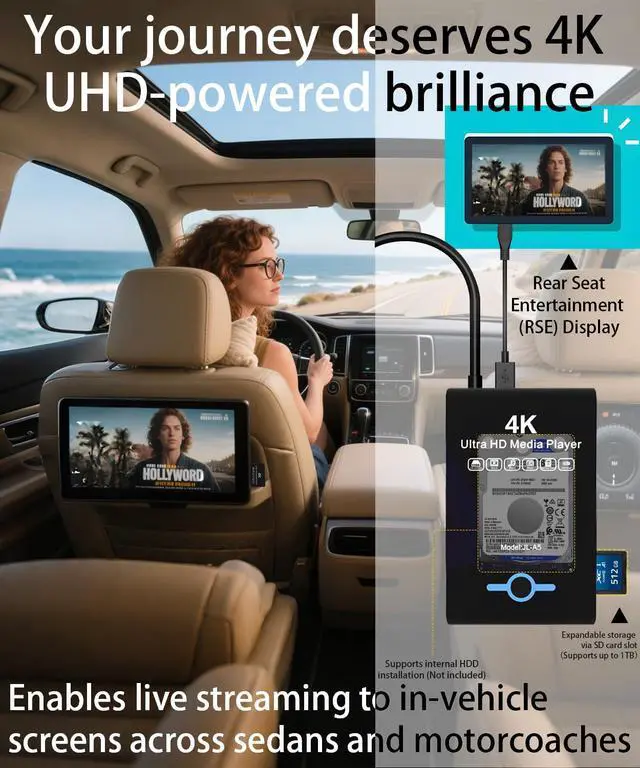
| Video output port: | HDMI, AV |
|---|---|
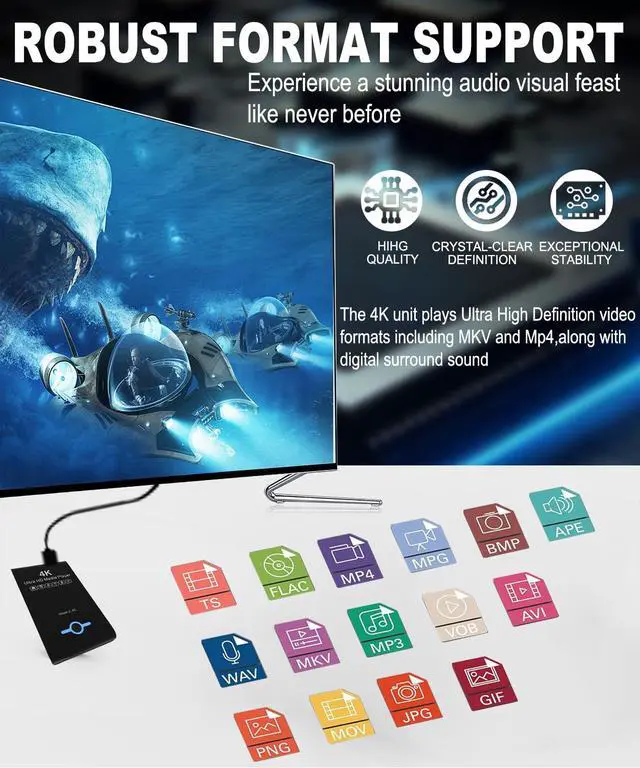
| Photos File Formats: | JPG, JPEG, BMP, GIF, PNG. |
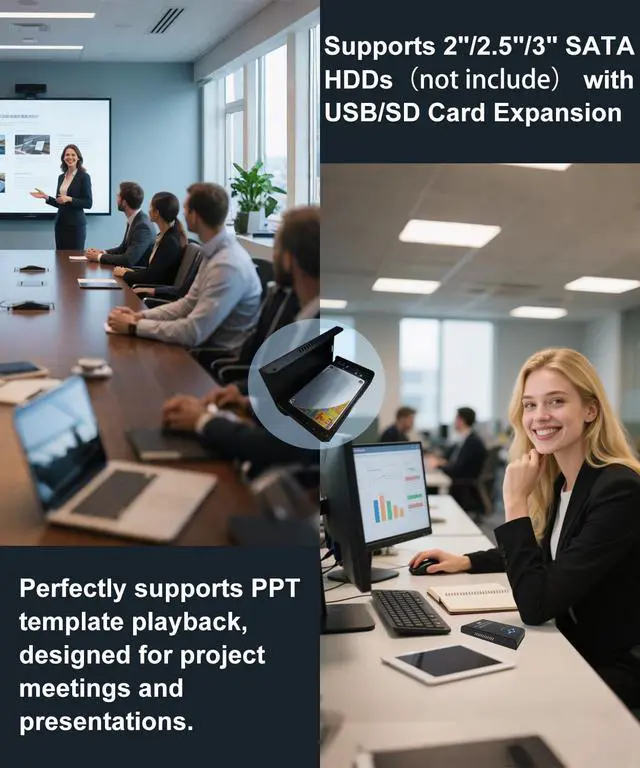
| Photos Support Modes: | Automatically play slideshows/PPT in sequential or random orders after power on. |
| Music File Formats: | MP3, OGG, FLAC, APE, AAC, WMA. |
| Music Support Modes: | Automatically play music in sequential or random orders after power on. |
| Vidos Support Modes: | Subtitle display, shuffle play with repeat, resume from stop point, power on auto playback. |
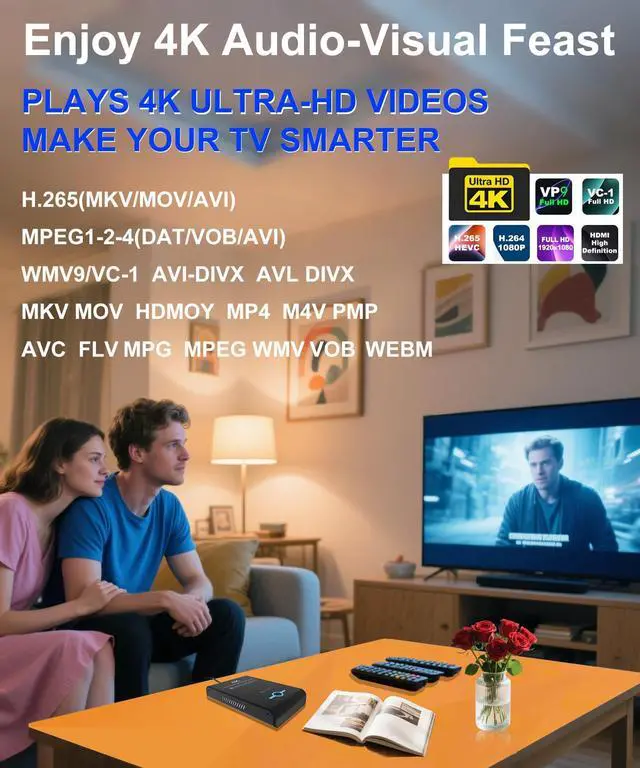
| Vidos Support Formats: | H.265/HEVC(MKV, MOV, AVI), MPEG, FLV, RM, 3GP, MP4, WMV, RMVB, DAT, MPG, TS, M2TS. |
| File Support Formats: | PPT, word, excel, TXT, PDF |
| Output voltage: | DC 5V 2A |
JLZNLC MIDEA PLAYER
Reshapes audiovisuals with innovation. Stunning visuals, smooth playback, smart design—entertainment made effortless.
3 / 3
JLZNLC Media Player
Hear and see the voice of the heart.
JLZNLC, dedicated to sound quality and experience, delivers the ultimate audio-visual enjoyment. With innovative technology to restore authentic sound and exquisite design to interpret minimalist aesthetics.
JLZNLC, more than just playback, understands your heart.
Shopping Mall
Reshapes audiovisuals with innovation. Stunning visuals, smooth playback, smart design—entertainment made effortless.
Restaurant