




 here!
here!
I’m your shopping assistant for PC builds, upgrades, and everything tech.
Got questions? Ask away!
Start a conversation
here!
I’m your shopping assistant for PC builds, upgrades, and everything tech.
Got questions? Ask away!
Start a conversation





Any questions? Ask CelesteSM will help you find out quickly.
Welcome to Jmsrunne! : Dear Customer, Thank you for your attention and support.All of our products must go through strict production and inspection procedures, to ensure product quality, safety, durability and applicability. we are strive to provide every customer with the best quality and service. When you have any batteries questions , please feel free to send us an email by click on"Jmsrunne", then you can see "Ask a question" on the page. We are glad to help you solve any battery problems within 24 hours.
Note:
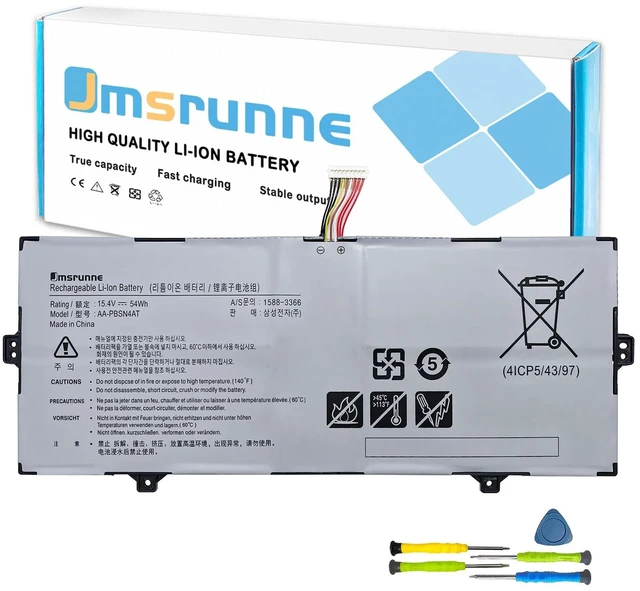
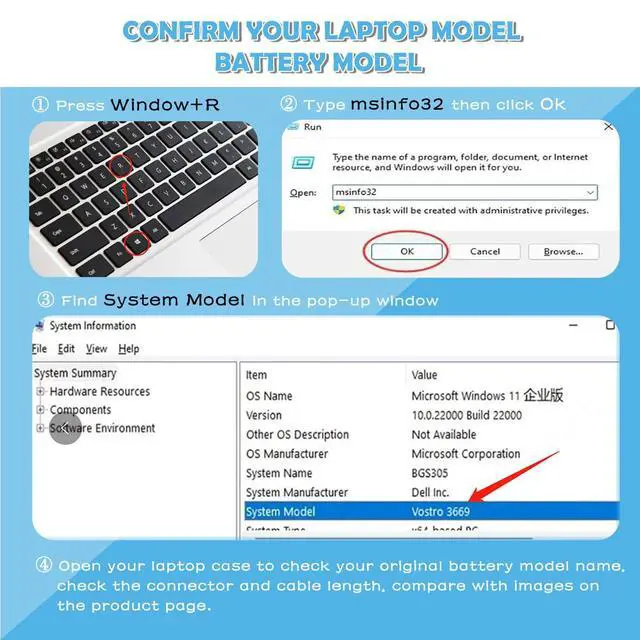
We strongly recommend you to check your laptop model , original battery model and appearance before placing your order, compare it with our images to make sure it is the one you need.
Specifications:
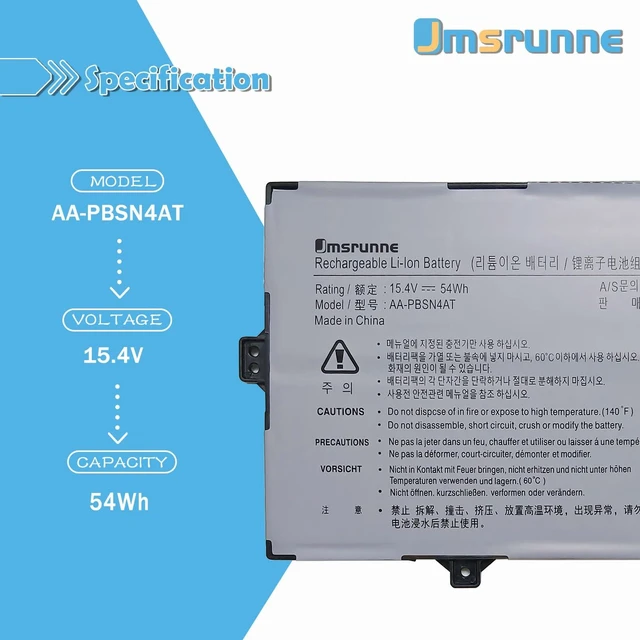
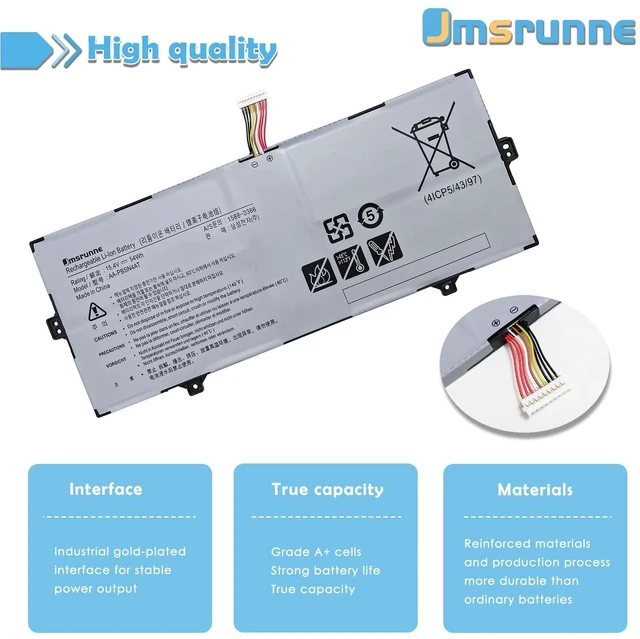
Battery Type: Rechargeable Li-ion Battery
Battery Condition: Brand New
Compatible laptop Models (use "Ctrl+F to find your model quickly")
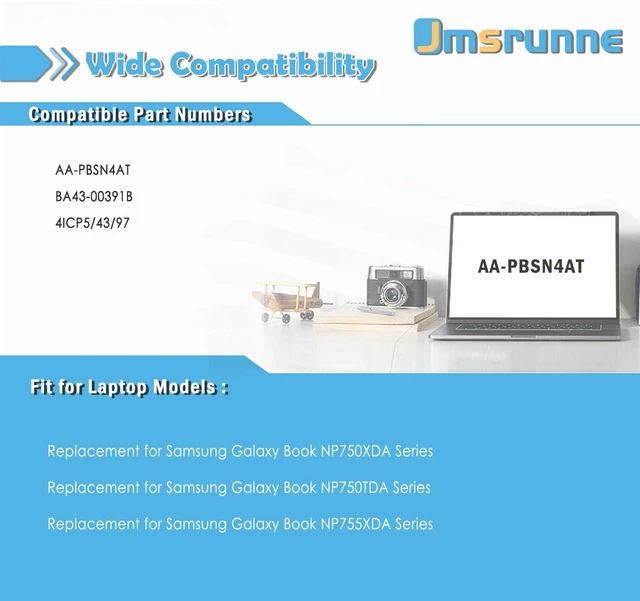
Replacement for Samsung Galaxy Book NP755XDA Series; for Samsung Galaxy Book NP750TDA NP750TDA-XD1US NP750TDA-XD2US Series; for Samsung Galaxy Book NP750XDA NP750XDA-KC1HK NP750XDA-KC1IT NP750XDA-KC2IT NP750XDA-KC3UK NP750XDA-KD1CA NP750XDA-KD1HK NP750XDA-KD1IT NP750XDA-KD1SE NP750XDA-KD1US NP750XDA-KD2CA NP750XDA-KD2DE NP750XDA-KD2HK NP750XDA-KD2SE NP750XDA-KD2UK NP750XDA-KD2US NP750XDA-KD3CA NP750XDA-KD3DE NP750XDA-KD3IT NP750XDA-KD3SE NP750XDA-KD3UK NP750XDA-KD4CA NP750XDA-KD4DE NP750XDA-KD4SE NP750XDA-KD5UK NP750XDA-KD6DE NP750XDA-KD8DE NP750XDA-KD8IT NP750XDA-KD7DE NP750XDA-KD7IT NP750XDA-KD8UK Series.
Replacement Part Number
AA-PBSN4AT, BA43-00391B, 4ICP5/43/97.
Package included:
1X battery
One set of 5 IN 1 screwdrivers tool
1X Instruction manual
Tips for Optimal Use battery:
<1>If the new battery is not recognized during the initial installation, please reinstall and check if the interface is fully connected.
<2>Before replacing the new battery, you need to completely shut down the computer and remove the power and battery to avoid short-circuit during the replacement process.
<3>Do Discharge the new battery use to 5%(not to 0%) and then charge to 95%, and cycle 3-4 times to wake up the new battery.
<4>The important point is to perform a full discharge charge every other month to extend battery life.
<5>Do not use the laptop in a high temperature environment and avoid fully charging or discharging the laptop battery for a long time, as this may damage the battery.


