


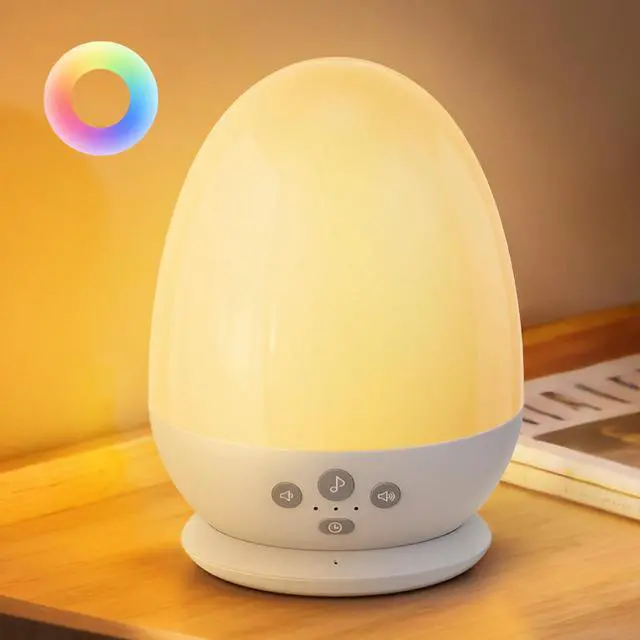
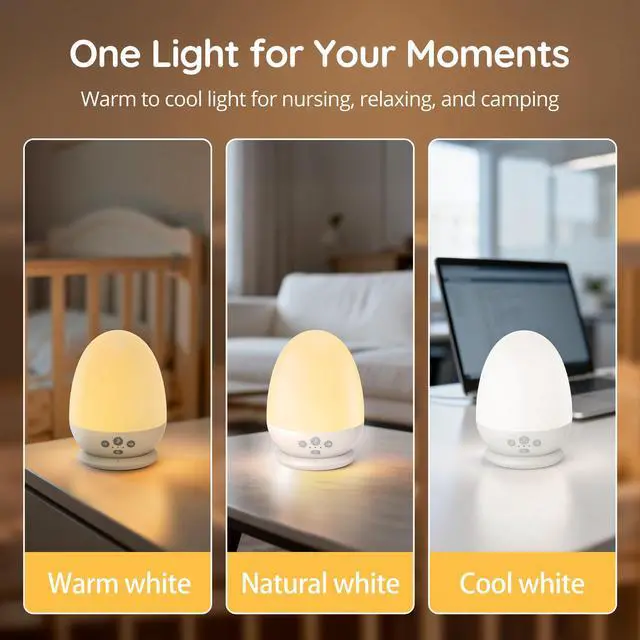
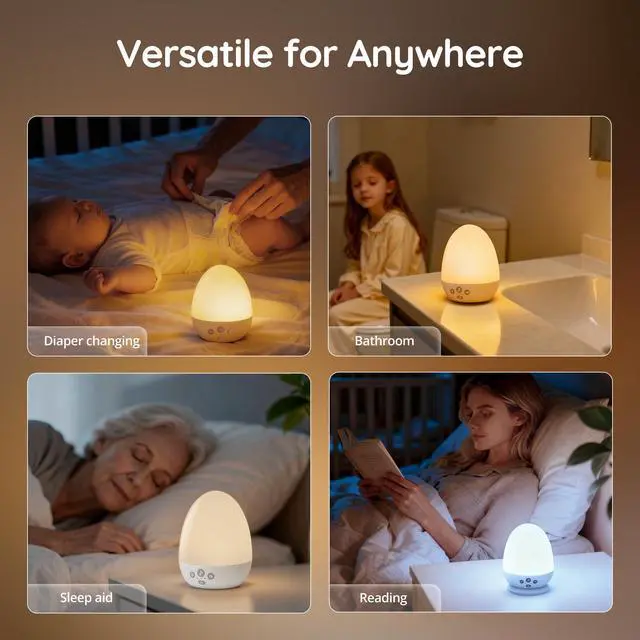



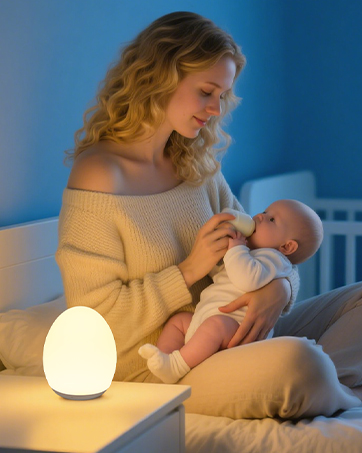
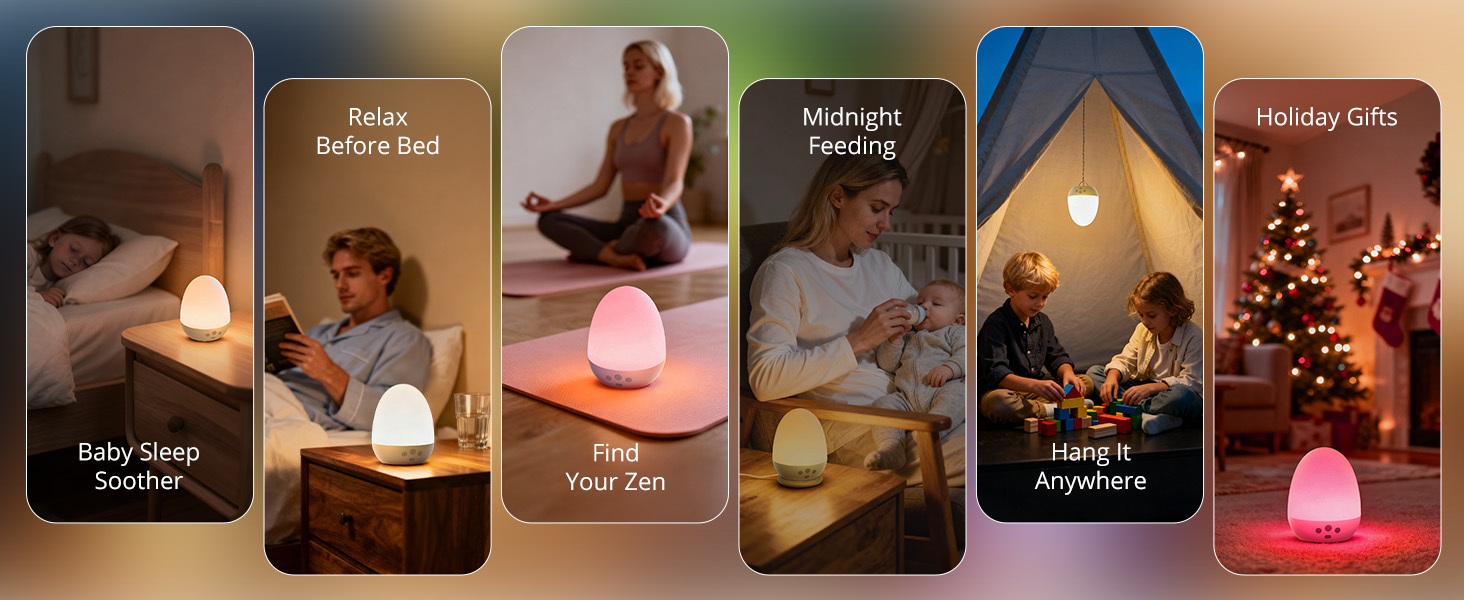
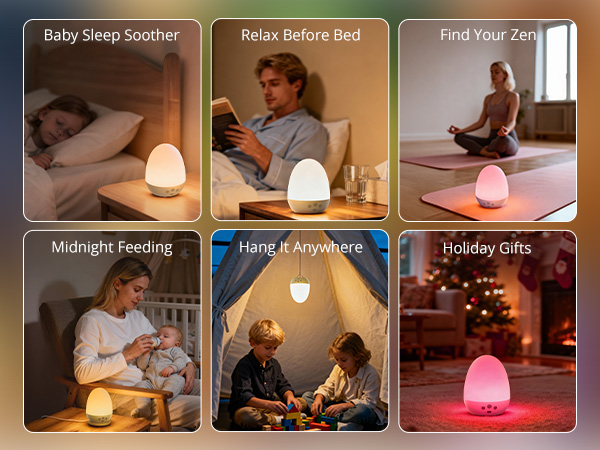
JolyWell strives to provide professional lighting solutions for every family. Our night light delivers 360°uniform lighting that can provide gentle and flicker-free lamplight efficiently protecting your eyes from fatigue. Wireless design lead to extra portability at home, in the office, and even when there’s no power socket around.
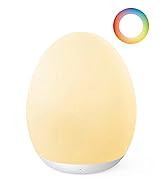
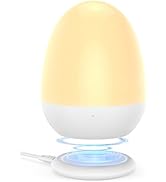
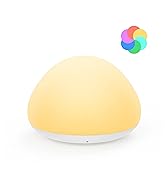
JolyWell Baby Night Light

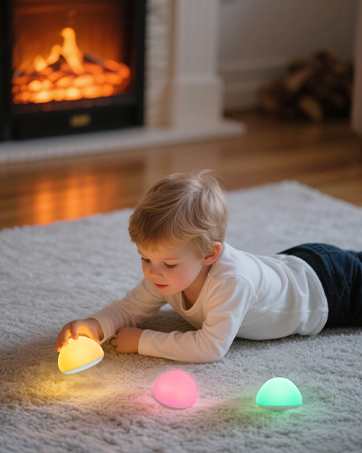
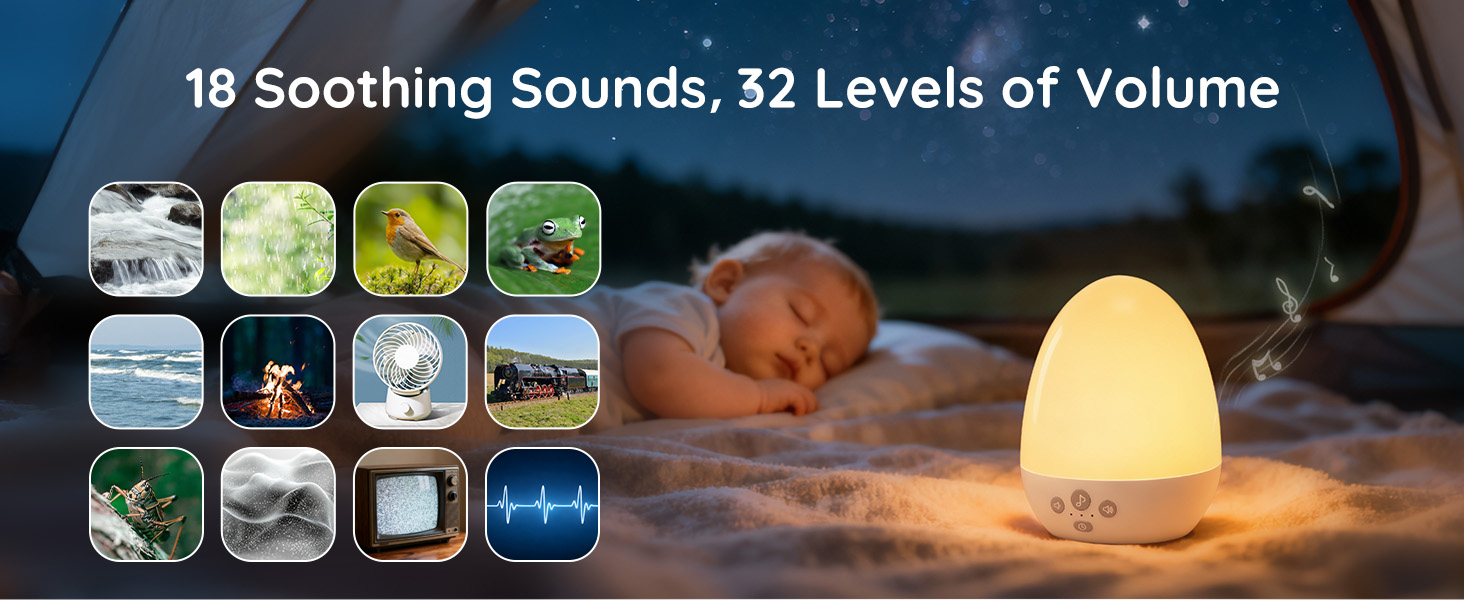
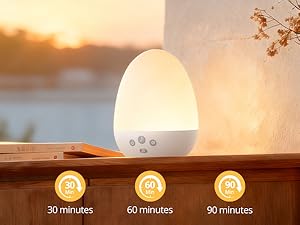
Set it and forget it
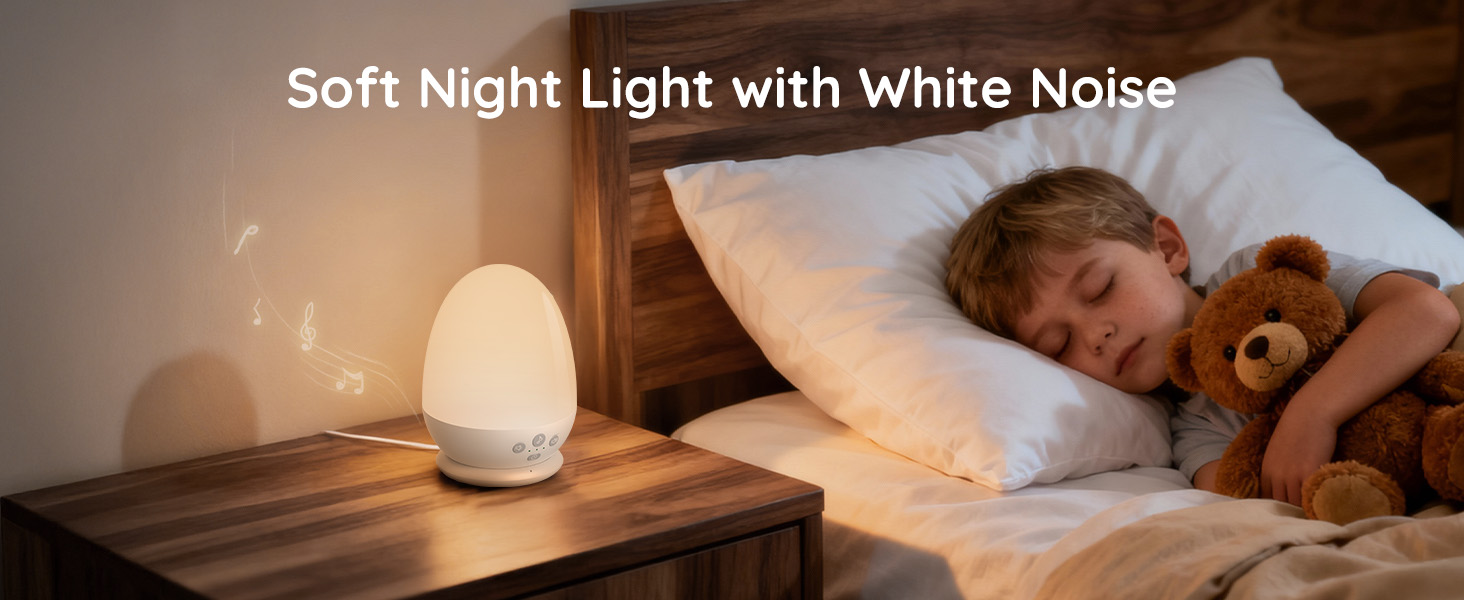
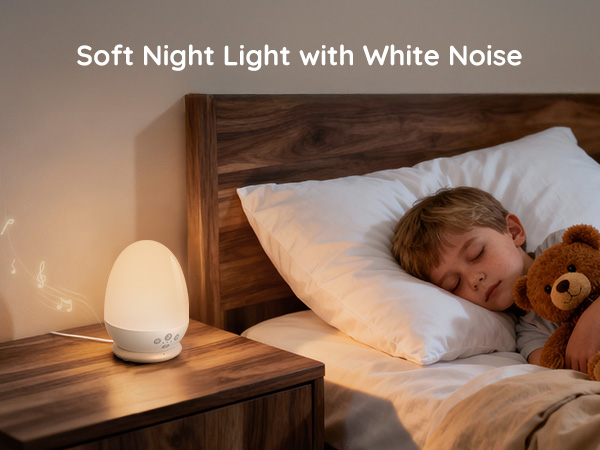
With 3 timer options, the light and sounds automatically turn off after your baby drifts to sleep, saving you energy and effort.
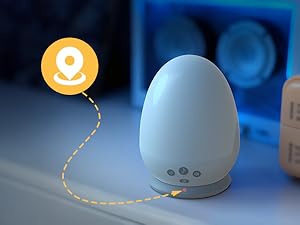
Glow in the Dark
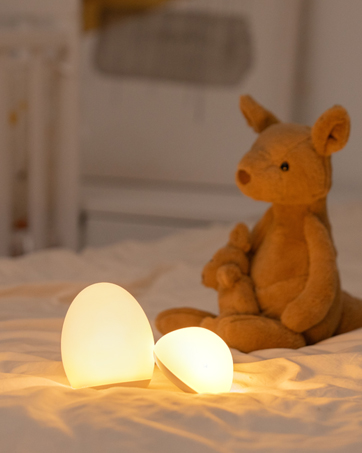
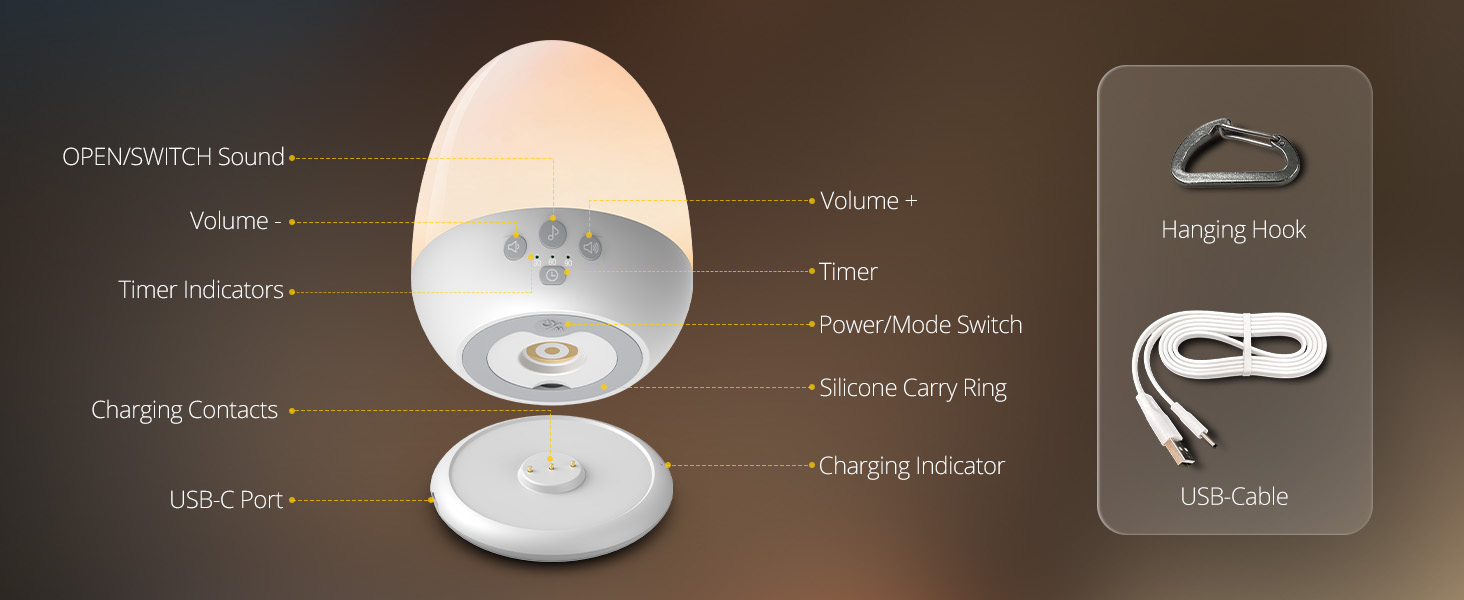
Soft light gently illuminates only while charging, helping you easily locate the night light in a dark room without being a disturbance during sleep.
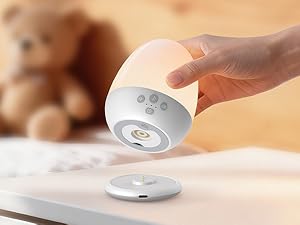
Drop-and-Charge Dock
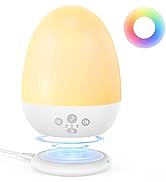
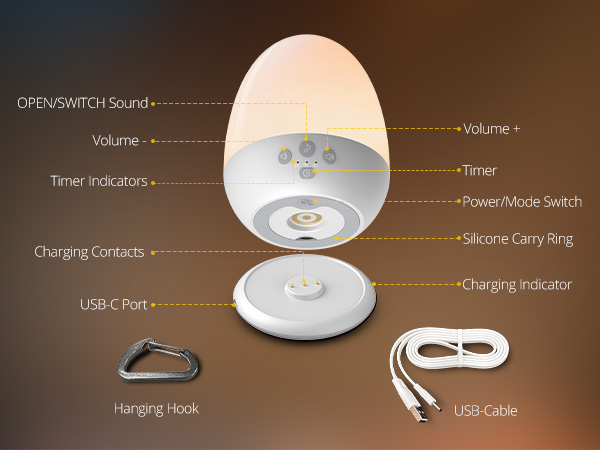
Simply place the night light on its dedicated dock to start charging—no more fumbling with plugs or cables for daily power top-ups.
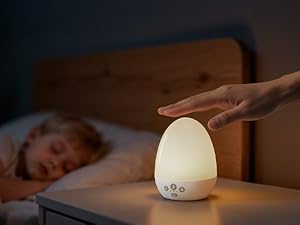
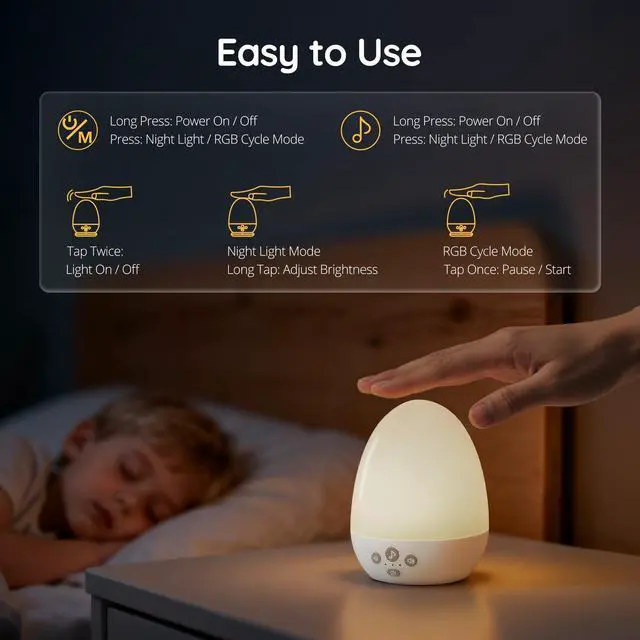
Simple Top Control
- Double-tap: Turns light off (Standby).
- Long-press: Dims White/Warm Lights only.
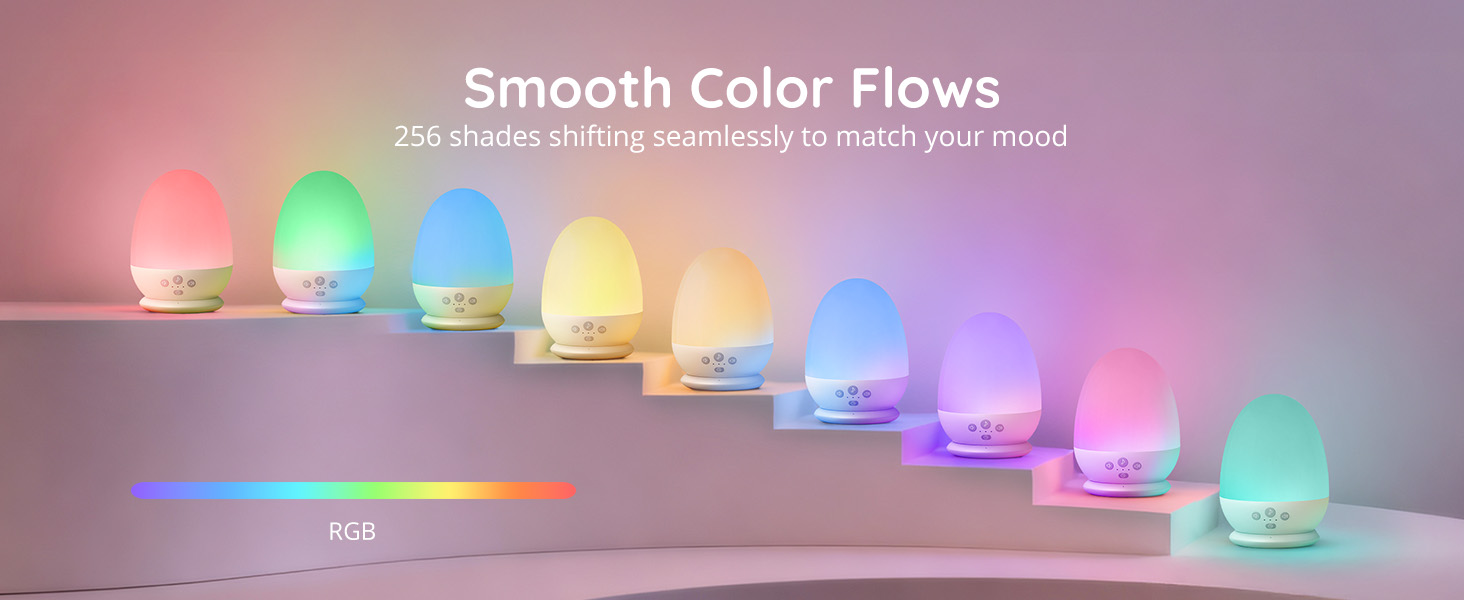
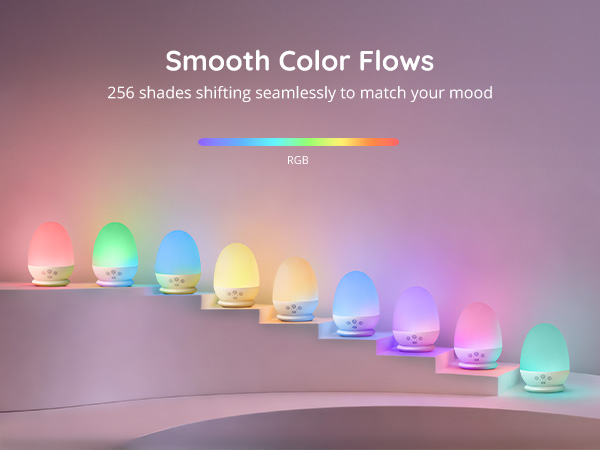
- Short-press: Changes colors in RGB Mode.

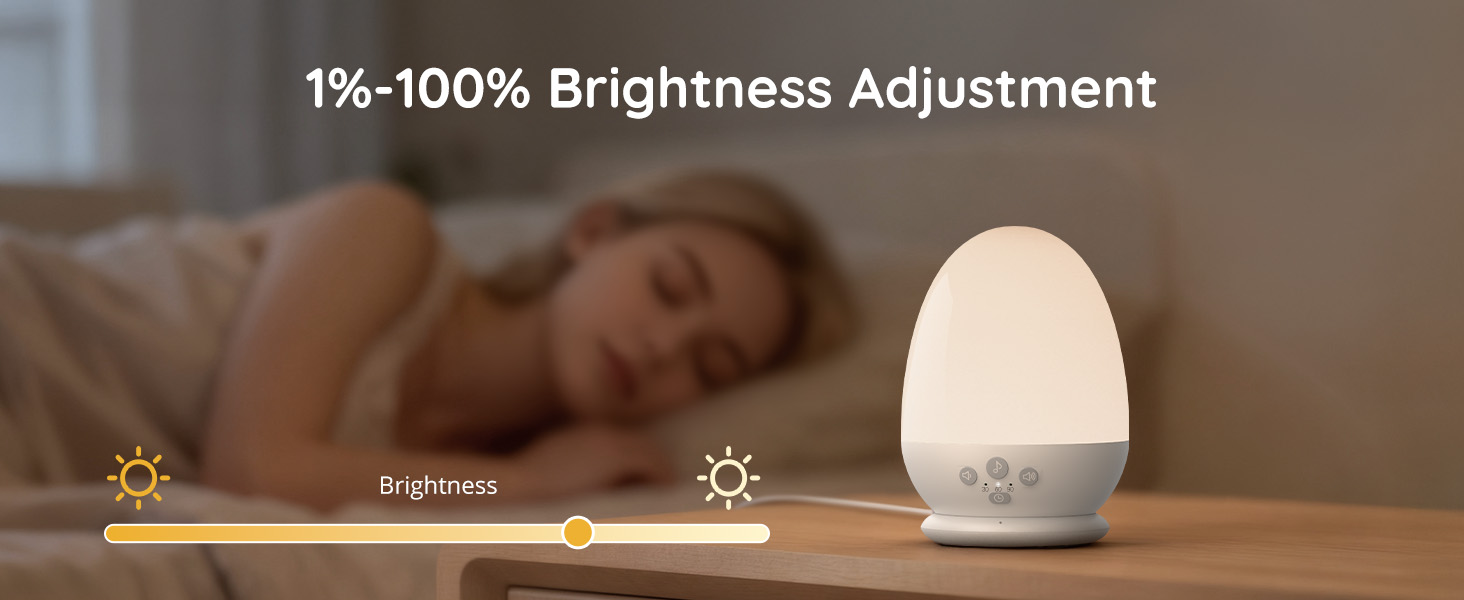
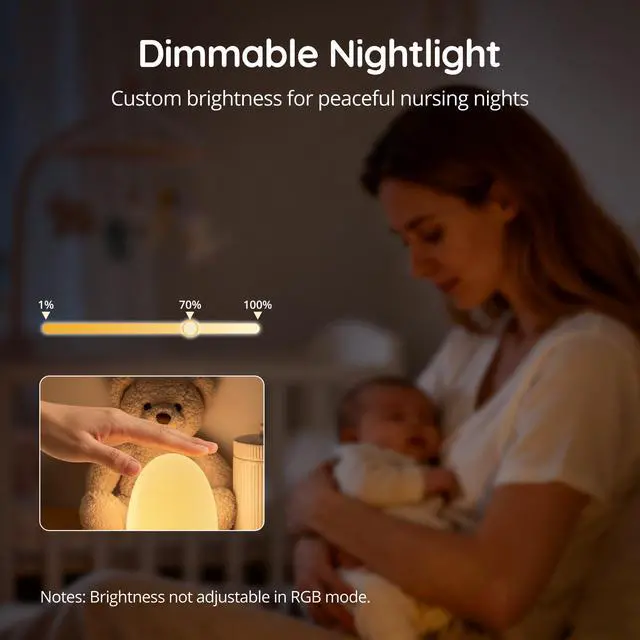
Can the night light adjust brightness?
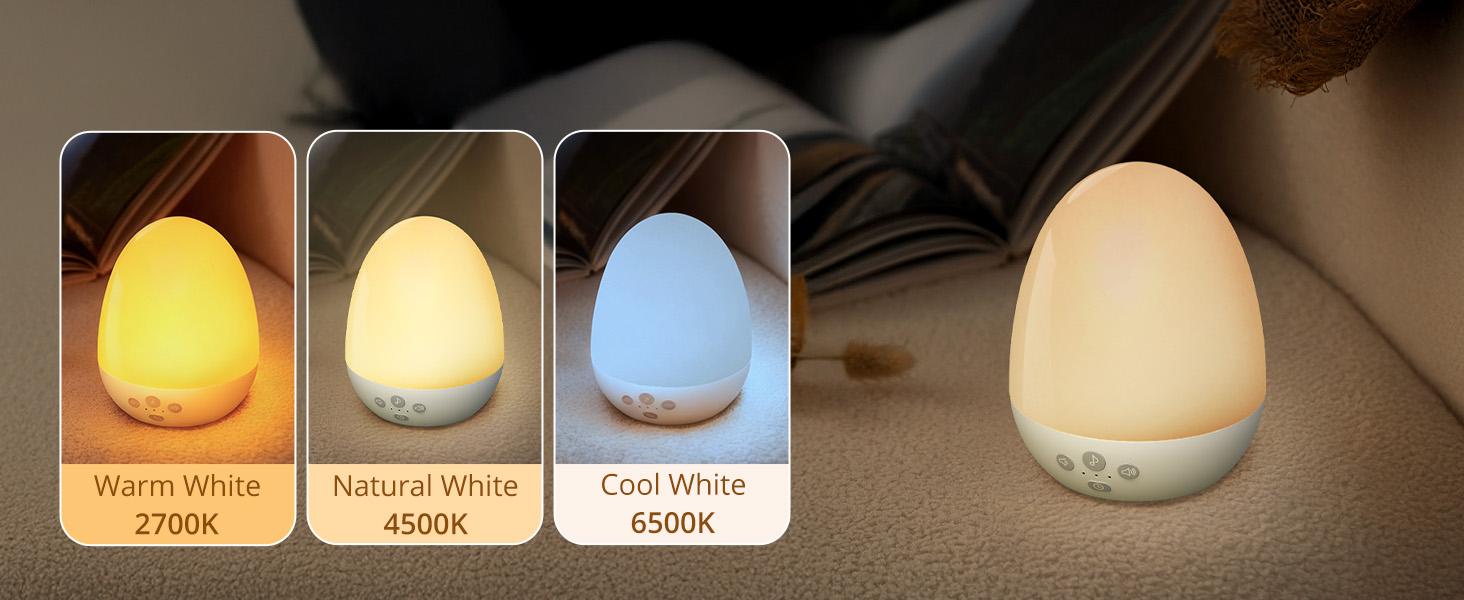
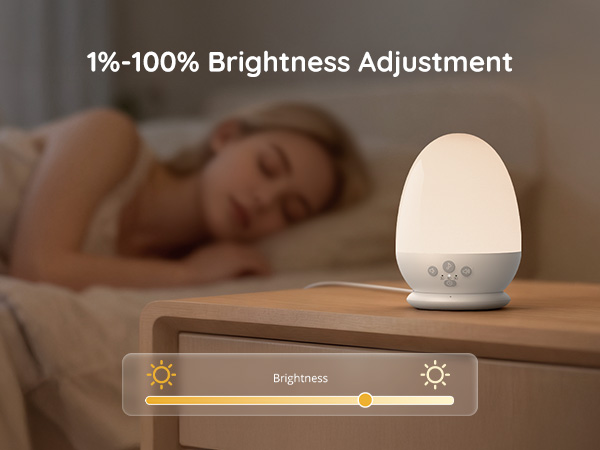
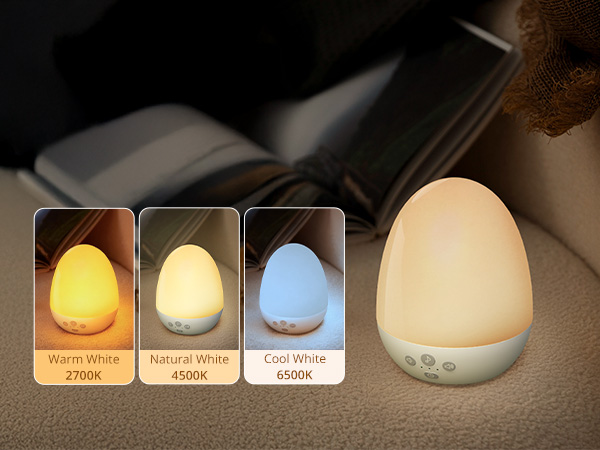
Brightness is adjustable in White/Natural/Warm modes (stepless dimming via long-pressing the top). Brightness not adjustable in RGB mode.
Why sometimes tapping top can't turn off the light?
Requires quick double-tap with palm coverage. Sensitivity depends on contact area/speed, not pressure. If issue persists, reach out to support for replacement.
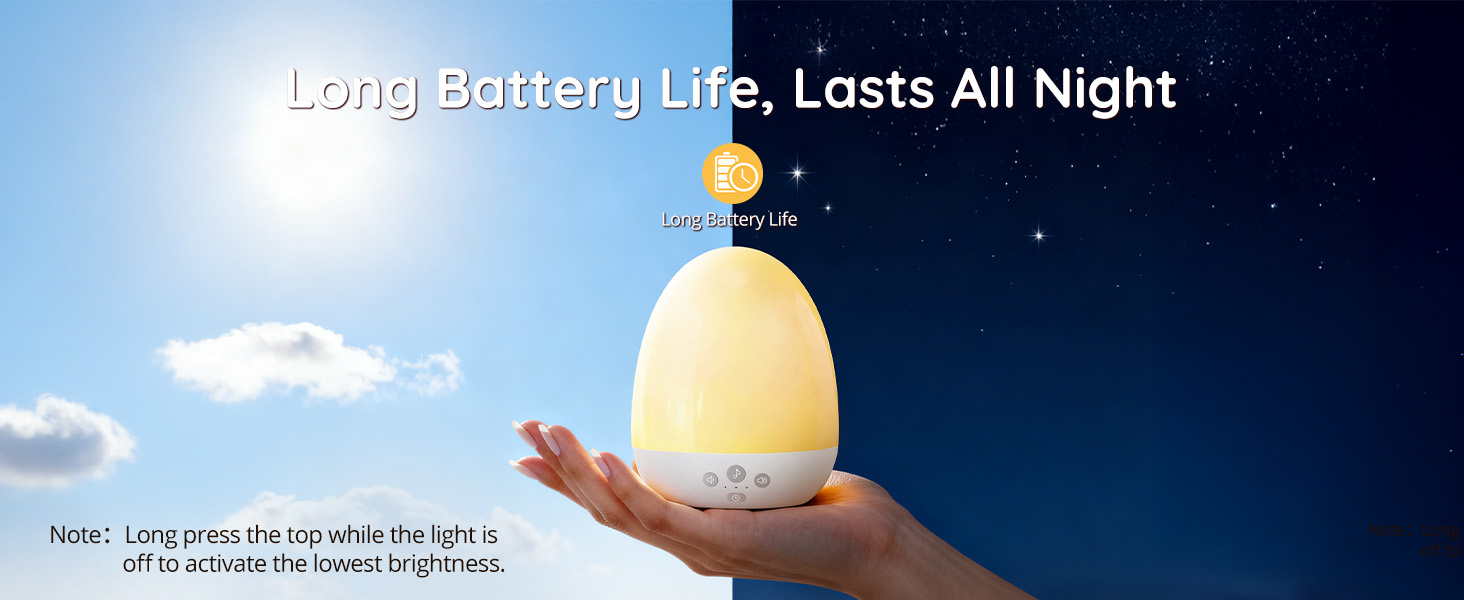
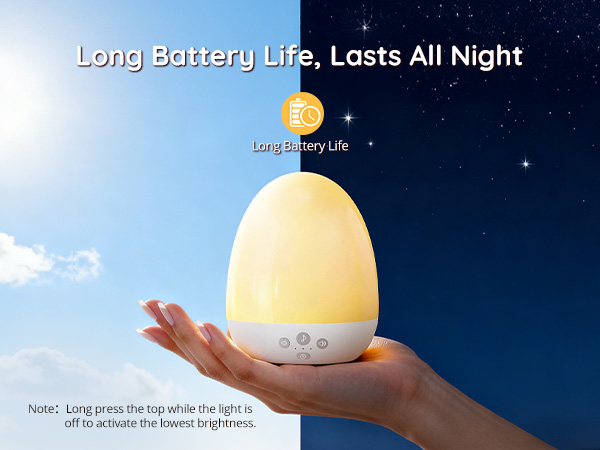
How to extend battery life?
1. Long-press the bottom power button to shut down (standby mode still consumes power).
2. Activate 0.1% ultra-dim mode by long-pressing the top in standby state for extended runtime.
Set it and forget it
With 3 timer options, the light and sounds automatically turn off after your baby drifts to sleep, saving you energy and effort.
Glow in the Dark
Soft light gently illuminates only while charging, helping you easily locate the night light in a dark room without being a disturbance during sleep.
Drop-and-Charge Dock
Simply place the night light on its dedicated dock to start charging—no more fumbling with plugs or cables for daily power top-ups.
Simple Top Control
- Double-tap: Turns light off (Standby).
- Long-press: Dims White/Warm Lights only.
- Short-press: Changes colors in RGB Mode.
Can the night light adjust brightness?
Brightness is adjustable in White/Natural/Warm modes (stepless dimming via long-pressing the top). Brightness not adjustable in RGB mode.
Why sometimes tapping top can't turn off the light?
Requires quick double-tap with palm coverage. Sensitivity depends on contact area/speed, not pressure. If issue persists, reach out to support for replacement.
How to extend battery life?
1. Long-press the bottom power button to shut down (standby mode still consumes power).
2. Activate 0.1% ultra-dim mode by long-pressing the top in standby state for extended runtime.
JolyWell strives to provide professional lighting solutions for every family. Our night light delivers 360°uniform lighting that can provide gentle and flicker-free lamplight efficiently protecting your eyes from fatigue. Wireless design lead to extra portability at home, in the office, and even when there’s no power socket around.
JolyWell Baby Night Light