


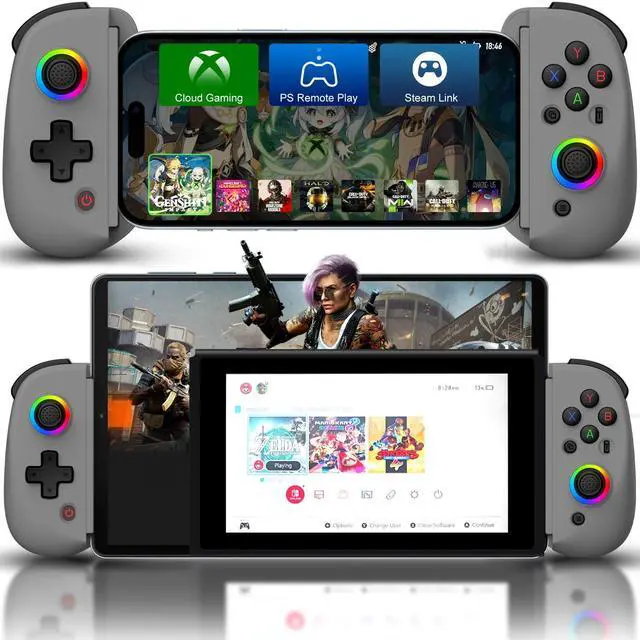
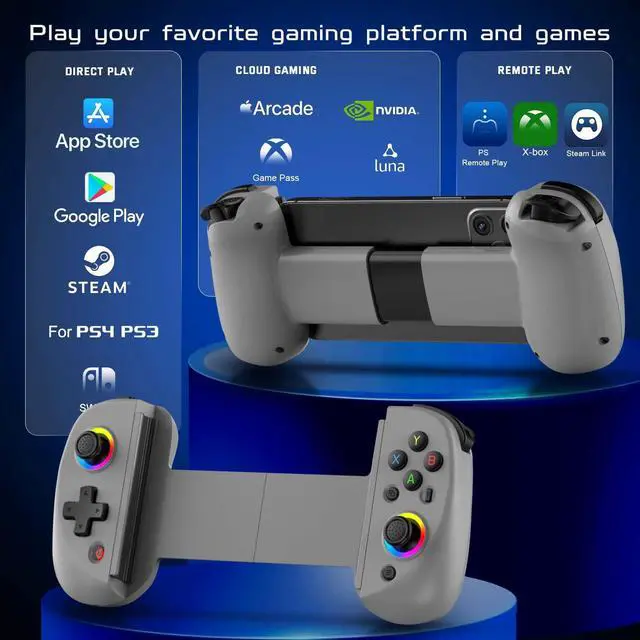
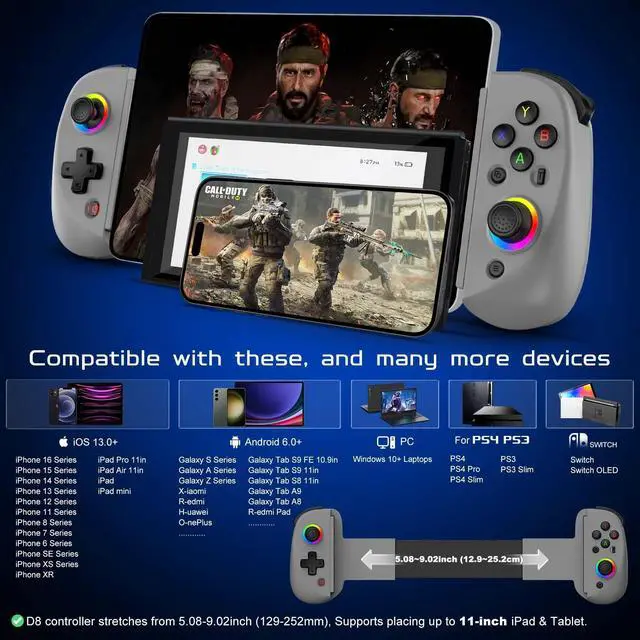
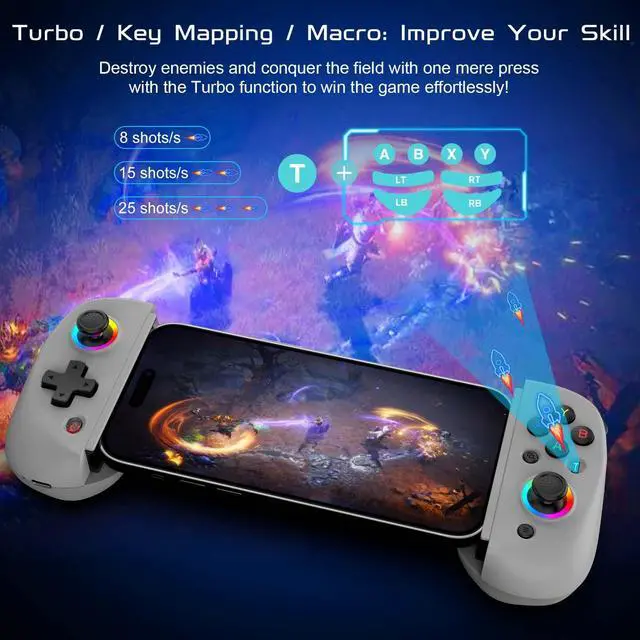
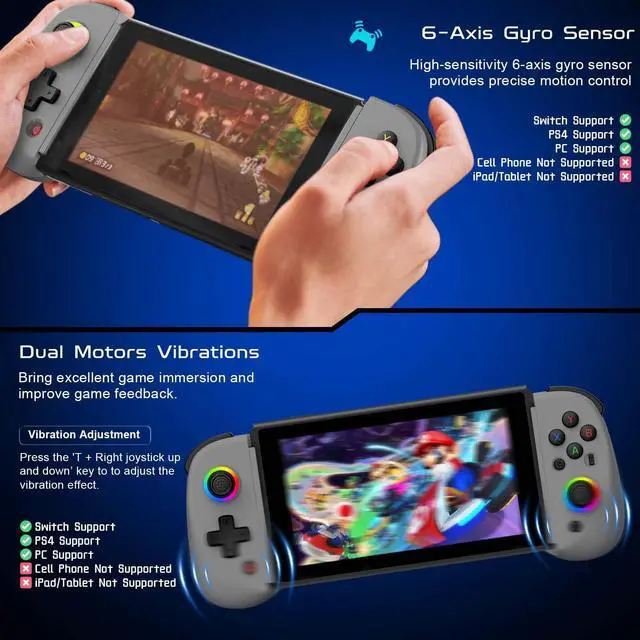
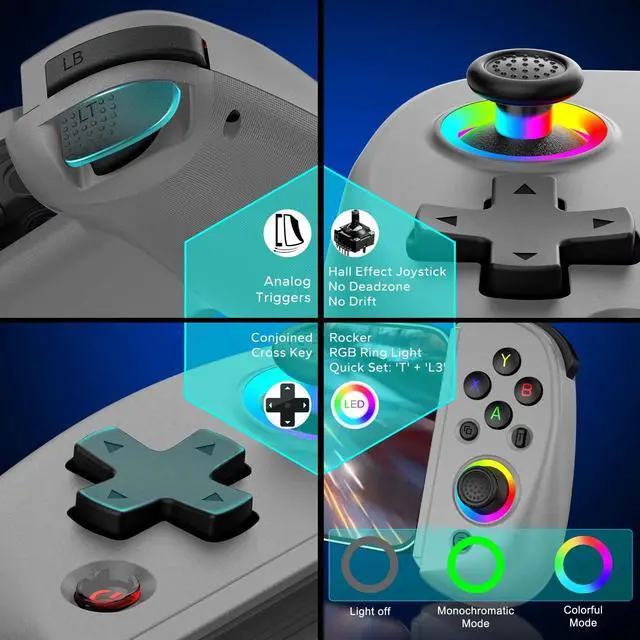


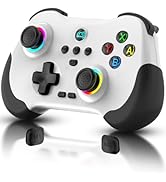
Wireless Controller Joystick for iPad/iPhone/Android with Phone Case Support


Mobile Game Controller for iOS/Android/PC/Switch/PS4/Stream Connection Guide
Stream Connection
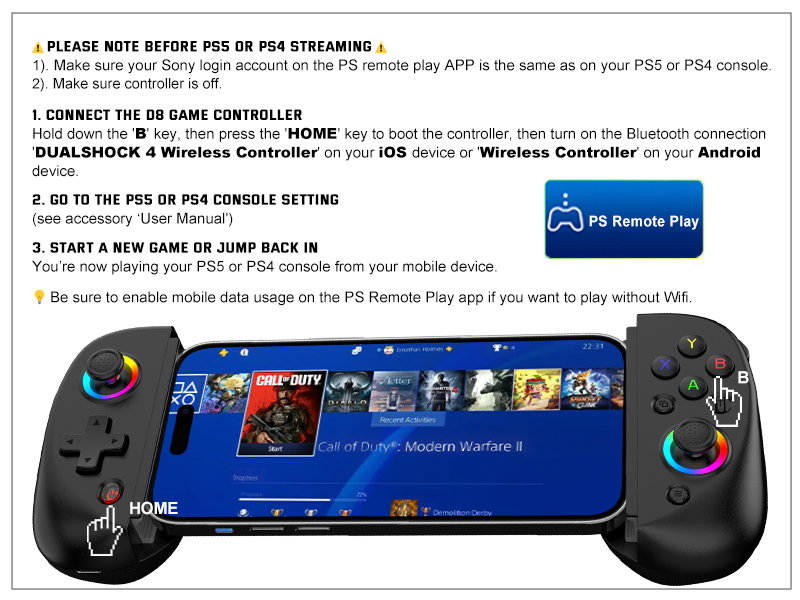
Remote Control PS5, PS4 console Connection Guideline
Be sure to have the following items handy before getting started.
1) iOS or Android mobile device. 2) PS4 or PS5 console.
3) Joso Game Controller. 4) Internet connection.
5) PS Remote Play app.
Stream Connection
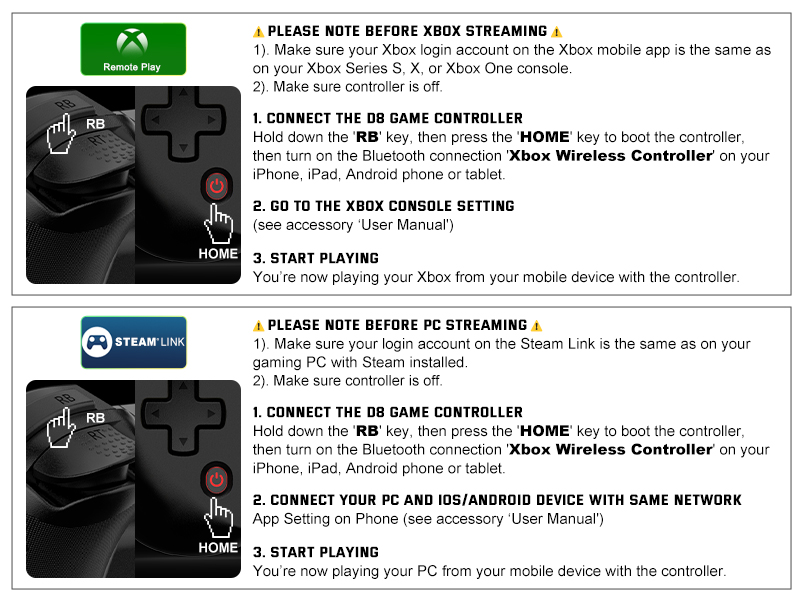
Remote Control Xbox console/PC Connection Guideline
Be sure to have the following items handy before getting started.
1) iOS or Android mobile device. 2) Xbox Series X, S, Xbox One console or gaming PC with Steam installed.
3) Joso Mobile Game Controller. 4) Internet connection.
5) Xbox mobile app or Steam Link app.
More Game Controller From Joso
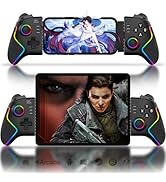
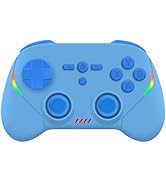
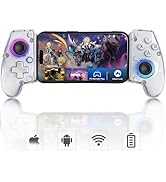
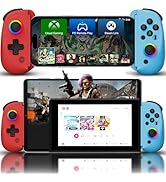
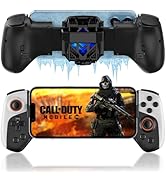
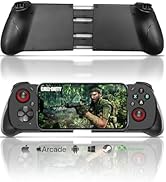
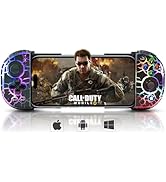
 iPad/Tablet Controller |  iPad/Tablet Controller |  iPad/Tablet Controller |  iPad/Tablet Controller |  Phone Controller |  Controller with RGB |  Controller with Cooler | |
|---|---|---|---|---|---|---|---|
Customer Reviews | — | — | — | — | — | — | — |
Price | — | — | — | — | — | — | — |
For iOS | ? | ? | ? | ? | ? | ? | ? |
For Android | ? | ? | ? | ? | ? | ? | ? |
For PC | ? | ? | ? | ? | ? | ? | ? |
For Switch | ? | ? | ? | ? | ? | ? | ? |
For Switch | ? | ? | ? | ? | ? | ? | ? |
Streaming Support | ? | ? | ? | ? | ? | ? | ? |

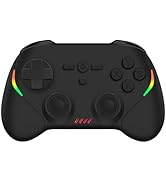
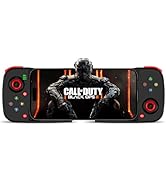
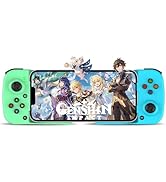
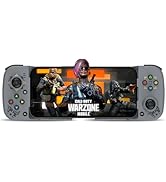
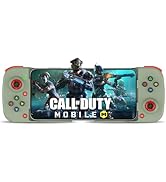
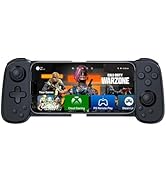
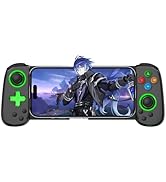
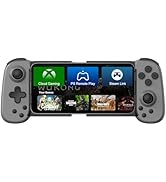
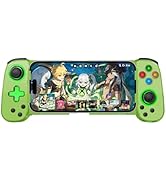
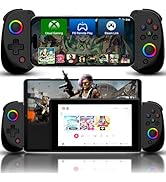
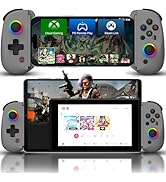
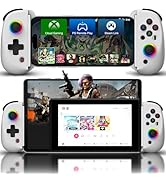
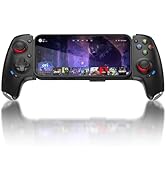
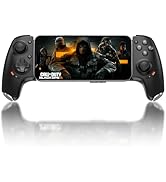
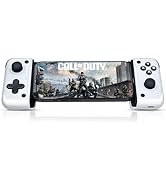
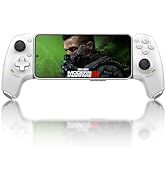
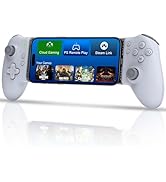
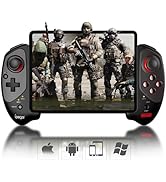
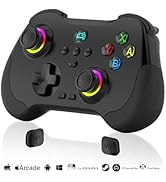
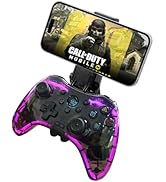
Joso
Established in 2015, dedicated to developing professional game controllers.
For more gamepads, please open Joso brand flagship store.
Joso New Release
Joso D3
Joso D6 & D7
Joso D8
Bluetooth Controller
USB C Controller
iPad Controller
Wireless Controller Joystick for iPad/iPhone/Android with Phone Case Support


Size
Package
Non-Slip Design
FAQ


Mobile Game Controller for iOS/Android/PC/Switch/PS4/Stream Connection Guide


Controller for iPhone, iPad, Mac, PC
How to use mobile controller on iOS, PC
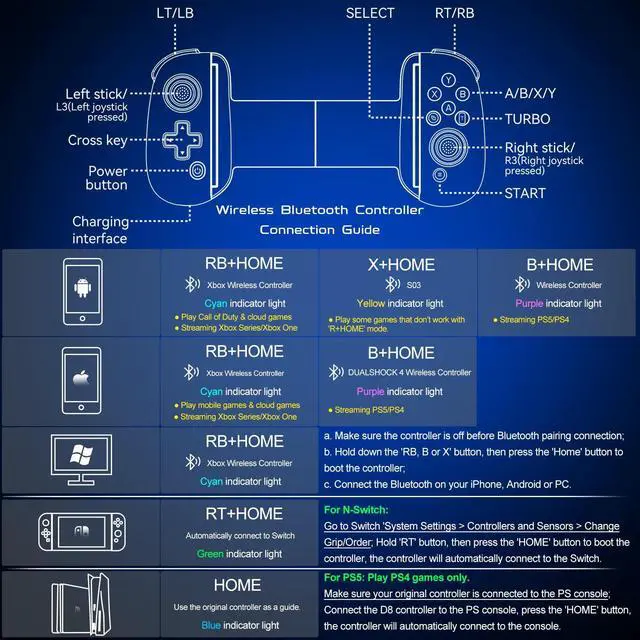
- Make sure the controller is off, hold down the 'RB' key, then press the 'HOME' key to boot the controller.
- Turn on the Bluetooth connection 'Xbox Wireless Controller' on your iOS device.
- Start Playing.
After connection, you also can play cloud games via cloud gaming apps such as Xbox Cloud.
Controller for Android Phone/Tablet - Direct Play
How to use phone controller on Android (2 Modes)
- Make sure the controller is off, hold down the 'RB' key, then press the 'HOME' key to boot the controller.
- Turn on the Bluetooth connection 'Xbox Wireless Controller' on your Android device.
- For different games, Android has a second controller boot mode: Hold down the 'X' key, then press the 'HOME' key to boot the controller. Turn on the Bluetooth connection 'BSP-D8' on your Android device.
After connection, you also can play cloud games via Cloud Gaming Apps.
Controller for Switch, Switch OLED
How to use wireless controller on Switch, Switch OLED
- Open the Switch Console - System Settings - Controllers and Sensors - Change Grip/Order page.
- Make sure the controller is off, hold down the 'RT' key, then press the 'HOME' key to boot the controller, the controller will automatically connect to the switch.
- Start Playing.
Controller for PS4, PS3
How to use mobile game controller on PS4, PS3
- Open the PS4 console, click 'Settings', 'Devices', 'Controllers', 'Communication Method', 'Use USB Cable', then turn off your original controller.
- Make sure the Joso controller is off, connect the Joso controller to the PS4 console with a Type-C cable.
- Press the 'HOME' key to boot the controller, the controller will automatically connect to the console.
- Once the connection has done, you can unplug the Type-C cable to turn the controller into a wireless game controller.
Stream Connection
Remote Control PS5, PS4 console Connection Guideline
Be sure to have the following items handy before getting started.
1) iOS or Android mobile device. 2) PS4 or PS5 console.
3) Joso Game Controller. 4) Internet connection.
5) PS Remote Play app.
Stream Connection
Remote Control Xbox console/PC Connection Guideline
Be sure to have the following items handy before getting started.
1) iOS or Android mobile device. 2) Xbox Series X, S, Xbox One console or gaming PC with Steam installed.
3) Joso Mobile Game Controller. 4) Internet connection.
5) Xbox mobile app or Steam Link app.
More Game Controller From Joso
iPad/Tablet Controller | iPad/Tablet Controller | iPad/Tablet Controller | iPad/Tablet Controller | Phone Controller | Controller with RGB | Controller with Cooler |
|---|---|---|---|---|---|---|
| Customer Reviews | ||||||
| — | — | — | — | — | — | — |
| Price | ||||||
| — | — | — | — | — | — | — |
| For iOS | ||||||
| ? | ? | ? | ? | ? | ? | ? |
| For Android | ||||||
| ? | ? | ? | ? | ? | ? | ? |
| For PC | ||||||
| ? | ? | ? | ? | ? | ? | ? |
| For Switch | ||||||
| ? | ? | ? | ? | ? | ? | ? |
| For Switch | ||||||
| ? | ? | ? | ? | ? | ? | ? |
| Streaming Support | ||||||
| ? | ? | ? | ? | ? | ? | ? |