here!
here!
I’m your shopping assistant for PC builds, upgrades, and everything tech.
Got questions? Ask away!
Start a conversation
here!
I’m your shopping assistant for PC builds, upgrades, and everything tech.
Got questions? Ask away!
Start a conversation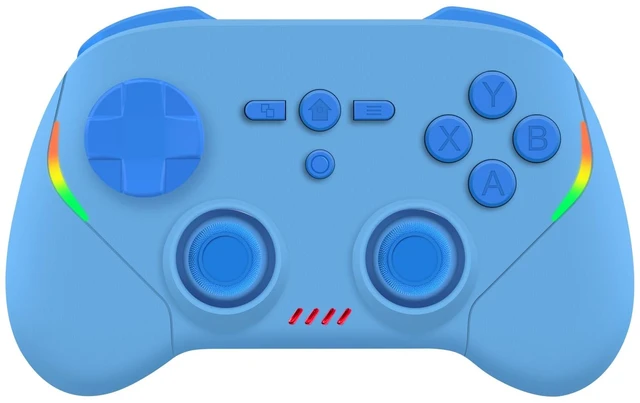



Any questions? Ask CelesteSM will help you find out quickly.
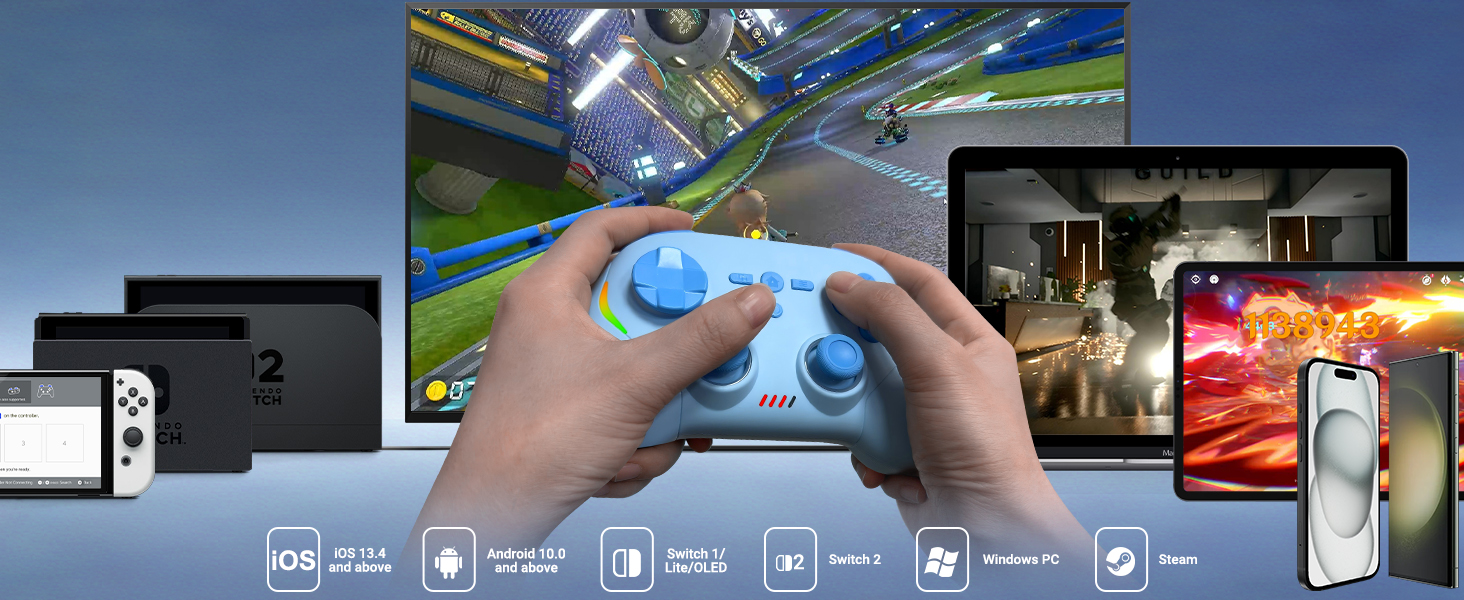
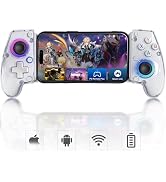
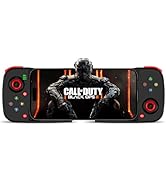
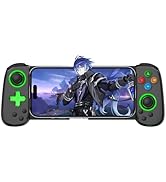
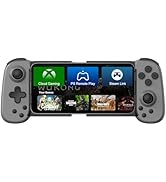
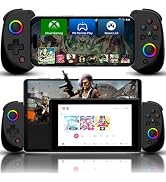
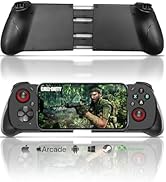
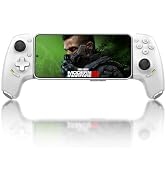
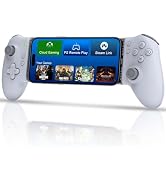
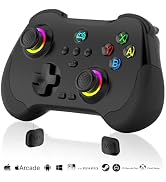
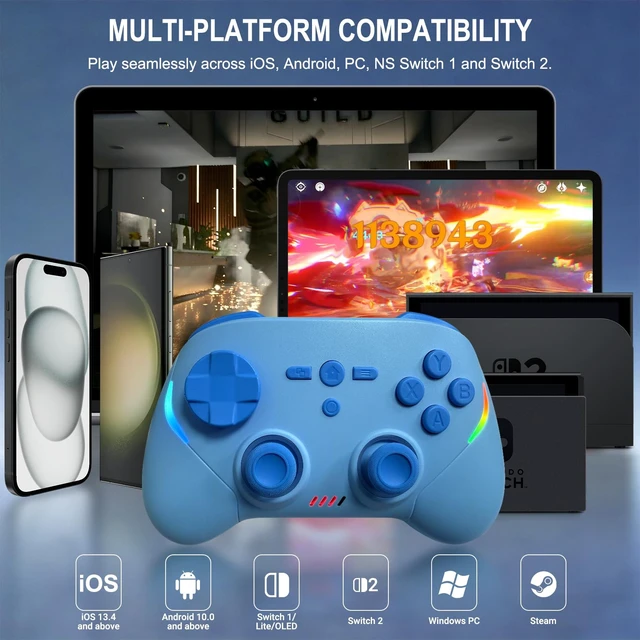
Play seamlessly across iOS, Android, Windows PC, NS Switch 1 and Switch 2.
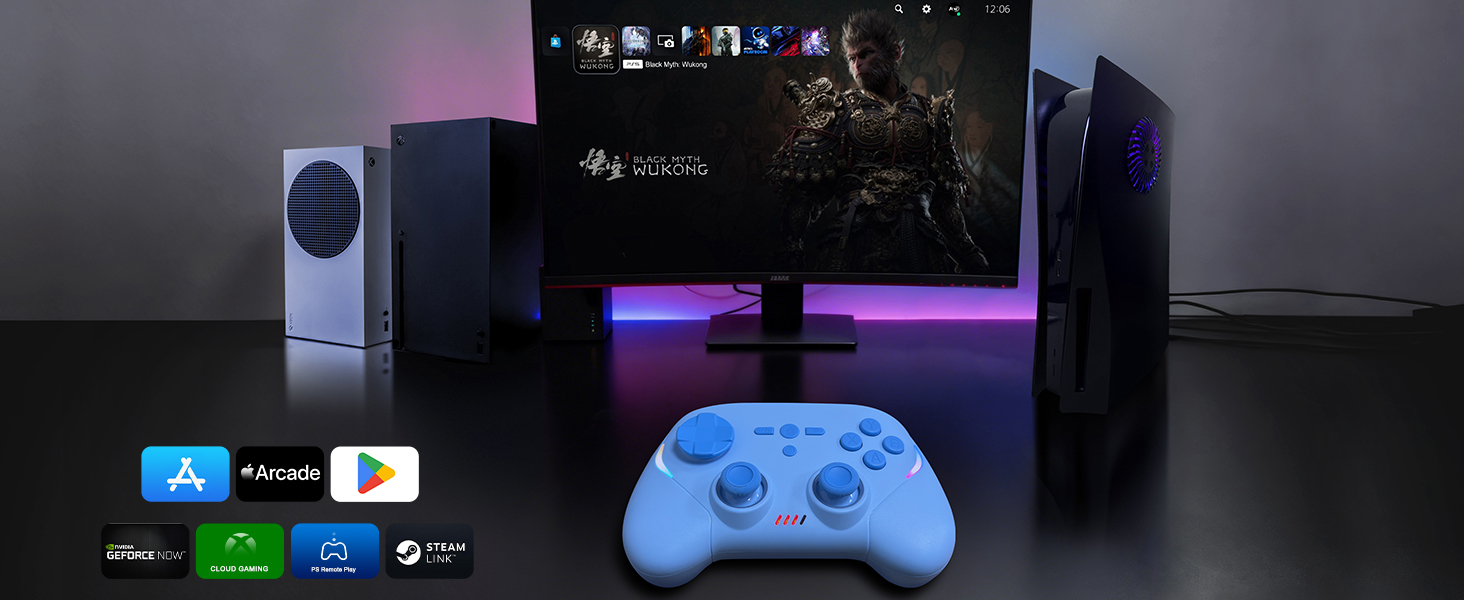
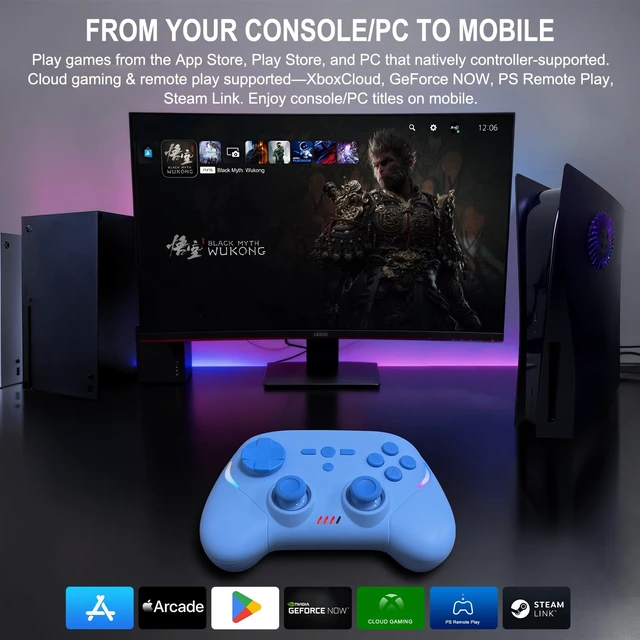
Play games from the App Store, Play Store, and PC that natively controller-supported. Cloud gaming & remote play supported—XboxCloud, GeForce NOW, PS Remote Play, Steam Link. Enjoy console/PC titles on mobile.
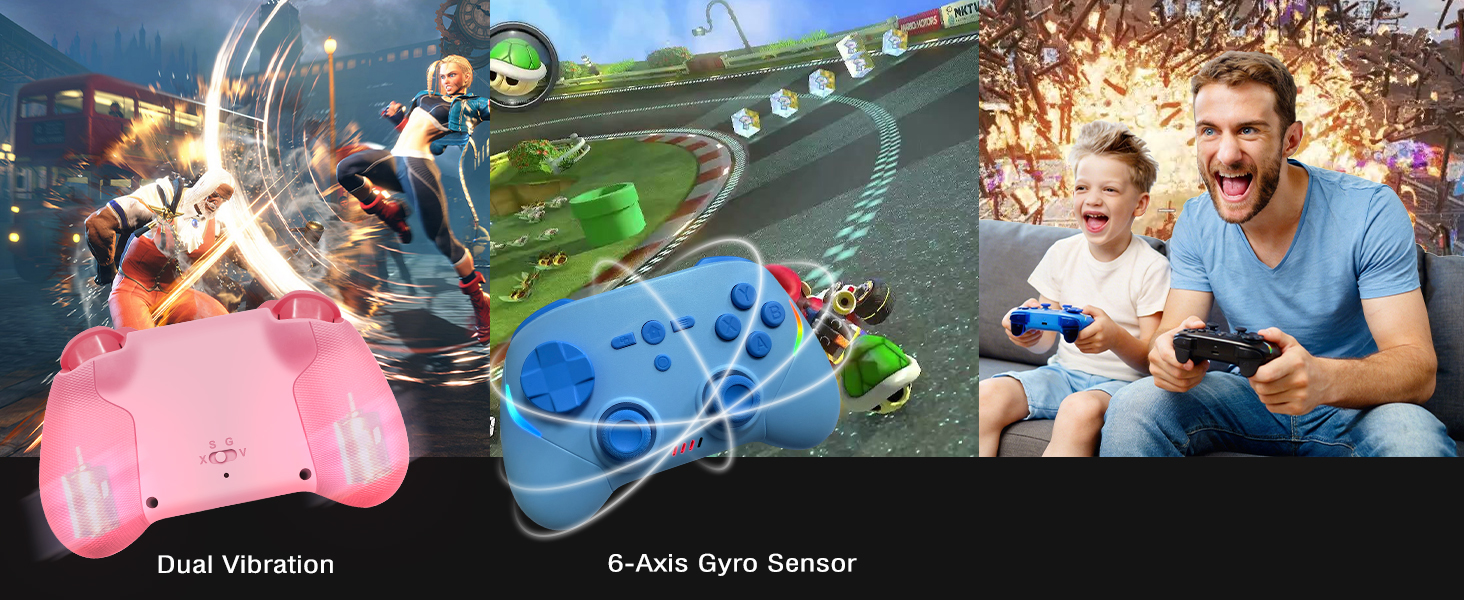
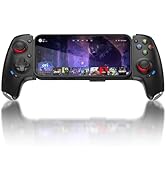
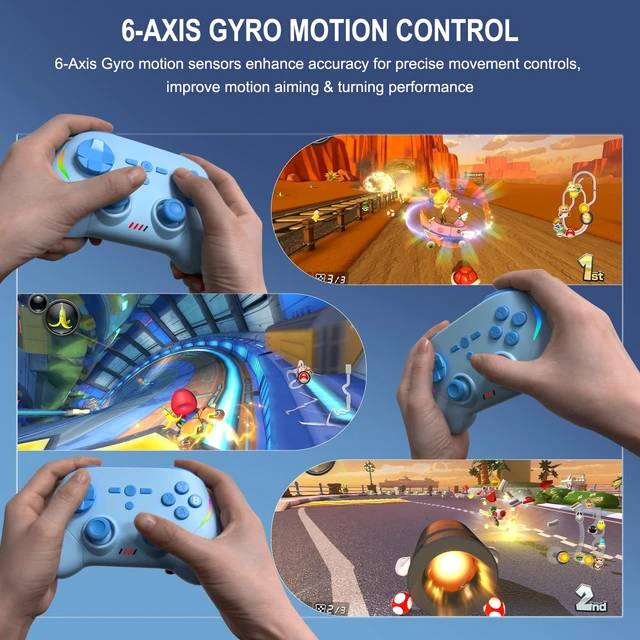
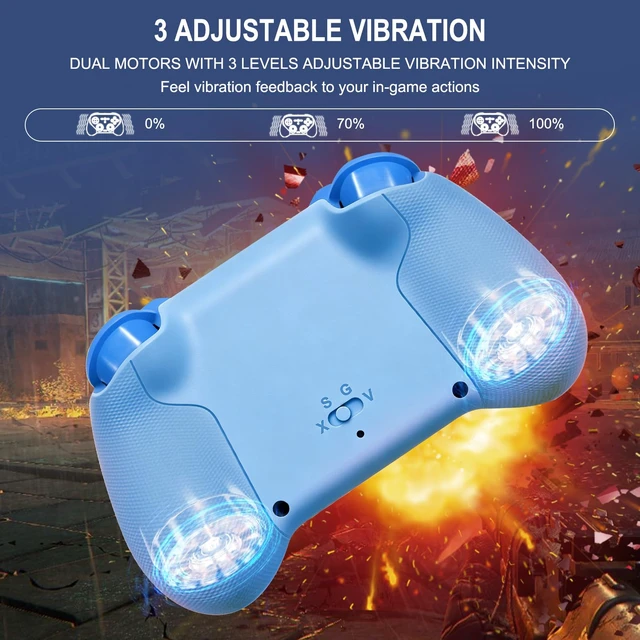
Joso wireless controller comes with 6-axis gyro sensor and built in dual vibration motors with 3 levels vibration: none, medium, strong.
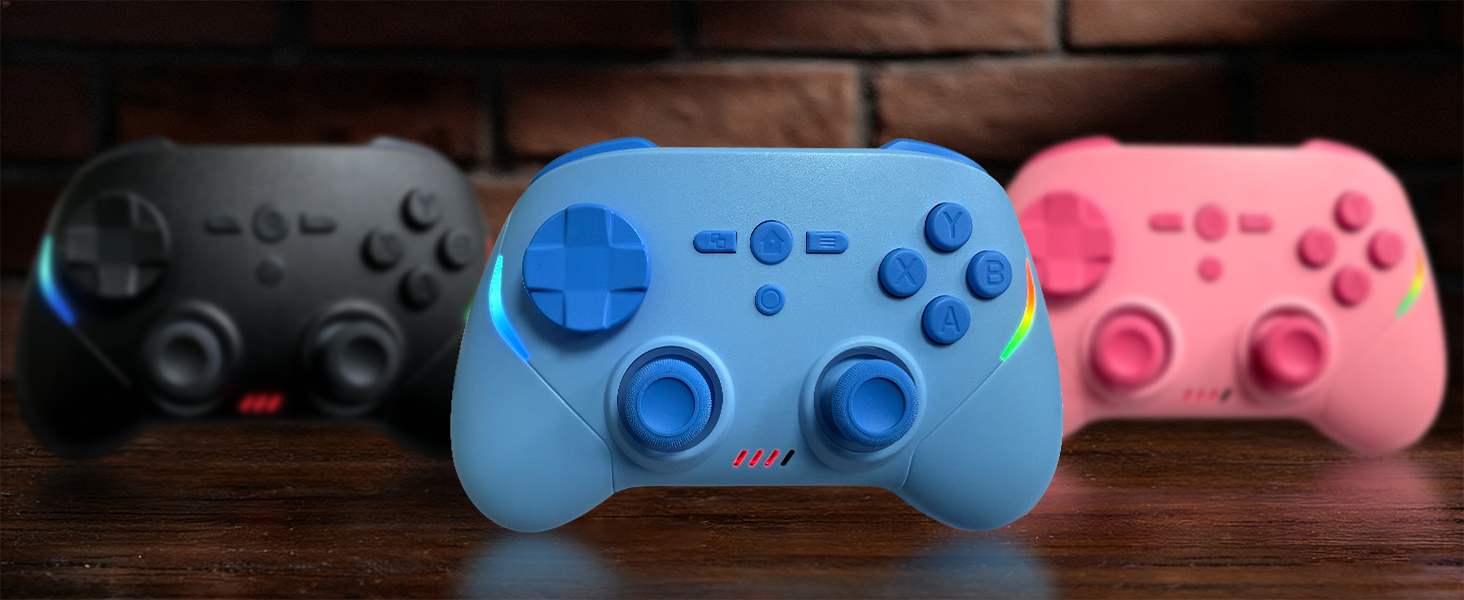
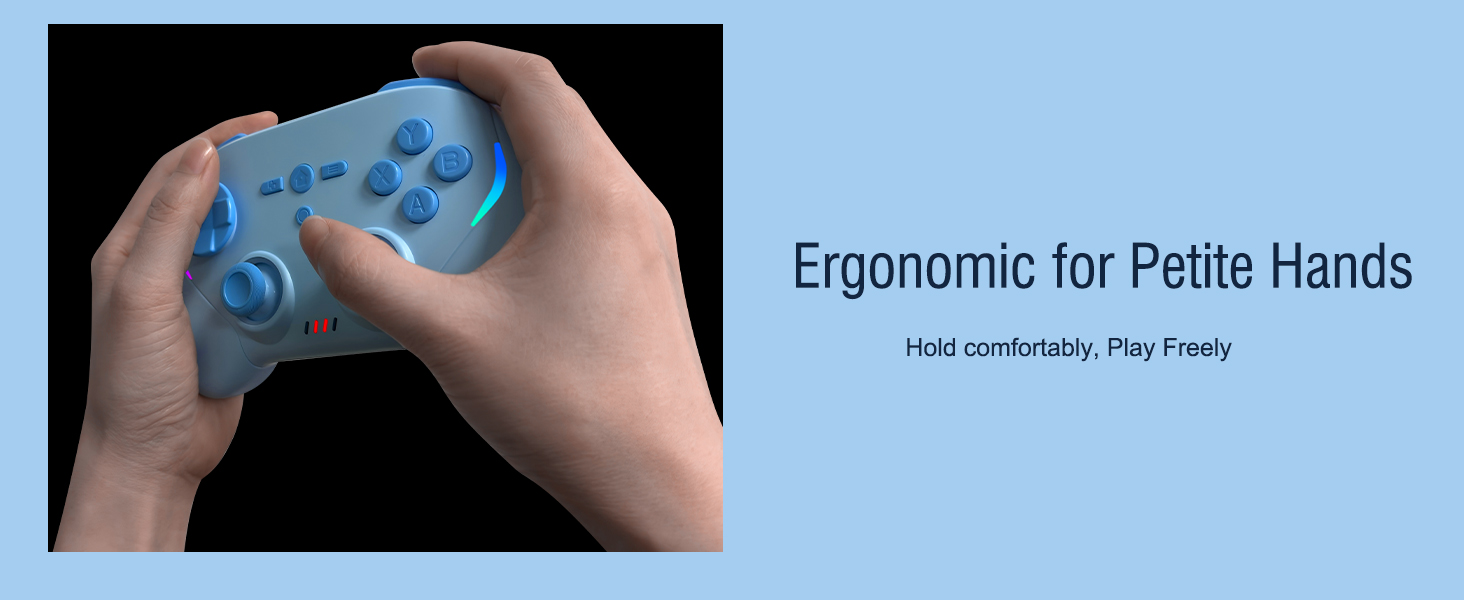
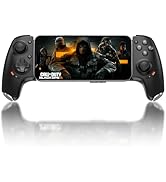
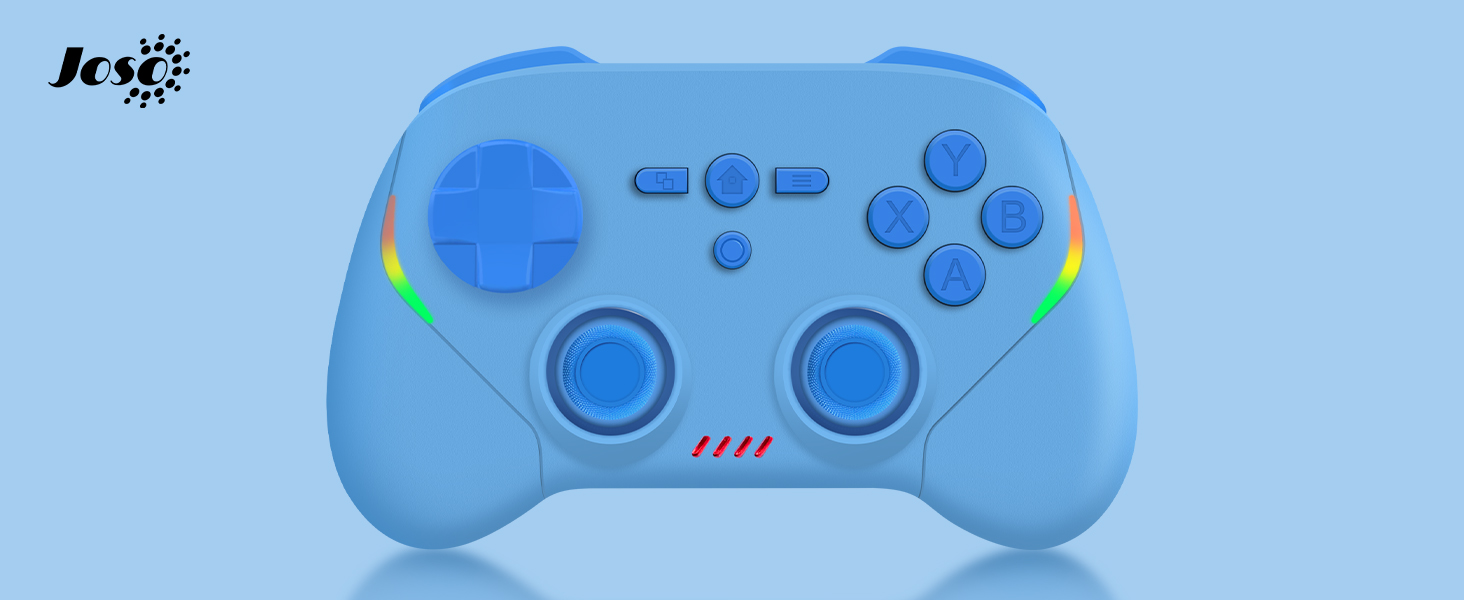
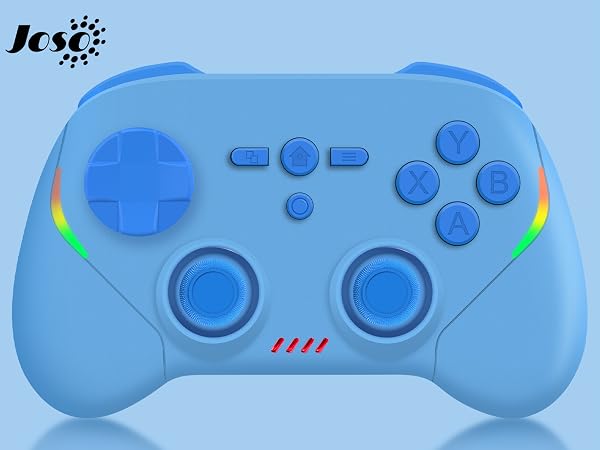
Available in Blue, Pink, and Black.
Established in 2015, dedicated to developing professional game controllers.
For more gamepads, please open Joso brand flagship store.
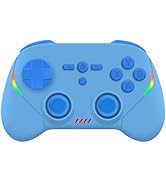

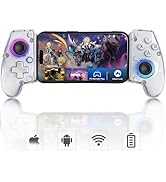
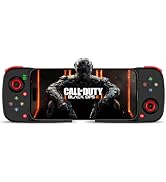
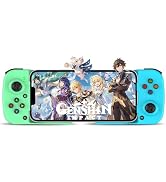
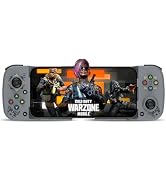
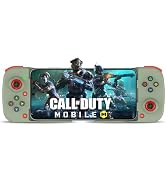
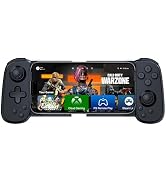
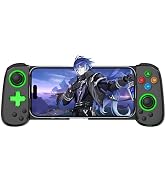
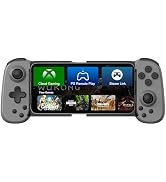
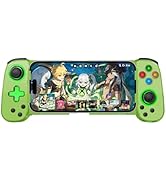
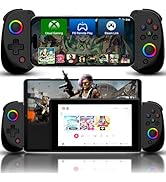
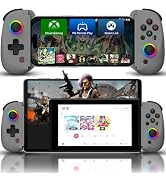
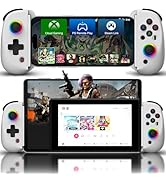
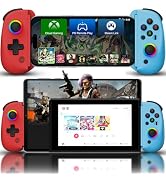
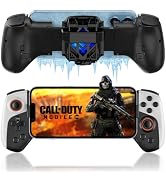
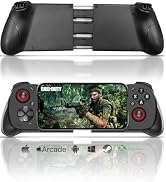
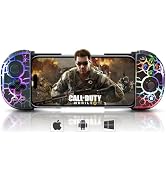
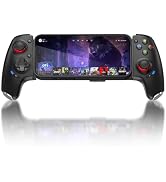
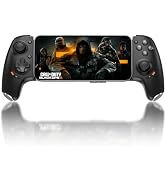
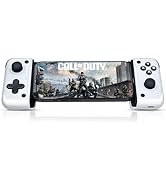
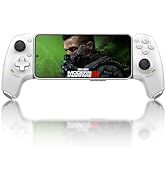
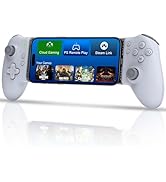
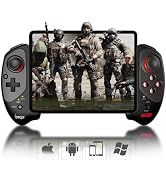
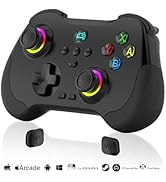
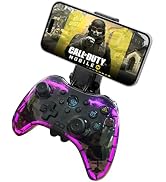
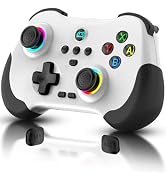
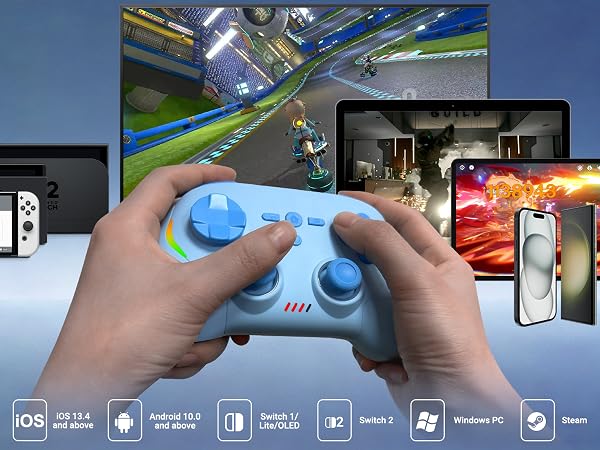
Play seamlessly across iOS, Android, Windows PC, NS Switch 1 and Switch 2.
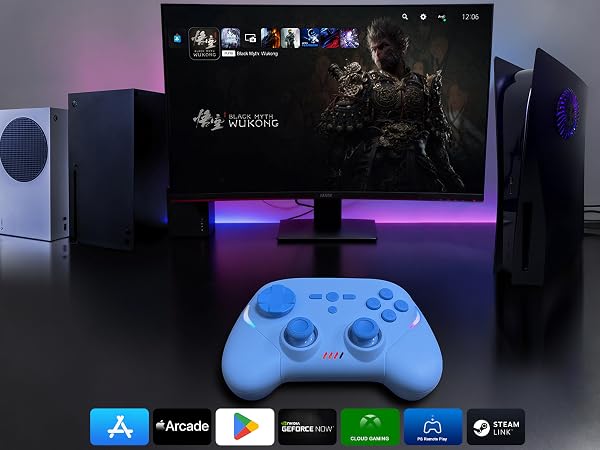
Play games from the App Store, Play Store, and PC that natively controller-supported. Cloud gaming & remote play supported—XboxCloud, GeForce NOW, PS Remote Play, Steam Link. Enjoy console/PC titles on mobile.
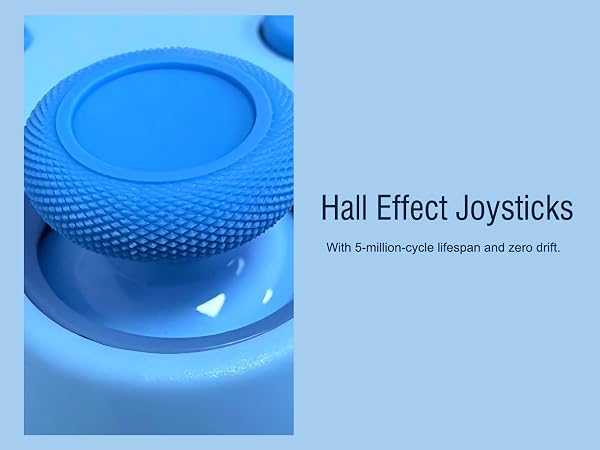
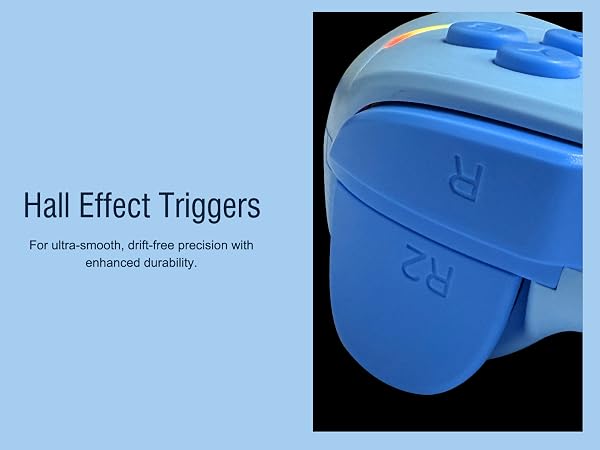
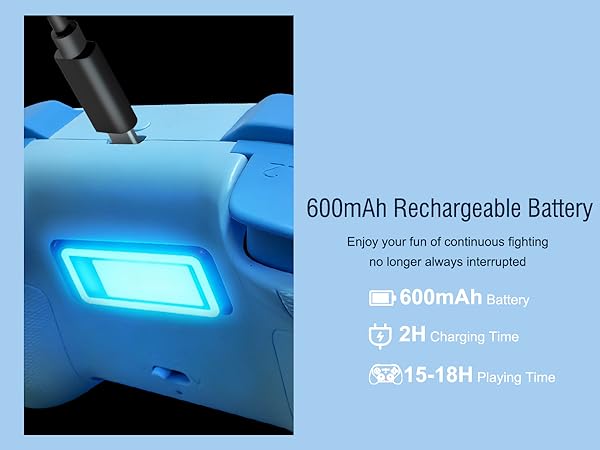
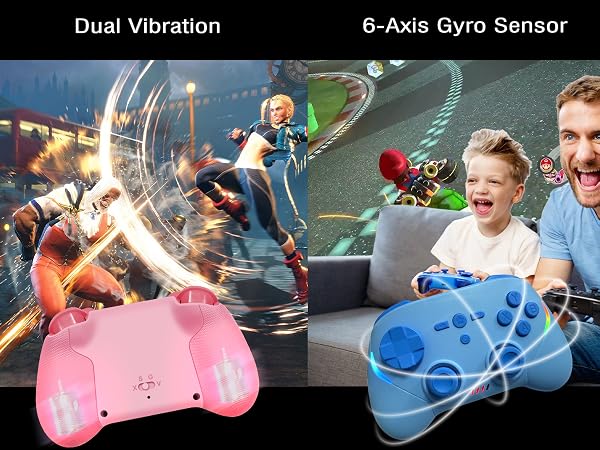
Joso wireless controller comes with 6-axis gyro sensor and built in dual vibration motors with 3 levels vibration: none, medium, strong.
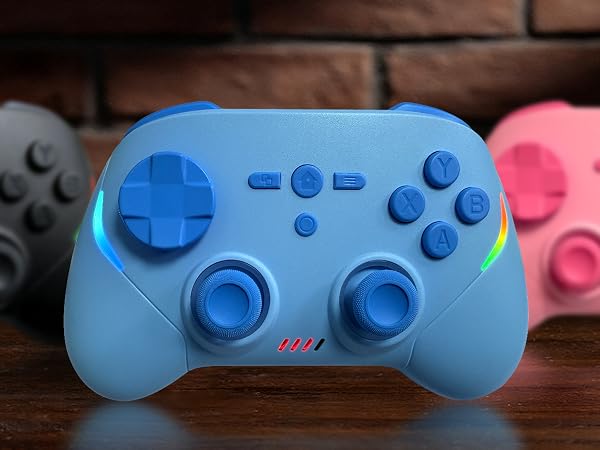
Available in Blue, Pink, and Black.
* Most of them works on Windows — only a few work on macOS. Just check the game's store page to see the system requirements and whether it supports a controller.
* If the Joso controller is already connected to the Switch 2 (LED1 stays solid), but it won't control the console, that means the Switch 2 has defaulted to a connected Switch 2 Pro Controller or Joy-Con 2. In that case, simply disconnect the Pro Controller or detach the Joy-Con 2 from the console. Then your Joso controller will work.
* If the Joso controller is already connected to the Switch (LED1 stays solid), but it won't control the console, that means the Switch has defaulted to a connected Switch Pro Controller or Joy-Con. In that case, simply disconnect the Pro Controller or detach the Joy-Con from the console. Then your Joso controller will work.