here!
I’m your shopping assistant for PC builds, upgrades, and everything tech.
Got questions? Ask away!
Start a conversation
here!
I’m your shopping assistant for PC builds, upgrades, and everything tech.
Got questions? Ask away!
Start a conversation



Any questions? Ask CelesteSM will help you find out quickly.
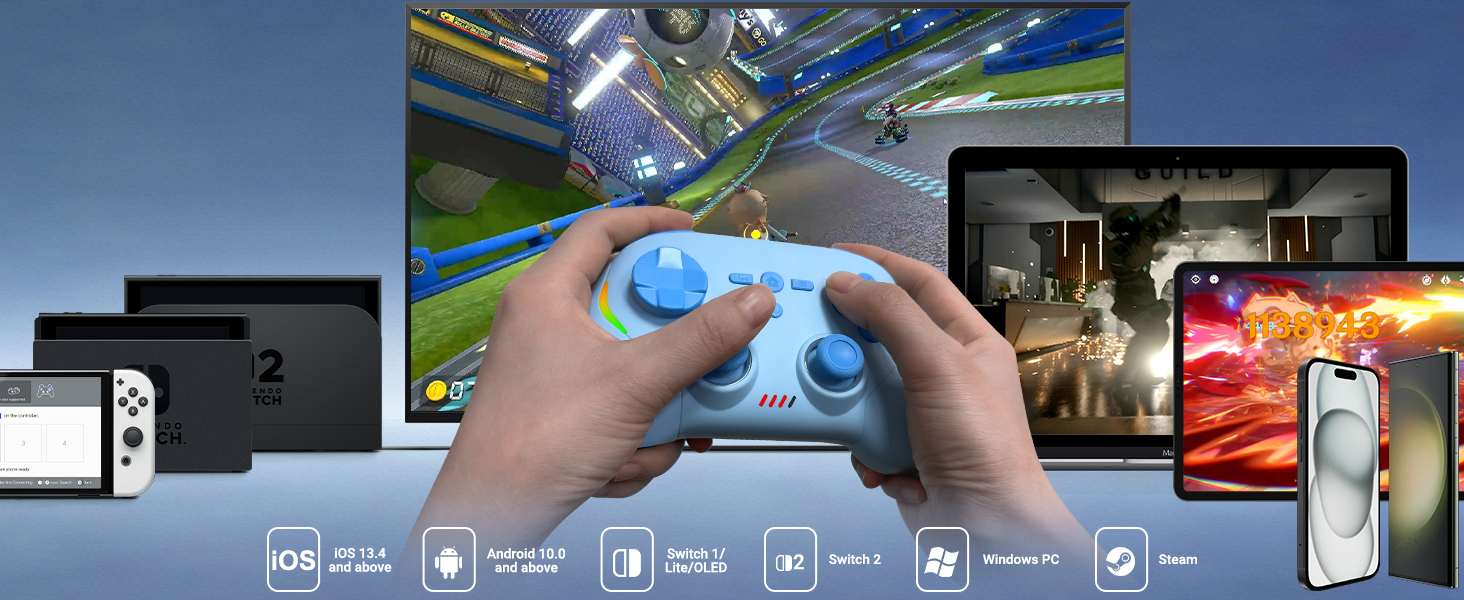
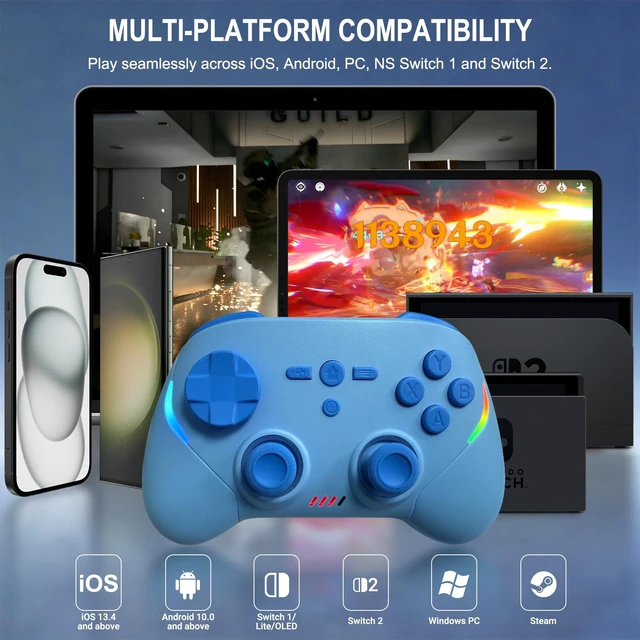
Play seamlessly across iOS, Android, Windows PC, NS Switch 1 and Switch 2.
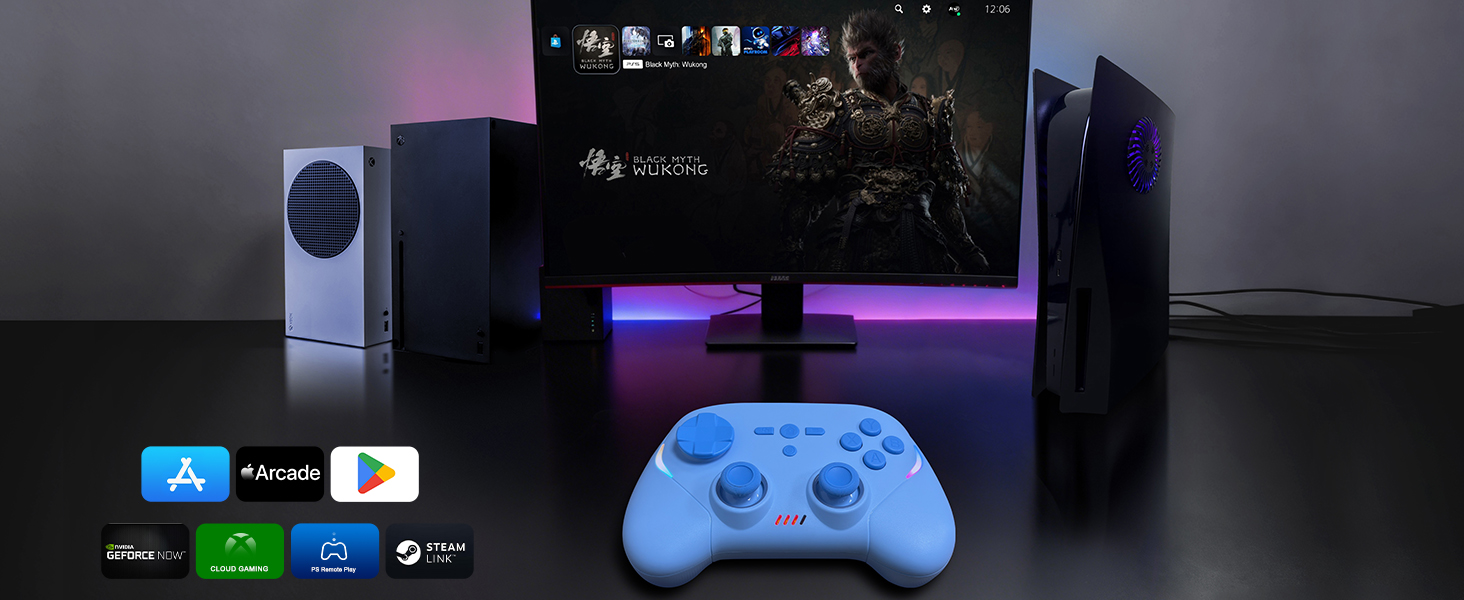
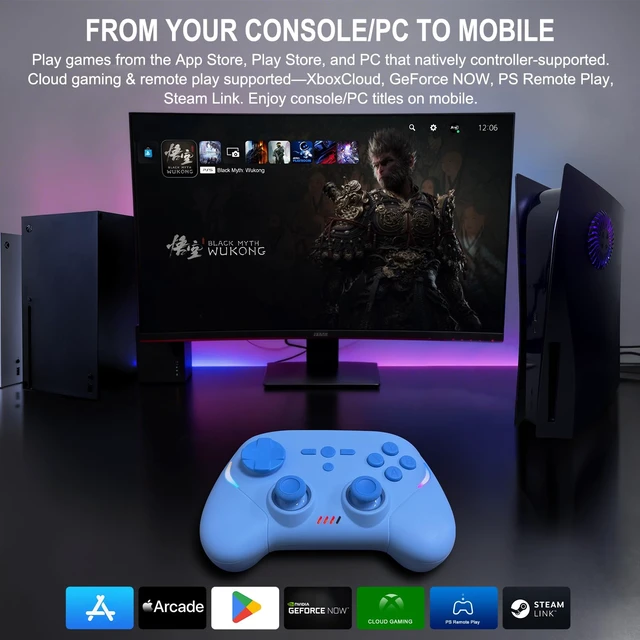
Play games from the App Store, Play Store, and PC that natively controller-supported. Cloud gaming & remote play supported—XboxCloud, GeForce NOW, PS Remote Play, Steam Link. Enjoy console/PC titles on mobile.
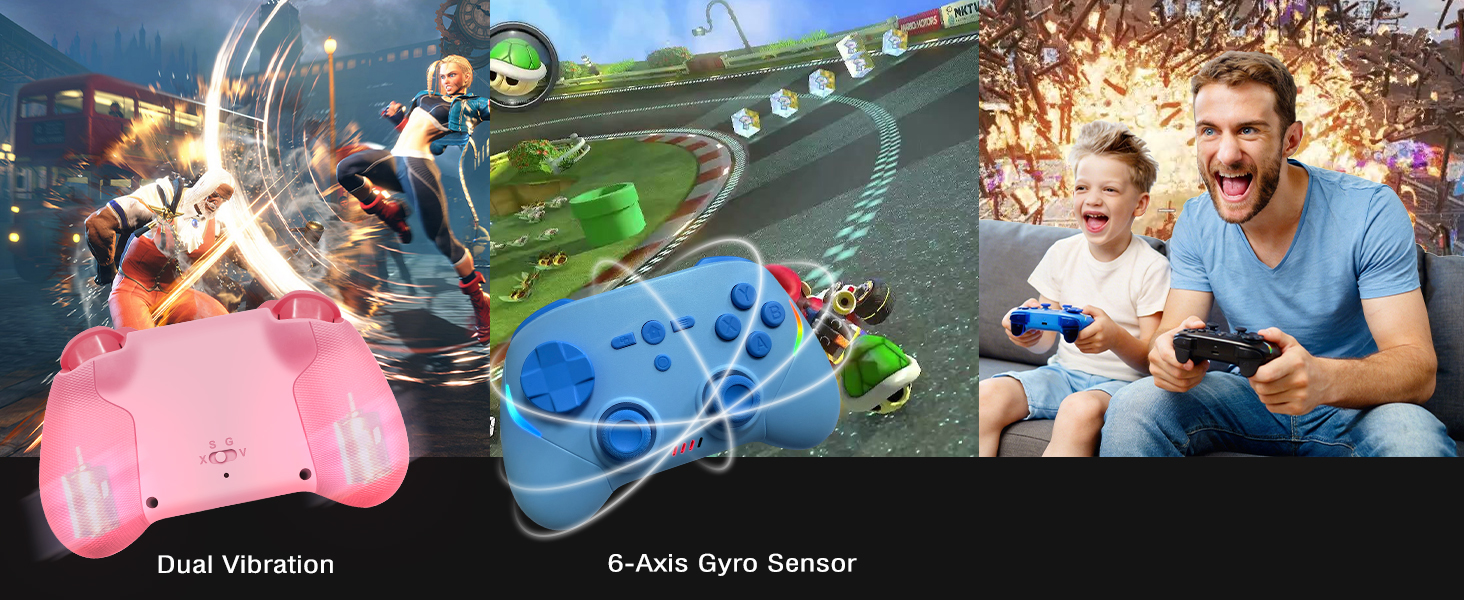
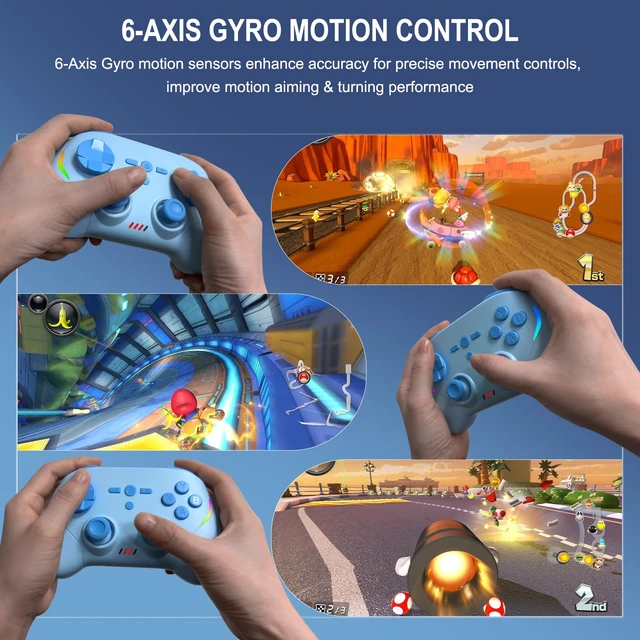
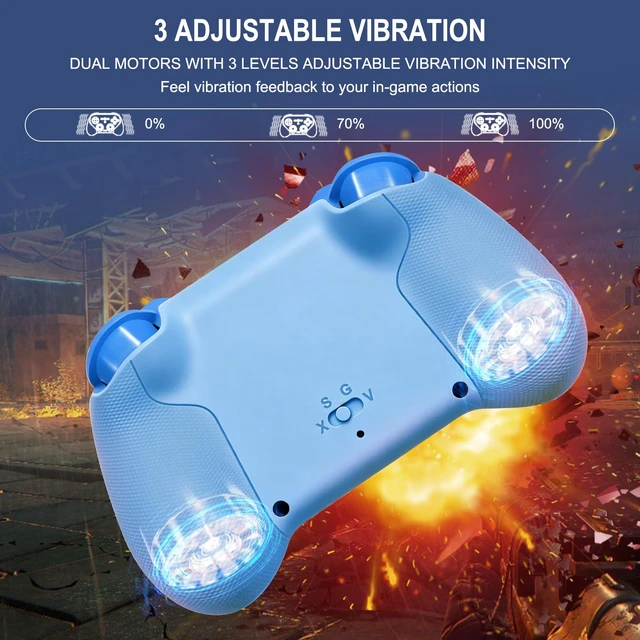
Joso wireless controller comes with 6-axis gyro sensor and built in dual vibration motors with 3 levels vibration: none, medium, strong.

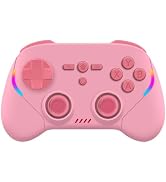
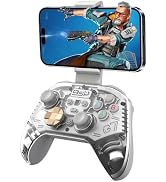
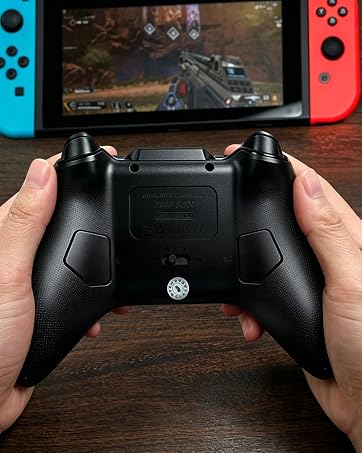
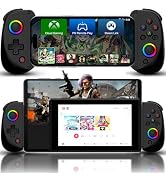
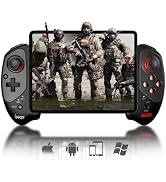

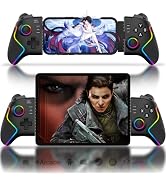
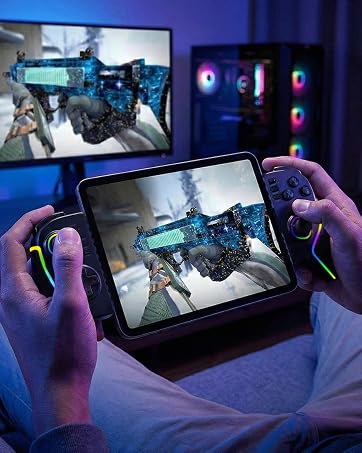
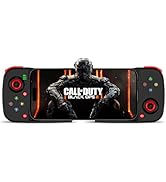
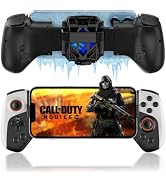
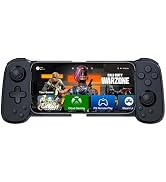
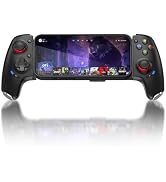
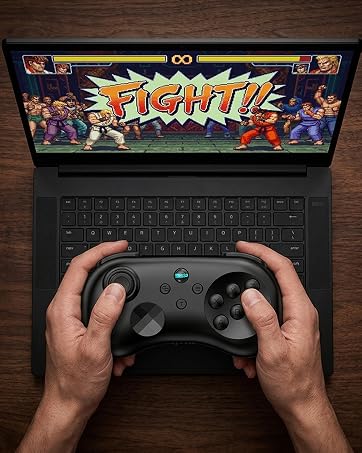
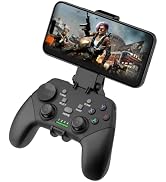
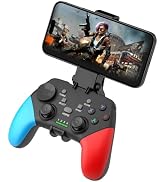
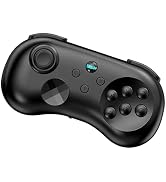
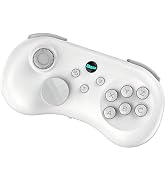
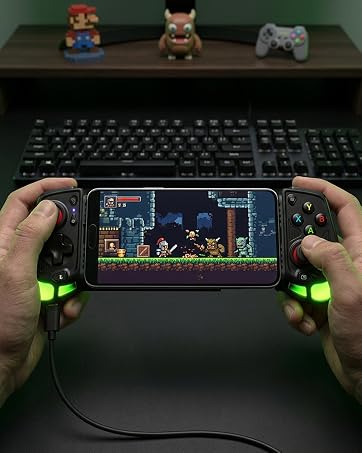
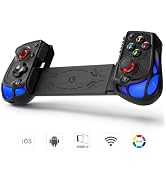
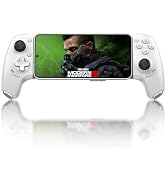
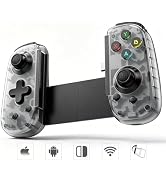
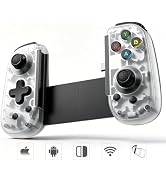
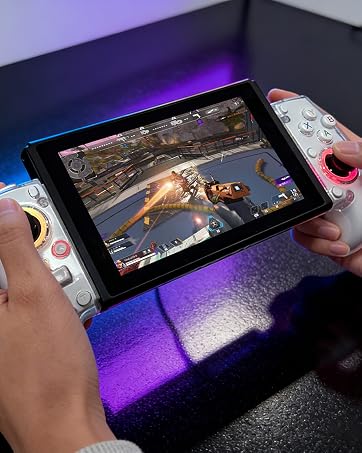
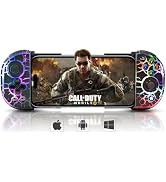

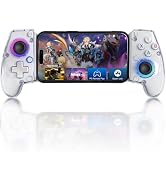
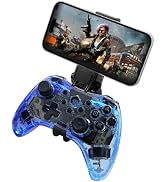

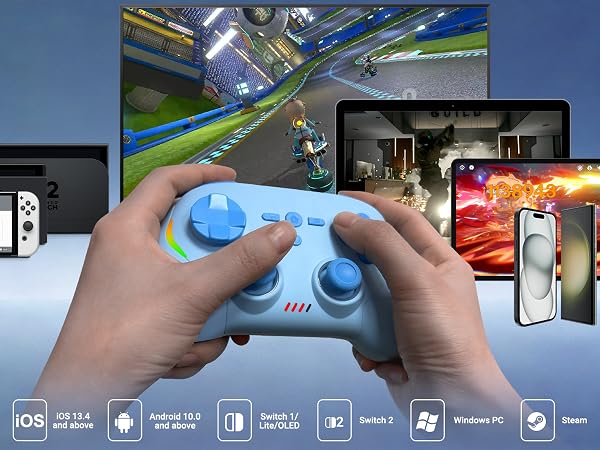
Play seamlessly across iOS, Android, Windows PC, NS Switch 1 and Switch 2.
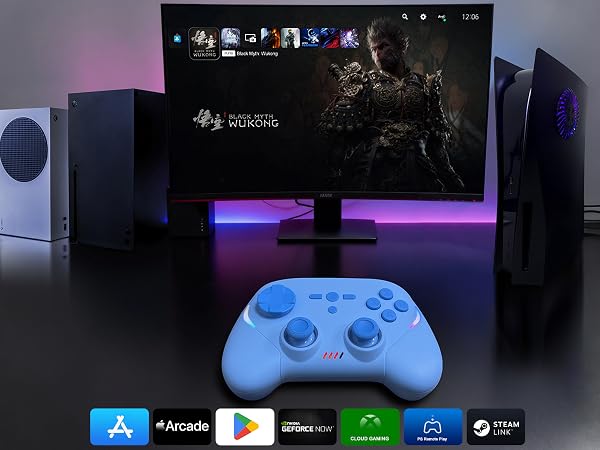
Play games from the App Store, Play Store, and PC that natively controller-supported. Cloud gaming & remote play supported—XboxCloud, GeForce NOW, PS Remote Play, Steam Link. Enjoy console/PC titles on mobile.
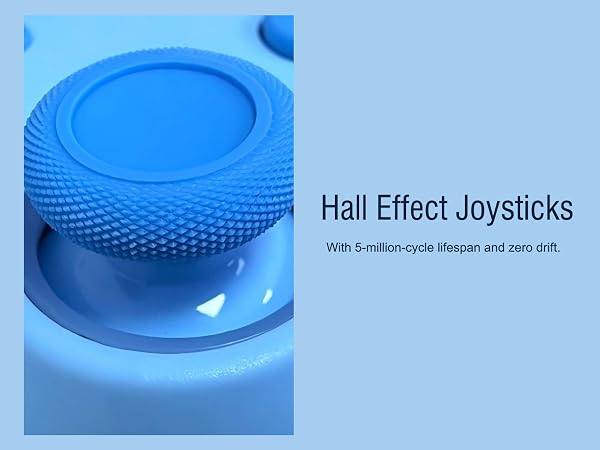
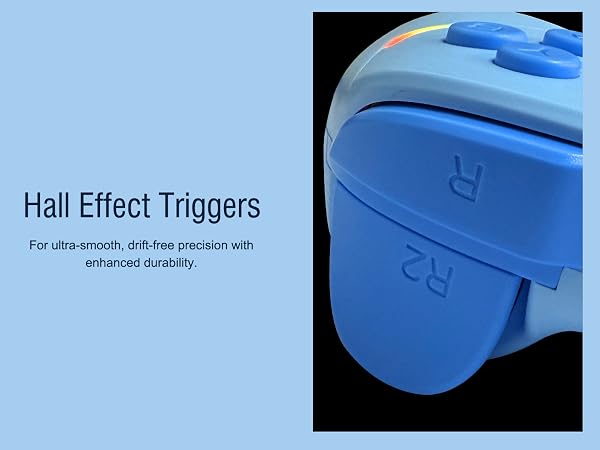

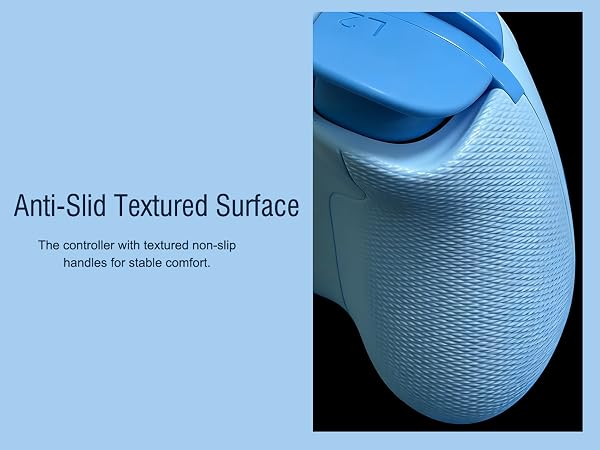

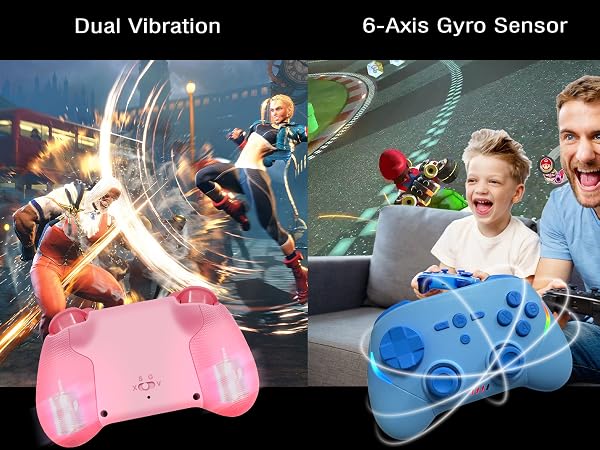
Joso wireless controller comes with 6-axis gyro sensor and built in dual vibration motors with 3 levels vibration: none, medium, strong.
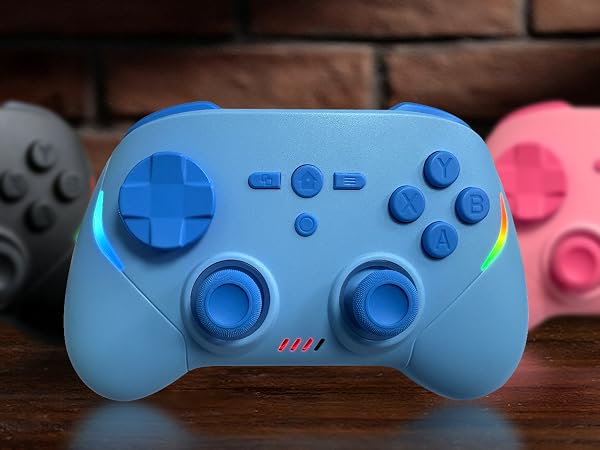

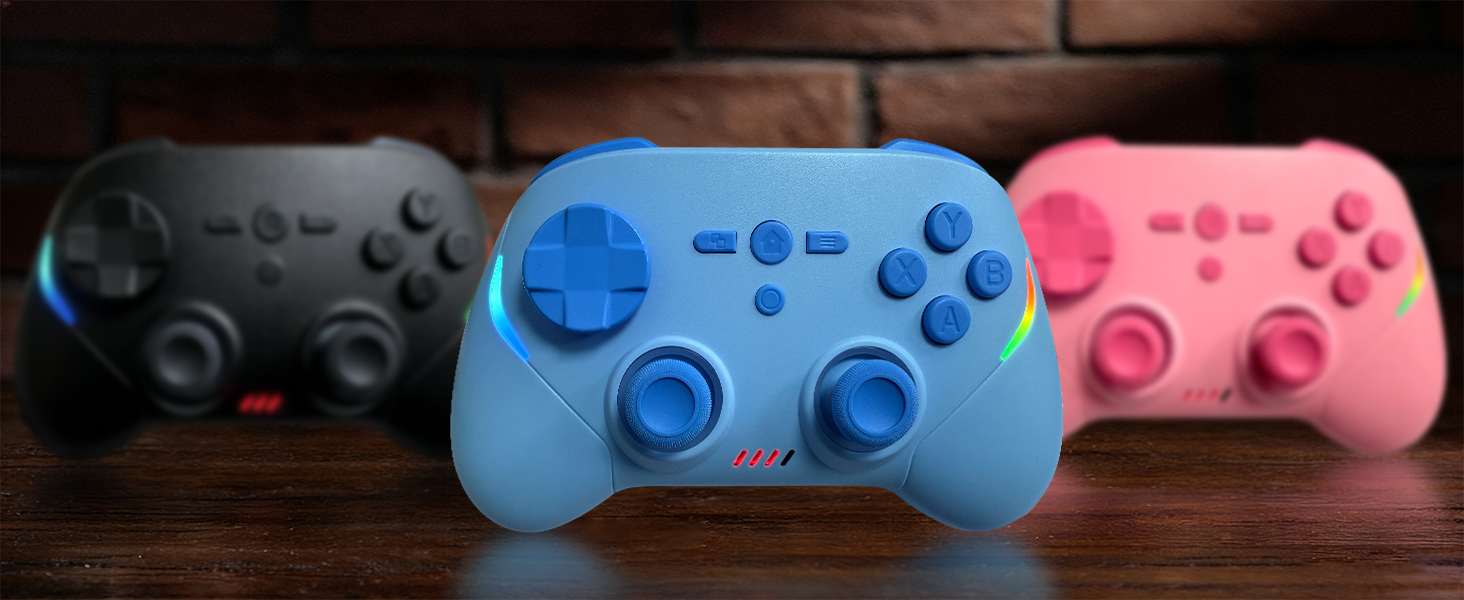
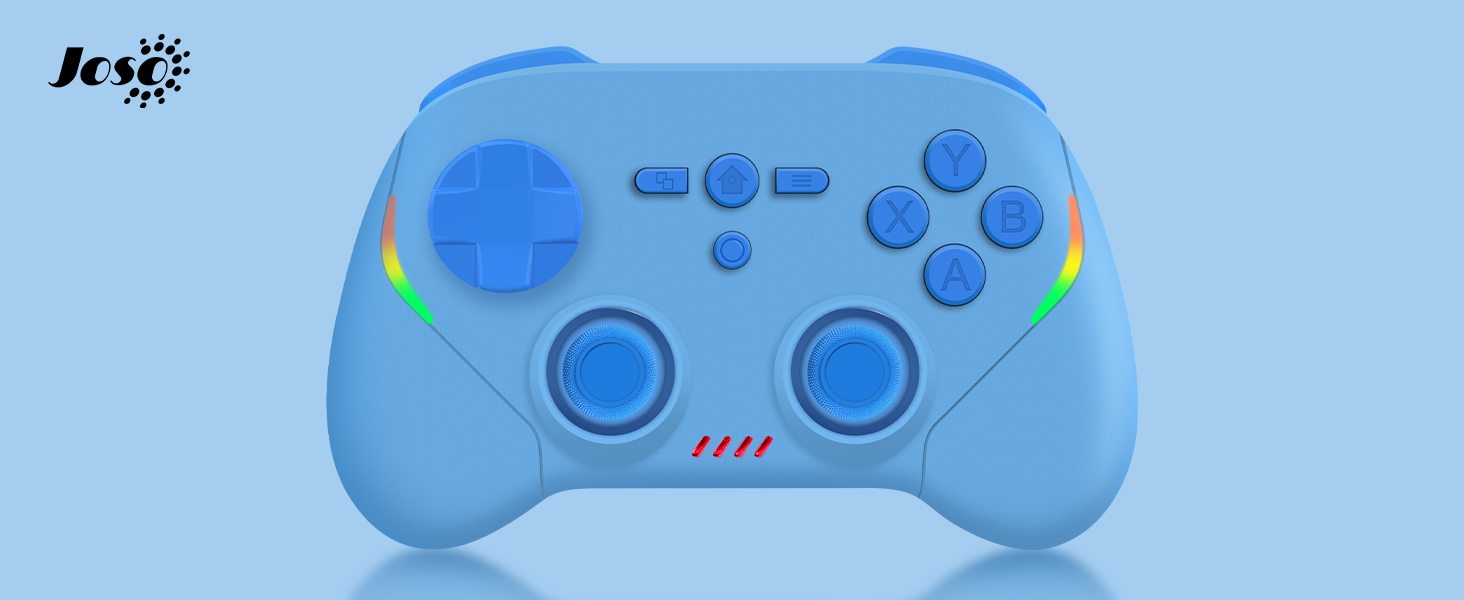
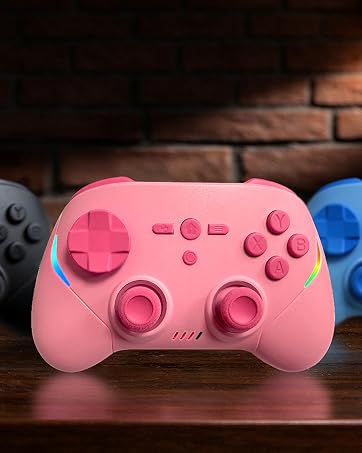
Available in multiple colors to match your personal style. Find your favorite!
A cute and thoughtful gift for gamers, kids, and friends. Great for birthdays and holidays.
* Most of them works on Windows — only a few work on macOS. Just check the game's store page to see the system requirements and whether it supports a controller.
* If the Joso controller is already connected to the Switch 2 (LED1 stays solid), but it won't control the console, that means the Switch 2 has defaulted to a connected Switch 2 Pro Controller or Joy-Con 2. In that case, simply disconnect the Pro Controller or detach the Joy-Con 2 from the console. Then your Joso controller will work.
* If the Joso controller is already connected to the Switch (LED1 stays solid), but it won't control the console, that means the Switch has defaulted to a connected Switch Pro Controller or Joy-Con. In that case, simply disconnect the Pro Controller or detach the Joy-Con from the console. Then your Joso controller will work.
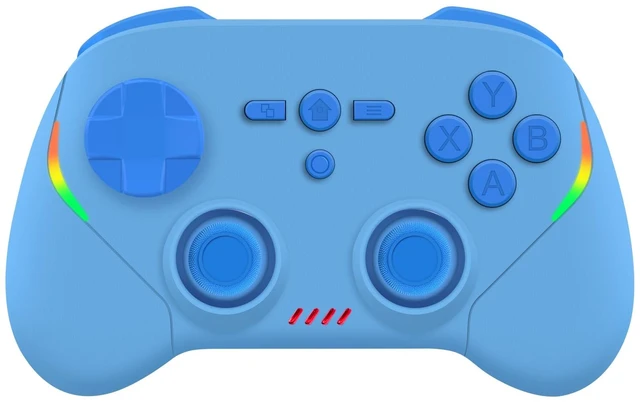
Joso Phone Game Controller for iPhone/Android/Switch/PC/Xbox Cloud Gaming/PS Remote Play/Steam Link
System Required / Compatibility:
* iOS 13.0 or above / iPhone
* Android 6.0 or above / Android Phone
* Windows 7.0 or above / PC
* NS Switch (All Models)
Streaming Supported:
* Supports streaming from XboxOne/XboxSeries consoles via the officialXbox.com/remoteplay website.
* Supports streaming from PS4/PS5 consoles using the "PS Rem ote Play" mobile app.
* Supports streaming from a PC with Steam installed using the "Steam Link" mobile app.
Package Contents:
* Wireless Mobile Gaming Controller x1
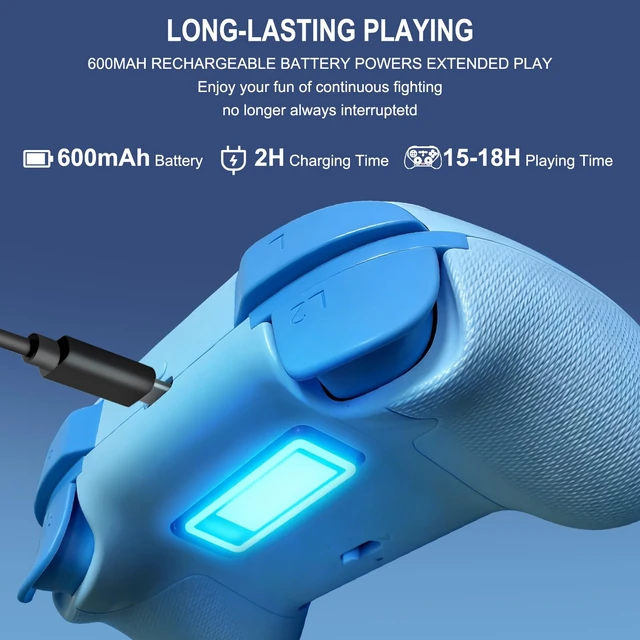
* USB Type-C Charging Cable x1
* User Manual x1