




How can I do when the microphone cannot be used?
Few ways for troubleshooting:
- A. You need to disable the computer's onboard mic by accessing your sound devices in the hardware section of the control panel. And choose the mic (JV-808)
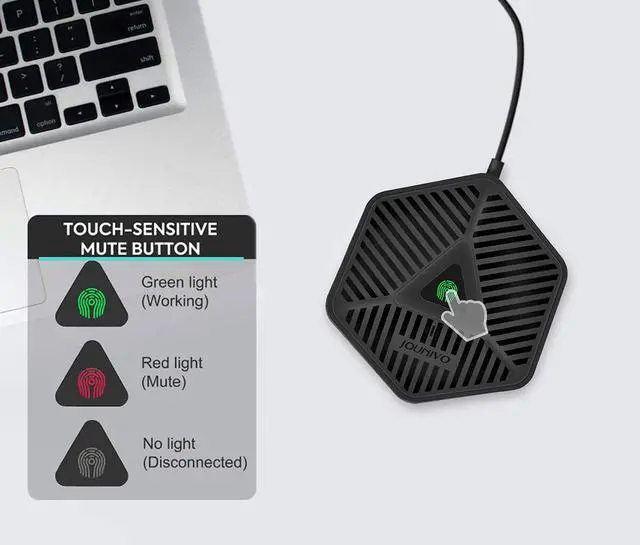
- B. Check whether the "mic mute" of the online control is open or not. When the "mic mute" is open, the light will turn to red.
- C. Please don't connect the microphone to an extension adapter(includes USB hub), or it will weaken the signal sent from devices. The cable length of the headset is 6 (1.8m), long enough for daily use.
Specification
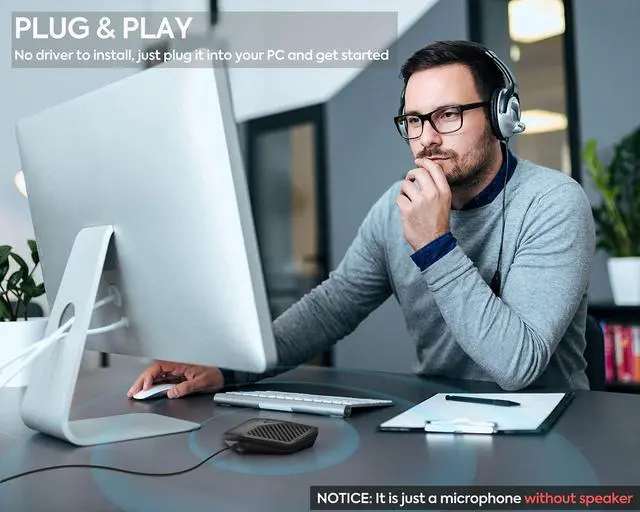
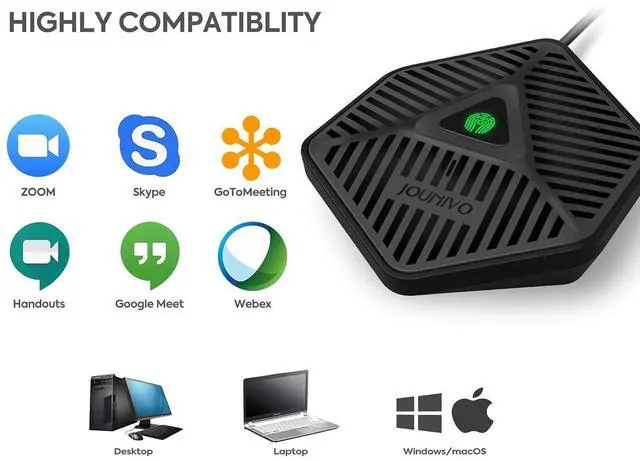
Compatible with Windows 7/8/10,Windows Vista ,Windows XP
Macintosh: Mac OSX(10.4.11 or higher)
USB Compatibility: USB 1.1 2.0 and 3.0
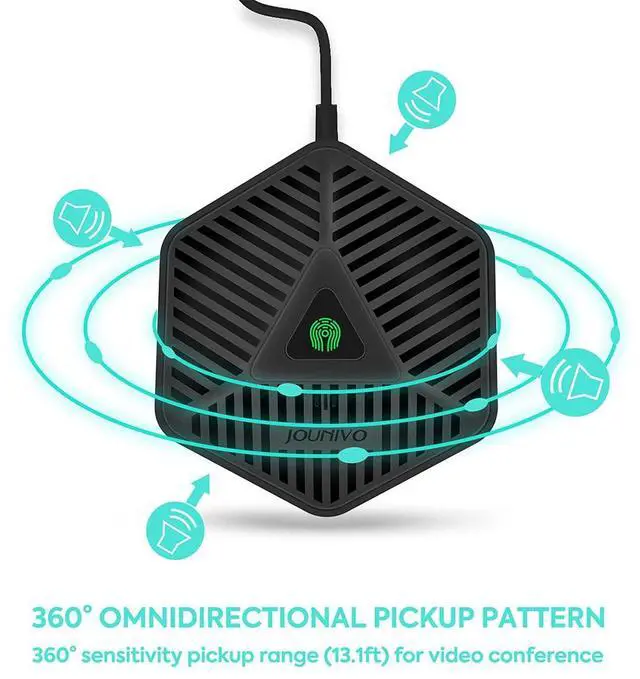
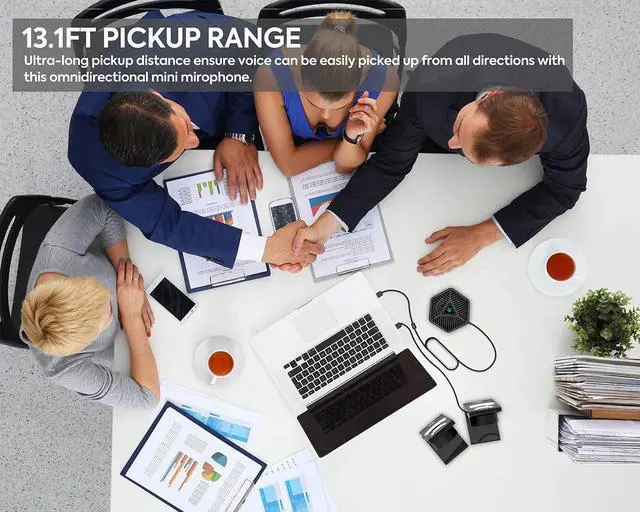
Polar pattern: Omnidirectional
Size: 3.9*3.5*1 in
Cable length:1.8m/6ft
Package Included:
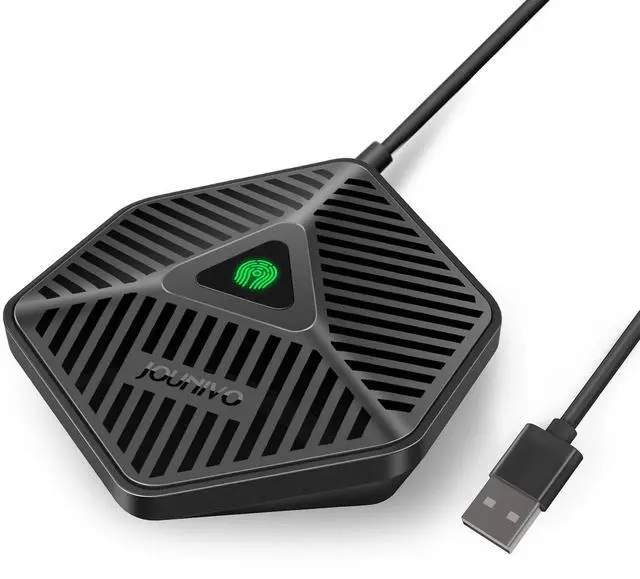
1 *USB Microphone +1 * User Manual
How can I do when the microphone cannot be used?
Few ways for troubleshooting:
- A. You need to disable the computer's onboard mic by accessing your sound devices in the hardware section of the control panel. And choose the mic (JV-808)
- B. Check whether the "mic mute" of the online control is open or not. When the "mic mute" is open, the light will turn to red.
- C. Please don't connect the microphone to an extension adapter(includes USB hub), or it will weaken the signal sent from devices. The cable length of the headset is 6 (1.8m), long enough for daily use.
Specification
Compatible with Windows 7/8/10,Windows Vista ,Windows XP
Macintosh: Mac OSX(10.4.11 or higher)
USB Compatibility: USB 1.1 2.0 and 3.0
Polar pattern: Omnidirectional
Size: 3.9*3.5*1 in
Cable length:1.8m/6ft
Package Included:
1 *USB Microphone +1 * User Manual