





How to use
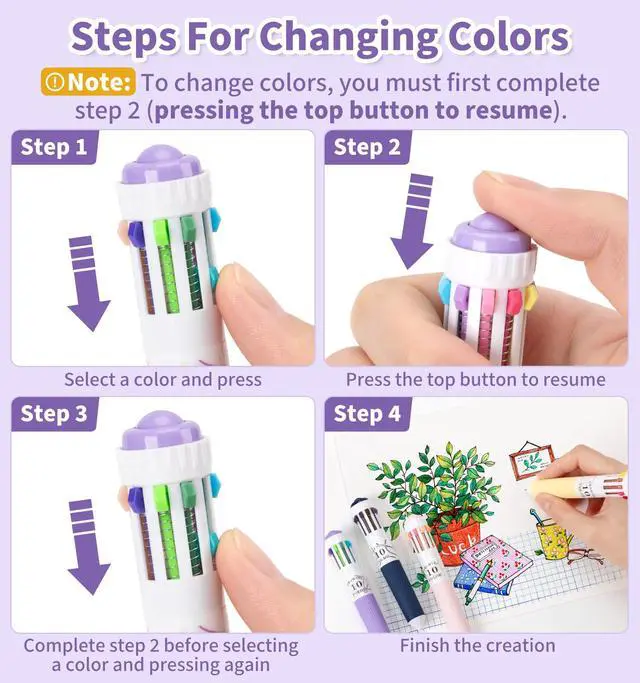
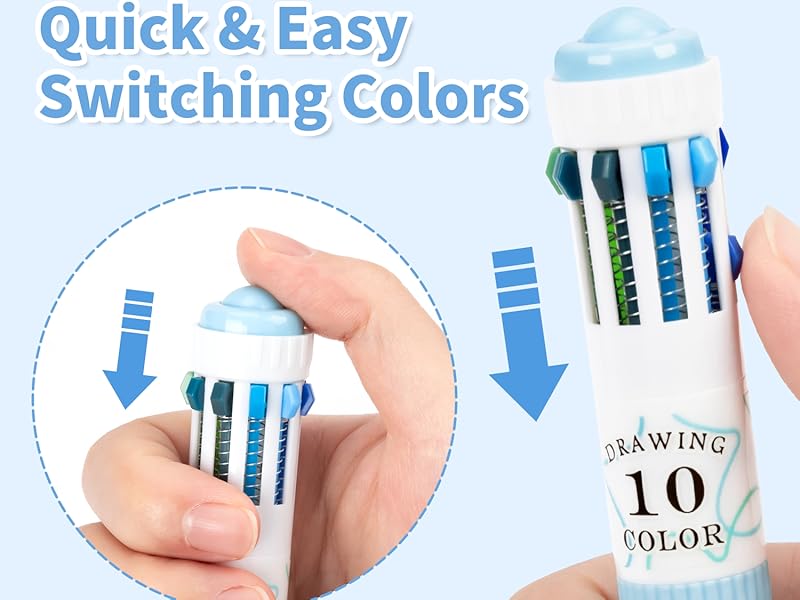
Detailed Usage Steps
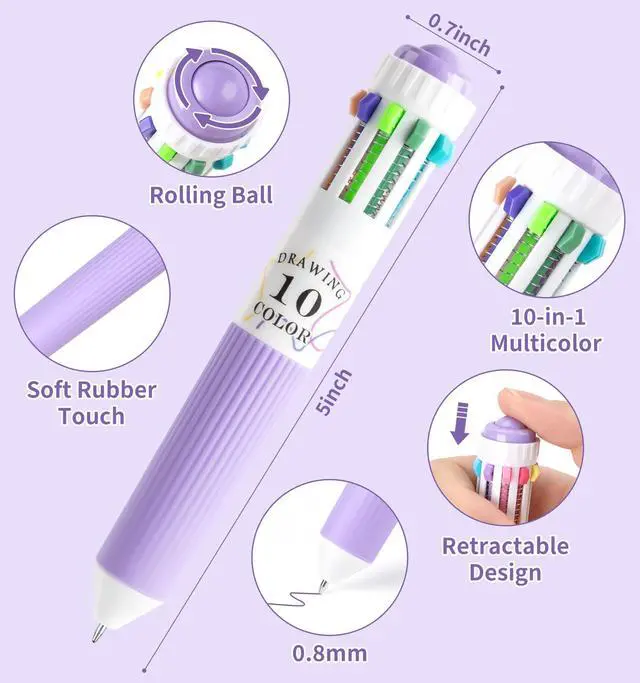
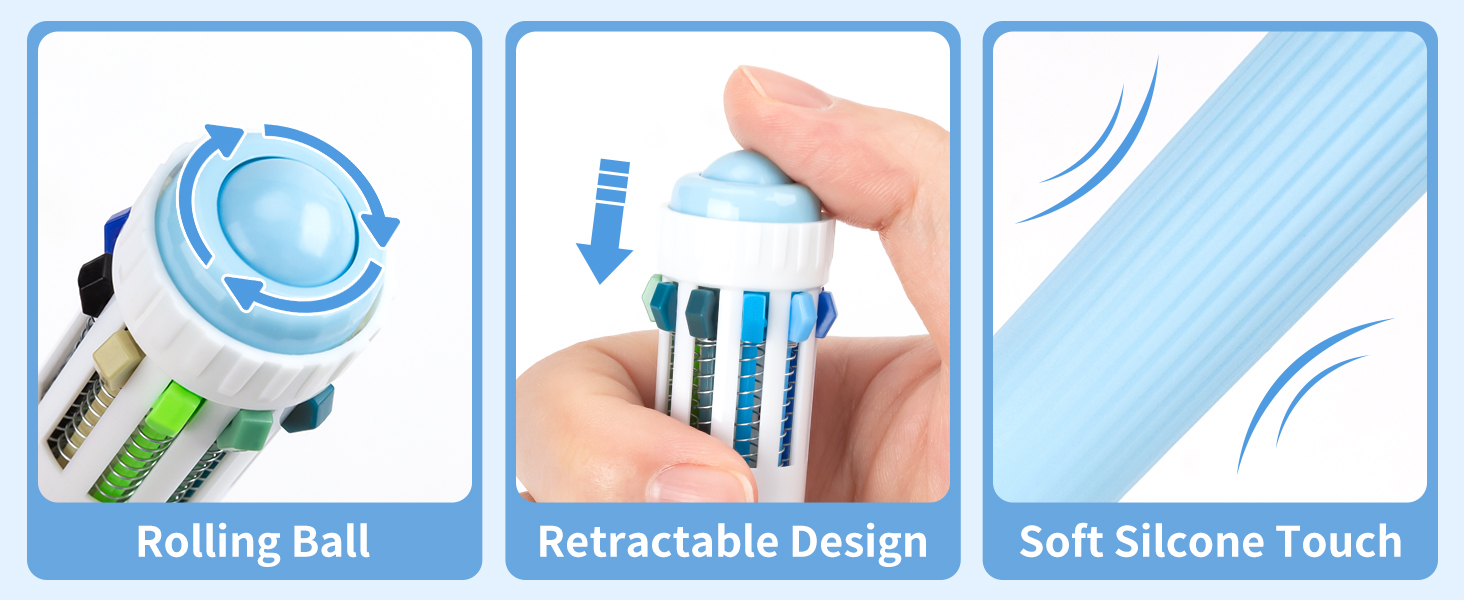
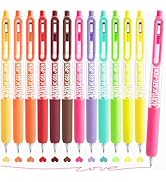
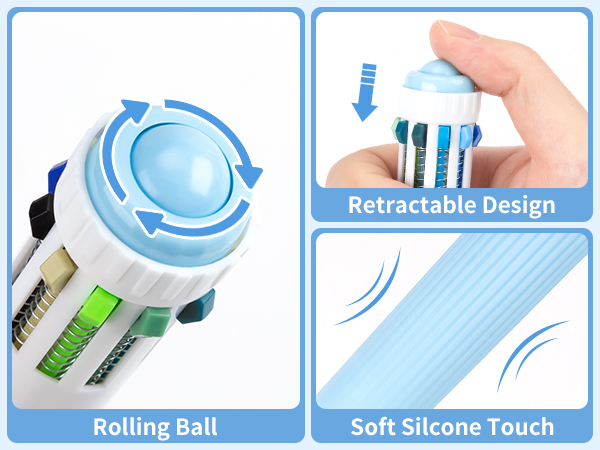
Step 1. Select a color and press
Step 2. Press the top button to resume
Step 3. Complete step 2 before selecting a color and pressing again
Note: To change colors, you must first complete step 2 (pressing the top button to resume).


How to use
Detailed Usage Steps
Step 1. Select a color and press
Step 2. Press the top button to resume
Step 3. Complete step 2 before selecting a color and pressing again
Note: To change colors, you must first complete step 2 (pressing the top button to resume).

Gel Pens For Coloring
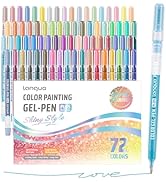
Glitter gel pens
pens for journaling
multicolor pen
pens with stylus tips