


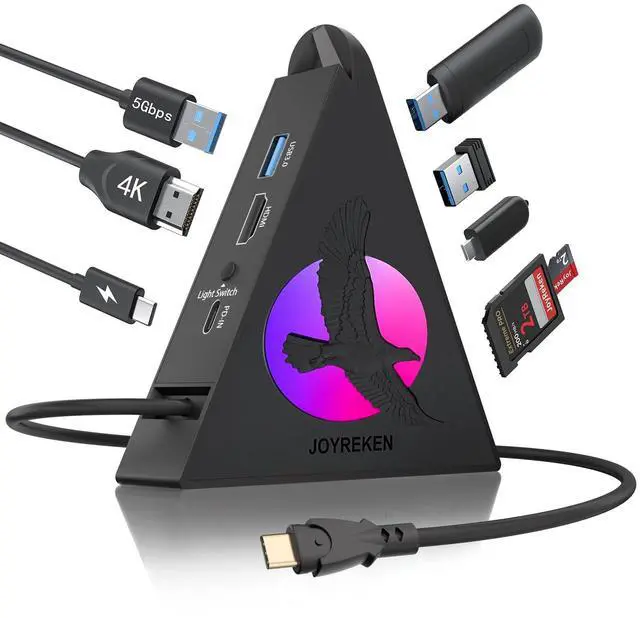


Flying Eagle 8-in-1 USB C Hub
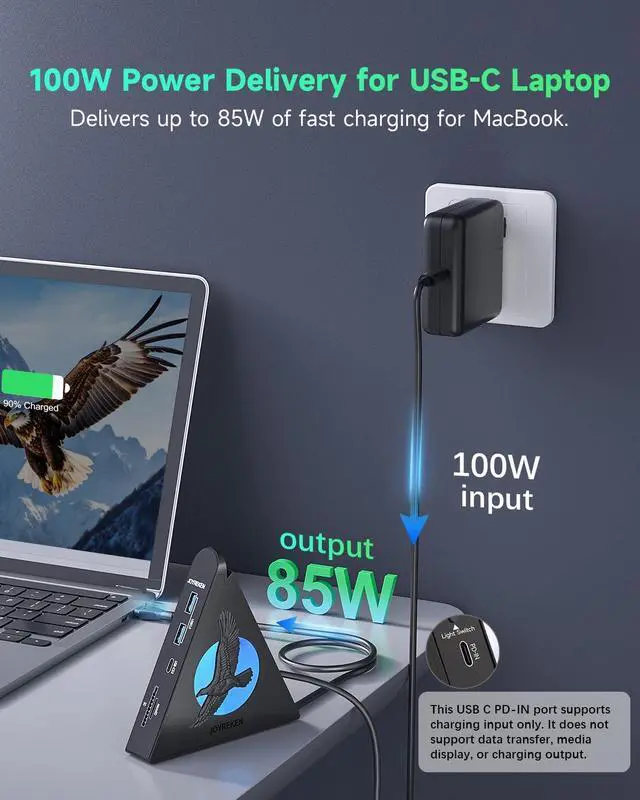
How can I use this hub to get 85W pass-through charging for my laptop?
To get 85W charging, use a USB-C wall charger and a USB-C to C cable that both support 100W PD charging. Reserve 15W for the USB-C hub's functions to ensure smooth operation.
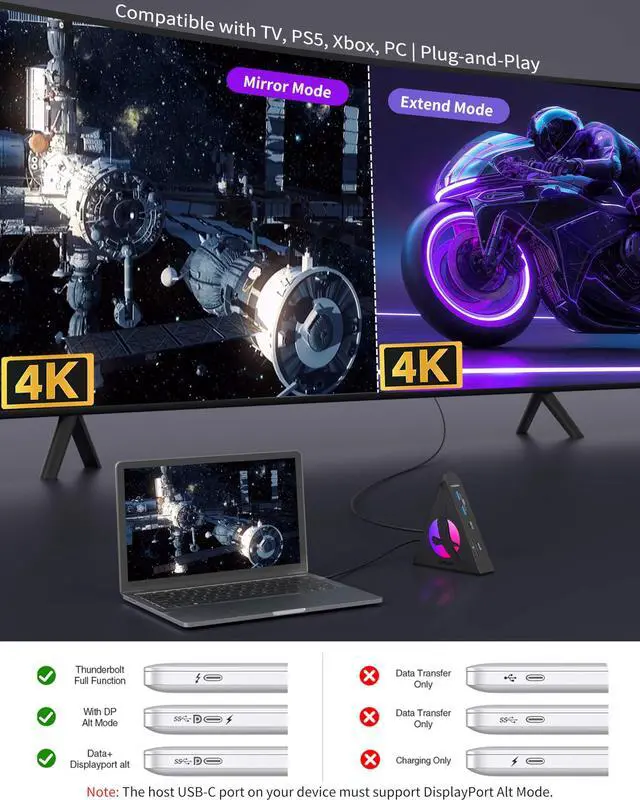
Why can't I use the HDMI port?
1.Please check your laptop's USB C port support the display port ALT mode or not.
2.Try using a different laptop and HDMI cable to see if the problem persists.
3.Ensure your monitor is set to the correct input (HDMI).
Could I use USB C PD-IN port for data transmission?
Sorry, you couldn't, If you try it, may damage this port. This port entry supports charging.
Why isn't my iPad Pro or MacBook Air charging at full speed when I use this USB-C hub with a 30W charger?
To charge your iPad Pro or MacBook Air at full speed, please switch to an adapter that delivers at least 45W.
Does this USB-C hub get hot?
It is normal for the hub to become warm (up to 122°F) when it is fully loaded or connected to a PD adapter(Not included).

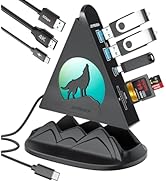
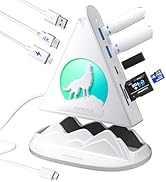
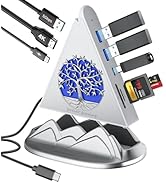
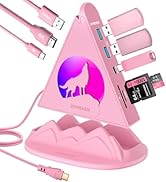
8 in 1 USB C Hub
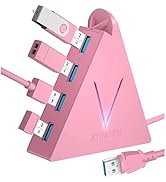
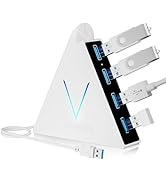
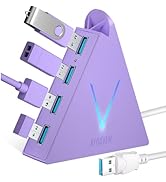
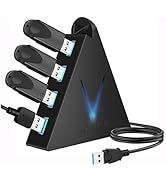
4 port USB Hub
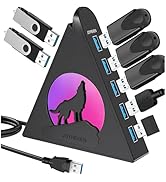
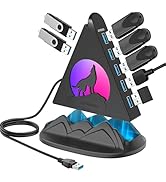
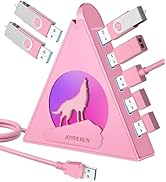
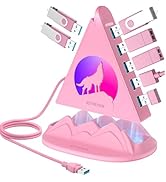
7 port usb hub
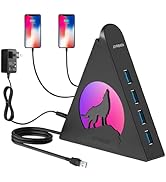
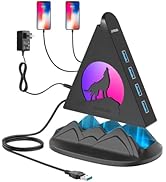
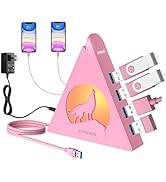
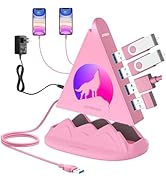
powerd USB Hub
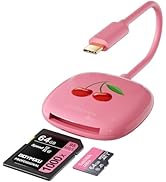
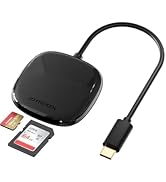
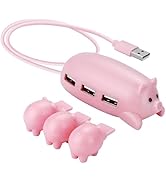
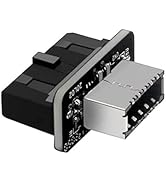
Why choose Joyreken?
Cutting-Edge Technology: We stay ahead of the curve, introducing innovative products that resonate with the "connected generation" and meet their evolving needs.
Reliable Quality: From concept to creation, we're committed to excellence at every stage, ensuring our products deliver top-tier quality that sets us apart in the industry.
All-Round Support: Whether you're looking for pre-sales advice or post-sales support, we're here to help.


Flying Eagle 8-in-1 USB C Hub
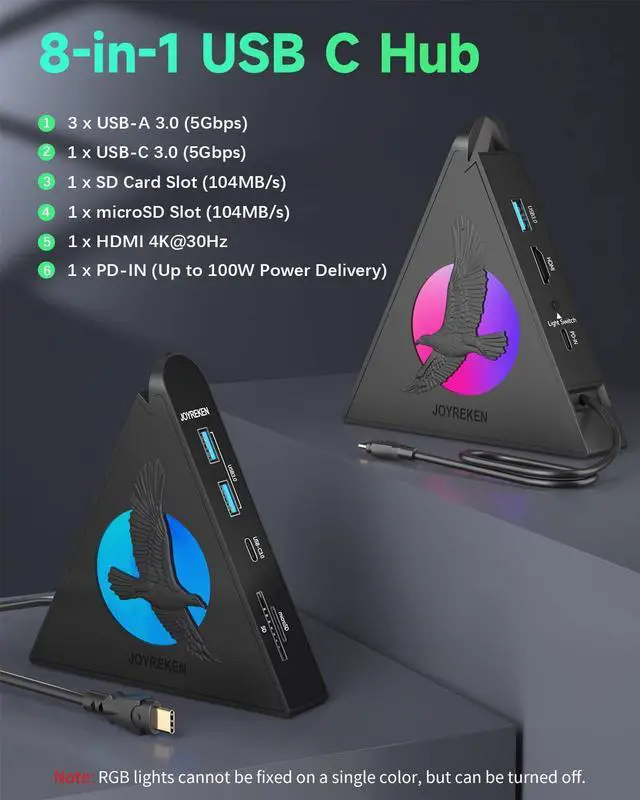
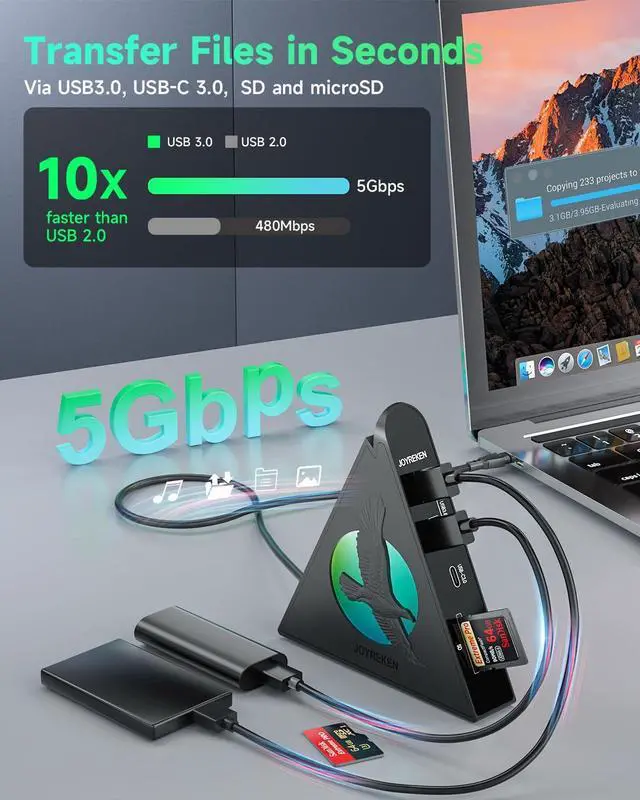
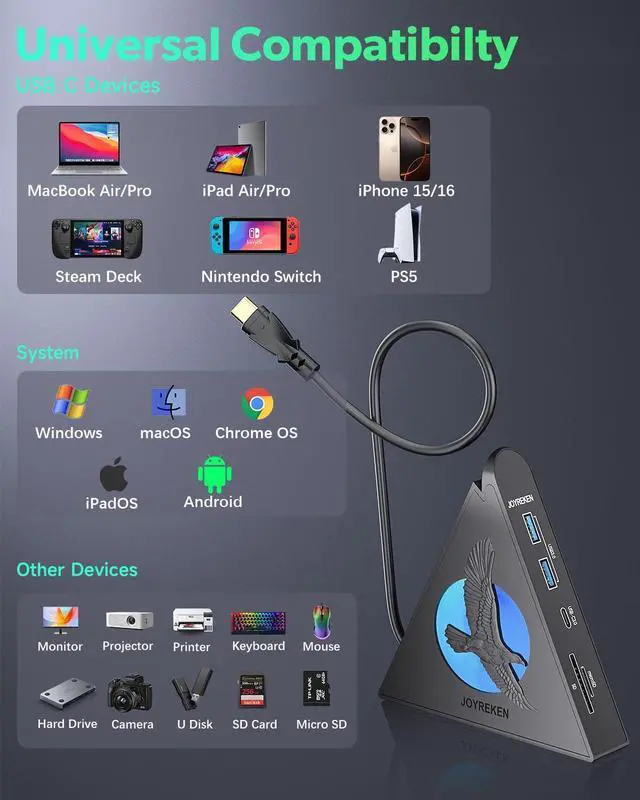
| 3 USB-A 3.0 | 5 Gbps, connect Hard Drive/U Disk/Keyboard/Mouse (Only for data transfer, Not support charging) |
|---|---|
| 1 USB-C 3.0: | 5 Gbps, connect Type-C Hard Drive/U Disk/Phone (Only for data transfer, Not support charging) |
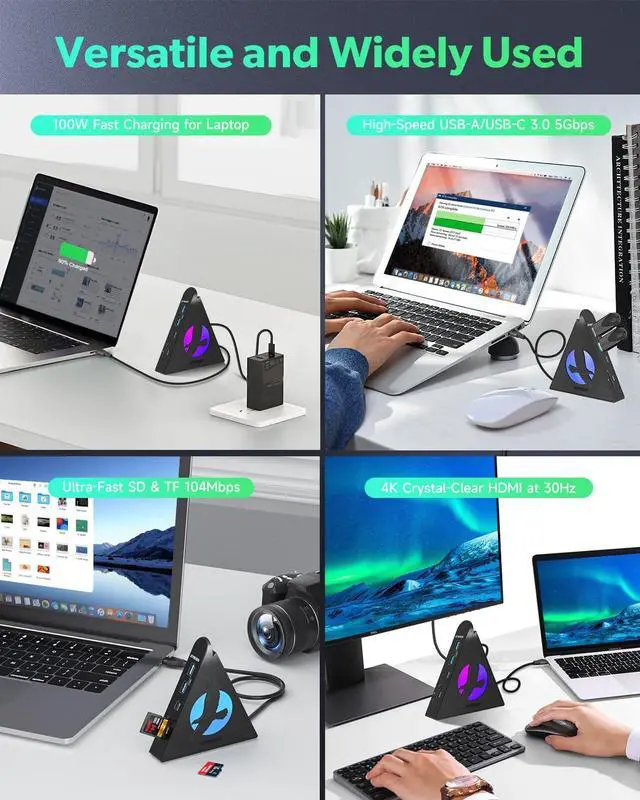
| 4k HDMI: | Mirror or extend your display to an external monitor at up to 4K@30Hz |
| USB C Power Delivery: | If you use 100w adapter and cable, support up to 85W USB C pass-through charging via Type-C port to keep your laptop powered. 15W is reserved for other interface operations. (Not support data transfer and video output) |
| SD and microSD: | read speed up to 104 MB/s, with support for simultaneous reading. Compatible with SD, SDHC, RS MMC, microSD, microSDHC, and microSDXC cards. |
| With RGB lighting: | This RGB USB C hub cycles through a variety of vibrant colors, adding a bright and colorful atmosphere to your workspace or gaming setup. (Not support control the colors of the light, light switch is only for on/off) |
| Important note: | Mac OS only supports Mirror mode. |
How can I use this hub to get 85W pass-through charging for my laptop?
To get 85W charging, use a USB-C wall charger and a USB-C to C cable that both support 100W PD charging. Reserve 15W for the USB-C hub's functions to ensure smooth operation.
Why can't I use the HDMI port?
1.Please check your laptop's USB C port support the display port ALT mode or not.
2.Try using a different laptop and HDMI cable to see if the problem persists.
3.Ensure your monitor is set to the correct input (HDMI).
Could I use USB C PD-IN port for data transmission?
Sorry, you couldn't, If you try it, may damage this port. This port entry supports charging.
Why isn't my iPad Pro or MacBook Air charging at full speed when I use this USB-C hub with a 30W charger?
To charge your iPad Pro or MacBook Air at full speed, please switch to an adapter that delivers at least 45W.
Does this USB-C hub get hot?
It is normal for the hub to become warm (up to 122°F) when it is fully loaded or connected to a PD adapter(Not included).
8 in 1 USB C Hub
4 port USB Hub
7 port usb hub
powerd USB Hub
Why choose Joyreken?
Cutting-Edge Technology: We stay ahead of the curve, introducing innovative products that resonate with the "connected generation" and meet their evolving needs.
Reliable Quality: From concept to creation, we're committed to excellence at every stage, ensuring our products deliver top-tier quality that sets us apart in the industry.
All-Round Support: Whether you're looking for pre-sales advice or post-sales support, we're here to help.