





Label Maker

About us
Founded with a passion for innovation and efficiency, Joysea has emerged as a leading brand in thermal label printing solutions.
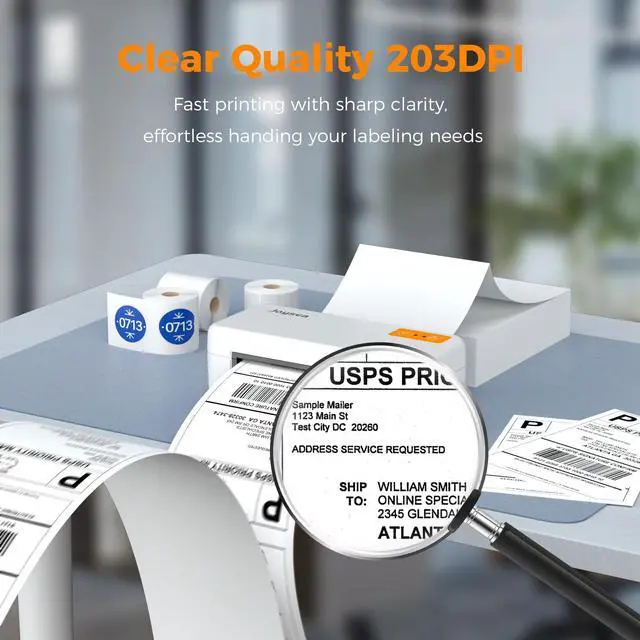
At Joysea, we combine cutting-edge technology with user-centric design. Our printers deliver crisp, smudge-proof prints at lightning speed. Backed by rigorous quality control, we stand by our promise of durability and precision.


Stay connected with USB
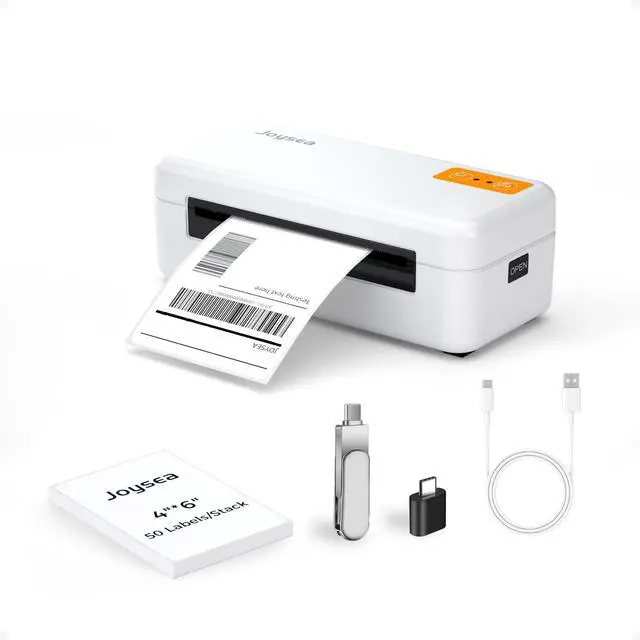
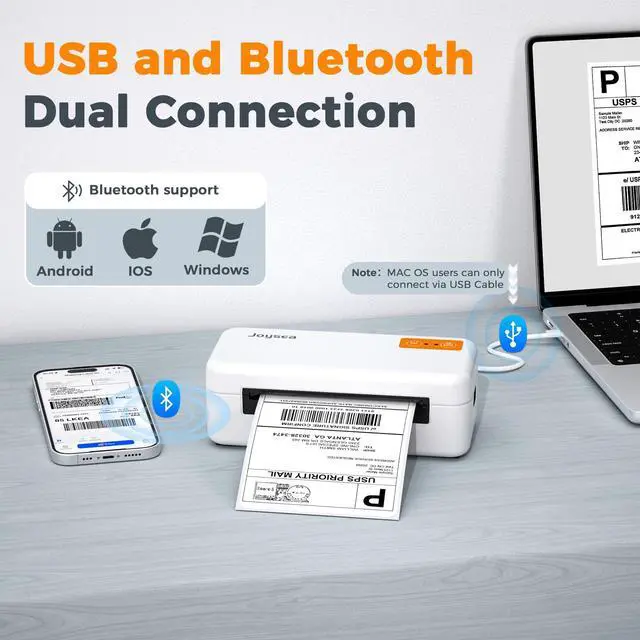
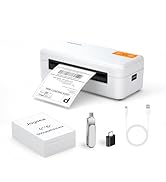
our label printer ensures fast, reliable printing for both Windows and Mac users. Simply plug in the included USB cable, and you're ready to print shipping labels, barcodes, and more. No complicated setup, no interruptions—just efficient performance for your business needs.

Go wireless with Bluetooth!
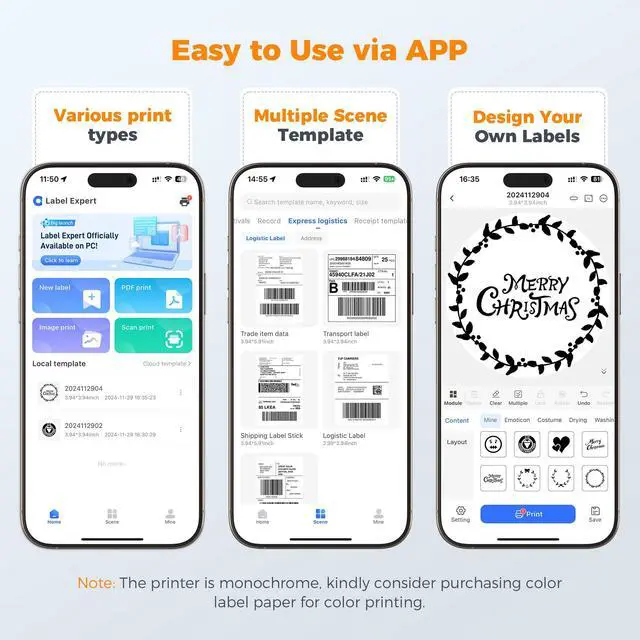
Print directly from your Android or iPhone using our app “Label Expert”. Windows users can also connect via Bluetooth (with a bluetooth driver installation)-. Whether you're on the go or at your desk, enjoy seamless, cable-free printing that keeps your workflow smooth and efficient.

Step 1:
Download the "Label expert" on Google Play Store and APP Store,or scan the code from instruction manual. Allow APP to access some permissions and open "Bluetooth", "Location".

Step 2:
Tap the top right corner to select the model E41 Pro and connect printer.

Step 3:
Tap "PDF print" to select file.

Step 4:
Tap Settings to select Paper Size, and choose "Black White" to adjust the density. Tap "Next" to print.


Stay connected with USB
our label printer ensures fast, reliable printing for both Windows and Mac users. Simply plug in the included USB cable, and you're ready to print shipping labels, barcodes, and more. No complicated setup, no interruptions—just efficient performance for your business needs.
Go wireless with Bluetooth!
Print directly from your Android or iPhone using our app “Label Expert”. Windows users can also connect via Bluetooth (with a bluetooth driver installation)-. Whether you're on the go or at your desk, enjoy seamless, cable-free printing that keeps your workflow smooth and efficient.
Step 1:
Download the "Label expert" on Google Play Store and APP Store,or scan the code from instruction manual. Allow APP to access some permissions and open "Bluetooth", "Location".
Step 2:
Tap the top right corner to select the model E41 Pro and connect printer.
Step 3:
Tap "PDF print" to select file.
Step 4:
Tap Settings to select Paper Size, and choose "Black White" to adjust the density. Tap "Next" to print.
Label Maker
About us
Founded with a passion for innovation and efficiency, Joysea has emerged as a leading brand in thermal label printing solutions.
At Joysea, we combine cutting-edge technology with user-centric design. Our printers deliver crisp, smudge-proof prints at lightning speed. Backed by rigorous quality control, we stand by our promise of durability and precision.