here!
here!
I’m your shopping assistant for PC builds, upgrades, and everything tech.
Got questions? Ask away!
Start a conversation
here!
I’m your shopping assistant for PC builds, upgrades, and everything tech.
Got questions? Ask away!
Start a conversation



Any questions? Ask CelesteSM will help you find out quickly.
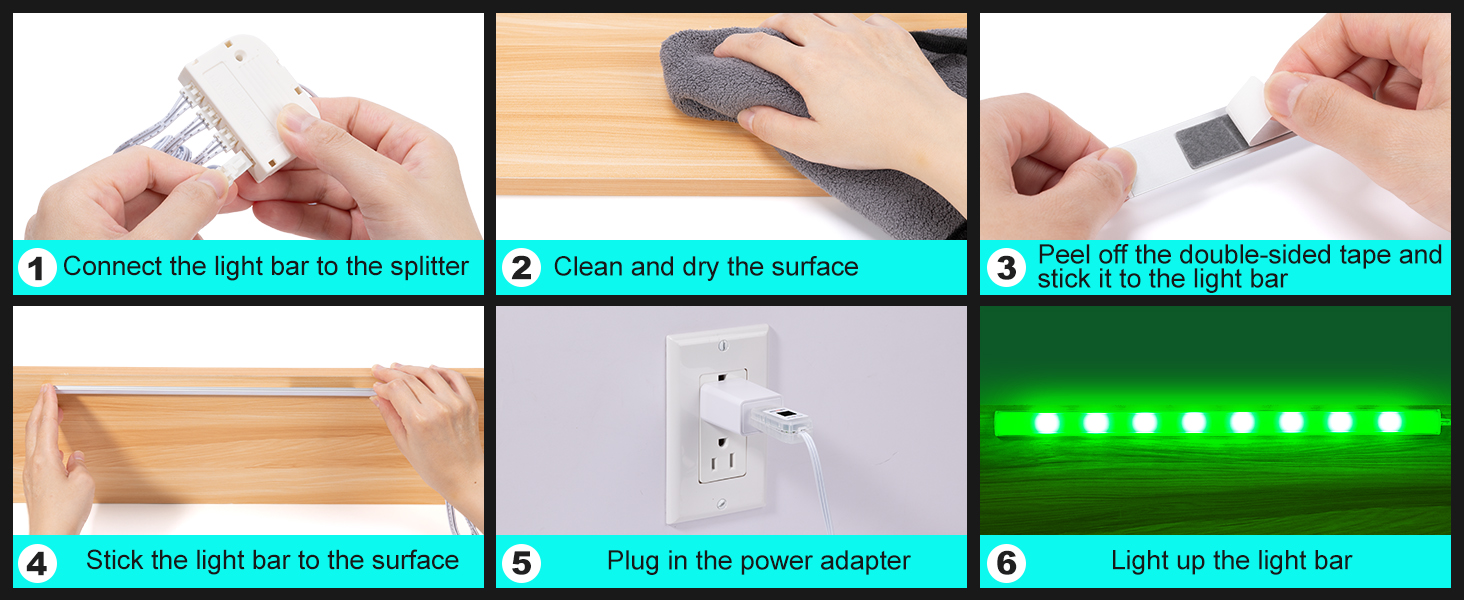
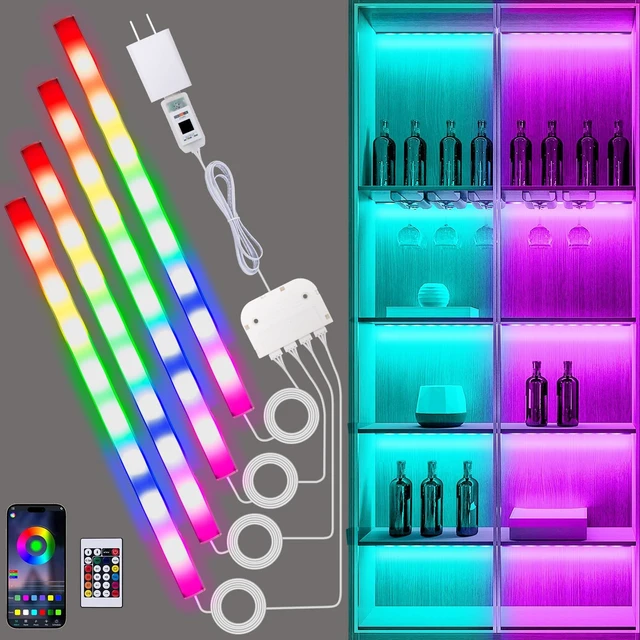
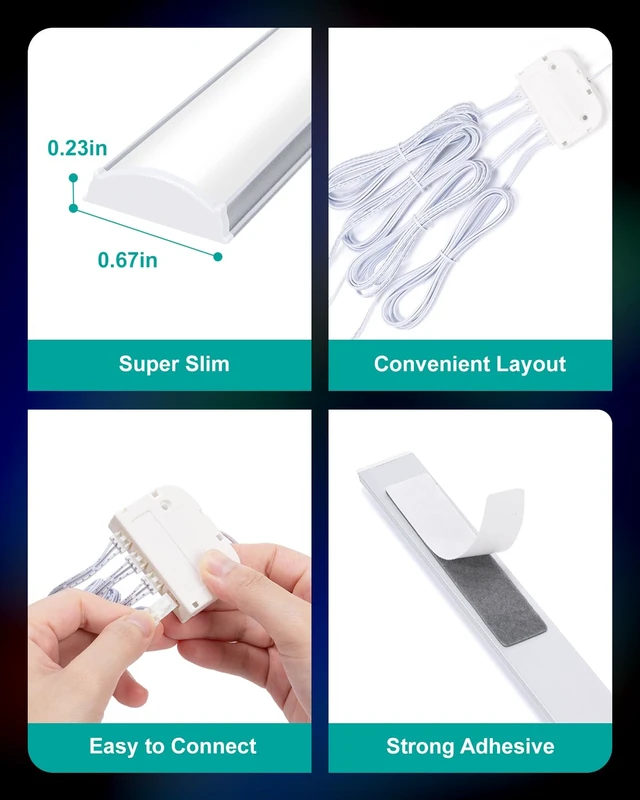
Connect the light bar to the splitter; Clean and dry the mounting surface; Peel off one side of double-sided tape, attach it to the light bar; Peel off the other side of double-sided tape, attach the light bar onto the surface; Use the cable clips to tidy up excess cables; Plug in the power supply
Notes for Remote Control Use
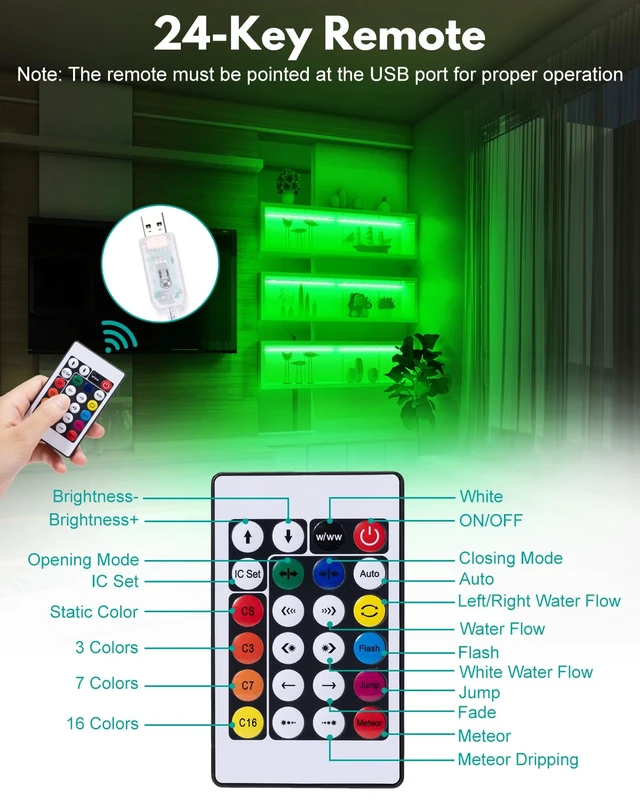
The remote must be pointed directly at the light fixture’s USB port to function properly.
When the USB ports of several light fixtures face the same direction and are relatively close together, a single remote can simultaneously control the lights of these fixtures. When the USB ports of several light fixtures face different directions, separate remotes are required to operate each fixture individually.
Notes for APP Control Use
When using the APP for control, it can only connect to one mobile phone at a time to control the light fixtures. To connect a new mobile phone, you must turn off the Bluetooth function on the previously connected phone.
The APP can control several light fixtures simultaneously. The APP can also independently control several light fixtures: Locate different light fixture devices in the APP’s "My Devices" section to control the corresponding fixture.
If the app fails to control the lights, check your phone settings.
iOS: Settings > Privacy > Bluetooth > Enable app access.
Android: Settings > Apps > Special Access > Allow "Nearby Devices" permission
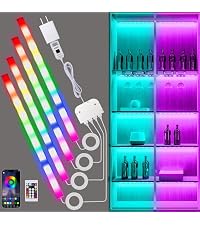 RGB Shelf Lights | 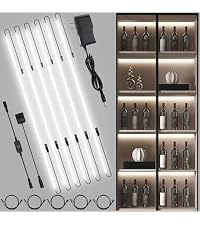 COB LED Strip Lights | 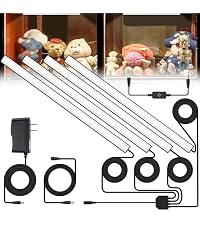 Display Cabinet Lights | 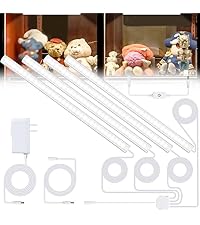 Display Case Lights | 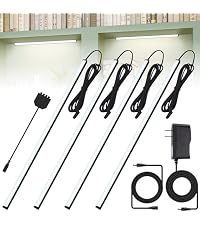 Bookshelf Lighting | 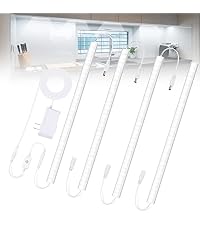 Under Cabinet Lights | 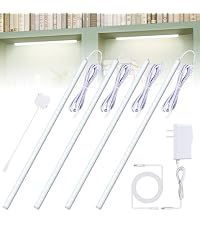 LED Display Lights | |
|---|---|---|---|---|---|---|---|
Customer Reviews | — | — | — | — | — | — | — |
Price | — | — | — | — | — | — | — |
Color Temperature | RGB | 6000K | 6000K | 6000K | 6000K | 6000K | 6000K |
Length | 12-inch/Bar | 20 Inch/Strip | 12-inch/Bar | 12-inch/Bar | 12-inch/Bar | 12-inch/Bar | 12-inch/Bar |
Lighting Types | Ambient Lighting | Task Lighting | Task Lighting | Task Lighting | Task Lighting | Task Lighting | Task Lighting |
Number | 4 PCS | 6 PCS | 4 PCS | 4 PCS | 4 PCS | 4 PCS | 4 PCS |
Dimmable | ? | ? | ? | ? | ? | ? | ? |
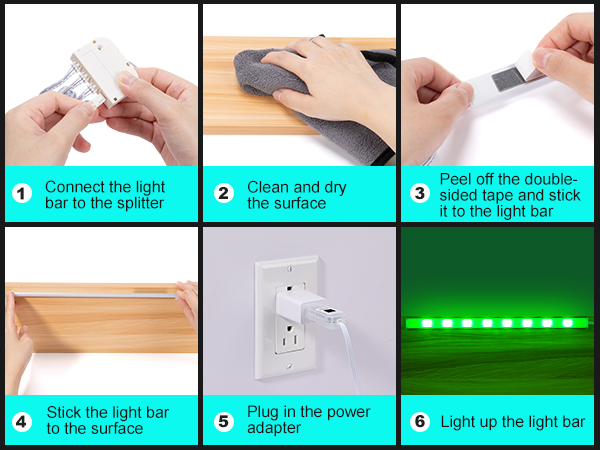
Connect the light bar to the splitter; Clean and dry the mounting surface; Peel off one side of double-sided tape, attach it to the light bar; Peel off the other side of double-sided tape, attach the light bar onto the surface; Use the cable clips to tidy up excess cables; Plug in the power supply
Notes for Remote Control Use
The remote must be pointed directly at the light fixture’s USB port to function properly.
When the USB ports of several light fixtures face the same direction and are relatively close together, a single remote can simultaneously control the lights of these fixtures. When the USB ports of several light fixtures face different directions, separate remotes are required to operate each fixture individually.
Notes for APP Control Use
When using the APP for control, it can only connect to one mobile phone at a time to control the light fixtures. To connect a new mobile phone, you must turn off the Bluetooth function on the previously connected phone.
The APP can control several light fixtures simultaneously. The APP can also independently control several light fixtures: Locate different light fixture devices in the APP’s "My Devices" section to control the corresponding fixture.
If the app fails to control the lights, check your phone settings.
iOS: Settings > Privacy > Bluetooth > Enable app access.
Android: Settings > Apps > Special Access > Allow "Nearby Devices" permission
RGB Shelf Lights | COB LED Strip Lights | Display Cabinet Lights | Display Case Lights | Bookshelf Lighting | Under Cabinet Lights |  LED Display Lights |
|---|---|---|---|---|---|---|
| Customer Reviews | ||||||
| — | — | — | — | — | — | — |
| Price | ||||||
| — | — | — | — | — | — | — |
| Color Temperature | ||||||
| RGB | 6000K | 6000K | 6000K | 6000K | 6000K | 6000K |
| Length | ||||||
| 12-inch/Bar | 20 Inch/Strip | 12-inch/Bar | 12-inch/Bar | 12-inch/Bar | 12-inch/Bar | 12-inch/Bar |
| Lighting Types | ||||||
| Ambient Lighting | Task Lighting | Task Lighting | Task Lighting | Task Lighting | Task Lighting | Task Lighting |
| Number | ||||||
| 4 PCS | 6 PCS | 4 PCS | 4 PCS | 4 PCS | 4 PCS | 4 PCS |
| Dimmable | ||||||
| ? | ? | ? | ? | ? | ? | ? |
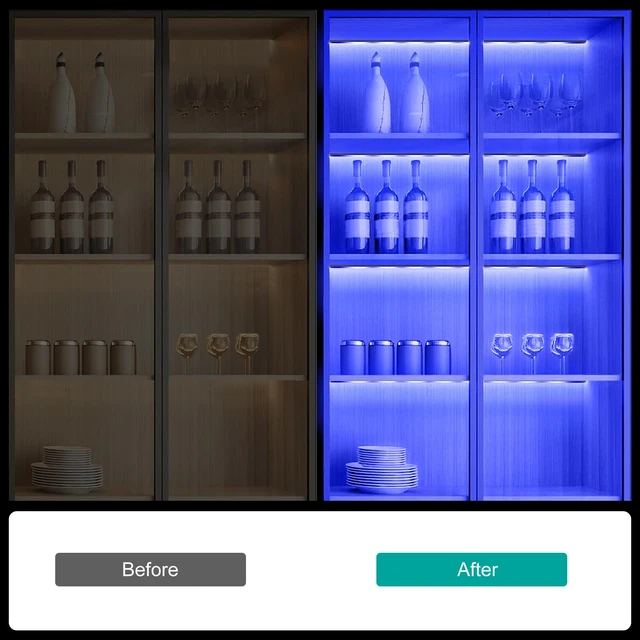
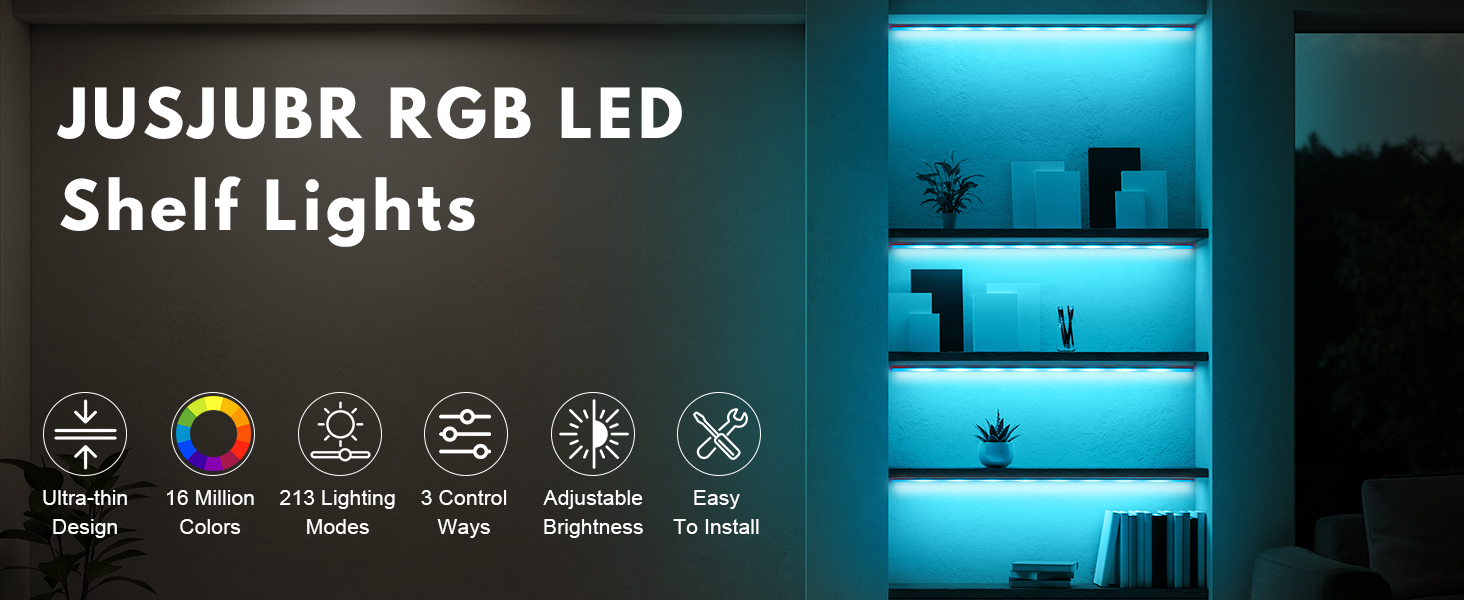
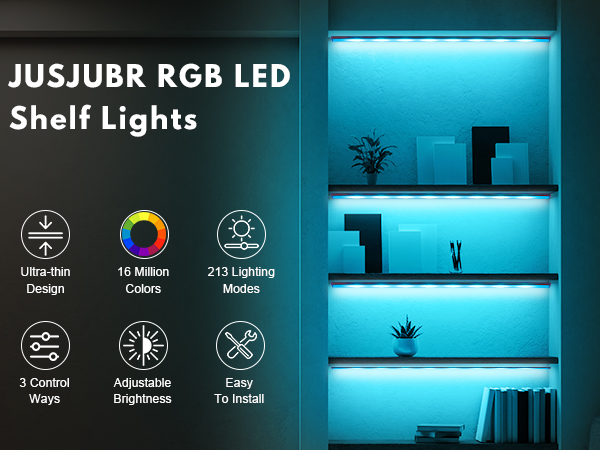
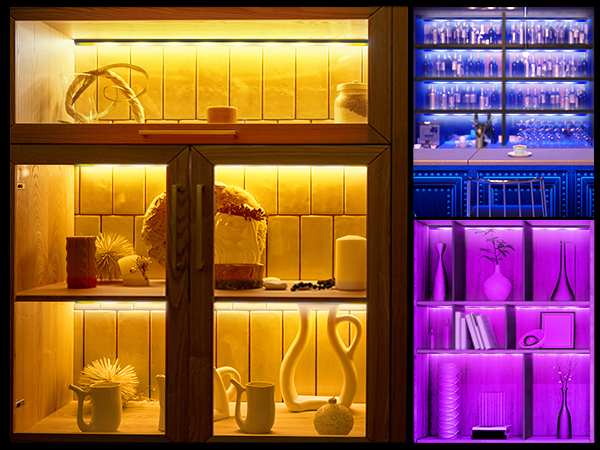
RGB Shelf Lights: Transform Your Space with Smart Ambient Lighting
Key Features
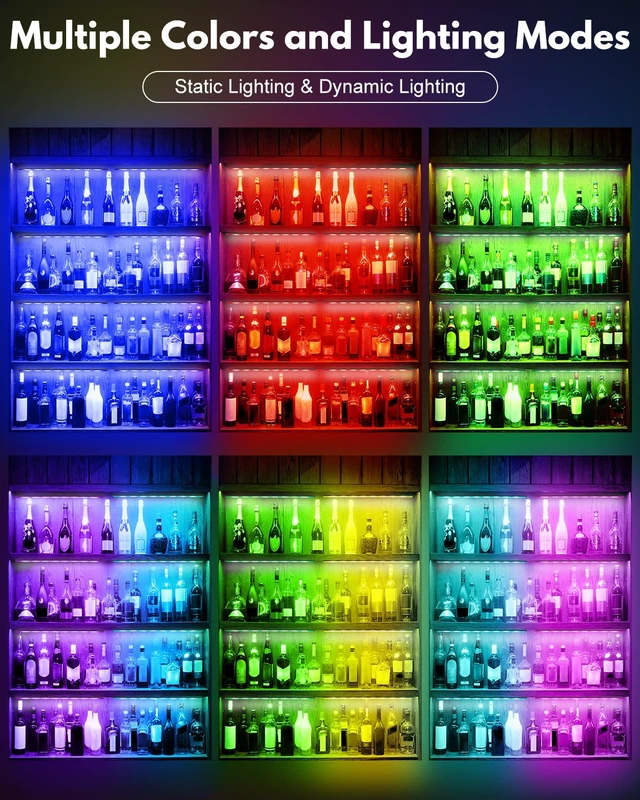
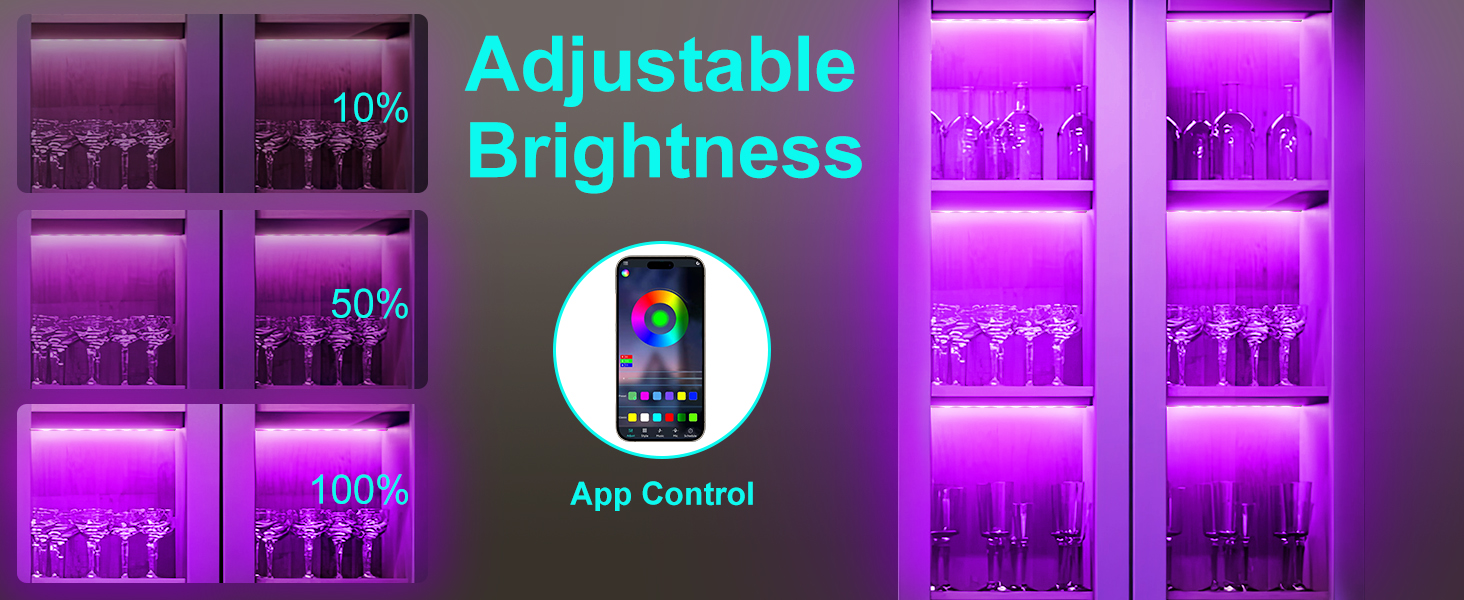
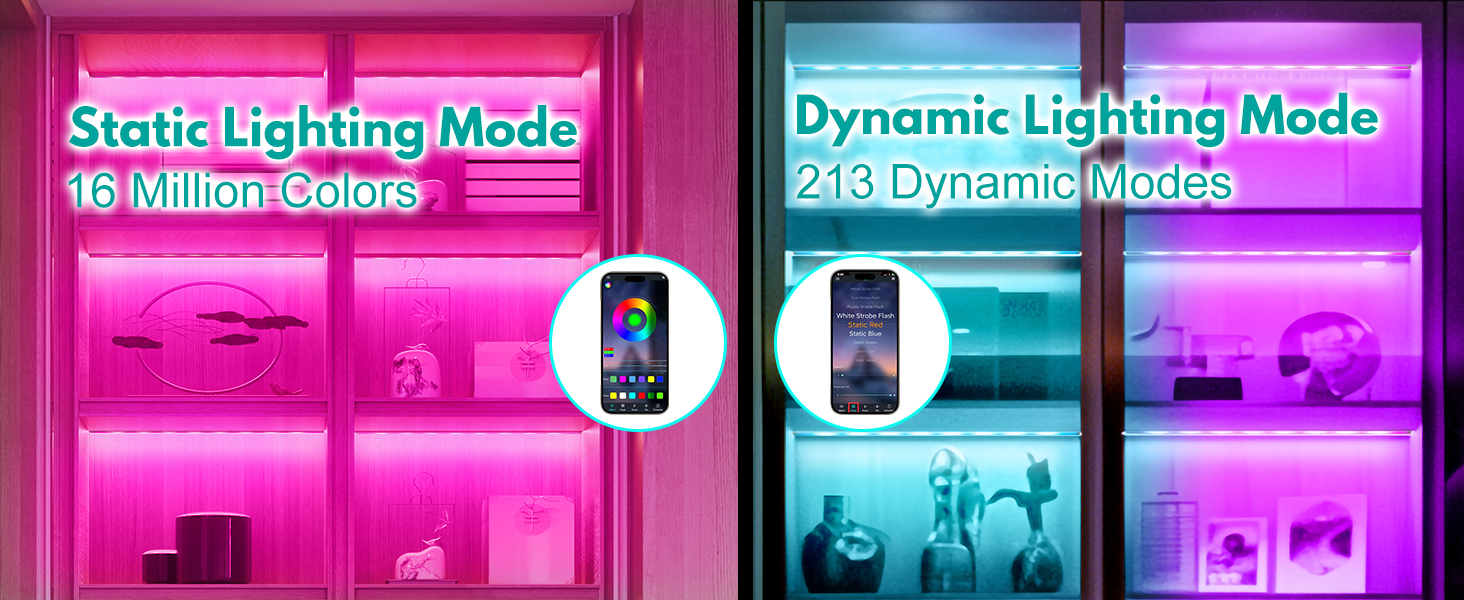
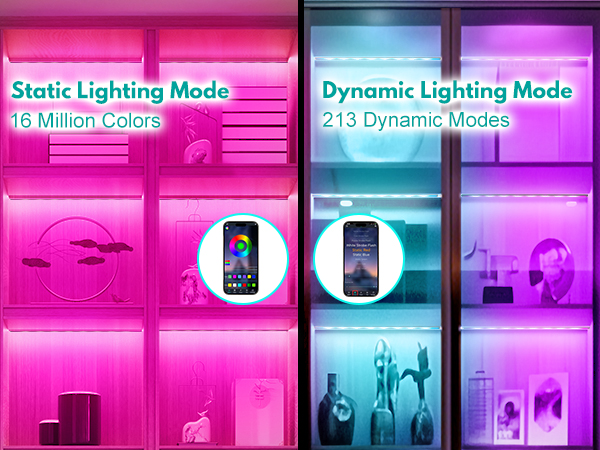
Multiple Colors: Multiple colors are available to match any mood.
Multiple Lighting Modes: Explore multiple dynamic lighting modes including fade, flash and jump to elevate any occasion.
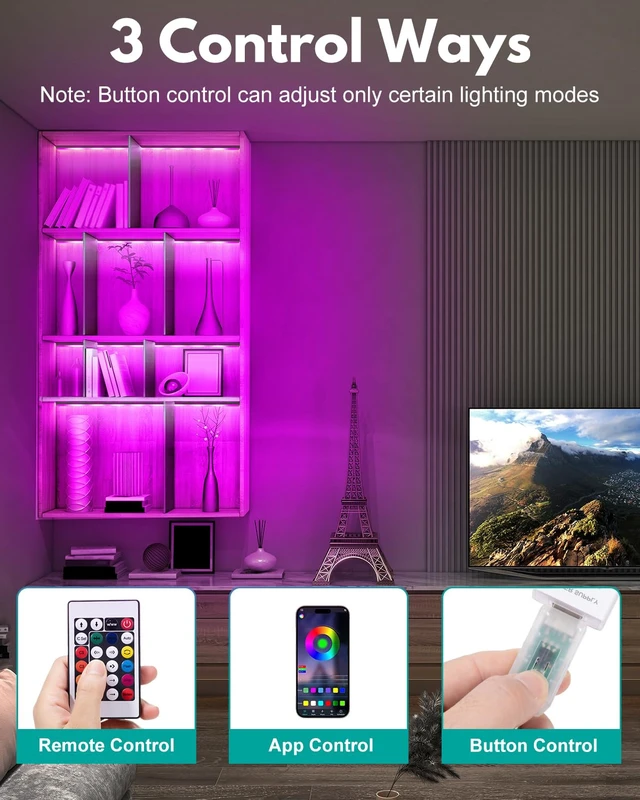
3 Control Options
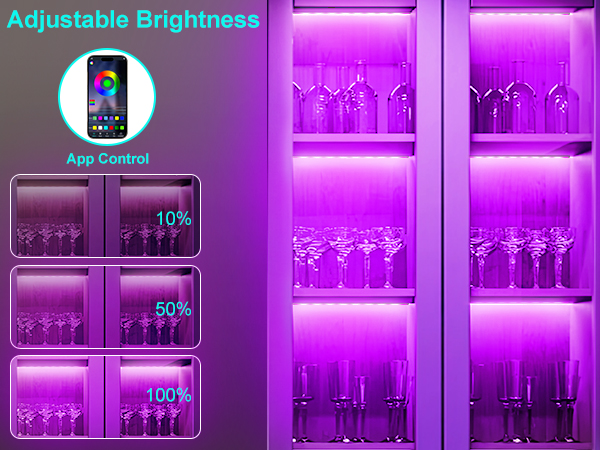
App Control: 16 million colors and 213 lighting modes.
Remote Control: Ensure remote is pointed at the USB interface for optimal performance.
Button Control: Button control can adjust only certain lighting modes.
Suitable for Multiple Scenarios
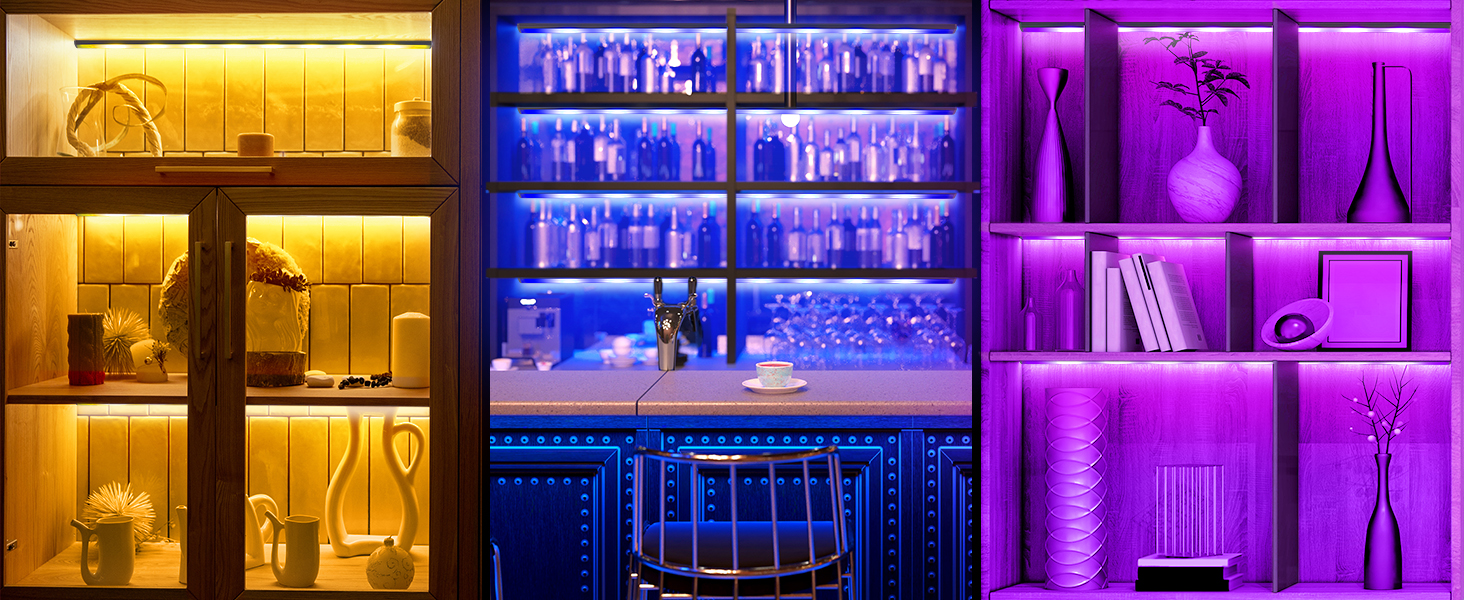
Ideal for cabinets, shelves, display cases, floating shelves, desks and game rooms.
Notes
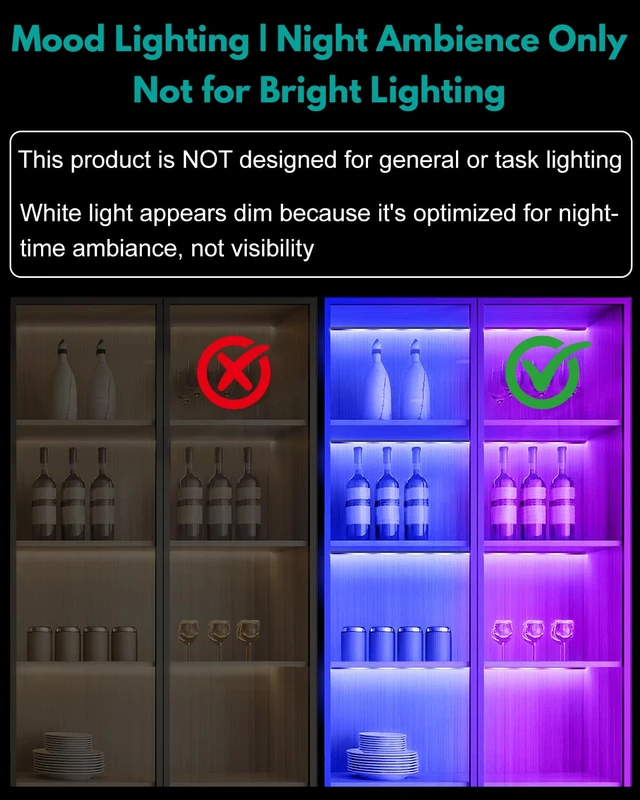
Ambient Lighting Only: Designed for mood enhancement, not bright task lighting.
Elevate your home decor effortlesslyperfect for creating immersive atmospheres in living rooms, bedrooms, or game rooms.