


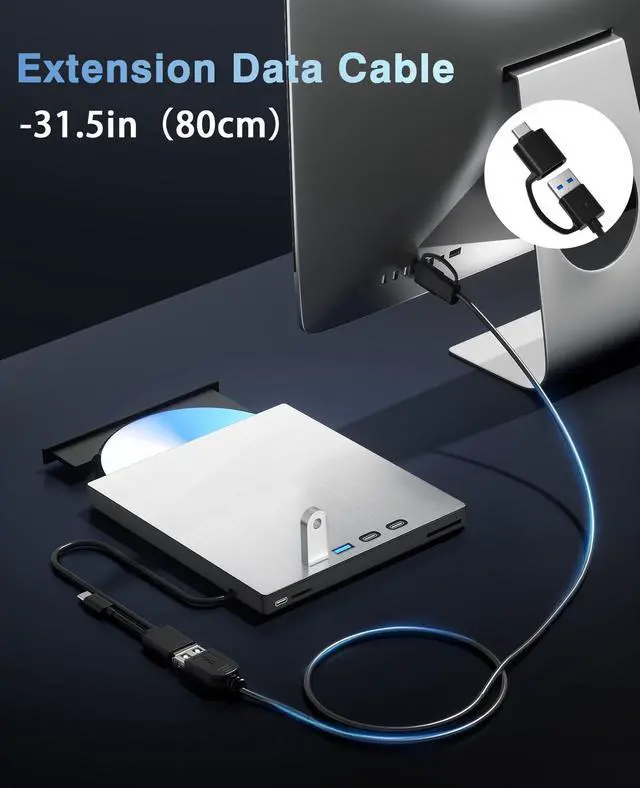
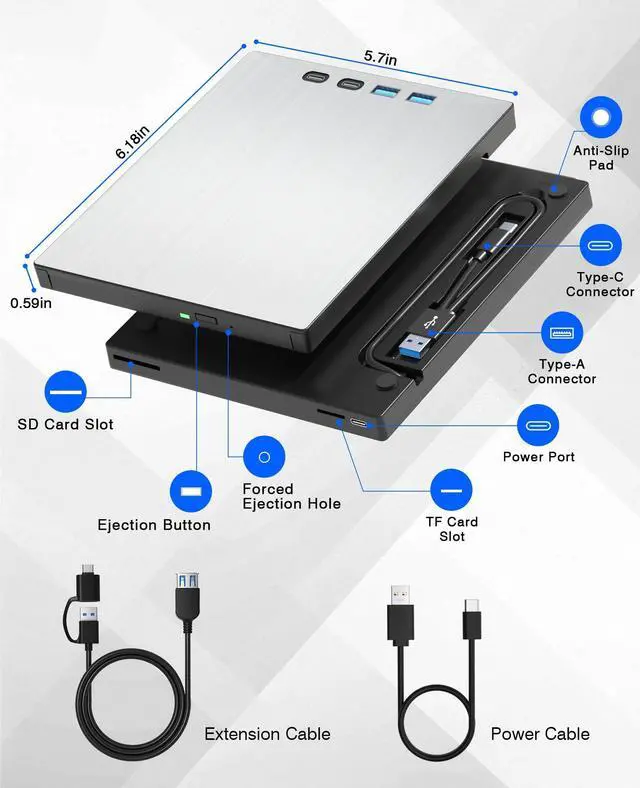
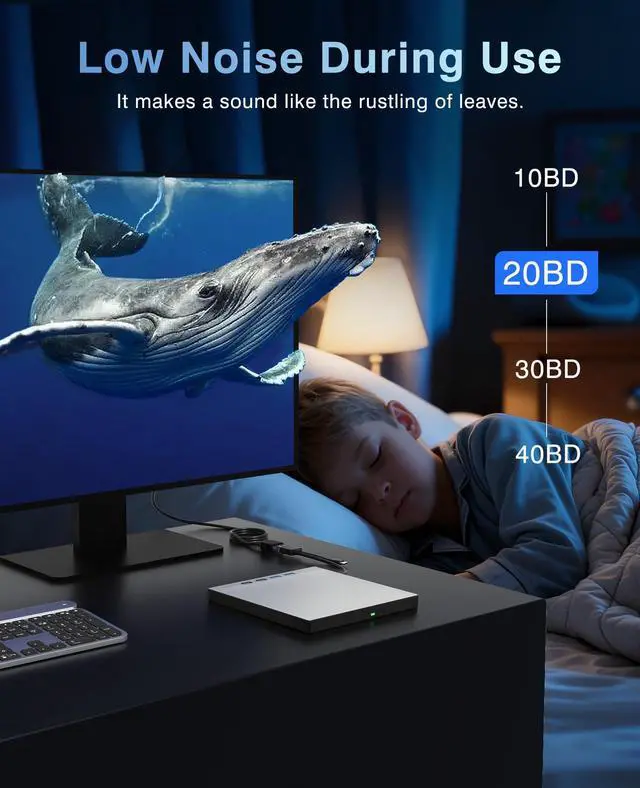



As a professional manufacturer and seller of external BD/CD/DVD drives, we are committed to optimising the user experience for buyers and making life more convenient.
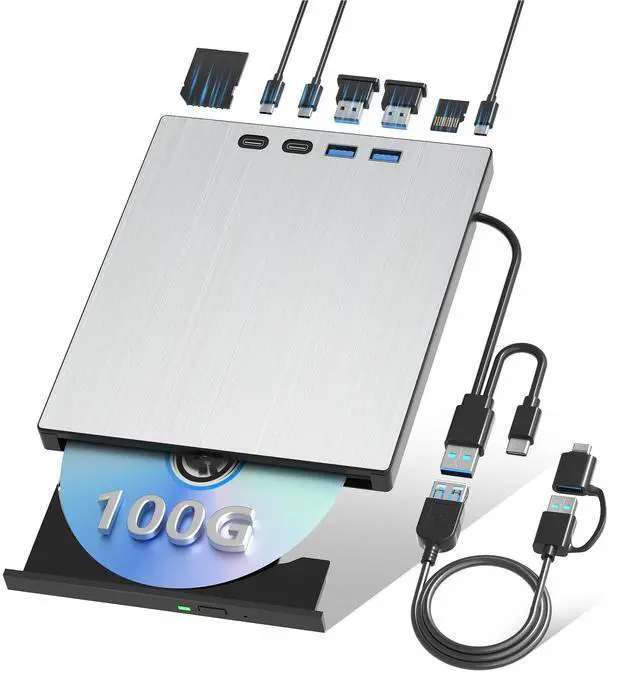
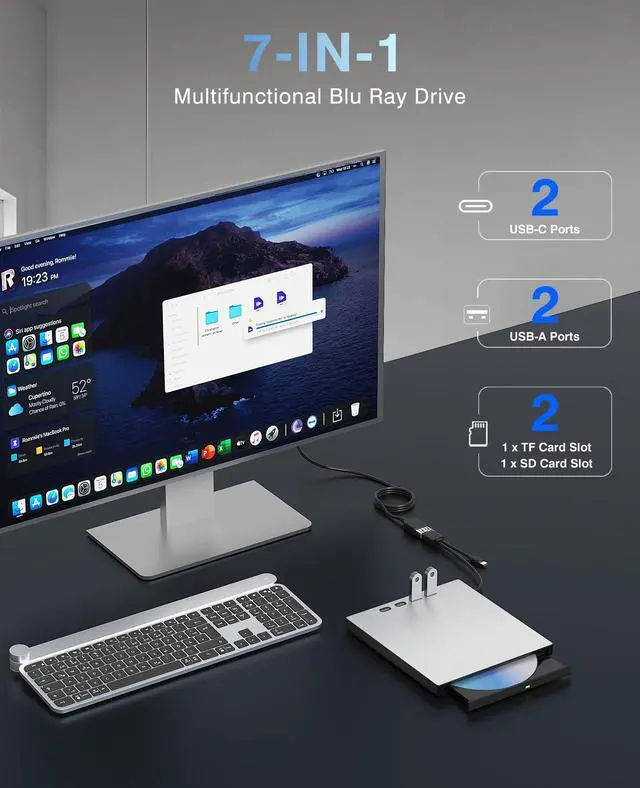
The Juwuoi optical drive is compatible with your computer or PC, providing a range of convenient features. These include the addition of SD/TF expansion ports, allowing you to play movies, burn your own photos/videos to DVDs, and copy files from discs to your computer.
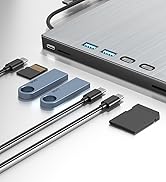
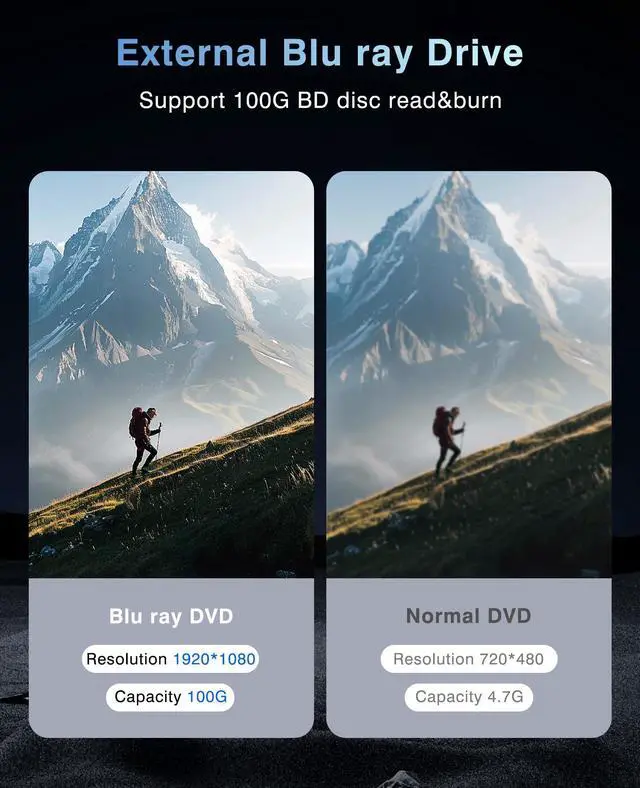
External Blu ray Drive
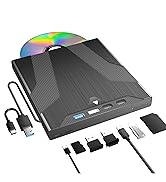
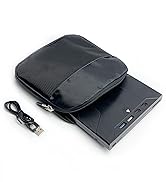
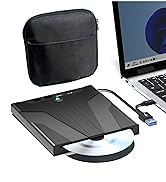
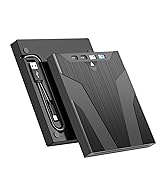
External Blu ray Drive
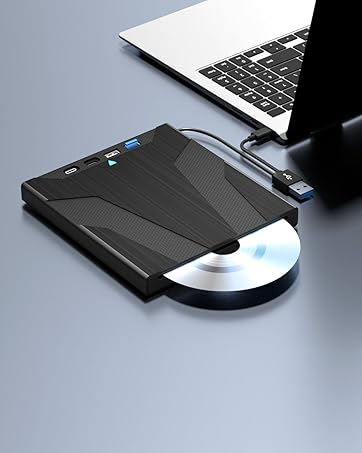
Slot-load Blu ray Drive
This drive incorporates an automatic inhalation design, making it straightforward to operate. Support to read BD/CD/VCD.
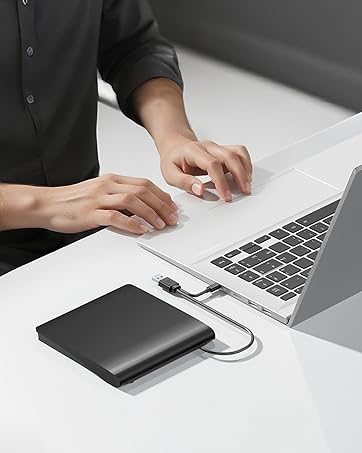
External dvd drive-Black
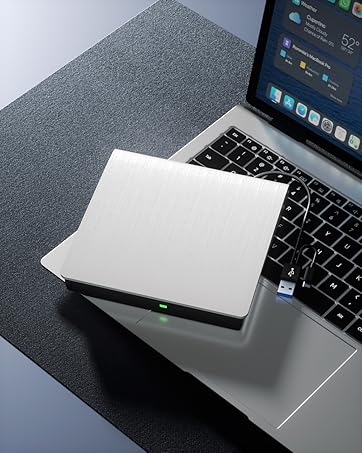
External dvd drive-White
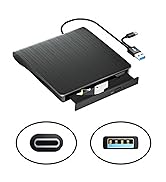
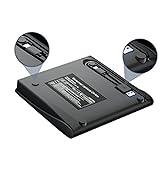
External CD/DVD Drive
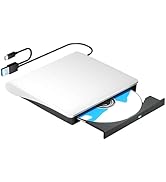
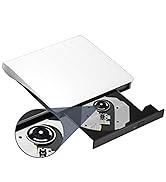
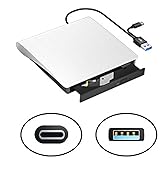
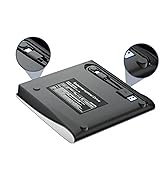
External CD/DVD Drive


Q&A
Quesion1:The external Blu ray drive shows a connection failure with the computer.
1. Pls check if the optical drive is being recognizes by your computer.
For Windows OS: You can see the BD RW icon in Windows explorer. Use the data cables on the back (bottom) of the optical drive to connect your computer's USB port or desktop computer host. We have a power cord that we recommend using together. Do not connect USB extension hub.
For Mac OS: The Mac OS computer will not display the device icon until the disc is placed in the optical drive and read successfully.
2. Pls check the Device Manager: If the optical drive displays a yellow exclamation mark or question mark, there may be a driver issue. You need to right-click and select 'Update Driver', or uninstall the driver and restart the computer, then connect the optical drive, and the system will reinstall the driver automatically.
3. Pls check the BIOS settings: Enter the computer's BIOS settings interface to see if the optical drive is disabled. If it is disabled, enable it.
Quesion2:The optical drive connection is successful, but the disc still cannot be played.
Step1: Set the region code (CDs do not have region code). The disc can only be played when there on code of the DVD drive matchesthe DVD. (Note: Only allows to change the region code 4-5 times.The operating steps are on the last page of the manual.)
Step2: Insert your CDs or DVDs, Use a media player. If playing Blu ray disc, it is necessary to download Blu ray playback software in advance. (For Windows, such as PowerDVD,VLC etc. For Mac OS, such as Macgo Blu ray Player,etc.) Pls make sure Blu-ray playback software is compatible with your computer system. Test it by downloading the software ’Cyberlink BD & 3D Advisor’. The software will verify whether your computer is equipped for Blu-ray or 3D playback. This product does NOT include playback software.
Note: Please ensure that the optical drive is clean: As any dirt may prevent it from functioning correctly. It is recommended that a professional optical drive cleaner or cotton swab be used to gently clean the read-write head of the optical drive.
More choices for you
 External Blu ray Drive |  Blu ray Player for Laptop |  External CD/DVD Drive |  External CD/DVD Drive | |
|---|---|---|---|---|
Customer Reviews | — | — | — | — |
Price | — | — | — | — |
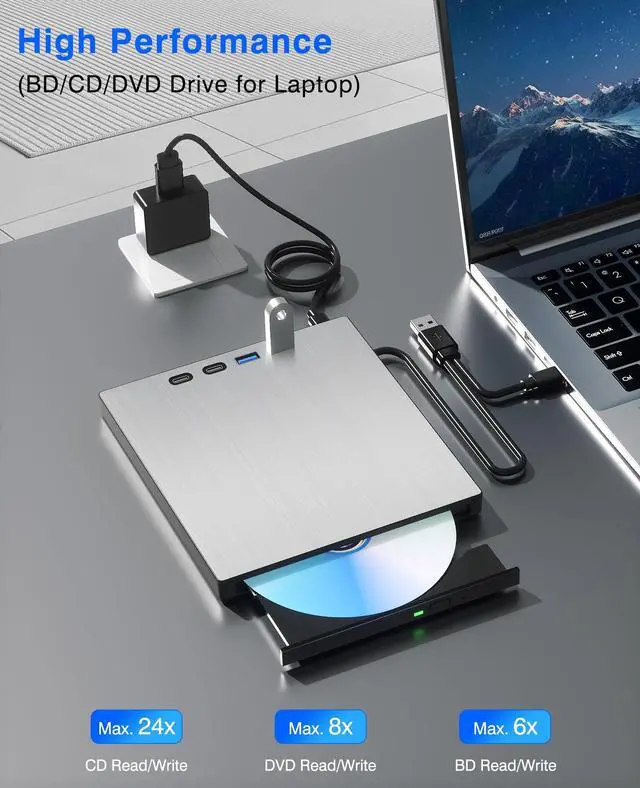
Max. Reading Speed | CD:24X DVD:8X BD:6X | CD:24X DVD:8X BD:6X | CD:24X DVD:8X | CD:24X DVD:8X |
Max. Writing Speed | CD:24X DVD:8X BD:6X | CD:24X DVD:8X | CD:24X DVD:8X | CD:24X DVD:8X |
Interface | USB 3.0+Type-C | USB 3.0+Type-C | USB 3.0+Type-C | USB 3.0+Type-C |
Compatible Devices | Laptops,Desktop,All-In-One PC | Laptops,Desktop,All-In-One PC | Laptops,Desktop,All-In-One PC | Laptops,Desktop,All-In-One PC |
Compatible OS | Windows,Linux,Mac OS | Windows,Linux,Mac OS | Windows,Linux,Mac OS | Windows,Linux,Mac OS |
Integrated USB Hub | ? | ? | ? | ? |
Support CD/DVD Writing | ? | ? | ? | ? |
Support Bluray Writing | ? | ? | ? | ? |


Q&A
Quesion1:The external Blu ray drive shows a connection failure with the computer.
1. Pls check if the optical drive is being recognizes by your computer.
For Windows OS: You can see the BD RW icon in Windows explorer. Use the data cables on the back (bottom) of the optical drive to connect your computer's USB port or desktop computer host. We have a power cord that we recommend using together. Do not connect USB extension hub.
For Mac OS: The Mac OS computer will not display the device icon until the disc is placed in the optical drive and read successfully.
2. Pls check the Device Manager: If the optical drive displays a yellow exclamation mark or question mark, there may be a driver issue. You need to right-click and select 'Update Driver', or uninstall the driver and restart the computer, then connect the optical drive, and the system will reinstall the driver automatically.
3. Pls check the BIOS settings: Enter the computer's BIOS settings interface to see if the optical drive is disabled. If it is disabled, enable it.
Quesion2:The optical drive connection is successful, but the disc still cannot be played.
Step1: Set the region code (CDs do not have region code). The disc can only be played when there on code of the DVD drive matchesthe DVD. (Note: Only allows to change the region code 4-5 times.The operating steps are on the last page of the manual.)
Step2: Insert your CDs or DVDs, Use a media player. If playing Blu ray disc, it is necessary to download Blu ray playback software in advance. (For Windows, such as PowerDVD,VLC etc. For Mac OS, such as Macgo Blu ray Player,etc.) Pls make sure Blu-ray playback software is compatible with your computer system. Test it by downloading the software ’Cyberlink BD & 3D Advisor’. The software will verify whether your computer is equipped for Blu-ray or 3D playback. This product does NOT include playback software.
Note: Please ensure that the optical drive is clean: As any dirt may prevent it from functioning correctly. It is recommended that a professional optical drive cleaner or cotton swab be used to gently clean the read-write head of the optical drive.
More choices for you
External Blu ray Drive | Blu ray Player for Laptop | External CD/DVD Drive | External CD/DVD Drive |
|---|---|---|---|
| Customer Reviews | |||
| — | — | — | — |
| Price | |||
| — | — | — | — |
| Max. Reading Speed | |||
| CD:24X DVD:8X BD:6X | CD:24X DVD:8X BD:6X | CD:24X DVD:8X | CD:24X DVD:8X |
| Max. Writing Speed | |||
| CD:24X DVD:8X BD:6X | CD:24X DVD:8X | CD:24X DVD:8X | CD:24X DVD:8X |
| Interface | |||
| USB 3.0+Type-C | USB 3.0+Type-C | USB 3.0+Type-C | USB 3.0+Type-C |
| Compatible Devices | |||
| Laptops,Desktop,All-In-One PC | Laptops,Desktop,All-In-One PC | Laptops,Desktop,All-In-One PC | Laptops,Desktop,All-In-One PC |
| Compatible OS | |||
| Windows,Linux,Mac OS | Windows,Linux,Mac OS | Windows,Linux,Mac OS | Windows,Linux,Mac OS |
| Integrated USB Hub | |||
| ? | ? | ? | ? |
| Support CD/DVD Writing | |||
| ? | ? | ? | ? |
| Support Bluray Writing | |||
| ? | ? | ? | ? |
As a professional manufacturer and seller of external BD/CD/DVD drives, we are committed to optimising the user experience for buyers and making life more convenient.
The Juwuoi optical drive is compatible with your computer or PC, providing a range of convenient features. These include the addition of SD/TF expansion ports, allowing you to play movies, burn your own photos/videos to DVDs, and copy files from discs to your computer.
External Blu ray Drive
External Blu ray Drive
Slot-load Blu ray Drive
This drive incorporates an automatic inhalation design, making it straightforward to operate. Support to read BD/CD/VCD.
External dvd drive-Black
External dvd drive-White
External CD/DVD Drive
External CD/DVD Drive