


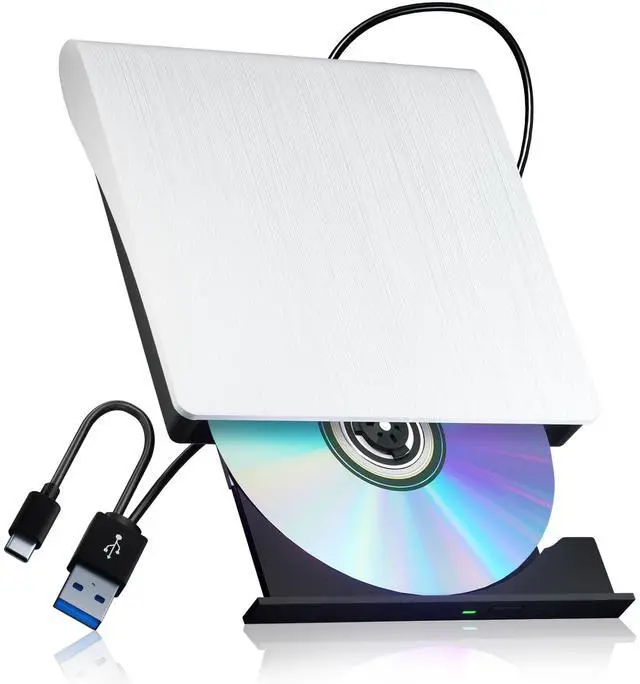
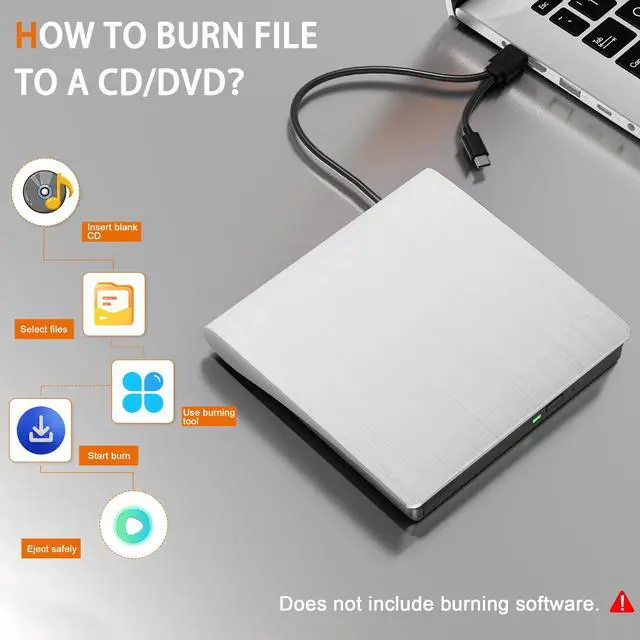
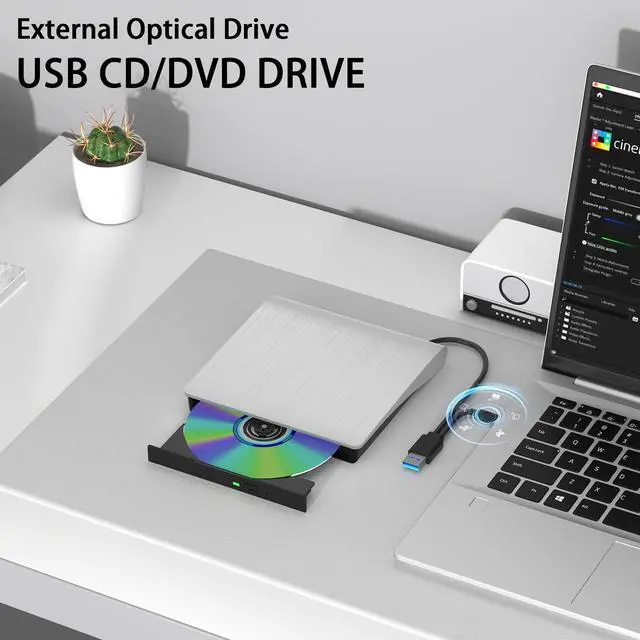



As a professional manufacturer and seller of external BD/CD/DVD drives, we are committed to optimising the user experience for buyers and making life more convenient.
The Juwuoi optical drive is compatible with your computer or PC, providing a range of convenient features. These include the addition of SD/TF expansion ports, allowing you to play movies, burn your own photos/videos to DVDs, and copy files from discs to your computer.
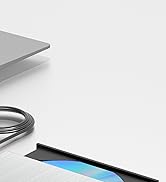
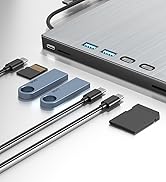
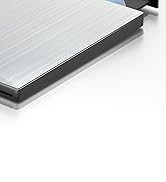
External Blu ray Drive
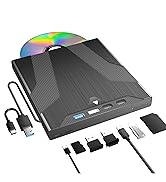
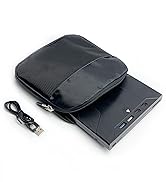
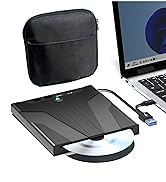
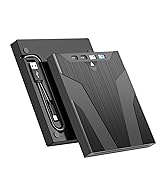
External Blu ray Drive
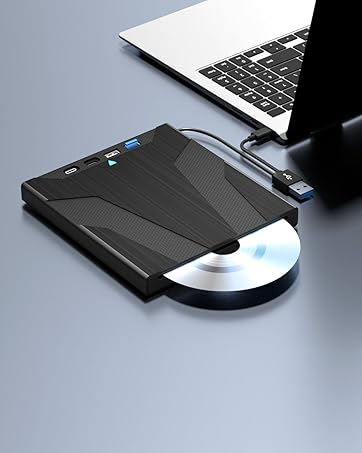
Slot-load Blu ray Drive
This drive incorporates an automatic inhalation design, making it straightforward to operate. Support to read BD/CD/VCD.
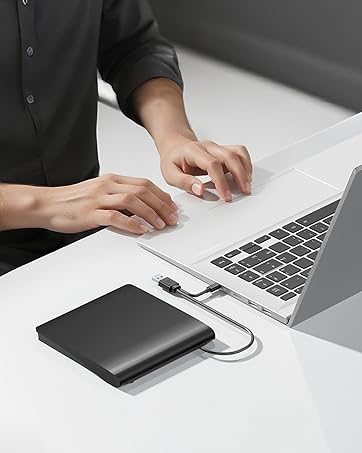
External dvd drive-Black
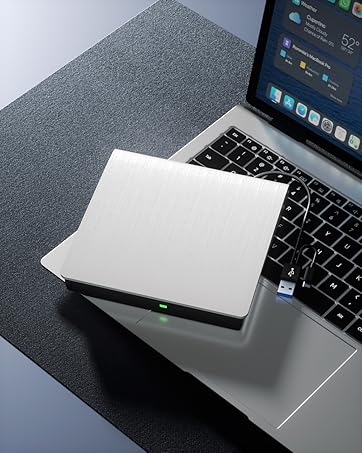
External dvd drive-White
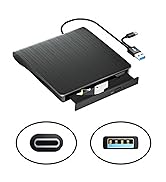
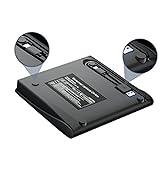
External CD/DVD Drive
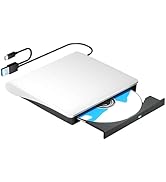
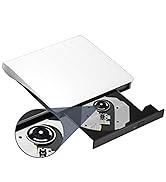
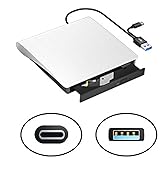
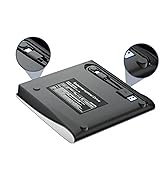
External CD/DVD Drive


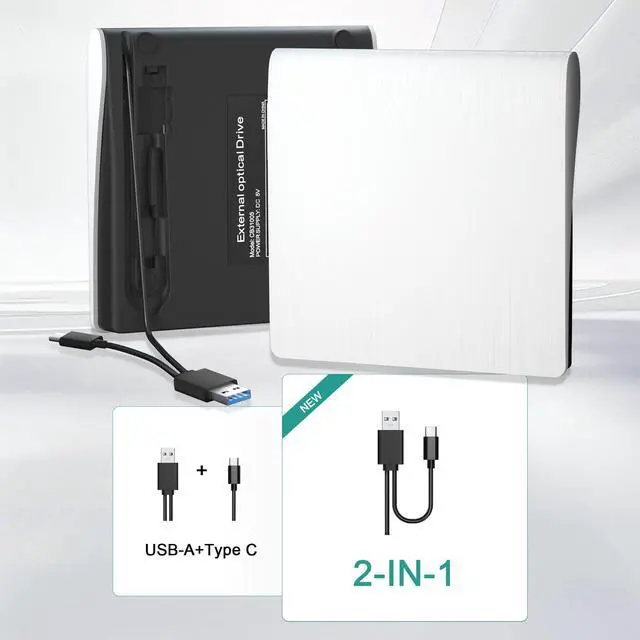
USB3.0&Type-C data cable
The USB3.0 can achieve a transfer speed of 5Gbit/s,but its actual speed ranges from 350 to 450 MB/s,which is about 10 times faster than USB2.0.

Stabilised movement
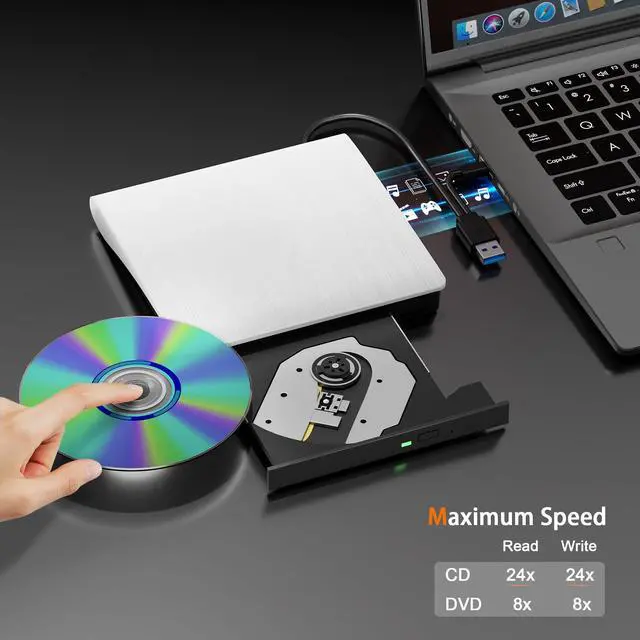
The Max. read and write speed of CDs are up to 24X, DVDs are up to 8X.(Please note that this external cd drive can NOT read and burn BD discs.)

Hidden cable slots
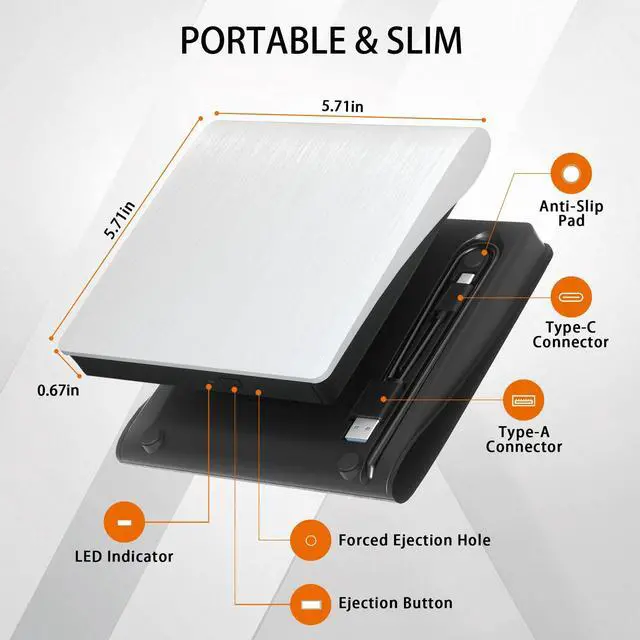
This external DVD drive is designed with hidden storage card slots and anti-shock soft pads on the back. It provides low noise and portability.

Compact and lightweight
This external CD/DVD drive for laptop pc is a lightweight and portable solution, weighing only 0.3 kg and conveniently sized to fit in a bag.
If you are unable to use this CD/DVD drive, please try the following solutions:
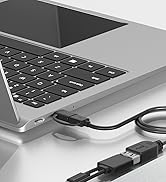
- Check that the optical drive is recognised by your computer. [For Windows OS] You can see the DVD RW icon in Windows Explorer. Use the data cables on the back (bottom) of the optical drive to connect to your computer's USB port or desktop computer host. Do not use a USB extension hub. [For Mac OS] The Mac OS computer will not display the device icon until the disc is inserted into the optical drive and the disc is read successfully. Please try the following suggestions: Open Finder > Settings (or Preferences, depending on your macOS version) > Ensure "CDs, DVDs, and iOS Devices" is checked in the General Tab and the Sidebar Tab.
- For Windows 11/10, please make sure a network connection and a media player software. Such as: (Media player: like VLC media player, Kmplayer. Burning software: like BurnAware Free, Nero.)
- Please make sure your external cd/dvd drive is set in the right region code. Method 1: The default area code for the optical drive is US 1, and you can only change it 4-5 times. Method 2: Download the software to cover it: VLC media player(By default, it ignores region codes and can directly play DVDs from different regions.), AnyDVD (paid software).
- If the disc is scratched and warped, do not insert it into the drive.
- Try different USB: Move the data cable to different USB ports on your computer.
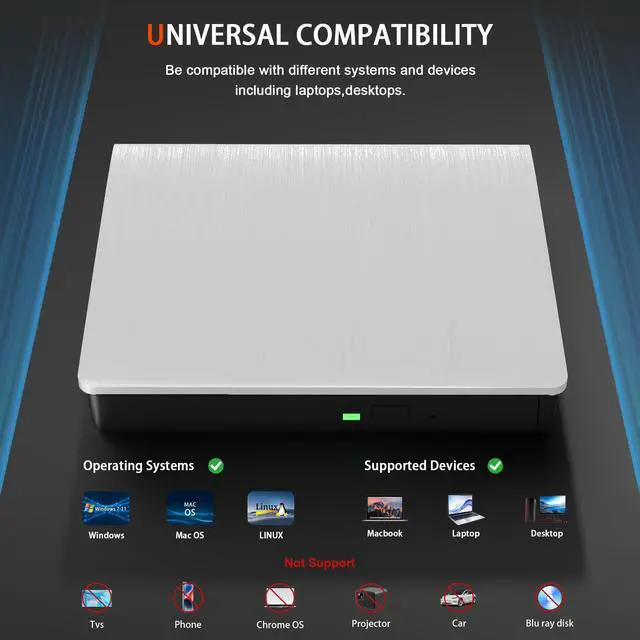
- This USB cd/dvd drive is Not compatible with Chrome OS or Chromebook.
- The CD/DVD disk drive Cannot be directly connected to a TV, car, Blu ray, tablet, phone, projector.
- Burning failed: Power Calibration Area Error.This error means your CD/DVD drive failed to burn the disc because it couldn't find the right laser power during its initial test. **Main Causes:** 1.Poor Quality Disc: The most common reason. Cheap or damaged discs can't be written properly. 2.The laser head may be dirty. 3.Incompatibility: The disc type doesn't match well with your drive. **Quick Solutions:** 1.Try a high-quality blank disc from a different brand. 2.Wipe the laser head with an alcohol swab. 3.Reduce the burning speed in your software settings.
More choices for you
 External CD/DVD Drive |  External CD/DVD Drive |  External Blu ray Drive |  Blu ray Drive with Bag | |
|---|---|---|---|---|
Customer Reviews | — | — | — | — |
Price | — | — | — | — |
Max. Reading Speed | CD:24X DVD:8X | CD:24X DVD:8X | CD:24X DVD:8X BD:6X | CD:24X DVD:8X BD:6X |
Max. Writing Speed | CD:24X DVD:8X | CD:24X DVD:8X | CD:24X DVD:8X BD:6X | CD:24X DVD:8X |
Interface | USB 3.0+Type-C | USB 3.0+Type-C | USB 3.0+Type-C | USB 3.0+Type-C |
Compatible OS | Windows,Linux,Mac OS | Windows,Linux,Mac OS | Windows,Linux,Mac OS | Windows,Linux,Mac OS |
Compatible Devices | Laptops,Desktop,All-In-One PC | Laptops,Desktop,All-In-One PC | Laptops,Desktop,All-In-One PC | Laptops,Desktop,All-In-One PC |
Integrated USB Hub | ? | ? | ? | ? |
Support Bluray Writing | ? | ? | ? | ? |


USB3.0&Type-C data cable
The USB3.0 can achieve a transfer speed of 5Gbit/s,but its actual speed ranges from 350 to 450 MB/s,which is about 10 times faster than USB2.0.
Stabilised movement
The Max. read and write speed of CDs are up to 24X, DVDs are up to 8X.(Please note that this external cd drive can NOT read and burn BD discs.)
Hidden cable slots
This external DVD drive is designed with hidden storage card slots and anti-shock soft pads on the back. It provides low noise and portability.
Compact and lightweight
This external CD/DVD drive for laptop pc is a lightweight and portable solution, weighing only 0.3 kg and conveniently sized to fit in a bag.
If you are unable to use this CD/DVD drive, please try the following solutions:
- Check that the optical drive is recognised by your computer. [For Windows OS] You can see the DVD RW icon in Windows Explorer. Use the data cables on the back (bottom) of the optical drive to connect to your computer's USB port or desktop computer host. Do not use a USB extension hub. [For Mac OS] The Mac OS computer will not display the device icon until the disc is inserted into the optical drive and the disc is read successfully. Please try the following suggestions: Open Finder > Settings (or Preferences, depending on your macOS version) > Ensure "CDs, DVDs, and iOS Devices" is checked in the General Tab and the Sidebar Tab.
- For Windows 11/10, please make sure a network connection and a media player software. Such as: (Media player: like VLC media player, Kmplayer. Burning software: like BurnAware Free, Nero.)
- Please make sure your external cd/dvd drive is set in the right region code. Method 1: The default area code for the optical drive is US 1, and you can only change it 4-5 times. Method 2: Download the software to cover it: VLC media player(By default, it ignores region codes and can directly play DVDs from different regions.), AnyDVD (paid software).
- If the disc is scratched and warped, do not insert it into the drive.
- Try different USB: Move the data cable to different USB ports on your computer.
- This USB cd/dvd drive is Not compatible with Chrome OS or Chromebook.
- The CD/DVD disk drive Cannot be directly connected to a TV, car, Blu ray, tablet, phone, projector.
- Burning failed: Power Calibration Area Error.This error means your CD/DVD drive failed to burn the disc because it couldn't find the right laser power during its initial test. **Main Causes:** 1.Poor Quality Disc: The most common reason. Cheap or damaged discs can't be written properly. 2.The laser head may be dirty. 3.Incompatibility: The disc type doesn't match well with your drive. **Quick Solutions:** 1.Try a high-quality blank disc from a different brand. 2.Wipe the laser head with an alcohol swab. 3.Reduce the burning speed in your software settings.
More choices for you
External CD/DVD Drive | External CD/DVD Drive | External Blu ray Drive | Blu ray Drive with Bag |
|---|---|---|---|
| Customer Reviews | |||
| — | — | — | — |
| Price | |||
| — | — | — | — |
| Max. Reading Speed | |||
| CD:24X DVD:8X | CD:24X DVD:8X | CD:24X DVD:8X BD:6X | CD:24X DVD:8X BD:6X |
| Max. Writing Speed | |||
| CD:24X DVD:8X | CD:24X DVD:8X | CD:24X DVD:8X BD:6X | CD:24X DVD:8X |
| Interface | |||
| USB 3.0+Type-C | USB 3.0+Type-C | USB 3.0+Type-C | USB 3.0+Type-C |
| Compatible OS | |||
| Windows,Linux,Mac OS | Windows,Linux,Mac OS | Windows,Linux,Mac OS | Windows,Linux,Mac OS |
| Compatible Devices | |||
| Laptops,Desktop,All-In-One PC | Laptops,Desktop,All-In-One PC | Laptops,Desktop,All-In-One PC | Laptops,Desktop,All-In-One PC |
| Integrated USB Hub | |||
| ? | ? | ? | ? |
| Support Bluray Writing | |||
| ? | ? | ? | ? |
As a professional manufacturer and seller of external BD/CD/DVD drives, we are committed to optimising the user experience for buyers and making life more convenient.
The Juwuoi optical drive is compatible with your computer or PC, providing a range of convenient features. These include the addition of SD/TF expansion ports, allowing you to play movies, burn your own photos/videos to DVDs, and copy files from discs to your computer.
External Blu ray Drive
External Blu ray Drive
Slot-load Blu ray Drive
This drive incorporates an automatic inhalation design, making it straightforward to operate. Support to read BD/CD/VCD.
External dvd drive-Black
External dvd drive-White
External CD/DVD Drive
External CD/DVD Drive