


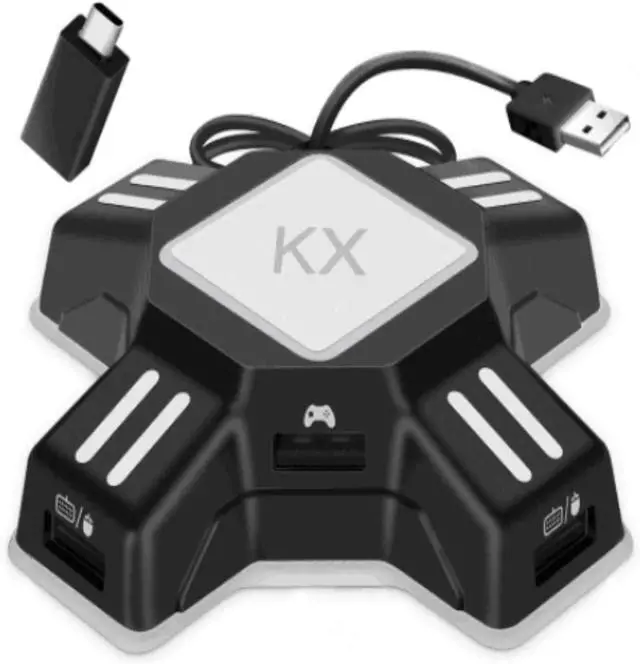
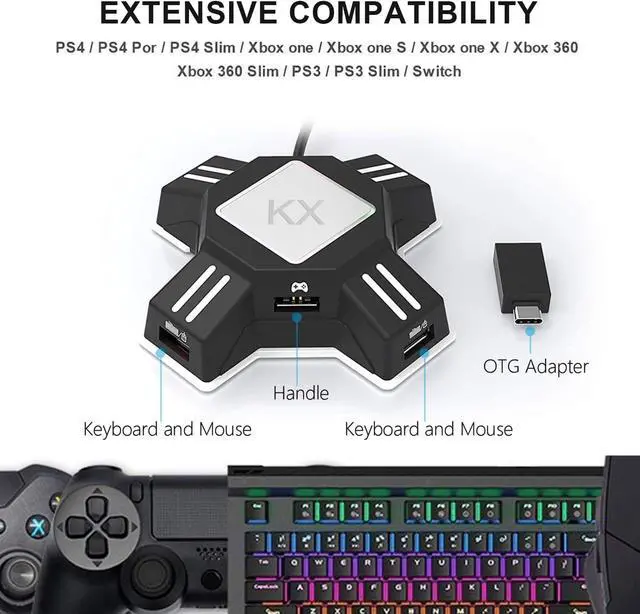
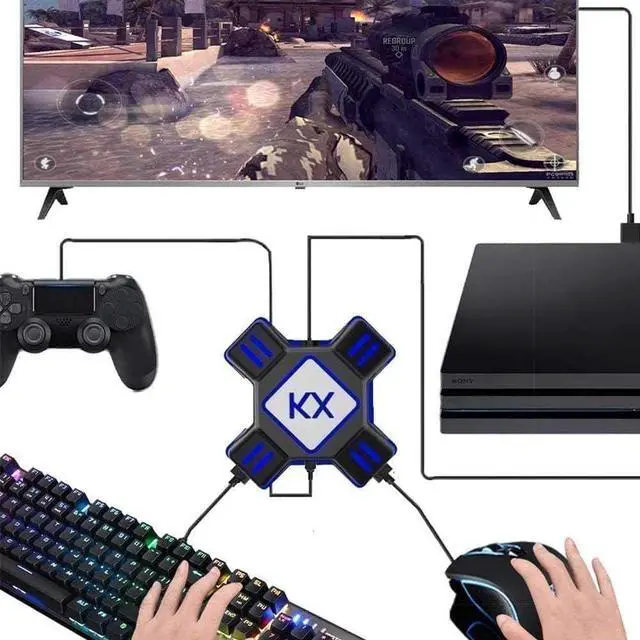
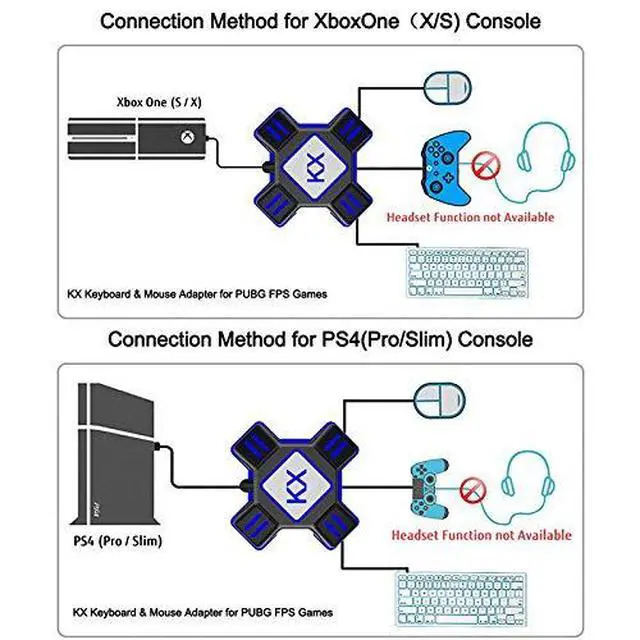
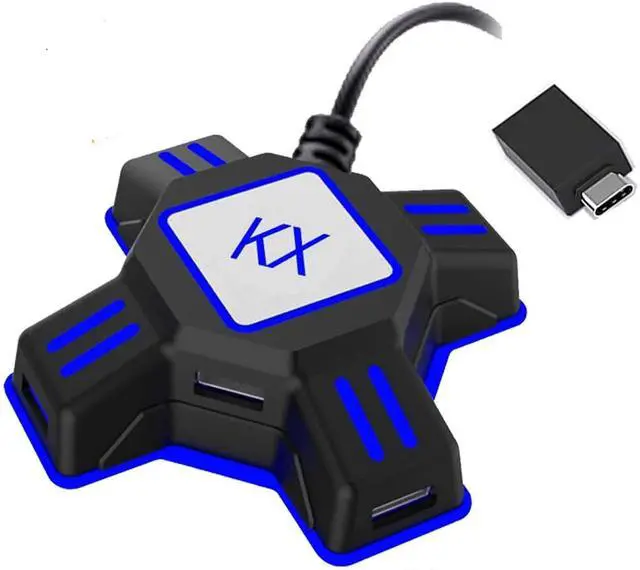
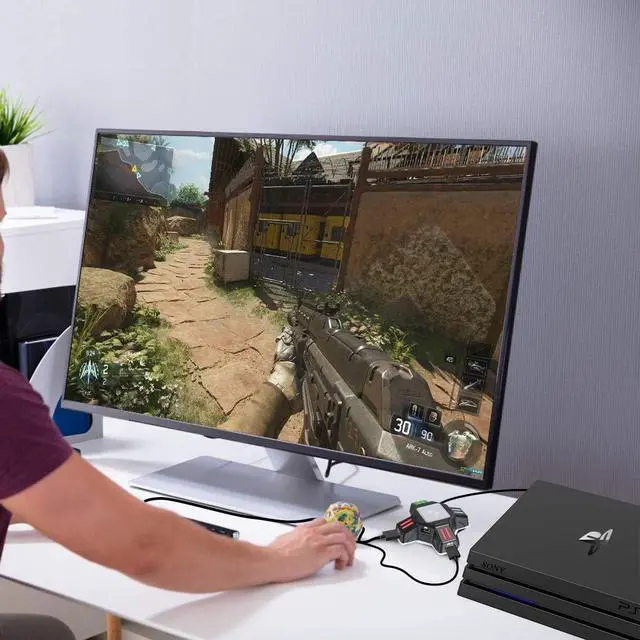


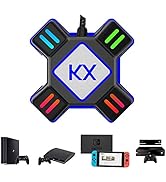
Keyboard and mouse adapter allow players to play games on PS4/PS4 Pro/PS4 Slim/Xbox One/Xbox One S/Xbox One X/PS3/PS3 Slim/Switch with wired keyboards and wired mice.
Features
1. Plug and play, no need to start, no need to download plug-ins;
2. Supports Switch, PS4, PS4 Pro, PS4 Slim, XboxOne, XboxOne s, XboxOne X, PS3, PS3 Slim;
3. Portable and lightweight, Compact and portable
4. Supports key mapping and program upgrade
Attention:
1. Support only wired keyboard and mouse, NOT wireless. Keyboard with USB HUB is not supported.
2. Support all keyboard and mouse made according to HID protocol, more than 90% mouse and keyboard are made according to HID protocol.
3. Headset function/audio input are NOT supported.
4. Mice and keyboards that require a driver to be installed before they can be used are not supported.
5. Support most of wired keyboard and mouse made according to HID protocol. NOT recommended to use gaming keyboard and mouse with LED lights because the power may not be able to support.
6. When using the adapter on PS4 (Pro/Slim)/Xbox ONE (X/S), you need an original PS4/Xbox One controller. Before connecting it to kx adapter, please power off the controller

Connect to PS4 (Pro/Slim)/Xbox ONE (X/S)
1. Connect the adapter to console via included USB cable, the LED will light up in Green.
2. Connect the USB keyboard and mouse to the revelant adapter port, the LED will light up in Red.
3. Power off the original controller. Connect the original controller to the adapter via USB data sync cable, the LED will light up in Blue and it indicates the connection is successfully.
Notice:
1. The original controller USB cable in use must be the Charging and Data Sync Cable
2. Make sure to connect with the original PS4/Xbox ONE controller, third-party controllers are not currently supported.
3. The controller must be turned off before connecting.

Connect to N-Switch
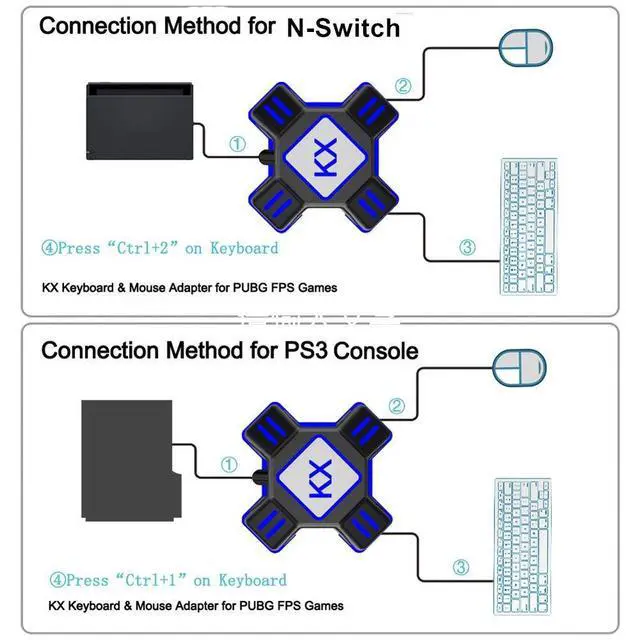
1. Go to the System Settings of Switch console, then select Controllers and Sensors. Select Pro Controller Wired Communication to enable this feature.
2. Connect kx adapter USB cable to the included OTG adapter, then connect the OTG adapter to N-Switch, the LED will light up in Green.
3. Connect the USB keyboard and mouse to the revelant adapter port, the LED will light up in Red.
4. Press"Ctrl+ 2" on keyboard to activate the N-Switch mode. Once the LED lights up in Blue, it indicates the connection is successfully.
Package Includes:
1 x KX Keyboard Mouse Converter Adapter.
1 x OTG Type-C Adapter.
1 x Instruction Manual.
Troubleshooting
Q: What should i do when the converter does not work with my keyboard and mouse?
A: 1. Please make sure that your keyboard and mouse made according to HID protocol. Keyboards with USB Hub are not supported.
2. Please make sure your keyboards and mouse are USB wired
3. Please make sure the gaming console you used, and find the detailed connecting method in the User Intruction and the video. You will find the user intruction and video in the product page.
4. If your product still does not work, we will arrange a refund/replacement.

JZW-Shop, a brand which offers professional gaming accessories for of all ages. We strives to create high-quality, reliable products, provide best shopping experience and bring a pleasant life for customers.
At present, we have provided users with a series of gaming accessories compatible with N-Switch, PS3, PS4, PS5, Xbox etc.
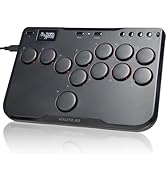
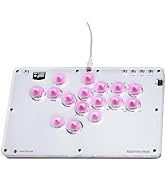
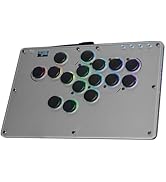
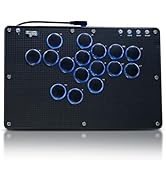
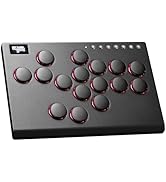
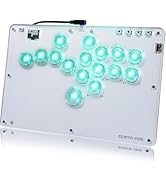
Leverless Arcade Stick
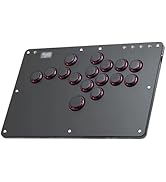
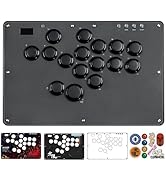
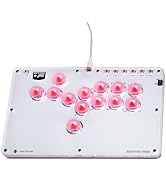
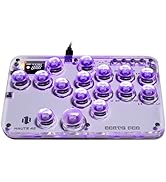
Best Sellers
Switch/ Quest 2 Accessories
PS5 Accessories
Keyboard and mouse adapter allow players to play games on PS4/PS4 Pro/PS4 Slim/Xbox One/Xbox One S/Xbox One X/PS3/PS3 Slim/Switch with wired keyboards and wired mice.
Features
1. Plug and play, no need to start, no need to download plug-ins;
2. Supports Switch, PS4, PS4 Pro, PS4 Slim, XboxOne, XboxOne s, XboxOne X, PS3, PS3 Slim;
3. Portable and lightweight, Compact and portable
4. Supports key mapping and program upgrade
Attention:
1. Support only wired keyboard and mouse, NOT wireless. Keyboard with USB HUB is not supported.
2. Support all keyboard and mouse made according to HID protocol, more than 90% mouse and keyboard are made according to HID protocol.
3. Headset function/audio input are NOT supported.
4. Mice and keyboards that require a driver to be installed before they can be used are not supported.
5. Support most of wired keyboard and mouse made according to HID protocol. NOT recommended to use gaming keyboard and mouse with LED lights because the power may not be able to support.
6. When using the adapter on PS4 (Pro/Slim)/Xbox ONE (X/S), you need an original PS4/Xbox One controller. Before connecting it to kx adapter, please power off the controller
Connect to PS4 (Pro/Slim)/Xbox ONE (X/S)
1. Connect the adapter to console via included USB cable, the LED will light up in Green.
2. Connect the USB keyboard and mouse to the revelant adapter port, the LED will light up in Red.
3. Power off the original controller. Connect the original controller to the adapter via USB data sync cable, the LED will light up in Blue and it indicates the connection is successfully.
Notice:
1. The original controller USB cable in use must be the Charging and Data Sync Cable
2. Make sure to connect with the original PS4/Xbox ONE controller, third-party controllers are not currently supported.
3. The controller must be turned off before connecting.
Connect to N-Switch
1. Go to the System Settings of Switch console, then select Controllers and Sensors. Select Pro Controller Wired Communication to enable this feature.
2. Connect kx adapter USB cable to the included OTG adapter, then connect the OTG adapter to N-Switch, the LED will light up in Green.
3. Connect the USB keyboard and mouse to the revelant adapter port, the LED will light up in Red.
4. Press"Ctrl+ 2" on keyboard to activate the N-Switch mode. Once the LED lights up in Blue, it indicates the connection is successfully.
Package Includes:
1 x KX Keyboard Mouse Converter Adapter.
1 x OTG Type-C Adapter.
1 x Instruction Manual.
Troubleshooting
Q: What should i do when the converter does not work with my keyboard and mouse?
A: 1. Please make sure that your keyboard and mouse made according to HID protocol. Keyboards with USB Hub are not supported.
2. Please make sure your keyboards and mouse are USB wired
3. Please make sure the gaming console you used, and find the detailed connecting method in the User Intruction and the video. You will find the user intruction and video in the product page.
4. If your product still does not work, we will arrange a refund/replacement.
JZW-Shop, a brand which offers professional gaming accessories for of all ages. We strives to create high-quality, reliable products, provide best shopping experience and bring a pleasant life for customers.
At present, we have provided users with a series of gaming accessories compatible with N-Switch, PS3, PS4, PS5, Xbox etc.
Leverless Arcade Stick
Best Sellers
Switch/ Quest 2 Accessories
PS5 Accessories