here!
here!
I’m your shopping assistant for PC builds, upgrades, and everything tech.
Got questions? Ask away!
Start a conversation
here!
I’m your shopping assistant for PC builds, upgrades, and everything tech.
Got questions? Ask away!
Start a conversation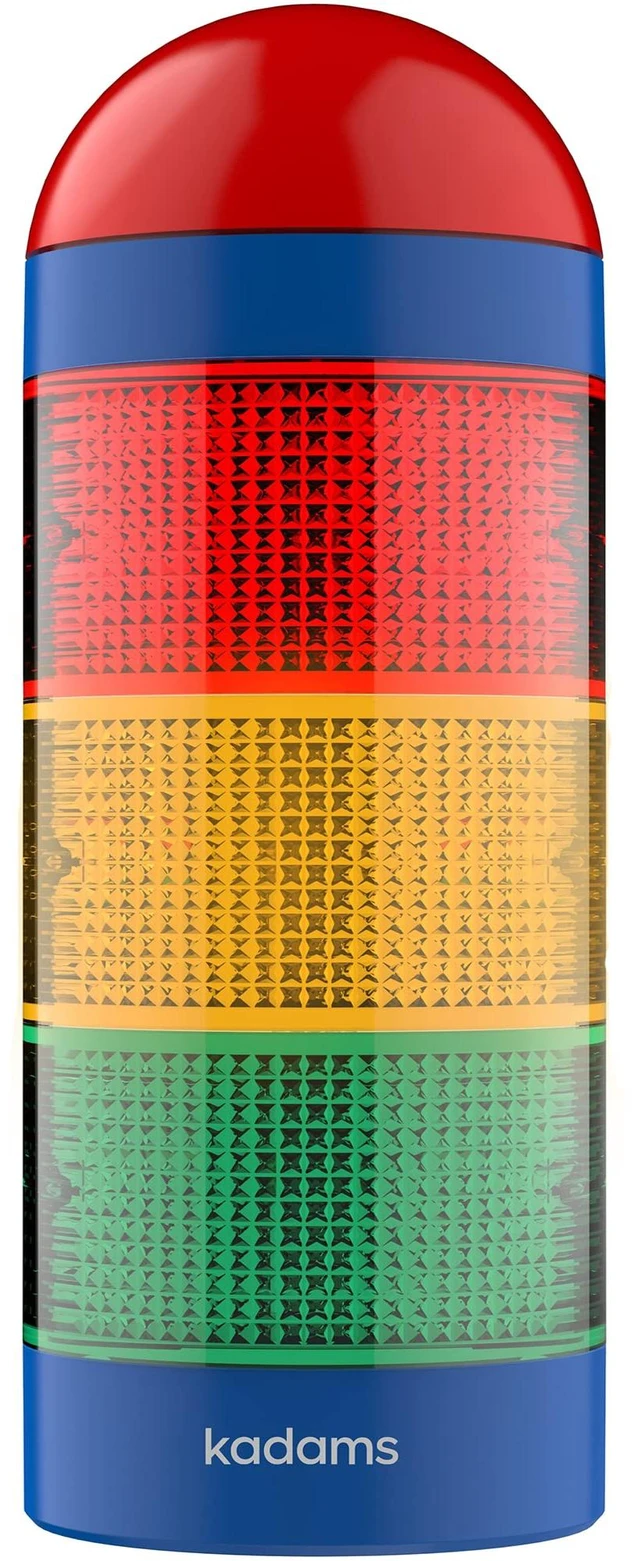



Any questions? Ask CelesteSM will help you find out quickly.



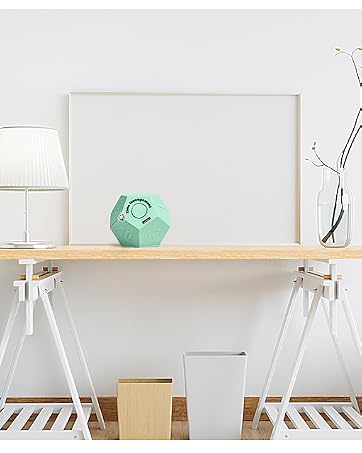

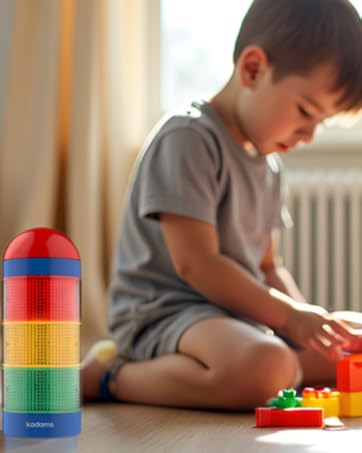

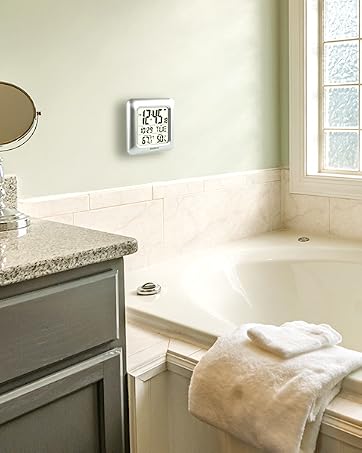

At KADAMS, we create innovative time management tools that help people build better daily routines, boost productivity, and develop time awareness from an early age.
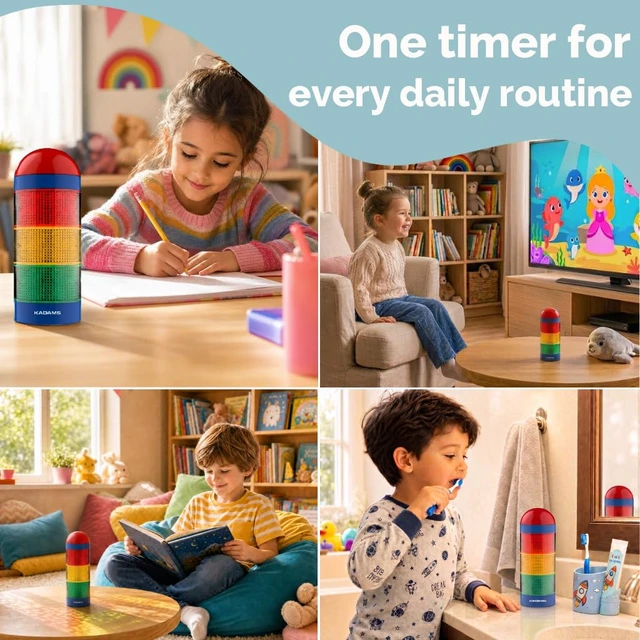
Our products are trusted by schools, families, educators, students, office workers and fitness enthusiasts to stay organized, focused, and on track.
Support for Special Needs & Visual Learners
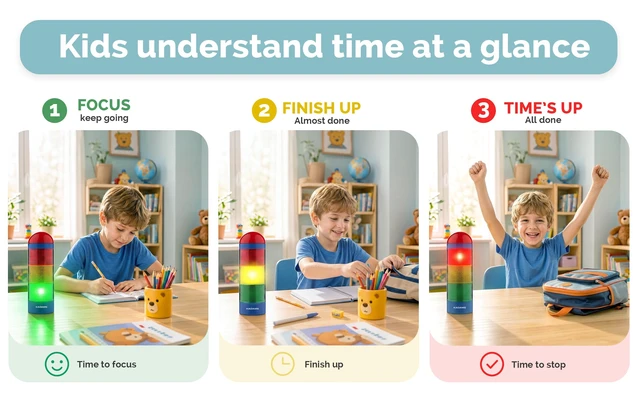
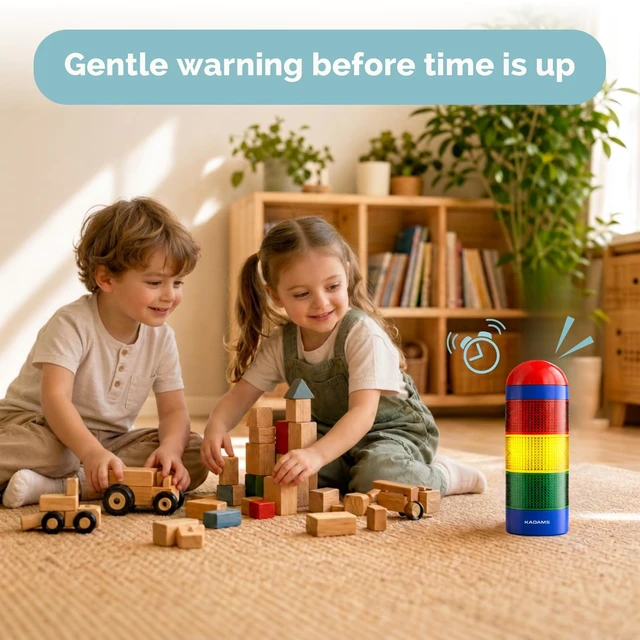
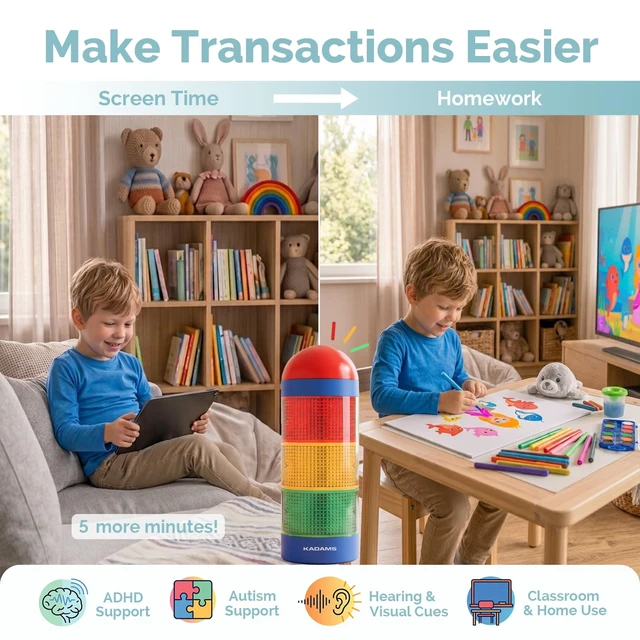
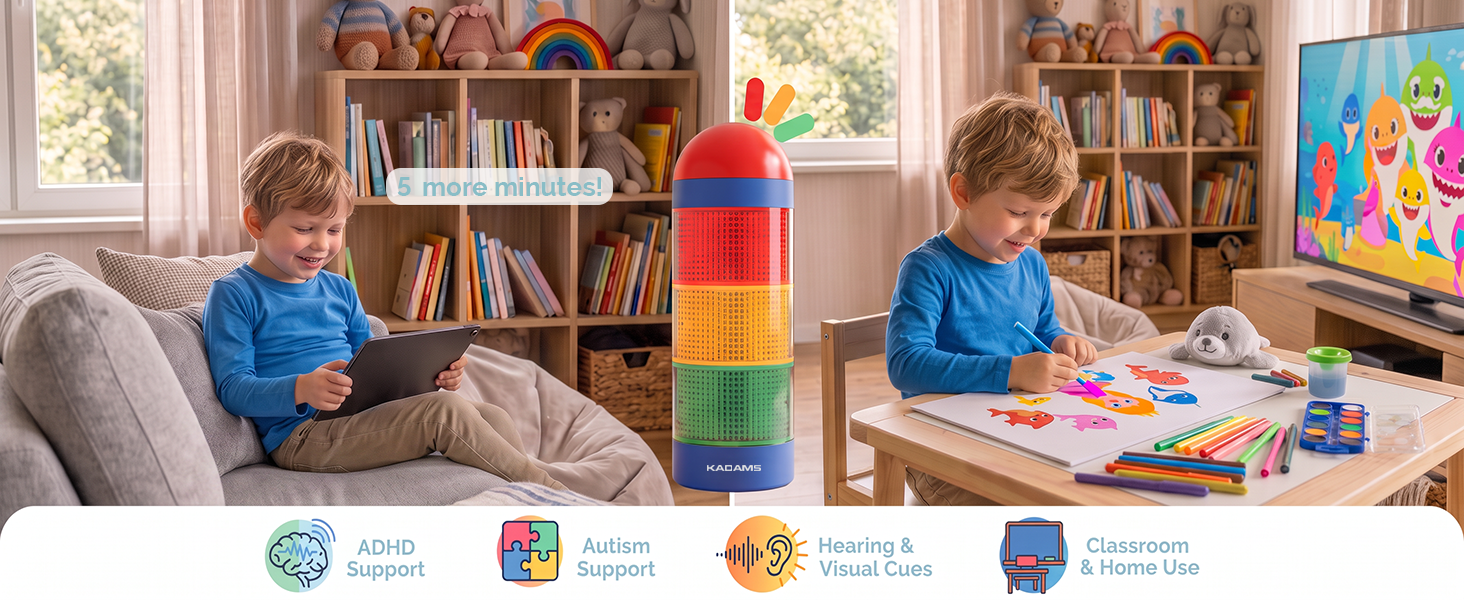
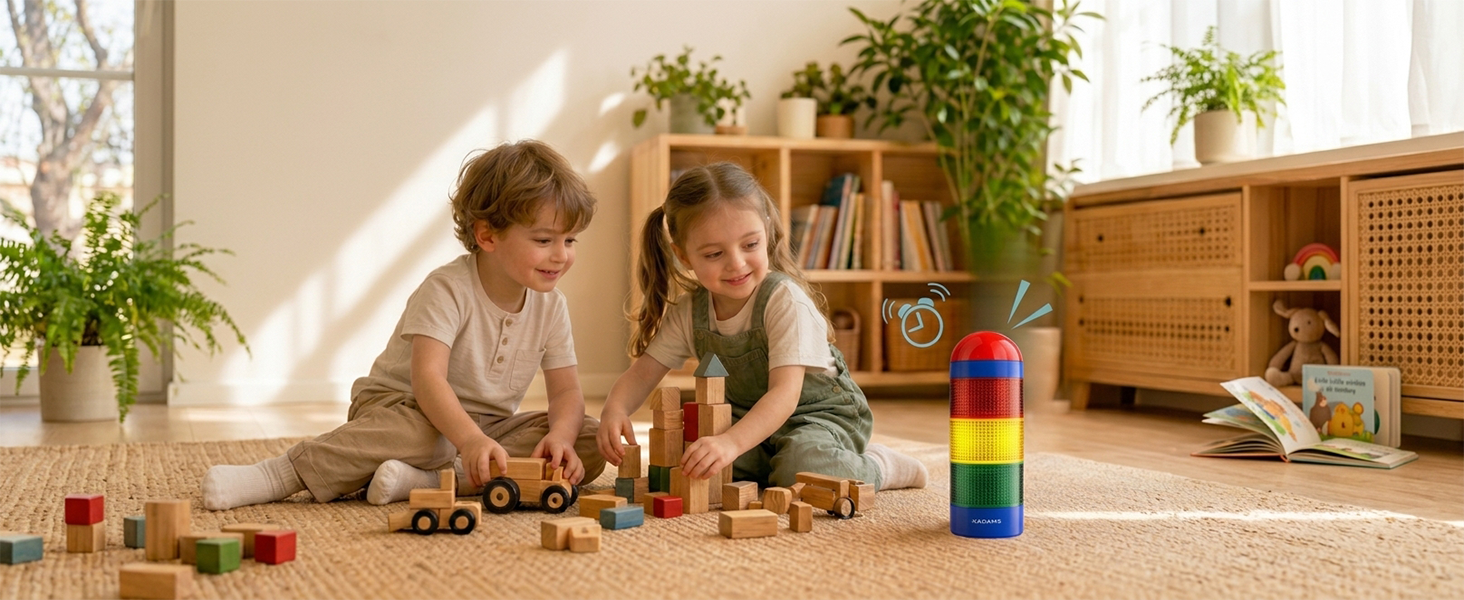
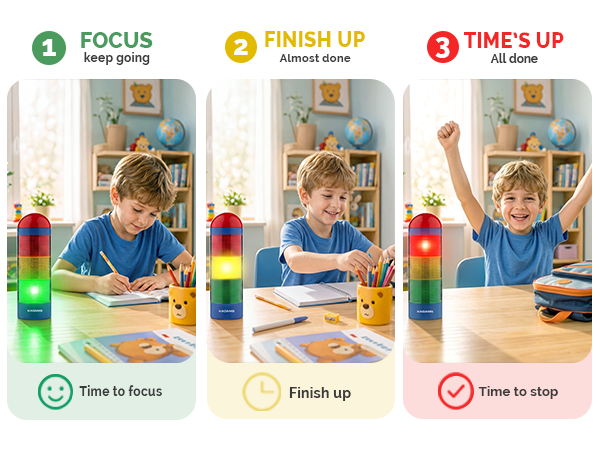
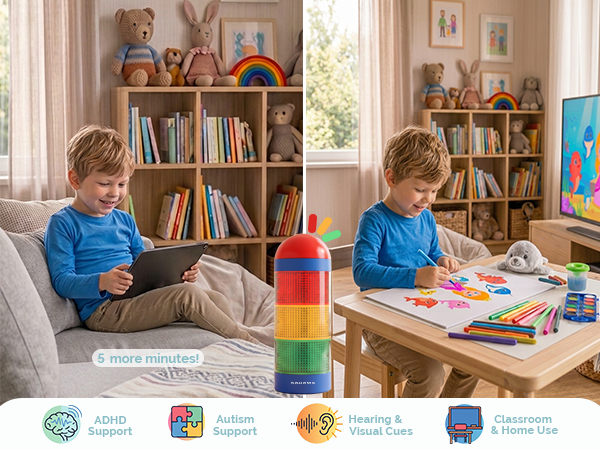
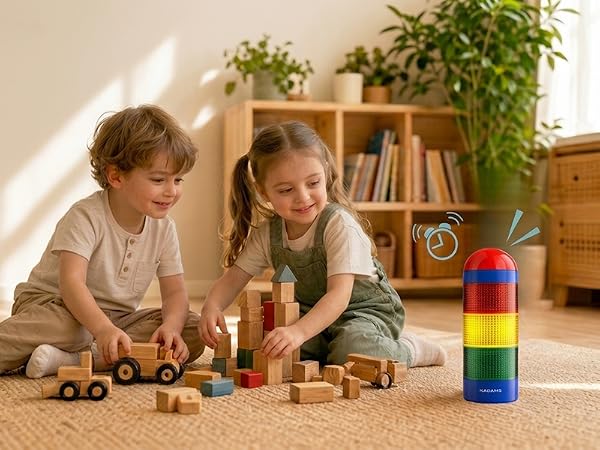
Perfect for children who benefit from visual structure—ideal for kids with developmental or sensory needs. The color-coded lights and pre-alarm help provide non-verbal time cues for smoother transitions and improved focus.
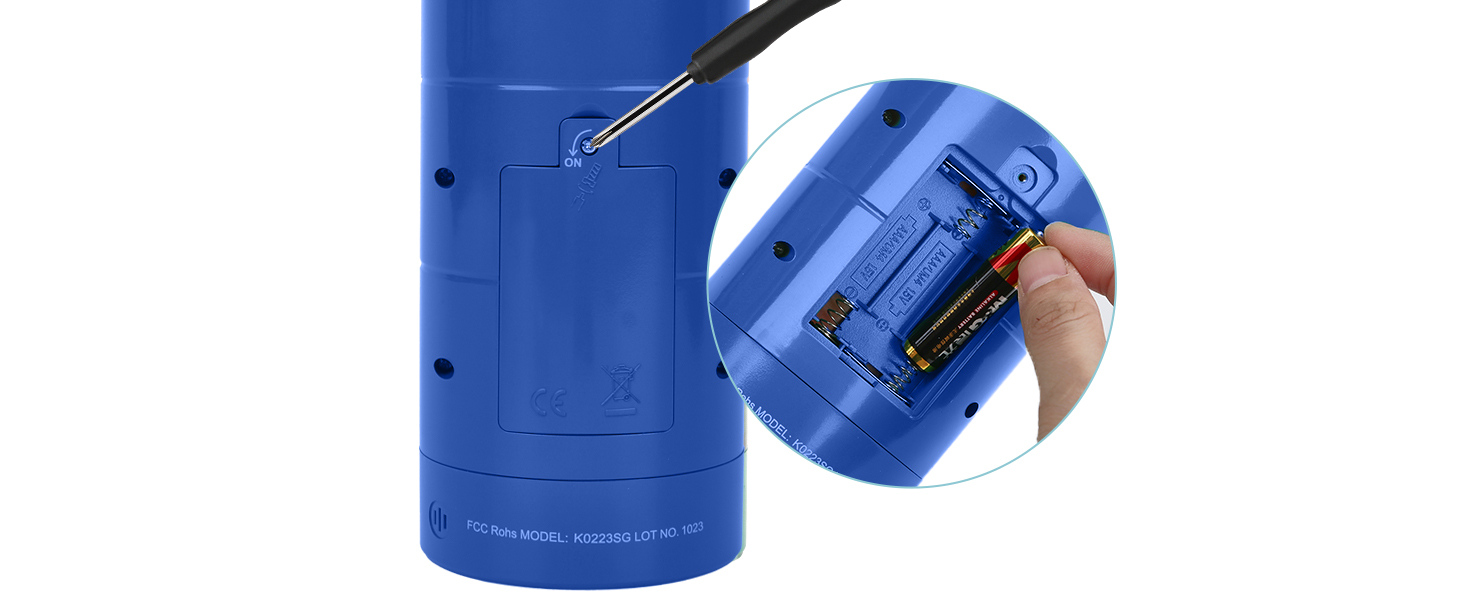
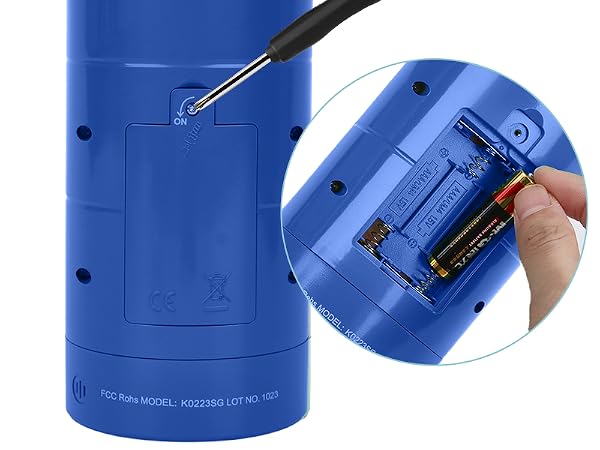
How to open the battery compartment?
For battery compartment access, utilize a small cross-shaped Philips screwdriver in the package, turning it counterclockwise.
Can I pause the timer?
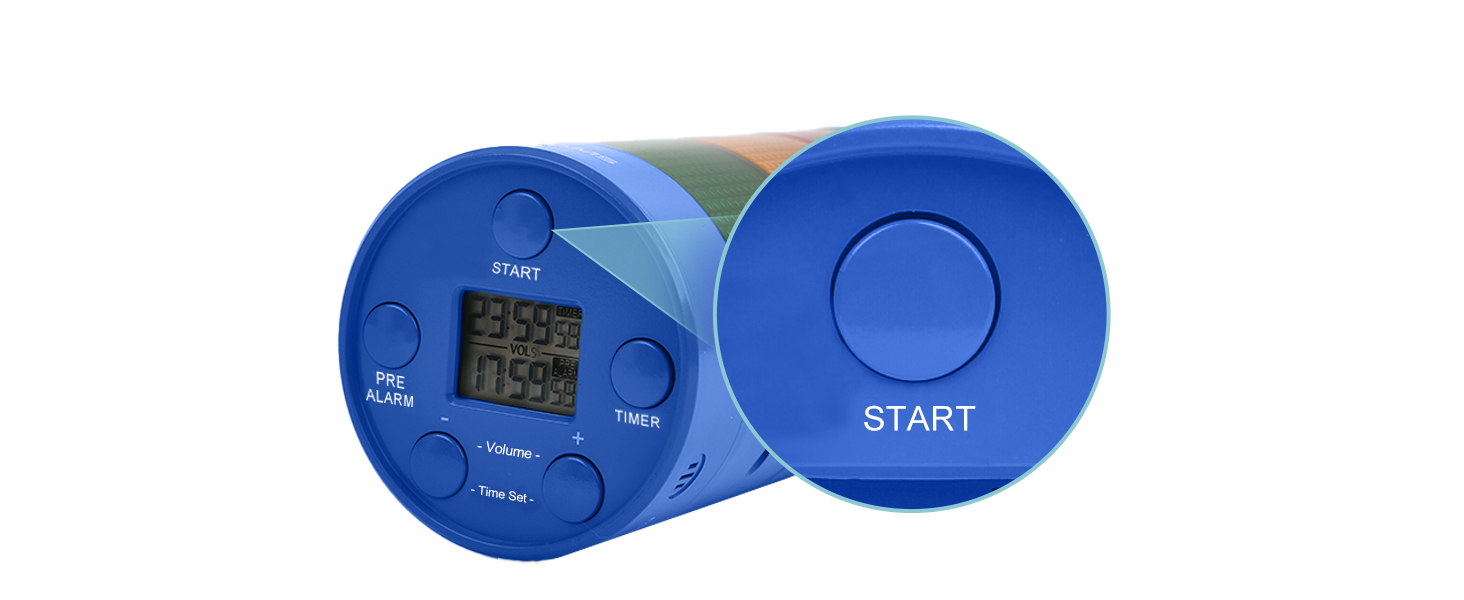
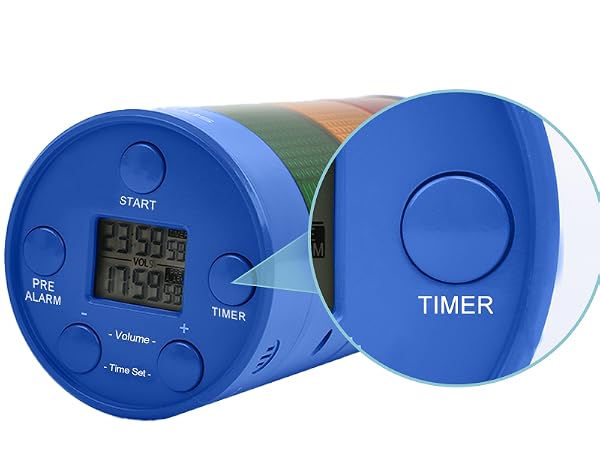
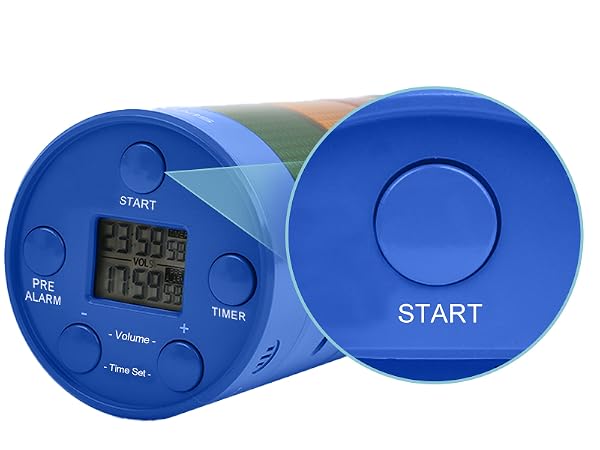
Yes, simply press the top red button to pause at any time. Press again to continue, long press to reset. Press it to stop the timer when it beeps because time is up. Or the beeping will automatically stop after 5 minites.
When will the light turning green ?
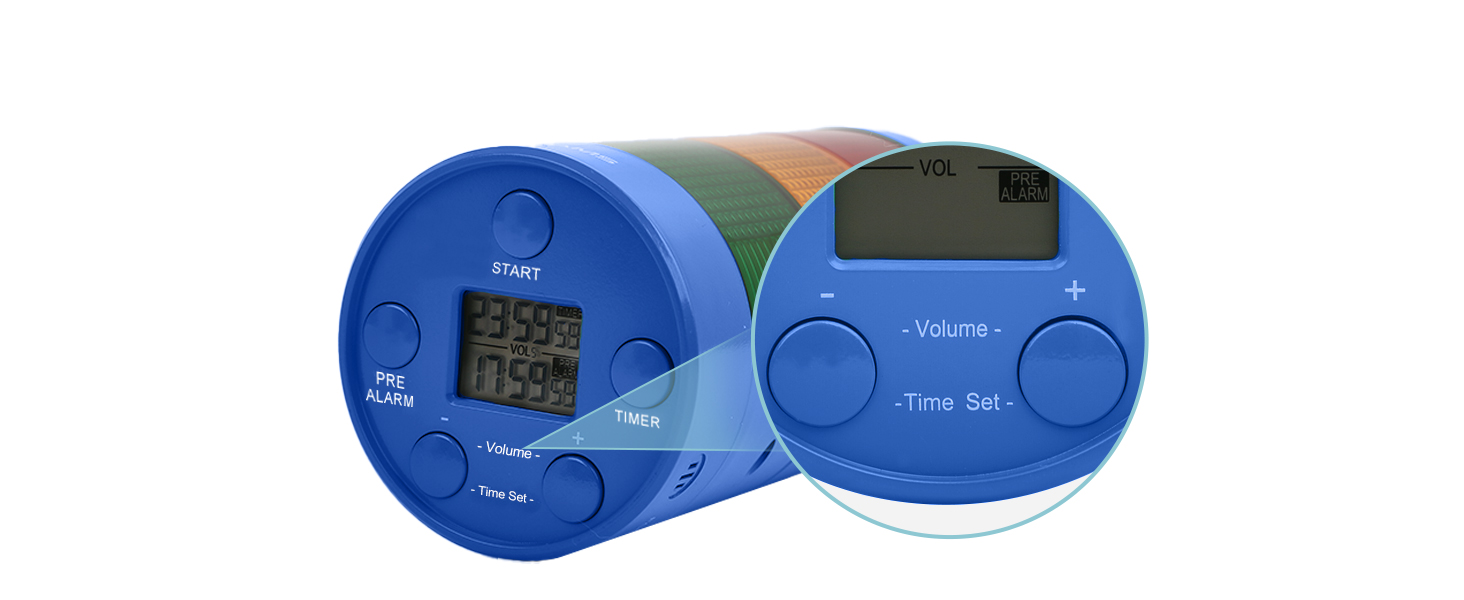
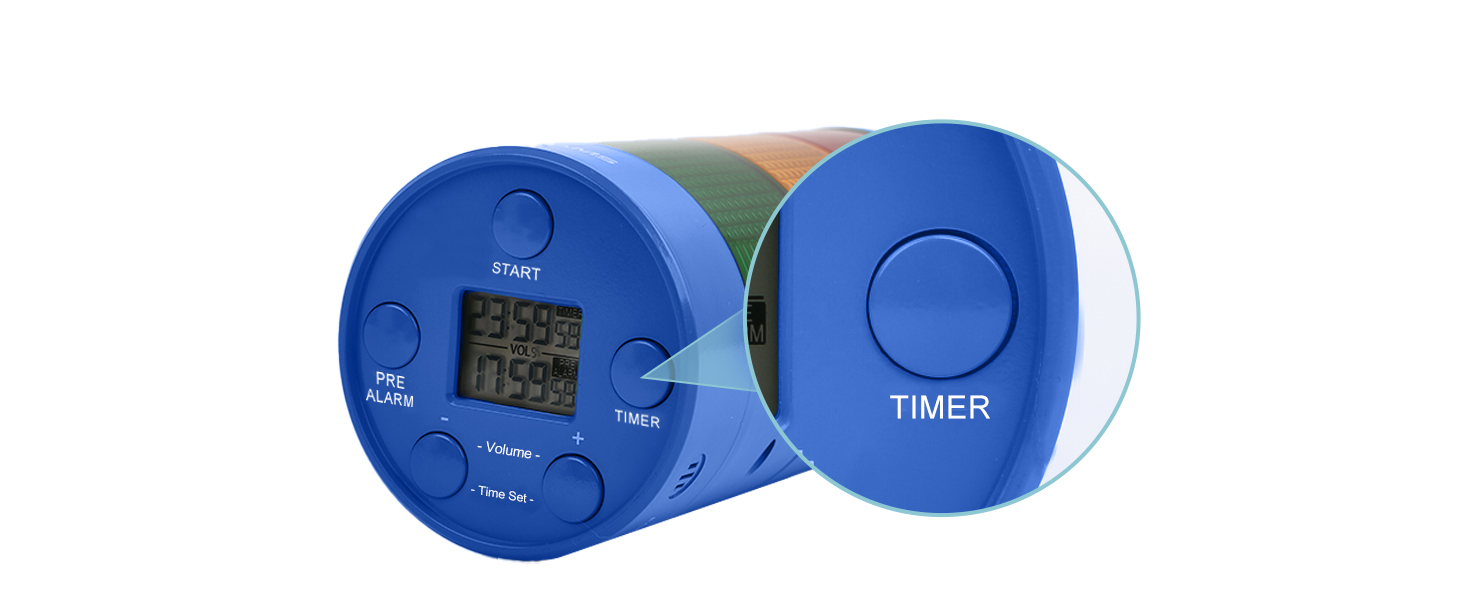
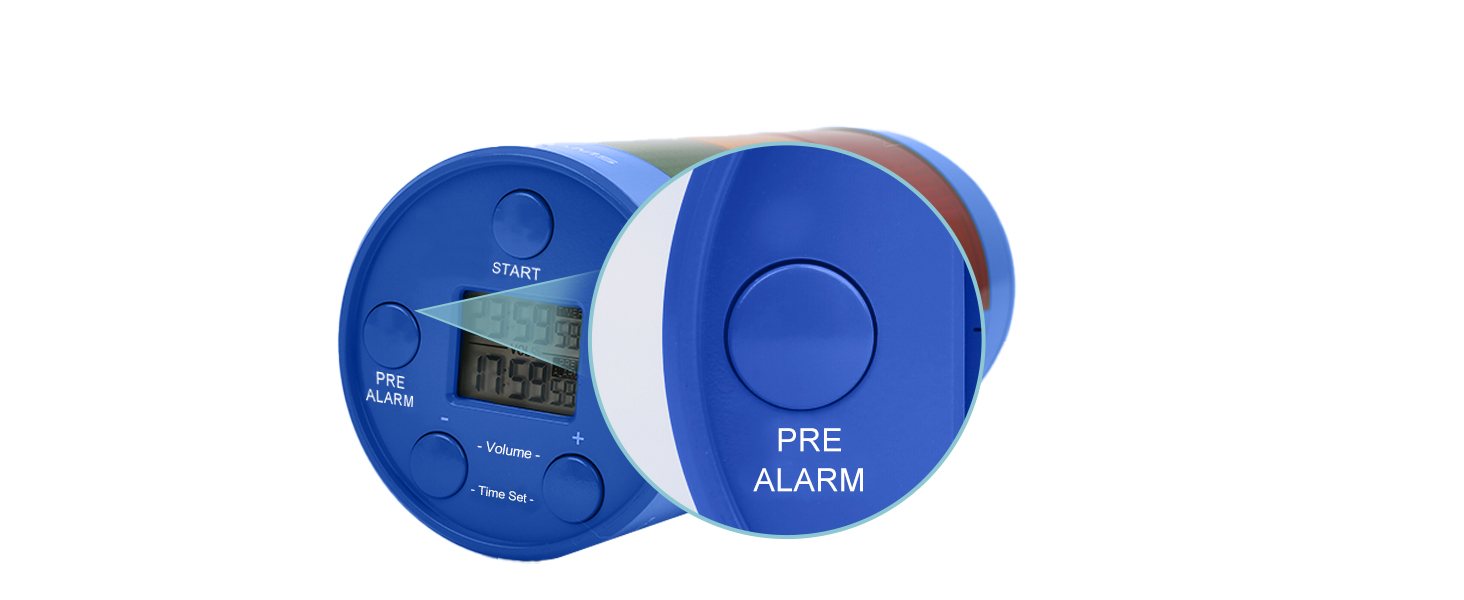
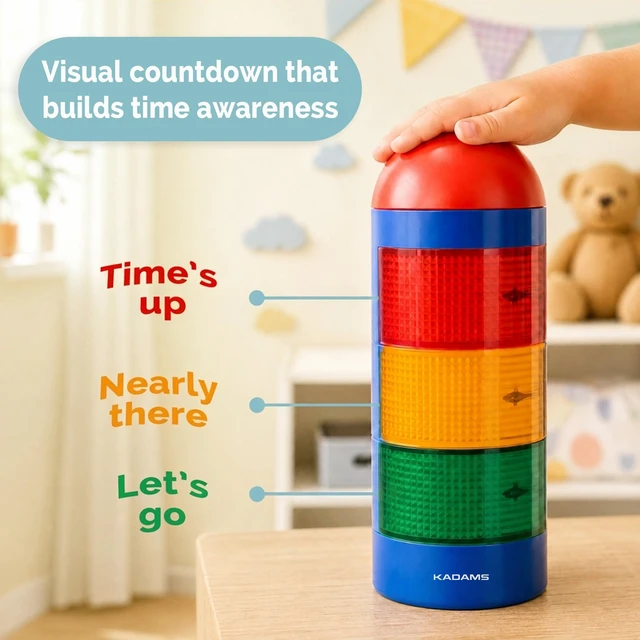
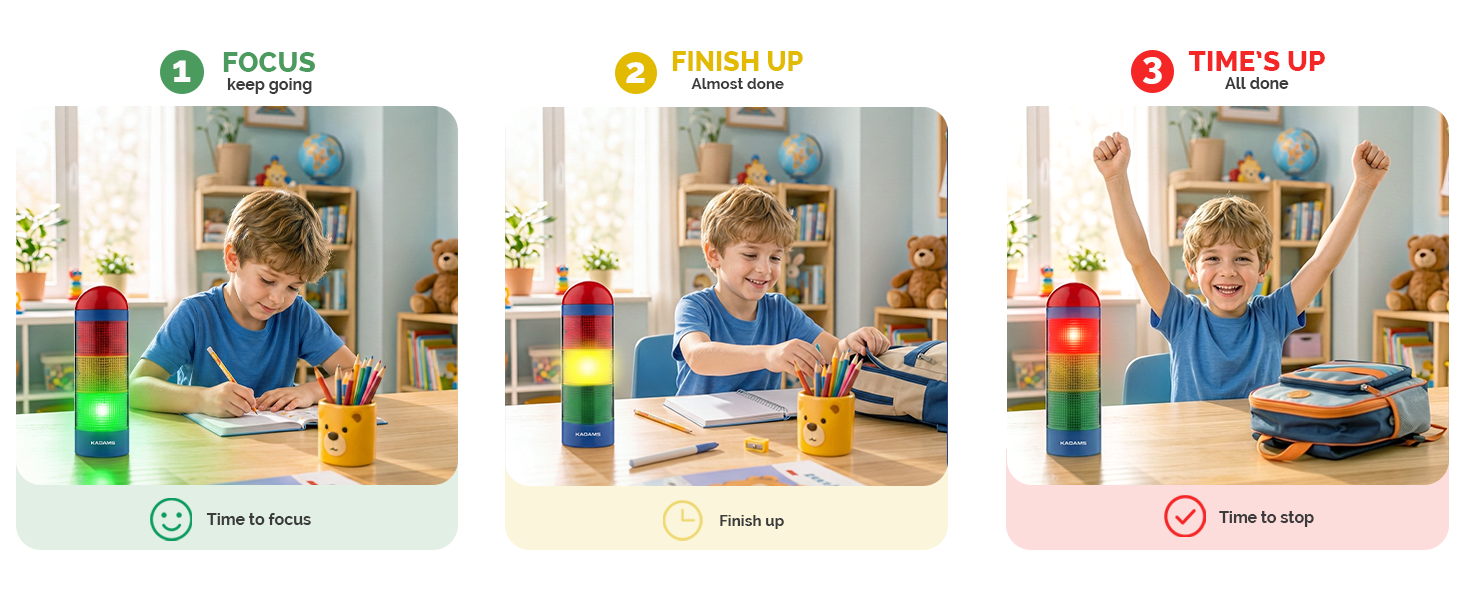
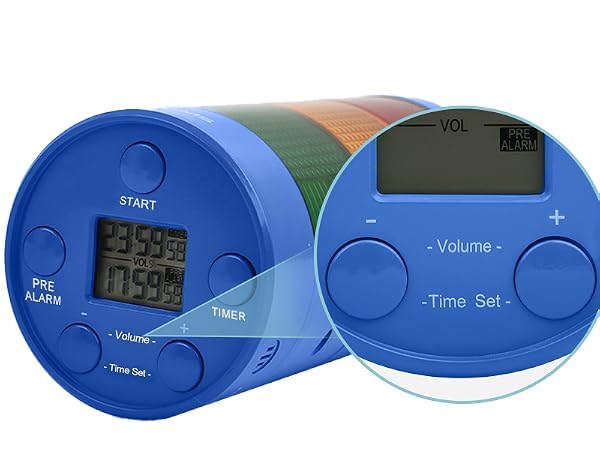
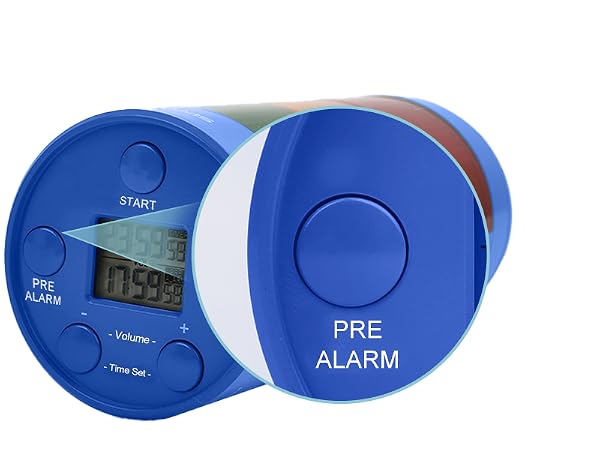
The defalt pre-alarm time is 75% of the total countdown time. When pre-alarm time is up, the light turns from green to yellow, indicating "it's almost there". You can set the pre-alarm time as you want when you click the pre-alarm button and "+" "-"
How can I set the volume?
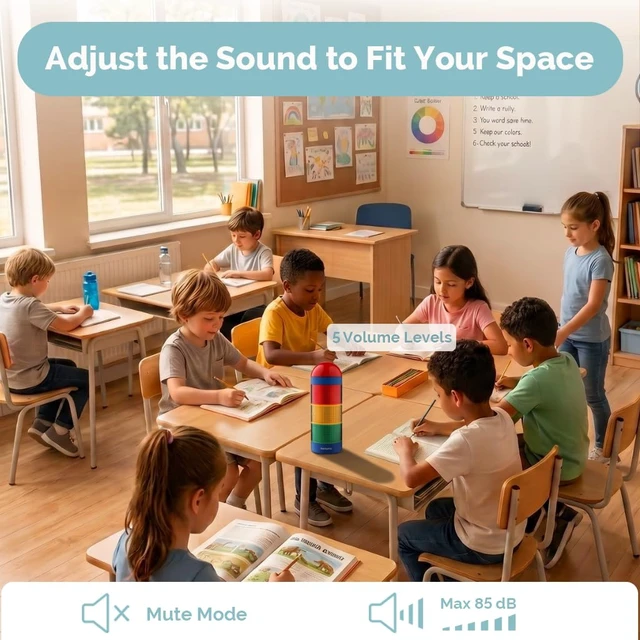
Click "+" or "-" to set volume from mute mode to 5 level (85dB) before setting the countdown.
Does the timer have memory function?
Yes, the visual timer for classroom features a convenient memory function, eliminating the need to repeatedly set the timer. It effortlessly retains your previous settings, saving you time and ensuring a seamless experience.
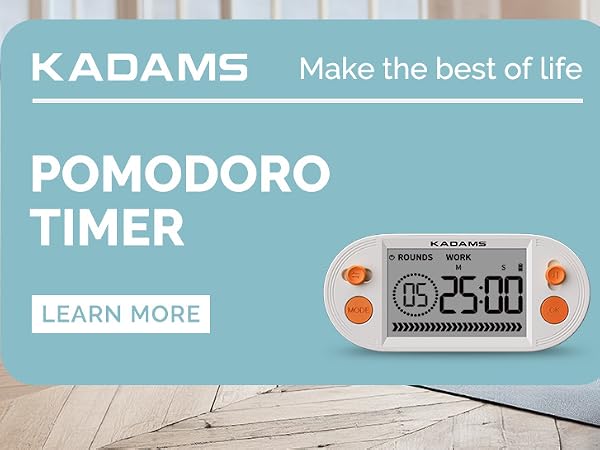
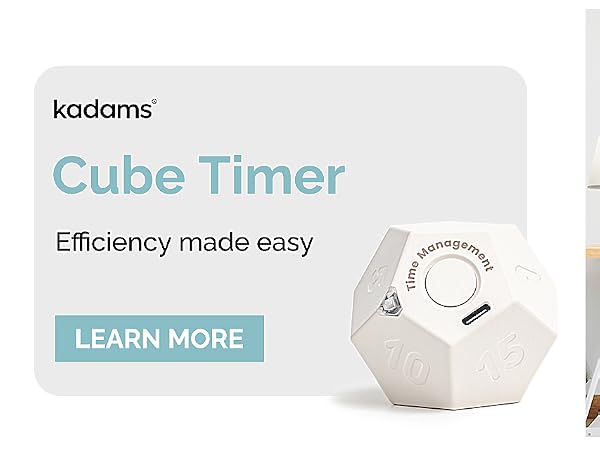
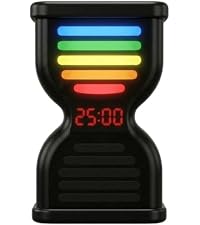 Pomodoro Timer | 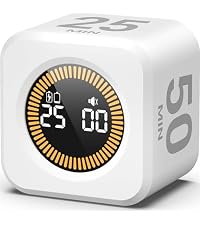 Pomodoro Timer |  Magnetic Robot timer |  Flip timer | |
|---|---|---|---|---|
Customer Reviews | — | — | — | — |
Price | — | — | — | — |
Function | Timer | Timer | Timer | Timer |
Features | Pomodoro, countdown, count-up | Countdown, count-up | Magnetic | Rotating |
Alert | Sound alert, mute | Sound alert, mute | Sound alert | Light, vabration, sound alert |
Ways of setting timer | Click setting buttons | Face up the side with numbers | Click setting buttons | Face up the side with numbers |
Battery | Rechargeable with USB C cable | Rechargeable with USB C cable | Button battery | Rechargeable with USB C cable |

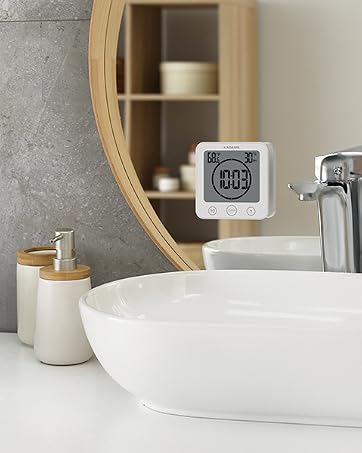
At KADAMS, we create innovative time management tools that help people build better daily routines, boost productivity, and develop time awareness from an early age.
Our products are trusted by schools, families, educators, students, office workers and fitness enthusiasts to stay organized, focused, and on track.
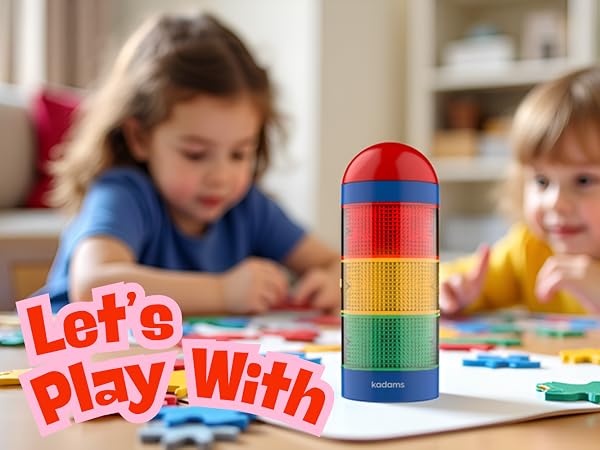
Support for Special Needs & Visual Learners
Perfect for children who benefit from visual structure—ideal for kids with developmental or sensory needs. The color-coded lights and pre-alarm help provide non-verbal time cues for smoother transitions and improved focus.
How to open the battery compartment?
For battery compartment access, utilize a small cross-shaped Philips screwdriver in the package, turning it counterclockwise.
Can I pause the timer?
Yes, simply press the top red button to pause at any time. Press again to continue, long press to reset. Press it to stop the timer when it beeps because time is up. Or the beeping will automatically stop after 5 minites.
When will the light turning green ?
The defalt pre-alarm time is 75% of the total countdown time. When pre-alarm time is up, the light turns from green to yellow, indicating "it's almost there". You can set the pre-alarm time as you want when you click the pre-alarm button and "+" "-"
How can I set the volume?
Click "+" or "-" to set volume from mute mode to 5 level (85dB) before setting the countdown.
Does the timer have memory function?
Yes, the visual timer for classroom features a convenient memory function, eliminating the need to repeatedly set the timer. It effortlessly retains your previous settings, saving you time and ensuring a seamless experience.
Pomodoro Timer | Pomodoro Timer | Magnetic Robot timer | Flip timer |
|---|---|---|---|
| Customer Reviews | |||
| — | — | — | — |
| Price | |||
| — | — | — | — |
| Function | |||
| Timer | Timer | Timer | Timer |
| Features | |||
| Pomodoro, countdown, count-up | Countdown, count-up | Magnetic | Rotating |
| Alert | |||
| Sound alert, mute | Sound alert, mute | Sound alert | Light, vabration, sound alert |
| Ways of setting timer | |||
| Click setting buttons | Face up the side with numbers | Click setting buttons | Face up the side with numbers |
| Battery | |||
| Rechargeable with USB C cable | Rechargeable with USB C cable | Button battery | Rechargeable with USB C cable |