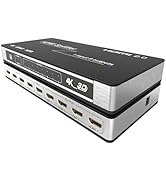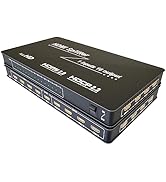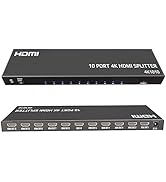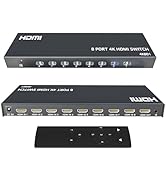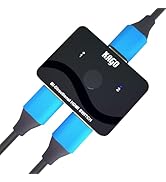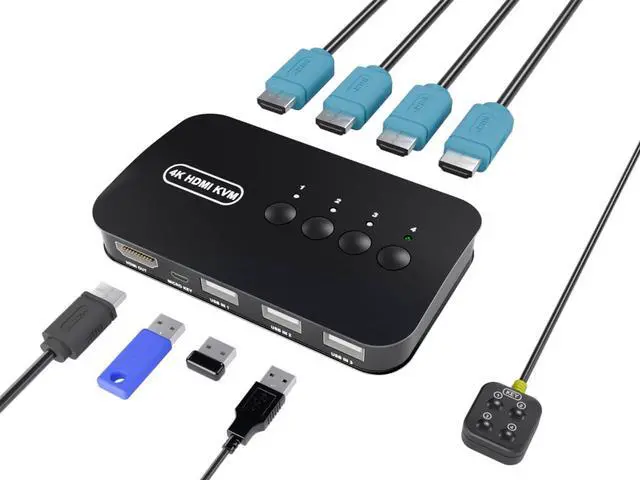
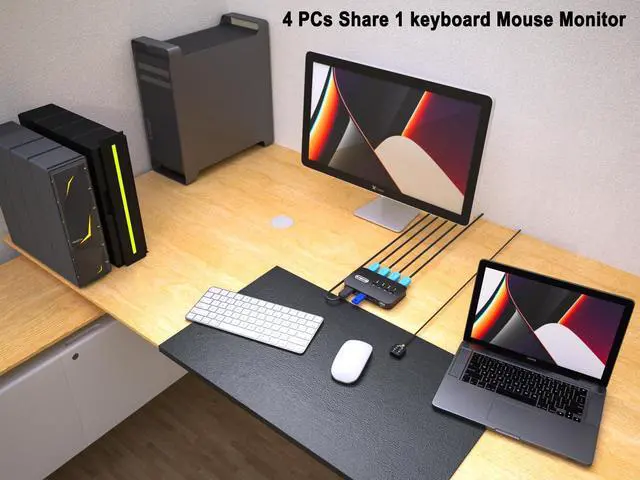
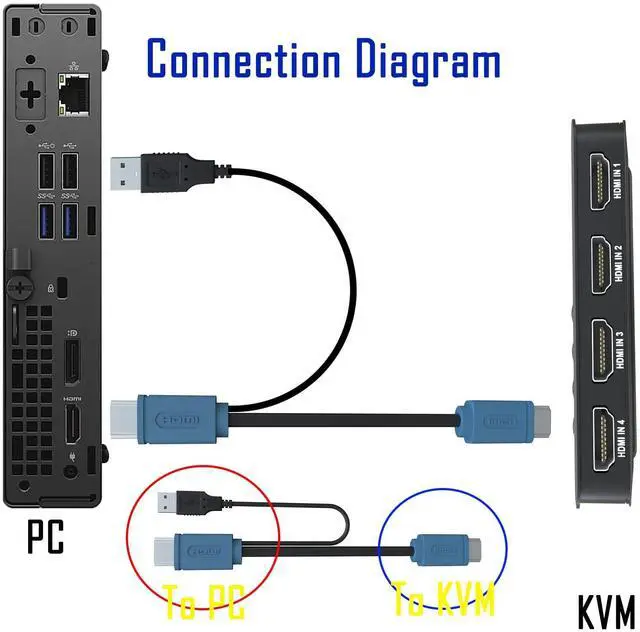
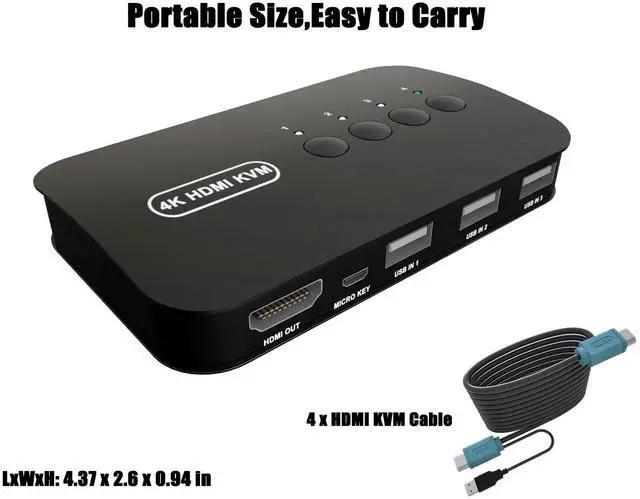
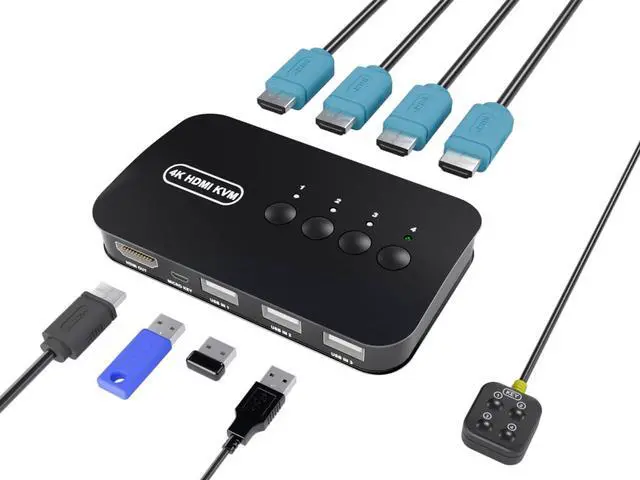
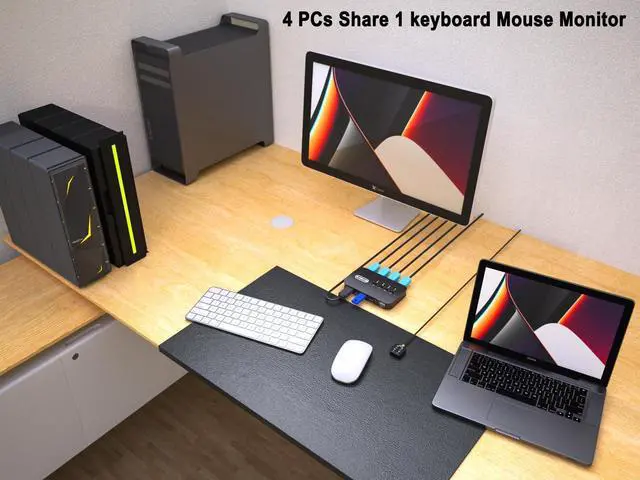
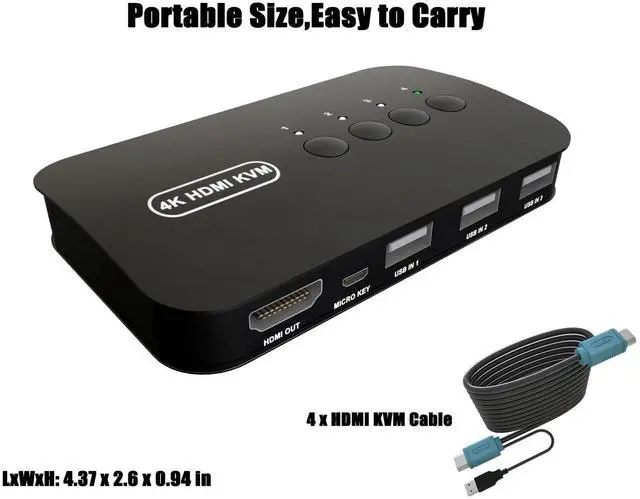
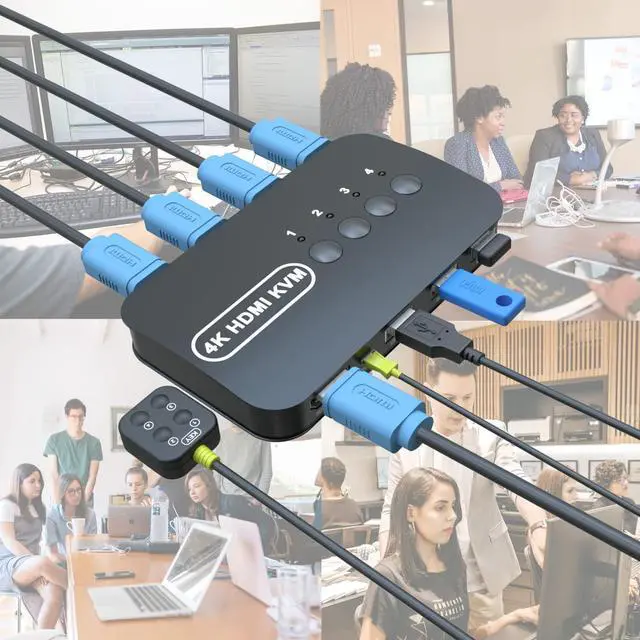
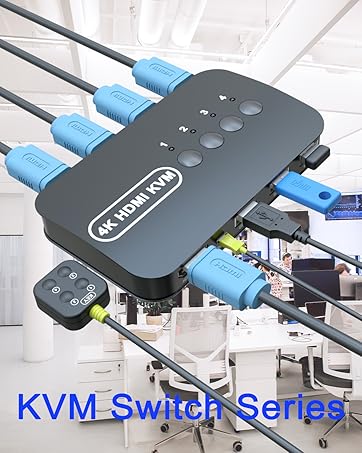
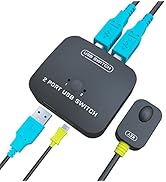
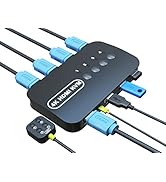
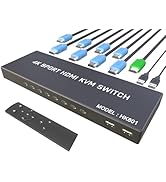
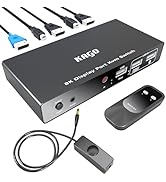
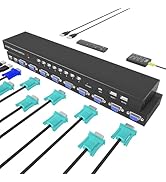
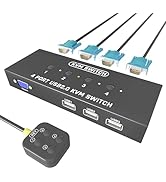
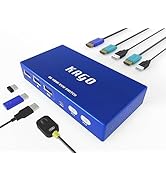
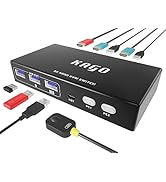
HDMI KVM Switch - 4 Computers share 1 keyboard video mouse. any desktop pc with hdmi output like laptop,gaming computer,office pc,network server computer,mini pc can share same keybord monitor mouse,cut costs and keep desktop room clean.
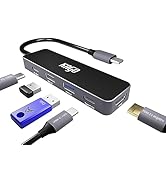
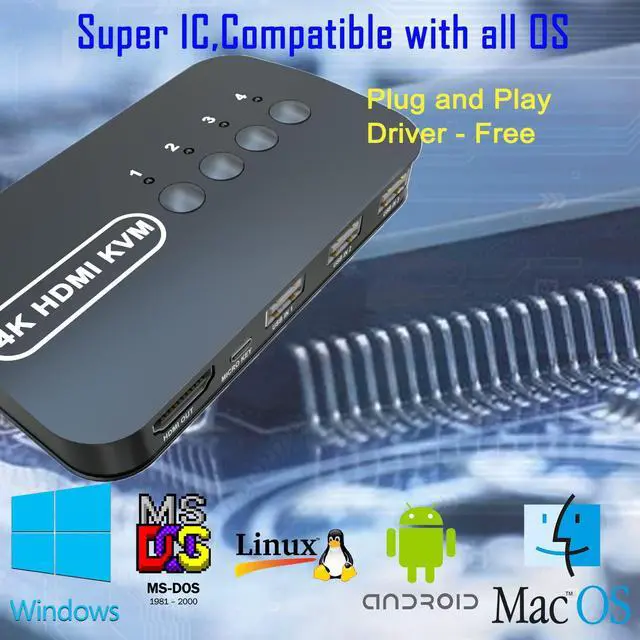
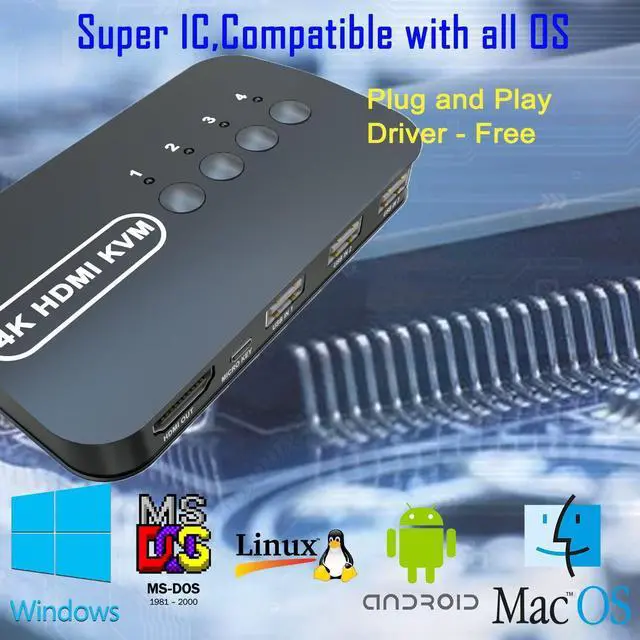
USB Switch - Share 4 USB2.0 devices,support usb keyboard mouse,printer,scanner,U disk, portable SSD drive, flash drive.plug & play,drive-free,compatible all os ,windows, dos, mac os, android,kinds of linux.
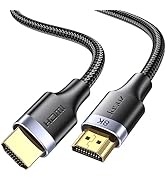
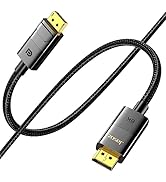
4K 30Hz Monitor - 3840*2160/30Hz,1080P,4 orginal hdmi 1.4b kvm cables, sync with 3D audio video.4k monitor, smart tv,projector.
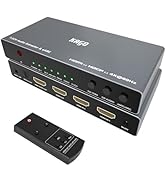
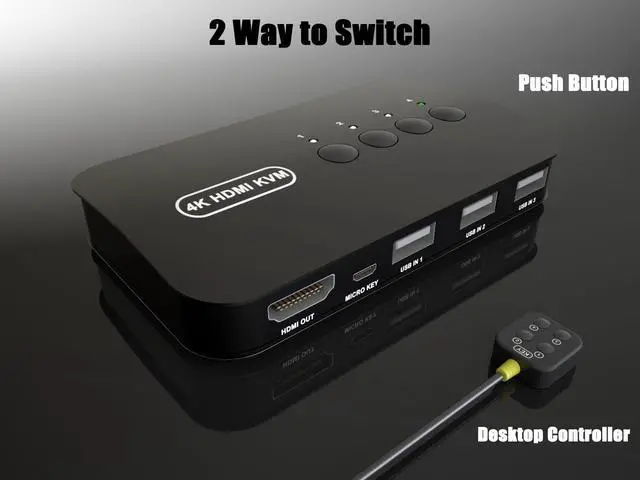
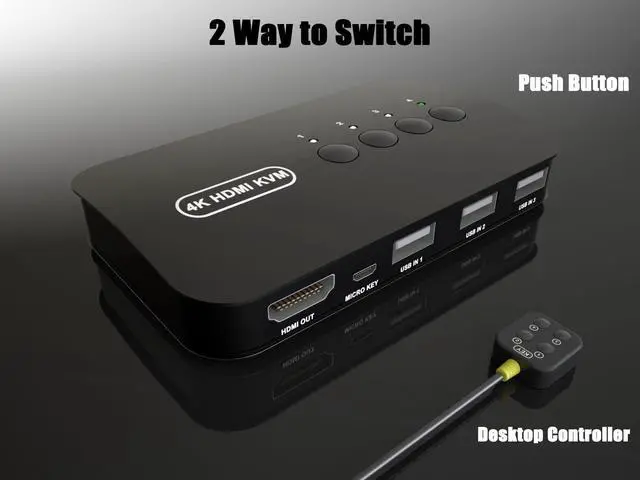
2 ways to switch - desktop controller and faceplate button. you can use the controller or push the button to swaping the pc. the Led lights indicate working computer. usb powered no addtional dc adptor
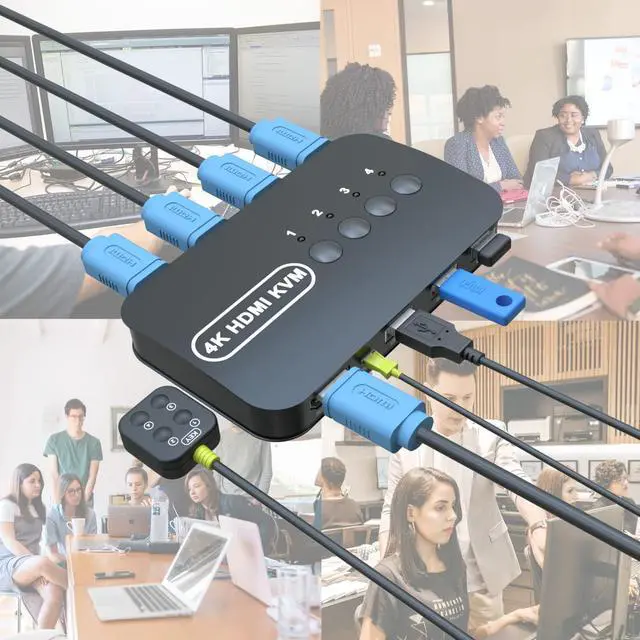
Occasions and Events - great for group conference,advertising,office,multimedia,learning,financial securities,presentations,video teaching,public security monitor,video broadcasting system.
After connecting the KVM keyboard and mouse, it is best to refresh the keyboard and mouse drivers for each PC to ensure that the keyboard and mouse of a single computer work normally after connecting to KVM. This way, the keyboard and mouse can be used correctly when switching between two computers. Please contact technical support through Amazon to answer any questions during use.
+
+
Overview
Specs
Reviews
Any questions? Our AI beta will help you find out quickly.
Try me now
Support resolution
3840*2160/30Hz,1080P/60Hz
Output Line Length
1 to 3 M(9.8Ft)
Signal Bandwidth
10.2Gbps
HDMI Input/Output Port
19+1 pin HDMI-A interface, HDMI 1.4b
USB Output Port
USB-A,USB 2.0
Tips 1
For first time use, the computer will automatically setup the USB driver. DO NOT Switch the Computers when PC loading data process. when use storage devices as portable ssd drive,u disk,etc.DO NOT switch the computers when data copying. For HDMI cable of output to Monitor,19pin +1 pin pure copper high-quality hdmi cable is recommened.
Tips 2
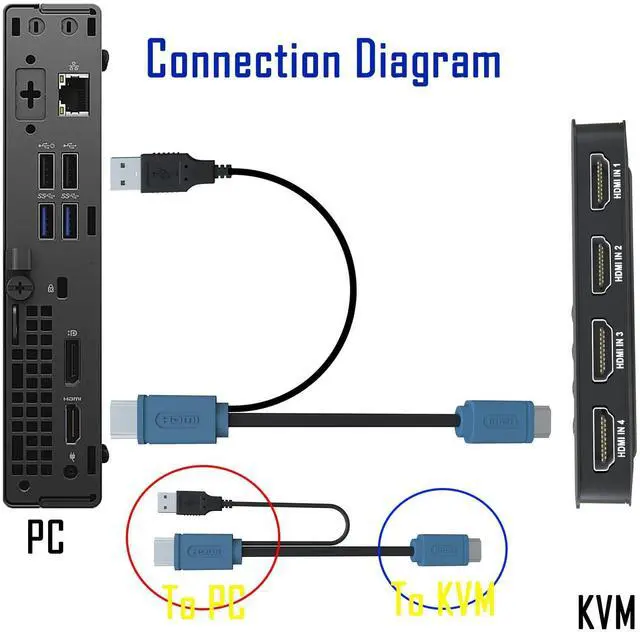
Q: Keyboard and mouse do not work properly A: Connect the hdmi kvm cable correctly, make sure the hdmi and usb ends are connected to the computer. This USB is the power supply for the KVM, so it must be properly connected and fastened. Sometimes changing the USB port fixes the problem.
Tips 3
Q: Display is not full screen, force refresh resolution A: Because there are too many types and resolutions of graphics cards, it is difficult to be compatible with all of them. So be sure to check the hdmi cable, use a high-quality hdmi cable, the original hdmi kvm cable is necessary. Also reset the computer with a good resolution, then connect to kvm.
Witbox is made up of professionals with over 20 years of experience in the electronics industry. Up-to-date knowledge of new technologies and products. Engineers have a complete control system for the original and product quality control in the product manufacturing process. Professional engineers are responsible for after-sales service. Our intelligent products have a good reputation in the market and are deeply trusted by everyone.
For first time use, the computer will automatically setup the USB driver. DO NOT Switch the Computers when PC loading data process. when use storage devices as portable ssd drive,u disk,etc.DO NOT switch the computers when data copying. For HDMI cable of output to Monitor,19pin +1 pin pure copper high-quality hdmi cable is recommened.
Tips 2
Q: Keyboard and mouse do not work properly A: Connect the hdmi kvm cable correctly, make sure the hdmi and usb ends are connected to the computer. This USB is the power supply for the KVM, so it must be properly connected and fastened. Sometimes changing the USB port fixes the problem.
Tips 3
Q: Display is not full screen, force refresh resolution A: Because there are too many types and resolutions of graphics cards, it is difficult to be compatible with all of them. So be sure to check the hdmi cable, use a high-quality hdmi cable, the original hdmi kvm cable is necessary. Also reset the computer with a good resolution, then connect to kvm.
KVM Switch
KVM Switch
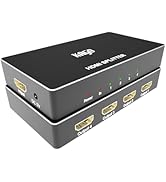
HDMI Splitter
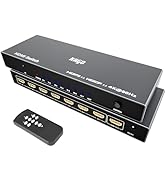
HDMI Switch
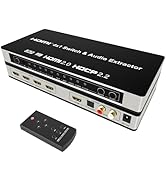
HDMI Cable

Witbox is made up of professionals with over 20 years of experience in the electronics industry. Up-to-date knowledge of new technologies and products. Engineers have a complete control system for the original and product quality control in the product manufacturing process. Professional engineers are responsible for after-sales service. Our intelligent products have a good reputation in the market and are deeply trusted by everyone.
Switch 4 Port -USB KVM for 4 Computers Share Keyboard Mouse Printer, Flash Drive, HD Monitor, Support 4K@30Hz, 4 HDMI KVM Cables 1 Desktop Controller Included
Learn more about the Generic Brand HK401
Model
Brand
KAGO
Model
HK401
Part Number
HK401
Details
Type
Push Button
Monitor Connections
HDMI 4p
PC Selection
Push Button
Features
Power Features
5 volts
Dimensions & Weight
Dimensions
3.7 in x 6.3 in x 5.5 in
Weight
0.608 kilograms
Additional Information
First Listed on Newegg
March 08, 2026
Customer Reviews of the Generic Brand HK401
There are no reviews yet.
Do you own this product?
Warranty & Returns
Warranty, Returns, And Additional Information
Warranty
Please contact the Seller directly for warranty information. Warranty information may also be found on the Manufacturer's website.