




 here!
here!
I’m your shopping assistant for PC builds, upgrades, and everything tech.
Got questions? Ask away!
Start a conversation
here!
I’m your shopping assistant for PC builds, upgrades, and everything tech.
Got questions? Ask away!
Start a conversation



Any questions? Ask CelesteSM will help you find out quickly.
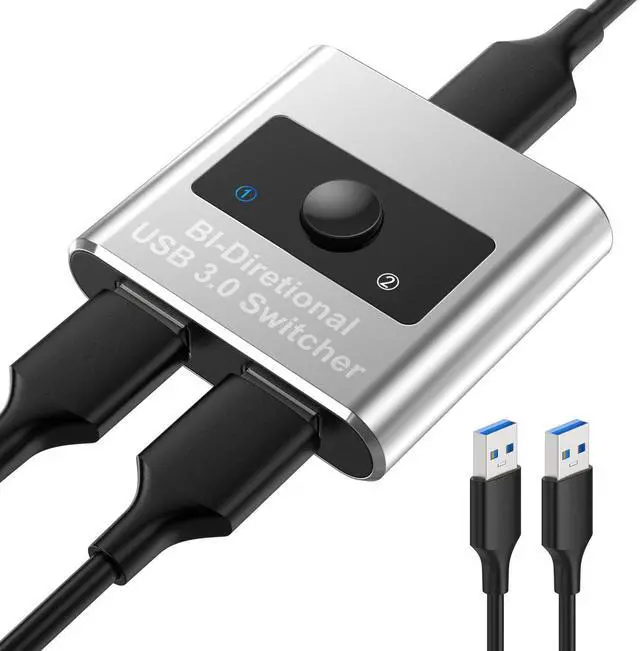
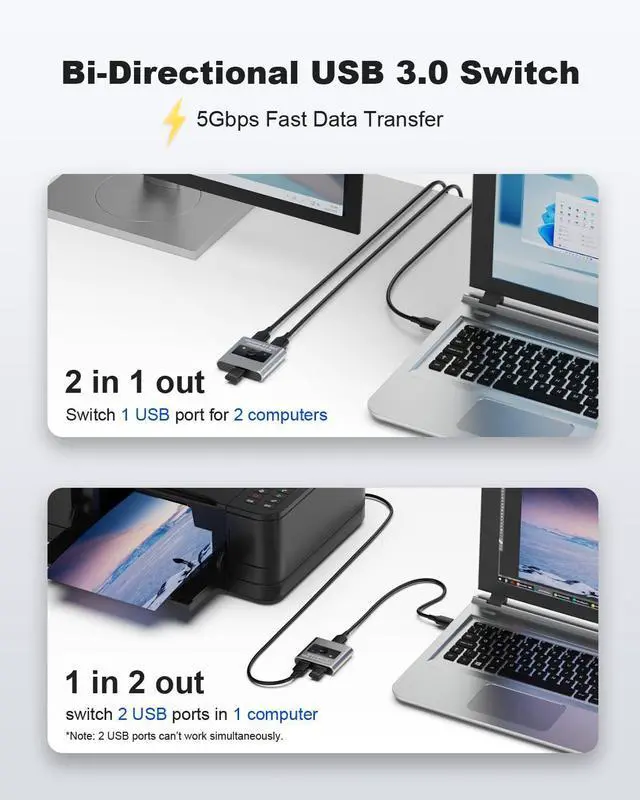
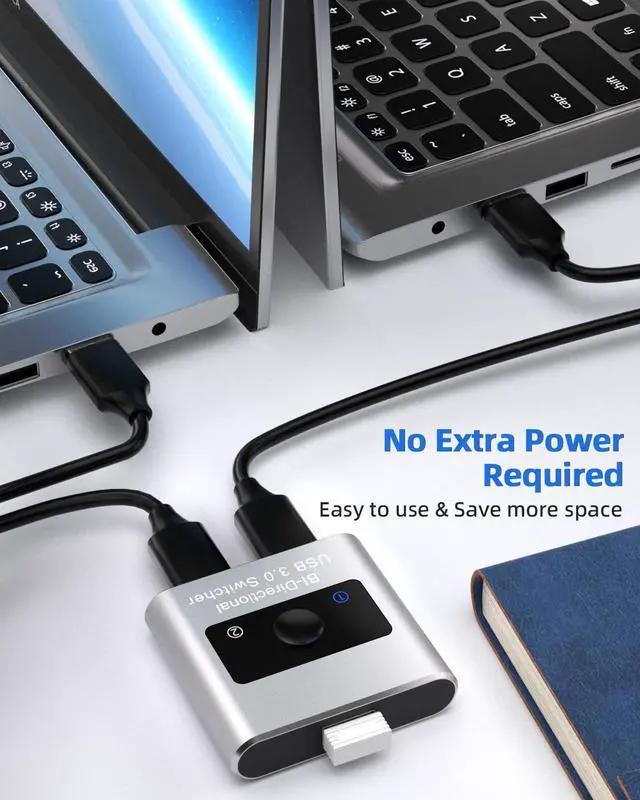
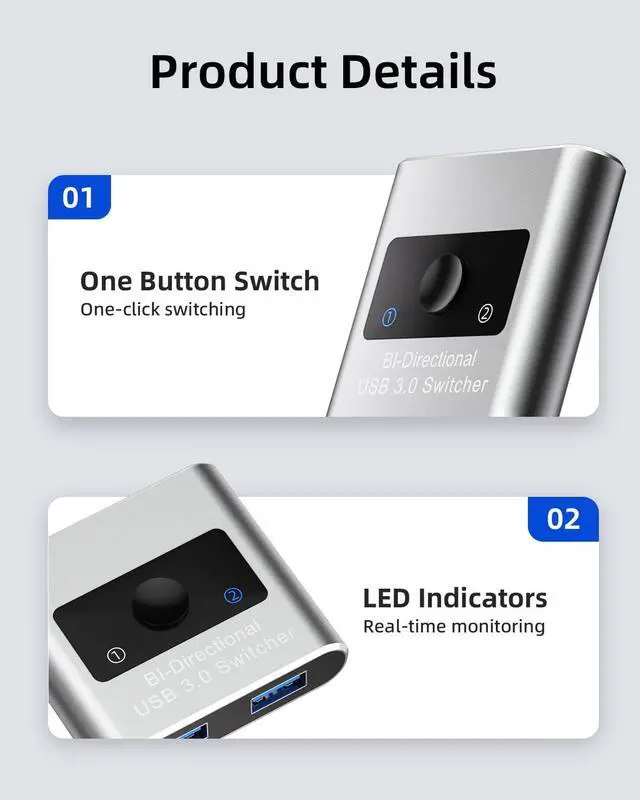
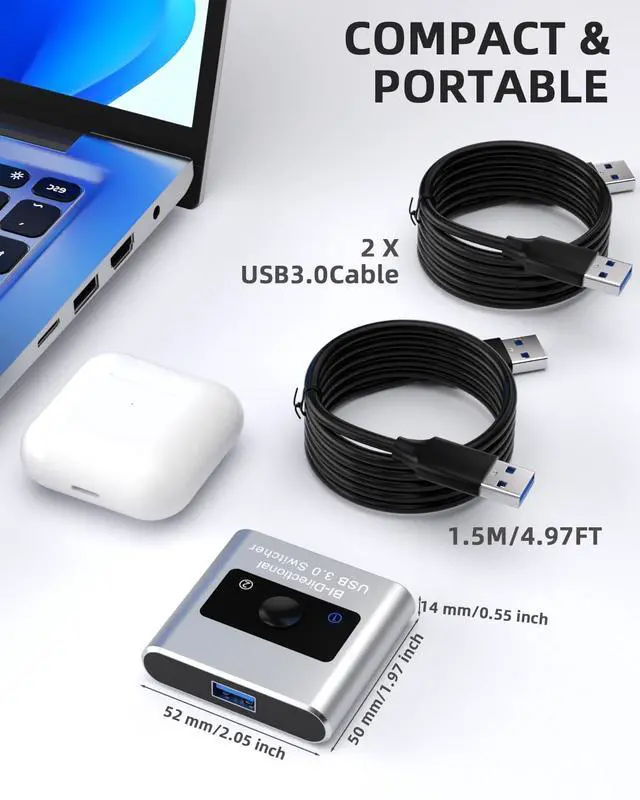
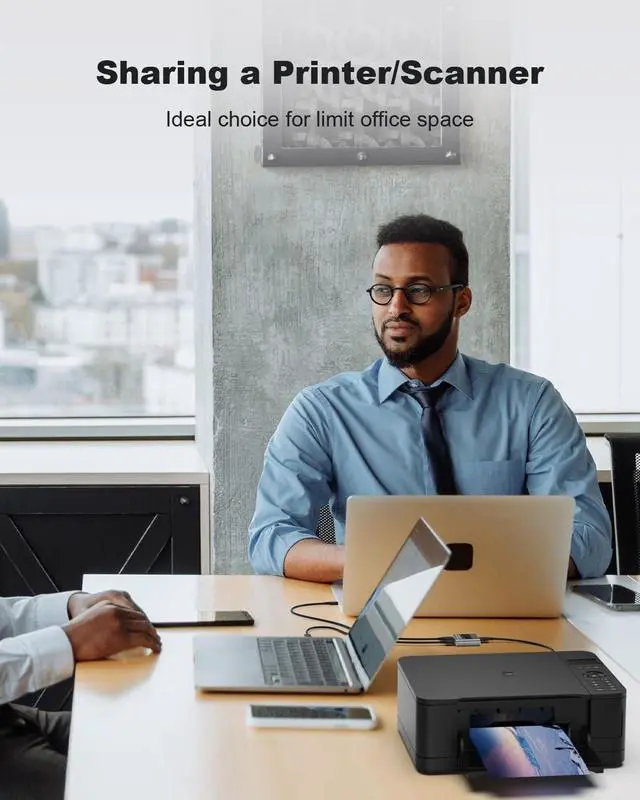
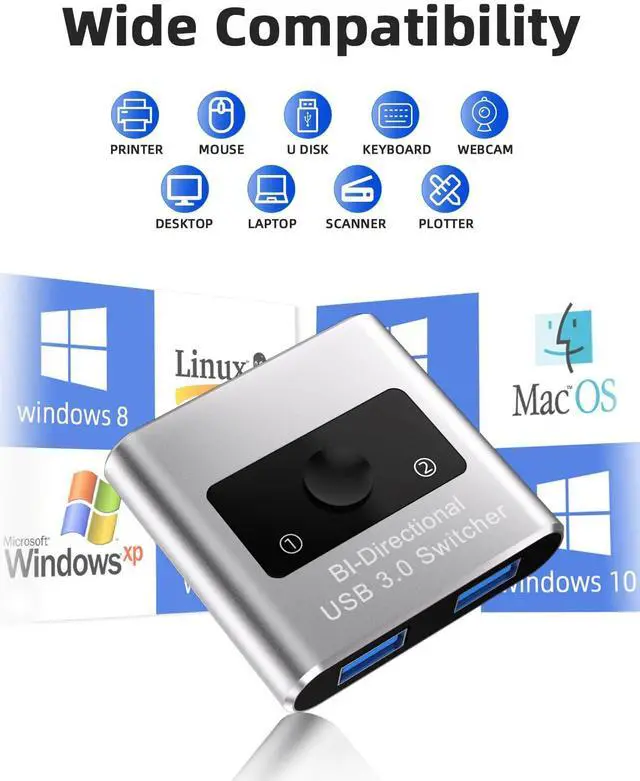
Bi-directional USB 3.0 Switch and Hub Work as a USB Switch - 1 in 2 out USB 3.0 Switch is an excellent choice to share 1 USB 3.0 device between two systems, ideal for sharing a printer or scanner in a small office environment. It's also great for home use with multiple PCs or Macs. Mostly used for printer switch 2 computers to 1 printer. Work as a hub - This USB switcher supports 1 computer to expand 2 more USB 3.0 ports. USB switch also supports connection with Hubs - If connected with another external hub, more available USB ports can be expanded. Universal USB 3.0 Device: --- This USB Switch would work with all USB 3.0 devices, such as external hard disk, USB hub, USB flash drive, high-resolution webcam, multi-channel audio and more. --- USB 3.0 Ultra-Fast Speed - USB 3.0 Switch supports ultra-fast USB 3.0 data transfer rates of up to 5 Gbps (10 times faster than USB 2.0). Easy Installation --- This USB 3.0 switch is plug-and-play on Windows/Linux/macOS/Chrome OS, no additional driver installation is needed. Please note: 1. This switch requires manual control to select the active computer port; it does not 'automatically' switch between ports. 2. Use the provided 1.5M cables to connect the USB switch to your computers and keep the USB cable that connects your peripheral to the USB switch under 6ft/1.8m. 3. 2.4 GHz wireless devices, such as wifi, wireless keyboard and mouse adapters, may not work stable near USB 3.0 devices. Try using the host port or a USB 2.0 connection.
| Operation Mode | manual |
| Contact Type | Normally Open |
| Connector Type | Usb |
| Brand | KEHIPI |
| Terminal | Through Hole |
| Item dimensions L x W x H | 5.1 x 3.1 x 2 inches |
| Circuit Type | 2-way |
| Contact Material | Aluminum |
| International Protection Rating | IP54 |
| Number of Positions | 2 |
provides lifetime technical support and a 36-month after-sale warranty for this USB Switch. if you have any problem, please feel free to contact us by email and we will get back to you as soon as possible within 24 hours.


