

Your Browsing History

Meet Your Seller

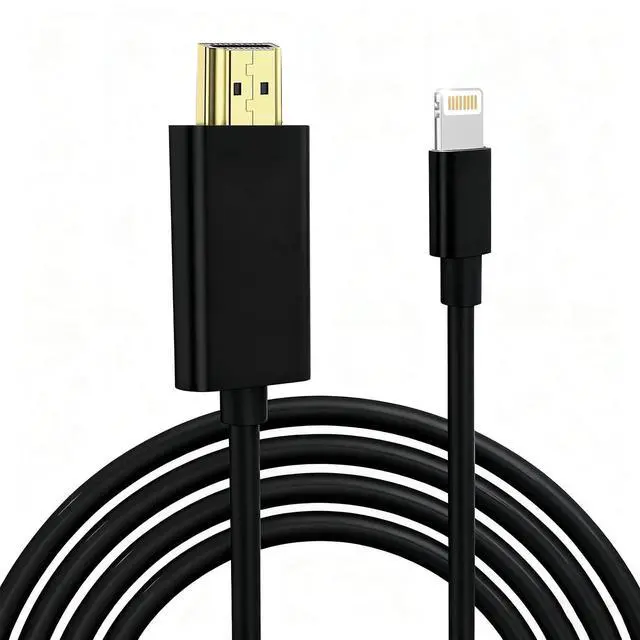


Lightning to HDMI Cable for iPhone Digital AV Adapter 1080P HD Video Sync Screen Connector iPhone to HDMI for TV Projector Monitor Support iOS 18 Black 13.2FT
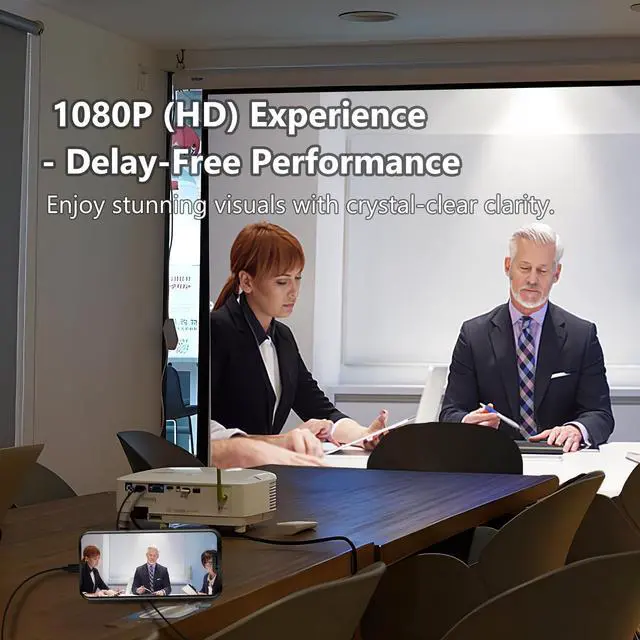
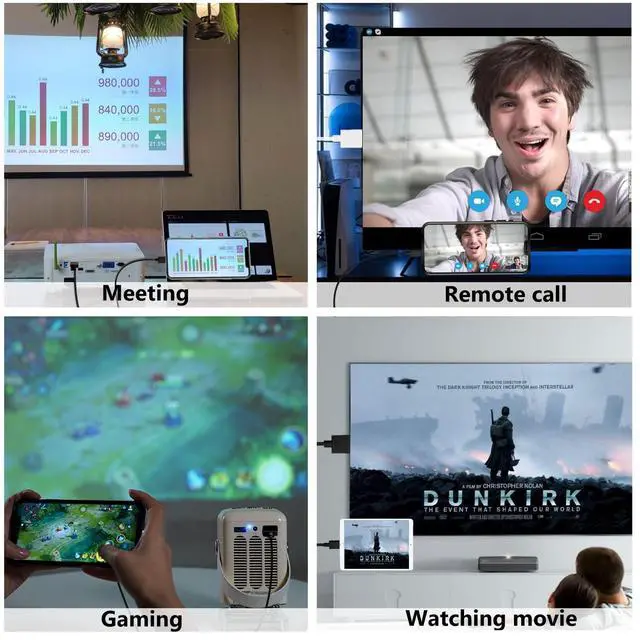
- 1080P (HD) Experience: Elevate your viewing experience with our Lightning to HDMI cable supporting a resolution of up to 1080P (HD). Mirror what's displayed on your iPhone screen, including images, movies, games, apps, presentations, websites, slide shows, and more, on your HDMI-equipped TV, display, projector, or other compatible screens. Enjoy stunning visuals with crystal-clear clarity.
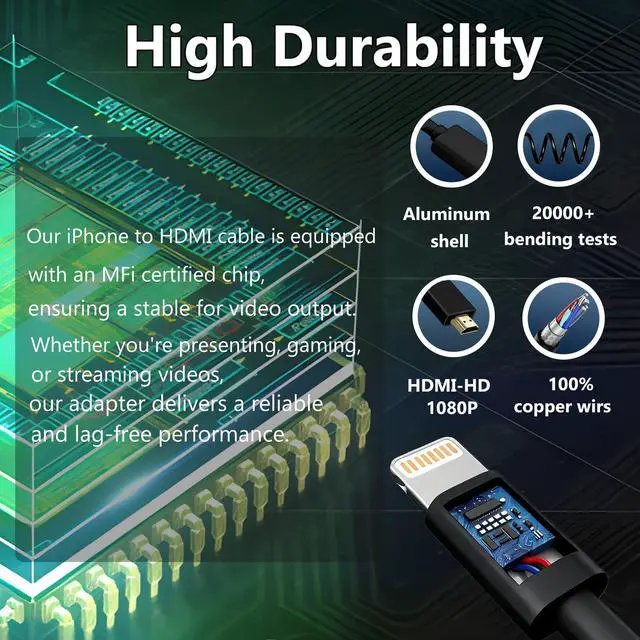
- Delay-Free Performance: Our iPhone to HDMI cable is equipped with an MFi certified chip, ensuring stable video output. Enjoy content stress-free on a large screen without experiencing delays. Whether you're presenting, gaming, or streaming videos, our adapter delivers reliable and lag-free performance.
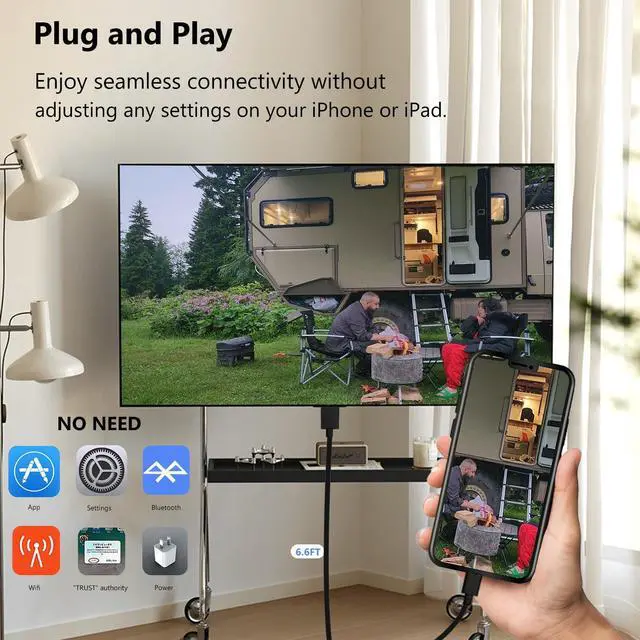
- Plug and Play: With our iPhone HDMI adapter, connect your iPhone to TV directly without needing an extra HDMI Cable. It is the perfect solution for seamless connectivity between your iPhone and TV, projector, or monitor. With a 13.2ft length and durable construction, you can enjoy crystal-clear audio and high-definition video with ease. Enjoy seamless connectivity without adjusting any settings on your iPhone.
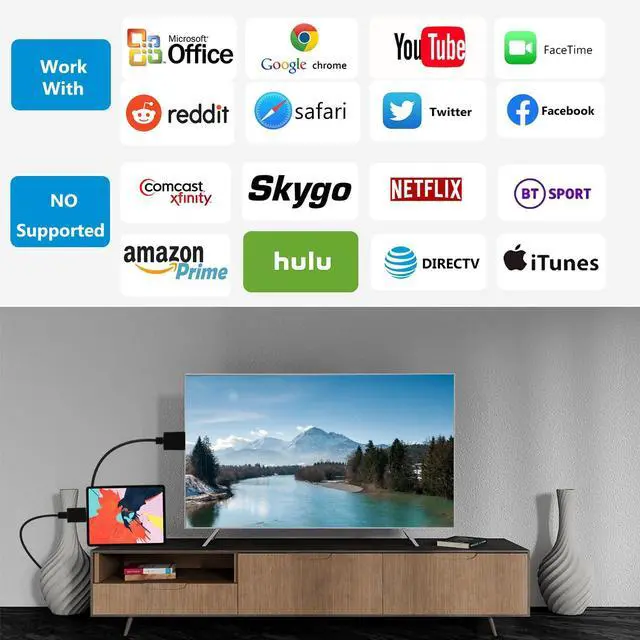
- Apps Supported: Lightning to HDMI adapter supports a variety of apps, including YouTube, Hulu Plus, IDMB, Quickly, Family On TV, ABC, NBC, and FOX, along with local videos. Please note that it does not work with apps that have "HDCP" video copyright protection, such as Netflix, Prime Video, Amazon Video, HBO Go, Hulu, etc. Enjoy a wide range of content on your preferred platform.
+
+
Overview
Specs
Reviews

Any questions? Our AI beta will help you find out quickly.
Try me now
[Apple MFi Certified] 1080P Lightning to HDMI cable for iPhone iPad, Share Big Screen with Your Family or Friends.
Features
1. Use the iPhone to HDMI cable with your iPhone, i-Pad with connector.
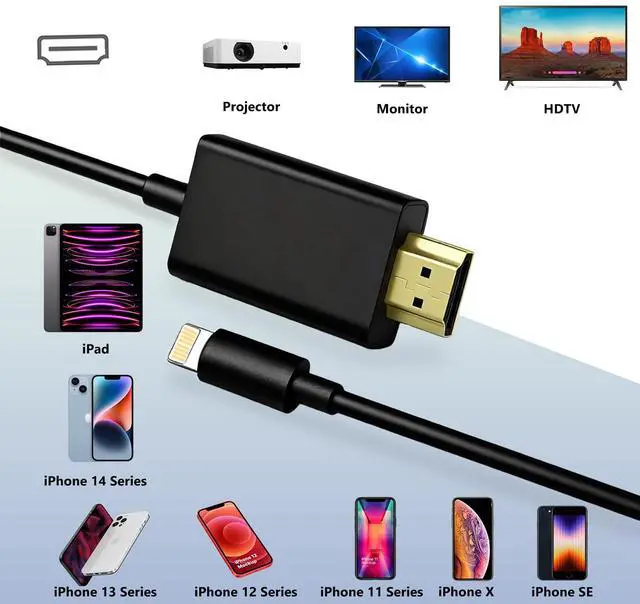
2. The lightning to HDMI adapter supports mirroring of what is displayed on your device screen to your HDMI enabled TV, display, projector, or other compatible display in up to 1080P HD.
3. Compared with other iphone hdmi adapter, this can be used normally without power supply and extra HDMI Cable.
4. It also outputs video content movies, TV shows, captured video to your big screen in up to 1080P HD.
5. With no drivers, apps, personal hotspots, or WiFi required, simply plug the adapter into your device for automatic connection.
Widely Compatible
Lightning to digital av adapter support for multiple devices, such as iPhone 14/14 Plus/14 Pro/14 Pro Max/13/13 Pro/13 Pro Max/13 Mini/12/12 Pro/12 Pro Max/12 Mini/11/11 Pro/11 Pro Max, iPhone X/XR/XS/XS Max, iPhone 8 7 6 Plus, iPhone 5/5S/5C/SE, i-Pad and other the Lightning interface devices. Support all iOS Version. No need to worry about system upgrades.
Supported Applications
This iPhone HDMI adapter supports FaceTime, Skype, and WhatsApp video calls; and supports streaming videos, pictures, and games on Facebook, YouTube, Twitter, Instagram, Reddit, Pinterest, Snapchat, IDMB, Microsoft Office, etc.
Note:
Due to copyright protection measures, Phone HDMI cables may not support paid videos in Netflix, HBO GO, Xfinity Player, Hulu, Directv, Vudu, and other apps.
Easy Set up (no need power supply)
Plug: Insert the HDMI cable into the HDMI port on the TV. and the other end to the iPhone or Pad.
Play: Select the HDMI signal source on your TV corresponding to the HDMI port plugged, e.g. HDMI 1/HDMI 2, then enjoy the big screen.
Warranty & Returns
Warranty, Returns, And Additional Information
Warranty
- Please contact the Seller directly for warranty information. Warranty information may also be found on the Manufacturer's website.
- CONTACT
Return Policies
- Return for refund within: 30 days
- Return for replacement within: 30 days
- This item is covered by Eirtinkylle Return Policy
Manufacturer Contact Info
- For a directory of all our manufacturers, please click below.
- Manufacturers Directory
LOADING...