




 here!
here!
I’m your shopping assistant for PC builds, upgrades, and everything tech.
Got questions? Ask away!
Start a conversation
here!
I’m your shopping assistant for PC builds, upgrades, and everything tech.
Got questions? Ask away!
Start a conversation



Any questions? Ask CelesteSM will help you find out quickly.
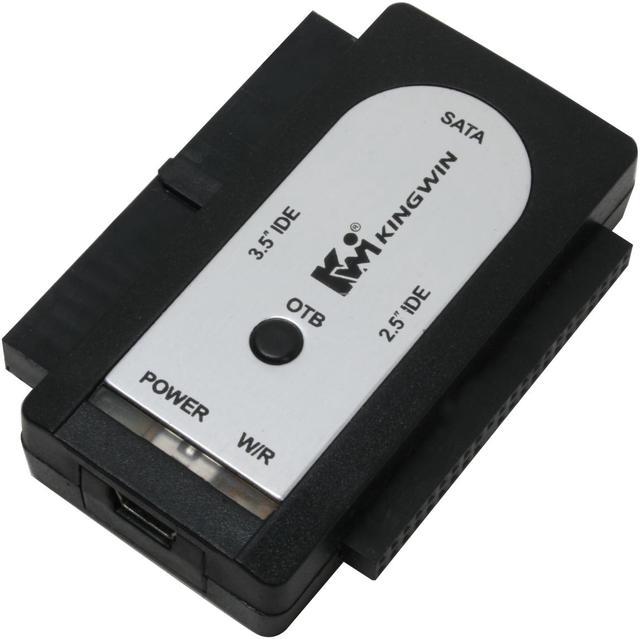
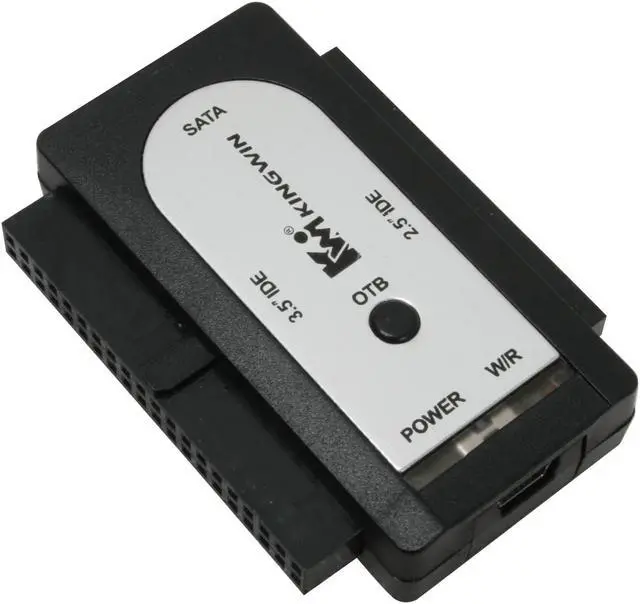
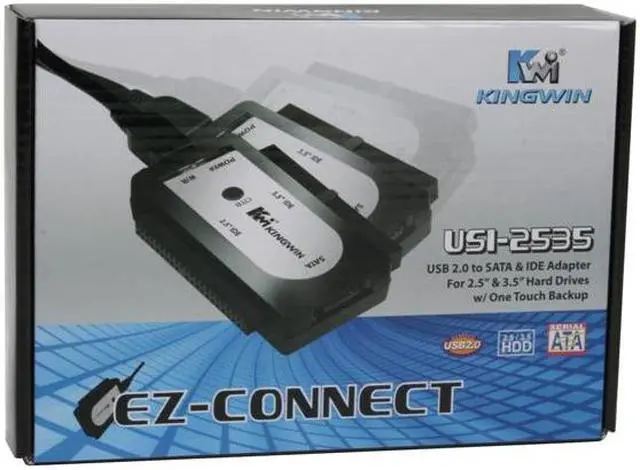
The EZ-Connect is your portable, intelligent, and easy all-in-one USB solution for connecting an external SATA/IDE drive to your computer. The high performance unit offers a high speed USB 2.0 to SATA or IDE interface, and features SATA drive hot-swap capability. It also comes with an advanced one-touch backup function. In addition, it is easy to connect.
 High performanceThe EZ-Connect USI-2535 is a high speed USB 2.0 to SATA/IDE adapter, letting you easily attach an external SATA or IDE drive to instantly access the drive from your PC through the USB port. This EZ-Connect adapter can support either SATA (HDD or SSD) or IDE hard drive in 2.5”, 3.5”, or 5.25” form factors of up to 3TB in disk size. The Hi-Speed USB interface offers plug-and-play capabilities with bandwidth of up to 480Mbps.
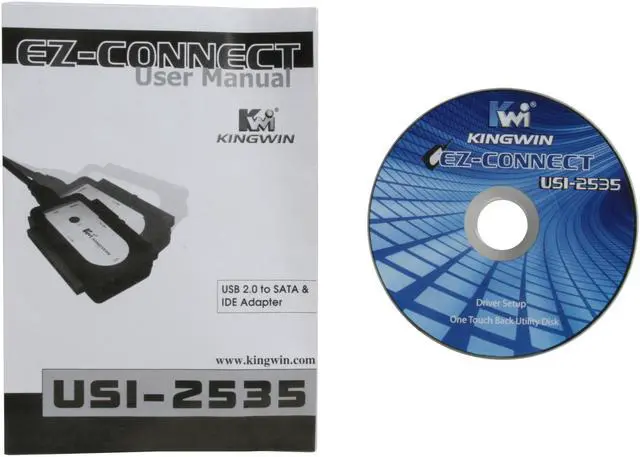
 One-touch backup functionThe EZ-Connect adapter also comes with a built-in One Touch Backup (OTB) button feature for backing up your files instantly. Just plug the EZ-Connect adapter to your computer, and press the OTB button to automatically run the EZ-Connect backup software program. (*You need to install the EZ-Connect software first to your computer running Windows.)
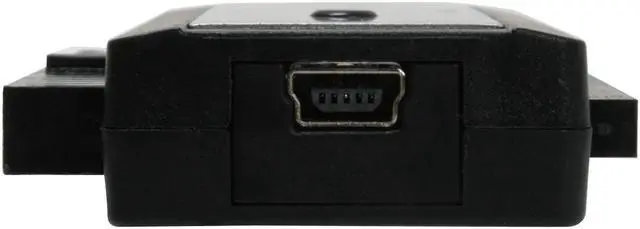
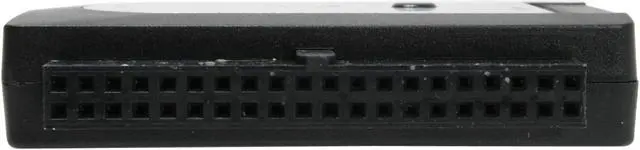
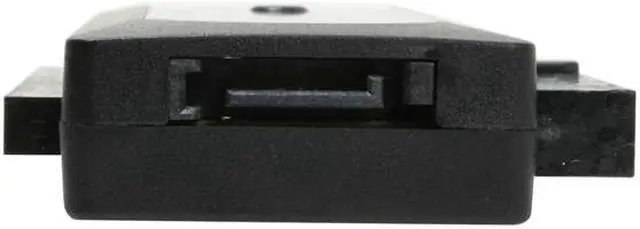
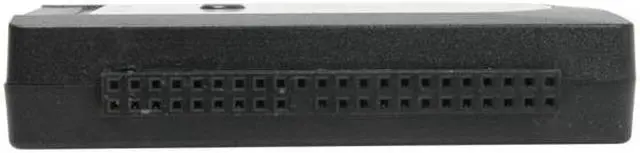
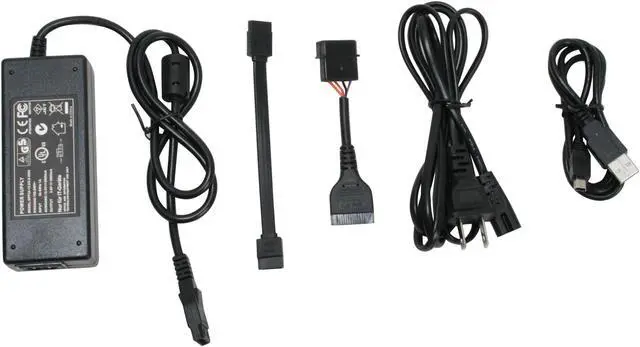
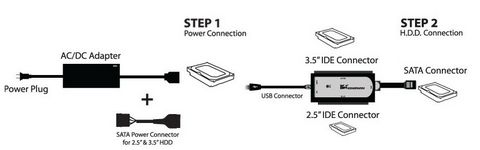
 Connecting simply and easilyThe EZ-Connect adapter has a three-in-one drive connector with a 3.5” IDE connector on one side and a 2.5” IDE connector on the other side for attaching IDE drives, and a SATA connector in front to attach the SATA data cable and the 2.5”/3.5” SATA drive. External AC/DC power adapter and SATA power connector are included to supply power to the hard drive. Then simply plug the USB cable into your computer (support for Windows and Mac), and the drive is automatically recognized. No driver installation needed. (*You can only attach one drive at a time).


