




Redefine Your Keyboard Standard
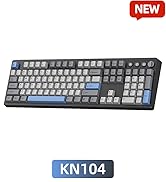
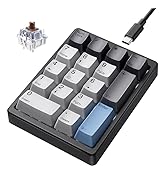
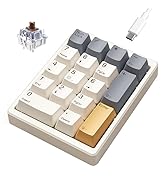
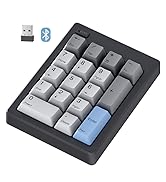
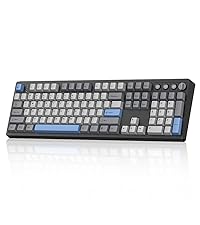 KN104 Mechanical Keyboard | 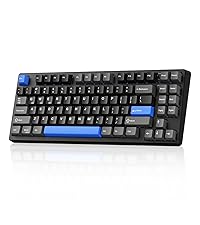 KN85 Mechanical Keyboard | 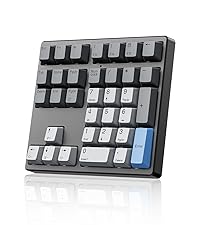 KN34 Number Keypad | 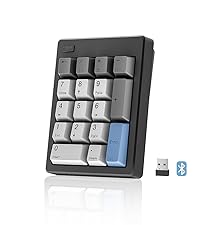 FD17 Number Keypad | 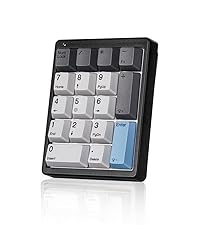 KN17 Number Keypad | |
|---|---|---|---|---|---|
Customer Reviews | — | — | — | — | — |
Price | — | — | — | — | — |
Switch Type | Bsun Linear Switch | Bsun Linear Switch | Gateron Red Switch | Bsun Linear Switch | Outemu Brown Switch |
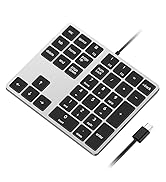
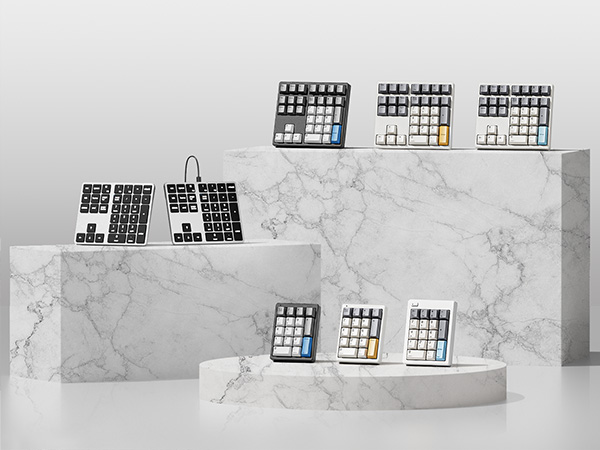
Layout Keys | 100% ANSI US, 104 keys | 75% ANSI US, 85 keys | 34 keys | 17 keys | 17 keys |
Backlight | RGB | RGB | White | X | White |
Connection | Wired/2.4G /Bluetooth 5.0 | Wired/2.4G /Bluetooth 5.0 | Detachable Type-c Wired | 2.4G /Bluetooth 5.0 | Detachable Type-c Wired |
Hot-Swappable | ? | ? | ? | ? | ? |
Anti-Ghosting | ? | ? | ? | ? | ? |
Programmable | KN104 software(WIN only) | KN85 software(WIN only) | X | X | X |
Size/Weight | 17.52*5.55*1.65in/2.41lb | 13.68*5.51*1.77in /1.98lb | 5.87*5.28*1.54in/1.12lb | 4.84*3.62*1.61in/0.44lb | 4.41*3.39*1.38in/0.49lb |

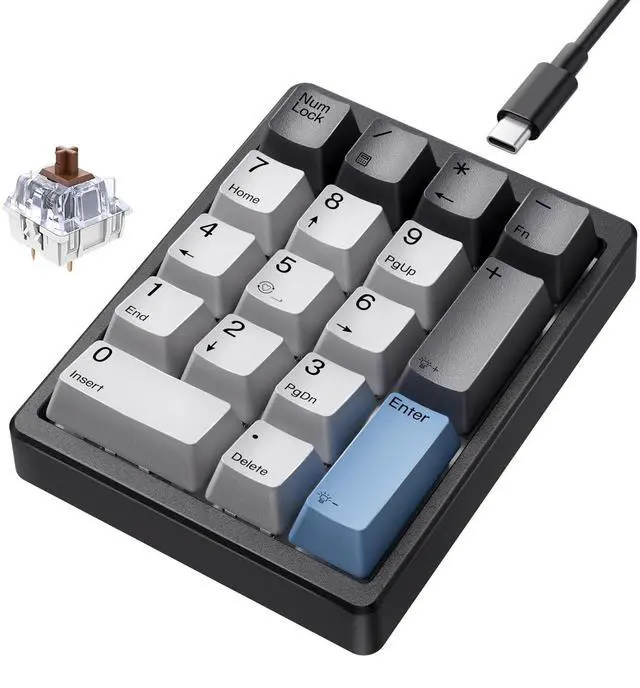
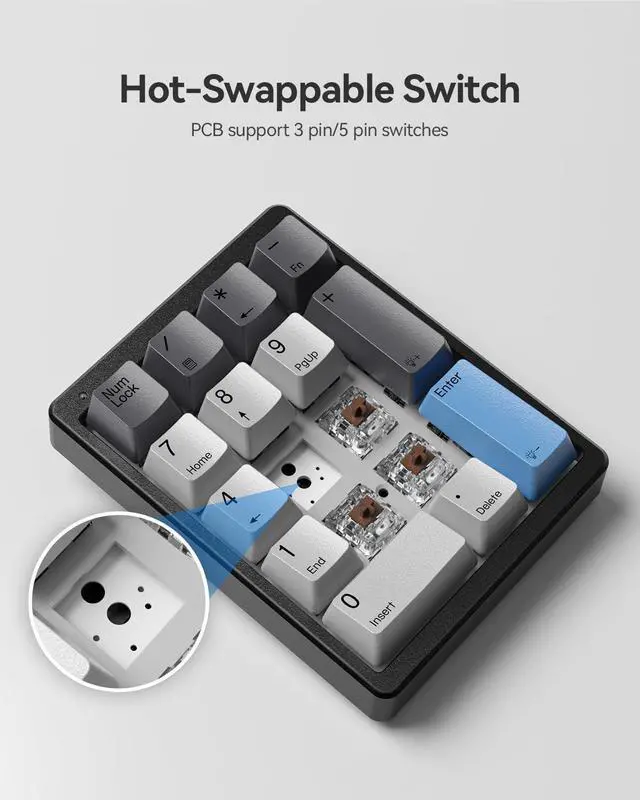
Hot-swappable with 3pin&5pin

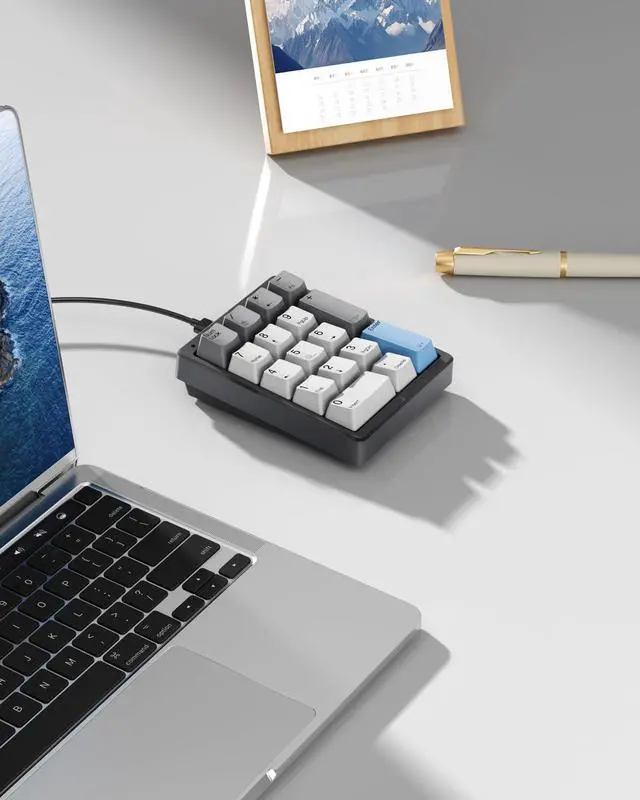
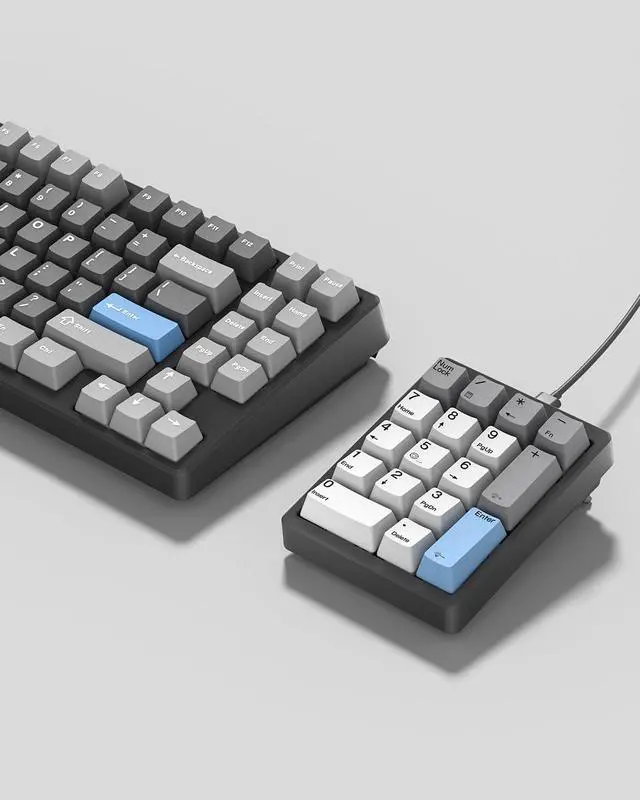
Match with Compact Keyboard


Ergonomic Design
Adjustable kickstand and stepped keycaps for easy use.

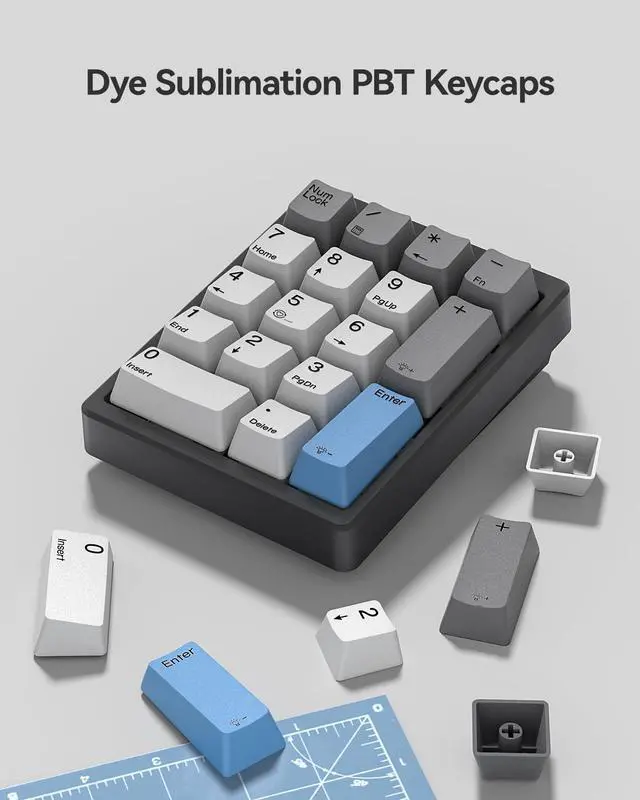
PBT Dye-Sub Keycaps
Resistant to wear and provide a satisfying typing feel.

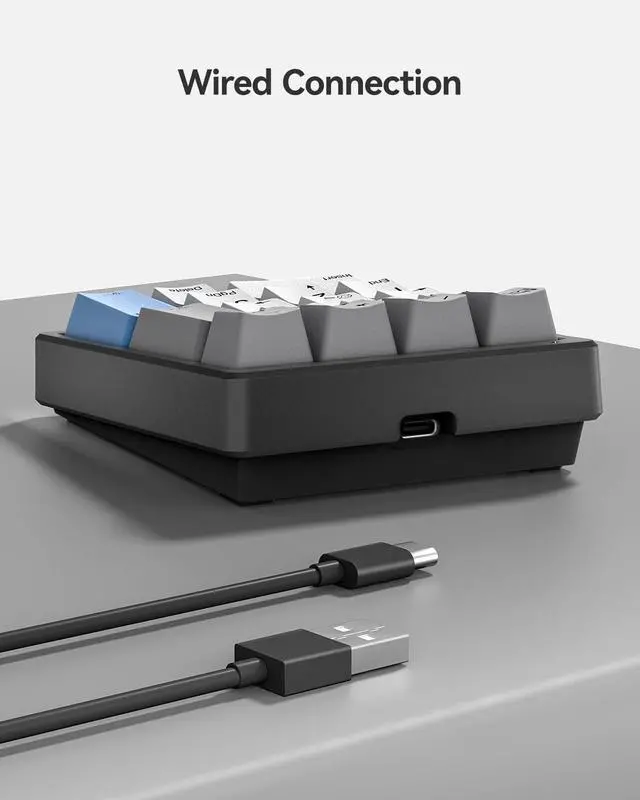
Wired Connection
Detachable USB-A to USB-C cable(1.5m) for stable transmission.

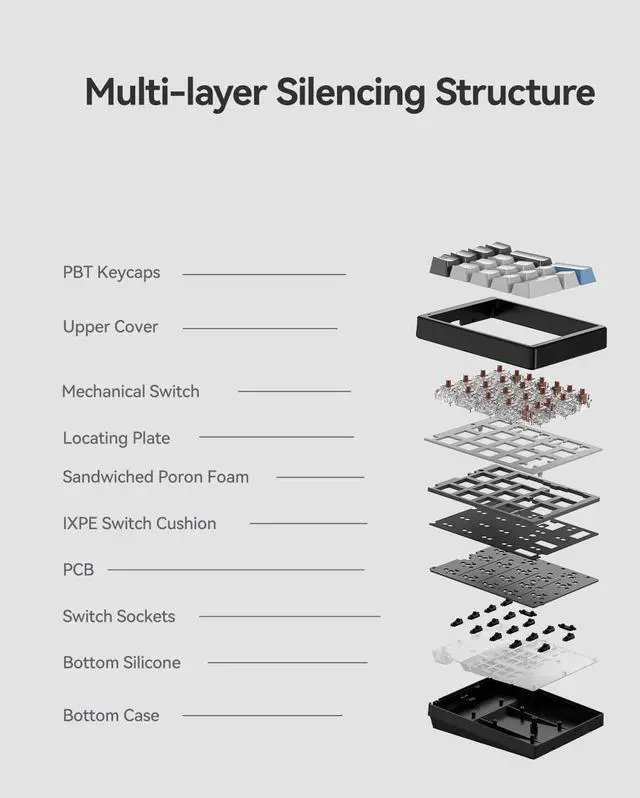
Silencing Structure
Multi-layered cushion design provides a better typing experience.
Does it have a wireless option?
No, the KN17 connects only via the included 1.5m USB-A to USB-C cable. If you need a wireless version, please refer to Kisnt FD17 model.
Does this keypad have any programmable keys?
No, this 10 key focuses solely on plug-and-play numeric input with fixed key functions,no programming/remapping support.
Can it be used with a MacBook?
Yes, the numpad is Mac-compatible, with the following limitation: Calculator, Home, End, Page Up, Page Down, Insert, Delete, and arrow keys are non-functional.
How to adjust the backlighting?
Lighting modes: Press the "-" + "5" keys .
Brightness increase: Press the "-" and "+" keys.
Brightness decrease: Press the "-" and "Enter" keys.
What's the key combination for the calculator and backspace?
Calculator: Only on Windows, press the "-" and "/" keys together.
Backspace: Activated by simultaneously pressing the "-" and "*" keys.


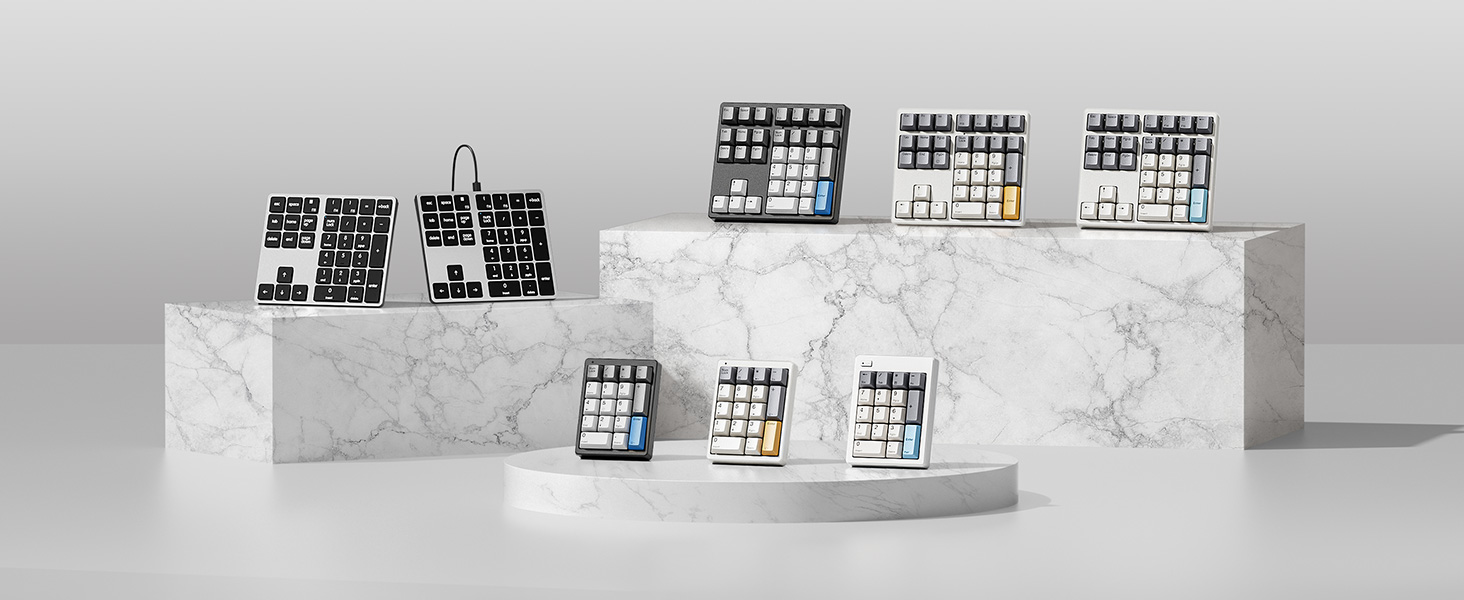
Redefine Your Keyboard Standard
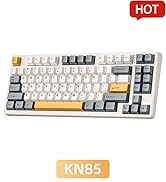
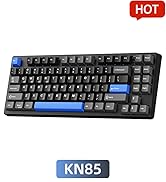
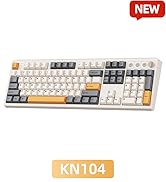
KN104 Mechanical Keyboard | KN85 Mechanical Keyboard | KN34 Number Keypad | FD17 Number Keypad | KN17 Number Keypad |
|---|---|---|---|---|
| Customer Reviews | ||||
| — | — | — | — | — |
| Price | ||||
| — | — | — | — | — |
| Switch Type | ||||
| Bsun Linear Switch | Bsun Linear Switch | Gateron Red Switch | Bsun Linear Switch | Outemu Brown Switch |
| Layout Keys | ||||
| 100% ANSI US, 104 keys | 75% ANSI US, 85 keys | 34 keys | 17 keys | 17 keys |
| Backlight | ||||
| RGB | RGB | White | X | White |
| Connection | ||||
| Wired/2.4G /Bluetooth 5.0 | Wired/2.4G /Bluetooth 5.0 | Detachable Type-c Wired | 2.4G /Bluetooth 5.0 | Detachable Type-c Wired |
| Hot-Swappable | ||||
| ? | ? | ? | ? | ? |
| Anti-Ghosting | ||||
| ? | ? | ? | ? | ? |
| Programmable | ||||
| KN104 software(WIN only) | KN85 software(WIN only) | X | X | X |
| Size/Weight | ||||
| 17.52*5.55*1.65in/2.41lb | 13.68*5.51*1.77in /1.98lb | 5.87*5.28*1.54in/1.12lb | 4.84*3.62*1.61in/0.44lb | 4.41*3.39*1.38in/0.49lb |

Hot-swappable with 3pin&5pin

Match with Compact Keyboard

Ergonomic Design
Adjustable kickstand and stepped keycaps for easy use.
PBT Dye-Sub Keycaps
Resistant to wear and provide a satisfying typing feel.
Wired Connection
Detachable USB-A to USB-C cable(1.5m) for stable transmission.
Silencing Structure
Multi-layered cushion design provides a better typing experience.
Does it have a wireless option?
No, the KN17 connects only via the included 1.5m USB-A to USB-C cable. If you need a wireless version, please refer to Kisnt FD17 model.
Does this keypad have any programmable keys?
No, this 10 key focuses solely on plug-and-play numeric input with fixed key functions,no programming/remapping support.
Can it be used with a MacBook?
Yes, the numpad is Mac-compatible, with the following limitation: Calculator, Home, End, Page Up, Page Down, Insert, Delete, and arrow keys are non-functional.
How to adjust the backlighting?
Lighting modes: Press the "-" + "5" keys .
Brightness increase: Press the "-" and "+" keys.
Brightness decrease: Press the "-" and "Enter" keys.
What's the key combination for the calculator and backspace?
Calculator: Only on Windows, press the "-" and "/" keys together.
Backspace: Activated by simultaneously pressing the "-" and "*" keys.
Best Budget Creamy Keyboard
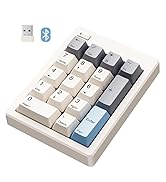
17 Keys Series
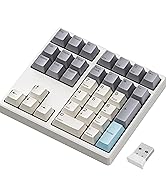
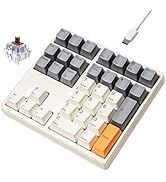
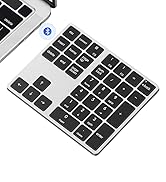
34 Keys Series
