




Norwii is a professional brand and manufacturer with 18 years experiences in Wireless Presenter.
We have experienced R&D team, professional service team and more than 100 skilled workers, which can assure our products and services with top-class quality.
We value the innovation and user experience of our products. We aim to constantly create new possibilities and convey the "joy of speech" to more people

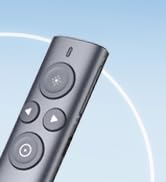
Presenter clicker for LED/TV
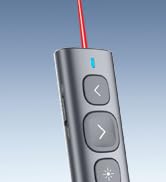
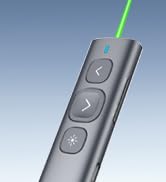
N95 Rechargeable Presenter
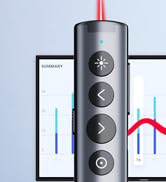
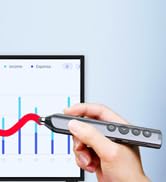
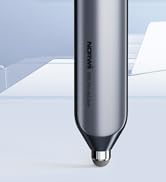

Presenter clicker with Stylus
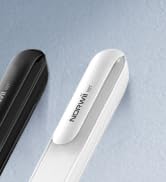
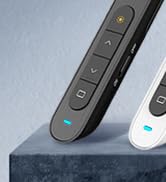
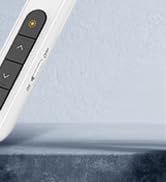
N27 Wireless Presenter


Bumped Design
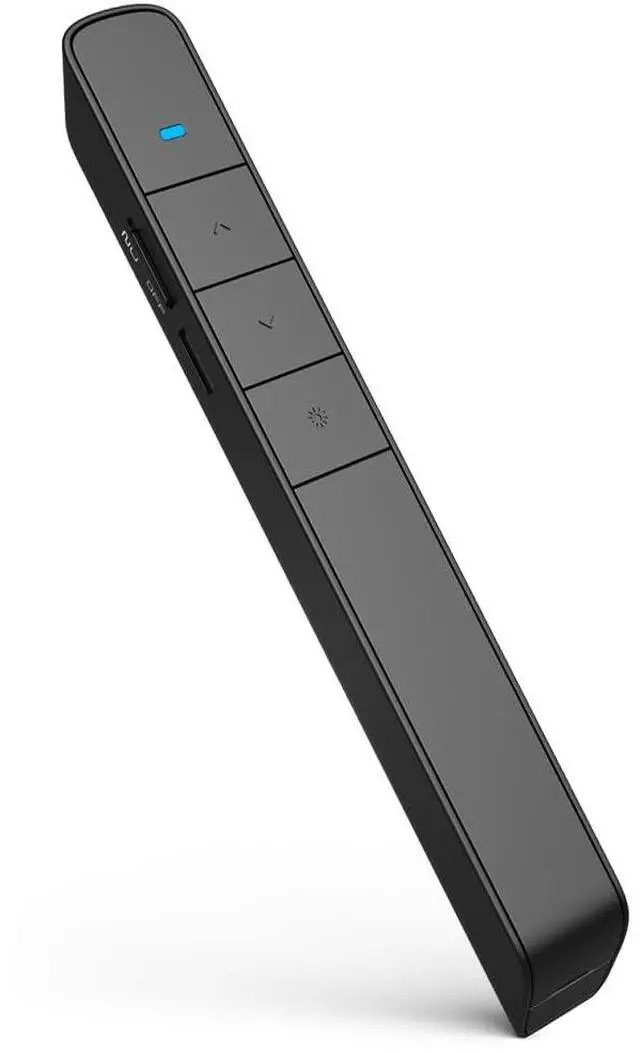
A raised bump on the key offers a clear signal to help you perceive the key orientation without thinking.

Magnetic Storage
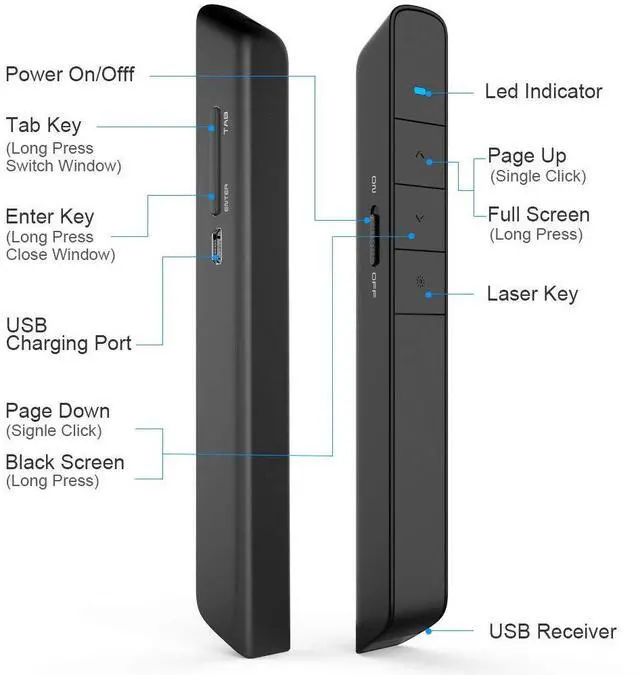
Long press the Tab Key to switch windows from current presentation page to different websites.

Low Power Indicator
Press "+ "or "-" to adjust the multimedia volume according to your location and surroundings of place.

Hyperlink
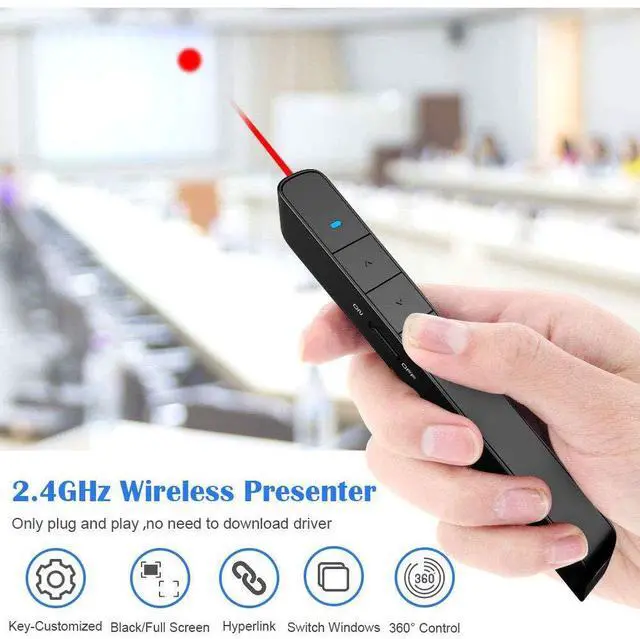
Click the Tab Key to choose the hyperlink, then double click Tab Key to open hyperlink.

Multi Modes Switching
Some functionalities might not operate the same on every application. If this happens, press and hold the "?" and "?" keys 1-3 second at the same time. This allows the presenter to switch to one of 3 modes. 1. The Page Up and Page Down 2.The Up and Down 3.The right and left.

Switch Windows
Long press the Tab Key to switch windows from current presentation page to different websites.


*:Long press the "Up" and "Down" at the same time to switch to Prezi Mode.
Package listing:
1 x Wireless Presenter Remote Control
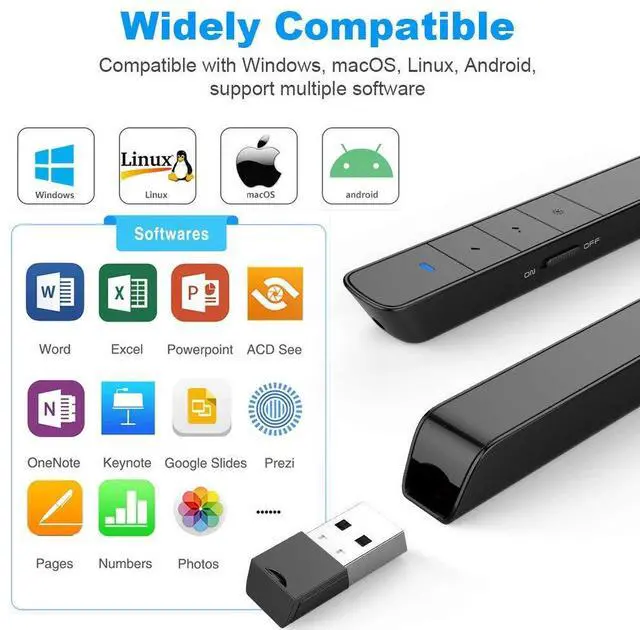
1 x USB Receiver
1 x Gift Pouch
1 x User Manual
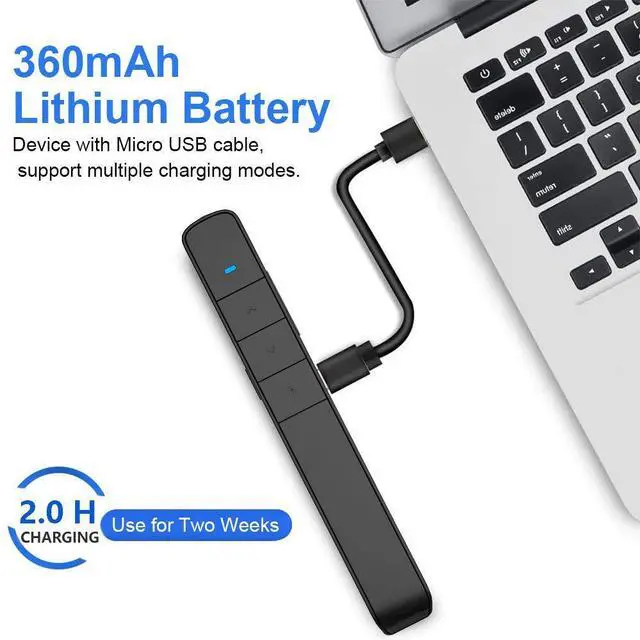
1 x USB Cable
Notice:
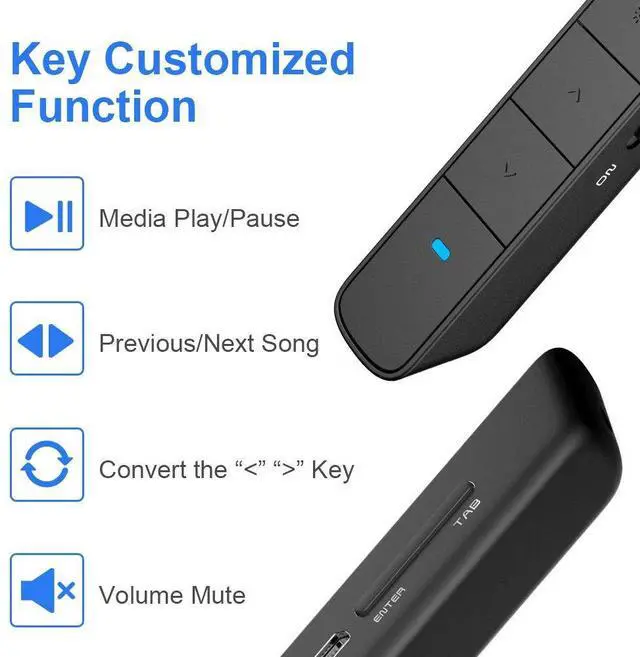
- If you feel the Page Flip keys are counter-intuitive, you can reset the "Up" key to "Down", then "Down" key to "Up" by our Key-customized software.
- There are additional KNORVAY N75 USB receivers sold in our store in case you lose or damage it, or you need more USB receivers.
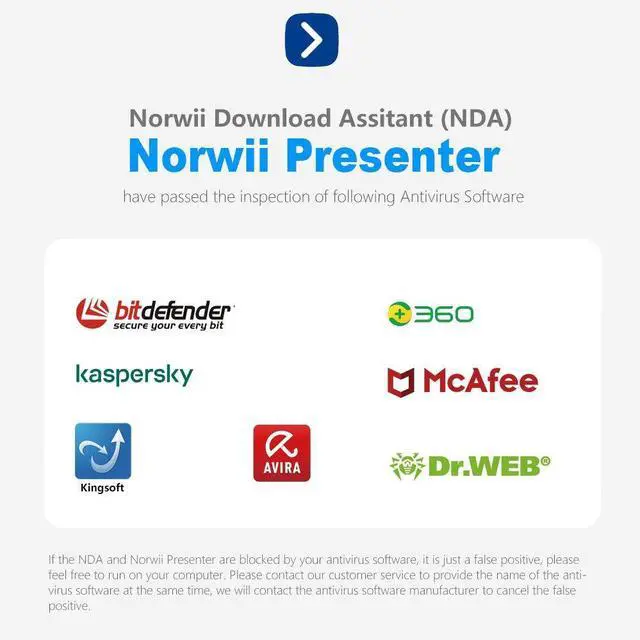
Where to download KNORVAY Key-customized software:
- norwii.com (Please shift to ENGLISH version)
Our product brand will be upgraded from KNORVAY to NORWII. During the upgrade, the old and new brands will be shipped randomly. We ensure that they are all genuine and of the same quality.
Bumped Design
A raised bump on the key offers a clear signal to help you perceive the key orientation without thinking.
Magnetic Storage
Long press the Tab Key to switch windows from current presentation page to different websites.
Low Power Indicator
Press "+ "or "-" to adjust the multimedia volume according to your location and surroundings of place.
Hyperlink
Click the Tab Key to choose the hyperlink, then double click Tab Key to open hyperlink.
Multi Modes Switching
Some functionalities might not operate the same on every application. If this happens, press and hold the "?" and "?" keys 1-3 second at the same time. This allows the presenter to switch to one of 3 modes. 1. The Page Up and Page Down 2.The Up and Down 3.The right and left.
Switch Windows
Long press the Tab Key to switch windows from current presentation page to different websites.
*:Long press the "Up" and "Down" at the same time to switch to Prezi Mode.
Package listing:
1 x Wireless Presenter Remote Control
1 x USB Receiver
1 x Gift Pouch
1 x User Manual
1 x USB Cable
Notice:
- If you feel the Page Flip keys are counter-intuitive, you can reset the "Up" key to "Down", then "Down" key to "Up" by our Key-customized software.
- There are additional KNORVAY N75 USB receivers sold in our store in case you lose or damage it, or you need more USB receivers.
Where to download KNORVAY Key-customized software:
- norwii.com (Please shift to ENGLISH version)
Our product brand will be upgraded from KNORVAY to NORWII. During the upgrade, the old and new brands will be shipped randomly. We ensure that they are all genuine and of the same quality.
Norwii is a professional brand and manufacturer with 18 years experiences in Wireless Presenter.
We have experienced R&D team, professional service team and more than 100 skilled workers, which can assure our products and services with top-class quality.
We value the innovation and user experience of our products. We aim to constantly create new possibilities and convey the "joy of speech" to more people
Presenter clicker for LED/TV
N95 Rechargeable Presenter
Presenter clicker with Stylus
N27 Wireless Presenter