here!
here!
I’m your shopping assistant for PC builds, upgrades, and everything tech.
Got questions? Ask away!
Start a conversation
here!
I’m your shopping assistant for PC builds, upgrades, and everything tech.
Got questions? Ask away!
Start a conversation



Any questions? Ask CelesteSM will help you find out quickly.

Present smarter. Engage deeper.
Norwii — Your Idea, Perfected.
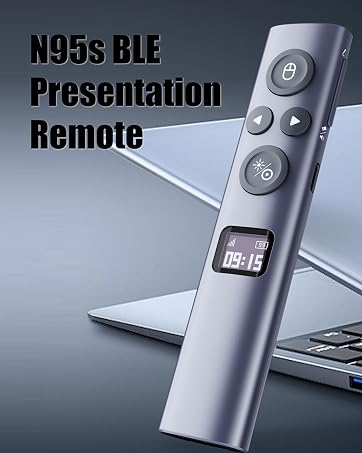
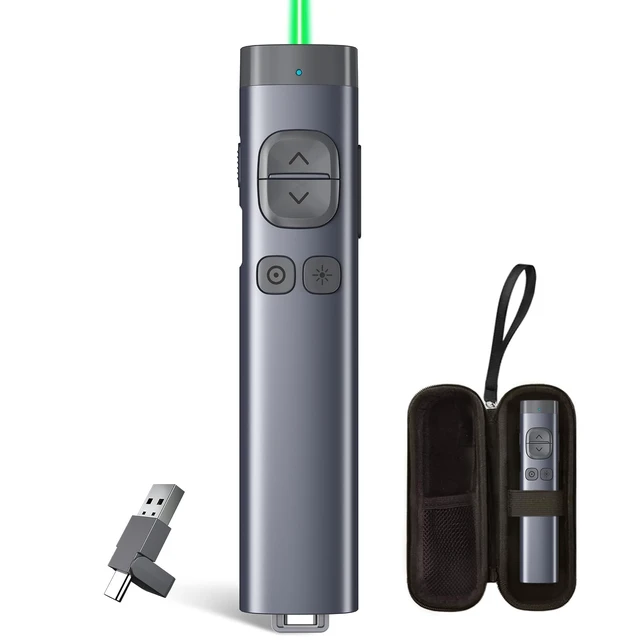
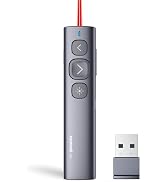
Wireless Presenter Remote with Countdown Timer
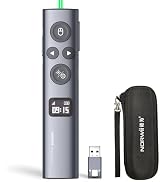
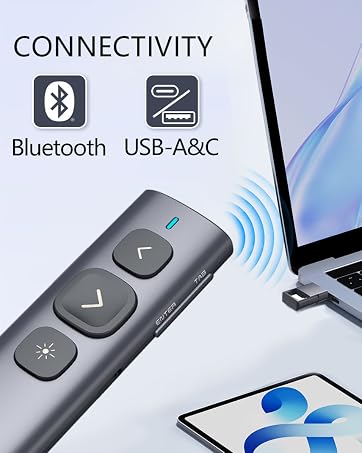
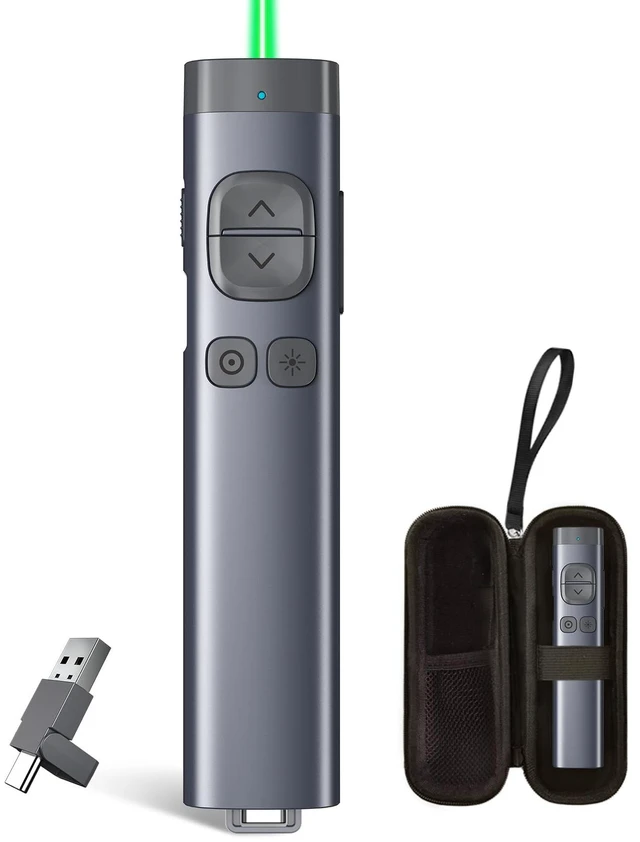
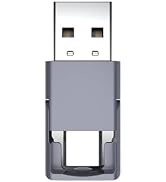
Bluetooth & USB Receiver
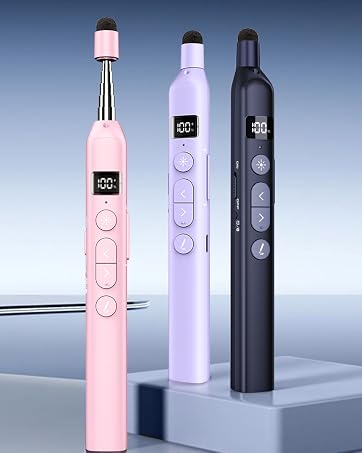
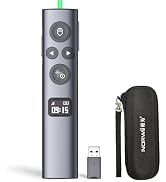
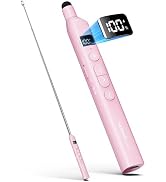
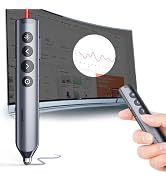
Bluetooth Presentation Clicker with Telescopic Teaching Pointer
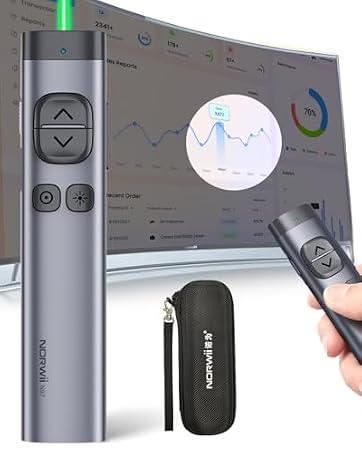
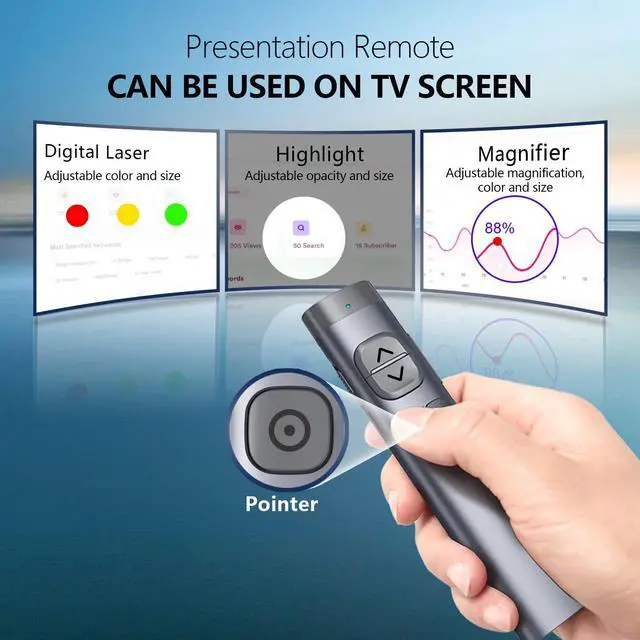
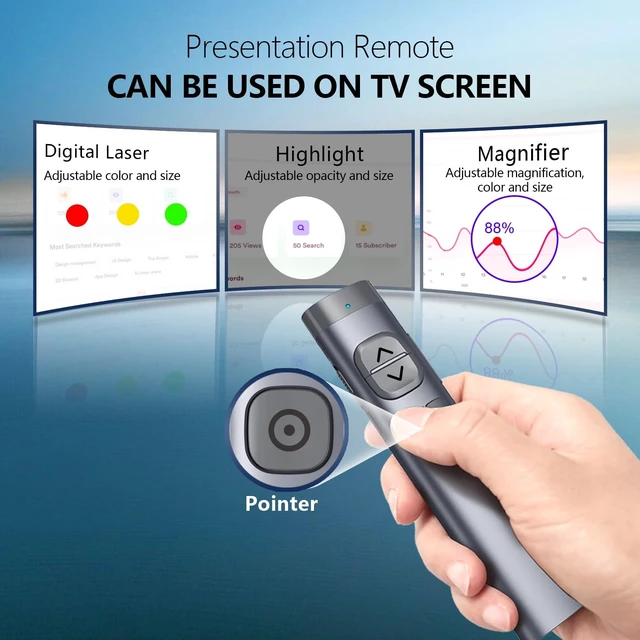
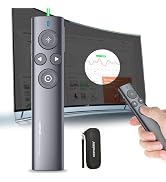
Presentation Clicker for TV Screen Presentation
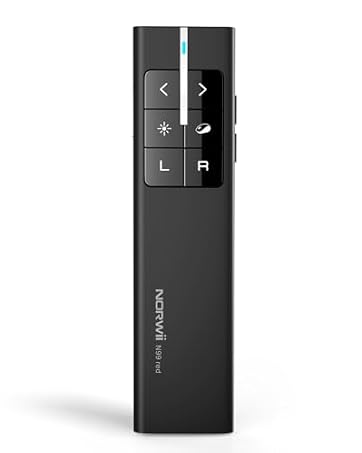
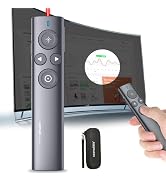
Presentation Clicker with Wireless Mouse
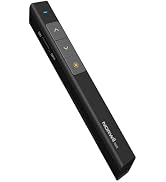
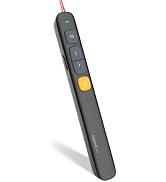
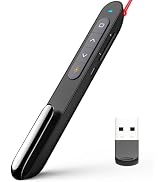
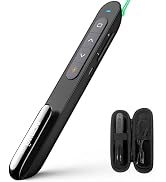

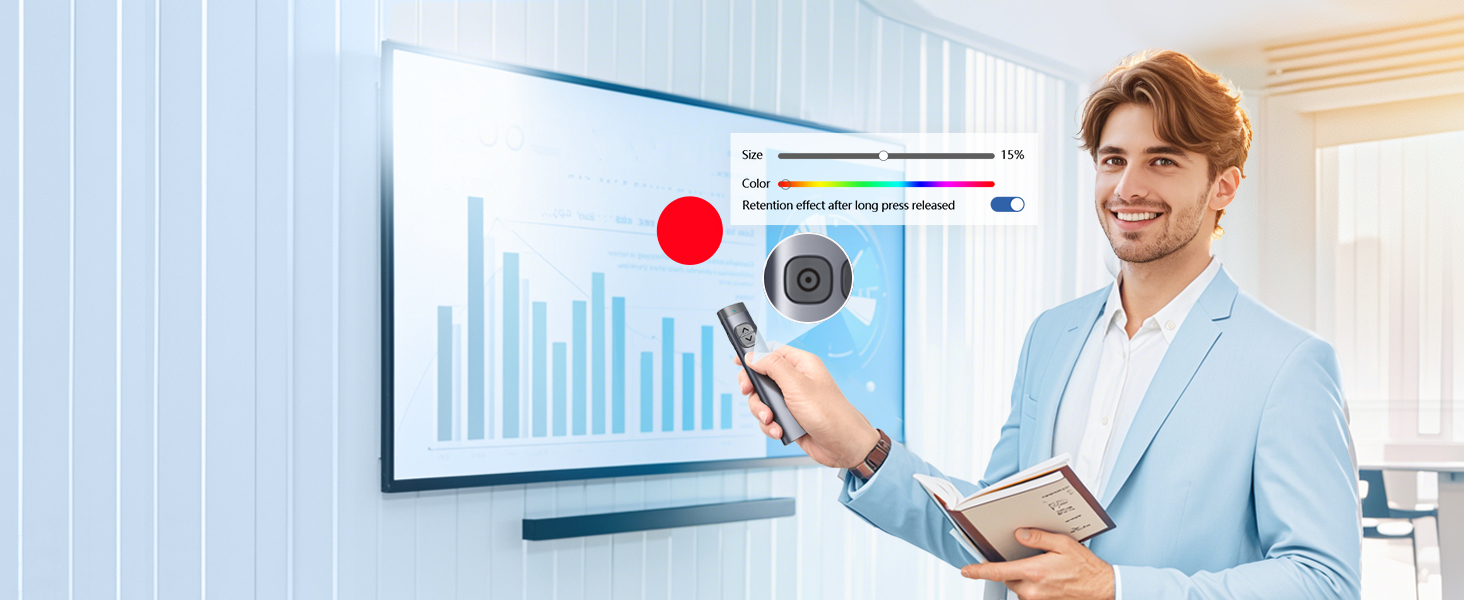
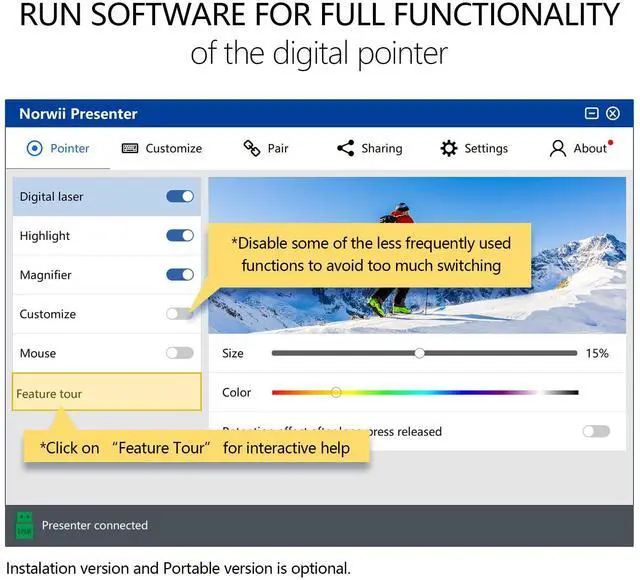
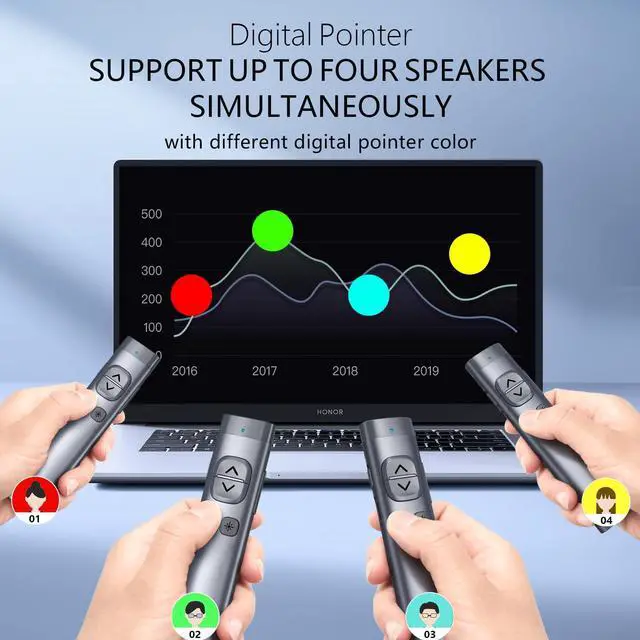
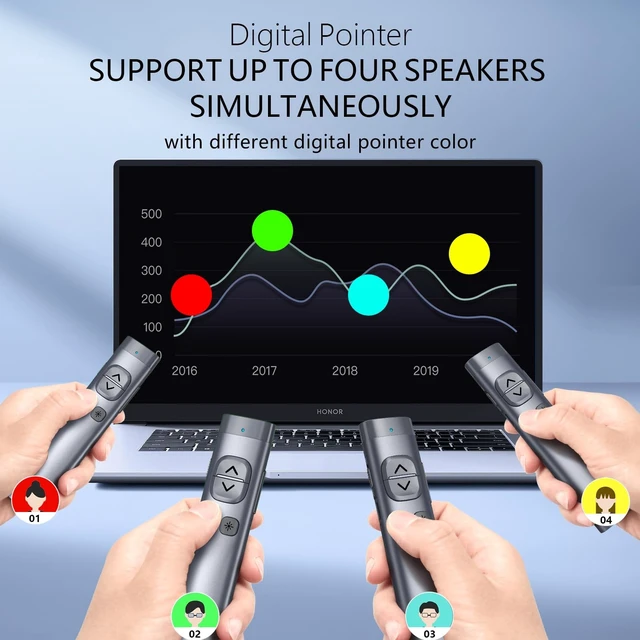
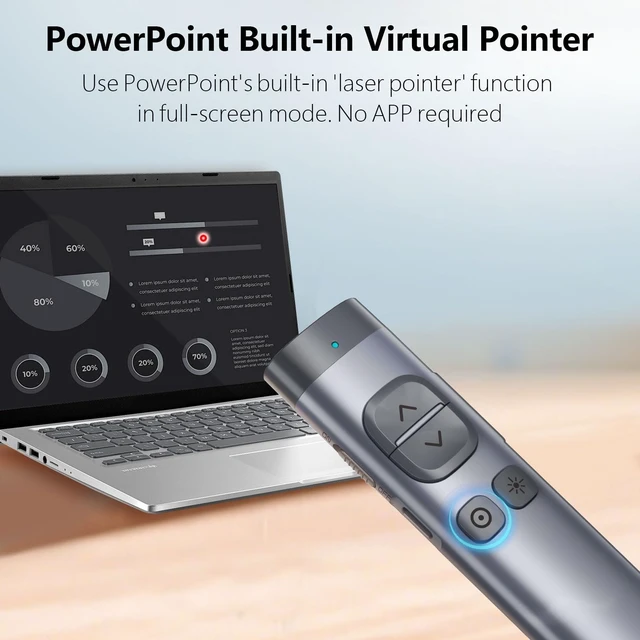
After startup the Norwii Presenter software (please update to the latest version), the Norwii Presenter software can support up to 4 people to use the digital pointer at the same time. In the software, you can choose a different pointer color for each one to differentiate between speakers.
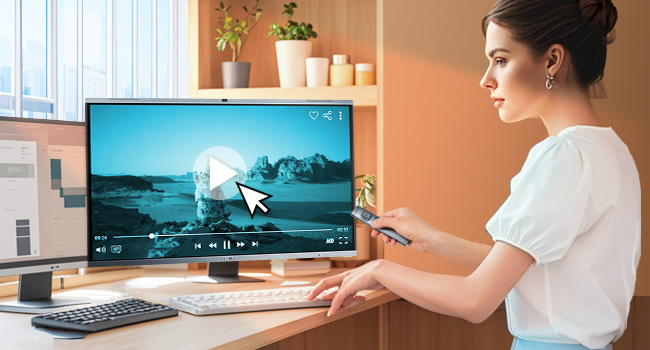
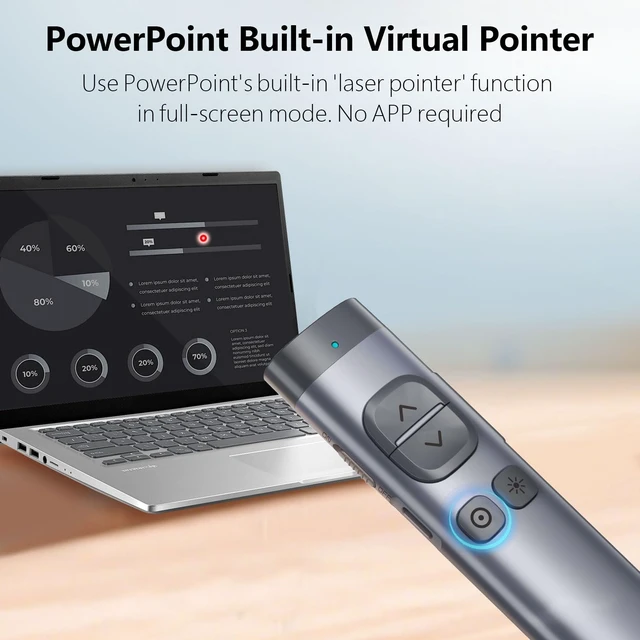
Control mouse cursor to play video, open links. Note: Only left click, no right and double click.

Use software to set an on-screen timer to manage your time.
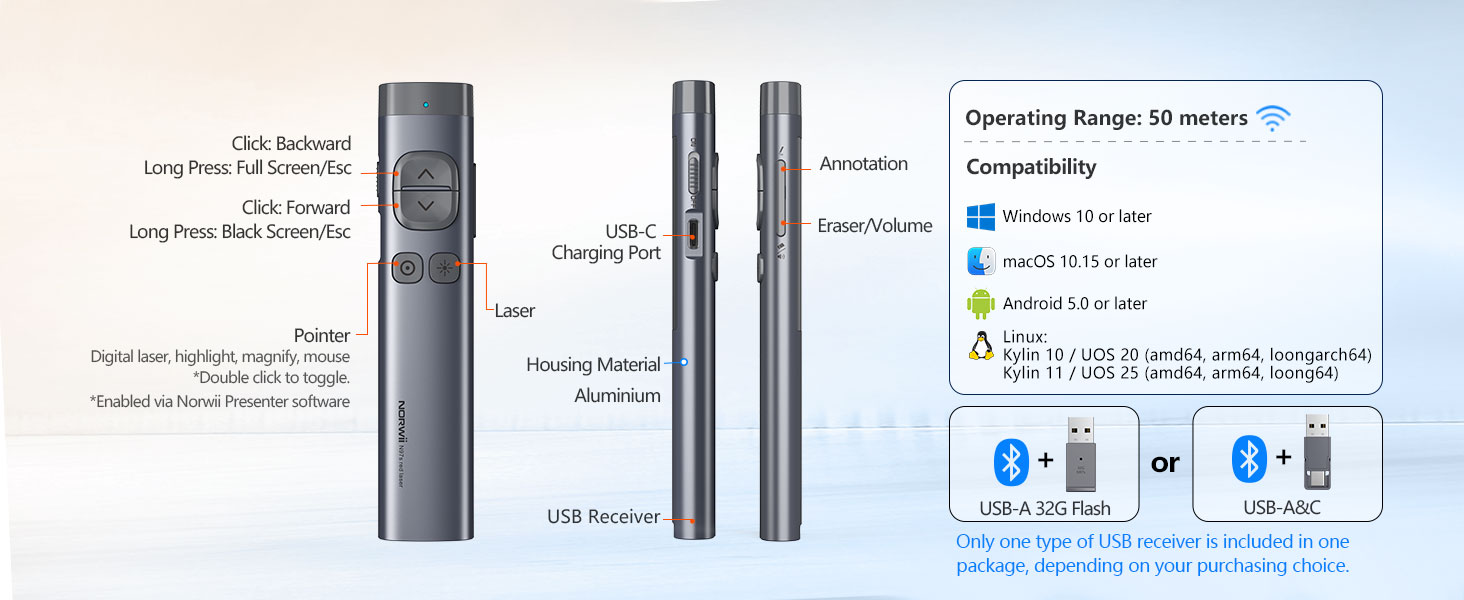
Only one type of USB receiver in one package, not 2 or more, depending your buying choice when placing the order.
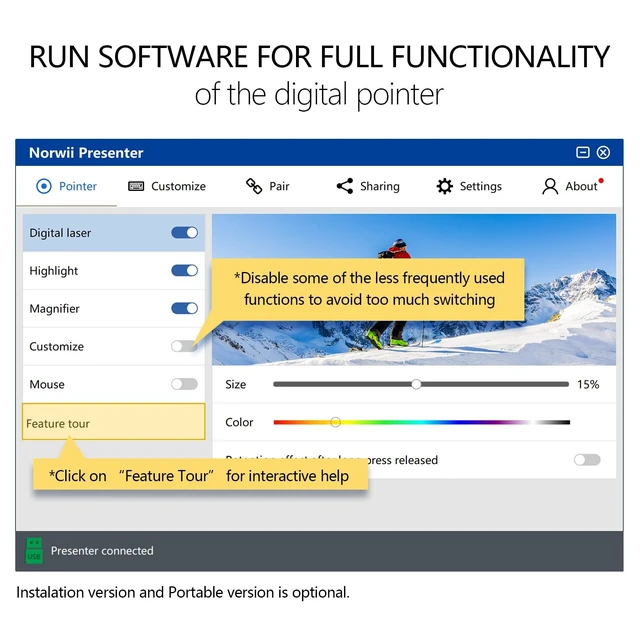
Ensure startup the Norwii Presenter software and the presenter is connected. Enable the three authorizations and set the keyboard type as ANSI in macOS.
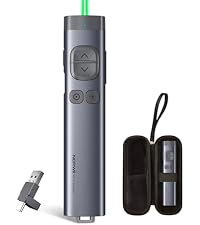 N97s | 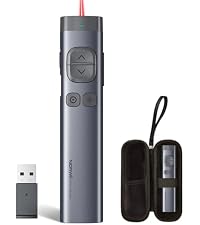 N97s | 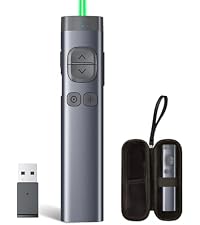 N97s | 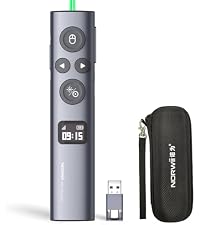 N95s BLE | 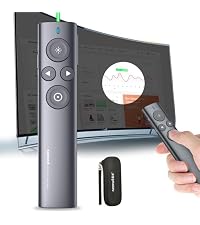 N95s Pro | 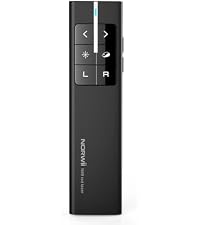 N99 | |
|---|---|---|---|---|---|---|
Customer Reviews | — | — | — | — | — | — |
Price | — | — | — | — | — | — |
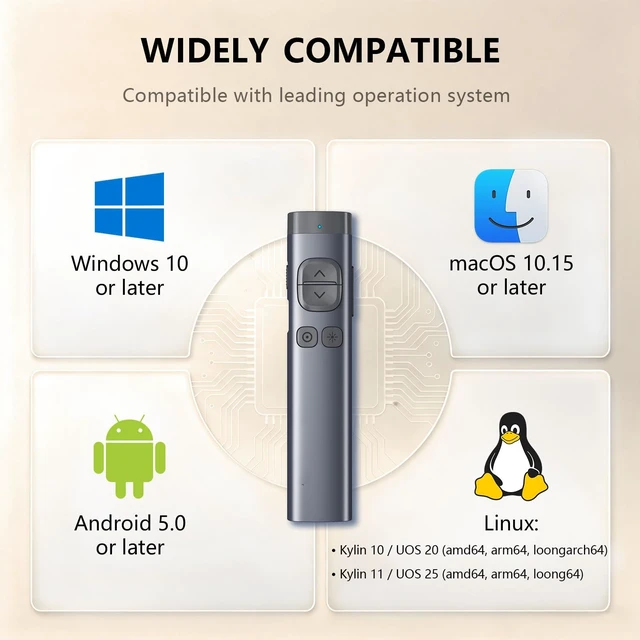
Connectivity | BLE&USB-A&C | BLE&USB-A | BLE&USB-A | BLE&USB-A&C | USB-A | USB-A |
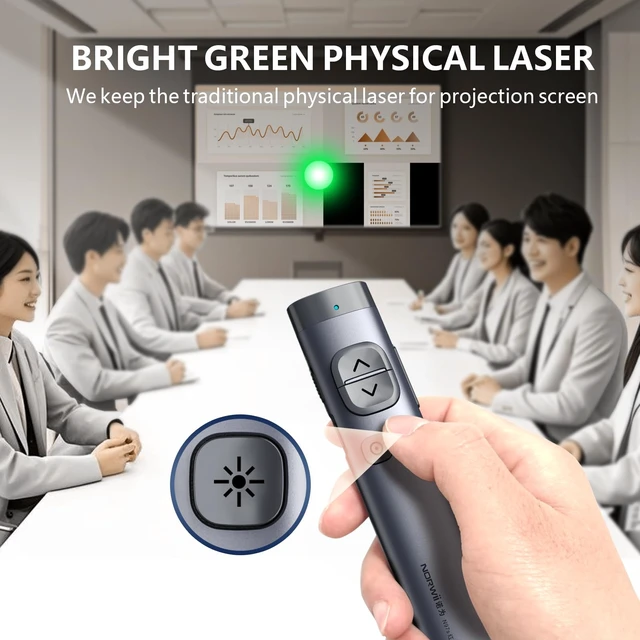
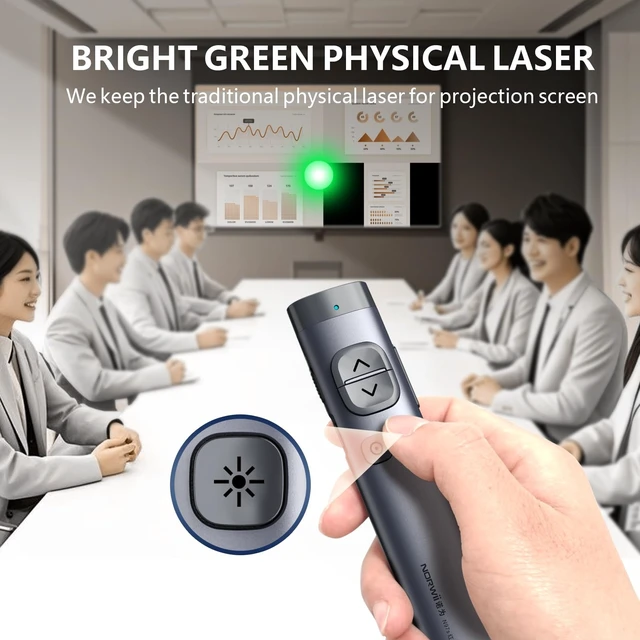
Color of the light | Green | Red | Green | Green | Green | Red |
Available for TV screens | ? | ? | ? | ? | ? | ? |
Mouse Function | Only mouse left click | Only mouse left click | Only mouse left click | Mouse left&right | Only mouse left click | Mouse left&right |
Reprogrammable Button | ? | ? | ? | ? | ? | ? |
Housing Material | Aluminium | Aluminium | Aluminium | ABS+PC | ABS+PC | ABS+PC |
Works with app | ? | ? | ? | ? | ? | ? |
How to get app | Download online | Prestored in the USB receiver | Prestored in the USB receiver | Download online | Prestored in the USB receiver | Not applicable |
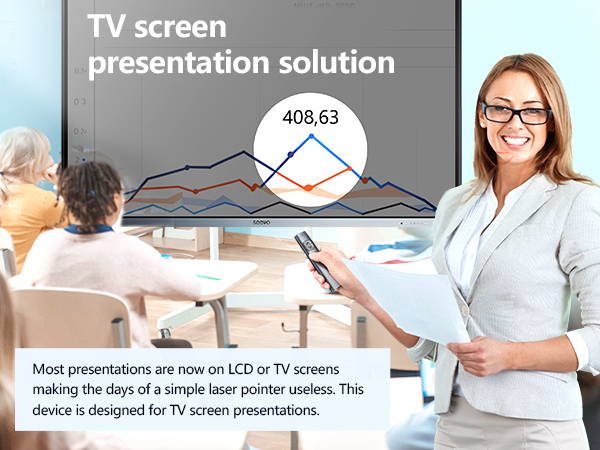
Point with crisp digital pointer on TV screens
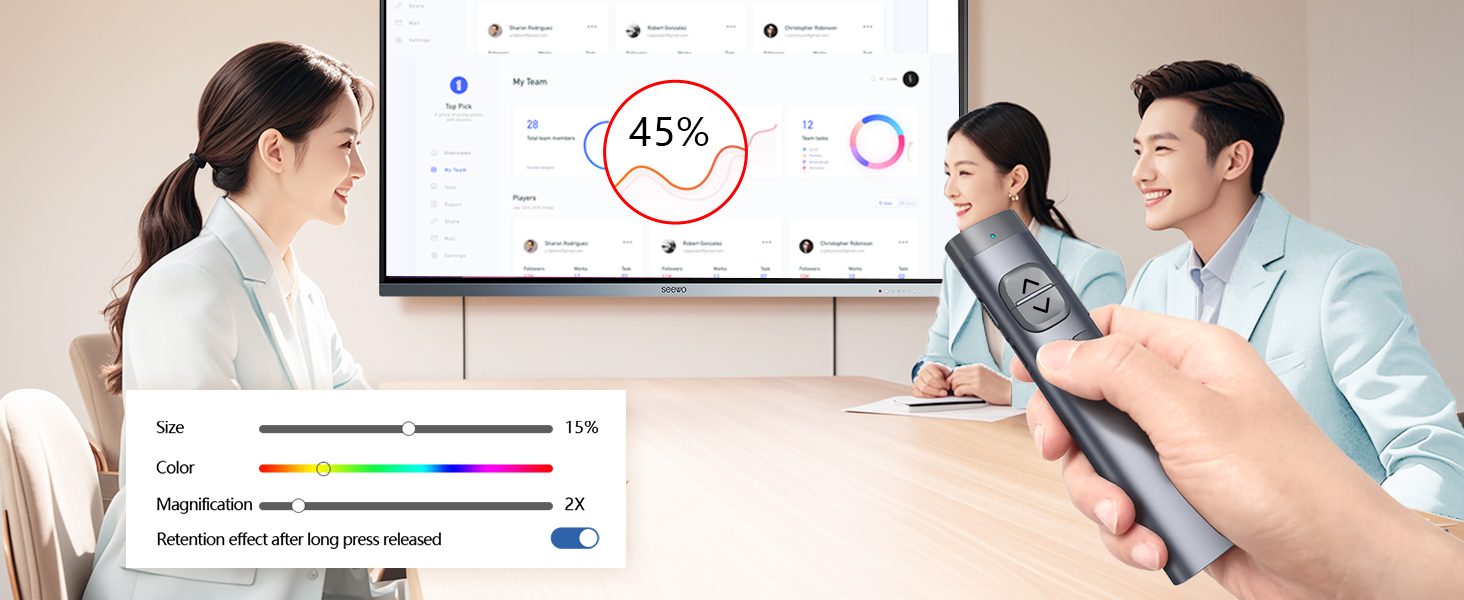
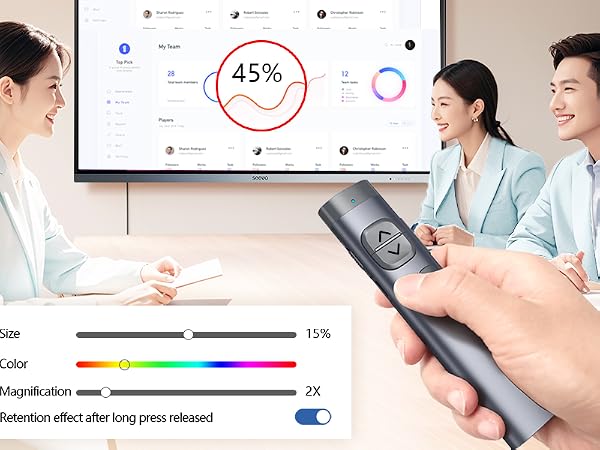
Magnify the details in your presentation
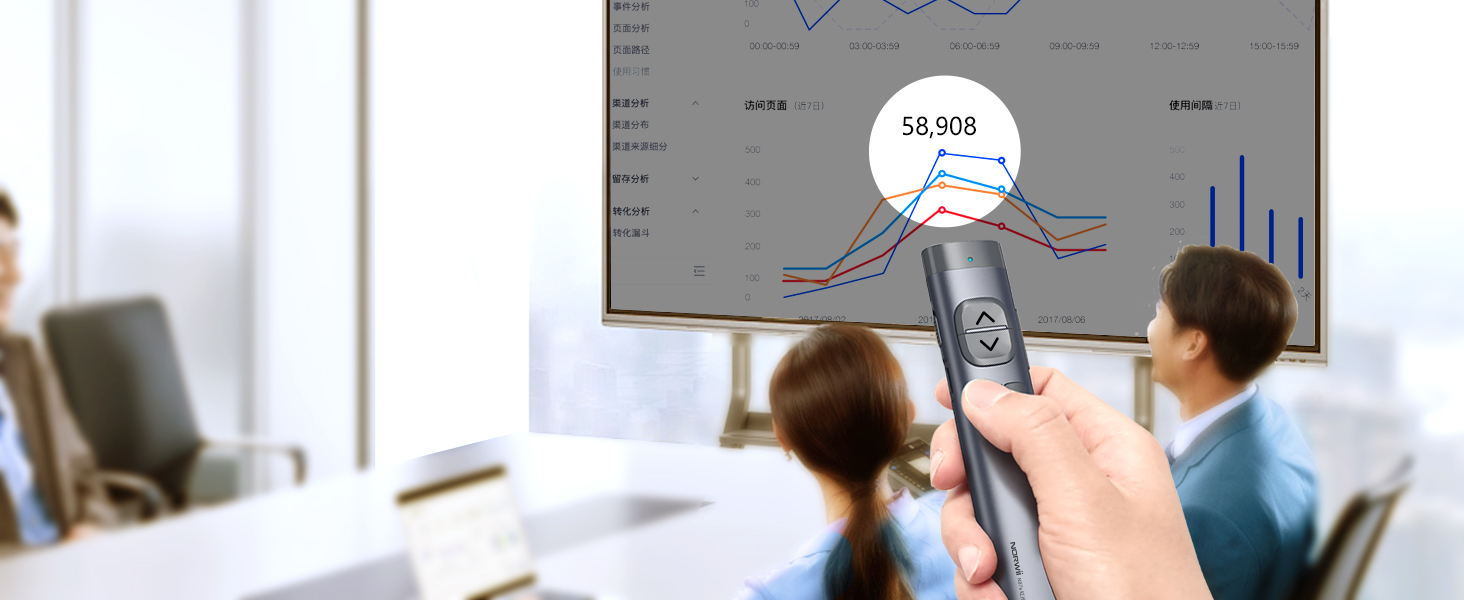
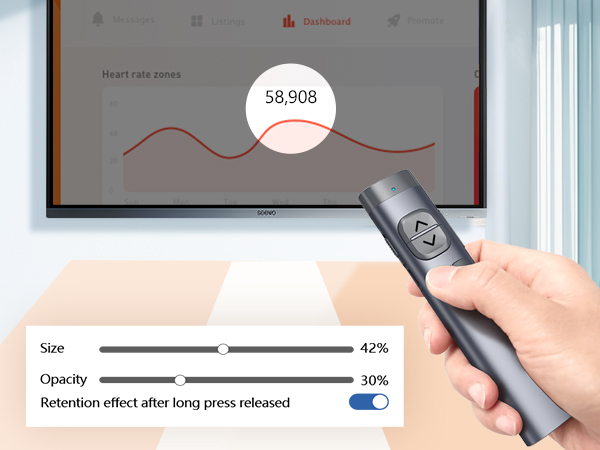
Hight focus area to catch the audience's eye
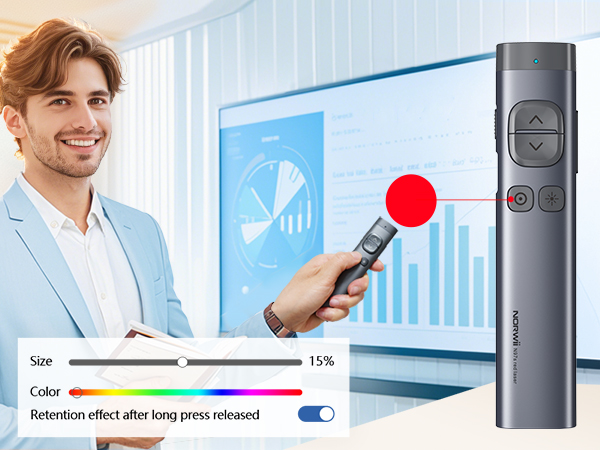
After startup the Norwii Presenter software (please update to the latest version), the Norwii Presenter software can support up to 4 people to use the digital pointer at the same time. In the software, you can choose a different pointer color for each one to differentiate between speakers.
Control mouse cursor to play video, open links. Note: Only left click, no right and double click.
Use software to set an on-screen timer to manage your time.
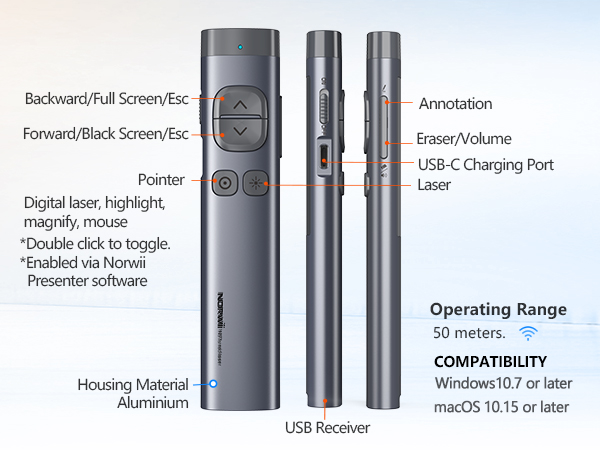
Only one type of USB receiver in one package, not 2 or more, depending your buying choice when placing the order.
Ensure startup the Norwii Presenter software and the presenter is connected. Enable the three authorizations and set the keyboard type as ANSI in macOS.
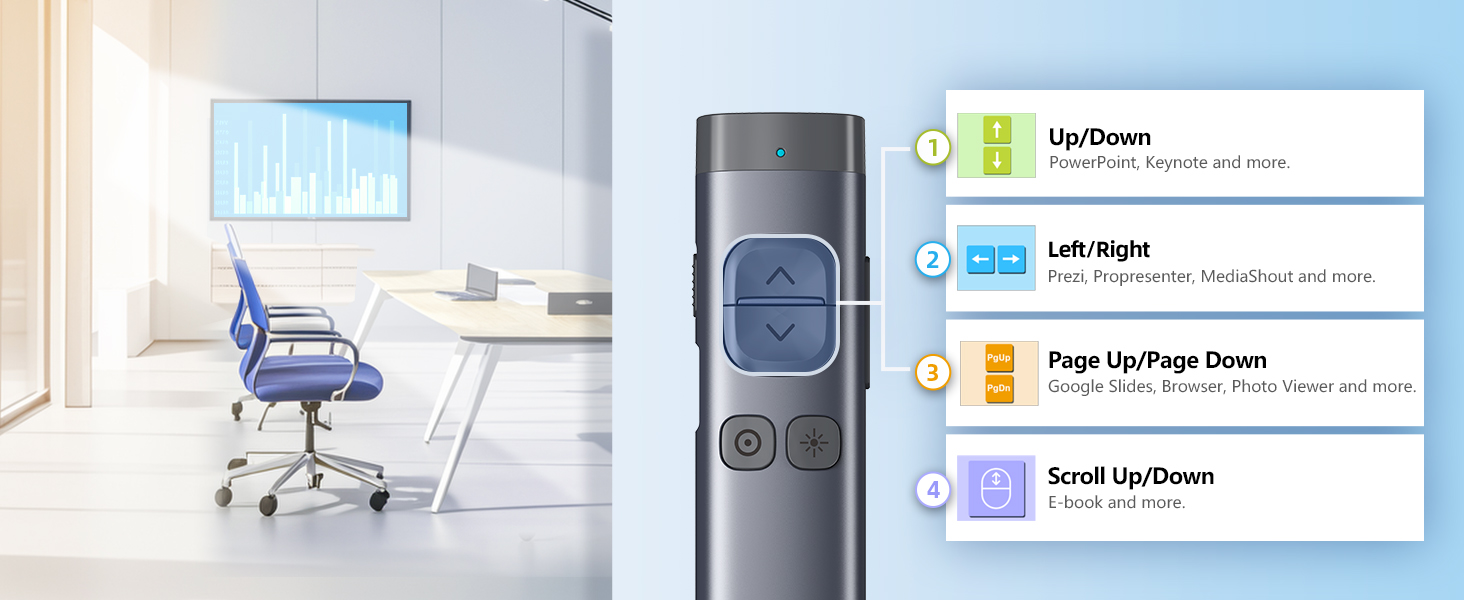
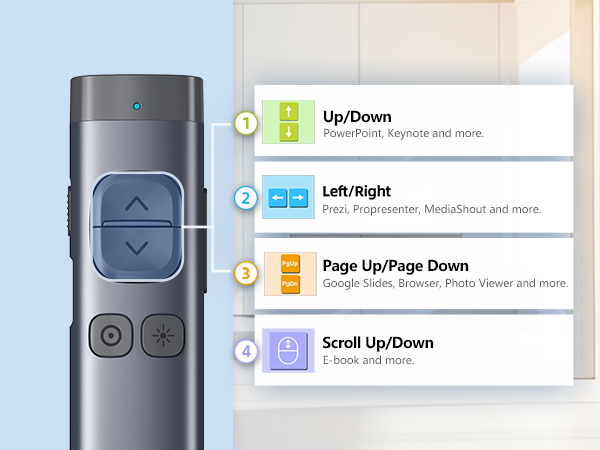
Long press < & > for 3s to switch between the 4 modes to support leading presentation software.
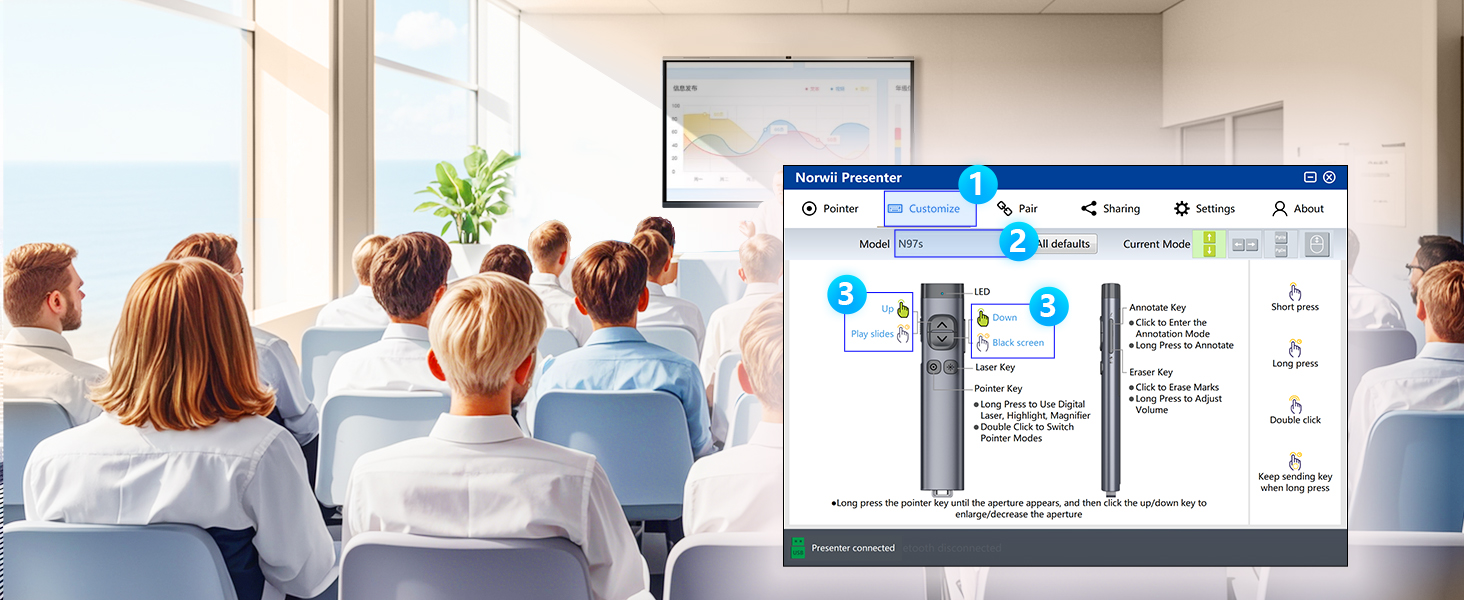
You can remap the button functions via Norwii Presenter software. Download it from official web.


N97s | N97s | N97s | N95s BLE | N95s Pro | N99 |
|---|---|---|---|---|---|
| Customer Reviews | |||||
| — | — | — | — | — | — |
| Price | |||||
| — | — | — | — | — | — |
| Connectivity | |||||
| BLE&USB-A&C | BLE&USB-A | BLE&USB-A | BLE&USB-A&C | USB-A | USB-A |
| Color of the light | |||||
| Green | Red | Green | Green | Green | Red |
| Available for TV screens | |||||
| ? | ? | ? | ? | ? | ? |
| Mouse Function | |||||
| Only mouse left click | Only mouse left click | Only mouse left click | Mouse left&right | Only mouse left click | Mouse left&right |
| Reprogrammable Button | |||||
| ? | ? | ? | ? | ? | ? |
| Housing Material | |||||
| Aluminium | Aluminium | Aluminium | ABS+PC | ABS+PC | ABS+PC |
| Works with app | |||||
| ? | ? | ? | ? | ? | ? |
| How to get app | |||||
| Download online | Prestored in the USB receiver | Prestored in the USB receiver | Download online | Prestored in the USB receiver | Not applicable |
Present smarter. Engage deeper.
Norwii — Your Idea, Perfected.
Wireless Presenter Remote with Countdown Timer
Bluetooth & USB Receiver
Bluetooth Presentation Clicker with Telescopic Teaching Pointer
Presentation Clicker for TV Screen Presentation
Presentation Clicker with Wireless Mouse